Best Free FAQ Plugins for WordPress in 2026: 8 Tools Compared
WLWPLegible EditorsLast verified 22 Nov 2026How we test12 min read
★ Short answer
Easy Accordion is the best free FAQ plugin for WordPress, with 15+ FAQ blocks, 200+ ready patterns, FAQ schema and an AI FAQ generator, free on WordPress.org. Ultimate FAQ is the best alternative for large FAQ libraries, while Ultimate Blocks is the fastest way to add an FAQ inside a post.
How we make this list: we compare pricing pages, product documentation and public user reviews, then re-check every price before each update. No product paid for a place. Disclosure.
Easy Accordion leads with a 4.9 rating, 70,000 installs and the most features free: 15+ FAQ blocks, 200+ patterns, FAQ schema and an AI FAQ generator.
Ultimate FAQ is the best library-style option, with FAQs as separate entries, categories and tags, and a $87 one-time Premium licence.
Ultimate Blocks puts a free FAQ accordion with one-click schema inside any post, and Helpie FAQ is the best choice for WooCommerce stores.
Google stopped showing FAQ rich results in May 2026, so schema no longer wins extra space in search, but a clear FAQ section still helps visitors and AI assistants.
Quick and Easy FAQs is the only tool here with no paid version at all, and the only one without FAQ schema.
What a free FAQ plugin does
A free FAQ plugin turns a long list of questions into a tidy accordion that opens on click. Most of the tools in this list are free on WordPress.org with a paid version for extra layouts, search or WooCommerce features, and Quick and Easy FAQs has no paid version at all.
The feature that matters most is FAQ schema. It marks your questions and answers so search engines and AI assistants can read them clearly. Easy Accordion, Ultimate FAQ, Helpie FAQ and Ultimate Blocks all add it free; Quick and Easy FAQs does not, and a reviewer on its own page asks for it.
Google stopped showing FAQ rich results in search on 7 May 2026, according to its Search Central documentation. Schema is still worth having for AI search, but it no longer wins extra space on the results page, so pick a plugin for how it works for visitors, not for the rich result.
We checked every rating, review count and install figure on WordPress.org and every price on the vendor's own pricing page on 22 November 2026. Prices below are the regular price, not a first-year or Black Friday sale.
4.9/5on WordPress.org (358 reviews, checked Nov 2026)
Paid from$29/yr
Best overall free FAQ plugin
FAQ blocks15+ blocks, 200+ patterns
Free themes1 theme, 16 in Pro
Pro$29/yr, 1 site
FAQ schemaYes, in free version
easyaccordion.io
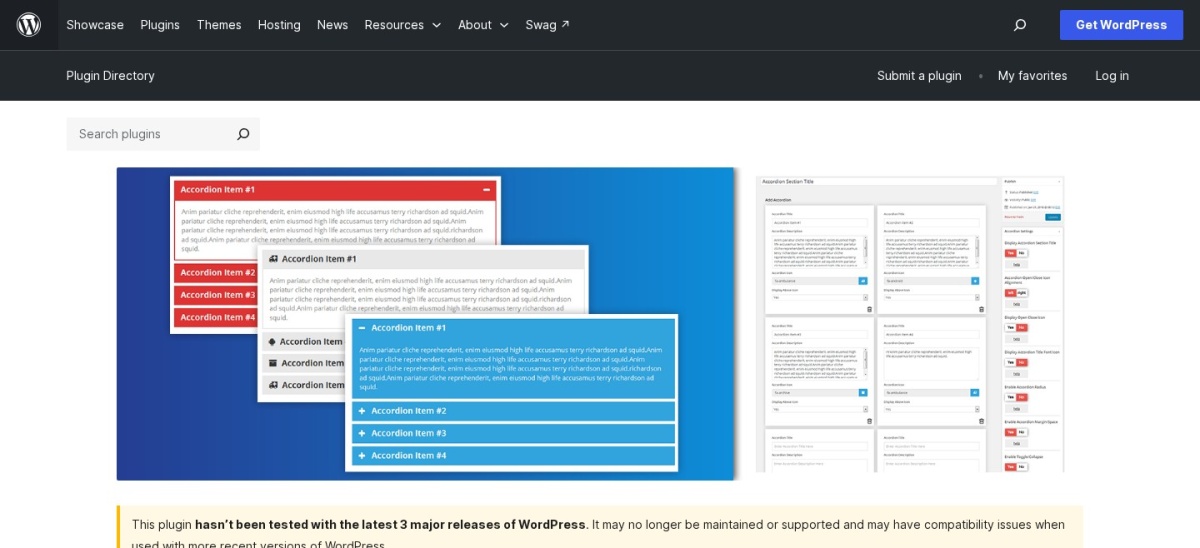
Easy Accordion homepage, captured Nov 2026.
Easy Accordion is the most-installed dedicated FAQ plugin on WordPress, with 70,000 active installs and a 4.9 rating from 358 reviews. The free version adds 15+ FAQ and accordion blocks with 200+ ready-made patterns, FAQ schema and an AI FAQ generator that drafts questions from your content. Pro costs $29 a year for one site.
The trade off is that the best looks sit behind Pro: the free version includes one theme, while Pro adds 16 premium themes, timeline and numbered layouts, a visitor question form and analytics. It suits sites that want a polished FAQ section without writing any code.
What we like
15+ FAQ blocks with 200+ ready patterns
FAQ schema included in the free version
AI FAQ generator drafts questions for you
4.9 rating, the highest among dedicated FAQ plugins
4.6/5on WordPress.org (440 reviews, checked Nov 2026)
Paid from$87/once
Best for big FAQ libraries
FAQ storageFAQs as separate entries
DisplayBlocks and shortcodes
Premium$87 once, 1 site
FAQ schemaYes, in free version
etoilewebdesign.com
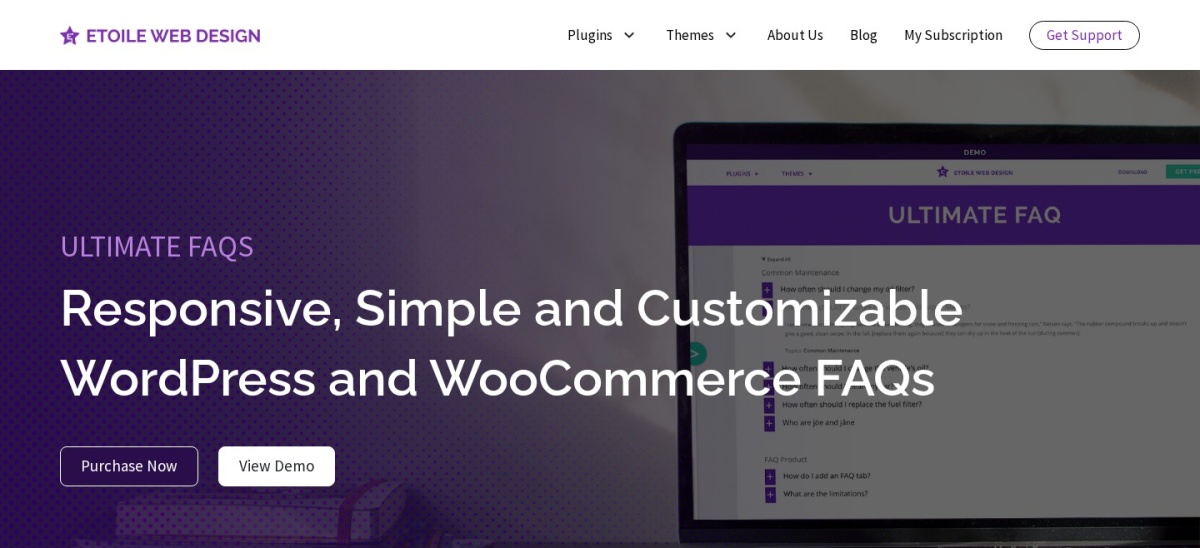
Ultimate FAQ homepage, captured Nov 2026.
Ultimate FAQ is a dedicated FAQ library with 30,000 active installs and a 4.6 rating from 440 reviews. You create FAQs as separate entries, sort them into categories and tags, and show them anywhere with blocks or shortcodes. The free version includes FAQ schema, and Premium costs $87 once for one site.
The trade off is that the best features need Premium: live AJAX search with autocomplete, WooCommerce product FAQ tabs, a visitor submission form and spreadsheet import and export. It suits sites with a large FAQ library that needs categories, search and a product tab.
What we like
FAQs as entries with categories and tags
Live AJAX search with autocomplete in Premium
WooCommerce product FAQ tabs in Premium
One-time payment, no yearly fee
Watch out for
Best features need the $87 Premium licence
Only 6 months of support included
Fewer installs than Easy Accordion
Premium includes 6 months of support, with extended support at $22 every 6 months, and a 7-day free trial.Visit etoilewebdesign.com
03
Ultimate Blocks
4.9/5on WordPress.org (729 reviews, checked Nov 2026)
Paid from$39/yr
Best FAQ block for Gutenberg
FAQ blockAccordions (UB) block
FAQ schemaYes, free, one toggle
Pro$39/yr, 1 site
Other blocks25+ blocks free
ultimateblocks.com
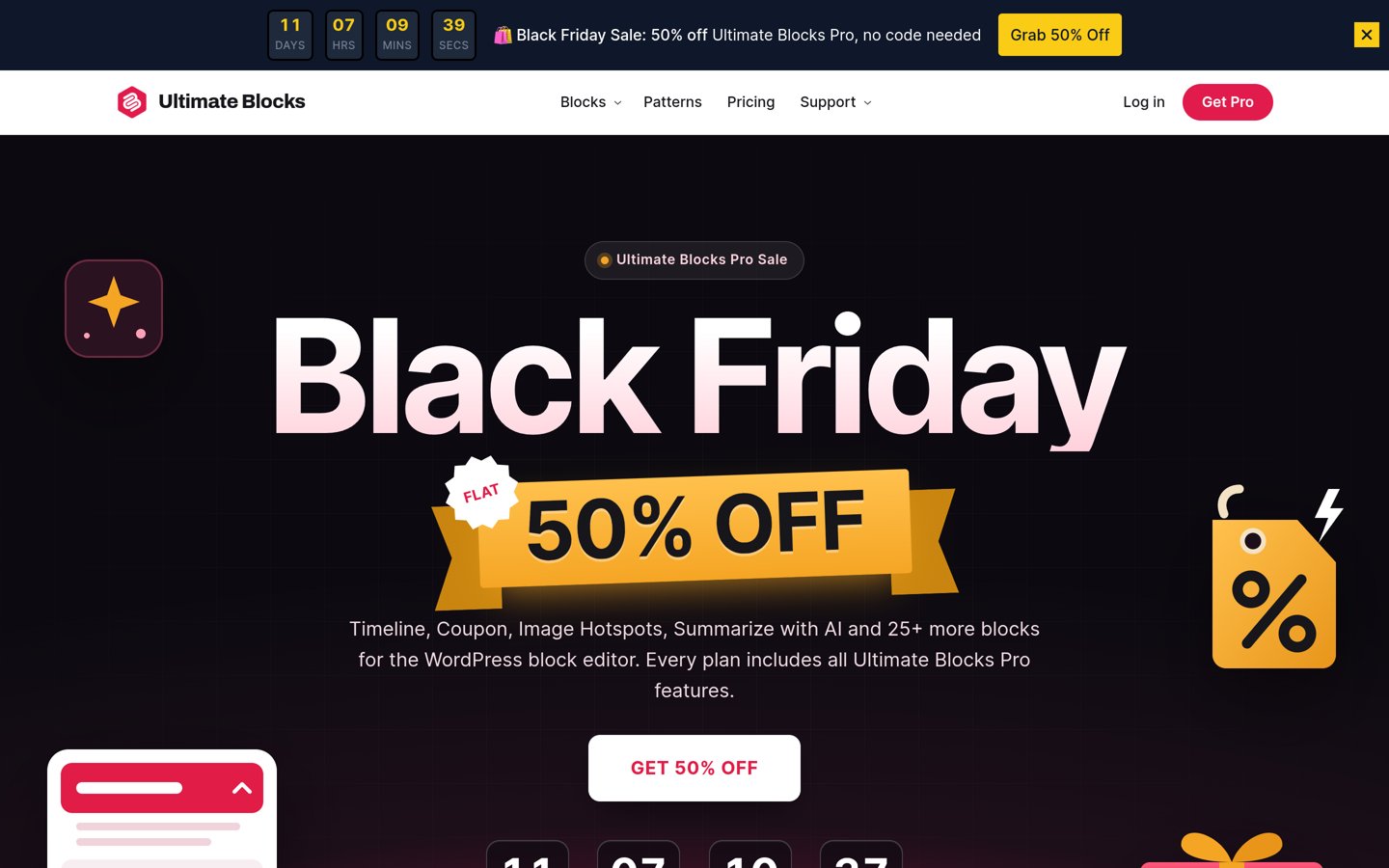
Ultimate Blocks homepage, captured Nov 2026.
Ultimate Blocks is a free block plugin with 25+ blocks, 50,000 active installs and a 4.9 rating from 729 reviews. Its Accordions block turns any list of questions into a clean FAQ accordion, and one toggle adds FAQ schema free. Pro costs $39 a year for one site.
The trade off is that it is not a dedicated FAQ plugin: there is no FAQ library, no categories and no search in the free version, and the search inside accordions needs Pro. It suits bloggers who write in the block editor and want an FAQ inside a post, not a separate FAQ page.
What we like
FAQ schema free with one toggle
Fastest FAQ inside a post
4.9 rating from 729 reviews, the most here
25+ other blocks included free
Watch out for
Not a dedicated FAQ plugin
No FAQ library or categories
Accordion search needs Pro
Pro for unlimited sites costs $79 a year, and lifetime licences start at $99 once.Visit ultimateblocks.com
04
Helpie FAQ
4.5/5on WordPress.org (80 reviews, checked Nov 2026)
Paid from$38.99/yr
Best for WooCommerce stores
WooCommerceQ&A tab in Pro
DisplayAccordion and toggle
Pro$38.99/yr, 1 site
FAQ schemaYes, in free version
helpiewp.com
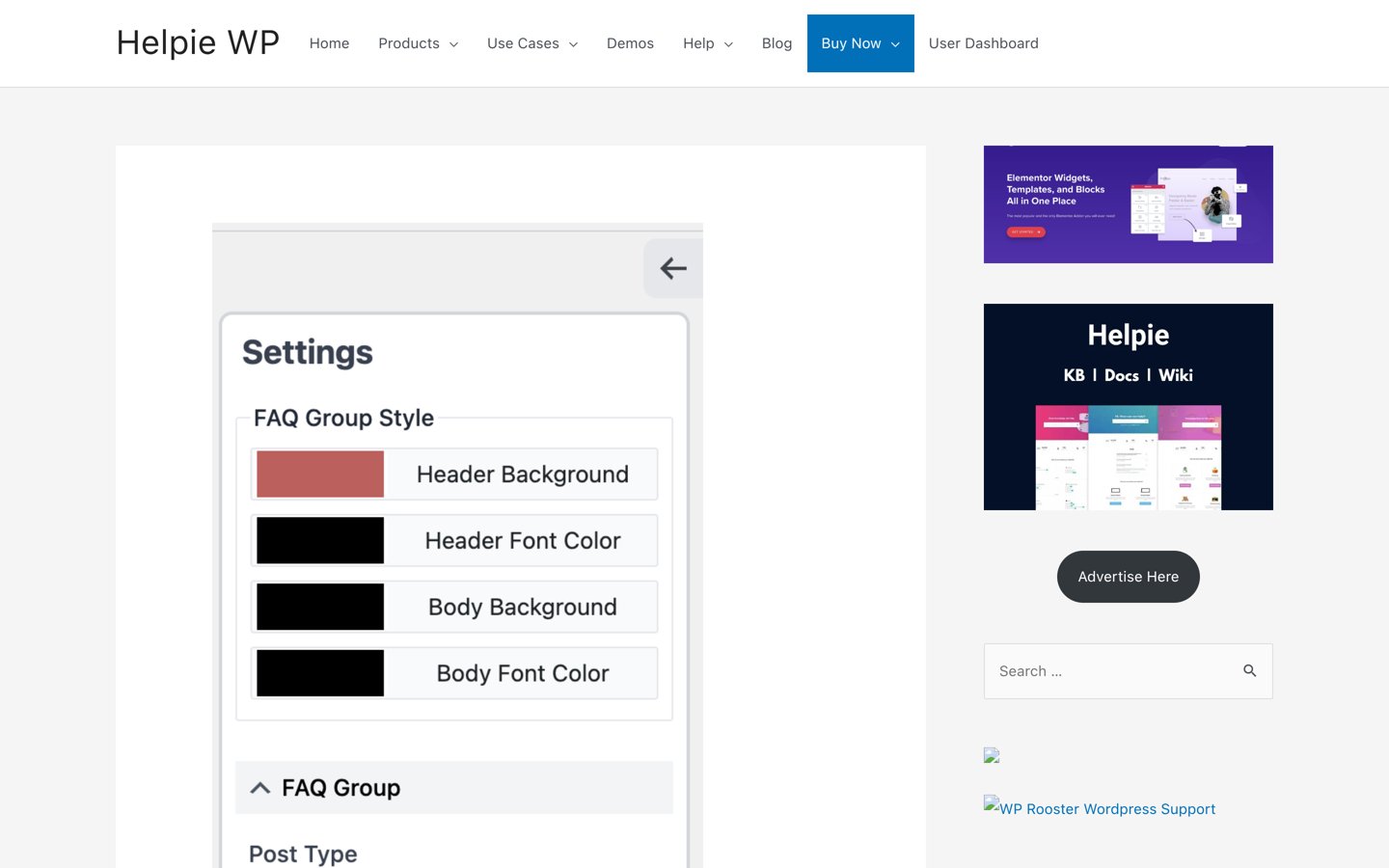
Helpie FAQ homepage, captured Nov 2026.
Helpie FAQ is a lightweight FAQ plugin with 8,000 active installs and a 4.5 rating from 80 reviews. It adds accordion FAQs to pages and, for stores, to WooCommerce products, with categories, voting and user insights. Pro costs $38.99 a year for one site.
The trade off is the small record: 80 reviews is the thinnest among the dedicated FAQ plugins here, and the WooCommerce Q&A tab with voting needs Pro. It suits small stores that want product FAQs and a way for customers to ask their own questions.
What we like
Best WooCommerce FAQ option
User question submissions with moderation in Pro
Updated 20 November 2026, actively maintained
7-day free trial of Pro
Watch out for
Only 80 WordPress.org reviews
WooCommerce Q&A tab needs Pro
7-day refund window is short
Five Sites Pro costs $69 a year; 30 Sites is $99 a year, and 100 Sites is $149.99 a year.Visit helpiewp.com
05
Accordion FAQ
4.6/5on WordPress.org (676 reviews, checked Nov 2026)
Paid from$27/once
Most-reviewed accordion
AccordionsUnlimited, shortcode
LayoutsAccordion and list
Pro$27 once, unlimited
Last updatedOctober 2025
wordpress.org
Accordion FAQ homepage, captured Nov 2026.
Accordion FAQ is the most-reviewed accordion plugin in this list, with 676 reviews, a 4.6 rating and 30,000 active installs. It adds unlimited accordions with a drag-and-drop builder, shortcodes and two styles, and works with Elementor and Gutenberg. Pro costs $27 once for unlimited sites.
The trade off is that it has not been updated since October 2025, and one reviewer reports a large dashboard ad for Pro with no way to close it. It suits sites that want a simple, cheap accordion and do not need a FAQ library or WooCommerce features.
What we like
676 reviews, the most among accordions
Drag-and-drop builder in the free version
Unlimited accordions with shortcodes
Pro is $27 once for unlimited sites
Watch out for
Not updated since October 2025
Dashboard shows a large promo ad for Pro
No FAQ library or categories
A six-month Pro licence costs $9; the $27 lifetime licence covers unlimited sites.Visit wordpress.org
06
BetterDocs
4.8/5on WordPress.org (517 reviews, checked Nov 2026)
Paid from$69/yr
Best FAQ with a knowledge base
Knowledge baseDocs, FAQs, chatbot
AI toolsAI FAQ builder, Instant Answer
Pro$69/yr, 1 site
Free versionMCP server and AI writing
betterdocs.co
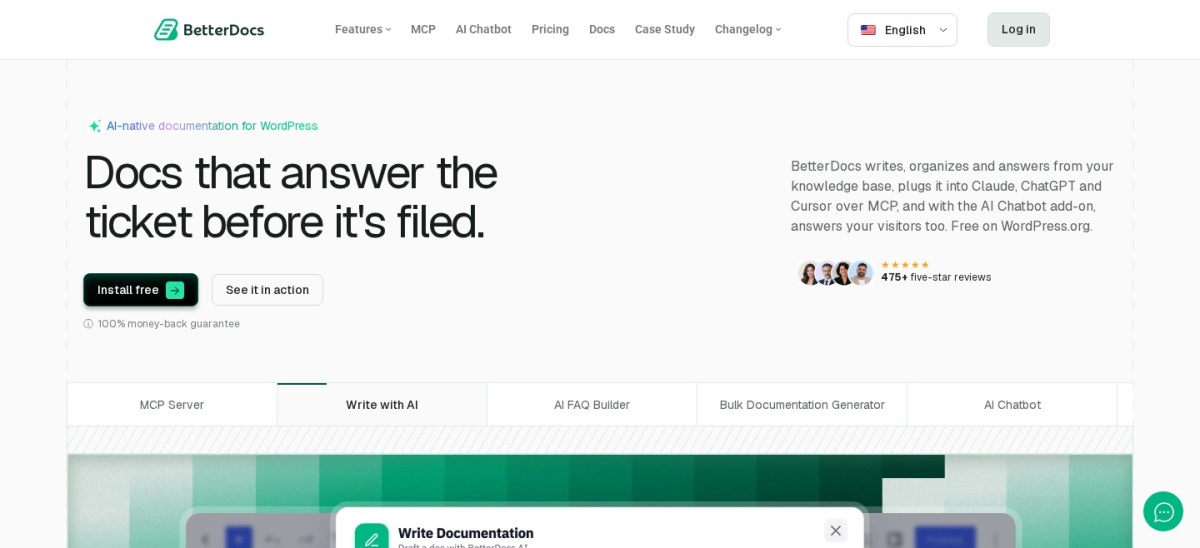
BetterDocs homepage, captured Nov 2026.
BetterDocs is a knowledge base plugin with 30,000 active installs and a 4.8 rating from 517 reviews. It builds docs, FAQs and a chatbot in one place, and the free version includes an AI FAQ builder, AI writing and an MCP server. Pro costs $69 a year for one site.
The trade off is that it is a documentation plugin first: multiple knowledge bases, AI analytics and the AI Instant Answer need Pro, and the AI chatbot is a separate $69 a year add-on. It suits teams that want docs and FAQs together, not just a standalone FAQ page.
What we like
AI FAQ builder included free
Docs, FAQs and chatbot in one plugin
4.8 rating from 517 reviews
MCP server included in the free version
Watch out for
Multiple knowledge bases need Pro
AI chatbot is a separate $69/yr add-on
Heavier than a simple FAQ plugin
Innovator at $149 a year adds unlimited sites; the Visionary lifetime licence is $299 once.Visit betterdocs.co
07
Echo Knowledge Base
4.9/5on WordPress.org (124 reviews, checked Nov 2026)
Paid from$46/yr
Best free knowledge base FAQs
Knowledge baseDocs, FAQs, glossary
AI toolsOptional AI chat
Basic bundle$46 first year, 1 site
Free versionVisual editor included
echoknowledgebase.com
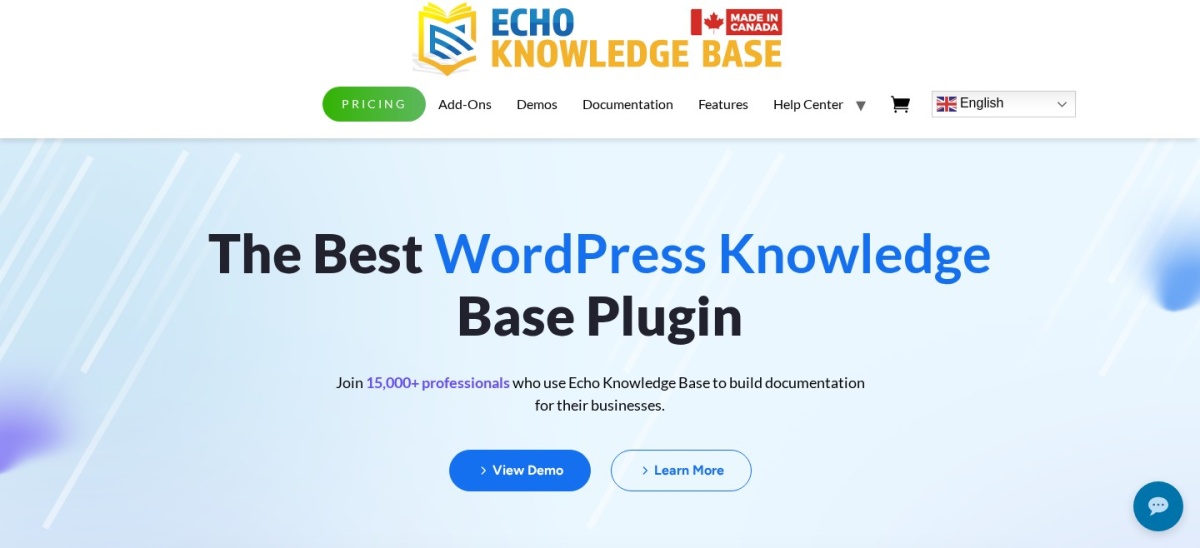
Echo Knowledge Base homepage, captured Nov 2026.
Echo Knowledge Base is a free documentation plugin with 10,000 active installs and a 4.9 rating from 124 reviews. Its free version includes a visual editor, FAQs, a glossary and optional AI chat, with categories and search built in. The Basic add-on bundle costs $46 for the first year.
The trade off is the confusing bundle pricing: the Basic bundle is $46 for the first year and renews at $28, and advanced search, ratings and access control need higher bundles. It suits small help centres that want docs and FAQs free and will pay only for the add-ons they need.
4.6/5on WordPress.org (36 reviews, checked Nov 2026)
PriceFree
Simplest free FAQ
DisplayShortcode, accordion or list
FAQsCustom post type
ProNone, free only
FAQ schemaNo schema output
wordpress.org
Quick and Easy FAQs homepage, captured Nov 2026.
Quick and Easy FAQs is the simplest plugin in this list, with 10,000 active installs and a 4.6 rating from 36 reviews. You add FAQs as a custom post type and show them with 14 Gutenberg blocks or the [faqs] shortcode, in list, accordion or toggle styles. There is no paid version.
The trade off is that it has no FAQ schema, and a reviewer on its own page asks for it, so it is the weakest choice if AI search matters to you. It suits a small site that wants a free, simple FAQ page and nothing else.
What we like
Free only, no paid version to upsell
14 Gutenberg blocks plus shortcodes
Groups and filterable groups included
Tested with WordPress 7.0
Watch out for
No FAQ schema output
Only 36 WordPress.org reviews
No search or analytics
There is no Pro version; the free plugin on WordPress.org is the whole product.Visit wordpress.org
Do you need FAQ schema?
FAQ schema is structured data that tells search engines and AI tools which text is a question and which is the answer. Four tools in this list add it free: Easy Accordion, Ultimate FAQ, Helpie FAQ and Ultimate Blocks, where it is a single toggle in the block settings.
Quick and Easy FAQs is the only tool here without it. If your FAQ page is meant to be read by AI assistants, pick a plugin with schema. If it is only for visitors, any accordion will do, and schema should not decide the choice.
WordPress now has a free Accordion block
The block editor now includes a free core Accordion block, so you can add a simple FAQ without any plugin. It has no FAQ schema and no search, templates or styling options, which is where the plugins in this list earn their place.
Use the core block for a short FAQ on one page. Use a plugin when you need schema, search, categories, a WooCommerce tab or the same FAQ on many pages.
How we chose
We started from the WordPress.org plugin directory and kept only plugins whose main job is FAQs: accordions, FAQ libraries, FAQ blocks and knowledge bases with a FAQ section. General page builders and SEO plugins were left out.
We checked every rating, review count and install figure on WordPress.org on 22 November 2026, and every price on the vendor's own pricing page the same day. Prices below are the regular price, not a sale or first-year discount.
We dropped plugins not updated since 2024, plugins with fewer than 30 reviews, and plugins whose price could not be confirmed. No vendor paid for a place, and we do not claim hands-on testing for this list.
How to choose a free FAQ plugin
Start with where the FAQ will live, then check the schema, or a pretty accordion can miss the search benefit.
Decide where the FAQ lives. For an FAQ inside a post, Ultimate Blocks is fastest. For a dedicated FAQ page, Easy Accordion or Ultimate FAQ fit better. For a store, Helpie FAQ adds a WooCommerce tab.
Check the schema. Easy Accordion, Ultimate FAQ, Helpie FAQ and Ultimate Blocks add FAQ schema free. Quick and Easy FAQs does not, so skip it if AI search matters to you.
Count the questions. A handful of questions needs only a simple accordion. A library of fifty or more needs categories, search and a submission form, which is where Ultimate FAQ and Easy Accordion Pro help.
Try the free version first. Every tool in this list is free on WordPress.org. Install it, build one FAQ page, and only pay for Pro if you hit a limit that matters.
FAQ
What is the best free FAQ plugin for WordPress?
Easy Accordion is the best free FAQ plugin, with a 4.9 rating, 70,000 installs, 15+ FAQ blocks, 200+ patterns, FAQ schema and an AI FAQ generator in the free version. Ultimate FAQ is the best alternative for large FAQ libraries.
Do I need a plugin to add an FAQ to WordPress?
No. The block editor now includes a free core Accordion block that works for a short FAQ on one page. A plugin is worth it when you need FAQ schema, search, categories, a WooCommerce tab or the same FAQ on many pages.
Does FAQ schema still help in 2026?
Yes, but less than before. Google stopped showing FAQ rich results in search in May 2026, so schema no longer wins extra space on the results page. It still helps search engines and AI assistants read your questions and answers clearly.
Which FAQ plugin is best for WooCommerce?
Helpie FAQ is the best choice for stores. Pro adds a Questions and Answers tab with voting, user question submissions with moderation, and FAQs across all or selected products, for $38.99 a year.
Are these FAQ plugins really free?
Yes. Every tool in this list has a free version on WordPress.org, and Quick and Easy FAQs has no paid version at all. The paid versions add layouts, search, analytics or WooCommerce features, and cost from $27 once for Accordion FAQ to $87 once for Ultimate FAQ Premium, with yearly plans from $29 to $69.
Which free FAQ plugin has the most reviews?
Ultimate Blocks has the most reviews, with 729 and a 4.9 rating, ahead of Accordion FAQ with 676 and a 4.6 rating. Easy Accordion has the highest rating among the dedicated FAQ plugins, at 4.9 from 358 reviews.