Auslogics Disk Defrag is the best free defrag software for most Windows users. Its free version covers whole-drive defrag, single files and folders, scheduling and free-space consolidation, and it is rated 4.3 out of 5 on Trustpilot. Pick IObit Smart Defrag for set-and-forget automation and UltraDefrag for open-source boot-time defrag.
How we make this list: we compare pricing pages, product documentation and public user reviews, then re-check every price before each update. No product paid for a place. Disclosure.
Auslogics Disk Defrag is the fastest free option for most users, with scheduling, single-file defrag and a portable edition.
IObit Smart Defrag runs on its own when the PC is idle, and its Pro plan lists at $29.99 a year for 1 PC.
UltraDefrag 16 is the strongest fully free choice, with boot-time defrag, SMART disk health checks and a portable edition.
Glarysoft Disk SpeedUp and Puran Defrag are free with no paid version to upsell, but both have dated interfaces.
Defragging only helps hard drives. SSDs need TRIM, not defrag, and every tool here treats SSDs differently.
Two long-running names are gone: Defraggler is end-of-life and PerfectDisk is discontinued, so neither is in this list.
What a free defrag tool should cover
Fragmentation still slows down hard drives. As files are saved, edited and deleted, Windows splits them across the disk, and the drive head has to jump around to read them back.
A good free defragger should analyse a drive, show how fragmented it is, and reorganise the files. Scheduling matters too, since a weekly run in the background beats remembering to do it by hand.
Boot-time defrag is the feature that separates basic tools from complete ones. Locked system files such as the pagefile cannot move while Windows is running, so only a boot-time pass can reach them.
SSDs are a different case. Defragging an SSD adds wear without helping speed, so a good tool should send TRIM commands to SSDs instead. Our guide on how to speed up WordPress covers the same idea for sites: fix the slow part first, then tune the rest.
Most of the tools below are free for home use, with paid plans from $29.95 to $49.95 a year. The free versions do the core job, and the paid plans mainly add automation, boot-time defrag and support.
4.3/5on Trustpilot (2,010 reviews, checked Nov 2026)
Paid from$29.95/yr
Best free defrag software overall
Free versionYes, for home and commercial use
Single file defragYes
Scheduled defragYes, plus auto-defrag when idle
Paid planPro, $29.95/yr
auslogics.com
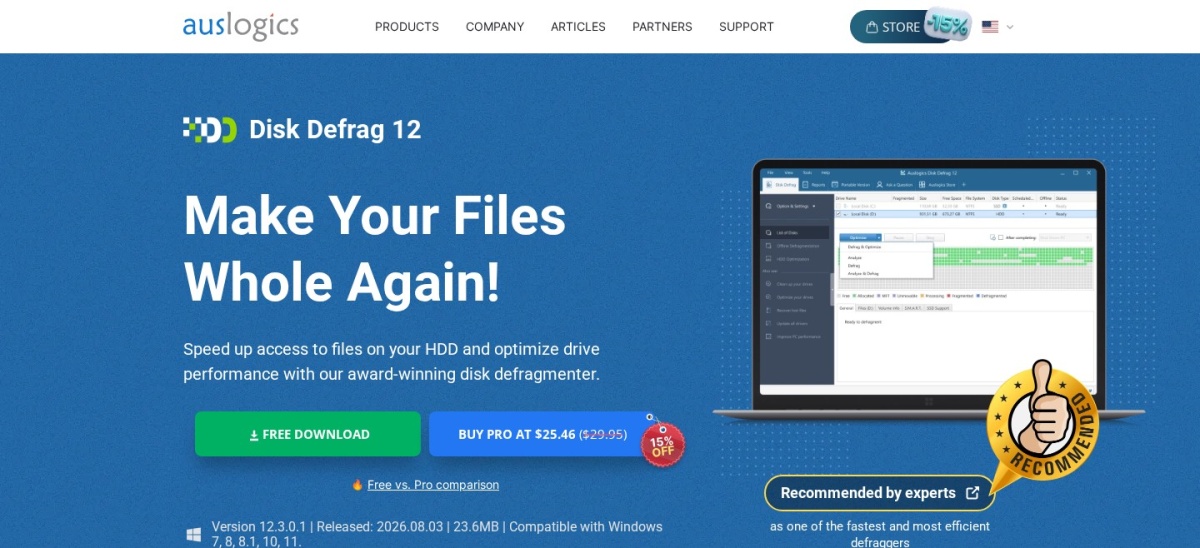
Auslogics Disk Defrag homepage, captured Nov 2026.
Auslogics Disk Defrag is a free Windows defragger that has been around since 2008, now at version 12.3.0.1. The free version covers whole-drive defrag, single files and folders, free-space consolidation, scheduling, auto-defrag when the PC is idle, and a portable edition that runs from a USB stick.
The trade off is the upsell. Advanced optimisation algorithms, disk cleanup before defrag and wiping free space sit in Pro at $29.95 a year, and the installer has offered bundled software in the past. It suits most home users who want a fast, plain defragger with a schedule.
What we like
Very fast engine, often under 10 minutes per drive
Defrags single files and folders, not just whole drives
Scheduling and idle-time auto-defrag in the free version
Portable edition runs from a USB stick
Watch out for
Pro-only optimisation algorithms and disk cleanup
Installer has included optional bundled offers
Built for HDDs; SSDs need the separate SSD Optimizer tool
Pro adds SSD algorithms, cleanup before defrag and free-space wipingVisit auslogics.com
02
IObit Smart Defrag
4.6/5on Trustpilot (2,709 reviews, checked Nov 2026)
Paid from$29.99/yr
Best for set-and-forget automatic defrag
Free versionYes
Auto defragYes, when the PC is idle
Boot-time defragPro only
Paid planPro, $29.99/yr, 1 PC
iobit.com
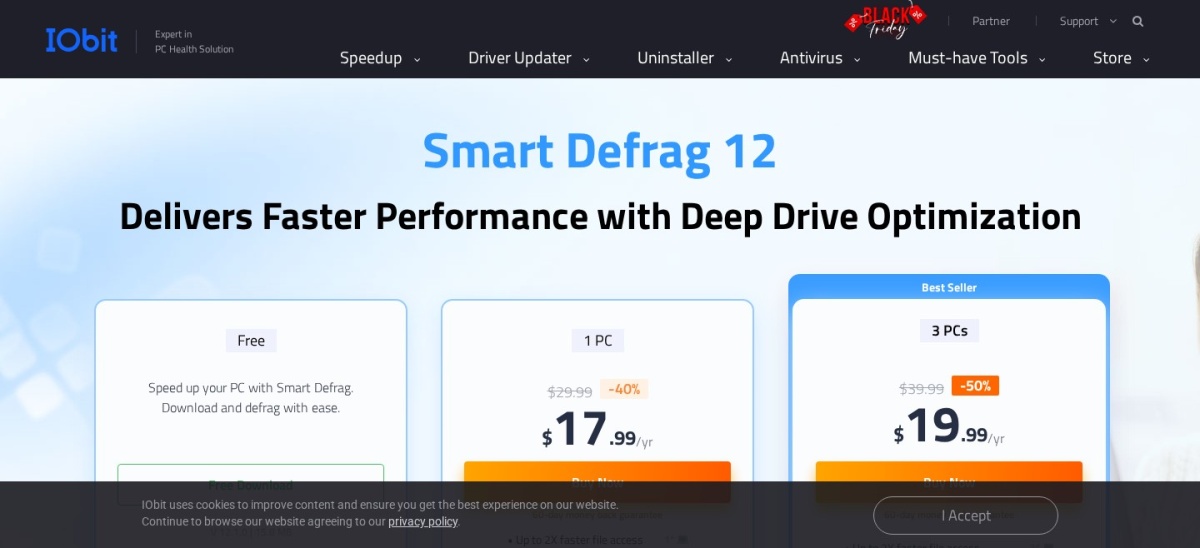
IObit Smart Defrag homepage, captured Nov 2026.
IObit Smart Defrag is a free defragger built around automation, now at version 12. The free version covers basic file defrag, scheduled defrag and a game optimisation mode that defrags game files for faster loading. It detects SSDs and offers TRIM for them instead of a full defrag.
The trade off is that the hands-off features cost extra. Boot-time defrag, deep defrag, large-file optimisation and automatic updates sit in Pro, which lists at $29.99 a year for 1 PC, with the 3-PC plan at $39.95 a year. It suits people who maintain family PCs and never want to think about defragging.
What we like
Runs on its own when the PC is idle
Game optimisation mode for faster game loading
SSD-aware, with TRIM instead of defrag on SSDs
Light on memory while it runs in the background
Watch out for
Boot-time defrag and deep defrag need Pro
Installer and app push other IObit products
The store shows sale prices, so check the regular price
Pro adds boot-time defrag, deep defrag and auto updatesVisit iobit.com
03
UltraDefrag
4.5/5on SourceForge (112 reviews, checked Nov 2026)
PriceFree
Best open-source defrag tool
Free versionYes, open source
Boot-time defragYes
Disk healthYes, SMART monitoring
Paid planNone; Standard and Enterprise add support
ultradefrag.net
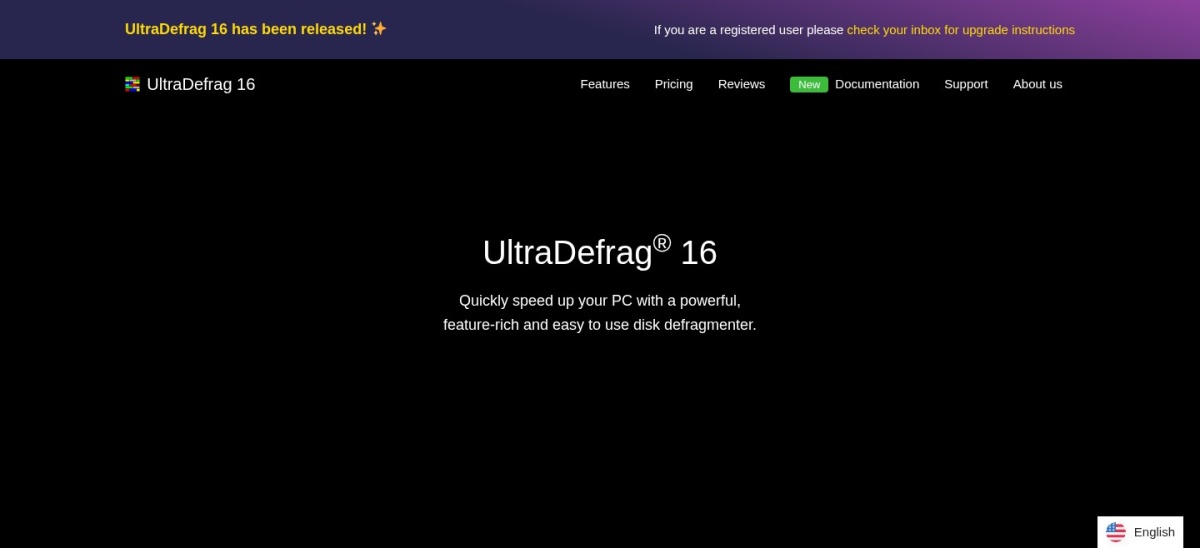
UltraDefrag homepage, captured Nov 2026.
UltraDefrag is an open-source disk defragmenter for Windows, with version 16 released in October 2026. It defragments whole drives, single files and folders, NTFS metafiles and the Master File Table, and it runs a boot-time pass for locked files such as the pagefile. It also monitors disk health with SMART data and ships a portable edition.
The trade off is the interface. It is plain and technical next to Auslogics or IObit, and the first full optimisation pass can take a long time on a badly fragmented drive. It suits power users who want boot-time defrag and scripting without paying for a suite.
What we like
Boot-time defrag for locked system files
Defragments NTFS metafiles and the Master File Table
SMART disk health monitoring built in
Portable edition and command-line support
Watch out for
Plain, technical interface
First full pass can be slow on badly fragmented drives
No paid tier with new features, only support licences
Standard and Enterprise editions add 24/7 support and a lifetime licenceVisit ultradefrag.net
04
Glarysoft Disk SpeedUp
3.3/5on Trustpilot (20 reviews, checked Nov 2026)
PriceFree
Best simple free defragger for beginners
Free versionYes, no paid version
Boot-time defragYes
Scheduled defragYes
Paid planNone for this tool
glarysoft.com
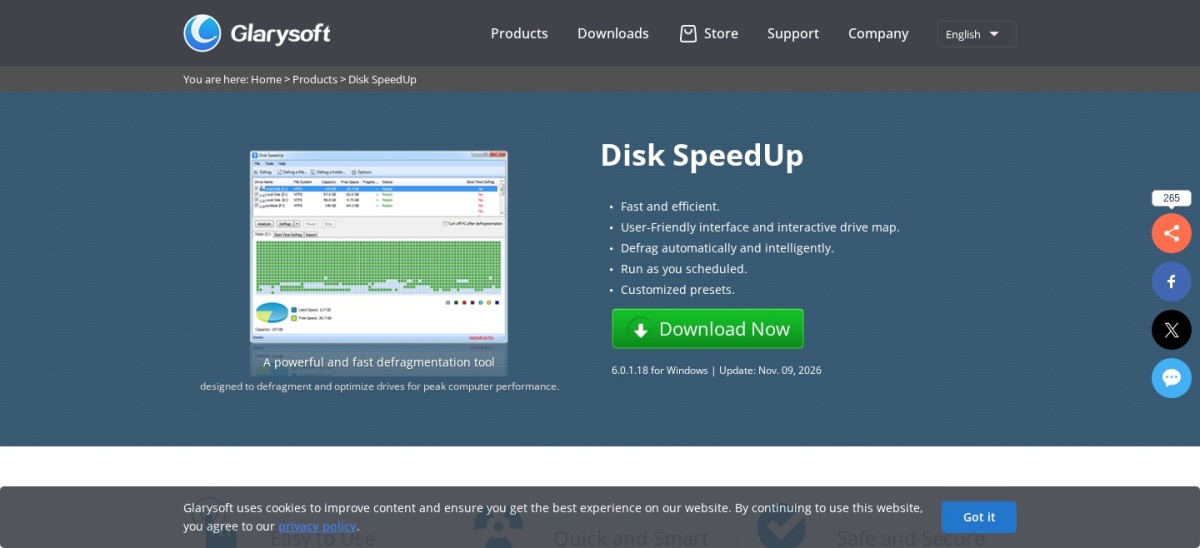
Glarysoft Disk SpeedUp homepage, captured Nov 2026.
Glarysoft Disk SpeedUp is a free standalone defragger with a plain interface built around large, labelled buttons. It defragments whole drives and single files, runs scheduled defrags, handles boot-time defrag for locked files, and adds a disk check that looks for bad sectors.
The trade off is polish. The interface looks dated, the vendor rating on Trustpilot is 3.3 out of 5 from only 20 reviews, and the tool has no paid version, so there is no support plan to buy. It suits beginners who want a free defragger with no upsell screens at all.
What we like
Completely free with no paid version or upsells
Boot-time defrag and scheduling included free
Simple interface with large, labelled buttons
Disk check looks for bad sectors
Watch out for
Dated interface
Small review base, 3.3 out of 5 on Trustpilot
No paid support option
No paid version; the same defragger ships inside Glary Utilities ProVisit glarysoft.com
05
Wise Care 365
4.4/5on Trustpilot (38 reviews, checked Nov 2026)
Paid from$29.95/yr
Best defrag inside a PC cleanup suite
Free versionYes
Disk defragYes, HDD and registry
Scheduled cleaningPro only
Paid planPro, $29.95/yr, 1 PC
wisecleaner.com
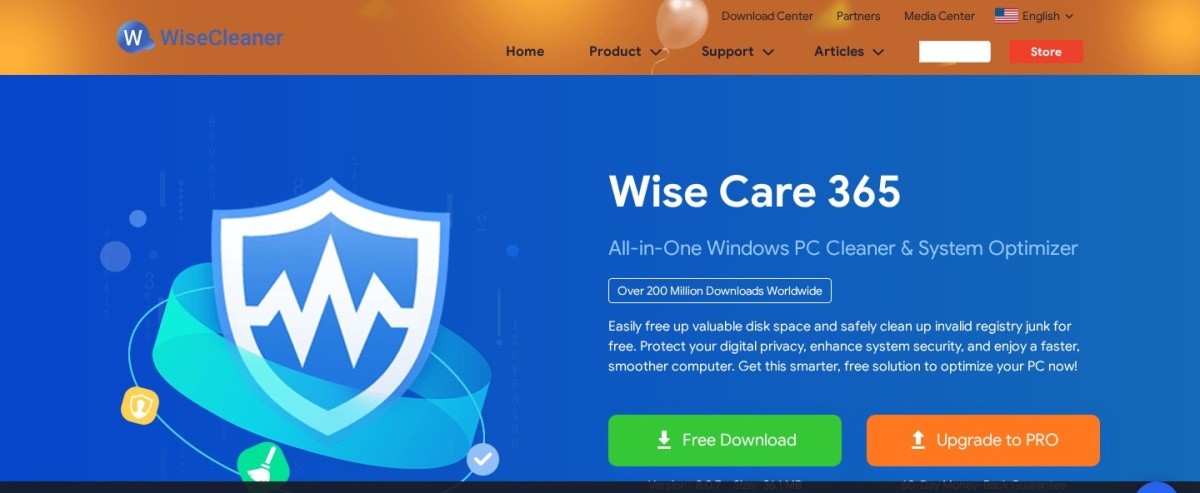
Wise Care 365 homepage, captured Nov 2026.
Wise Care 365 is a free PC cleanup suite from WiseCleaner that includes disk and registry defrag beside junk cleaning, privacy erasing and startup management. The free version covers the one-click checkup and manual defrag, and the vendor reports over 200 million downloads of the suite.
The trade off is that defrag is one module among many. Scheduled automatic cleaning, real-time protection and faster boot optimisation sit in Pro at $29.95 a year for 1 PC, with the 3-PC plan at $39.95 a year. It suits users who want defrag inside a wider cleanup tool rather than a standalone app.
What we like
Defrag plus junk cleaning and startup control in one app
Fast one-click checkup in the free version
Free version has no ads
Small download, under 40 MB
Watch out for
Defrag is a side feature, not the main focus
Scheduled cleaning needs Pro
Trustpilot sample is small, 38 reviews
Pro adds scheduled cleaning, real-time protection and boot optimisationVisit wisecleaner.com
06
EaseUS Partition Master Free
4.9/5on G2 (476 reviews, checked Nov 2026)
Paid from$49.95/yr
Best defrag inside a partition manager
Free versionYes, home use
Disk defragYes, in Disk Optimization
Partition toolsResize, move, merge, create
Paid planPro, $49.95/yr, 2 PCs
easeus.com
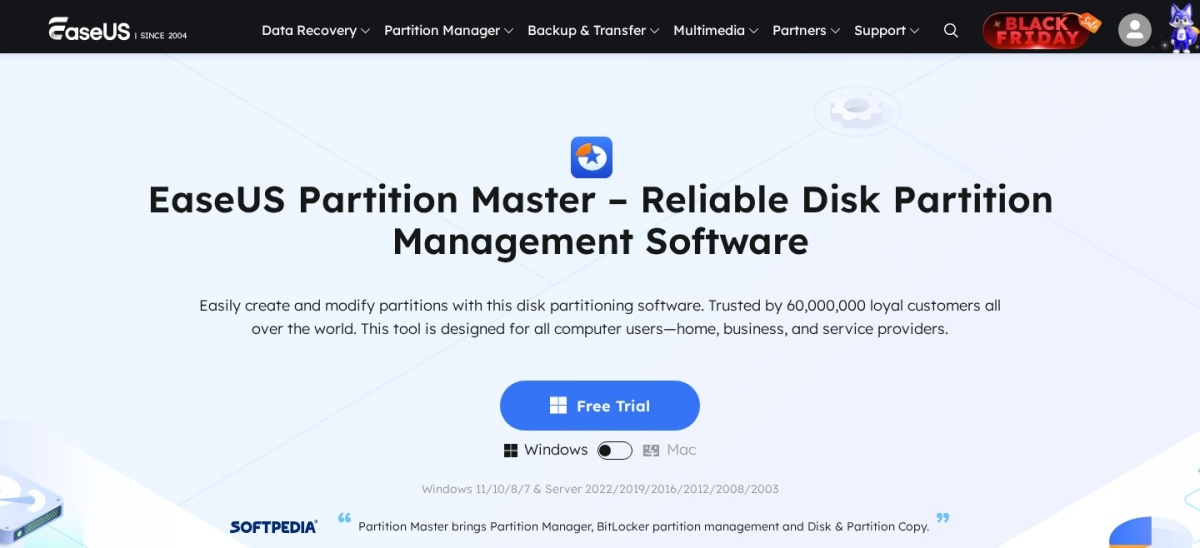
EaseUS Partition Master Free homepage, captured Nov 2026.
EaseUS Partition Master Free is a partition manager that also defragments disks through its disk optimisation feature. The free version resizes, moves, merges and creates partitions on drives up to 8 TB, and it handles basic disk maintenance for home users without a time limit.
The trade off is scope and price. Defrag is a small part of a much larger tool, and the features most buyers pay for are disk cloning and OS migration, which sit in Pro at $49.95 a year for 2 PCs. It suits users who already need partition tools and want defrag in the same app.
What we like
Highest rating in this list, 4.9 out of 5 on G2
Full partition tools beside defrag
Free version has no time limit
Clear interface for beginners
Watch out for
Defrag is a minor feature, not the focus
Cloning and OS migration need Pro
The store shows sale prices, so check the regular price
Pro adds disk cloning, OS migration and partition recoveryVisit easeus.com
07
Systweak Disk SpeedUp
4.1/5on Trustpilot (146 reviews, checked Nov 2026)
Paid from$39.95/yr
Best defrag with junk and duplicate cleaning
Free versionYes
Junk cleaningYes
Duplicate finderYes
Paid plan$39.95/yr
systweak.com
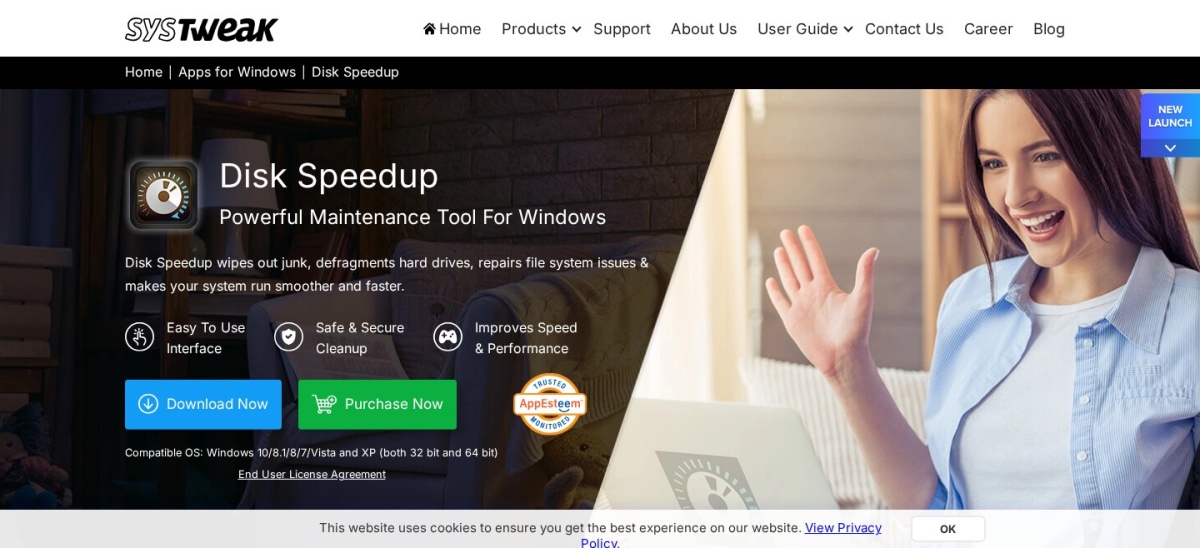
Systweak Disk SpeedUp homepage, captured Nov 2026.
Systweak Disk SpeedUp is a Windows defragger that also cleans junk and temporary files, finds duplicate files and runs a disk doctor check for bad sectors. It defragments whole drives, recovers free space, and schedules runs so maintenance happens without opening the app each time.
The trade off is clarity on price. The product page lists $39.95, while third-party listings show lower yearly figures, so confirm the term before buying. It suits users who want defrag, junk cleaning and duplicate removal in one small tool.
What we like
Defrag plus junk cleaning and duplicate finder
Disk doctor checks for bad sectors
Scheduled defrag included
Vendor rated 4.1 out of 5 on Trustpilot
Watch out for
Price term is unclear across listings
Smaller vendor than Auslogics or IObit
Interface is plain next to the top picks
Paid plan adds the full feature set; confirm the yearly term firstVisit systweak.com
08
Puran Defrag
4.9/5on TechSpot (7 reviews, checked Nov 2026)
PriceFree
Best no-nonsense free defragger
Free versionYes, private and non-commercial use
Boot-time defragYes
Automatic defragYes, on a schedule
Paid planNone; free only
puransoftware.com
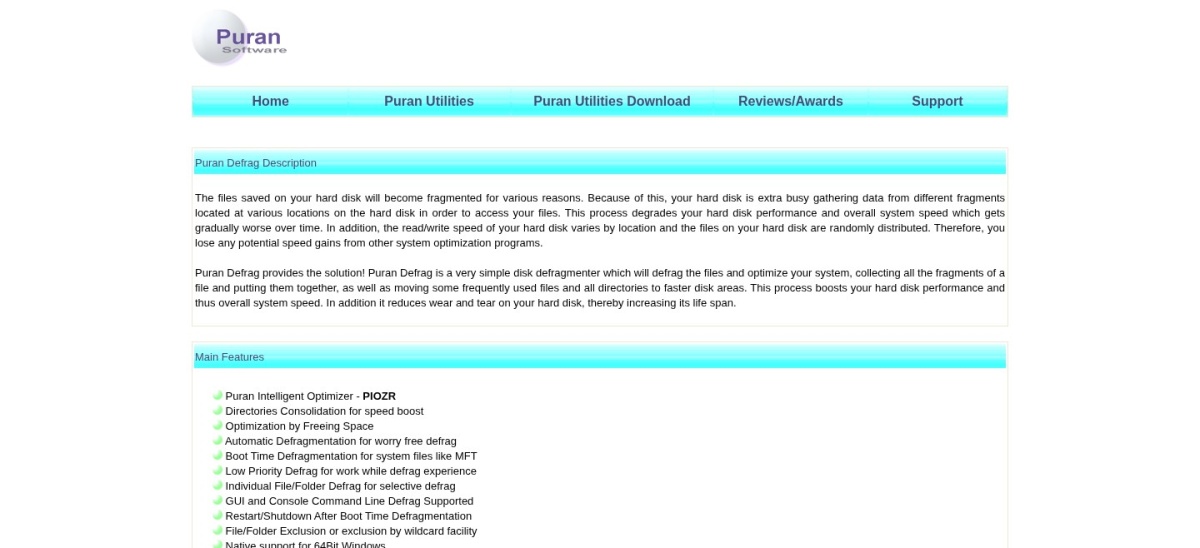
Puran Defrag homepage, captured Nov 2026.
Puran Defrag is a simple free defragger from Puran Software, with version 7.7.2 released in December 2023 and support for Windows 10 and 11. It defragments files and directories, runs automatic defrag on a schedule or at startup, and offers boot-time defrag for locked system files. Its PIOZR feature places frequently used files on the faster parts of the disk.
The trade off is age. The interface is dated, the last release was in 2023, and the TechSpot rating of 4.9 out of 5 comes from only 7 reviews. It suits users who want a small, quiet free defragger with no upsell and no account.
What we like
Free with no paid version or upsell
Automatic and boot-time defrag included
PIOZR places often-used files on faster disk areas
Low-priority mode keeps the PC usable during a run
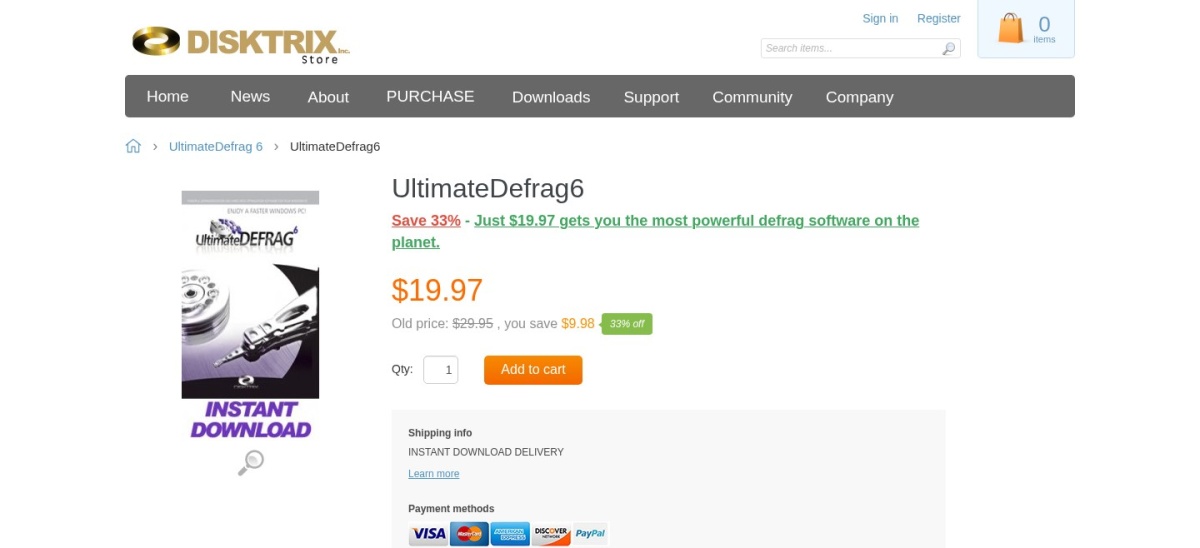
DiskTrix UltimateDefrag homepage, captured Nov 2026.
DiskTrix UltimateDefrag is a paid Windows defragger that focuses on file placement, not just rejoining fragments. It offers six defrag methods and lets users place files by how often they are used, so frequently opened files sit on the faster parts of the disk. A trial runs for 30 days before the program drops to simulation mode.
The trade off is that it is the only tool here with no free version. The licence costs $29.95 once for 3 PCs, and the interface is technical. It suits enthusiasts who want to control where files land on the disk rather than run a one-click defrag.
What we like
Six defrag methods with file-placement control
One-time licence, no subscription
Boot-time defrag for locked files
30-day trial before buying
Watch out for
No free version, only a 30-day trial
Technical interface for enthusiasts
Lowest rating in this list, 3.3 out of 5 on Softonic
Defragging only helps spinning hard drives. On an SSD, moving data around adds write wear and does not make reads faster, since there is no moving head to wait for.
What an SSD needs is TRIM, which tells the drive which blocks are free so it can clean them up in the background. Windows runs TRIM on a weekly schedule by itself through the built-in Optimize Drives tool.
If your PC has only SSDs, skip third-party defraggers entirely. Use the built-in tool, keep some free space on the drive, and put your effort into why your site is slow only if the slow part is the site, not the disk.
On a mixed PC, use a tool that knows the difference. Auslogics, IObit and UltraDefrag all detect SSDs and treat them differently from hard drives.
How we chose
We started from the free defrag tools that download sites, PC magazines and user forums still recommend in 2026, then kept only those with a live homepage and a current release or a working download.
Prices come from each vendor's own pages or store, checked on 25 November 2026, with the regular price shown where a sale was running. Ratings come from Trustpilot, G2, SourceForge, TechSpot or Softonic on the same day, and the source is named on each tool.
We left out Defraggler, which is now end-of-life and no longer available to download, and PerfectDisk, whose maker Raxco has closed. No vendor paid for a place, and we do not claim hands-on testing for this list.
How to choose a free defrag tool
Check what kind of drive you have first, then match the tool to how much control you want.
Check whether your drive is an HDD or an SSD. Open Optimize Drives in Windows to see the media type. If it is an SSD, you need TRIM, not defrag, and a third-party defragger will not help.
Pick a free tool with scheduling if the drive is an HDD. Auslogics Disk Defrag and IObit Smart Defrag both run on a schedule, so the drive stays tidy without you remembering to run them.
Add boot-time defrag only if startup feels slow. Locked system files need a boot-time pass. UltraDefrag, Glarysoft Disk SpeedUp and Puran Defrag include it free; IObit keeps it in Pro.
Do not run two defraggers at once. Two tools scheduling passes on the same drive waste time and wear the disk. Pick one, set its schedule, and leave the other tools uninstalled.
FAQ
What is the best free defrag software?
Auslogics Disk Defrag is the best free pick for most Windows users. Its free version covers whole-drive defrag, single files and folders, scheduling and free-space consolidation, and it is rated 4.3 out of 5 on Trustpilot from over 2,000 reviews.
Is it safe to defrag a hard drive?
Yes, for a healthy hard drive. Defragging only rewrites file data into contiguous blocks, the same kind of writing Windows does every day. Back up important files first anyway, since a failing drive can fail during any heavy disk work.
Should I defrag an SSD?
No. Defragging an SSD adds write wear without making it faster, because SSDs have no moving parts. SSDs need TRIM instead, which Windows runs weekly through its built-in Optimize Drives tool. Use a defragger only for spinning hard drives.
How often should I defrag my hard drive?
About once a week for a heavily used drive, and about once a month for light use. Most tools here can schedule this for you, and they analyse the drive first and skip the run if fragmentation is low.
Does Windows already defrag my drives?
Yes. Windows includes Optimize Drives, which defragments hard drives and sends TRIM to SSDs on a weekly schedule by default. Third-party tools add finer control, such as single-file defrag, boot-time passes and clearer reports.
Why is Defraggler not in this list?
Defraggler is end-of-life. Its homepage states it is no longer supported, maintained or available to download, so we left it out even though older guides still recommend it. Auslogics Disk Defrag is the closest free replacement.
Do free defrag tools have a catch?
The usual catch is upselling. Free versions may show Pro offers or bundle other software in the installer, so read each install screen and decline extras. Glarysoft Disk SpeedUp, Puran Defrag and UltraDefrag have no paid upsell in the tool itself.
SaaS SEO and WordPress specialist with about 8 years of experience. Rakib compares WordPress plugins, themes, hosting and software using public pricing, documentation and user reviews. See how we rank.