HubSpot is the best free CRM for most remote teams, with a free plan for 2 users and 1,000 contacts, a shared pipeline, email tracking and live chat, rated 4.4/5 on G2. Pick Zoho CRM for free automation across 3 users, or Bitrix24 if the team also needs built-in chat and video calls.
How we make this list: we compare pricing pages, product documentation and public user reviews, then re-check every price before each update. No product paid for a place. Disclosure.
HubSpot's free plan covers 2 users and 1,000 contacts with a pipeline, email tracking and live chat.
Zoho CRM is the only free plan here with workflow automation included, for up to 3 users.
Capsule has the highest G2 rating in this list at 4.7 out of 5, from 491 reviews.
Bitrix24 is the only free plan with unlimited users, plus built-in chat and video calls.
Paid steps start at $7 a user a month (Bigin Express) and climb to $49 a month flat for Bitrix24 Basic.
What a free CRM should cover for a remote team
Remote teams live in their CRM. With no office wall to pin notes on, the shared pipeline, the activity log and the next follow-up all have to live in one place every teammate can open from anywhere.
A good free CRM for a remote team covers contacts and deals, a mobile app that works, and a way to reach customers without buying a second tool. Email tracking, live chat or built-in calling matter more than a long feature list.
Free limits decide the pick more than features do. Most free plans cap users at 1 to 3, so count your team first, then check the contact cap. Capture new enquiries with a contact form so they land in the CRM instead of a shared inbox.
Paid steps vary widely. The cheapest seat in this list is $7 a month, while a flat-rate plan can cost $49 a month for the whole team. The price ladder below shows the cheapest paid plan per tool, per year.
The 9 best free CRM software tools for remote teams
01
HubSpot CRM
4.4/5on G2 (13,892 reviews, checked Nov 2026)
Paid from$20/mo
Best free CRM overall
Free users2
Free contacts1,000
Free pipelines1
Paid planStarter, $20/seat/mo
hubspot.com
HubSpot CRM homepage, captured Nov 2026.
HubSpot CRM is the best-known free CRM, and its free plan is a real one: 2 users, 1,000 contacts, one deal pipeline, email tracking, meeting scheduling and live chat, with no time limit. The shared contact record, mobile app and Gmail and Outlook sync keep a remote team on the same page without extra software.
The trade off is the price of the next step. Starter lists at $20 per seat a month, with a lower new-customer price for a limited time, and sequences and deeper automation wait for Professional at $100 a seat. It suits small remote teams that want a polished free CRM and can live with two seats until they pay.
What we like
Genuine free plan with no time limit
Live chat and meeting scheduling included free
Rated 4.4 out of 5 from 13,892 G2 reviews
Clean interface that new hires learn fast
Watch out for
Free plan stops at 2 users and 1,000 contacts
HubSpot branding on free forms, chat and meetings
Sequences and workflows need pricey higher tiers
Starter adds more pipelines, 500 HubSpot Credits and calling minutesVisit hubspot.com
02
Zoho CRM
4.1/5on G2 (2,949 reviews, checked Nov 2026)
Paid from$14/mo
Best value for growing remote teams
Free users3
Free records5,000
Free automationWorkflows included
Paid planStandard, $14/user/mo
zoho.com
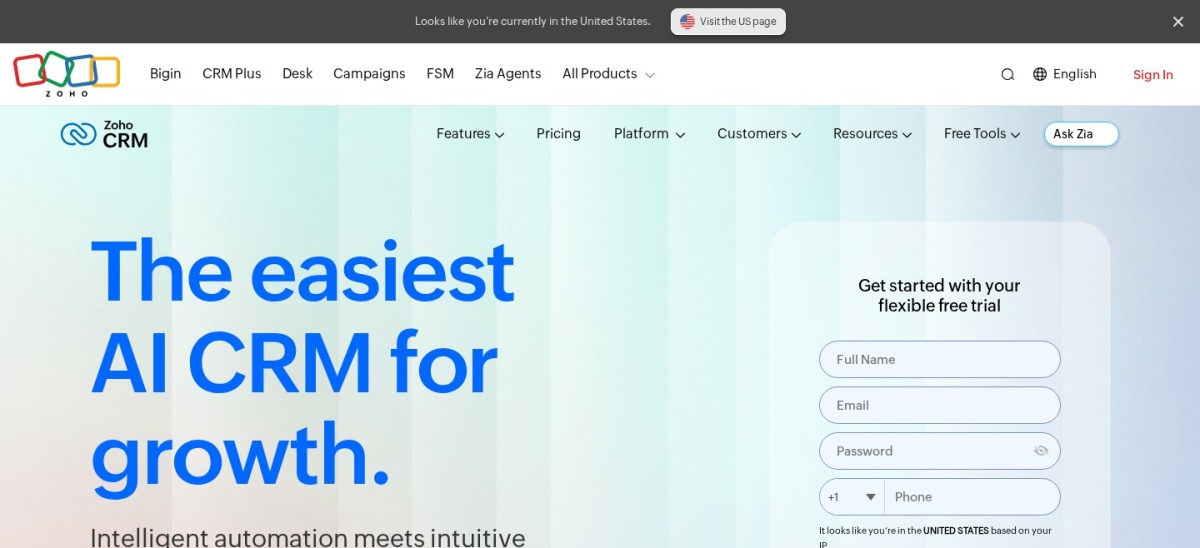
Zoho CRM homepage, captured Nov 2026.
Zoho CRM is a full sales CRM with a free edition for up to 3 users and 5,000 records. It includes contact and deal management, follow-up reminders, workflow automation, standard reports, 10 custom email templates and mobile apps, plus Slack, Zoom and Teams integrations for remote work.
The trade off is the learning curve. Zoho CRM packs in far more settings than Capsule or Bigin, so a small team needs a day to set it up well. Standard costs $14 per user a month billed annually and adds multiple pipelines, built-in calling and forecasting. It suits remote teams that want automation without paying HubSpot prices.
What we like
Only free plan here with workflow automation
Free for 3 users, not just 2
Wide integration range, including Slack and Zoom
Cheapest full-featured paid step after Bigin
Watch out for
Busy interface takes time to learn
Support is slow on the free plan
Some features need the pricier Professional tier
Standard adds multiple pipelines, calling and forecastingVisit zoho.com
03
Capsule CRM
4.7/5on G2 (491 reviews, checked Nov 2026)
Paid from$18/mo
Easiest free CRM to adopt
Free users2
Free contacts250
Free pipelines1
Paid planStarter, $18/user/mo
capsulecrm.com
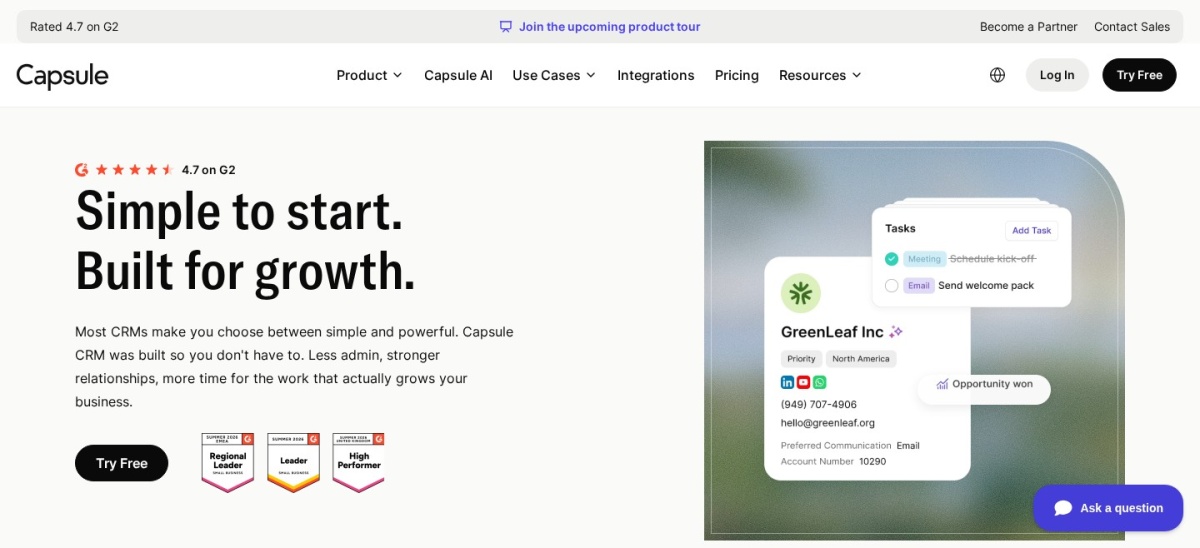
Capsule CRM homepage, captured Nov 2026.
Capsule CRM is a simple contact manager with a sales pipeline, built for small teams that want to start fast. The free plan covers 2 users, 250 contacts, one pipeline, 5 custom fields and Gmail and Outlook connections, with mobile apps for working away from a desk.
The trade off is the 250-contact cap. A team with a real customer list will hit it within months, and Starter at $18 per user a month billed annually is the next step. Workflow automation waits for Growth at $36. It suits small remote teams that value ease of use over depth.
What we like
Highest G2 rating in this list at 4.7 out of 5
Easiest setup of the dedicated CRMs here
Clean contact and pipeline views
Shared mailbox and premium integrations on Starter
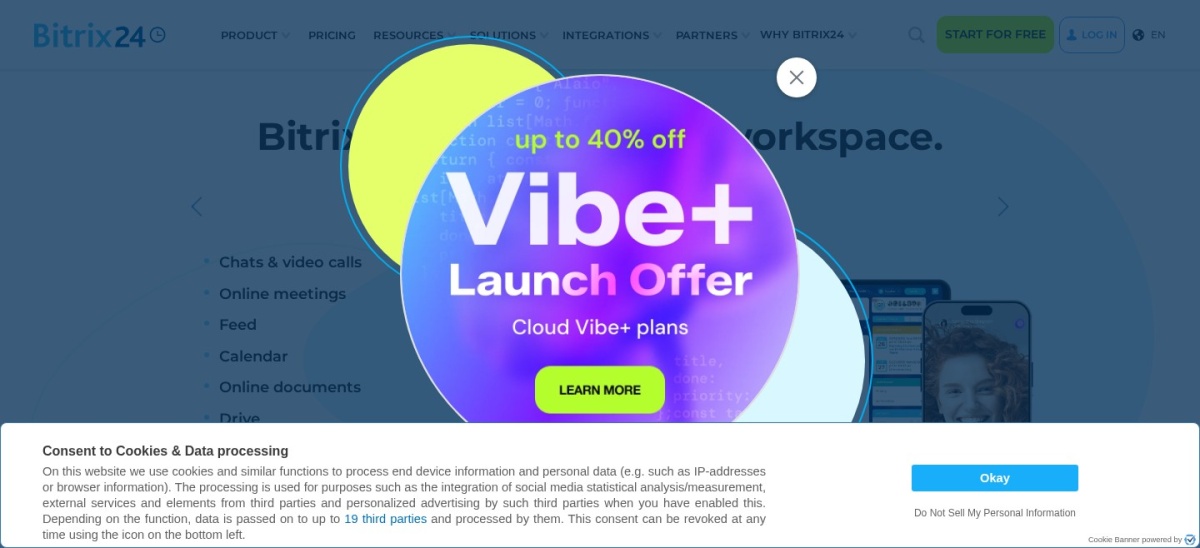
Bitrix24 is a whole workspace, not just a CRM: the free plan covers unlimited users with CRM, tasks, chat, video calls, shared calendars and online documents, all under one login. For a remote team it replaces a CRM plus a chat app plus a meeting tool, with 5 GB of storage.
The trade off is complexity and the paid step. The interface is busy, the free plan has tight storage and no sales automation, and Basic costs $49 a month for the whole organisation billed annually, which is a jump from free. It suits remote teams that want one flat fee instead of per-seat billing.
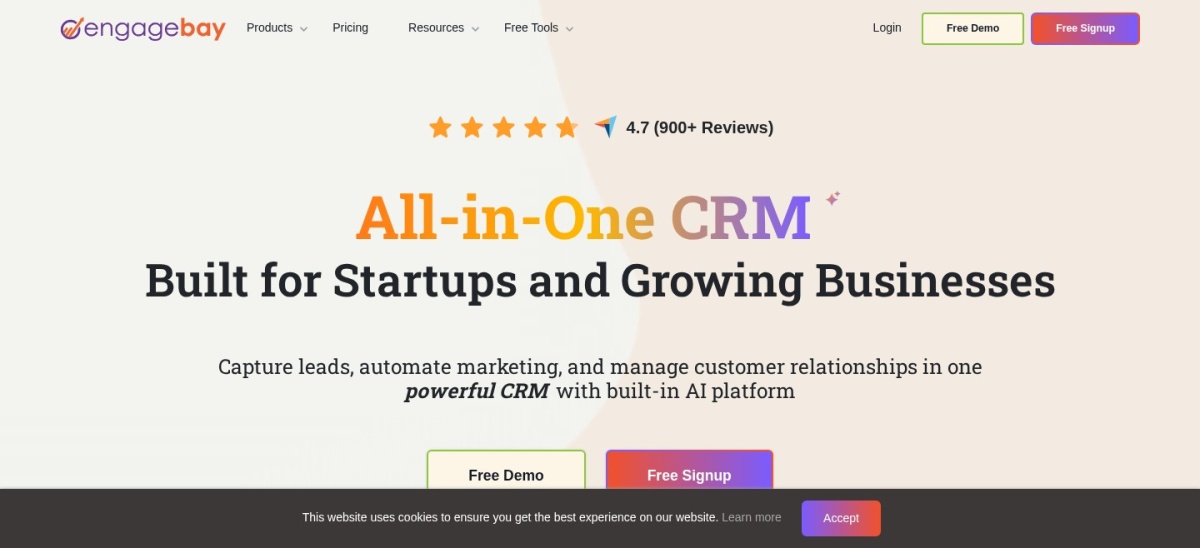
EngageBay is an all-in-one CRM with marketing and support built in. The free plan covers 250 contacts and up to 15 users, with contact management, email marketing, autoresponders, sequences, landing pages, live chat and a helpdesk, all with no time limit.
The trade off is the 250-contact ceiling and the price jump. Basic costs $14.99 per user a month and raises contacts to 500, while Growth at $64.99 is a big step for automation. It suits small remote teams that want email marketing and CRM in one free account.
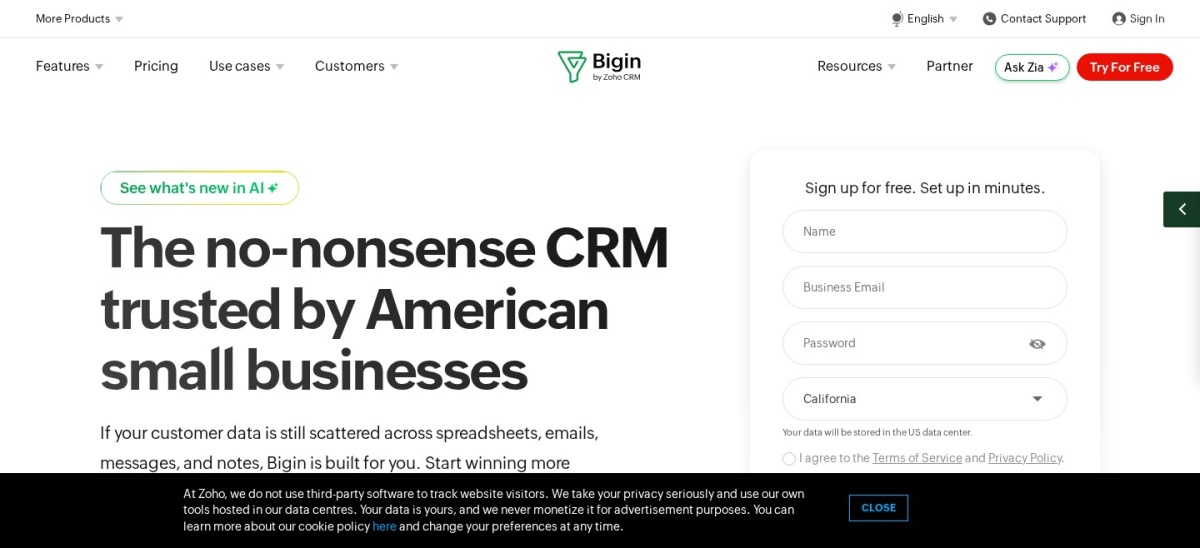
Bigin by Zoho is a compact pipeline CRM for teams moving off spreadsheets. The free edition covers one user, 500 records and a single pipeline, with tasks, notes, built-in calling, appointment scheduling and mobile apps for iOS, Android and macOS.
The trade off is that the free plan is for one person only. A remote team needs Express at $7 per user a month billed annually, which lifts the limits to 3 team pipelines and 50,000 records. It suits a solo operator or a tiny team that wants the cheapest real CRM step.
ClickUp is a work hub that doubles as a CRM through templates, custom fields and pipeline views. The Free Forever plan allows unlimited tasks and members with docs, chat, time tracking and 60 MB of storage, which makes it the most generous free plan here for a whole remote team.
The trade off is that it is not a dedicated CRM. There is no built-in sales pipeline or calling, so the team builds its own CRM views, and the regular price of Core is $12 per user a month, with a lower $9 annual-billing price shown. It suits remote teams that want one hub for work and customer records.
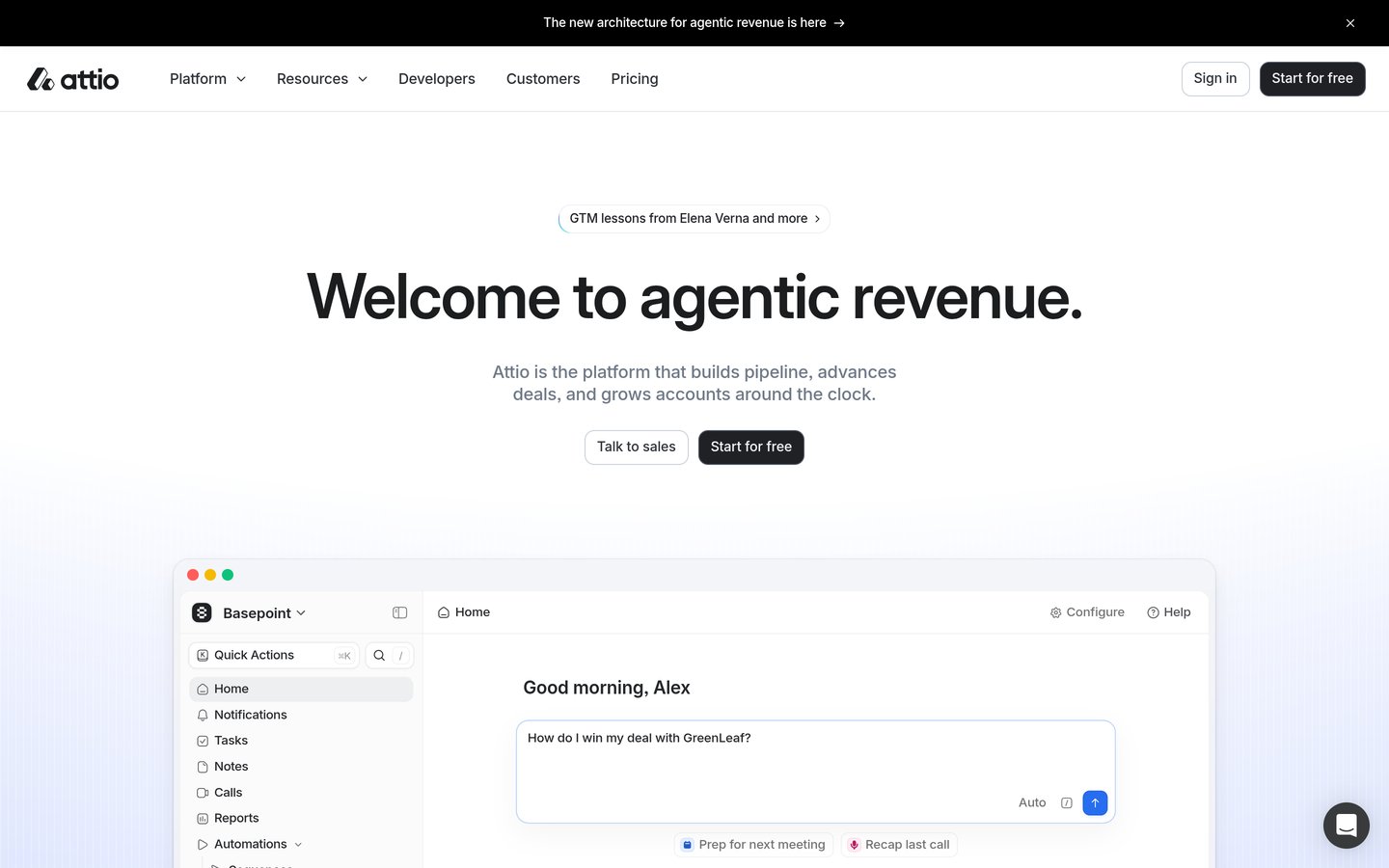
Attio is a modern CRM that lets a team shape its own data model with custom objects for deals, investors or partners, not just contacts. The free plan covers 3 seats and 50,000 records with real-time contact syncing, automatic enrichment and Gmail and Microsoft 365 connections.
The trade off is the paid step and the credit system. Plus costs $35 per user a month billed annually and stops at 10 seats, while enrichment and AI features run on metered credits that add up. It suits small remote teams that want a flexible, modern CRM and can live inside 3 free seats.
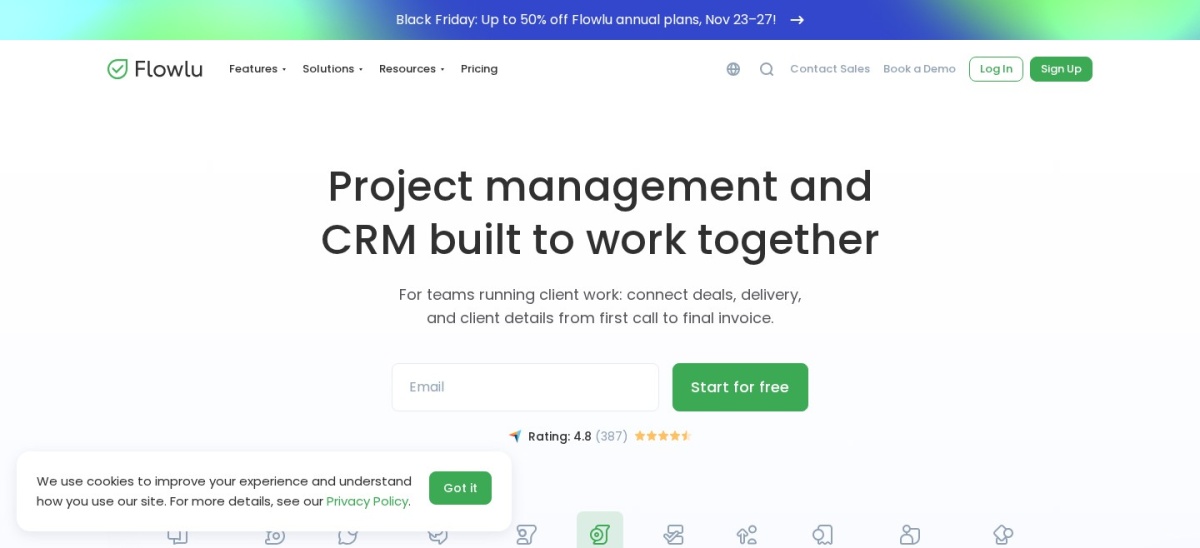
Flowlu is a workspace that combines a sales CRM with projects, tasks and invoicing. The free plan covers 2 users, 100 contacts and one pipeline, with lead capture forms, invoices and estimates, a knowledge base and one workflow, plus iOS and Android apps.
The trade off is the 100-contact cap. A team with a real pipeline will pass it fast, and Essential at $9 per user a month billed annually is the next step, while sales automation waits for Advanced at $17. It suits small remote teams that bill clients and want CRM plus invoicing together.
What we like
CRM, projects and invoicing in one free plan
Low paid step at $9 a user a month
Rated 4.7 out of 5 from 199 G2 reviews
Client portal on paid plans
Watch out for
Free plan stops at 100 contacts
No email sync on the free plan
Learning curve from the all-in-one scope
Essential adds time tracking, Gantt charts and paymentsVisit flowlu.com
Free vs paid: what you give up
Free plans cover the basics well. Most include contacts, a pipeline, tasks and a mobile app, which is enough for a small remote team getting started.
Paid plans mostly add room and automation. You get more users, more contacts, more pipelines, plus workflows, sequences and reporting that free plans hold back.
The first paid step is often cheap. Bigin Express is $7 a user a month and Flowlu Essential is $9, so a team of five pays $35 to $45 a month. Check what email marketing costs before picking a CRM that bundles it, since that changes the real monthly bill.
If the free plan fits your whole team, stay on it. Move to paid only when a limit you hit every week, such as the user cap or the contact cap, starts costing the team time.
How we chose
We started from CRM tools with a published free plan and a public G2 rating, then kept the nine that fit a remote team: shared pipelines, mobile apps and a way to talk to customers without extra software.
Prices come from each vendor's pricing page, checked on 25 November 2026. Ratings and review counts come from G2 on the same day. Where a vendor shows a sale price, the list shows the regular price.
We left out CRMs with no free plan, including Freshsales, monday CRM and Folk, and tools whose free plan has no CRM features. No vendor paid for a place, and we do not claim to have used these tools ourselves.
How to choose a free CRM for a remote team
Start with your team size, then check the free limits that bind first.
Count the seats first. Free plans cap users at 1, 2 or 3, except Bitrix24 and ClickUp. Pick a plan your whole team fits in today, not one you will outgrow next month.
Check how the team talks to customers. Remote teams need email, chat or calling inside the CRM. HubSpot, EngageBay and Bitrix24 include chat; Bigin and Zoho CRM include built-in calling.
Test the mobile app early. Remote work happens on phones as much as laptops. Make sure the CRM's mobile app covers the pipeline and activity log your team uses daily.
Add a lead capture route. A CRM is only useful if new enquiries land in it, so pair it with a contact form on your site.
FAQ
What is the best free CRM for remote teams?
HubSpot is the best free CRM for most remote teams. Its free plan covers 2 users and 1,000 contacts with a shared pipeline, email tracking, meeting scheduling and live chat, and it is rated 4.4 out of 5 on G2 from 13,892 reviews.
Is HubSpot CRM really free?
Yes. HubSpot's free CRM has no time limit and covers 2 users, 1,000 contacts, one pipeline, email tracking and live chat. Paid plans start with Starter at $20 per seat a month at list price, though HubSpot often shows a lower new-customer price for a limited time.
Which free CRM allows the most users?
Bitrix24, with unlimited users on its free plan, plus built-in chat, video calls and tasks. ClickUp is next, with unlimited members on its Free Forever plan. Every other free plan in this list caps users at 1 to 3.
Can a free CRM handle calls and video meetings?
Bitrix24 includes chat and video calls on its free plan, and Bigin and Zoho CRM include built-in calling. HubSpot's free plan includes live chat, but calling minutes start on Starter. Attio and Capsule have no built-in calling, so they need a separate phone tool.
What is the cheapest paid CRM for a remote team?
Bigin Express at $7 per user a month billed annually, or $84 per user per year. Flowlu Essential is next at $9 per user a month. Bitrix24 Basic is $49 a month for the whole organisation, which can be cheaper once the team passes seven people.
Do free CRMs include automation?
Mostly no. Zoho CRM is the exception here: its free plan includes workflow automation for up to 3 users. Capsule, EngageBay and HubSpot reserve workflows and sequences for paid plans, so check the paid tier before you count on automation.
SaaS SEO and WordPress specialist with about 8 years of experience. Rakib compares WordPress plugins, themes, hosting and software using public pricing, documentation and user reviews. See how we rank.