Best Free CAD Software for Woodworking in 2026: 9 Tools Compared
WLWPLegible EditorsLast verified 23 Nov 2026How we rank11 min read
★ Short answer
SketchUp Free is the best free CAD software for woodworking for most people, with push-pull modeling, a huge 3D Warehouse and a 4.5 out of 5 G2 rating from 1,328 reviews. Pick FreeCAD for parametric parts and shop drawings, or Autodesk Fusion if you also need CAM for a CNC router.
How we make this list: we compare pricing pages, product documentation and public user reviews, then re-check every price before each update. No product paid for a place. Disclosure.
SketchUp Free is the fastest way to model furniture: push-pull tools, a huge 3D Warehouse and a free web app, with Go at $129 a year when you need more.
FreeCAD is the only fully free parametric option, with shop drawings and CAM at $0 and a 4.1 out of 5 G2 rating from 61 reviews.
Autodesk Fusion's free personal tier covers CAD and CAM, but it caps you at 10 active documents and non-commercial work under $1,000 a year.
Onshape's free plan is full parametric CAD in a browser, but every document is public and commercial use costs $1,500 a user per year.
LibreCAD, QCAD and OpenSCAD cover 2D drawings and precise parts for free, while Tinkercad is the quickest start for a first mockup.
What to look for in free CAD for woodworking
Woodworking CAD is about two jobs: seeing the piece before you cut it, and producing dimensions you can trust at the bench.
A 3D modeler helps with the first job. SketchUp Free, FreeCAD and Fusion all let you build a cabinet in 3D, check proportions and spot a joint that will not fit.
A 2D drafting tool helps with the second. LibreCAD and QCAD produce dimensioned front and side views and cut diagrams, which are what you actually carry into the shop.
If you own a CNC router, CAM matters as much as CAD. Fusion covers toolpaths in the same app, while the free 2D tools need a separate CAM step. When you share plans as images, our guide on image format usage statistics shows which file types are common.
The 9 best free CAD software tools for woodworking
01
SketchUp Free
4.5/5on G2 (1,328 reviews, checked Nov 2026)
Paid from$129/yr
Best free CAD for woodworking overall
Free planWeb app, personal use
3D WarehouseYes, free models
Cloud storage10 GB free
Paid planGo, $129/yr
sketchup.com
SketchUp Free homepage, captured Nov 2026.
SketchUp Free is the web-based version of Trimble's 3D modeler, and it is free for personal use. Its push-pull tools let you turn a flat rectangle into a cabinet side in seconds, and the 3D Warehouse holds thousands of free furniture and hardware models to start from. It runs in a browser with 10 GB of free cloud storage.
The trade off is the free plan's limits. Exports are limited, extensions are not included, and desktop tools such as LayOut need Go at $129 a year. It suits hobbyists and small shops who design furniture and cabinets and want the fastest route from an idea to a 3D model.
What we like
Push-pull modeling is fast to learn
3D Warehouse has thousands of free furniture models
FreeCAD is a free, open-source parametric 3D modeler for Windows, macOS and Linux. You sketch a part, set its dimensions and change them later, and the model updates. It covers part design, assemblies, shop drawings with the TechDraw workbench and CAM, and it is rated 4.1 out of 5 on G2 from 61 reviews.
The trade off is polish. The interface is rougher than paid CAD, and some workbenches feel unfinished, so expect a learning curve and help from the community forum. It suits woodworkers who want real parametric CAD and dimensioned drawings without paying anything.
Autodesk Fusion is a professional CAD, CAM and simulation package with a free tier for personal use. It covers parametric modeling, assemblies, drawings and 3-axis CAM in one workspace, so a design can go from sketch to CNC toolpaths without changing apps. It is rated 4.5 out of 5 on G2 from 519 reviews.
The trade off is the license. Personal use is non-commercial, for people earning under $1,000 a year from their designs, with 10 active documents at a time. Past that, the subscription costs $680 a year. It suits serious hobbyists and small shops that cut parts on a CNC router.
Onshape is a cloud CAD system from PTC that runs in a browser, with a free plan for non-commercial use. The free plan includes parametric modeling, assemblies, drawings, version control and real-time collaboration, with unlimited public storage. It is rated 4.7 out of 5 on G2 from 724 reviews.
The trade off is privacy. Every document on the free plan is public, and commercial use needs Standard at $1,500 a user per year. It suits learners, open hardware projects and teams who want to design together in a browser without installing anything.
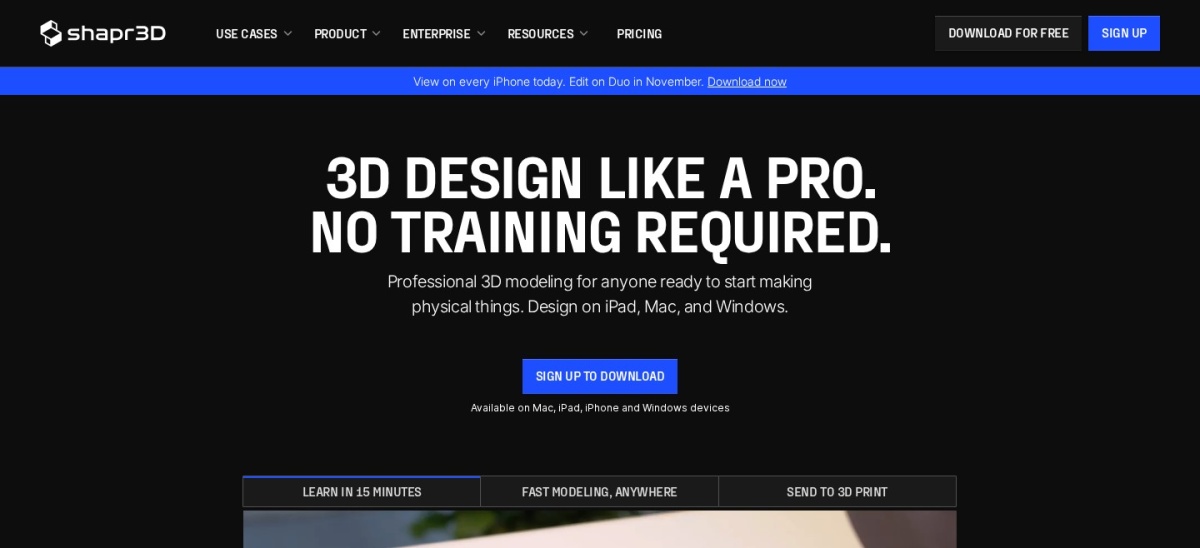
Shapr3D is a 3D modeler built for touch first, with sketching on iPad with an Apple Pencil and apps for Mac and Windows. Underneath sits the Parasolid geometry kernel, the same engine used by high-end engineering software. The free Basic plan covers casual use with a 2-project limit, and it is rated 4.8 out of 5 on G2 from 173 reviews.
The trade off is the free plan's ceiling. Two projects and low-resolution STL export are enough to try it, but real work needs Pro at $299 a year. It suits woodworkers who like to sketch furniture ideas on a tablet and refine them at a desk.
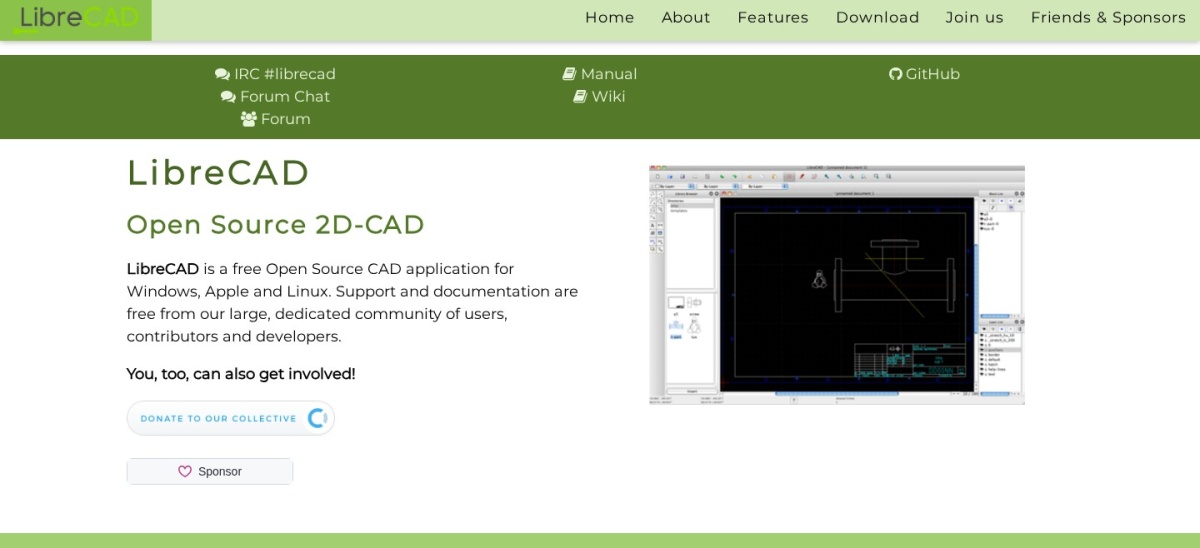
LibreCAD is a free, open-source 2D CAD program for Windows, macOS and Linux. It does one job: dimensioned technical drawings such as front views, side views and cut diagrams for the shop. It reads and writes DXF files, runs on older hardware, and it is rated 3.8 out of 5 on G2 from 25 reviews.
The trade off is scope. LibreCAD has no 3D modeling, so it cannot show how a cabinet looks assembled or export a 3D file for a client. It suits woodworkers who need clean 2D shop drawings and already model in 3D elsewhere, or who work only from flat plans.
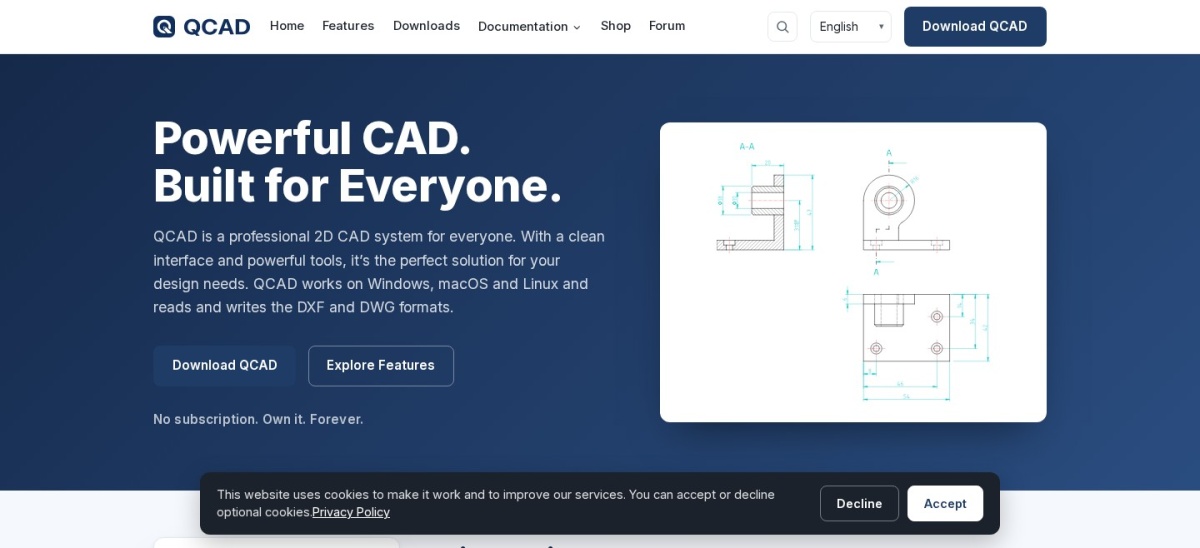
QCAD is a 2D CAD system with a free Community Edition and a paid Professional version. The interface is cleaner than LibreCAD, with layers, blocks, hatching, dimensioning and snap tools, and it reads and writes DXF and DWG files. It is rated 4.4 out of 5 on G2 from 13 reviews.
The trade off is cost for full DWG support. The Community Edition is free and open source, while Professional is a $39.92 one-time purchase that adds DWG editing and support. It suits small shops that want polished 2D drafting and a cheap, one-time upgrade path.
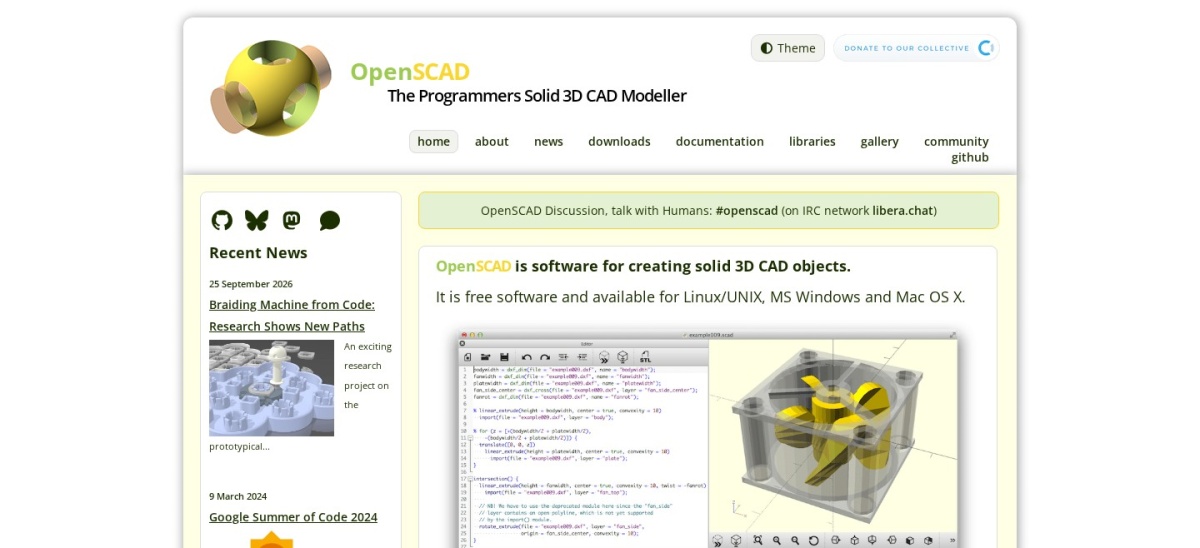
OpenSCAD is free, open-source CAD for people who prefer code to mouse clicks. You describe parts in a script, such as a box 100 mm by 50 mm by 18 mm with a 10 mm hole, and the model renders from it. Change one number and every dependent dimension updates. It is rated 4.3 out of 5 on G2 from 31 reviews.
The trade off is the learning curve. There is no visual modeling, so designing a chair means writing and reading code, which slows down free-form work. It suits makers who build precise, repeatable parts such as jigs, brackets and joinery templates from dimensions.
Tinkercad is Autodesk's free, browser-based 3D design tool for beginners. You build models by stacking and cutting simple shapes, with no software to install and no paid plan to buy. It includes 3D design, circuits and lessons, and it exports STL files. It is rated 4.5 out of 5 on G2 from 120 reviews.
The trade off is depth. Tinkercad has no parametric sketches, exact dimensions or assemblies, so a bookshelf mockup is quick but a cut list is not. It suits a first 3D model, a classroom and anyone who wants to show a client proportions before drawing the real plans.
Free plans cover the basics well. Most include full modeling, exports and enough storage for hobby projects.
Paid plans mostly add privacy, commercial use and documentation. Onshape's free documents are public, Fusion's free tier bans commercial work, and SketchUp's LayOut needs Go.
If you sell your work, the free tier's license matters more than its features. Check the commercial-use terms before a paid job, not after.
For a shop that earns money from every piece, the first year of a paid plan often costs less than one ruined sheet of hardwood.
How we chose
We started from the CAD tools woodworkers and makers recommend most, then kept the nine with a genuinely free plan or free tier that covers real design work.
Prices come from each vendor's pricing page, checked on 23 November 2026. Ratings and review counts come from G2 on the same day. Where a vendor shows a sale, the list shows the regular price.
We left out tools with no free plan and trial-only CAD. No vendor paid for a place, and we do not claim hands-on testing for this list.
How to choose free CAD software for woodworking
Start with how you will use the model, then match the tool to that job.
Decide 3D or 2D first. If you need to see the piece assembled, pick a 3D modeler such as SketchUp Free or FreeCAD. If you only need dimensioned plans, LibreCAD or QCAD is enough.
Check the free tier's license. SketchUp Free is personal use only, Fusion's personal tier bans commercial work over $1,000 a year, and Onshape's free documents are public. Paid work needs a paid plan.
Match the tool to your machine. CNC owners should weigh Fusion's built-in CAM against a separate CAM step, and check which file formats your router software accepts.
Try the free plan on a real project. Model a small shelf or a box first. If the tool fights you on dimensions or exports, switch before you invest hours in a full cabinet.
FAQ
What is the best free CAD software for woodworking?
SketchUp Free is the best free pick for most woodworkers. Its push-pull modeling is fast to learn, the 3D Warehouse holds thousands of furniture models, and it runs in a browser. It is rated 4.5 out of 5 on G2 from 1,328 reviews.
Is FreeCAD really free?
Yes. FreeCAD is free and open-source software with no paid plan, no trial and no locked features. You can model parts, make shop drawings and generate CAM toolpaths without paying anything, on Windows, macOS and Linux.
Can I use Fusion 360 for free as a woodworker?
Yes, if your work is non-commercial and you earn under $1,000 a year from your designs. The personal-use tier includes core modeling and CAM but limits you to 10 active documents. Selling work needs the $680-a-year subscription.
Do I need 3D CAD, or is 2D enough for woodworking?
2D is enough if you work from flat plans and cut lists. LibreCAD or QCAD produce dimensioned drawings for the shop. 3D helps when you want to check proportions, test a joint or show a client the finished piece before cutting.
Which free CAD software works with a CNC router?
Autodesk Fusion is the strongest free option, with 3-axis CAM in the same app on its personal tier. FreeCAD also has a CAM workbench. SketchUp Free and the 2D tools can design parts, but you need separate CAM software to cut them.
Can I sell furniture designed in free CAD software?
It depends on the license. FreeCAD, LibreCAD, OpenSCAD, QCAD and Tinkercad place no commercial limits on your designs. SketchUp Free is personal use only, Fusion personal use is non-commercial, and Onshape's free plan is non-commercial with public documents.