Best Free Benchmark Software in 2026: 9 Tools Compared
WLWPLegible EditorsLast verified 23 Nov 2026How we rank12 min read
★ Short answer
Geekbench 7 is the best free benchmark software for most PCs: free for personal use, it covers CPU, GPU compute and AI workloads on Windows, Mac, Linux, Android and iOS, and is rated 4.4/5 on Google Play. Pick Cinebench 2026 for CPU rendering tests and Novabench for a free all-in-one system check.
How we make this list: we compare pricing pages, product documentation and public user reviews, then re-check every price before each update. No product paid for a place. Disclosure.
Geekbench 7 is the best free pick: CPU, GPU compute and AI tests, free for personal use, with Pro at $99 as a one-time purchase.
Cinebench 2026 is fully free with no paid tier, and it is the standard CPU and GPU render test.
Novabench is the best free all-in-one check: CPU, GPU, memory, storage and NPU, with Plus at $36 a year.
3DMark is the standard GPU benchmark, but the full Advanced Edition costs $34.99 and the free demo is limited.
UserBenchmark is fast and free, but its 1.6 out of 5 Trustpilot rating means its rankings need a second opinion.
What to look for in free benchmark software
A benchmark turns a vague feeling that a PC is slow into a number you can compare. Run the same test before and after an upgrade, and the change in score shows whether the money helped.
Match the tool to the part you care about. CPU render tests suit Cinebench, GPU tests suit 3DMark, drive speed suits CrystalDiskMark, and a full-system check suits Geekbench 7 or Novabench.
Free plans cover most home use. Paid upgrades mostly add automation, offline results, commercial use or deeper reports, not faster tests. If a score is low, the cause is often heat or background load, and our guide on fixing high CPU usage covers the usual culprits.
Scores only compare within the same tool and version. A Geekbench 7 score cannot be set against a Cinebench score, and a new version can change the scale.
4.4/5on Google Play (325 reviews, checked Nov 2026)
Paid from$99/once
Best free benchmark software overall
CPU testYes, single and multi-core
GPU compute testYes, OpenCL, Metal, Vulkan, CUDA
AI workloadsYes
Paid planPro, $99 one-time
geekbench.com
Geekbench 7 homepage, captured Nov 2026.
Geekbench 7 is a cross-platform benchmark from Primate Labs that scores CPU, GPU compute and AI workloads with real-world tasks such as video calls, photo work and machine learning. It is free for personal use on Windows, macOS, Linux, Android and iOS, and results can be compared in the Geekbench Browser.
The trade off is the paid tier. Pro costs $99 as a one-time purchase per user and adds command-line automation, offline results and a commercial-use licence. It suits anyone who wants one quick, comparable score for a PC, phone or Mac.
What we like
Free for personal use on five platforms
Covers CPU, GPU compute and AI workloads
Scores compare across devices in the Geekbench Browser
Rated 4.4 out of 5 on Google Play from 325 ratings
Watch out for
Pro automation and offline results cost $99
Free results upload to the public browser by default
Cinebench 2026 is Maxon's free render benchmark, built on the Cinema 4D engine, and it measures CPU and GPU rendering with the same scene on every machine. It runs on Windows and macOS, including Apple Silicon and Arm64 Windows, and there is no paid tier at all.
The trade off is narrow scope. It only renders, so it says little about disk speed, everyday office work or gaming frame rates, and a single run takes several minutes on slower machines. It suits buyers comparing CPUs for rendering and 3D work.
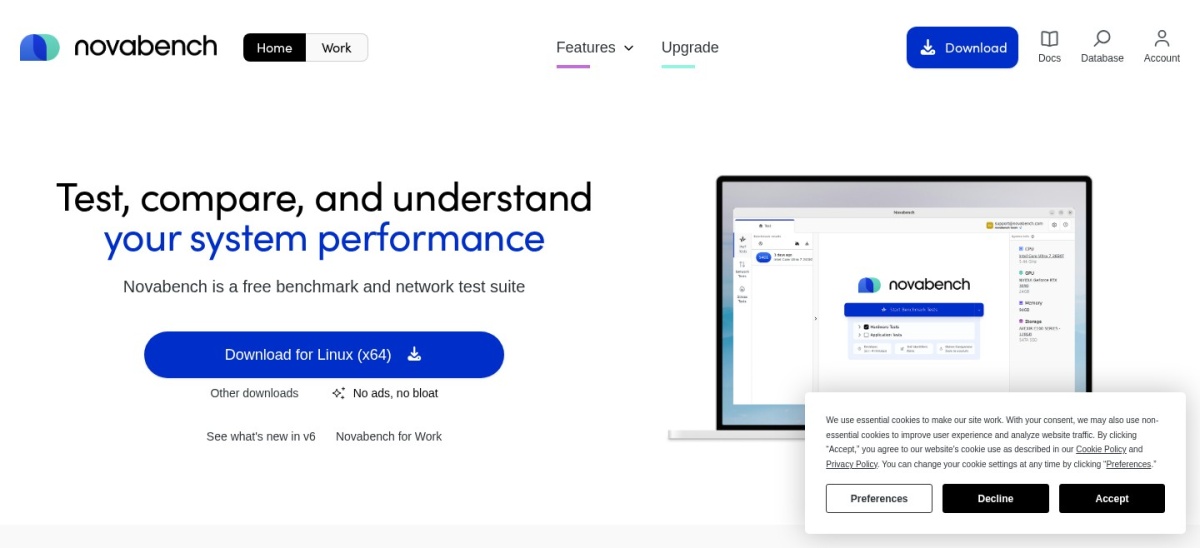
Novabench is a free benchmark and network test suite for Windows, Mac and Linux that checks CPU, GPU, memory, storage and NPU in one run and compares the score with millions of other results. The free version has no ads, and it also runs stress tests and network checks such as traceroute.
The trade off is reporting depth. Plus costs $36 a year and adds plain-language explanations of every test, detailed comparison reports, scheduled tests and sensor logging. It suits anyone who wants a full-system check in minutes without paying.
3DMark is UL Solutions' graphics benchmark for Windows, macOS, Android and iOS, with DirectX 12 tests such as Time Spy and Steel Nomad plus a storage benchmark. A free demo on Steam runs a limited set of tests, and scores compare directly with other systems.
The trade off is price for the full suite. Advanced Edition costs $34.99 as a one-time purchase, and the professional edition for business use is a separate annual licence. It suits gamers and overclockers who want a standard GPU score.
What we like
Standard GPU score used across the industry
DirectX 12 tests including Time Spy and Steel Nomad
4.1/5on Microsoft Store (209 reviews, checked Nov 2026)
Paid from$39/once
Best per-part scores and baseline database
CPU testYes
Disk testYes
Free standard testsYes, no time limit
Paid planAdvanced, $39 one-time
passmark.com
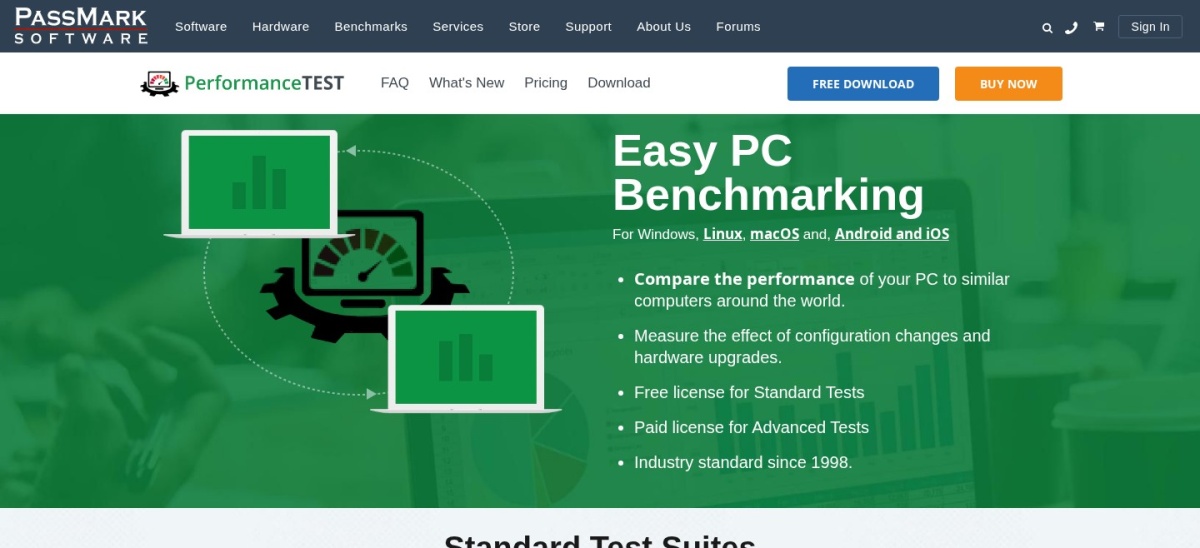
PassMark PerformanceTest homepage, captured Nov 2026.
PassMark PerformanceTest is a PC benchmark that has run since 1998 and scores CPU, 2D and 3D graphics, disk and memory, then rolls them into one PassMark Rating. The standard tests are free with no time limit on Windows, and Linux, macOS and mobile versions are free.
The trade off is the advanced tests. Disk, network, physics and GPU compute scenarios need a $39 one-time licence after a 30-day trial, and the interface looks dated next to newer tools. It suits IT staff who want per-part scores and a large baseline database.
4.7/5on Microsoft Store (1,163 reviews, checked Nov 2026)
PriceFree
Best free disk speed test
Disk testSequential and random
CPU testNo
PlatformsWindows only
Paid planNone, fully free
crystalmark.info
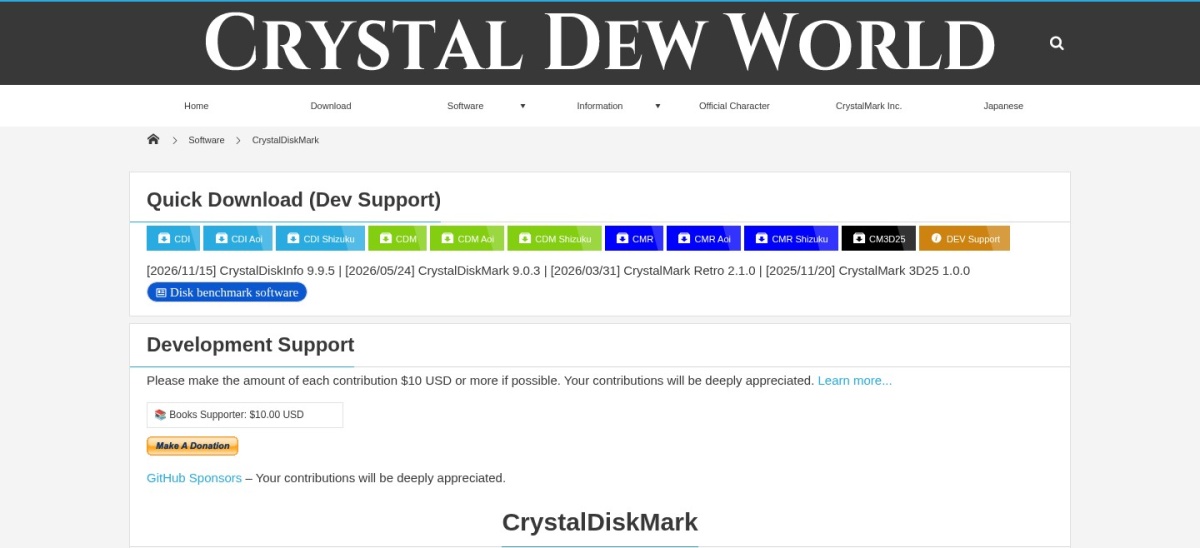
CrystalDiskMark homepage, captured Nov 2026.
CrystalDiskMark is a free, open-source disk benchmark for Windows that measures sequential and random read and write speeds, the numbers that decide how fast a drive feels. Version 9.0.3 is a 4 MB download, and results are easy to compare between drives.
The trade off is focus. It only tests storage, so it cannot score a CPU or GPU, and it runs on Windows only. It suits anyone comparing SSDs or checking whether a new drive performs as advertised.
What we like
Fully free with no paid tier
Small 4 MB download
Sequential and random speed results
Rated 4.7 out of 5 from 1,163 Microsoft Store reviews
PCMark 10 is UL Solutions' full-system benchmark for Windows that scores everyday work such as web browsing, writing, spreadsheets, video calls and light photo editing. The Basic edition is free and covers the main benchmark, and it runs on Windows 10 and 11.
The trade off is age and price. Advanced Edition costs $29.99 as a one-time purchase, Steam reviews are mixed at 67% positive, and UL now points buyers to its newer Procyon suite. It suits office PC buyers who want one everyday-work score.
1.6/5on Trustpilot (931 reviews, checked Nov 2026)
PriceFree
Best quick free PC speed check
CPU testYes
GPU testYes
Drive testYes, SSD and hard drive
Paid planNone, fully free
userbenchmark.com
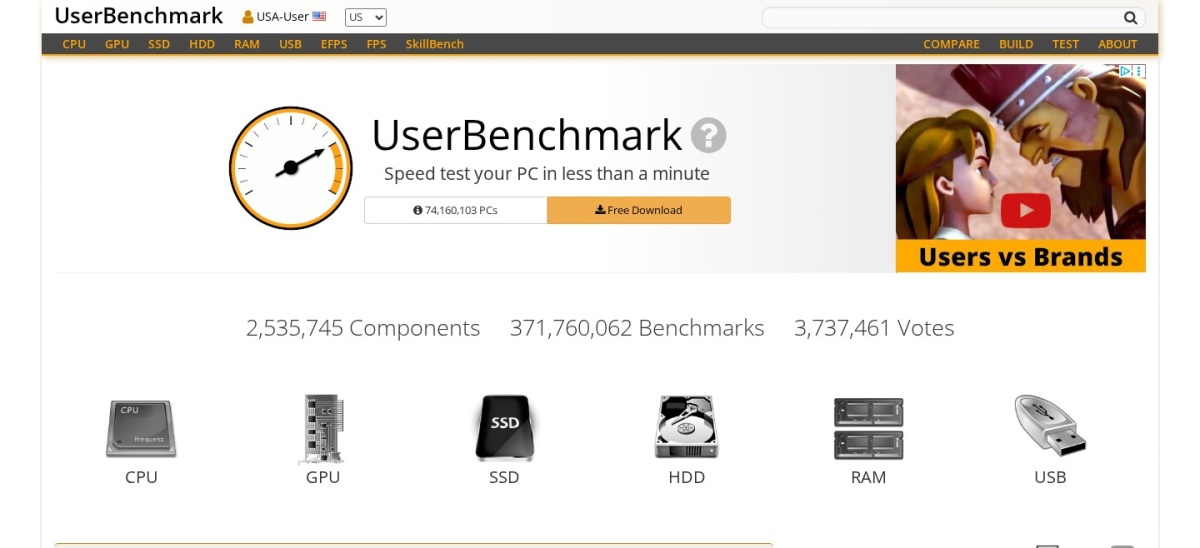
UserBenchmark homepage, captured Nov 2026.
UserBenchmark is a free Windows tool that speed-tests a PC in under a minute, covering CPU, GPU, SSD, hard drive, RAM and USB, then compares each part with its database. Its homepage counts more than 74 million PCs and more than 371 million benchmarks.
The trade off is trust. It is rated 1.6 out of 5 on Trustpilot from 931 reviews, with users criticising biased hardware comparisons, so treat its rankings as a rough guide only. It suits a quick check of which part is holding a PC back.
4.6/5on App Store (2,299 reviews, checked Nov 2026)
Starts at$65.95/once
Best diagnostics with stress testing
Stress testYes
Sensor monitoringYes, live readings
Hardware inventoryYes
Paid planExtreme, $65.95 for 3 PCs
aida64.com
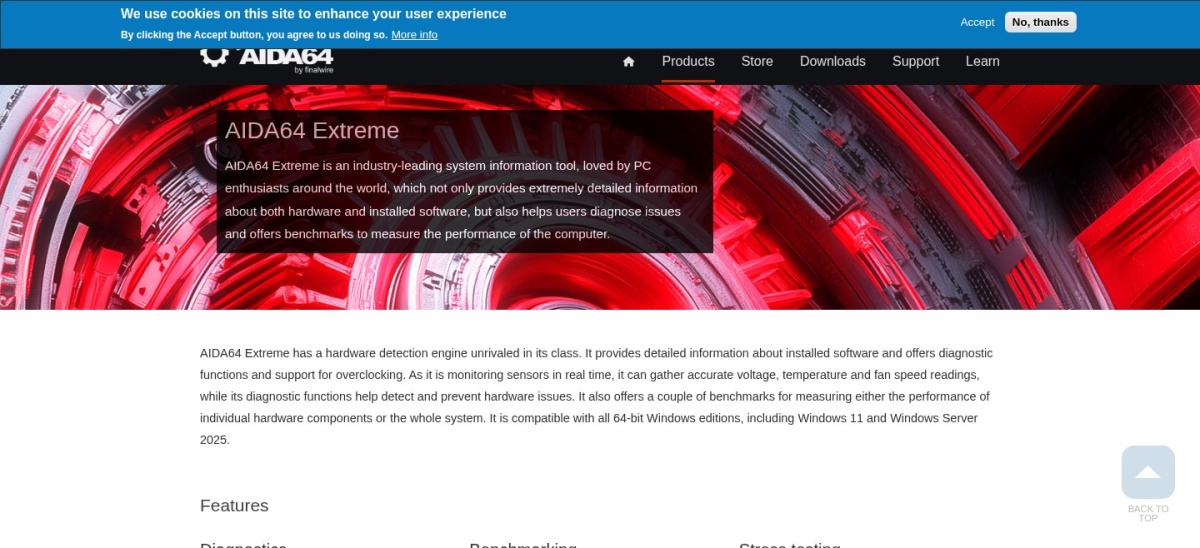
AIDA64 Extreme homepage, captured Nov 2026.
AIDA64 Extreme is a Windows diagnostics tool from FinalWire that pairs hardware inventory and benchmarks with live sensor readings for temperature, voltage and fan speed. It also runs stress tests to check stability, and it supports Windows 11 and Windows Server 2025.
The trade off is that it is not free. The 30-day trial is followed by a $65.95 licence for 3 PCs, the highest price in this list, and its benchmark set is smaller than the dedicated tools above. It suits enthusiasts who want diagnostics and stress testing in one app.
Free plans run the core tests. Geekbench 7, Cinebench 2026, Novabench, CrystalDiskMark and UserBenchmark all give useful scores without paying.
Paid plans add automation, offline results and commercial licences. Geekbench Pro adds command-line runs, Novabench Plus adds plain-language reports, and PassMark Advanced adds configurable test scenarios.
Pay only when the free version blocks a job you do often. For a one-off upgrade check, the free tests in this list are enough.
How we chose
We started from the best-known free benchmark tools for Windows, Mac and Linux, then kept nine that are still maintained and widely used.
Prices come from each vendor's pricing page, checked on 23 November 2026. Ratings come from Google Play, GetApp, Capterra, Steam, the Microsoft Store, Trustpilot and the App Store on the same day. Where a vendor shows a sale, the list shows the regular price.
We left out tools with no public download or no maintained release. No vendor paid for a place, and we do not claim hands-on testing for this list.
How to choose free benchmark software
Decide which part you need to measure, then pick the tool that tests it for free.
Pick the part to measure. CPU rendering points to Cinebench, graphics points to 3DMark, drive speed points to CrystalDiskMark, and a whole PC points to Geekbench 7 or Novabench.
Check the free plan first. Most tools in this list give their core score free. Pay only if you need automation, offline results or a commercial licence.
Run the same test twice. Close other apps, run the test, then run it again. If the two scores differ a lot, heat or background apps are affecting the result.
Compare within one tool only. Scores from different tools use different scales. Keep the same tool and version when you compare two machines or an upgrade.
FAQ
What is the best free benchmark software?
Geekbench 7 is the best free benchmark software for most PCs. It is free for personal use, tests CPU, GPU compute and AI workloads, runs on Windows, Mac, Linux, Android and iOS, and is rated 4.4 out of 5 on Google Play from 325 ratings.
Is Cinebench really free?
Yes. Cinebench 2026 is free to download from Maxon, with no paid tier and no locked tests. It measures CPU and GPU rendering with the Cinema 4D engine on Windows and macOS.
Which benchmark is best for gaming PCs?
3DMark is the standard choice for gaming PCs, with DirectX 12 tests such as Time Spy and Steel Nomad. The free demo on Steam runs a limited set of tests, and the full Advanced Edition costs $34.99 as a one-time purchase.
Can I benchmark a PC without installing anything?
Most tools here need a download, and the downloads are small: CrystalDiskMark is about 4 MB. Web-based speed tests cover internet speed only, not CPU, GPU or disk performance.
Why do benchmark scores differ between runs?
Heat, background apps and power settings change scores between runs. Close other programs, plug a laptop into power, and run the same test twice before you compare two machines.
Is UserBenchmark reliable?
Use it with care. It is fast and free, and its database is huge, but it is rated 1.6 out of 5 on Trustpilot from 931 reviews, with users criticising biased hardware comparisons. Check any surprising result with a second tool.