Stellar Data Recovery for Android is the best free Android data recovery software for most people. Its free version previews files and recovers up to 10 of them, and it is rated 4.8 out of 5 on Trustpilot. Pick DiskDigger for a free on-phone photo rescue and EaseUS MobiSaver for a simple desktop scan.
How we make this list: we compare pricing pages, product documentation and public user reviews, then re-check every price before each update. No product paid for a place. Disclosure.
Stellar leads with a 4.8 out of 5 Trustpilot rating, Android 6 to 17 support and a free version that recovers up to 10 files.
DiskDigger is the only tool here that runs fully on the phone and is free, with 100 million plus installs on Google Play.
Most desktop tools only scan and preview for free; you pay before any file is restored.
Full internal storage scans usually need root, while SD card and backup recovery often do not.
Paid plans run from $2.99 once for DiskDigger Pro to $89 a year for Disk Drill Pro.
What free Android recovery can and cannot do
Deleted Android files are not gone at once. They stay on storage until new data writes over them, so stop using the phone and start recovery as soon as you can.
A free plan usually means a free scan and preview, not free recovery. Most tools in this list let you see what is found, then ask for payment to restore it.
Root access is the big split. Without root, an app can only reach cached files, SD cards and backups. Deeper scans of internal storage need a rooted phone.
Check the file types first. Our guide on the 3-2-1 backup rule for websites makes the same point for any data: a backup beats recovery every time.
The 9 best free Android data recovery software tools
01
Stellar Data Recovery for Android
4.8/5on Trustpilot (5,610 reviews, checked Nov 2026)
Paid from$59.99/yr
Best free Android data recovery software overall
Free recoveryUp to 10 files
Android supportAndroid 6 to 17
WhatsApp recoveryYes, from Google Drive
Paid planStandard, 1 year
stellarinfo.com
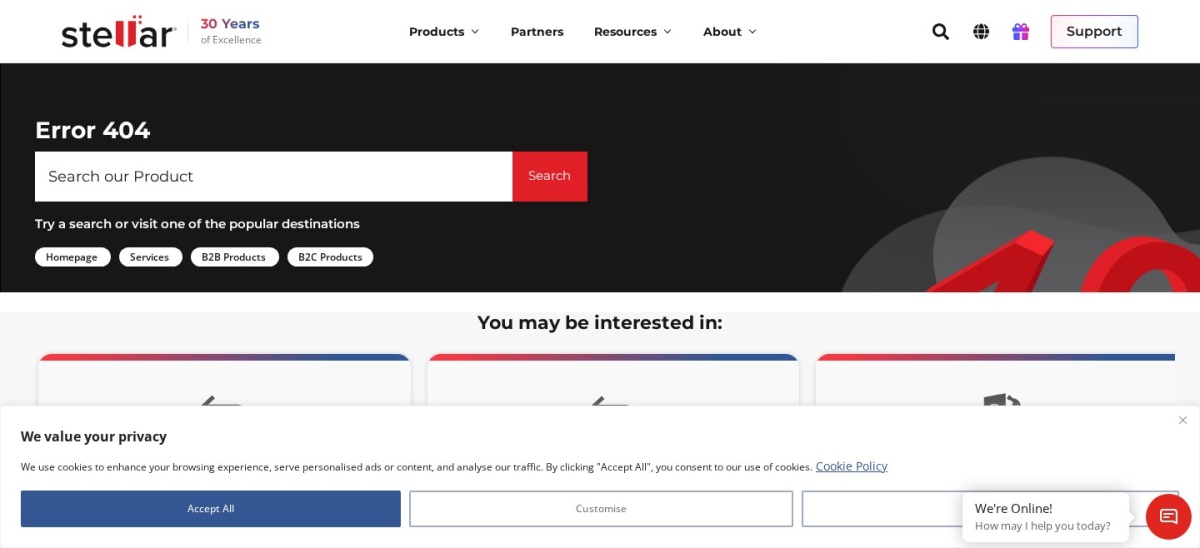
Stellar Data Recovery for Android homepage, captured Nov 2026.
Stellar Data Recovery for Android is a Windows tool that recovers photos, videos, messages, contacts, call history and documents from Android phones and tablets. The free version scans and previews files and lets you save up to 10 of them, and it supports Android 6 to 17 across Samsung, Pixel, Xiaomi, OPPO, Vivo and OnePlus devices.
The trade off is price. The Standard plan lists at $59.99 a year, with a sale price of $29.99 shown on the store page at the time of checking. It suits most people who lost photos or messages and want a guided desktop recovery without root.
What we like
Highest Trustpilot rating in this list at 4.8 out of 5
4.9/5on Trustpilot (39,747 reviews, checked Nov 2026)
Paid from$39.95/yr
Best for a simple desktop scan
Free recoveryScan and preview only
File typesPhotos, video, contacts, SMS
WhatsApp recoveryYes
Paid planPro, 1 PC
easeus.com
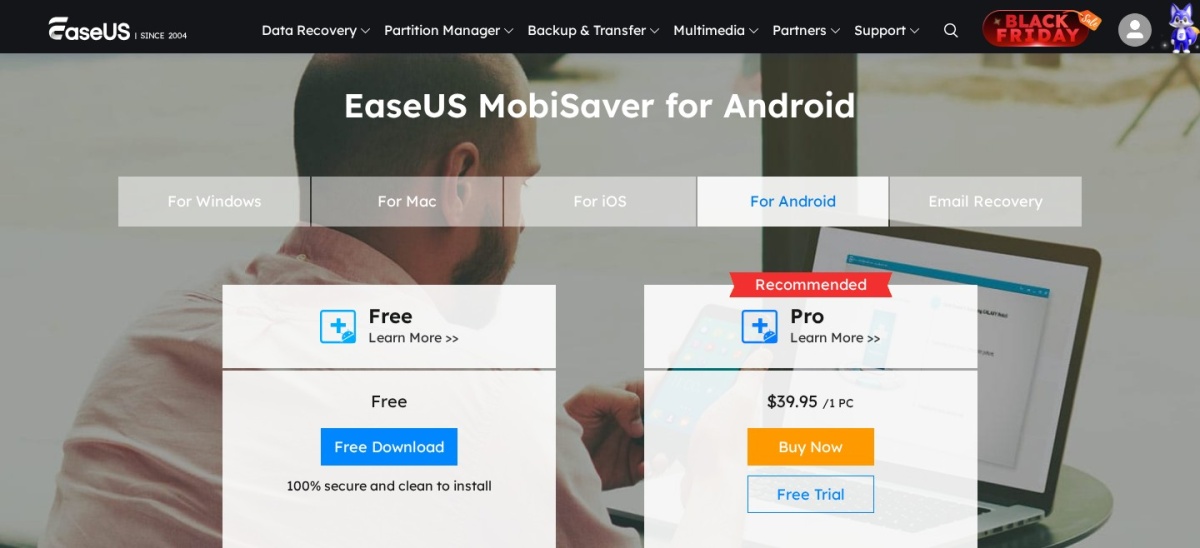
EaseUS MobiSaver for Android homepage, captured Nov 2026.
EaseUS MobiSaver for Android is a desktop tool for Windows that recovers photos, videos, contacts, SMS, audio, documents and WhatsApp data from a phone, tablet, SD card or Google Drive backup. The free version scans and previews what can be found, and the Pro licence costs $39.95 for one year on one PC.
The trade off is that the free version restores very little, so most people pay before they get a file back. It suits anyone who wants a plain three-step scan and is happy to pay $39.95 once the preview shows the missing files.
What we like
Very high Trustpilot rating at 4.9 out of 5
Covers Google Drive backups as well as the phone
Simple interface with a clear preview step
Lifetime licence available for $59.95
Watch out for
Free version is scan and preview only
Deep recovery can need a rooted phone
Windows only for the Android tool
Pro adds unlimited recovery and free upgrades for a yearVisit easeus.com
03
Wondershare Dr.Fone
4.3/5on Trustpilot (5,157 reviews, checked Nov 2026)
Paid from$48.95/yr
Best for WhatsApp and broken phones
Free recoveryScan and preview only
Devices supported6,000+ Android devices
WhatsApp recoveryYes, plus broken phones
Paid planData Recovery, annual
drfone.wondershare.com
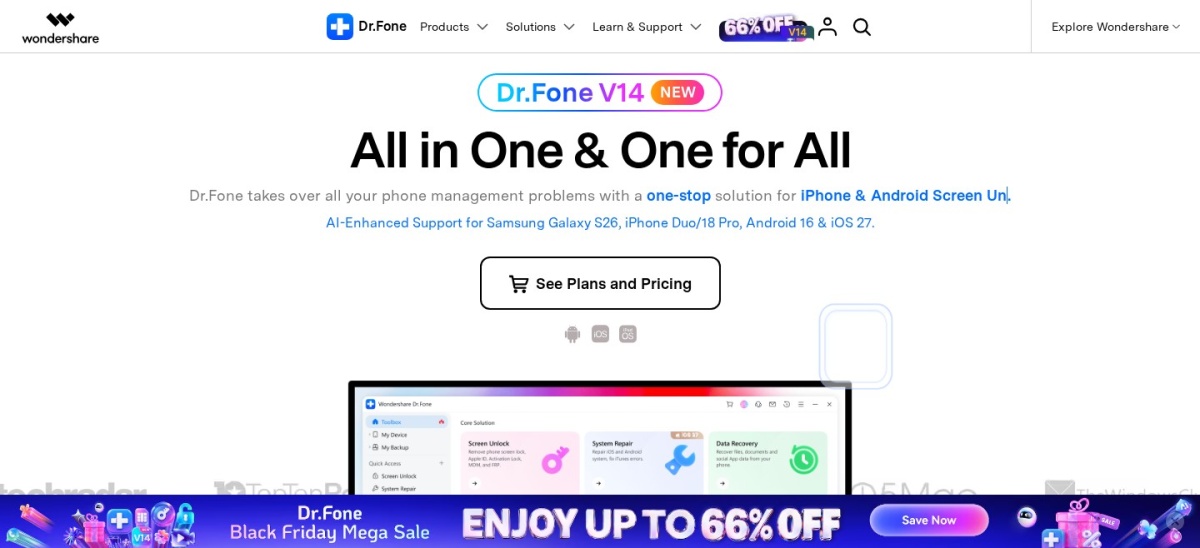
Wondershare Dr.Fone homepage, captured Nov 2026.
Wondershare Dr.Fone is a desktop toolkit whose Data Recovery module restores photos, videos, contacts, messages, documents and WhatsApp data from Android phones. It covers more than 6,000 Android devices, restores from Google Drive backups and can pull data from a phone with a broken screen.
The trade off is price. The annual plan lists at $48.95 a year, with a sale price of $39.95 shown on the store page, and a perpetual licence lists at $60.95. It suits people who lost WhatsApp chats or whose phone screen no longer works.
4.4/5on Trustpilot (752 reviews, checked Nov 2026)
Paid from$39.95/yr
Best for no-root recovery
Free recoveryScan and preview only
Root neededNo, for most file types
Android supportAndroid 5 to 16
Paid plan1-year, 1 PC, 5 devices
tenorshare.com
Tenorshare UltData for Android homepage, captured Nov 2026.
Tenorshare UltData for Android is a desktop tool that recovers deleted photos, videos, contacts, messages, call history and WhatsApp data from internal storage and SD cards. It works without root for most file types, supports Android 5 to 16, and the 1-year licence costs $39.95 for one PC and up to 5 devices.
The trade off is that the free version only scans and previews, so recovery itself is paid. A lifetime licence costs $49.95 if you expect to need it more than once. It suits people who do not want to root a phone to try a recovery.
3.3/5on Trustpilot (1,527 reviews, checked Nov 2026)
Paid from$39.99/yr
Best all-in-one Android toolkit
Free recoveryScan and preview only
File types13 types incl. WhatsApp
Extra toolsUnlock, repair, backup
Paid planFull toolkit, 1 device
imobie.com
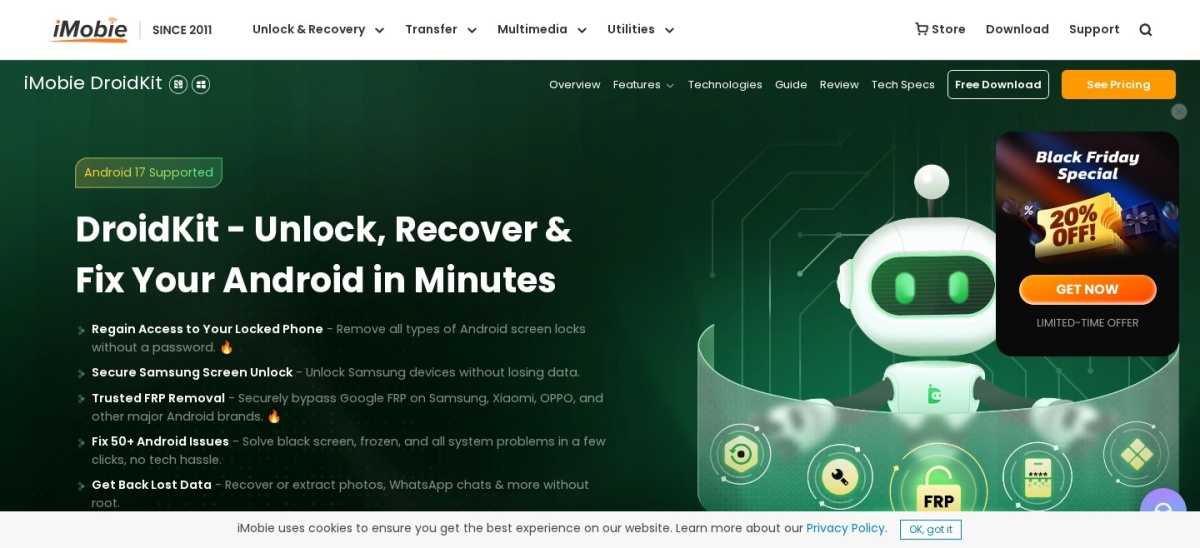
iMobie DroidKit homepage, captured Nov 2026.
iMobie DroidKit is a desktop toolkit for Windows and Mac that bundles data recovery with screen unlock, system repair, data extraction and backup tools. Its recovery module covers 13 file types, with Quick Recovery that needs no root, Deep Recovery that needs root, and a separate WhatsApp mode.
The trade off is cost and complexity. The full toolkit costs $39.99 a year for one device, or $79.99 a year for five, and single modules are sold separately. It suits people who want one paid toolkit for recovery plus unlock and repair jobs.
What we like
Eight Android tools in one paid toolkit
Quick Recovery works without root
Extracts data from crashed Samsung devices
60-day money-back guarantee on yearly plans
Watch out for
Lowest Trustpilot rating in the top five at 3.3 out of 5
Free version is scan and preview only
Module pricing can be confusing
Full toolkit adds unlock, repair and extraction toolsVisit imobie.com
06
DiskDigger
2.9/5on Google Play (507K reviews, checked Nov 2026)
Paid from$2.99/once
Best truly free on-phone recovery
Free recoveryYes, photos on the phone
Installs100M+ on Google Play
Root neededNo for basic scan
Paid planPro, $2.99 one-time
diskdigger.org
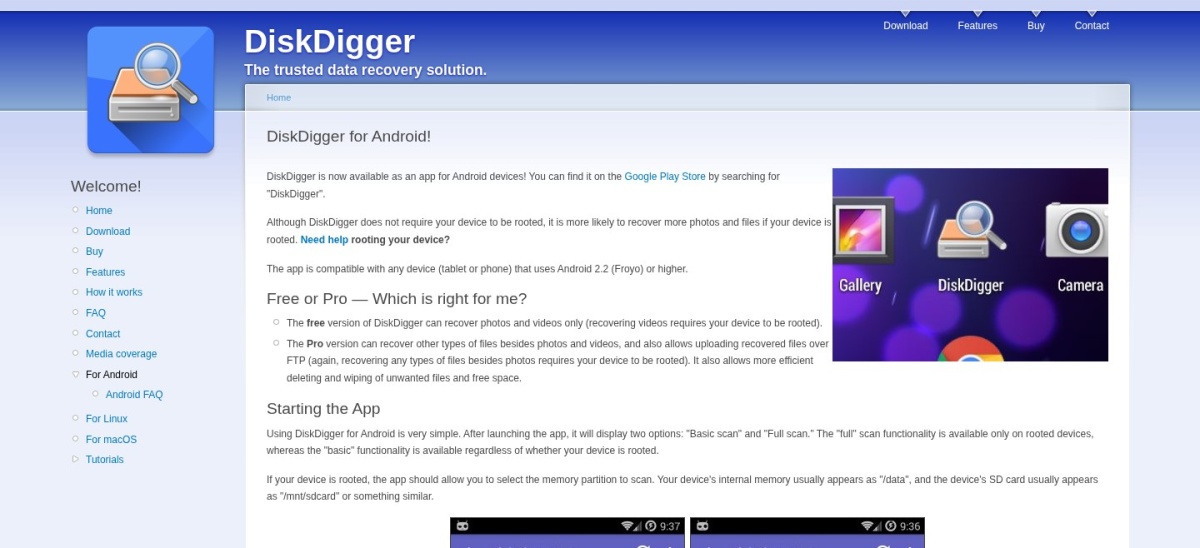
DiskDigger homepage, captured Nov 2026.
DiskDigger is an Android app from Defiant Technologies that scans a phone or memory card for deleted photos, videos, documents and music without a computer. The free version recovers photos from the basic scan, and it has more than 100 million installs on Google Play.
The trade off is quality and depth. Without root, the free scan mostly finds smaller cached copies of photos, and full-resolution recovery needs a rooted phone. Pro costs $2.99 once and adds all file types. It suits a quick, free first try at lost photos.
3.9/5on Trustpilot (264 reviews, checked Nov 2026)
Paid from$45.47/yr
Best for many file types
Free recoveryPreview only
File types100+ types
Devices per licenceUp to 6 on 1 PC
Paid plan1-year, Windows
fonepaw.com
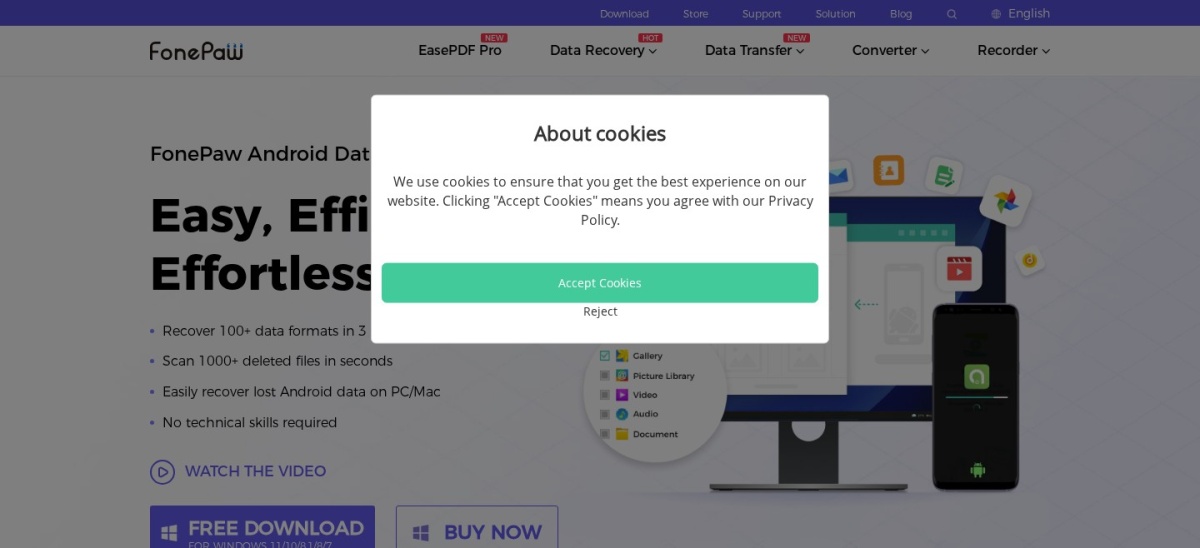
FonePaw Android Data Recovery homepage, captured Nov 2026.
FonePaw Android Data Recovery is a desktop tool for Windows and Mac that recovers more than 100 file types, including photos, videos, contacts, messages, call logs, WhatsApp data and documents. It reads internal memory, SD cards and SIM cards, and one licence covers up to 6 devices on one PC.
The trade off is that the free trial only previews found files, so you pay $45.47 for a one-year licence before anything is restored. A lifetime licence costs $55.97. It suits people with several phones to check who want one licence to cover them all.
4.8/5on Trustpilot (3,529 reviews, checked Nov 2026)
Paid from$39.00/yr
Best for a small free recovery
Free recovery10 files of one type
Recovery modulesPhone and SD card
PlatformWindows only
Paid planPersonal, 1 year
minitool.com
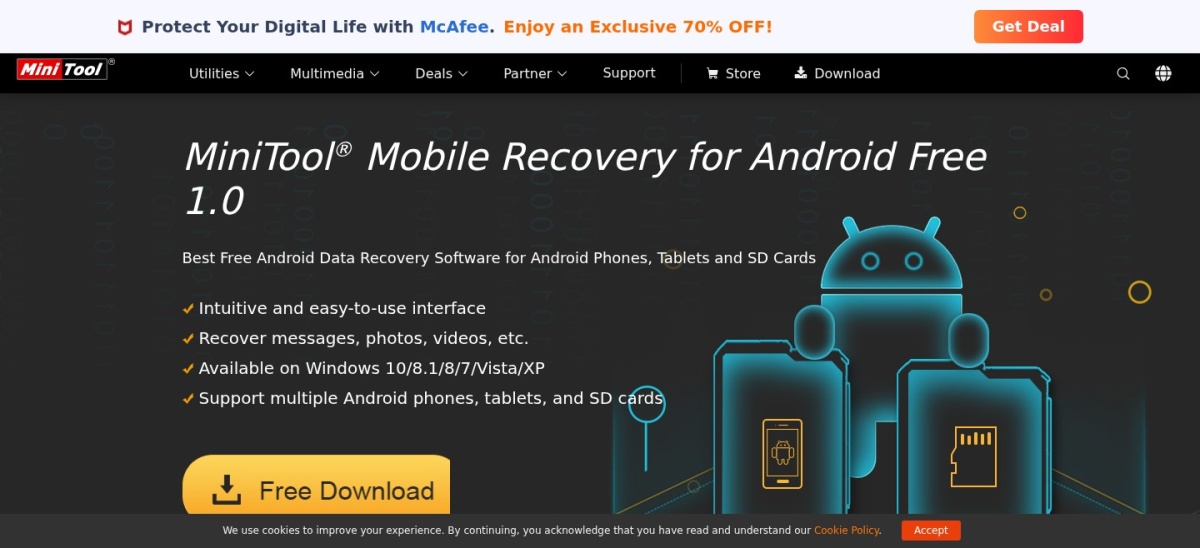
MiniTool Mobile Recovery for Android homepage, captured Nov 2026.
MiniTool Mobile Recovery for Android is a Windows tool with two recovery modules, one for the phone and one for the SD card. The free edition scans for free and restores 10 files of one type at a time, which is enough for a small loss of photos or messages.
The trade off is age and reach. The tool only runs on Windows, and deep recovery needs a rooted phone, so unrooted phones get a limited scan. The Personal licence costs $39.00 a year, or $49.00 for a lifetime. It suits a small, simple recovery on Windows.
3.8/5on Trustpilot (173 reviews, checked Nov 2026)
Paid from$89.00/yr
Best for SD cards and other drives
Free recoveryUp to 500 MB on Windows
File types400+ types
Android recoveryRooted device, Mac only
Paid planPro, annual
cleverfiles.com
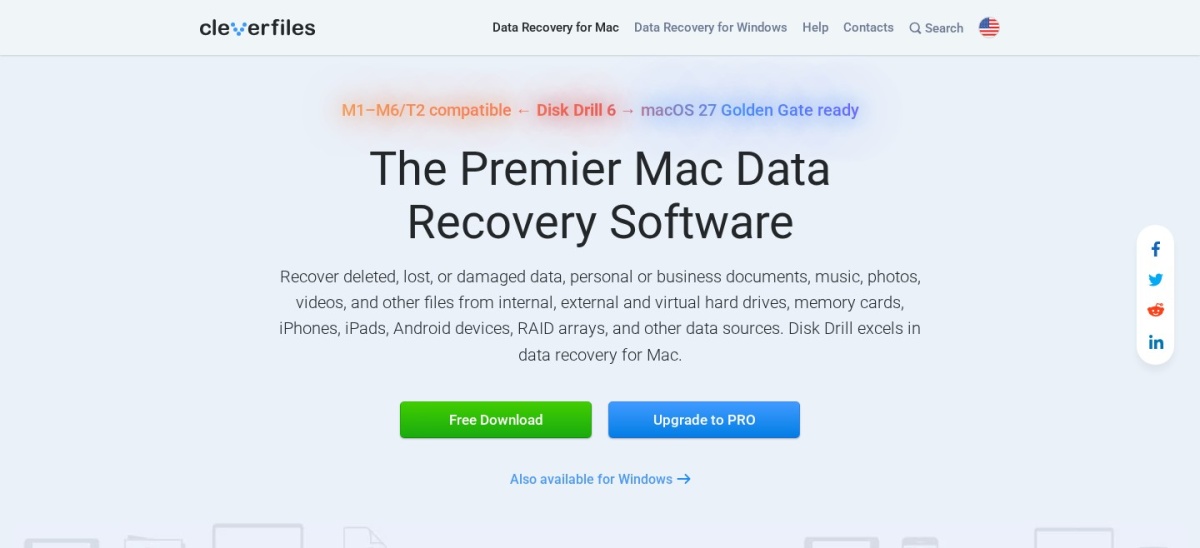
Disk Drill homepage, captured Nov 2026.
Disk Drill is a data recovery tool for Windows and Mac that covers hard drives, USB sticks, memory cards and Android devices. The free Basic edition scans and previews files and recovers up to 500 MB on Windows, and Pro supports more than 400 file types.
The trade off is Android support. Android phone recovery needs a rooted device and runs from a Mac, so it is a weaker fit for phone storage than for a removable SD card. Pro costs $89.00 a year, or $149.00 for a lifetime. It suits SD card recovery and general drive recovery.
Free plans here mostly cover scanning and previewing. Only DiskDigger, Stellar and MiniTool let you save files without paying, and each caps how much you can save.
Paid plans mostly add unlimited recovery. You pay once the preview shows your files, which is a fair deal if the missing data matters.
Root is the other paid-free split. No free tool can scan deep internal storage on an unrooted phone, so check the root need before you buy.
For anything you cannot lose twice, set up a backup after recovery. Our guide on how to back up WordPress to Google Drive shows the same habit applied to a site.
How we chose
We started from the Android recovery tools most often listed in 2026 round-ups, then kept nine established tools with a free version or free scan and a public pricing page.
Prices come from each vendor pricing or store page, checked on 25 November 2026. Ratings come from Trustpilot, or Google Play for DiskDigger, on the same day. Where a vendor shows a sale, the list shows the regular price.
We left out tools with no verifiable rating or price. No vendor paid for a place, and we do not claim hands-on testing for this list.
How to choose free Android data recovery software
Stop using the phone first, then match the tool to where the files were lost.
Stop writing new data to the phone. New photos, downloads and app updates can overwrite deleted files. Put the phone aside until you have picked a tool.
Try the free on-phone option first. DiskDigger is free on the phone and can recover photos without a computer. If it finds your files, you are done.
Pick a desktop tool for messages and WhatsApp. Stellar, EaseUS, Dr.Fone and UltData scan for contacts, messages and WhatsApp data that an on-phone app cannot reach.
Check root needs before paying. Deep internal scans usually need a rooted phone. Confirm your phone is supported and back up anything still on it first.
FAQ
What is the best free Android data recovery software?
Stellar Data Recovery for Android is the best pick for most people. Its free version previews files and recovers up to 10 of them, it supports Android 6 to 17, and it is rated 4.8 out of 5 on Trustpilot.
Can I recover deleted photos on Android for free?
Yes, DiskDigger can recover photos for free right on the phone, and Stellar and MiniTool each let you save a small number of files free. Without root, expect smaller cached copies rather than full-resolution originals.
Do I need to root my phone to recover data?
Not always. SD card recovery, Google Drive backups and basic photo scans work without root. Deep scans of internal storage usually need a rooted phone, which voids warranties and carries some risk.
Can these tools recover WhatsApp messages?
Most of them can. Stellar, EaseUS, Dr.Fone, UltData and DroidKit all list WhatsApp recovery, usually from the phone or from a Google Drive backup. The message must not have been overwritten since deletion.
Why do most free versions only scan and preview?
Scanning is cheap to offer, while restoring files is the paid feature for most desktop tools. Run the free scan first and only pay if the preview shows the files you lost.
Is it safe to use Android data recovery software?
Stick to established vendors and download only from their official sites. Avoid tools that ask for payment before showing a scan, and never grant root access to a tool you do not trust.
SaaS SEO and WordPress specialist with about 8 years of experience. Rakib compares WordPress plugins, themes, hosting and software using public pricing, documentation and user reviews. See how we rank.