CapCut is the best free AI video generator app for Android, with text-to-video, auto captions and 4K export in its free plan. Pick Filmora for AI credits and desktop-style editing, Canva for template-led social video, or InShot for the cheapest paid upgrade at $16.99 a year.
How we make this list: we compare pricing pages, product documentation and public user reviews, then re-check every price before each update. No product paid for a place. Disclosure.
CapCut gives the most AI generation free: text-to-video, auto captions and 4K export, but its 3.5 Play rating is the lowest here.
Filmora is the only pick with the same AI editor on phone and desktop, and Basic costs $49.99 a year.
InShot has the cheapest paid upgrade at $16.99 a year on Android, with a 4.8 rating from 24.2 million reviews.
Canva is the fastest for template-led social video, but it has no multi-track timeline.
All 9 apps have a free plan. Paid upgrades run from $16.99 to $120 a year.
What a free AI video app should do on Android
Free AI video apps for Android now do work that needed a desktop editor a year ago. Type a prompt and get a clip, add captions in one tap, or remove a background without a green screen.
The free plans differ most on exports. Some give you 4K without paying, some watermark every free export, and some cap AI generation with monthly credits. Check the export rules before you invest time in a project.
Watermarks are the main catch. CapCut, Filmora, Videoleap and VivaCut all limit free exports in some way, so if you publish every day, the paid upgrade is often cheaper than the time lost to workarounds. Our guide on uploading videos to WordPress explains what happens after you export.
Ratings here come from Google Play, since these are Android apps first. A 4.8 from 24 million reviews, like InShot's, means more than a 4.8 from a few hundred.
3.5/5on Google Play (13.1M reviews, checked Nov 2026)
Paid from$9.99/mo
Best free AI video generator overall
Text-to-videoYes, Seedance
Free 4K exportYes
Auto captionsYes
Paid planStandard, $9.99/mo
capcut.com
CapCut homepage, captured Nov 2026.
CapCut is ByteDance's free video editor for Android, with the strongest AI video generation in this list. The free plan includes text-to-video with Seedance, auto captions, background removal, speed curves and 4K export, and the app has more than 1 billion installs on Google Play.
The trade off is the price of the full AI suite. The cheapest paid plan, Standard, costs $9.99 a month and covers mobile editing, while Pro costs $19.99 a month and adds 1,200 monthly AI credits, 1 TB of storage and the full Seedance allowance. It suits creators who make short-form video for TikTok, Reels and Shorts every week.
What we like
Text-to-video and AI captions in the free plan
4K export without paying
Huge template library for trends
1 billion-plus installs, so help is easy to find
Watch out for
Lowest Google Play rating in this list at 3.5
Full AI features need Pro at $19.99 a month
Standard adds premium templates; Pro adds the full AI suiteVisit capcut.com
02
Filmora
4/5on Google Play (1.18M reviews, checked Nov 2026)
Paid from$49.99/yr
Best for AI editing on phone and desktop
Text-to-videoYes, AI credits
Free 4K exportYes, watermarked
Auto captionsYes
Paid planBasic, $49.99/yr
filmora.wondershare.com
Filmora homepage, captured Nov 2026.
Filmora is Wondershare's video editor for Android, iOS, desktop and the web, with AI tools that go beyond basic trimming. The free plan includes AI text-to-video, auto captions, background removal and 4K editing, with a watermark on exports until you pay.
The trade off is the watermark and the credit system. Basic costs $49.99 a year and removes the watermark, while Advanced at $59.99 a year adds 1,000 AI credits a month for text-to-video and other AI tools. It suits creators who want desktop-style AI editing on a phone.
4.8/5on Google Play (27.7M reviews, checked Nov 2026)
Paid from$120/yr
Best for template-led social video
Text-to-videoYes, Magic Studio
Video templatesThousands free
Auto captionsYes
Paid planPro, $120/yr
canva.com
Canva homepage, captured Nov 2026.
Canva is a design app for Android with a video editor built around templates. The free plan includes Magic Studio AI tools, text-to-video clips, auto captions, background removal and thousands of video templates for Reels, TikTok and YouTube Shorts.
The trade off is depth. Canva is fast for template-led social video but has no multi-track timeline like a dedicated editor, and the best AI video features and stock content sit behind Pro at $120 a year. It suits small businesses and social teams who need branded clips fast.
What we like
Fastest route from idea to finished social clip
Highest Google Play rating here at 4.8
500 million-plus installs
Watch out for
No full multi-track timeline
Best AI video tools need Pro
Pro adds full Magic Studio, Brand Kit and 1 TB storageVisit canva.com
04
Videoleap
4.5/5on Google Play (195K reviews, checked Nov 2026)
Paid from$70/yr
Best for AI effects and templates
Text-to-videoYes, from prompts
AI effectsYes
Free exportWatermarked
Paid planPro, $70/yr
videoleapapp.com
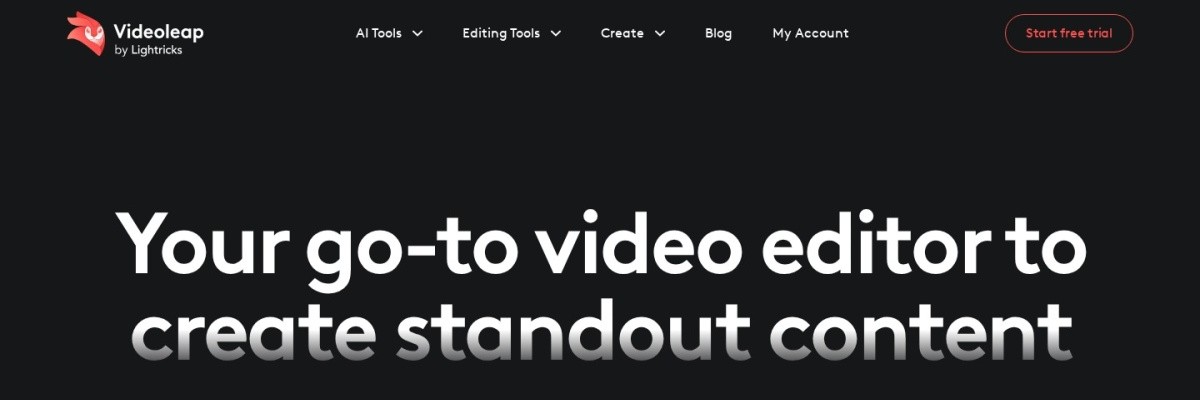
Videoleap homepage, captured Nov 2026.
Videoleap is Lightricks' AI video editor for Android and iOS, built for Reels, Shorts and TikTok. The free plan includes AI video generation from photos and text prompts, AI effects, templates and auto reframing for vertical video.
The trade off is the paywall. Many AI tools are limited or watermarked on the free plan, and Pro costs $70 a year, or $10 a month, for watermark-free exports and full access. It suits creators who want AI effects and templates without learning a timeline editor.
4.8/5on Google Play (24.2M reviews, checked Nov 2026)
Paid from$16.99/yr
Best value paid upgrade
Text-to-videoNo
AI captionsYes
4K 60fps exportYes
Paid planPro, $16.99/yr
inshot.app
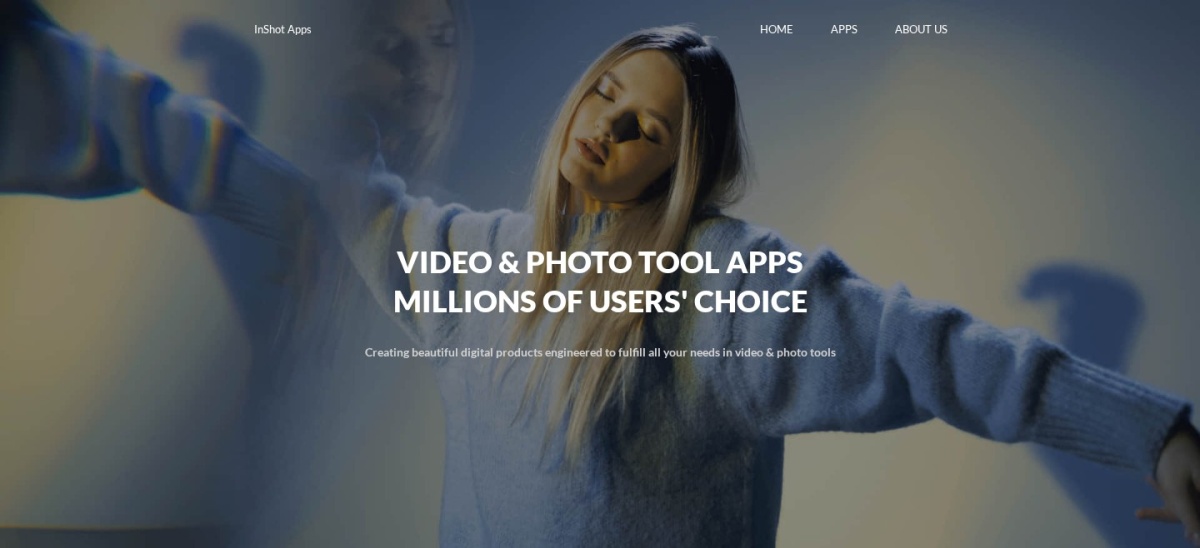
InShot homepage, captured Nov 2026.
InShot is a mobile-only video and photo editor for Android, focused on quick social edits. The free plan includes AI captions, background removal, 4K 60fps export, transitions and a music library, with ads and a watermark on some exports.
The trade off is scope. InShot has no text-to-video generation, so you edit footage you already shot, and the free plan shows ads. Pro costs $16.99 a year on Android, the cheapest paid upgrade in this list. It suits anyone who edits phone clips for social every day.
4.2/5on Google Play (1.61M reviews, checked Nov 2026)
Paid from$79.99/yr
Best full timeline editor with AI
Text-to-videoYes, text prompts
Multi-track timelineYes
4K exportYes
Paid plan365, $79.99/yr
cyberlink.com
PowerDirector homepage, captured Nov 2026.
PowerDirector is CyberLink's AI video editor for Android, with a multi-track timeline, chroma key, masks and 4K export. The free plan includes text-prompt video generation, auto captions and stock music, and the app has more than 100 million installs.
The trade off is price and credits. PowerDirector 365 lists at $79.99 a year, currently shown at $59.99 on sale, and advanced AI tools use monthly credits. It suits creators who want a full timeline editor with AI help on Android.
4.4/5on Google Play (6.1M reviews, checked Nov 2026)
Paid from$59.99/yr
Best for layered editing and captions
AI auto captionsYes, 36 languages
Multi-layer timelineYes
4K 60fps exportYes
Paid planPremium, $59.99/yr
kinemaster.com
KineMaster homepage, captured Nov 2026.
KineMaster is a layered video editor for Android with free AI tools. The free plan includes AI auto captions in 36 languages, background removal, noise removal, chroma key and 4K 60fps export, with more than 500 million installs.
The trade off is the asset store. Many effects, transitions and music tracks need the $59.99-a-year subscription, and the free plan shows ads. It suits creators who want precise multi-layer control and free auto captions.
4.6/5on Google Play (574K reviews, checked Nov 2026)
Paid from$99.99/yr
Best for Adobe users making social video
Text-to-videoYes, Firefly AI
TemplatesThousands free
Auto captionsYes
Paid planPremium, $99.99/yr
adobe.com
Adobe Express homepage, captured Nov 2026.
Adobe Express is Adobe's quick design app for Android, with generative AI for social video. The free plan includes AI text-to-video clips, templates, background removal, captions and one-click resize for every social format.
The trade off is that it is a design app first. There is no multi-track timeline, and the fuller Firefly AI features and premium templates need Premium at $99.99 a year. It suits social teams who already use Adobe and need fast branded video.
What we like
Firefly generative AI built in
One-click resize for social formats
Rated 4.6 from 574,000 Play reviews
Watch out for
No multi-track timeline
Best AI features need Premium
Premium adds full Firefly AI and premium templatesVisit adobe.com
09
VivaCut
4.3/5on Google Play (1.5M reviews, checked Nov 2026)
Paid from$45.99/yr
Best for AI effects and masking
AI effectsYes
Masking toolsYes
Free export720p
Paid planPro, $45.99/yr
vivacut.com
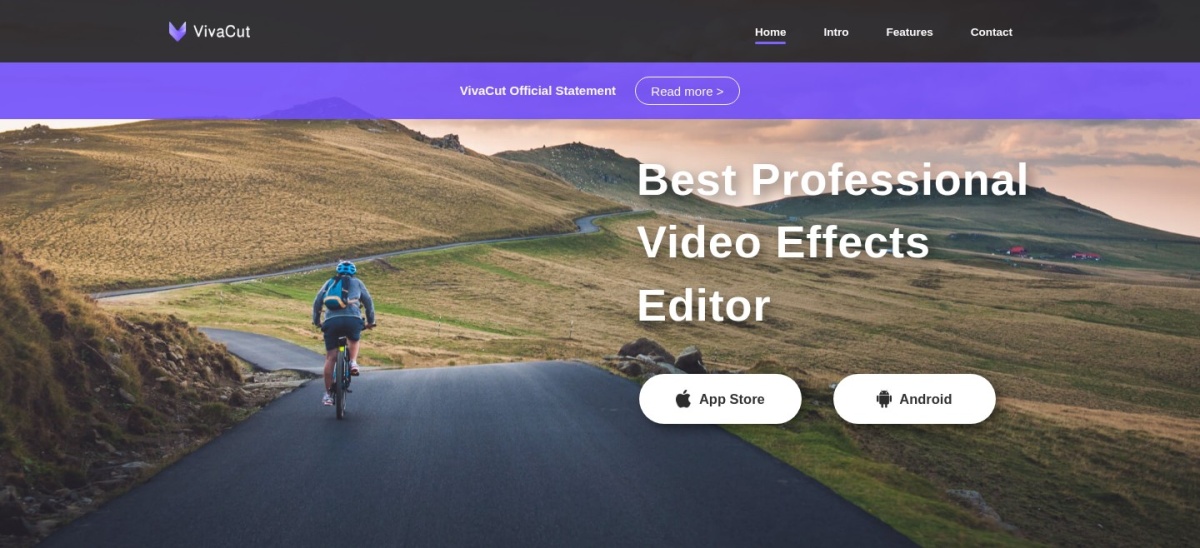
VivaCut homepage, captured Nov 2026.
VivaCut is an AI video editor for Android focused on effects, masking and templates. The free plan includes AI effects, keyframe animation, multi-track editing, 720p export and templates for TikTok and Reels.
The trade off is polish. VivaCut's free plan is generous for effects work, but the best templates and watermark-free exports need Pro at $45.99 a year on Android. It suits creators who want masking and double-exposure effects on a phone.
Free plans cover the basics well. Most include AI captions, background removal and templates, and several export in 4K.
Paid plans mostly remove watermarks and ads, and add AI credits. CapCut Pro adds 1,200 AI credits a month, and Filmora Advanced adds 1,000.
If you publish daily, the cheapest paid plan that removes the watermark is usually InShot at $16.99 a year on Android.
How we chose
We started from the AI video apps with an Android app and a free plan, then kept those with a real AI generation or AI editing feature, not just filters.
Prices come from each vendor's pricing page or store listing, checked on 25 November 2026. Ratings and review counts come from Google Play on the same day. Where a vendor shows a sale, the list shows the regular price.
We left out web-only generators with no Android app. No vendor paid for a place, and we do not claim to have used these tools ourselves.
How to choose a free AI video generator app for Android
Start with the video you make most, then check the free export rules before you commit.
Decide what the AI should do. Text-to-video suits creators starting from nothing; auto captions and background removal suit editors with footage already shot.
Check the free export rules. Look for watermarks, resolution caps and monthly AI credit limits. A 4K free export matters only if you publish in 4K.
Try the free plan on a real project. Edit one full short from start to export. That shows whether the ads, limits and speed fit your workflow.
Compare the paid upgrade, not the sale price. InShot is $16.99 a year on Android and Canva Pro is $120 a year, so the gap between the cheapest and priciest upgrade is large.
FAQ
What is the best free AI video generator app for Android?
CapCut is the best free pick for most creators. Its free plan includes text-to-video, auto captions, background removal and 4K export, and it has more than 1 billion installs. Filmora is the best alternative if you also edit on a desktop.
Can I generate a video from text for free on Android?
Yes. CapCut, Filmora, Canva, Videoleap, PowerDirector and Adobe Express all offer some text-to-video generation in their free plans. Free generation is usually capped by monthly AI credits, lower resolution or shorter clips, so check the limits before a big project.
Which free AI video app has no watermark?
CapCut exports without a watermark on its free plan for core editing. Filmora, Videoleap, VivaCut and InShot add a watermark to free exports, so a paid plan is needed for clean exports from those apps.
Do these apps work without paying?
Yes, all nine apps in this list have a free plan you can use without paying. The free plans include AI captions, templates and basic generation, while paid plans remove watermarks and ads and add AI credits and premium effects.
Which app is best for TikTok and Reels?
CapCut is the strongest choice for TikTok and Reels, with trending templates, auto captions and vertical editing built in. Videoleap and InShot are close alternatives, with templates and auto reframing made for vertical short video.
Are the ratings in this list from Google Play?
Yes. Every rating and review count here comes from Google Play, since these are Android apps. Ratings change as new reviews arrive, so the figures reflect the listings as checked on 25 November 2026.
SaaS SEO and WordPress specialist with about 8 years of experience. Rakib compares WordPress plugins, themes, hosting and software using public pricing, documentation and user reviews. See how we rank.