Best Free AI Tools to Convert Image to Video in 2026: 9 Tools Compared
WLWPLegible EditorsLast verified 23 Nov 2026How we rank13 min read
★ Short answer
Kling is the best free AI tool to convert an image to video for most creators, with a free plan, clips up to 30 seconds and native audio, rated 4.7 out of 5 on G2. Pick Runway for the most control over short shots and Hailuo for cheap clips with sound.
How we make this list: we compare pricing pages, product documentation and public user reviews, then re-check every price before each update. No product paid for a place. Disclosure.
Kling leads on free value: a free plan, clips up to 30 seconds and native audio.
Runway's free plan is 125 credits that never refill, so it is a short trial, not a working plan.
Hailuo's welcome credits expire after 3 days, and its Trustpilot score is 1.4 out of 5.
Canva and CapCut are the easiest free starts if you already use them for design or editing.
Luma lists no free tier at all, so its cheapest entry is Plus at $25 a month billed yearly.
Paid plans in this list start at $8 a month and climb to $25 a month billed yearly.
What to check before you pick a free image-to-video tool
Most of these tools turn a still image into a short moving clip. You upload a photo, describe the motion, and the tool returns a clip of 5 to 30 seconds.
Free plans differ more in how the credits work than in the headline price. Some refill every week or month, some are a one-time grant, and one tool in this list has no monthly free credits at all.
Watermarks and commercial rights matter as much as clip length. Free clips usually carry a watermark and are for personal use only, so check the plan before posting a clip for a client. Our guide on generating images with AI in WordPress covers the image side of the same workflow.
Clip length is the other limit to watch. A 5-second clip fits a social post, but a 30-second clip from Kling can carry a full scene without stitching.
The 9 best free AI tools to convert image to video
01
Kling AI
4.7/5on G2 (5 reviews, checked Nov 2026)
Paid from$8.80/mo
Best free image-to-video tool overall
Free planYes, monthly credits
Longest clip30 seconds
Native audioYes
Paid planStandard, $8.80/mo
kling.ai
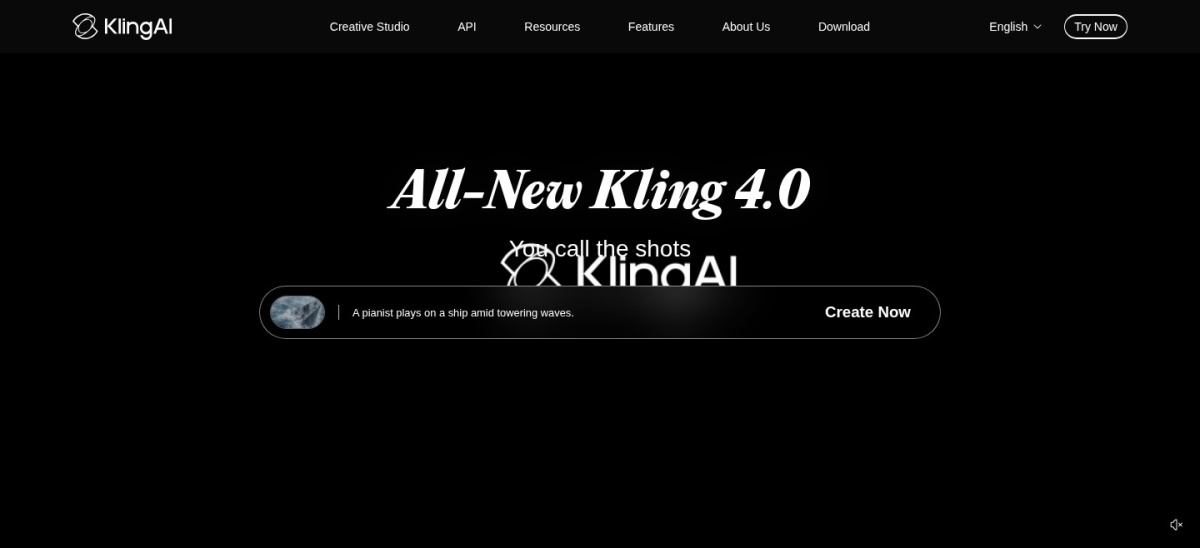
Kling AI homepage, captured Nov 2026.
Kling AI is a video generator from Kuaishou that turns a still image into a moving clip with sound. The free Basic plan gives a monthly grant of credits, and Kling 4.0 makes clips of 3 to 30 seconds in one pass, with up to 10 keyframes and native 4K output.
The trade off is the credit system. The free grant is small and has shrunk over 2026, so a few retakes can use it up, and Standard renews at $8.80 a month after a $6.99 first month. It suits creators who want the longest free clips and do not mind planning each generation.
What we like
Longest clips in this list, up to 30 seconds
Native audio and dialogue in the same pass
4K output on paid plans
First and last frame controls
Watch out for
Free credit grant is small and has shrunk
Credit rules take time to learn
Standard adds 660 credits a month and removes the watermarkVisit kling.ai
02
Runway
4.1/5on G2 (106 reviews, checked Nov 2026)
Paid from$12/mo
Best quality for short, controlled shots
Free plan125 one-time credits
Longest clip10 seconds (Gen-4.5)
Native audioMusic and voice tools
Paid planStandard, $12/mo
runwayml.com
Runway homepage, captured Nov 2026.
Runway is a browser-based creative studio built around its Gen-4.5 video model, which turns an image into a short clip with camera and timing controls. The free plan gives 125 one-time credits and 5 GB of storage, and Standard covers about 52 seconds of Gen-4.5 video a month.
The trade off is that the free credits never refill, so the free plan is a short trial rather than a working plan. Standard costs $12 a month billed yearly, and credits do not roll over. It suits creators who want the most control over short, polished shots.
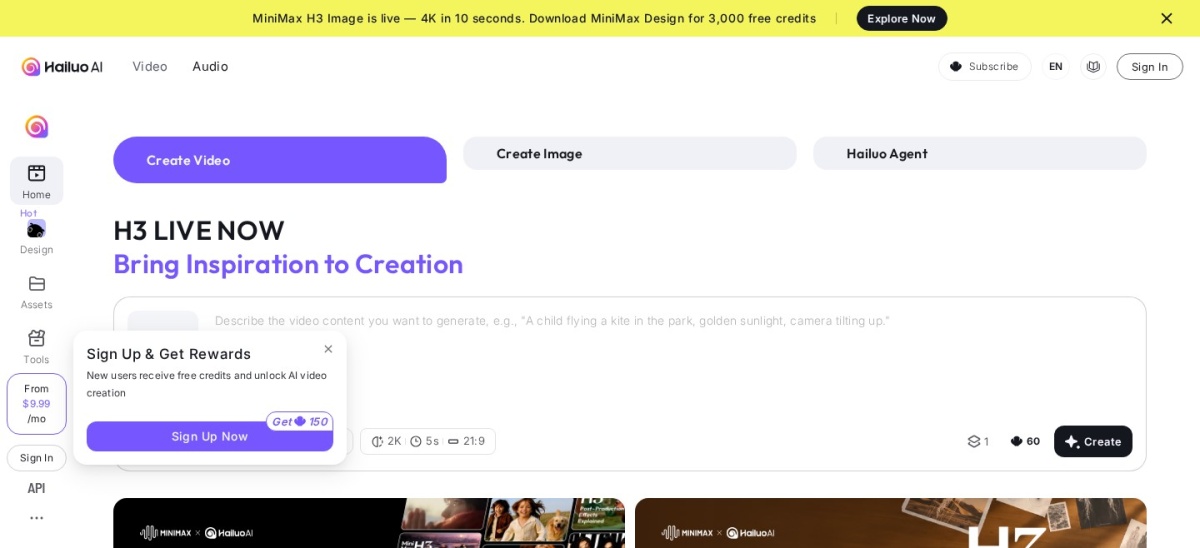
Hailuo AI is MiniMax's video generator, built around the MiniMax H3 model. New accounts get a one-time welcome pack of credits, and H3 makes clips of 4 to 15 seconds at up to 2K resolution, with native stereo sound and up to 12 reference images.
The trade off is trust. The welcome credits expire 3 days after sign-up, free downloads carry a watermark, and Hailuo holds a 1.4 out of 5 Trustpilot score over billing and support. It suits creators who want cheap clips with sound and will pay monthly, not yearly.
Canva is a design platform with an Image to Video tool built into its editor. On a free account you can animate a still image into a fixed 5-second silent clip, then add text, music and transitions in the same design before export.
The trade off is length and sound. Free clips are fixed at 5 seconds with no audio, and every AI tool draws on one shared monthly allowance. It suits people who already design in Canva and need a quick animated image for a post.
What we like
Free Image to Video with no new account needed
Full editor, templates and music in one place
Exports without a watermark on free assets
Watch out for
Free clips are 5 seconds and silent
Shared AI allowance limits monthly clips
Pro adds the Veo 3 clip tool and 10 times the AI allowanceVisit canva.com
05
CapCut
1.3/5on Trustpilot (471 reviews, checked Nov 2026)
Paid from$19.99/mo
Best for social creators who edit and generate
Free plan200 welcome credits
AI video modelsSeedance 2.0 and 2.5
Export4K and 60fps on Pro
Paid planPro, $19.99/mo
capcut.com
CapCut homepage, captured Nov 2026.
CapCut is ByteDance's video editor for web, desktop and mobile, with AI video generation built in. The free plan includes basic editing tools and 200 one-time welcome credits, and Pro generates video with the Seedance models inside the same editor.
The trade off is price and metering. Pro costs $19.99 a month, or $179.99 a year, and generation is metered in credits per second on top of the plan. It suits social creators who want editing and AI generation in one app.
Pika is a video, image and audio app that runs its own Pika 2.5 and Pika H3 Flex models alongside Seedance 2.5, Kling 4.0 and MiniMax H3. Its Video Studio builds multi-shot videos of up to 30 seconds, with tools to extend, regrade and rework clips.
The trade off is the free plan. It currently holds no monthly credits, so free use depends on bought credit packs, and Starter costs $8 a month billed yearly for 600 credits. It suits creators who want several models in one place and like single-purpose tools.
What we like
Several video models under one subscription
Multi-shot Video Studio up to 30 seconds
Cheapest paid plan in this list
Watch out for
Free plan has no monthly credits
2.3 out of 5 on Trustpilot over billing
Starter adds 600 credits a month and a commercial licenceVisit pika.art
07
invideo AI
4.2/5on G2 (100+ reviews, checked Nov 2026)
Paid from$10/mo
Best for a full video from a script
Free plan10 credits a week
Video modelsSeedance, Kling, Veo 3.1
AI agentAgent Two builds full videos
Paid planStarter, $10/mo
invideo.io
invideo AI homepage, captured Nov 2026.
invideo AI is an agent-led video platform that turns a script or prompt into a finished video. The free account gets 10 credits a week, and the agent writes the script, picks stock or generated clips, adds a voiceover and assembles the cut.
The trade off is credits. Generated clips need the Plus plan or above, and a 5-second Seedance clip costs about 24.5 credits, so the free allowance covers a test, not a series. It suits creators who want a full video from a script rather than one clip at a time.
What we like
Agent builds a whole video from a script
Several AI video models in one place
4K export on paid plans
Watch out for
Free credits are too few for generated clips
Plans were reshuffled twice since August 2026
Starter adds 400 credits a month and removes the watermarkVisit invideo.io
08
Kapwing
3.9/5on G2 (40 reviews, checked Nov 2026)
Paid from$16/mo
Best for teams who subtitle and resize video
Free plan10 lifetime credits
Longest export4 minutes
Native audioDubbing and voice tools
Paid planPro, $16/mo
kapwing.com
Kapwing homepage, captured Nov 2026.
Kapwing is a browser-based video editor with AI tools for subtitles, dubbing, clip-making and generated video. The free plan includes 10 lifetime AI credits, 720p exports with a watermark and 5 GB of storage.
The trade off is that 10 credits cover almost nothing, since video generation costs 20 credits or more, and Pro is billed per member. It suits teams who subtitle and resize social video every week and want generation in the same editor.
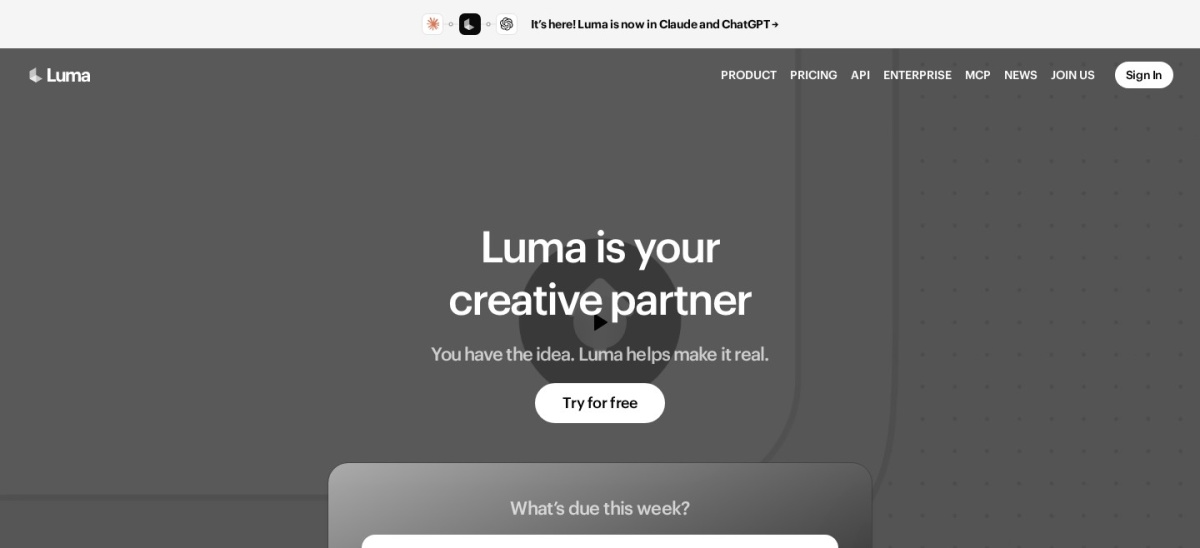
Luma Dream Machine is Luma's video generator, now built around the Ray3.2 model. Ray3.2 supports up to 16 keyframes in one clip and Modify Video runs of up to 20 seconds at 1080p, and the same credits also buy third-party models such as Kling 4.0 and Veo 3.1.
The trade off is the entry price. Luma's current pricing page lists no free tier, so the cheapest way in is Plus at $25 a month billed yearly, and Ray clips are silent. It suits creators who want fast, cinematic camera moves and will pay for them.
Free plans cover short tests well. Most give you a few clips, a watermark and a low resolution cap.
Paid plans mostly add credits and clean output. You get more generations, no watermark, higher resolution and commercial use.
invideo was running a Black Friday sale when we checked, so the prices in this list are the regular list prices, not the sale prices.
If you only need one clip a month, a free plan may be enough. If you post every week, budget for the cheapest paid plan that removes the watermark.
How we chose
We started from the AI video tools most often named in image-to-video round-ups, then kept those with a working free plan or a widely used free entry point, and checked each homepage and pricing page.
Prices come from each vendor's pricing page, checked on 23 November 2026. Ratings come from G2 or Trustpilot on the same day, and the source is named on each tool. Where a vendor shows a sale, the list shows the regular price.
We left out tools with no usable free entry point and tools that only edit video without generating it. No vendor paid for a place, and we do not claim hands-on testing for this list.
How to choose a free AI tool to convert image to video
Start with how many clips you need each month, then check the watermark and the clip length.
Count your clips first. A one-time credit grant covers a test, not a weekly post. Pick a plan with refilling credits if you publish every week.
Check the watermark and the licence. Free clips usually carry a watermark and are for personal use only. Upgrade before using a clip for a client or a monetised channel.
Match the clip length to the post. A 5-second clip fits a story or a reel, while a 15- or 30-second clip can carry a full scene.
Watch the per-clip cost, not the headline price. Credit prices decide what a month really costs. A cheap plan with costly clips can cost more than a dearer plan with generous credits.
FAQ
What is the best free AI tool to convert image to video?
Kling is the best free pick for most creators. Its free plan gives monthly credits, and Kling 4.0 makes clips of 3 to 30 seconds with native audio, rated 4.7 out of 5 on G2 from 5 reviews.
Can I convert an image to video for free without a watermark?
Not with the tools in this list. Every free plan here watermarks its output, and watermark-free downloads start on a paid plan, from $8 a month with Pika's Starter plan.
How long can a free AI image-to-video clip be?
It depends on the tool. Kling makes clips up to 30 seconds, Hailuo up to 15 seconds, and Canva's free Image to Video tool is fixed at 5 seconds.
Do free AI video tools allow commercial use?
Most do not. Free clips are usually for personal use only, and commercial rights start on a paid plan, so check the plan terms before using a clip in an ad or for a client.
Why do free credits run out so fast?
Each clip costs credits, and retakes cost the same as the first try. A 5-second clip can cost 30 credits or more, so a small monthly grant may cover only one or two clips.
Is Luma Dream Machine still free?
No free tier appears on Luma's current pricing page. The cheapest plan is Plus at $25 a month billed yearly, though the older Dream Machine app may still offer limited trial credits to new accounts.