YouCam Makeup is the best free AI hairstyle app for most people, with 60+ AI hairstyles and 150+ hair colors, rated 4.7 out of 5 on the App Store. Try FaceApp for fast one-tap changes, Krea for a free edit with no sign-up, and Snapchat for free hair-color lenses.
How we make this list: we compare pricing pages, product documentation and public user reviews, then re-check every price before each update. No product paid for a place. Disclosure.
YouCam Makeup has the biggest free hair library here: 60+ AI styles and 150+ color shades.
FaceApp is the fastest option, with 20+ AI hairstyles and a 4.7 rating from 1.8 million App Store ratings.
Krea is the only pick with a free hairstyle edit that needs no account and no app install.
Perfect365 has the smallest cut catalog at about 28 styles, but its color blending is strong.
Paid upgrades run from $28.99 to $63 a year; every tool in this list has a free plan or free tier.
What a free AI hairstyle app should cover
A bad haircut takes months to grow out. A free AI hairstyle app lets you see a cut or color on your own photo first, so the salon visit starts with a picture instead of a guess.
The best apps map hair to your head shape and lighting instead of pasting a flat wig on top. Look for AI try-on, a live camera mirror and a color tool that follows your hairline.
Free plans differ more than the app stores suggest. Some lock the best styles behind a subscription, some watermark exports and some only cover color. Our guide on generating images with AI in WordPress explains how the same AI image tools work behind the scenes.
Treat every preview as a guide, not a promise. Lighting, hair texture and the cut itself change the result, so take the best preview to your stylist and ask what will work on your hair.
4.7/5on App Store (156,000 reviews, checked Nov 2026)
Paid from$31.99/yr
Best free AI hairstyle app overall
AI hairstyles60+ styles
Hair colors150+ shades
Live camera try-onYes
Paid planPremium, $31.99/yr
perfectcorp.com
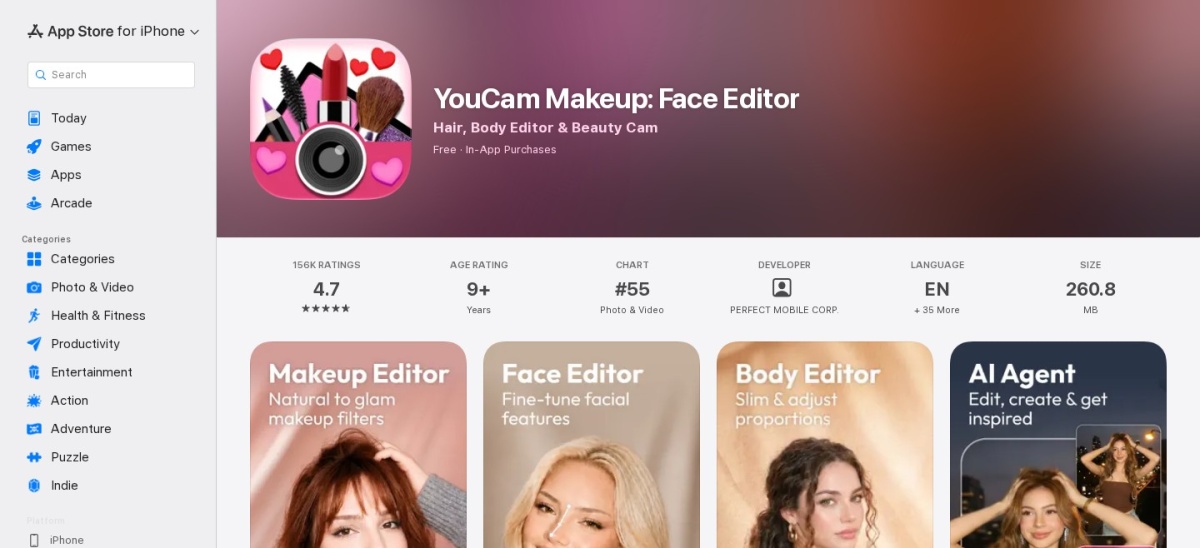
YouCam Makeup homepage, captured Nov 2026.
YouCam Makeup is a selfie and beauty editor from Perfect Corp. with an AI hairstyle tool that covers 60+ styles for women and men, plus more than 150 hair color shades. The free app includes basic styles and colors, a live camera mirror and makeup tools in the same app.
The trade off is paywalls. Many of the best styles and colors need Premium, which starts at $5.99 a month or $31.99 a year on the App Store, and prices vary by offer. It suits anyone who wants the biggest free style library before a salon visit.
4.7/5on App Store (1.8M reviews, checked Nov 2026)
Paid from$60/yr
Best for quick AI hair changes
AI hairstyles20+ styles
Hair colorYes
Watermark on freeYes, some edits
Paid planPRO, $60/yr
faceapp.com
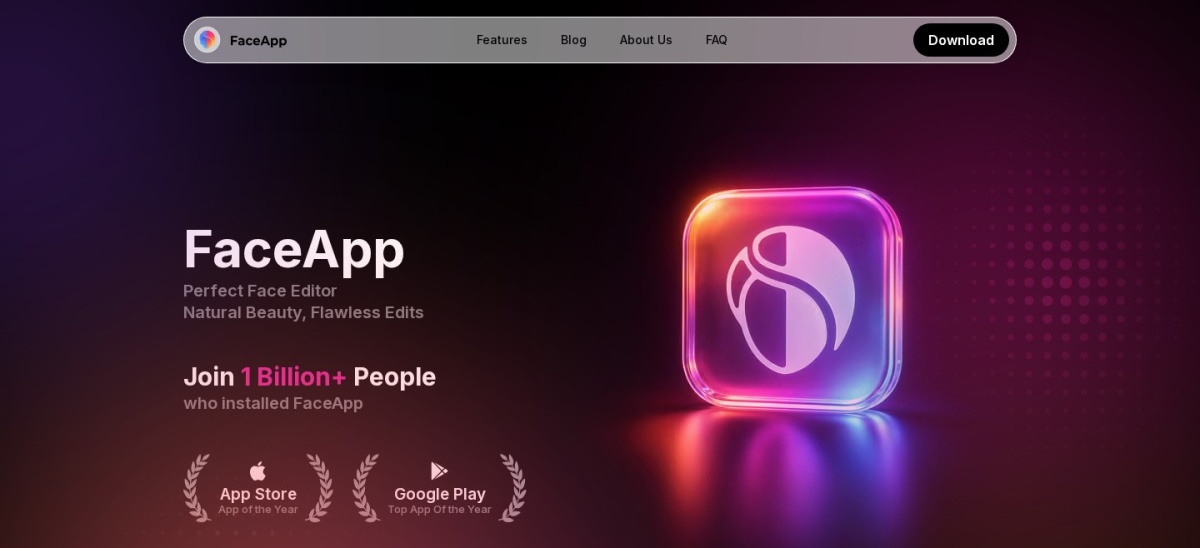
FaceApp homepage, captured Nov 2026.
FaceApp is a photo editor with AI filters for hair color and hairstyles, plus age, smile and retouch tools in the same app. The free version covers a set of basic hair looks, and edits take a few seconds once you pick a style.
The trade off is the paywall and watermark. Most of the best hair filters need PRO, listed at $10 a month or $60 a year on the App Store, and free exports can carry a watermark. It suits people who want a fast preview and already use FaceApp for other edits.
4.1/5on Google Play (947,000 reviews, checked Nov 2026)
Paid from$54.99/yr
Best for hair inside a full editor
AI hairstyles60+ styles
Hair colorYes
PlatformsiOS, Android, desktop
Paid plan365, $54.99/yr
cyberlink.com
PhotoDirector homepage, captured Nov 2026.
PhotoDirector is a photo editor from CyberLink with an AI hairstyle tool beside retouching, background removal and sky replacement. The mobile app is free to download with 60+ hairstyles for women and men, and a desktop version covers the same edits on a computer.
The trade off is price and scope. The full 365 subscription starts at $54.99 a year on CyberLink's site, and hairstyling is one feature inside a large editor rather than the main focus. It suits people who also want a general photo editor for the same money.
Fotor is a web photo editor with an AI hairstyle changer that swaps cuts and colors on an uploaded photo, inside a wider editor with enhance, background removal and collage tools. The free Basic plan covers basic edits and one-tap enhancement, with watermarks on AI exports.
The trade off is that Fotor is a general editor first. Its hair tool is solid for a quick preview, but it has no dedicated salon-style catalog, and Pro costs $39.99 a year or $8.99 a month. It suits people who want one cheap editor for hair previews and everyday photo fixes.
What we like
Works in the browser, no app needed
Cheapest full editor upgrade in this list
Batch editing and collages included
Watch out for
No dedicated salon-style catalog
Free AI exports carry a watermark
Pro adds 100 AI credits a month, HD exports and no watermarksVisit fotor.com
05
Perfect365
4.8/5on App Store (183,000 reviews, checked Nov 2026)
Paid from$39.99/yr
Best for hair color with makeup
HairstylesAbout 28 styles
Hair colorYes, blended
Makeup toolsYes, 3,000+ looks
Paid planPLUS, $39.99/yr
perfect365.com
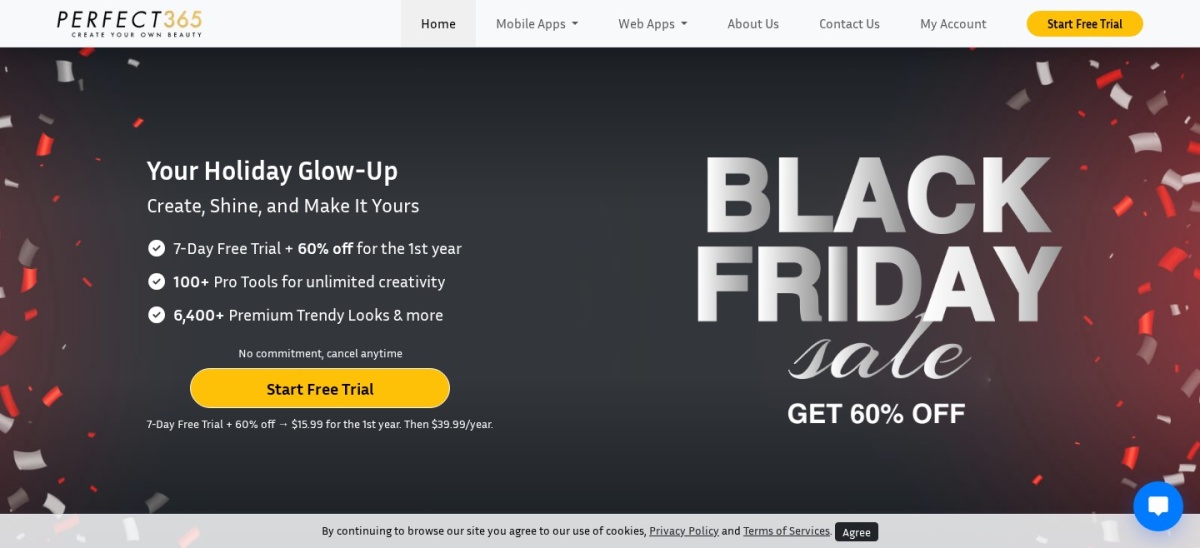
Perfect365 homepage, captured Nov 2026.
Perfect365 is a makeup and selfie editor with a hair section that covers about 28 hairstyles and color that blends softly across skin tones. The free version includes most tools with ads, plus more than 3,000 makeup looks for a full makeover preview.
The trade off is cut variety. With around 28 styles it has the smallest hair catalog in this list, and PLUS costs $9.99 a month or $39.99 a year for unlimited use without ads. It suits people who care more about color and a full makeover than about trying many cuts.
3.6/5on Trustpilot (183 reviews, checked Nov 2026)
Paid from$63/yr
Best free one-off edit, no sign-up
Hairstyle changerFree, no sign-up
Free allowance100 units a day
Prompt editingYes, describe a cut
Paid planBasic, $63/yr
krea.ai
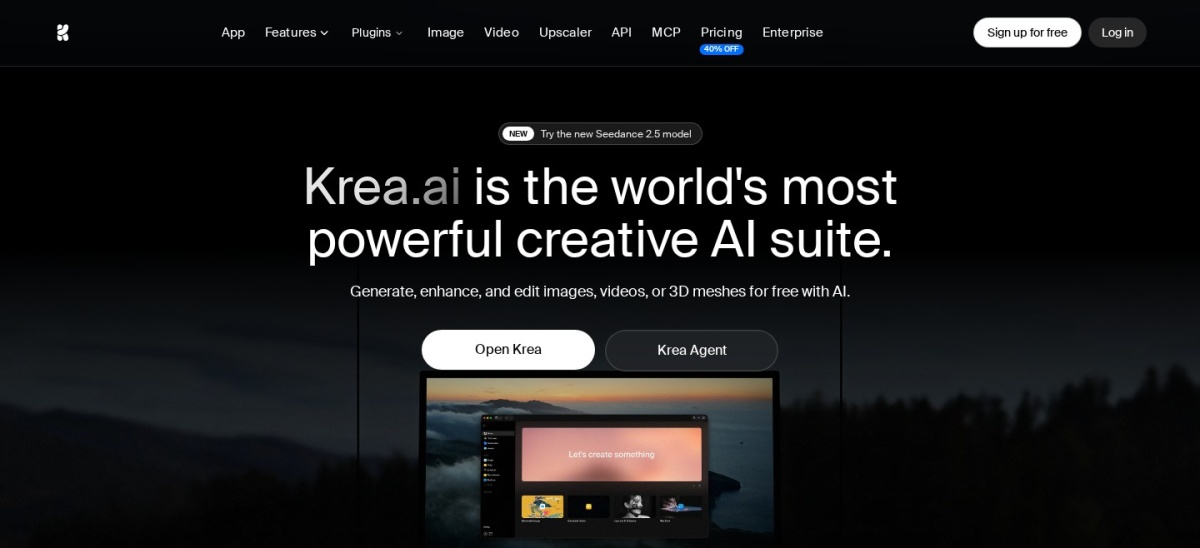
Krea homepage, captured Nov 2026.
Krea is a web AI creative suite with a hairstyle changer that edits an uploaded photo from a preset or a written prompt, with no account needed for a free edit. The free plan gives 100 units a day, and the same workspace also covers image, video and 3D generation.
The trade off is that Krea is a general creative tool, not a hair app. There is no guided salon catalog, units run out fast on heavy models, and Basic costs $9 a month or $63 a year billed yearly. It suits anyone who wants one free hair edit without installing an app.
What we like
Free hair edit with no account or install
Describe any cut in plain words
Full image and video suite beside it
Watch out for
No guided salon catalog
Free units run out fast on heavy models
Basic adds 5,000 units a month and more modelsVisit krea.ai
07
AirBrush
4.8/5on App Store (204,000 reviews, checked Nov 2026)
Paid from$28.99/yr
Best for hair inside a selfie editor
Hair toolsColor and retouch
Free trial7 days
PlatformsiOS, Android, web
Paid planPremium, $28.99/yr
airbrush.com
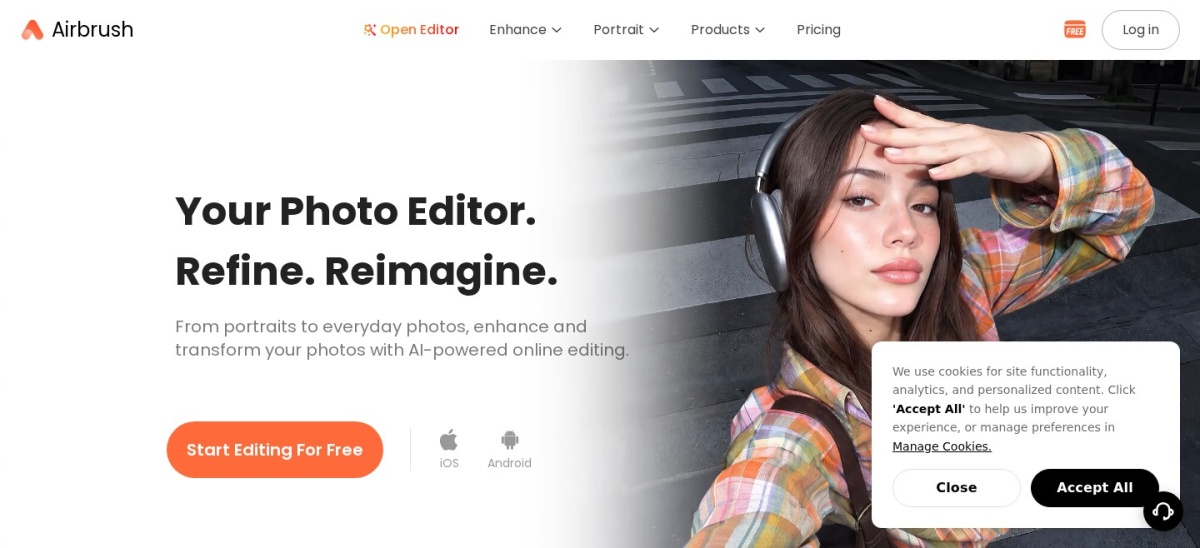
AirBrush homepage, captured Nov 2026.
AirBrush is a selfie and portrait editor with hair color and retouching tools beside skin smoothing, teeth whitening and background tools. The app is free to download with a 7-day free trial of Premium, and it runs on iOS, Android and the web.
The trade off is confusing pricing. The App Store lists weekly, monthly and yearly options, with yearly plans from $28.99 to $54.99, so check the offer on the purchase screen. It suits selfie editors who want hair color beside retouching in one app.
4.8/5on App Store (349,000 reviews, checked Nov 2026)
Paid from$49.99/yr
Best for hair with selfie filters
Hair stylesYes, with filters
Selfie cameraYes, live effects
PlatformsiOS, Android
Paid planPremium, $49.99/yr
beautyplus.com
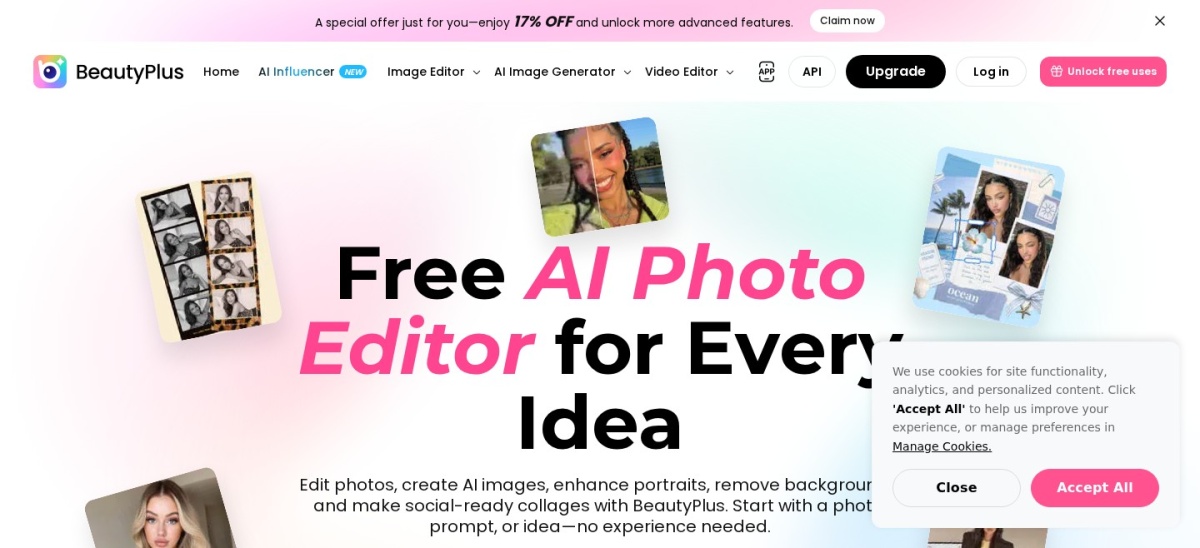
BeautyPlus homepage, captured Nov 2026.
BeautyPlus is a selfie camera and photo editor from Meitu with hair style transformations beside beauty filters, retouching and collage tools. The free version covers core camera and editing tools with ads, and it is one of the most downloaded selfie apps in this list.
The trade off is that hair is a side feature. Premium costs $8.99 a month or $49.99 a year, and the exact annual price varies by App Store offer, with several yearly prices listed. It suits people who want a selfie camera first and a hair preview second.
4.5/5on App Store (6.1M reviews, checked Nov 2026)
Paid from$4.99/mo
Best free way to play with color
Hair color lensesYes, free
Cut previewsNo, lenses only
PlatformsiOS, Android
Paid planSnapchat+, $4.99/mo
snapchat.com
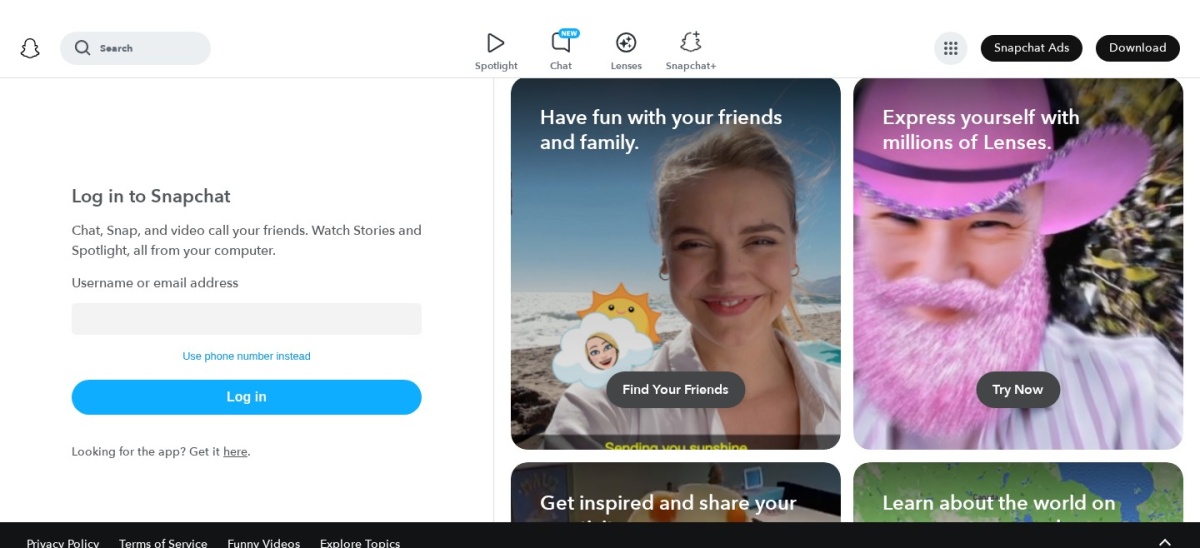
Snapchat homepage, captured Nov 2026.
Snapchat is a camera app with community-made lenses that change hair color live on camera, with no download beyond the app and no paywall for lenses. It is free to use, rated 4.5 out of 5 from 6.1 million App Store ratings, and new lenses appear daily.
The trade off is realism. Lenses are fun and fast, but they only tint hair color and cannot preview a real cut, length or salon style. It suits anyone who wants a free, quick color idea before committing to dye.
Free plans cover a real preview in every app here. You can try styles, change color and save the result without paying.
Paid plans mostly add choice and clean exports. You get the full style catalog, no ads and no watermarks on saved photos.
The cheapest yearly plan is AirBrush at $28.99, and the dearest is Krea Basic at $63 a year billed yearly. Most apps sit between $31.99 and $60 a year.
If you only need one preview before a salon visit, the free tier is enough. Pay only if you plan to try many looks over time.
How we chose
We started from the hairstyle and hair-color apps that appear most often in App Store charts and comparison guides, then kept the nine with a real free tier and a public store or review rating.
Prices come from each vendor's pricing page or App Store listing, checked on 25 November 2026. Ratings and review counts come from the App Store, Google Play, G2 or Trustpilot on the same day. Where a vendor shows a sale, the list shows the regular price.
We left out apps removed from the app stores, including L'Oréal's Style My Hair, and web tools with no public rating. No vendor paid for a place, and we do not claim to have used these tools ourselves.
How to choose a free AI hairstyle app
Start with a clear photo, then pick the tool that matches the change you want.
Use a front-facing photo in good light. AI try-on works best on a straight, well-lit selfie with hair pulled back from your face.
Decide cut or color first. YouCam Makeup and PhotoDirector cover both; Perfect365 and Snapchat are stronger for color only.
Check what is free before you sign up. The best styles in most apps need a subscription, so try the free styles first and see if the preview is good enough.
Take the preview to your stylist. Ask whether the cut suits your hair texture and face shape before booking.
FAQ
What is the best free AI hairstyle app?
YouCam Makeup is the best free AI hairstyle app for most people. It offers 60+ AI hairstyles and 150+ hair colors, works on iOS and Android, and is rated 4.7 out of 5 from about 156,000 App Store ratings.
Can I try a hairstyle without downloading an app?
Yes. Krea runs a free hairstyle changer in the browser with no account needed, and Fotor's web editor does the same with a free Basic plan. Both work from an uploaded photo, though Fotor watermarks free AI exports.
Are AI hairstyle previews accurate?
They are a useful guide, not a promise. Good apps map hair to your head shape and lighting, but texture, thickness and the stylist's cut all change the result. Use the preview to discuss options, not to guarantee an outcome.
Which app is best for hair color only?
Perfect365 blends color softly across skin tones and covers about 28 styles beside makeup tools. Snapchat is the free option: its lenses change hair color live on camera at no cost, though they cannot preview a cut.
Do free hairstyle apps add watermarks?
Some do. FaceApp can watermark free exports, and Fotor watermarks free AI exports until you pay for Pro. Check the export before you share it, since watermark rules change with the plan.
How much do AI hairstyle apps cost?
Every app in this list has a free tier. Paid upgrades run from $28.99 a year for AirBrush to $63 a year for Krea Basic, with most apps between $31.99 and $60 a year. Monthly plans cost more over a year.
SaaS SEO and WordPress specialist with about 8 years of experience. Rakib compares WordPress plugins, themes, hosting and software using public pricing, documentation and user reviews. See how we rank.