Blender is the best free 3D sculpting software for most people, with multiresolution sculpting, dynamic topology and more than 80 brushes at no cost. Pick Nomad Sculpt for tablet sculpting at $19.99 once, or SculptGL for a free sculpt in a browser with no install.
How we make this list: we compare pricing pages, product documentation and public user reviews, then re-check every price before each update. No product paid for a place. Disclosure.
Blender is the only tool here that handles serious sculpting end to end for free, with multiresolution sculpting and more than 80 brushes.
Nomad Sculpt is the best tablet sculptor at $19.99 once on iPad, with a separate $35 desktop licence and no subscription.
ZBrush for iPad has a free tier with 28 brushes, but no OBJ or STL export until you pay $89.99 a year.
SculptGL and Womp run in a browser with no install, so they are the fastest way to try sculpting.
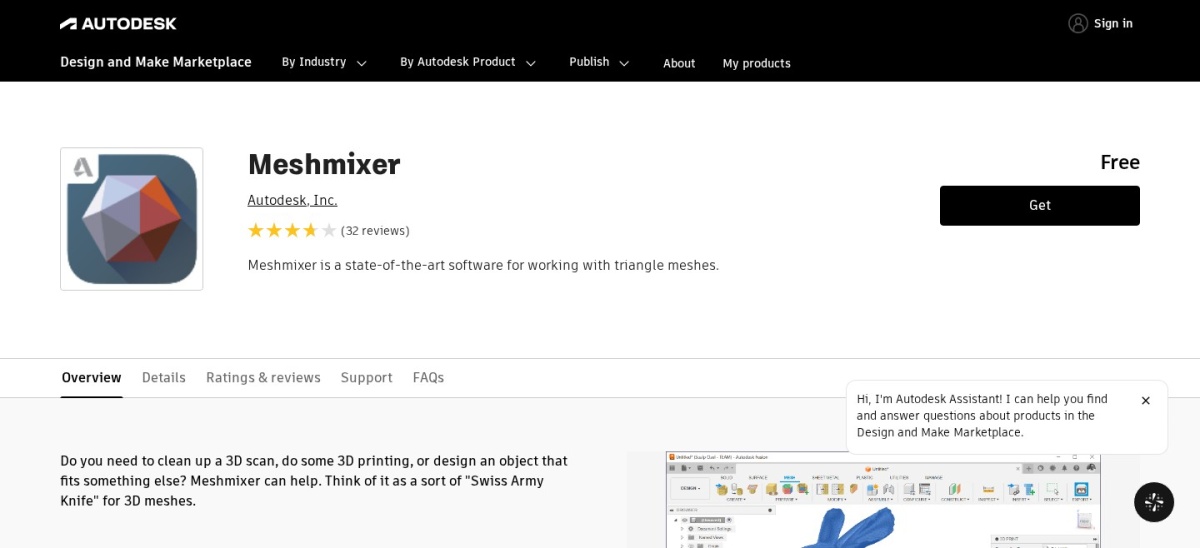
Meshmixer and Sculptris are both discontinued and unmaintained, so use them only if you already have a working copy.
What free 3D sculpting software should cover
Digital sculpting starts with a ball of digital clay. You push, pull, smooth and pinch the surface with brushes, and the software adds mesh detail where you work.
A good free sculptor needs a solid brush set, symmetry, a way to add detail without breaking the mesh, and an export format your next tool can open, such as OBJ or STL.
Free tools split into three groups: full desktop suites such as Blender, tablet apps such as Nomad Sculpt and ZBrush for iPad, and browser tools such as SculptGL and Womp.
Prices in this list are the regular prices from each vendor's pricing page or official store, checked on 25 November 2026. Where a vendor shows a sale, the list shows the regular price.
Blender is a free, open-source 3D suite with a full sculpt mode, including dynamic topology, multiresolution sculpting and more than 80 brushes. It also covers modelling, texturing, rigging, animation and rendering, so a sculpt can stay in one program from blockout to final render.
The trade off is the learning curve. The interface is dense, and sculpt mode sits inside a much larger program, so beginners need tutorials before it feels natural. It suits anyone who wants serious sculpting for free and is willing to learn one large tool.
What we like
Completely free, with no paid tier or feature gate
Multiresolution sculpting and dynamic topology
Full pipeline: modelling, rendering and animation
Largest tutorial community in 3D
Watch out for
Steep learning curve for beginners
Interface can feel crowded on small screens
No paid plan; optional Blender Studio training is separateVisit blender.org
02
Nomad Sculpt
4.8/5on App Store (14K reviews, checked Nov 2026)
Starts at$19.99/once
Best for sculpting on a tablet
Free planNo, paid app
Price$19.99 once on iPad
PlatformsiPad, Android, Windows, macOS
RemeshingVoxel and multiresolution
nomadsculpt.com
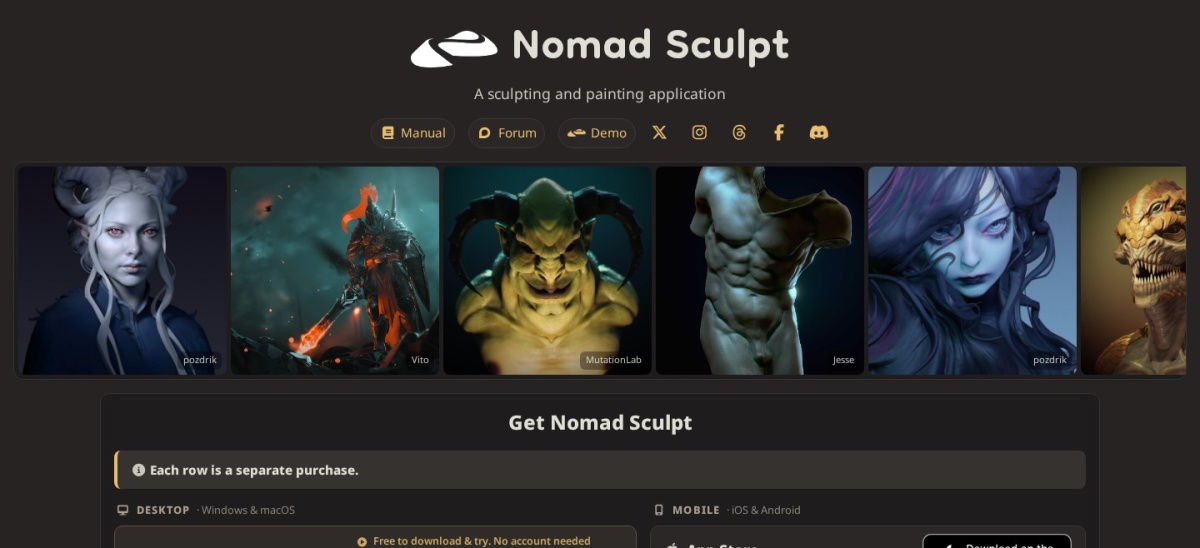
Nomad Sculpt homepage, captured Nov 2026.
Nomad Sculpt is a tablet-first sculpting app with clay, trim, smooth and mask brushes, voxel remeshing, multiresolution sculpting and vertex painting. It runs on iPad, Android, Windows and macOS, with pressure support for a stylus on tablets.
The trade off is price and platform. It costs $19.99 once on iPad, with a separate $35 desktop licence, and tablets cannot push as many polygons as a desktop. It suits artists who want to sculpt away from a desk.
What we like
One-time purchase, no subscription
Desktop-class sculpting on iPad and Android
Voxel remeshing and multiresolution sculpting
Touch-first interface built for a stylus
Watch out for
No free plan on iPad
Mobile and desktop licences are separate purchases
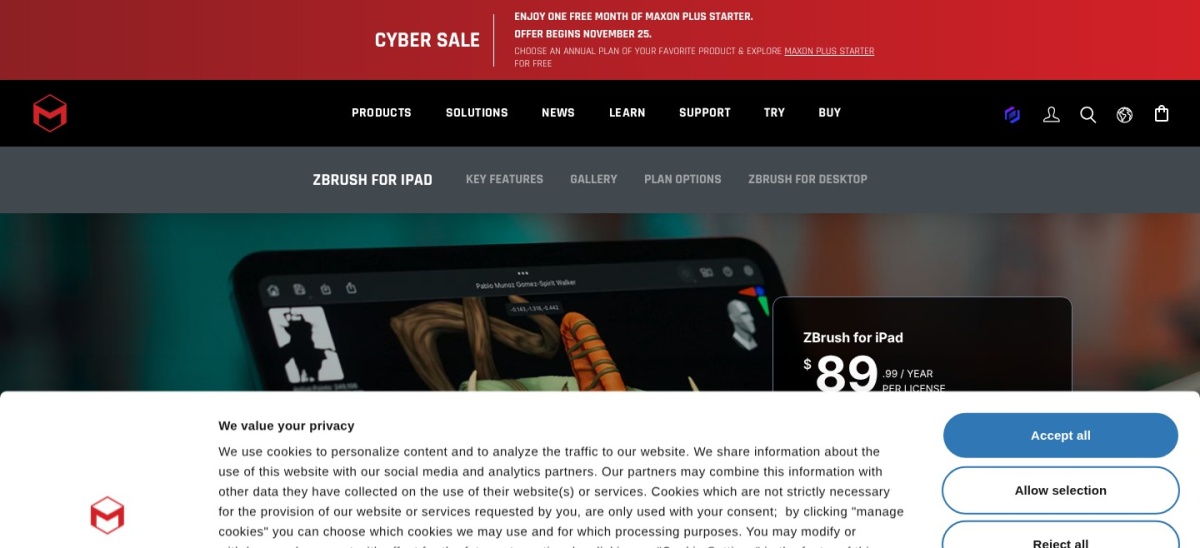
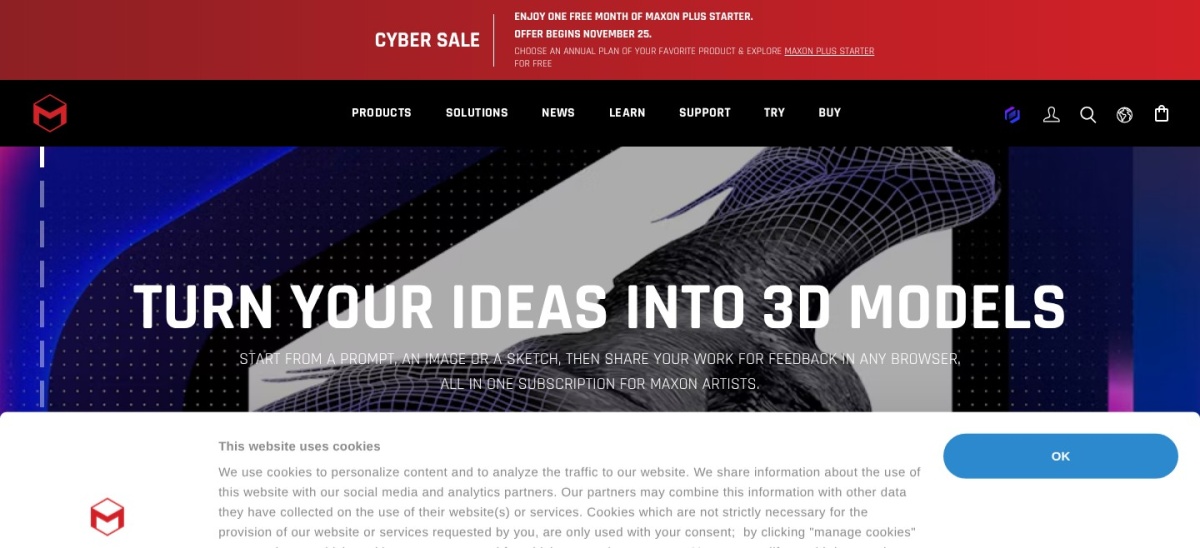
ZBrush for iPad is the free tier of Maxon's ZBrush on iPad, with 28 brushes, DynaMesh, ZSpheres and Sculptris Pro. It brings real ZBrush sculpting to a tablet, with a full subscription unlocking more brushes and export.
The trade off is the free tier's limits. It has no OBJ or STL export, and the full iPad app costs $89.99 a year. It suits beginners who want to learn ZBrush on a tablet before paying.
4.4/5on Chrome Web Store (135 reviews, checked Nov 2026)
PriceFree
Best for trying sculpting in a browser
Free planYes, full app
Runs inBrowser, no install
ExportOBJ, STL, PLY
Paid planNone, free forever
stephaneginier.com
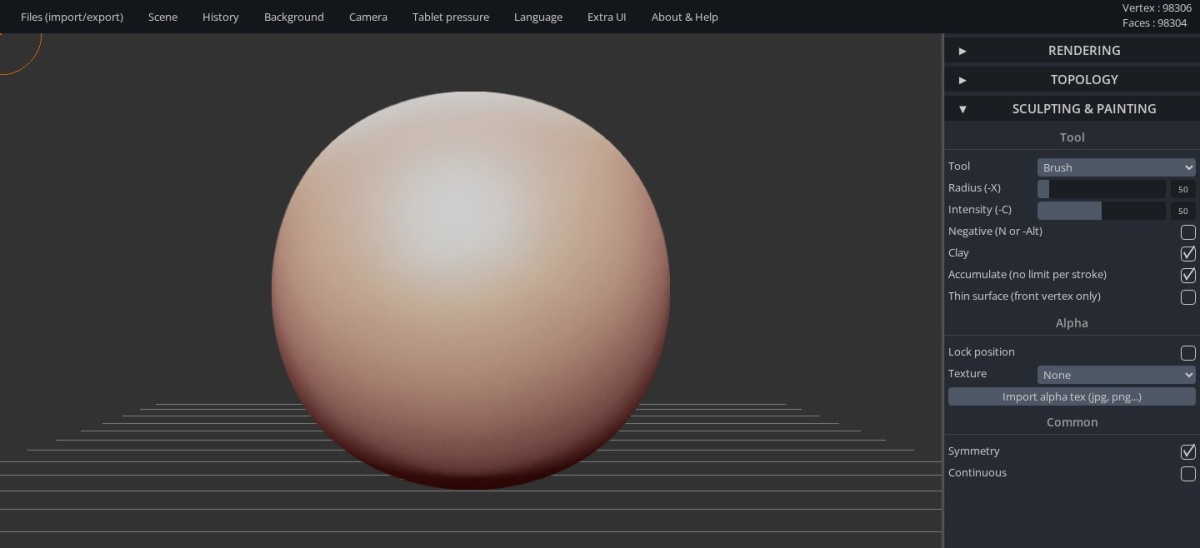
SculptGL homepage, captured Nov 2026.
SculptGL is a free, open-source sculpting app that runs in a web browser, with no download and no account. It offers clay, inflate, smooth, twist and drag brushes, dynamic topology, symmetry and PBR vertex painting, and exports OBJ, STL and PLY.
The trade off is maintenance. Its creator now focuses on Nomad Sculpt, so SculptGL gets only minor fixes, and work lives in the browser until you export it. It suits a first sculpt, a classroom demo or a quick sketch.
4.7/5on Product Hunt (6 reviews, checked Nov 2026)
Paid from$9.99/mo
Best browser tool for playful 3D shapes
Free planYes, Starter
Paid planPro, $9.99/mo billed yearly
Runs inBrowser, no install
ModellingBlended implicit surfaces
womp.com
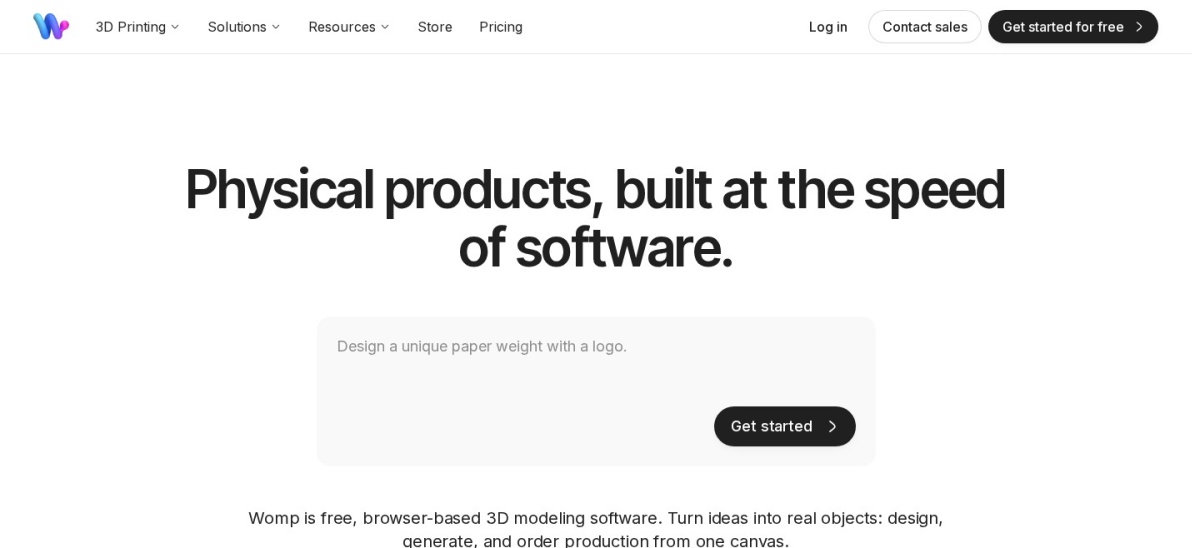
Womp homepage, captured Nov 2026.
Womp is a free, browser-based 3D tool that builds shapes from blended implicit surfaces instead of brushes on a mesh. Its Goop feature smooths joins between shapes, and the free Starter plan includes core shapes and tools, real-time collaboration and model import and export.
The trade off is control. Womp gives no control over mesh topology, so its output does not suit rigging or animation, and Pro costs $9.99 a month billed yearly. It suits first-time sculptors and quick playful models.
What we like
Free Starter plan with import and export
No install and no 3D experience needed
Goop blending makes smooth organic joins
Real-time collaboration built in
Watch out for
No control over mesh topology
Output does not suit rigging or animation
Pro features need a $9.99 a month plan
Pro adds advanced tools, more credits and 4K exportVisit womp.com
06
Meshmixer
4.4/5on G2 (22 reviews, checked Nov 2026)
PriceFree
Best free mesh repair and print prep
Free planYes, full app
Last updateVersion 3.5, 2018
PlatformsWindows, macOS
Paid planNone, free forever
meshmixer.com
Meshmixer homepage, captured Nov 2026.
Meshmixer is Autodesk's free mesh editing tool, with sculpt brushes, mesh repair, hollowing, supports and plane cuts for 3D printing. Version 3.5 still runs on Windows and macOS, with no account and no export limits.
The trade off is that Autodesk stopped developing it, with the last update in 2018 and no support. It suits owners of existing installs who need free mesh repair and print preparation, not anyone starting a new workflow.
Tinkercad is Autodesk's free, browser-based 3D design tool for beginners and classrooms, with no install and no paid plan. It builds models from simple shapes, and exports STL files for 3D printing.
The trade off is that it is not a clay sculptor. It has no sculpt brushes or dynamic topology, so organic characters are hard to make. It suits complete beginners, children and classrooms taking a first step into 3D.
Sculptris is Pixologic's free sculpting app built around dynamic tessellation, which adds mesh detail only where the brush works. It starts from a ball of clay, with nine brushes, symmetry and painting, and exports OBJ files for free.
The trade off is that it is discontinued, with no updates since 2011 and no official download left. It suits only artists who already have a working copy; everyone else should start with SculptGL or Blender.
What we like
Completely free with no limits
Dynamic tessellation handles mesh detail for you
Very easy first sculpting app to learn
Watch out for
Discontinued, with no official download
No updates since 2011, so it may fail on new systems
Free plans cover the basics well. Blender and SculptGL cost nothing at all, and the free tiers of Womp and ZBrush for iPad cover a first sculpt.
Paid plans mostly add export, brushes and polish. ZBrush for iPad unlocks export and more brushes at $89.99 a year, while Nomad Sculpt costs $19.99 once.
Discontinued tools are the real cost to watch. Meshmixer and Sculptris cost nothing, but neither gets updates, so a system update can break them with no fix coming.
If you sculpt every day, start free and pay only when a limit blocks you. Most beginners hit the export limit of ZBrush for iPad or the learning curve of Blender long before they need a paid plan.
How we chose
We started from the free sculpting tools named most often in 2026 round-ups, then kept those with a real free plan or a free download and a sculpting workflow.
Prices come from each vendor's pricing page or official store, checked on 25 November 2026. Ratings come from G2, the App Store, the Chrome Web Store, Product Hunt or Softonic on the same day, and the source is shown beside each score.
We left out tools that can no longer be bought or downloaded as a current product, except Meshmixer and Sculptris, which are flagged as discontinued. No vendor paid for a place, and we do not claim hands-on testing for this list.
How to choose free 3D sculpting software
Start with where you will sculpt, then pick the tool that fits that device.
Pick your device first. Desktop sculptors should start with Blender, tablet sculptors with Nomad Sculpt or ZBrush for iPad, and anyone without an install with SculptGL or Womp.
Check export before you start. A sculpt you cannot export is stuck. Confirm OBJ or STL export on the free plan, and see how to generate images with AI in WordPress if you need a preview image for a post.
Match the tool to the model. Organic characters suit Blender, Nomad Sculpt or ZBrush for iPad, while simple shapes and classroom models suit Tinkercad or Womp.
Avoid discontinued tools for new work. Meshmixer and Sculptris still run, but neither gets updates, so do not build a new workflow around them.
FAQ
What is the best free 3D sculpting software?
Blender is the best free 3D sculpting software for most people. It costs nothing, includes multiresolution sculpting, dynamic topology and more than 80 brushes, and it is rated 4.6 out of 5 on G2 from 319 reviews.
Is there a free version of ZBrush?
Yes, on iPad. ZBrush for iPad has a free tier with 28 brushes, DynaMesh, ZSpheres and Sculptris Pro. It has no OBJ or STL export, and the full iPad app costs $89.99 a year.
Can I sculpt 3D models in a browser for free?
Yes. SculptGL runs in a browser with no download, no account and no cost, and Womp has a free Starter plan in the browser. Both export models, so a sculpt can move to another tool or a 3D printer.
Is Nomad Sculpt free?
No. Nomad Sculpt costs $19.99 once on iPad, with a separate $35 desktop licence for Windows and macOS. There is no subscription, and the Android version is a free download with a paid unlock.
Is Sculptris still available?
No, not officially. Sculptris has not been updated since 2011, and its official page now redirects to Maxon's ZBrush pages. Existing copies still run, but new users should start with SculptGL or Blender instead.
What is the best free 3D sculpting software for beginners?
SculptGL is the quickest start, since it opens in a browser with no install. Tinkercad is easier still for children and classrooms, though it builds shapes rather than sculpting clay.
SaaS SEO and WordPress specialist with about 8 years of experience. Rakib compares WordPress plugins, themes, hosting and software using public pricing, documentation and user reviews. See how we rank.