Best Free 3D Landscape Design Software in 2026: 9 Tools Compared
WLWPLegible EditorsLast verified 23 Nov 2026How we rank14 min read
★ Short answer
SketchUp Free is the best free 3D landscape design software for most people, with full 3D modeling and the 3D Warehouse library, rated 4.5/5 on G2. Pick Planner 5D for a faster drag-and-drop yard, or iScape to preview plants in your real yard.
How we make this list: we compare pricing pages, product documentation and public user reviews, then re-check every price before each update. No product paid for a place. Disclosure.
SketchUp Free is the most capable free 3D modeler here, rated 4.5/5 on G2 from 1,327 reviews, but you build everything from scratch.
Planner 5D is the fastest start: a free plan with unlimited projects and half of a 10,000-item catalog, with Premium at $59.99 a year.
iScape is the only pick that designs in augmented reality on your actual yard, but Pro costs $299.99 a year.
Sweet Home 3D and DreamPlan cost nothing to keep: Sweet Home 3D has no paid plan at all, and DreamPlan Plus is $29.99 once.
Free plans all limit something: projects, catalog size, render quality or exports, so check the cap before you start.
What to look for in a free 3D landscape tool
Most free 3D landscape tools fall into two groups. Modelers such as SketchUp Free give you a blank 3D space and exact dimensions, while drag-and-drop planners such as Planner 5D and HomeByMe give you ready-made plants, patios and furniture to place in minutes.
The free plan is where these tools differ most. Some limit the number of projects, some lock half the catalog, and some watermark every export. Pick the tool whose free cap you can live with, because switching mid-project means redrawing the yard.
Renders matter when you show the plan to a contractor or a partner. Our guide on generating images with AI in WordPress explains how AI images can fill gaps in a presentation, though they never replace a measured plan.
Prices below are the regular prices from each vendor's pricing page, checked on 23 November 2026. Where a vendor showed a sale, the list still shows the regular price.
SketchUp Free is a full 3D modeler that runs in a browser, not a garden wizard. You draw the lot to scale, add trees, shrubs, pergolas and patio furniture from the 3D Warehouse library of millions of free models, then orbit the result in 3D. The free plan covers personal, non-commercial projects.
The trade off is the learning curve and the free-plan limits. SketchUp Free has no desktop app, no LayOut documents and no commercial use, which start with Go at $129 a year. A Cyber Week sale was running on the pricing page on 23 November 2026; the list uses the regular price. It suits patient DIYers who want exact dimensions.
What we like
Real 3D modeling, not a fixed template
Millions of free models in 3D Warehouse
Free plan with no time limit
Precise dimensions for decks and pergolas
Watch out for
Steeper learning curve than drag-and-drop tools
Free version is personal use only
No desktop app or LayOut in the free plan
Go adds commercial use and the iPad app; Pro adds the desktop appVisit sketchup.com
02
Planner 5D
4.7/5on G2 (188 reviews, checked Nov 2026)
Paid from$59.99/yr
Best for a fast drag-and-drop yard
Free planYes, unlimited projects
Catalog10,000+ items
Free catalog share50% of items
Cheapest paid planPremium, $59.99/yr
planner5d.com
Planner 5D homepage, captured Nov 2026.
Planner 5D is the fastest way from a blank lot to a 3D yard you can walk through. You sketch the property lines, drag in a patio, lawn, trees and garden beds from a catalog of more than 10,000 items, then switch to 3D to stroll around the result. The free plan covers unlimited projects across web and mobile.
The trade off is the catalog split. About half the items sit behind Premium at $59.99 a year, which also adds the full catalog, AI floor-plan recognition and standard renders. The pricing page showed a sale on the monthly rate on 23 November 2026; the list uses the regular $59.99 yearly price. It suits homeowners who want a finished-looking yard in one afternoon.
What we like
Easiest tool here to start with
Unlimited projects on the free plan
Walkthrough and renders included on paid plans
Watch out for
Half the catalog needs Premium
High-resolution renders need the $399.99 Professional plan
Monthly billing costs far more than yearly
Premium adds the full catalog and AI tools; Professional adds 4K rendersVisit planner5d.com
03
iScape
4.6/5on App Store (29K reviews, checked Nov 2026)
Paid from$299.99/yr
Best for previewing plants in your real yard
Free planYes, limited database
Design modePhoto overlay and AR
Downloads4 million+
Cheapest paid planPro, $299.99/yr
iscapeit.com
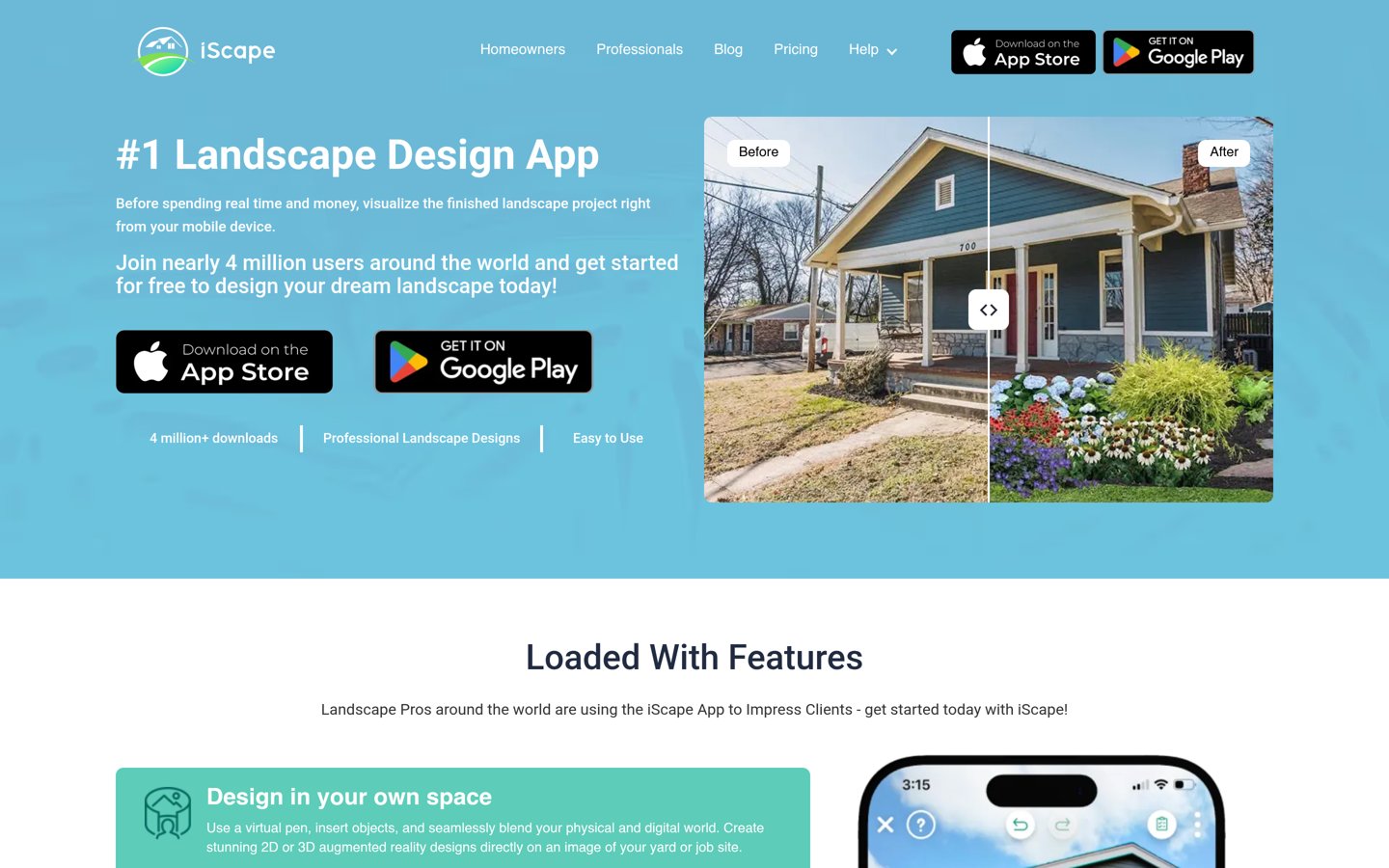
iScape homepage, captured Nov 2026.
iScape is the only tool here that designs in your actual yard. You point your phone at the lawn and drop trees, shrubs, patios and fire pits onto the photo in 2D, or in augmented reality on iOS, at roughly real scale. The free version covers personal projects with a limited plant and product database.
The trade off is price and platform. The full library, image uploads and the proposal tool need Pro at $29.99 a month or $299.99 a year, and 2D and 3D design are iOS only, with Android limited to 2D. It suits homeowners who want to see plants at true scale before buying them.
HomeByMe is a simple online 3D planner from Dassault Systemes. You draw a 2D plan of your yard and the software builds the 3D version for you, with furniture and plants from a branded catalog and renders up to 4K on paid plans. The free Starter plan covers the core 2D and 3D workflow.
The trade off is the free-plan cap and the price jump. Starter limits how many projects and high-resolution images you can keep, and Essentials costs $29 a month or $299 a year. It suits homeowners who want a polished render to show a contractor.
What we like
Very easy to learn, with no CAD skills needed
Photorealistic renders up to 4K on paid plans
Branded furniture catalog for realistic rooms and yards
RoomSketcher is built for measured plans. You draw walls with real dimensions, name the rooms, and get a 2D floor plan with total floor area plus a furnished 3D view and a 360-degree walkthrough from the same drawing. The free plan covers basic drawing and 3D viewing.
The trade off is the credit system. Pro costs $144 a year and includes 5 credits a month, with one spent per 3D photo or 360 view, so heavy exporters buy more. It suits homeowners who need a to-scale plan a builder can price from.
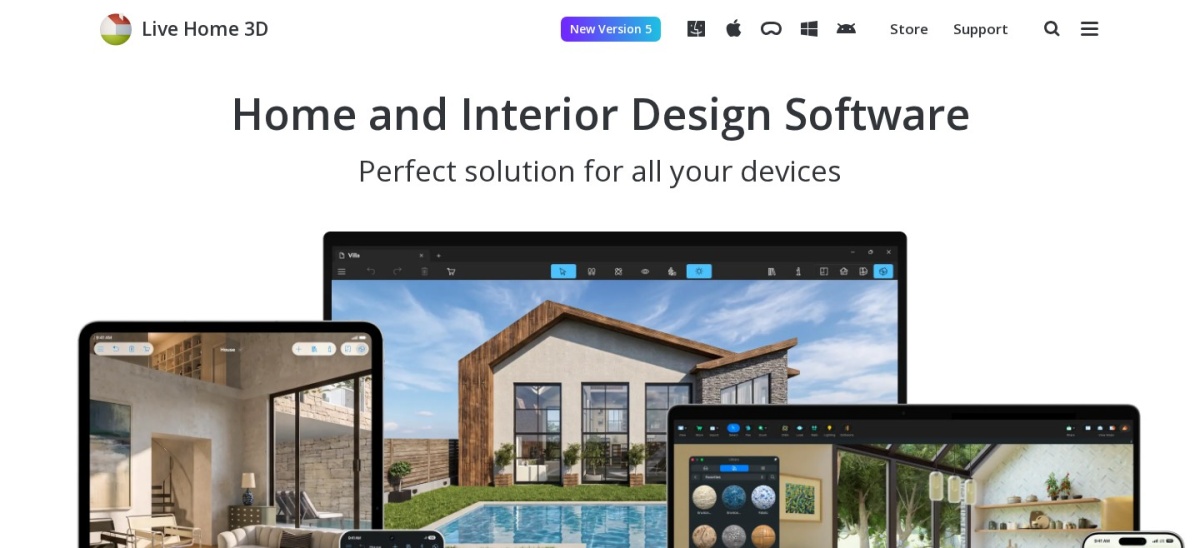
Live Home 3D is a polished native app for Mac, Windows, iPhone, iPad and Android. You draw the house and yard in 2D, switch to 3D, and walk through the result with furniture, materials and lighting. The free version covers the core workflow with watermarks, save limits and a 2-floor limit.
The trade off is that the best parts are paid. Standard at $24.99 a year removes the watermarks, save limits and 2-floor limit, while terrain editing and advanced rendering need Pro. It suits Apple households that want a smooth app rather than a browser tool.
What we like
Native apps on Mac, Windows and mobile
Terrain editing and walkthroughs on Pro
Lifetime licenses available as an alternative to subscriptions
Watch out for
Free version adds watermarks and limits saves
Terrain editing needs the Pro tier
Landscape tools are thinner than house tools
Standard removes limits; Pro adds terrain editing and advanced renderingVisit livehome3d.com
07
Floorplanner
4.2/5on Capterra (25 reviews, checked Nov 2026)
Paid from$48.96/yr
Best for accurate dimensioned plans in a browser
Free planYes, Basic, 5 projects
Free exportsWatermarked, SD quality
Users30 million+
Cheapest paid planPlus, $48.96/yr
floorplanner.com
Floorplanner homepage, captured Nov 2026.
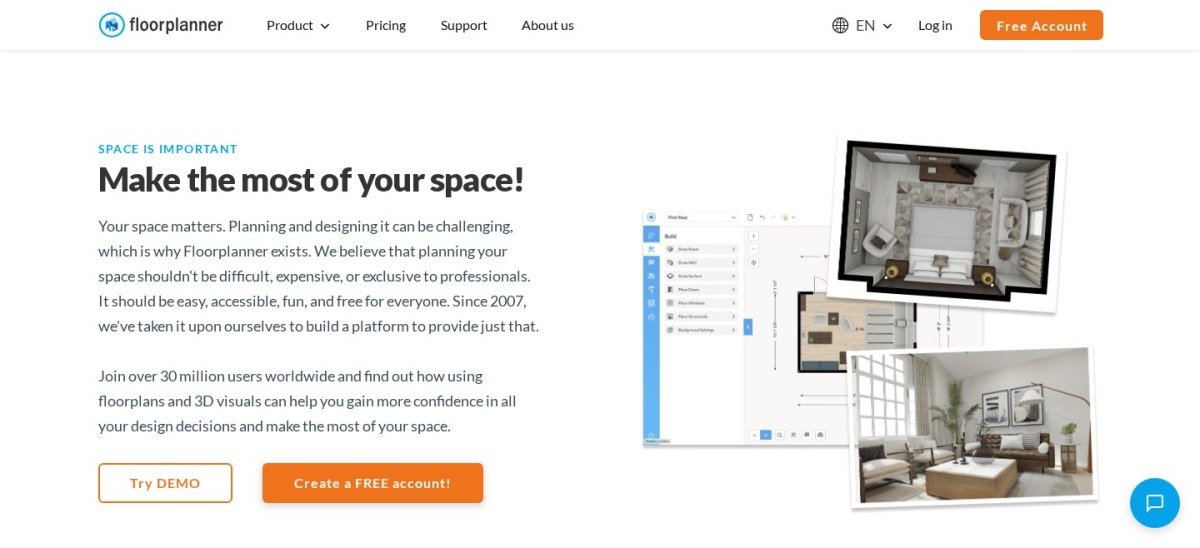
Floorplanner is the measurement tool in this list. You draw rooms and walls in the browser and get a dimensioned 2D plan in minutes, then switch to 3D to check how the yard and rooms feel. The free Basic plan covers up to 5 projects with watermarked, lower-resolution exports.
The trade off is that output costs extra. Plus costs $5 a month, or $48.96 a year billed annually, and includes 4 credits a month, while one HD export costs 5 credits. It suits DIYers who need exact measurements for materials and contractor quotes.
What we like
Dimensioned plans in minutes, with no install
Free Basic plan covers 5 projects
Cheapest paid plan in this list after the free tools
Watch out for
Free exports are watermarked and low resolution
One HD export costs more credits than Plus gives monthly
4.7/5on SourceForge (301 reviews, checked Nov 2026)
PriceFree
Best completely free offline designer
Free planYes, fully free
LicenseOpen source, GPL
Works offlineYes, desktop app
Cheapest paid planNone, free
sweethome3d.com
Sweet Home 3D homepage, captured Nov 2026.
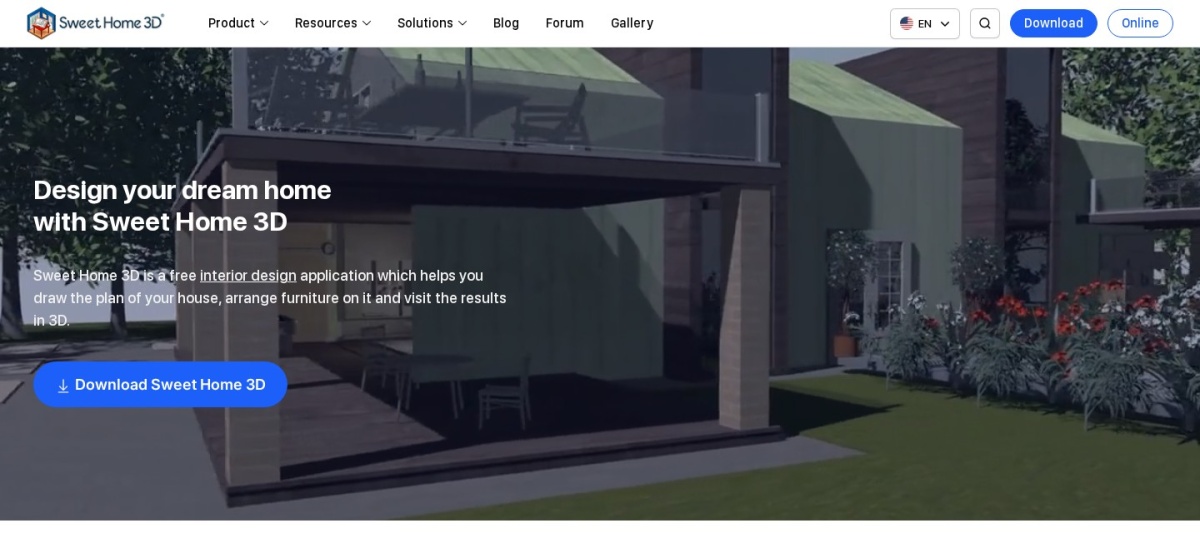
Sweet Home 3D is a free, open-source designer that runs offline on your computer. You draw the plan of your house, arrange furniture on it and visit the result in 3D, with hundreds of free furniture items and textures included. There is no account, no paywall and no subscription.
The trade off is polish and plant depth. The interface looks dated next to the browser tools, and it has no plant library or AR view for testing real plants in your yard. It suits DIYers who want a free offline tool and do not mind a plain interface.
What we like
Completely free with no paid plan at all
Works offline on Windows, Mac and Linux
Rated 4.7 out of 5 on SourceForge from 301 reviews
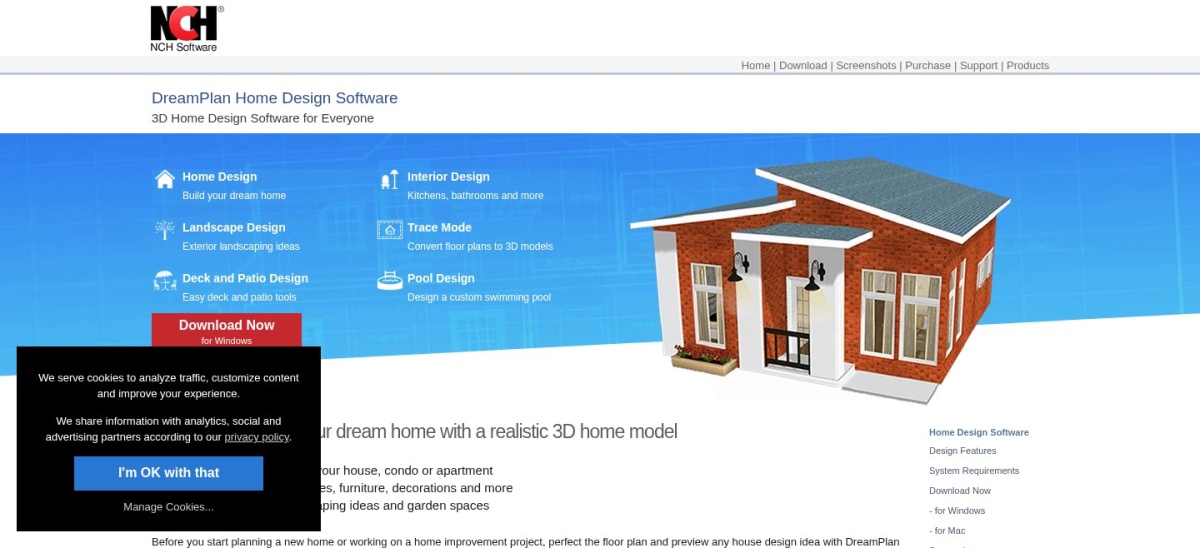
DreamPlan is a free desktop program from NCH Software for home, deck, patio and landscape design. You add trees, plants, shrubs and flower gardens, reshape the terrain, and switch between 3D, 2D rendered and 2D blueprint views. The free version needs no account and covers non-commercial use.
The trade off is the thin rating record and the dated interface. DreamPlan is rated 3.3 out of 5 on Capterra from only 3 reviews, and the Plus license is a $29.99 one-time purchase. It suits homeowners who want a simple desktop tool with no subscription.
What we like
Free desktop software with no signup
Landscape tools for plants, terrain and pools
One-time Plus license, no subscription
Watch out for
Only 3 Capterra reviews, rated 3.3 out of 5
Dated interface and older 3D look
Paid price differs between sources: Capterra lists $24.99
Free plans cover the basics well. Most include 2D and 3D views, a plant or furniture catalog and a way to save the project.
Paid plans mostly add catalog, renders and exports. You get the full plant library, higher-resolution images and files a contractor can print to scale.
If you only design one yard, a free plan is usually enough. Pay when the free cap blocks the exact thing you need, such as a 4K render or a to-scale print.
One-time licenses such as DreamPlan Plus at $29.99 suit a single project. Subscriptions suit people who design yards often or for clients.
How we chose
We started from the tools that appear most often in free landscape design round-ups, then kept those with a real free plan or free version and a 3D view.
Prices come from each vendor's pricing page or app store listing, checked on 23 November 2026. Ratings come from G2, Capterra, the App Store or SourceForge on the same day, with the source named for each tool. Where a vendor shows a sale, the list shows the regular price.
We left out tools with no free plan and no public rating, including Gardena myGarden, for which no rating could be verified. No vendor paid for a place, and we do not claim hands-on testing for this list.
How to choose a free 3D landscape design tool
Start with the yard you have, then match the tool to the job, not the other way round.
Measure the lot first. Sketch the property lines and the fixed features, such as the house, driveway and large trees, before you open any tool. A plan built on guesses will not fit the real yard.
Pick a modeler or a planner. Choose SketchUp Free when you need exact dimensions for a deck or pergola. Choose Planner 5D, HomeByMe or Floorplanner when you want a finished-looking yard fast.
Check the free-plan cap. Count the projects, catalog items and exports the free plan allows. Sweet Home 3D has no cap at all, while HomeByMe and Floorplanner ration projects and renders.
Preview plants at real scale. Use iScape on your phone to see trees and shrubs in the actual yard before you buy them. A 3D model on a screen hides how big a plant really gets.
FAQ
What is the best free 3D landscape design software?
SketchUp Free is the strongest free option for most people. Its free web version offers full 3D modeling with the 3D Warehouse library of millions of free models, and it is rated 4.5 out of 5 on G2 from 1,327 reviews.
Which free landscape design tool is easiest for beginners?
Planner 5D is the easiest to start with. You drag plants, patios and furniture onto a plan and switch to 3D in minutes, with unlimited projects on the free plan. About half the catalog needs Premium at $59.99 a year.
Can I see plants in my real yard before buying them?
Yes, with iScape. You point your phone at the yard and place plants, patios and fire pits onto the photo in 2D, or in augmented reality on iOS, at roughly real scale. The free version has a limited plant database.
Is there a completely free 3D landscape design tool?
Yes. Sweet Home 3D is free and open source with no paid plan, no account and no paywall, and it works offline. DreamPlan is also free for non-commercial use, with a one-time $29.99 Plus license.
Do free landscape design tools include terrain editing?
Most do not. Terrain editing is a paid feature in Live Home 3D Pro, while DreamPlan lets you reshape terrain in its free version. SketchUp Free handles slopes by modeling the ground shape yourself.
What does a paid landscape design plan add?
Paid plans usually add the full plant catalog, higher-resolution renders and better exports. Planner 5D Premium costs $59.99 a year, RoomSketcher Pro costs $144 a year, and iScape Pro costs $299.99 a year.