Blender is the best free 3D animation software for beginners. It covers the full pipeline, from modelling to rendering, at no cost and is rated 4.6/5 on G2 from 321 reviews. Pick Daz Studio for ready-made characters and Mixamo for animated characters with no rigging.
How we make this list: we compare pricing pages, product documentation and public user reviews, then re-check every price before each update. No product paid for a place. Disclosure.
Blender is the only free tool that covers the whole animation pipeline, rated 4.6/5 on G2 from 321 reviews.
Daz Studio and Mixamo let beginners animate finished characters fast, while Blender takes weeks to learn well.
Cascadeur is the fastest way to learn character motion, with physics tools that add weight to key poses.
Spline runs in the browser, so beginners on modest laptops can start with no install, but its free exports carry a watermark.
All 8 tools have a free plan. Paid upgrades start at $69 a year for Daz+ and reach $1,850 a year for an Unreal seat.
What beginners should look for in free 3D animation software
A beginner tool should produce something watchable in the first week. That means ready-made characters, a clear timeline and tutorials that match the exact version you installed.
Free does not always mean free forever. Some tools are free with no paid tier, like Blender and Mixamo, while others are free tiers with watermarks, export limits or non-commercial terms.
Match the tool to the project. A short film with original characters points to Blender, character practice points to Daz Studio or Mixamo, and web 3D points to Spline.
Check your hardware before you install a heavy desktop suite. Browser tools run on modest machines, while Blender, Unreal Engine and Houdini want a real computer with a decent graphics card.
The 8 best free 3D animation software tools for beginners
01
Blender
4.6/5on G2 (321 reviews, checked Nov 2026)
PriceFree
Best free 3D animation software overall
Free planYes, fully free
Paid planNone, open source
PlatformsWindows, macOS, Linux
RenderersCycles and EEVEE
blender.org
Blender homepage, captured Nov 2026.
Blender is a free and open-source 3D creation suite that covers modelling, rigging, animation, simulation, rendering and video editing in one download. It runs on Windows, macOS and Linux, has no paid tier, no watermark and no seat limit, so a beginner never hits a paywall mid-project.
The trade off is the learning curve. The interface packs a large feature set into dense panels, and animation means learning armatures, the graph editor and the dopesheet. It suits beginners who want one free tool for the whole journey and are ready to follow a structured course.
What we like
Full pipeline from modelling to final render at no cost
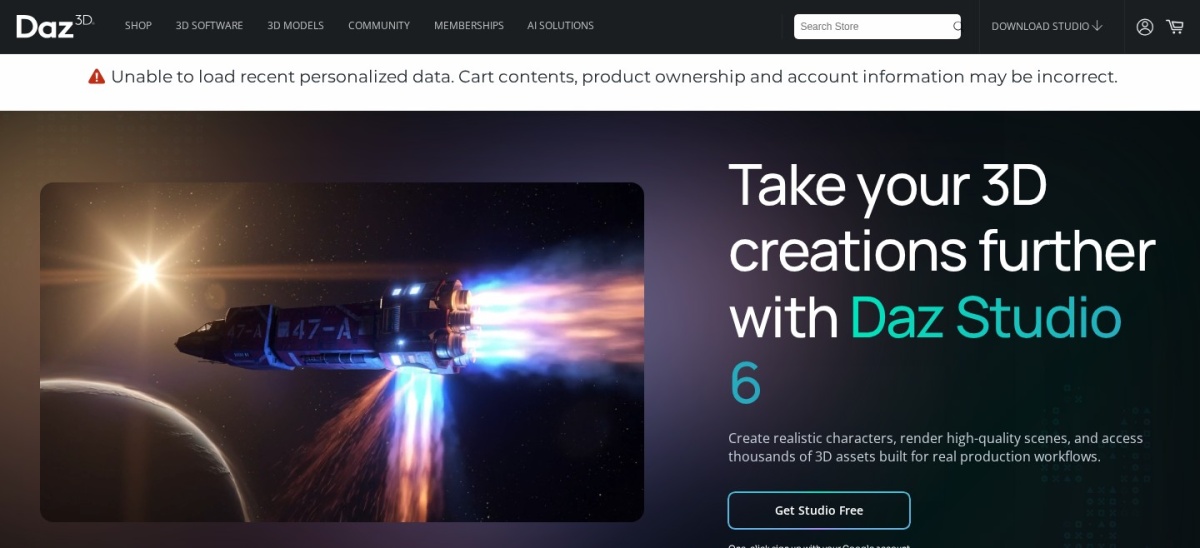
Daz Studio is free 3D software for posing, dressing and rendering ready-made characters and scenes. It includes the NVIDIA Iray renderer, dForce cloth physics and the Genesis 9 figure platform, with export bridges to Blender, Unreal, Unity, Maya and Cinema 4D.
The trade off is the marketplace model. The app is free, but characters, outfits and scenes are sold individually, and the Daz+ membership at $69 a year is where the discounts sit. It suits illustrators and hobbyists who want realistic figures without modelling them from scratch.
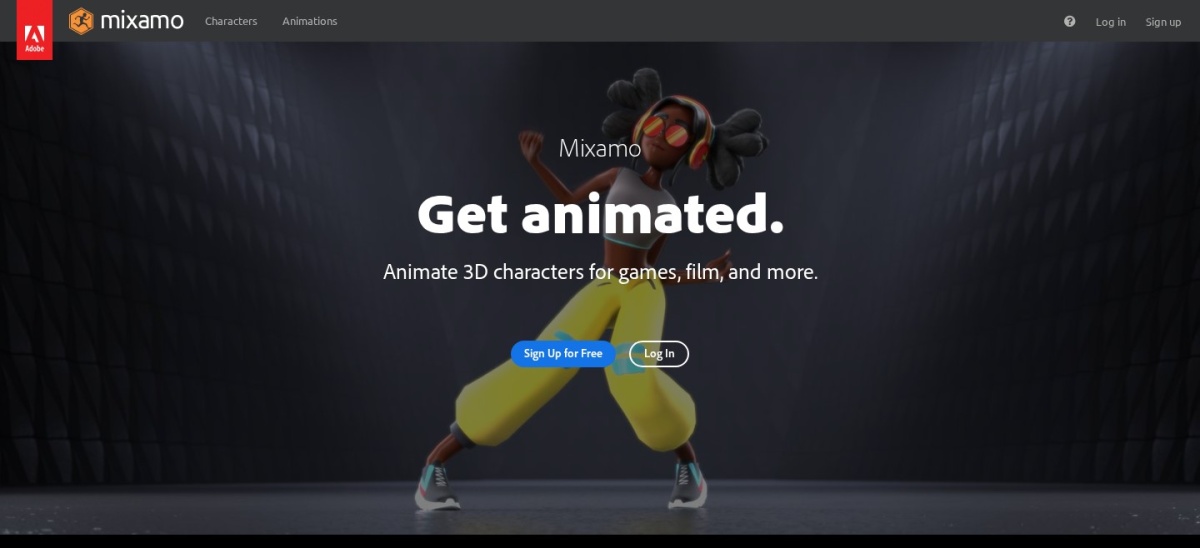
Mixamo is a free web service from Adobe that auto-rigs humanoid characters and applies ready-made motion-capture animations. Upload a character, place a few markers, and it builds a skeleton with skin weights in minutes, then you preview clips and download the result as FBX for Blender or a game engine.
The trade off is scope. Characters must be roughly humanoid, you need a free Adobe account, and you cannot easily create custom motion beyond blending the provided clips. It suits beginners who need a walking, dancing character the same afternoon they start.
What we like
Automatic rigging of uploaded characters in minutes
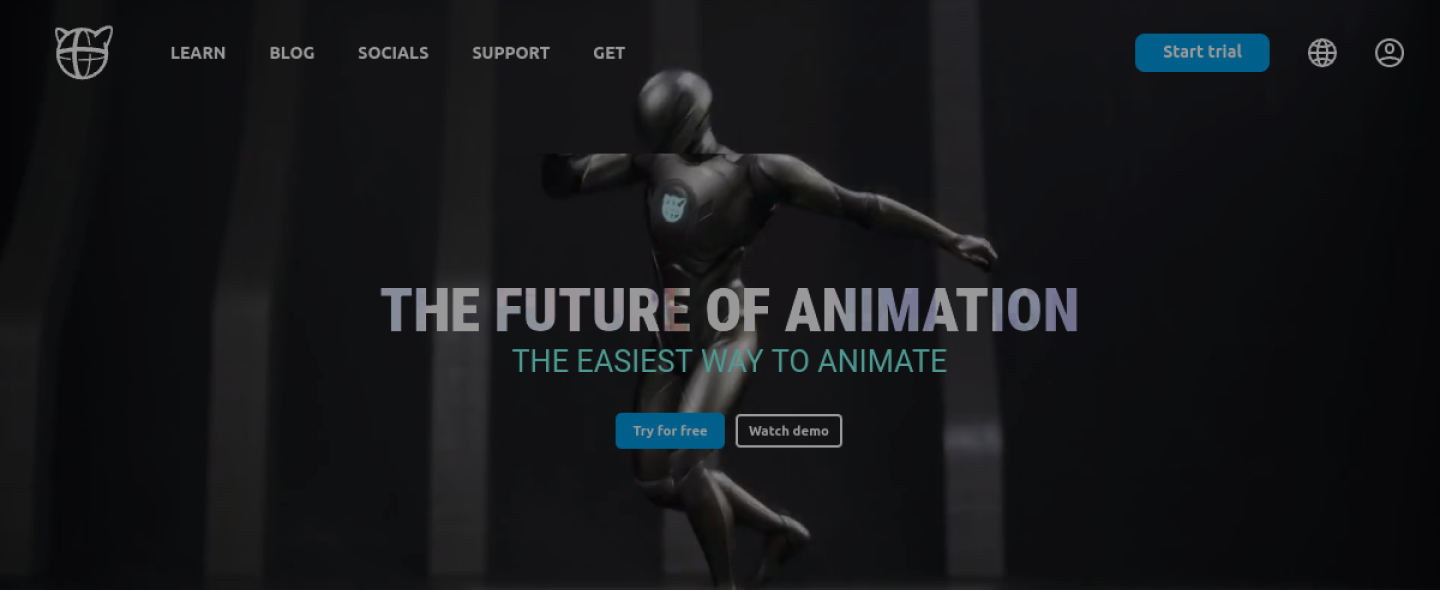
Cascadeur is a standalone desktop tool for keyframe character animation, motion-capture cleanup and editing. You set key poses and its physics tools fill in realistic movement, and it imports rigs from Blender, Daz Studio, Unreal Engine and Mixamo.
The trade off is scope. It animates characters rather than modelling or rendering full scenes, and the free plan is non-commercial with export limited to its own file format. It suits game developers and indie animators who need believable character motion fast.
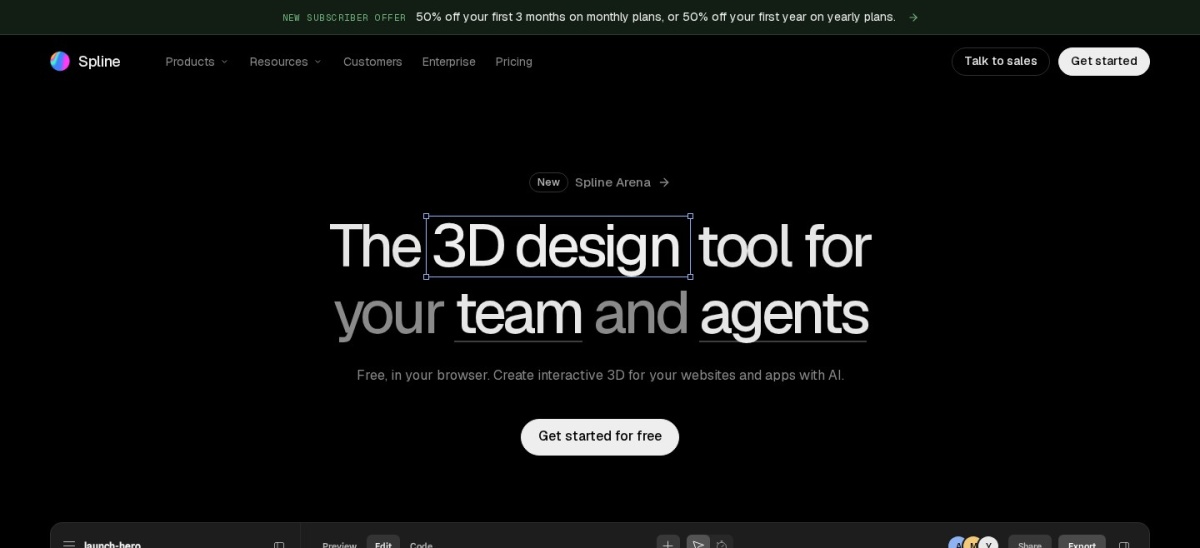
Spline is a browser-based 3D design tool for interactive web scenes, with modelling, materials, lighting, animation and interactivity in one editor. Beginners can make spinning product views, animated icons and hero-section 3D within days, and embed the result in a website.
The trade off is scope and the free-plan watermark. Web exports on the free plan carry a watermark, files are limited, and it will not rig a film character or simulate cloth. It suits web designers and marketers who need 3D motion for a landing page.
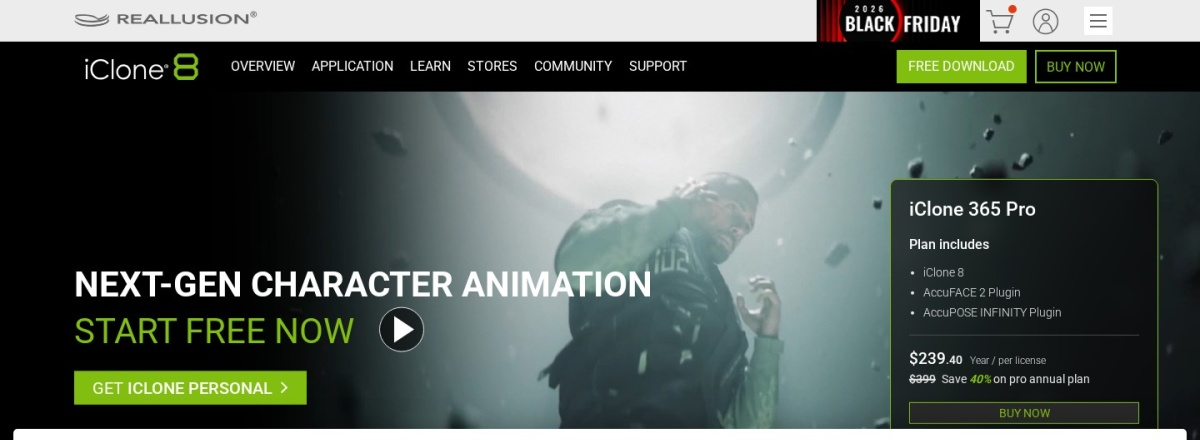
iClone is Reallusion's real-time 3D animation software for characters, scenes and rendering. The free iClone Personal edition includes the full toolset with no time limit and can be used on commercial projects.
The trade off is scope and platform. It runs on Windows only, and the free Personal edition limits exports to other 3D applications to 30 in total. A subscription costs $199 a year, and a perpetual licence costs $599. It suits indie filmmakers who want finished character animation fast.
Unreal Engine is Epic's real-time 3D engine for games, cinematics and virtual production, with the Sequencer timeline, Blueprint visual scripting and the Lumen lighting system. It is free for individuals, students and companies under $1 million in annual gross revenue.
The trade off is weight and the learning curve. It needs a strong computer, takes months to learn well, and non-game companies over $1 million pay $1,850 per seat a year. It suits beginners aiming at games or real-time film who want industry-standard rendering.
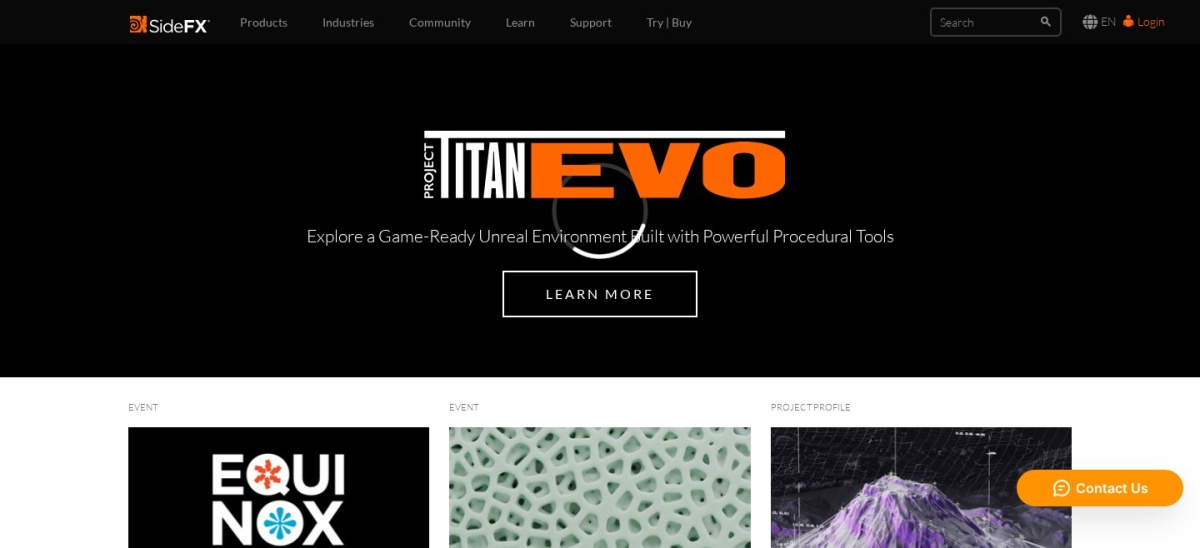
Houdini is SideFX's node-based tool for procedural modelling, simulation and visual effects. Every step stays editable, so a change early in the chain flows through the whole scene, and it is the tool behind much of the water, smoke, destruction and crowd work in large films.
The trade off is the learning curve and the licence tiers. Houdini Indie costs $299 a year but caps revenue at $100,000 and three seats, while Houdini FX costs $3,505 a year. It suits technical beginners who want to learn film effects, not quick character clips.
Free plans cover learning well. Most include the core animation tools, and Blender and Mixamo have no paid tier at all.
Paid plans mostly remove limits: watermarks, export caps, non-commercial terms and missing formats such as FBX.
If you plan to sell your work, read the free licence first. Cascadeur and Houdini Apprentice are non-commercial, while Mixamo clips are royalty-free for commercial use.
Start free, finish one small animation, then pay only for the limit you actually hit.
How we chose
We started from the free 3D animation tools beginners actually recommend in 2026, then kept those with a usable free plan and a public rating on G2 or Capterra.
Prices come from each vendor's pricing page or a price roundup quoting that page, checked on 25 November 2026. Ratings and review counts come from G2 or Capterra on the same day. Where a vendor shows a sale, the list shows the regular price.
We left out tools with no public rating, including Clara.io and Source Filmmaker. No vendor paid for a place, and we do not claim to have used these tools ourselves.
How to choose free 3D animation software as a beginner
Start with what you want to make, then pick the tool that gets you there fastest.
Pick one goal for your first project. A short character clip, a product spin or a game cinematic each point to a different tool, so choose the project before the software.
Check the free-plan limits first. Watermarks, export caps and non-commercial terms matter more than feature lists when you want to share or sell your work.
Match the tool to your computer. Browser tools suit modest laptops, while Blender, Unreal Engine and Houdini need a stronger machine and more disk space.
Finish one small animation before switching. Work through one structured beginner course, finish a bouncing ball or a walk cycle, then add a second tool for a specific job.
FAQ
What is the best free 3D animation software for beginners?
Blender is the best free choice for most beginners. It covers modelling, rigging, animation and rendering at no cost, is rated 4.6 out of 5 on G2 from 321 reviews, and has the largest free tutorial library.
Can I animate 3D characters without modelling them?
Yes. Daz Studio gives you ready-made characters to pose and animate, and Mixamo auto-rigs an uploaded character and adds motion-capture clips, so you can start with a moving character on day one.
Is Blender really free?
Yes. Blender is free and open source with no paid tier, no watermark and no seat limit. You can use it for personal and commercial work without paying anything.
Which free tool is easiest for a complete beginner?
Spline is the easiest editor here because it runs in a browser and feels like a design tool. Mixamo is also very easy, since it rigs characters and supplies the animation clips for you.
Can I sell animations made with free software?
It depends on the tool. Blender and Mixamo allow commercial use, while Cascadeur's free plan and Houdini Apprentice are non-commercial, so check the licence before you sell any work.
Do I need a powerful computer for 3D animation?
For desktop tools such as Blender, Unreal Engine and Houdini, yes, a decent graphics card helps a lot. Browser tools such as Spline run on modest laptops, which makes them a good starting point.
What is the cheapest paid upgrade in this list?
Daz+ costs $69 a year, followed by Cascadeur Indie at $96 a year. Blender and Mixamo have no paid upgrade at all, so they stay free.
Is Houdini Apprentice free for beginners?
Yes, Houdini Apprentice is free for personal, non-commercial learning and includes the full FX toolset. Renders are watermarked and capped at 1920 by 1080, and commercial use needs a paid licence.
SaaS SEO and WordPress specialist with about 8 years of experience. Rakib compares WordPress plugins, themes, hosting and software using public pricing, documentation and user reviews. See how we rank.