Best Forms Automation Software in 2026: 9 Tools Compared
WLWPLegible EditorsLast verified 23 Nov 2026How we rank10 min read
★ Short answer
Jotform is the best forms automation software for most teams, with a free plan covering 5 forms and 100 submissions a month, Bronze at $34 a month billed yearly, and a 4.7 out of 5 G2 rating. Pick Typeform for conversational forms and Cognito Forms for the cheapest paid plan with calculations.
How we make this list: we compare pricing pages, product documentation and public user reviews, then re-check every price before each update. No product paid for a place. Disclosure.
Jotform leads on breadth: 10,000+ templates, 150+ integrations, and approval workflows, from $34 a month billed yearly.
Typeform's one-question-at-a-time forms start at $28 a month billed yearly, but the free plan allows only 10 responses a month.
Paperform Pro costs $49 a month billed yearly and puts no cap on submissions or users under its fair use policy.
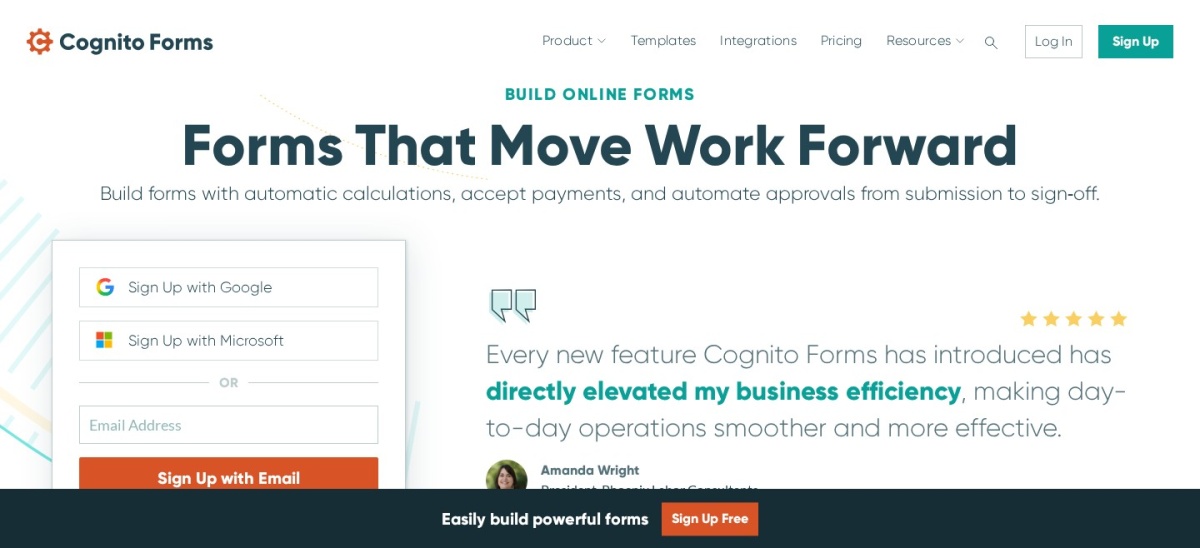
Cognito Forms Pro is the cheapest paid plan here at $19 a month billed yearly, with calculations and e-signatures included.
Google Forms and Microsoft Forms are free and automate well through Sheets and Power Automate, but neither takes payments.
What forms automation should cover
Forms automation means the work after submit: routing answers, starting approvals, taking payments, and sending data to other tools without manual copying.
Look for conditional logic, approval steps, and native links to the tools you already use. A form that only emails you a PDF still leaves the follow-up work manual.
Price is set by volume as much as features: most tools cap forms, submissions, or users, so check the cap that fits your busiest month. Our guide on connecting WPForms to Mailchimp shows how one integration can remove a weekly export job.
Free plans suit a single form or a trial, but branding, payment limits, and user seats usually push growing teams to a paid plan.
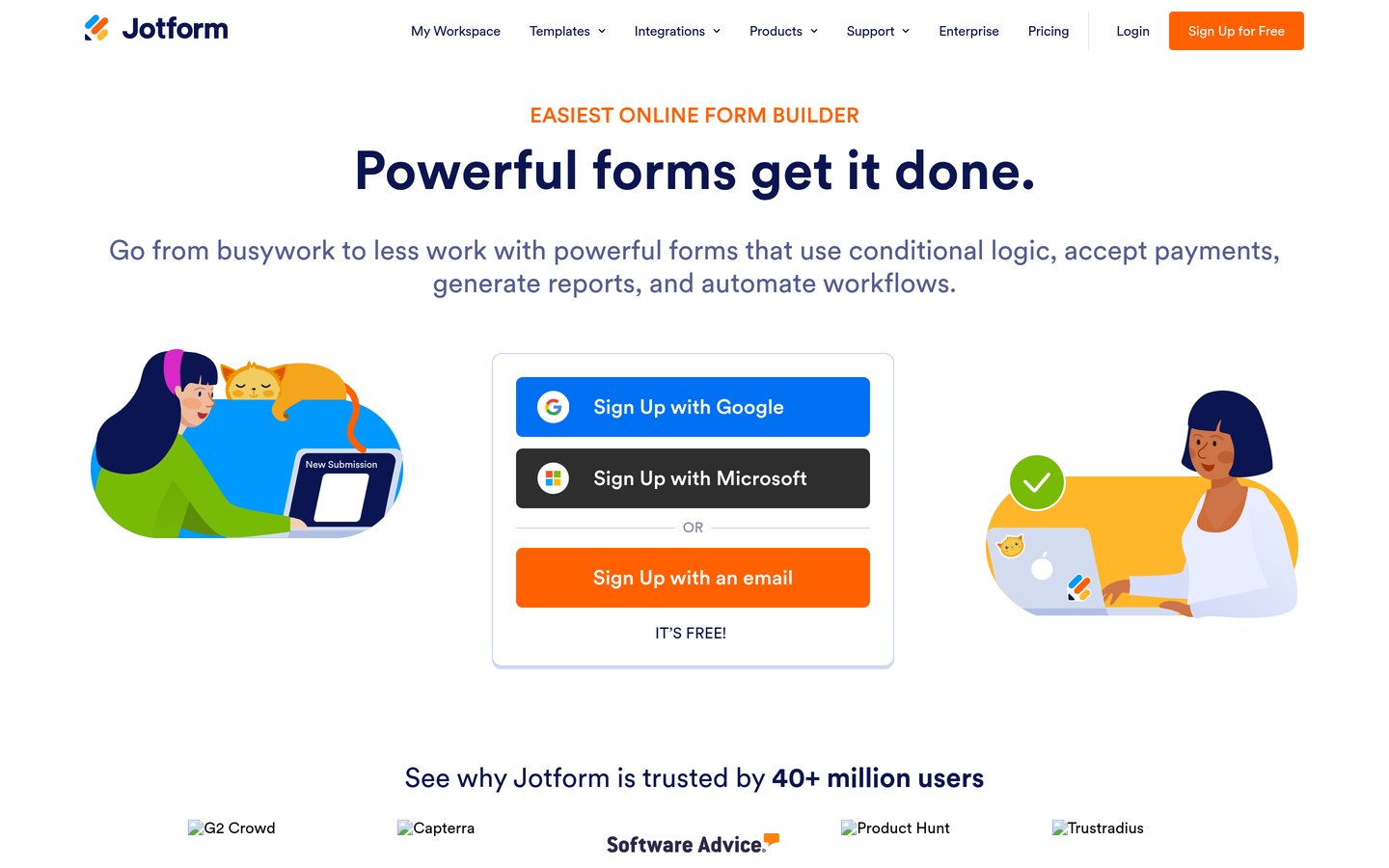
Jotform is an online form builder with approvals, payments, and tables built around the form. The free plan covers 5 forms and 100 submissions a month, and paid plans add more forms, storage, and e-signatures. Its library holds 10,000+ templates, and it connects to 150+ apps including Salesforce, Slack, and Google Drive.
The trade off is the single-user limit. Every self-serve plan covers one user, so a team that needs shared editing must move to custom-priced Enterprise. It suits small businesses and solo operators that want the widest template library and built-in approvals at a fair price.
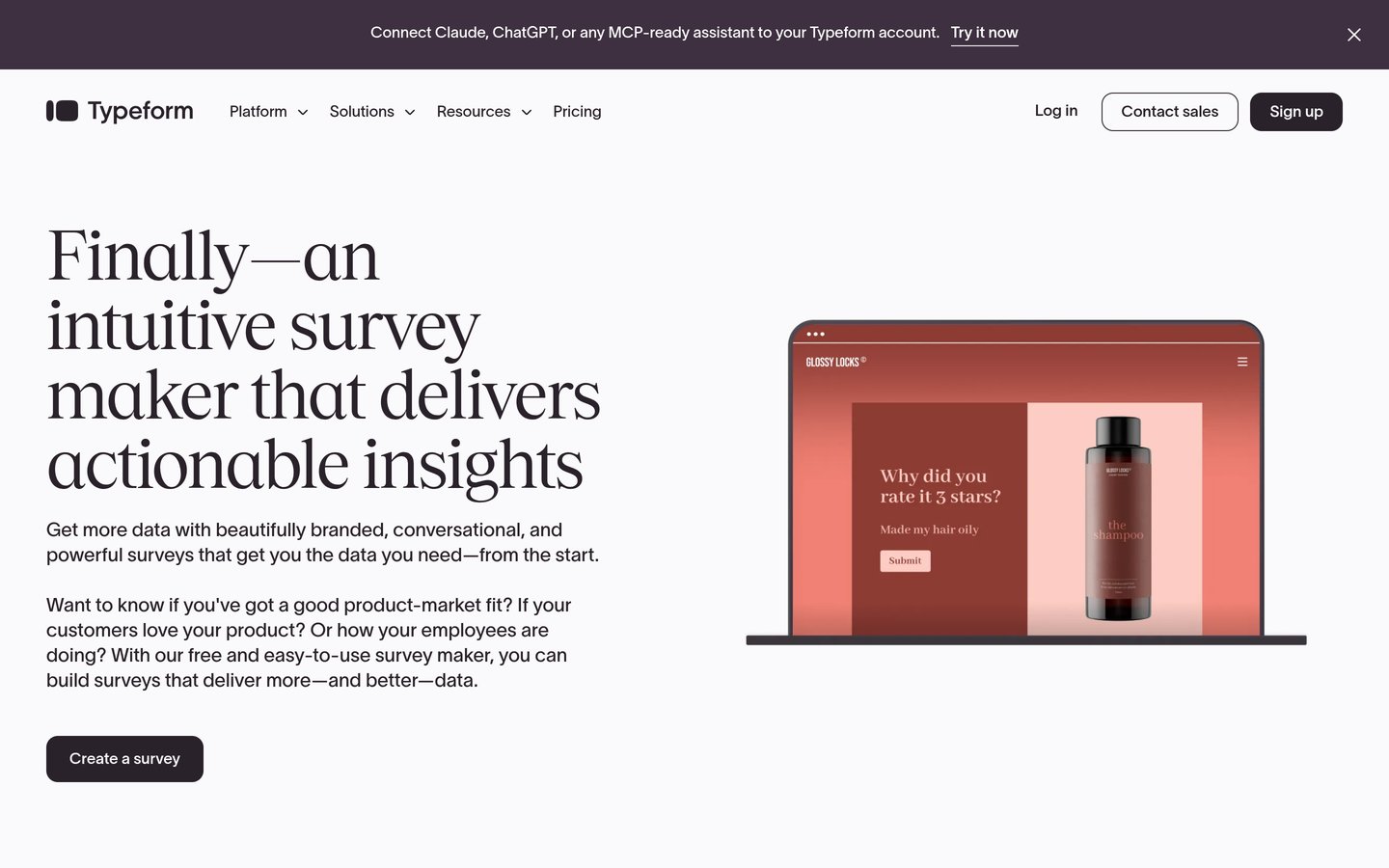
Typeform is a form builder that shows one question at a time, which keeps long forms feeling short. The free plan allows 10 responses a month across unlimited forms, and Basic adds 100 responses a month, your own logo, and conditional logic. Paid plans add webhooks and integrations with HubSpot, Salesforce, and Slack.
The trade off is the response cap. Basic allows only 100 responses a month, so a busy lead form can hit the limit in days, and extra responses cost more. It suits marketing teams that run short, brand-led forms where completion rates matter more than volume.
What we like
One-question flow lifts completion on short forms
Clean design with strong logic and webhooks
Free plan allows unlimited forms
Watch out for
Basic caps at only 100 responses a month
No payments or approvals on the Basic plan
Plus removes branding and raises the cap to 1,000 responsesVisit typeform.com
03
Paperform
4.8/5on G2 (86 reviews, checked Nov 2026)
Paid from$49/mo
Best designed forms with unlimited volume
Free plan30 submissions/mo
Paid planPro, $49/mo billed yearly
Submissions on ProUnlimited, fair use
Users on ProUnlimited
paperform.co
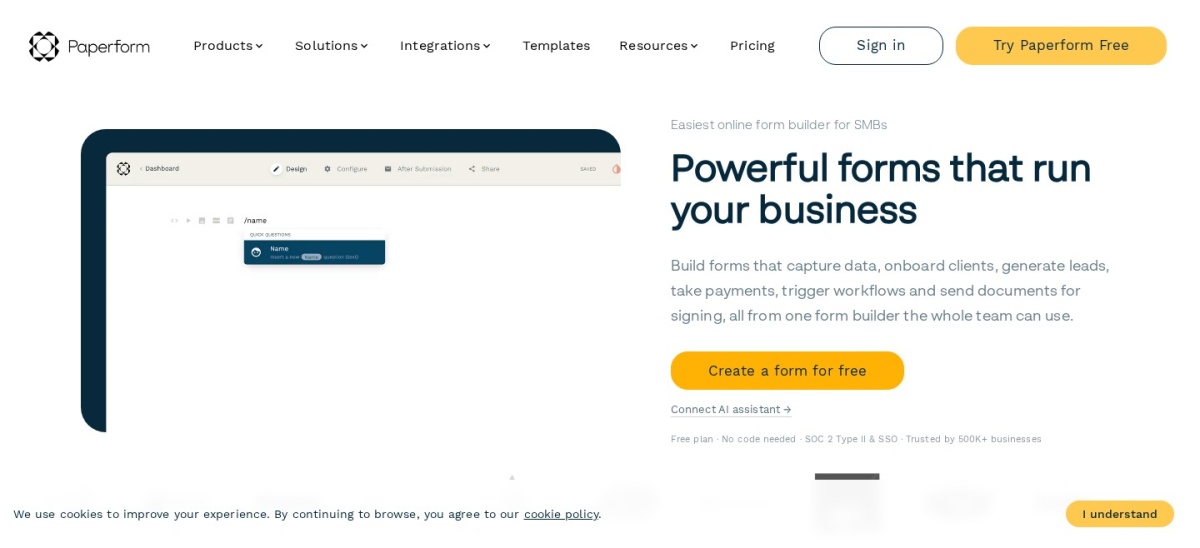
Paperform homepage, captured Nov 2026.
Paperform is a document-style form builder that makes forms look like landing pages, with full control over fonts, colors, and layout. The free plan allows 30 submissions a month, and Pro removes the submission and user caps under a fair use policy. It also bundles Papersign e-signatures and Stepper workflow automation in the same subscription.
The trade off is price. Pro costs $49 a month billed yearly, more than most entry plans here, and custom domains cost $20 a month extra. It suits agencies and brands that want polished forms and do not want a traffic spike to become a billing event.
Cognito Forms is a form builder built for calculations, with fields that can total prices, score answers, and repeat sections. The free plan covers 100 entries a month for one user, and Pro adds 2,000 entries, e-signatures, and save-and-resume for $19 a month billed yearly. It also accepts payments through Stripe, PayPal, and Square.
The trade off is team size. Pro covers only 2 users, and approval workflows need the Team plan at $39 a month billed yearly. It suits small businesses that need calculated order forms, quotes, or registrations without paying for a bigger platform.
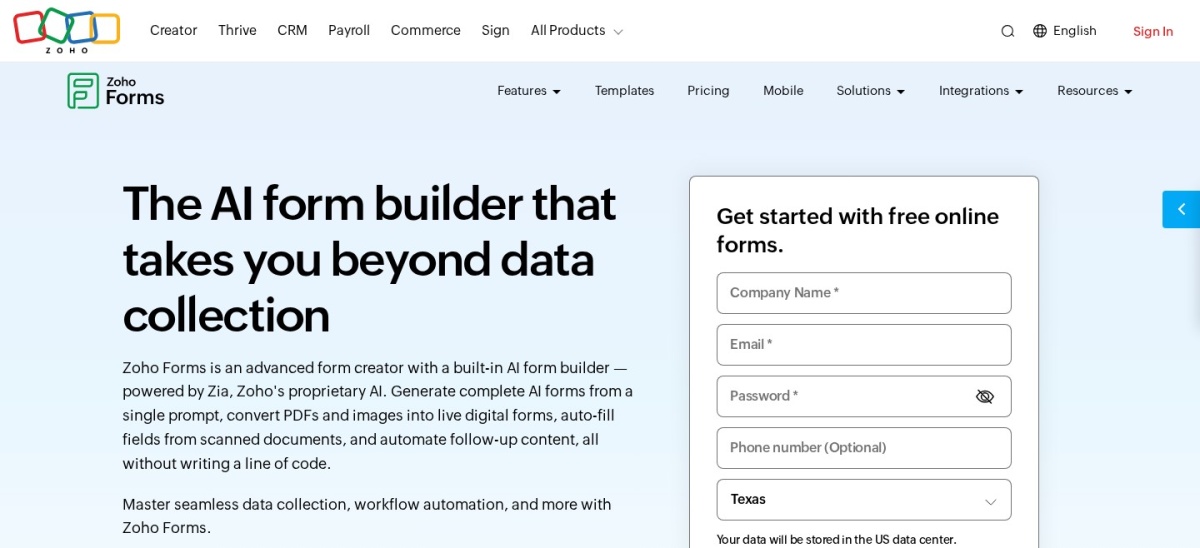
Zoho Forms is the form builder inside the Zoho suite, and it sends submissions straight into Zoho CRM without a connector in between. The free plan covers 3 forms and 500 submissions a month, and Basic adds unlimited forms and 10,000 submissions for $10 a month billed yearly. It includes conditional logic, webhooks, and payment links on every plan.
The trade off is the team ladder. Basic covers one user, and approval workflows need Standard at $25 a month billed yearly for up to 10 users. It suits teams already running Zoho CRM, Desk, or Campaigns that want forms inside the same system.
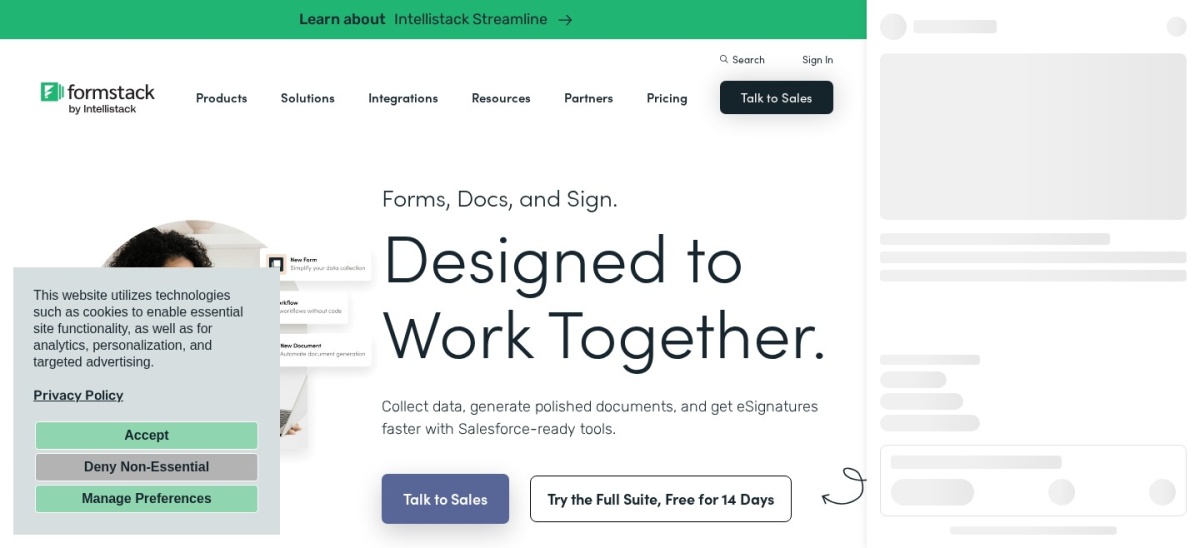
Formstack is a form and document platform that pairs online forms with document generation and e-signatures. The Forms plan covers 25 forms and 1,000 submissions per form for one builder user, and Suite adds Documents and Sign for three users. It offers HIPAA-ready workflows and deep Salesforce tools on its custom plans.
The trade off is cost and the missing free plan. Forms starts at $83 a month billed yearly, and there is only a 14-day trial before paying. It suits mid-size and regulated teams that need forms, approvals, documents, and signatures under one contract.
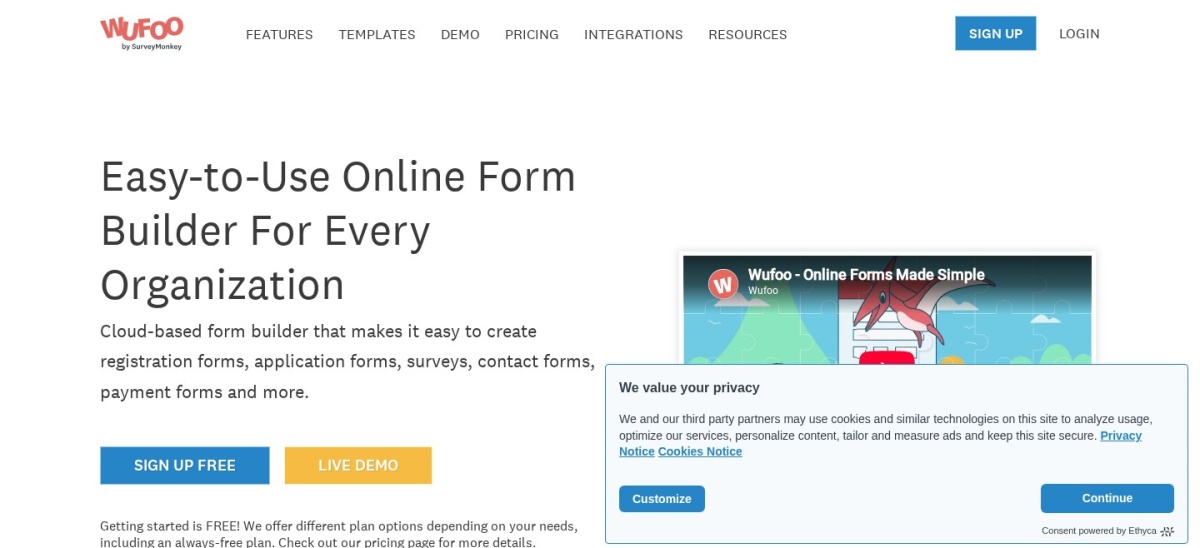
Wufoo is a plain form builder from SurveyMonkey that focuses on quick setup and clear reports. The free plan covers 5 forms and 100 entries a month, and Starter adds 10 forms, 1,000 entries, and file uploads for $16.25 a month billed yearly. Every paid plan includes unlimited custom reports and a REST API.
The trade off is age. The editor looks dated next to newer builders, and payment collection needs at least the Professional plan. It suits small teams that want simple forms, solid reports, and a tool that has run unchanged for years.
4.7/5on Capterra (11,568 reviews, checked Nov 2026)
PriceFree
Best free forms
Free planUnlimited forms
Paid planNone, fully free
ResponsesUnlimited
AutomationSheets + add-ons
google.com
Google Forms homepage, captured Nov 2026.
Google Forms is a free form builder that comes with any Google account and stores answers in Google Sheets. There is no paid plan and no cap on forms or responses, and add-ons extend it with approvals, notifications, and document generation. It covers branching logic, file uploads, and quizzes with automatic grading.
The trade off is depth. It has no payment collection, no e-signatures, and only basic branding, so polished or paid forms need another tool. It suits schools, clubs, and small teams that need free internal surveys and simple data collection.
Microsoft Forms is a free survey and quiz tool that ships with Microsoft 365 and personal Microsoft accounts. Responses flow into Excel, and Power Automate can route them to Teams, SharePoint, or Outlook without extra cost. It includes a quiz mode with automatic grading, point values, and feedback messages.
The trade off is a basic builder. It offers simple branching, limited design options, and no payment collection or e-signatures. It suits workplaces already on Microsoft 365 that need quick internal surveys, polls, and quizzes.
Free plans in this list cover the basics well. Most include conditional logic, notifications, and at least a few hundred submissions a month.
Paid plans mostly add volume and control. You get more forms and submissions, branding removal, payments, and approval steps.
Check the cap that binds first. A plan with unlimited forms can still stop at 100 responses a month, so match the limit to your busiest month, not your quietest.
For a form that earns money or collects regulated data, the first year of a paid plan often costs less than one missed lead or one manual fix.
How we chose
We started from the form builders with the largest review bases on G2 and Capterra, then kept nine that cover the full range from free to enterprise, including two free tools and one with no free plan.
Prices come from each vendor's pricing page, checked on 23 November 2026. Ratings come from G2 or Capterra on the same day. Where a vendor shows a lower monthly figure for annual billing, the list shows that yearly rate.
We left out niche and single-purpose form tools with small review bases. No vendor paid for a place, and we do not claim hands-on testing for this list.
How to choose forms automation software
Start with the volume and the workflow, then check the price.
Count your busiest month. Check forms, submissions, and users against each plan's caps, because the cheapest plan often stops at the first limit you hit.
List the steps after submit. If answers need approval, a signature, or a payment, pick a tool that does that step itself instead of one that needs a connector.
Map the tools it must feed. Forms should send data to your CRM, email tool, or spreadsheet without manual exports. See how to connect WPForms to Mailchimp for one example of that link working.
Try the free plan first. Build your longest form on the free plan and send it to a colleague, so you see the caps and the branding before you pay.
FAQ
What is the best forms automation software?
Jotform is the best pick for most teams. Its free plan covers 5 forms and 100 submissions a month, Bronze costs $34 a month billed yearly, and it scores 4.7 out of 5 on G2 from more than 5,000 reviews.
What is forms automation?
Forms automation is the work a form does after someone submits it: routing answers to the right person, starting an approval, taking a payment, or sending data to a CRM or spreadsheet without manual copying.
Is there a free forms automation tool?
Yes. Google Forms and Microsoft Forms are free with no paid plan, and Jotform, Typeform, Paperform, Cognito Forms, Zoho Forms, and Wufoo all offer free plans with caps on forms or submissions.
Which forms tool is cheapest?
Zoho Forms Basic is the cheapest paid plan here at $10 a month billed yearly, followed by Wufoo Starter at $16.25 and Cognito Forms Pro at $19. Google Forms and Microsoft Forms cost nothing at all.
Do I need approval workflows in a form tool?
Only if more than one person must sign off before work starts, such as leave requests, purchase orders, or client onboarding. Jotform, Zoho Forms, Cognito Forms, and Formstack all offer approvals on paid plans.
Can forms automation replace Zapier?
For simple routes, yes. Most tools here send data straight to a CRM, spreadsheet, or email tool. Zapier still helps when a form must feed several tools that have no direct link between them.