Jotform is the best form software for most teams. Its free plan covers 5 forms and 100 submissions a month, and Bronze at $39 a month adds payments, signatures and 1,000 submissions. Pick Typeform for conversational forms and Google Forms when the budget is zero.
How we make this list: we compare pricing pages, product documentation and public user reviews, then re-check every price before each update. No product paid for a place. Disclosure.
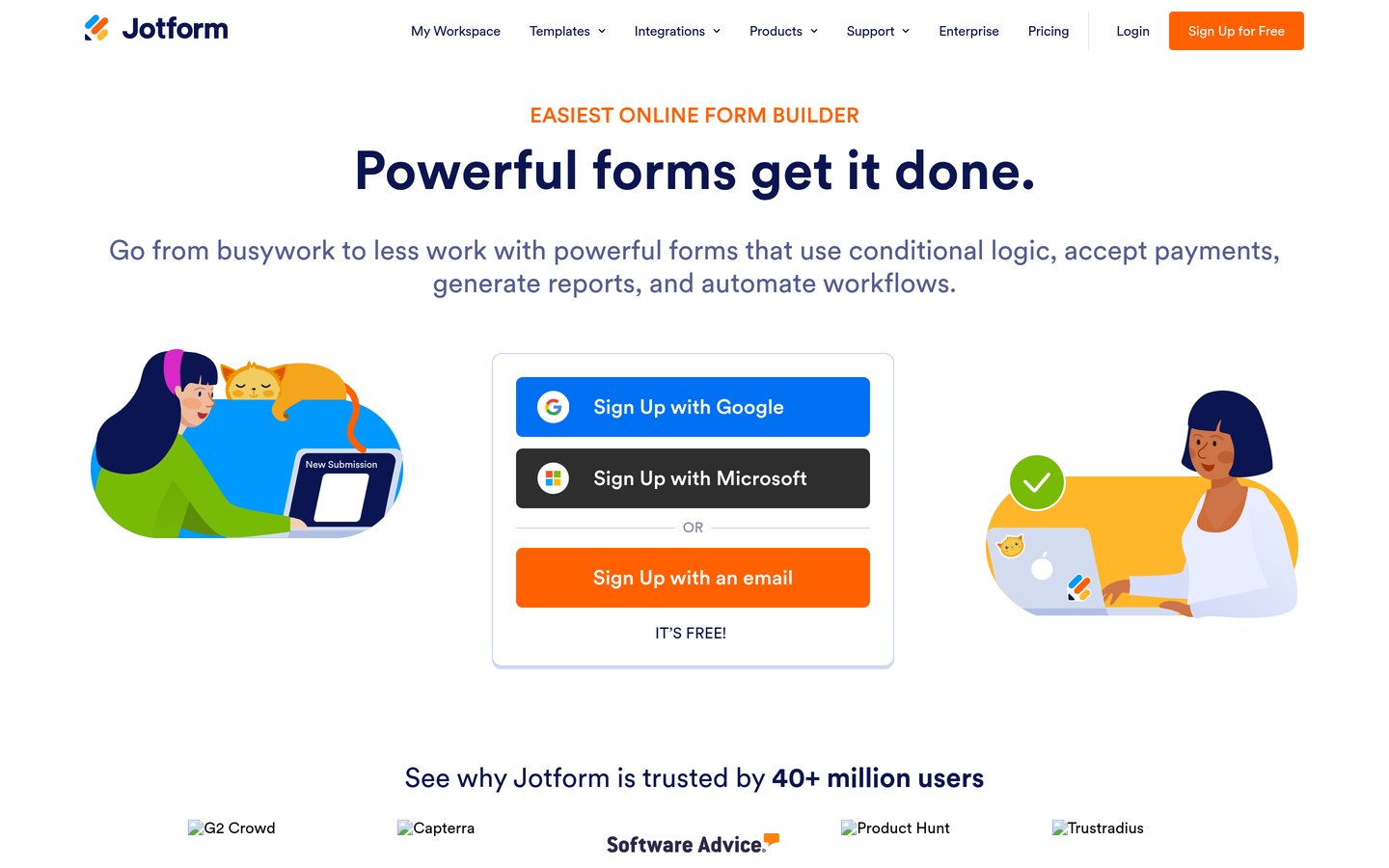
Jotform is the most complete pick: 5 free forms, 100 submissions a month free, and Bronze at $39 a month.
Typeform asks one question at a time, but its free plan allows only 10 responses a month.
Google Forms is fully free with unlimited forms and responses, and answers sync to Sheets.
Tally gives unlimited free forms and responses, with Pro at $29 a month to remove branding.
Formstack is the only tool here with no free plan; its Forms plan starts at $99 a month.
What to look for in form software
A form is often the first step a customer, applicant or lead takes with a business, so the builder matters more than it looks. The right one collects clean data, routes it to the right place and does not charge for every extra response.
Start with the free limits, because they decide the real cost. Google Forms and Tally allow unlimited responses free, while Typeform allows 10 a month and Paperform 30, so a busy form can outgrow a free plan in a week.
Payments and signatures change the choice too. Jotform, Paperform, Tally, Cognito Forms and Zoho Forms all take payments, but Wufoo only does so from its $39 a month Professional plan. Our guide on using WPForms in WordPress shows the same trade-offs inside WordPress.
Finally, check where the answers go. Zoho Forms feeds Zoho CRM directly, Google Forms feeds Sheets, and Jotform connects to most CRMs, so pick the tool that matches the stack you already use.
Jotform is the most complete form builder in this list, with forms, payment collection, e-signatures and approval workflows in one account. The free Starter plan covers 5 forms and 100 submissions a month, while Bronze at $39 a month raises that to 25 forms and 1,000 submissions, removes Jotform branding and adds 1 GB of storage.
The trade off is users. Every plan up to Gold is a single-user account, so a second colleague needs the custom Enterprise plan. Gold at $99 a month billed yearly adds HIPAA features for health forms. It suits small teams that want one tool for forms, payments and signatures.
What we like
Widest feature set, from payments to approvals
Free plan covers 5 forms and 100 submissions a month
1,000 submissions a month on the $39 Bronze plan
Large template library for common form types
Watch out for
Single user on every plan up to Gold
Settings can feel crowded for simple forms
HIPAA features need the $99 a month Gold plan
Gold adds HIPAA features and 10,000 submissions a monthVisit jotform.com
02
Typeform
4.5/5on G2 (1,027 reviews, checked Nov 2026)
Paid from$39/mo
Best for engaging, conversational forms
Free plan10 responses/mo
Paid planBasic, $39/mo
Monthly responses100 on Basic
Users1 on Basic
typeform.com
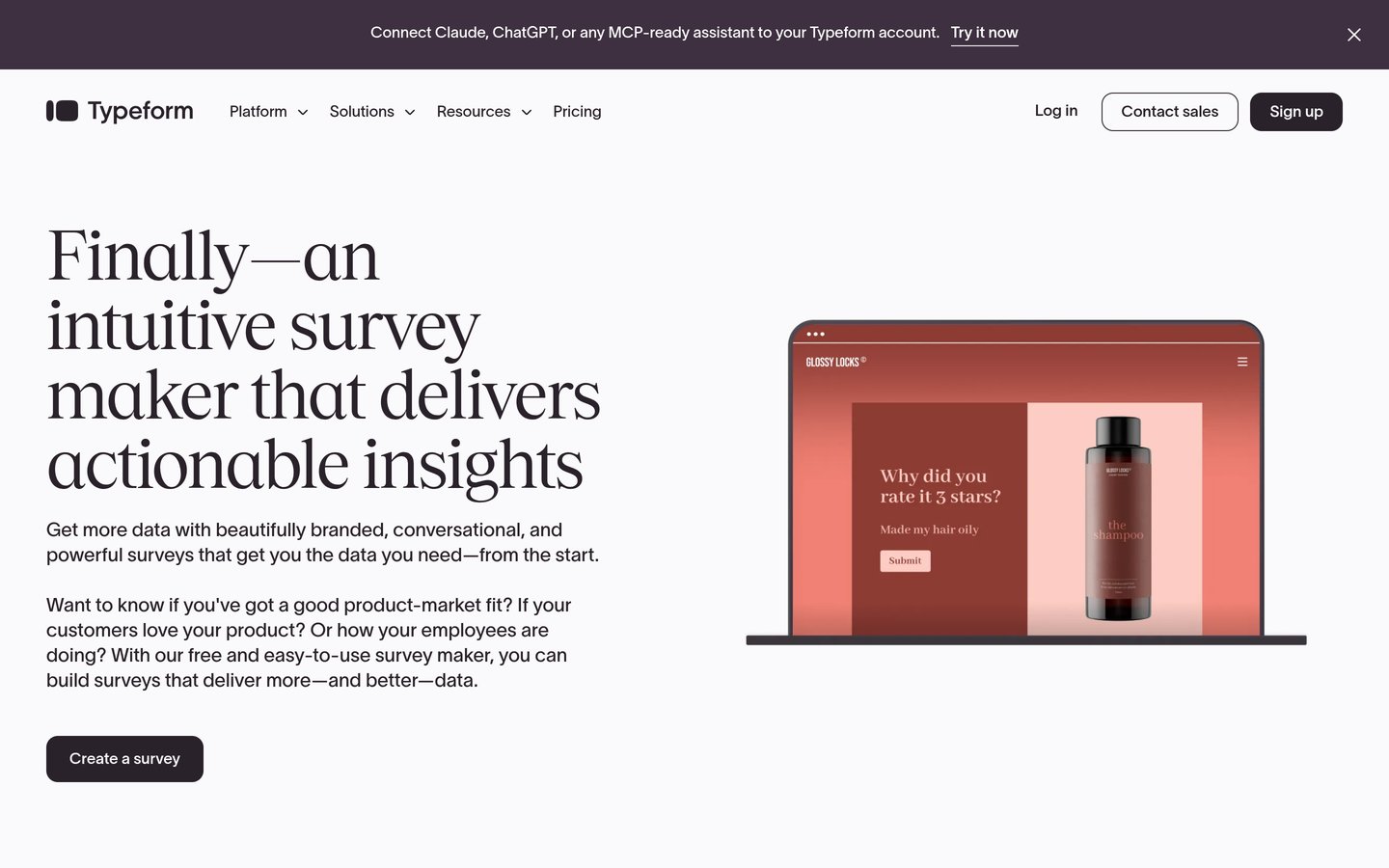
Typeform homepage, captured Nov 2026.
Typeform is a form builder that asks one question at a time, which keeps long forms feeling short for the person filling them in. The free plan allows 10 responses a month across unlimited forms, and Basic at $39 a month raises that to 100 responses, adds your logo, file uploads and payment questions.
The trade off is price per response. Plus at $79 a month is the first plan with 1,000 responses and branding removal, and Business at $129 adds drop-off analysis. It suits marketing and research teams that care about completion rates more than volume.
Google Forms is a free form builder that comes with any Google account, with unlimited forms, questions and responses at no cost. Answers flow straight into Google Sheets, and the builder covers quizzes, file uploads and basic branching logic without a paid tier.
The trade off is design and depth. Themes are plain, branding options are thin, and there is no payment collection, scoring or approval workflow built in. It suits schools, clubs and teams that need a quick survey or sign-up form and already live in Google Workspace.
What we like
Completely free with unlimited forms and responses
Answers sync to Google Sheets automatically
Fastest to set up, with no learning curve
Watch out for
Plain design with few branding options
No payment collection or e-signatures
No approval workflows or advanced logic
There is no paid tier; Workspace adds admin controlsVisit google.com
04
Paperform
4.8/5on G2 (191 reviews, checked Nov 2026)
Paid from$59/mo
Best for forms that take payments
Free plan30 submissions/mo
Paid planPro, $59/mo
SubmissionsUnlimited on Pro
SeatsUnlimited on Pro
paperform.co
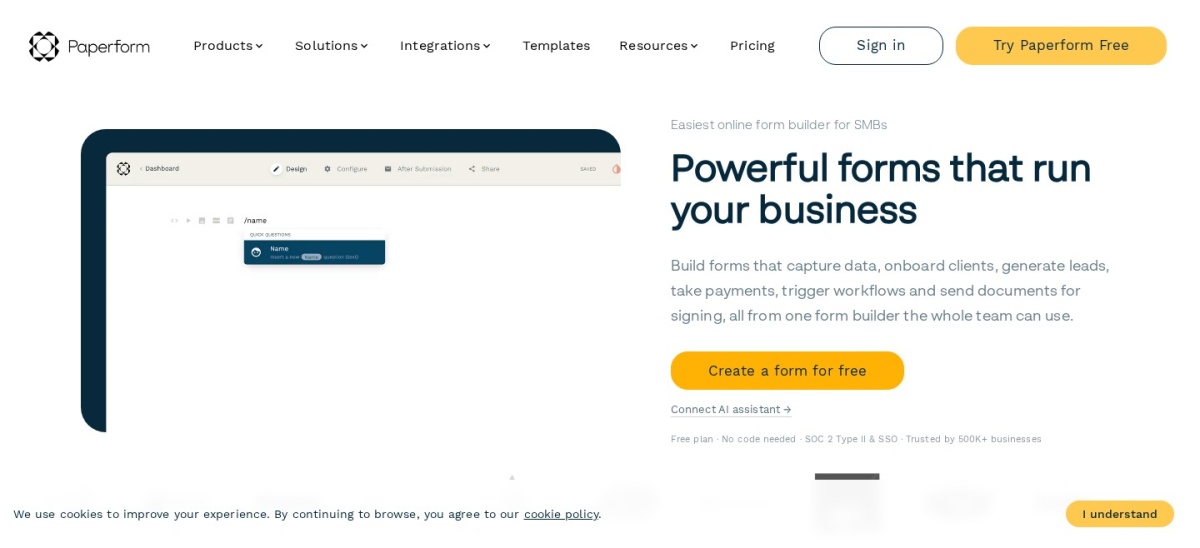
Paperform homepage, captured Nov 2026.
Paperform is a form builder for small businesses that turns a form into a full workflow, with live calculations, payments, e-signatures and follow-up steps in the same subscription. The free plan allows 30 submissions a month, and Pro at $59 a month adds unlimited submissions and unlimited seats.
The trade off is the entry price. Pro costs $59 a month billed monthly, or $49 a month billed yearly, which is more than most rivals charge to start. It suits service businesses that quote, charge and sign contracts through the same form.
What we like
Unlimited submissions and seats on Pro
Payments, calculations and e-signatures in one plan
Highest G2 rating in this list at 4.8 out of 5
Watch out for
Pro is $59 a month, the dearest entry here after Formstack
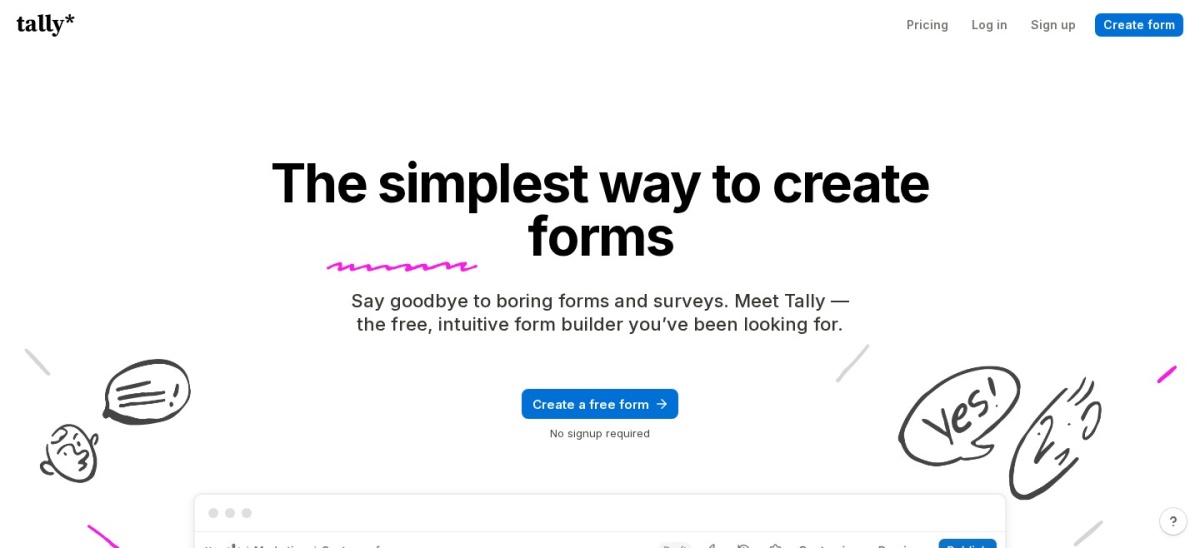
Tally is a document-style form builder with the most generous free plan in this list: unlimited forms and unlimited submissions, plus conditional logic, calculations, file uploads, signatures and Stripe payments at no cost. Pro at $29 a month removes Tally branding and adds custom domains and drop-off analytics.
The trade off is polish. Templates and design controls are plainer than Typeform or Paperform, and support is lighter than the bigger vendors offer. It suits startups and small teams that want strong features free and only pay to remove branding.
What we like
Free plan has unlimited forms and responses
Payments and signatures included free
Pro is a flat team price, not per user
Watch out for
Plainer templates than Typeform or Paperform
Fewer native integrations than Jotform
Custom domains need the $29 Pro plan
Business adds data retention controls and email checksVisit tally.so
06
Cognito Forms
4.6/5on G2 (137 reviews, checked Nov 2026)
Paid from$24/mo
Best value for calculations and payments
Free plan100 entries/mo
Paid planPro, $24/mo
Monthly entries2,000 on Pro
E-signaturesYes, on Pro
cognitoforms.com
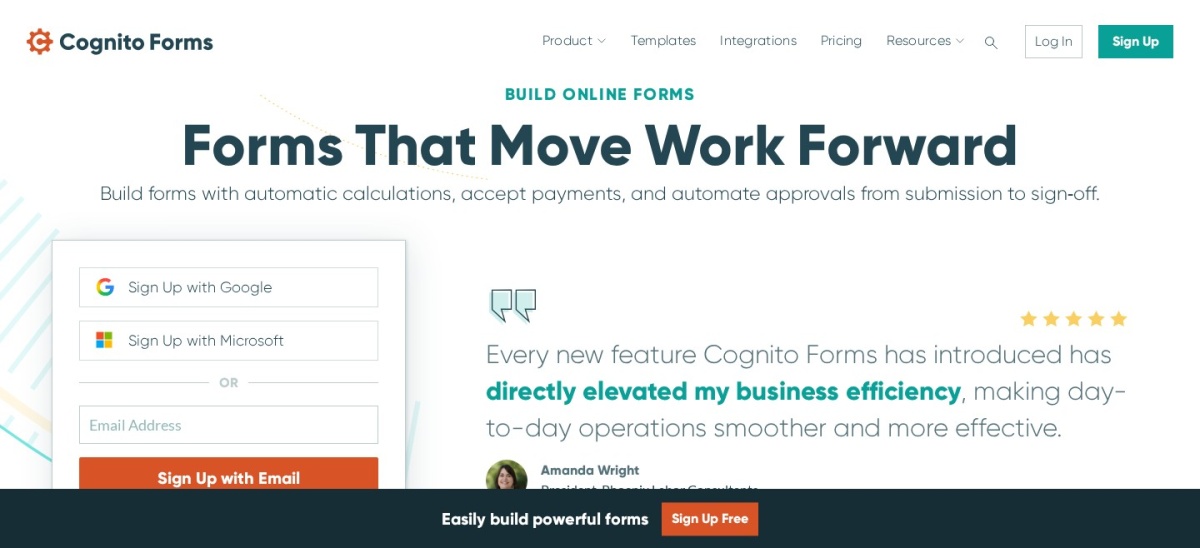
Cognito Forms homepage, captured Nov 2026.
Cognito Forms is a form builder built around calculations, with order forms that price items, apply tax and take payments through Stripe, PayPal, Square or Google Pay. The free Individual plan allows 100 entries a month, and Pro at $24 a month raises that to 2,000 entries and adds e-signatures and branding removal.
The trade off is design. Templates look plain beside Typeform or Paperform, and advanced template styling is a top-tier feature. It suits small businesses and nonprofits that need calculated order forms and approval workflows at a low price.
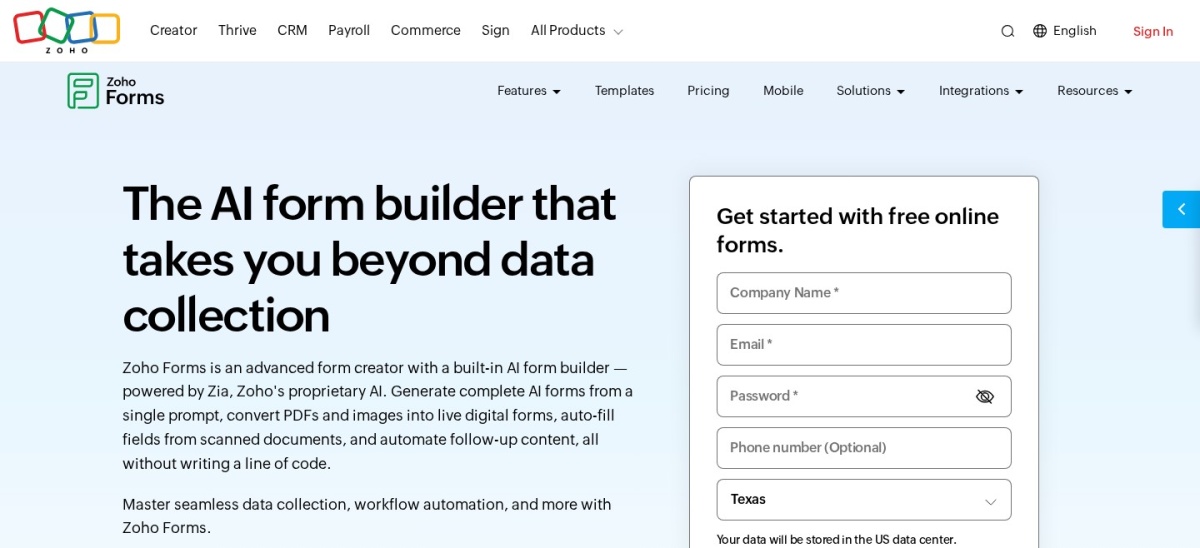
Zoho Forms is the form builder inside the Zoho suite, so responses flow straight into Zoho CRM, Sheet and Analytics without extra connectors. The free plan covers 3 forms and 500 submissions a month, and Basic at $12 a month adds unlimited forms, 10,000 submissions and full payment integrations.
The trade off is life outside Zoho. The builder is solid but plain, and its best value shows only when the rest of the stack is Zoho too. It suits small businesses that already run Zoho CRM and want lead forms that feed it directly.
What we like
Free plan allows 500 submissions a month
Native sync with Zoho CRM and Sheet
Basic is $12 a month, one of the cheapest paid tiers
Watch out for
Best value only inside the Zoho suite
Plainer design than Typeform or Paperform
Approval workflows need the Standard plan
Standard adds approval workflows and more storageVisit zoho.com
08
Formstack
4.3/5on G2 (471 reviews, checked Nov 2026)
Starts at$99/mo
Best for regulated workflows and documents
Free planNo, 14-day trial
Paid planForms, $99/mo
Forms25 on Forms plan
Documents + SignSuite plan
formstack.com
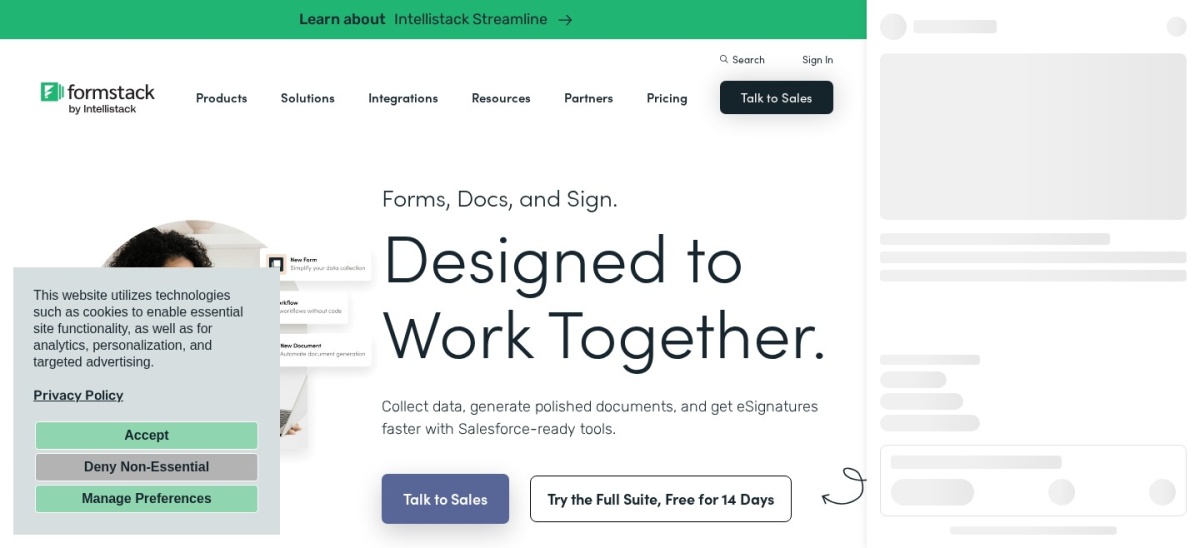
Formstack homepage, captured Nov 2026.
Formstack is a form platform for regulated teams, pairing forms with document generation, e-signatures and approval workflows in one bundle. The Forms plan at $99 a month covers one builder seat, 25 forms and 1,000 submissions per form, and the Suite plan at $299 a month adds Documents and Sign for three seats.
The trade off is cost and the lack of a free plan. There is a 14-day trial, but the cheapest paid tier is $99 a month, and HIPAA support is a paid add-on. It suits healthcare, legal and operations teams that need compliant forms with documents attached.
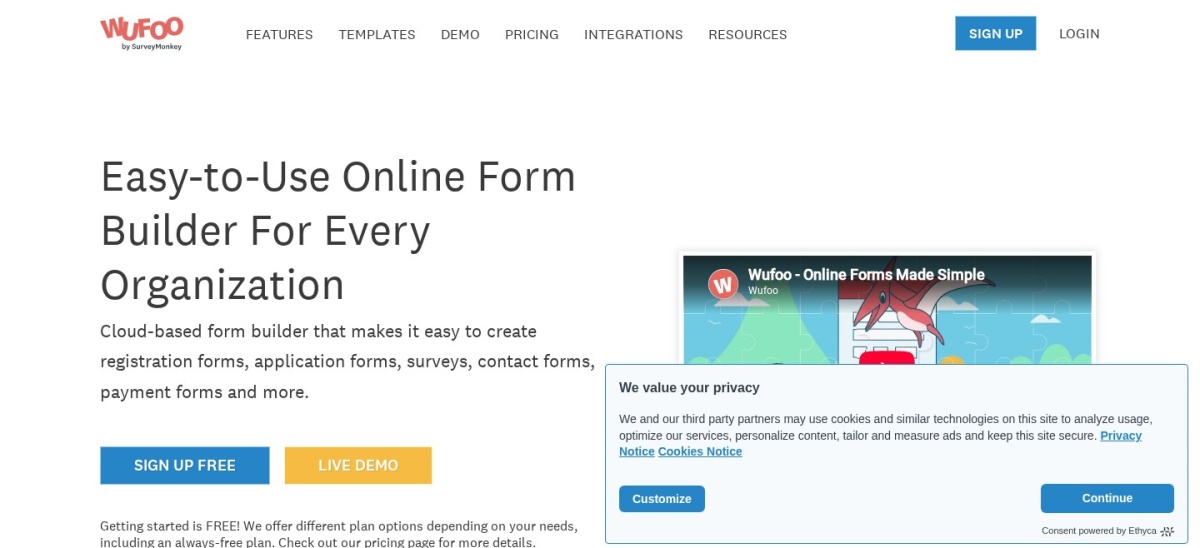
Wufoo is a plain, long-running form builder from SurveyMonkey that keeps the basics simple: drag-and-drop fields, logic rules, reports and embed codes. The free plan covers 5 forms and 100 entries a month, and Starter at $19 a month raises that to 10 forms and 1,000 entries.
The trade off is age. The design feels dated beside Tally or Typeform, and payments need the $39 a month Professional plan. It suits small nonprofits and clubs that want a cheap, plain form builder that has been around since 2006.
What we like
Lowest paid entry in this list at $19 a month
Simple builder with no learning curve
Six payment processors from Professional up
Watch out for
Design feels dated beside newer rivals
Payments need the $39 Professional plan
Lowest G2 rating in this list at 4.2 out of 5
Professional adds payments and 5,000 entries a monthVisit wufoo.com
Free vs paid: what you give up
Free plans cover simple forms well. Google Forms and Tally allow unlimited responses free, and most others allow at least 100 submissions a month.
Paid plans mostly add volume and branding. You get more submissions, your own logo, custom domains and payment collection.
If a form takes money or signatures, check the paid tier first. Wufoo charges $39 a month for payments, while Tally and Cognito Forms include them far cheaper.
For a form that only runs now and then, a free plan is enough. Pay only when the monthly cap, the branding or a missing feature starts to cost you answers.
How we chose
We started from the best-known form builders on G2, then kept nine with a free plan or a published entry price and a solid review base.
Prices come from each vendor's pricing page, checked on 25 November 2026, using the regular monthly price; yearly billing is cheaper for most tools. Ratings and review counts come from G2 on the same day. Where a vendor shows a sale, the list shows the regular price.
We left out survey-only tools and WordPress-only form plugins, since this list covers general form software. No vendor paid for a place, and we do not claim hands-on testing for this list.
How to choose form software
Start with how many responses you expect each month, then match the tool to that number.
Count your monthly responses first. A form with 50 replies a month fits any free plan, while 2,000 replies needs Tally, Google Forms or a paid tier.
List what the form must do. Payments, signatures, calculations and approvals each rule out some tools, so write the list before you compare prices.
Check where the answers need to go. Pick Zoho Forms for Zoho CRM, Google Forms for Sheets, or Jotform for the widest set of integrations.
Try the free plan with a real form. Build the actual form, send it to a few people and check the answers arrive cleanly before you pay.
FAQ
What is the best form software?
Jotform is the best form software for most teams. Its free plan covers 5 forms and 100 submissions a month, Bronze at $39 a month adds payments and signatures, and it connects to most CRMs and payment tools.
What is the best free form software?
Google Forms is the best fully free option, with unlimited forms and responses at no cost. Tally is the best free pick for teams that also want payments and signatures, since its free plan has no response cap.
Is Typeform worth the price?
Typeform is worth it when form completion matters more than volume, since its one-question-at-a-time layout keeps long forms feeling short. For high-volume forms, its 10-response free plan and $39 Basic plan get costly fast.
Which form builder takes payments?
Jotform, Paperform, Tally, Cognito Forms and Zoho Forms all take payments, with Stripe the most common processor. Wufoo takes payments only from its $39 a month Professional plan, and Google Forms takes none at all.
Do I need a paid plan for a contact form?
No, for a simple contact form. Google Forms, Tally and Jotform all cover a basic contact form free, and you only need to pay for branding removal, higher limits or payments.
What is the cheapest paid form software?
Wufoo Starter is the cheapest paid plan here at $19 a month, with 10 forms and 1,000 entries a month. Cognito Forms Pro at $24 a month and Tally Pro at $29 a month both offer more features for a little extra.
SaaS SEO and WordPress specialist with about 8 years of experience. Rakib compares WordPress plugins, themes, hosting and software using public pricing, documentation and user reviews. See how we rank.