Best Form Plugins for WordPress without Coding in 2026: 9 Tools Compared
WLWPLegible EditorsLast verified 22 Nov 2026How we test12 min read
★ Short answer
WPForms is the best no-code form plugin for most WordPress sites, with a 4.8 out of 5 rating from 14,395 users and more than 5 million installs. Pick Gravity Forms for complex paid forms, Formidable Forms for calculators and data apps, and Forminator if you want free payment forms.
How we make this list: we compare pricing pages, product documentation and public user reviews, then re-check every price before each update. No product paid for a place. Disclosure.
WPForms is the strongest all-round pick: 4.8 out of 5 from 14,395 reviews and more than 5 million installs.
Gravity Forms is the only tool here with no free version: $59 a year for one site, with a demo instead of a trial.
Forminator packs the most into its free version, including Stripe and PayPal payments with no platform fee.
Six of the nine tools cost less in year one and renew at the full price, and WPForms and Formidable Forms both double.
MetForm only works inside Elementor, and SureForms is the newest pick, with 4.9 out of 5 from just 105 reviews.
What makes a form plugin truly no-code
A form plugin should let you build a form by dragging fields onto a canvas, not by writing shortcodes or code. Every tool in this list has a visual builder, and most have a free version you can try first.
Rating and install count are the quickest quality check. WPForms leads this list with more than 5 million installs, and the lowest rating here is 4.4 out of 5 on WordPress.org, except Gravity Forms, which is rated 4.5 out of 5 on Trustpilot.
Price matters after the free version runs out. Our guide on free vs premium WordPress plugins explains when paying is worth it, and the price ladder below shows the cheapest paid plan for each tool.
Watch the renewal price, not the first year. WPForms, Formidable Forms, Fluent Forms, Ninja Forms, Everest Forms and SureForms all cost less in year one and renew at the full price.
Do not install two form plugins for the same job. Two builders can load conflicting scripts and styles, so pick one and remove the other.
The 9 best form plugins for WordPress without coding
01
WPForms
4.8/5on WordPress.org (14,395 reviews, checked Nov 2026)
Paid from$99/yr
Best form plugin overall
Free versionYes, Lite on WordPress.org
Form templates2,100+ on paid plans
Payment formsStripe, PayPal, Square
Paid planBasic, $99/yr
wpforms.com
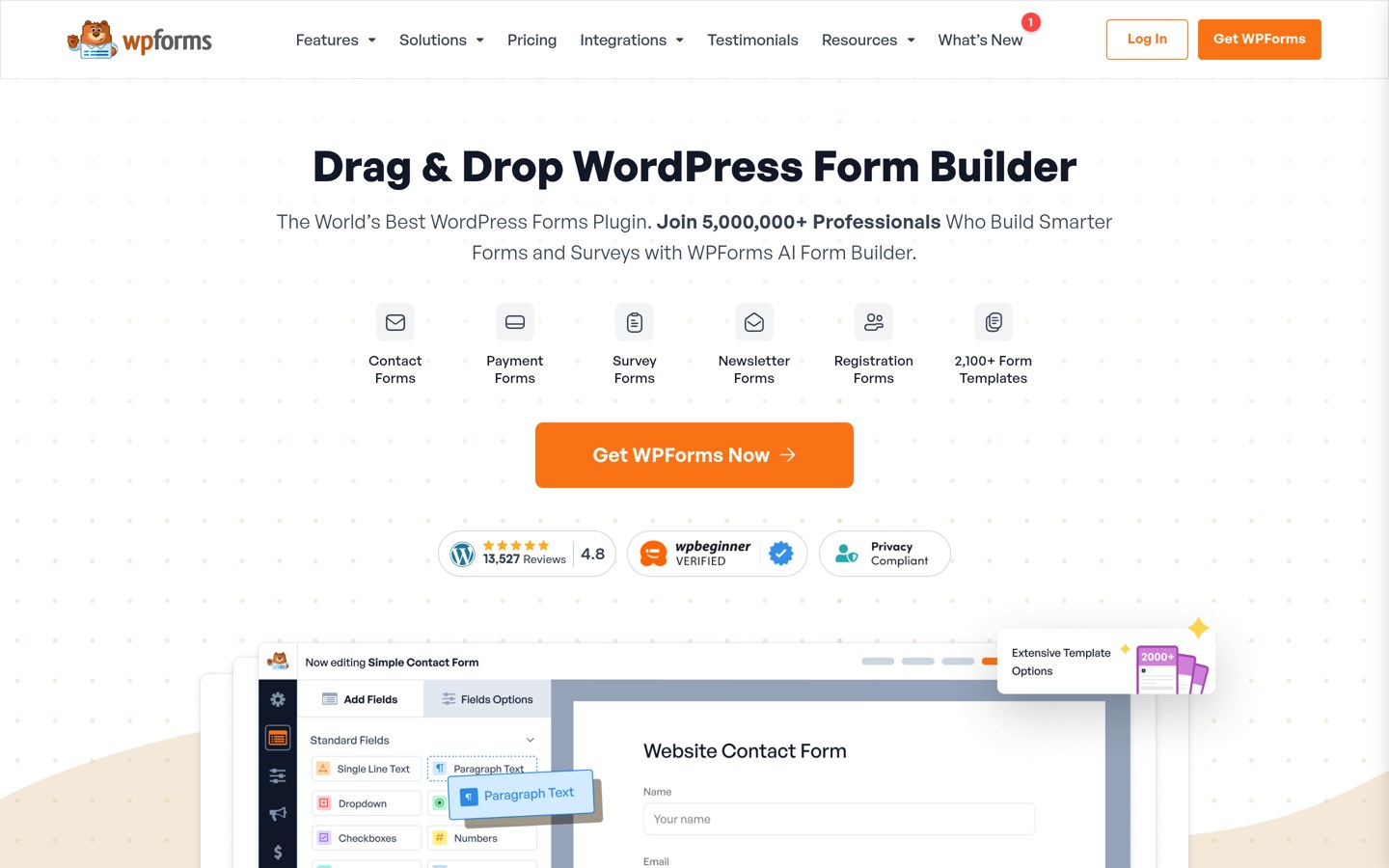
WPForms homepage, captured Nov 2026.
WPForms is the most-installed form plugin on WordPress.org, with more than 5 million active installs and a 4.8 out of 5 rating from 14,395 reviews. The free Lite version covers contact forms with unlimited forms and submissions, spam protection and entry management, and paid plans add 2,100+ templates.
The trade off is the renewal price. Basic costs $49.50 in the first year and renews at $99 a year for one site, and payment forms add a 3% platform fee on Basic and Plus. It suits blogs and businesses that want the easiest form builder with the largest community.
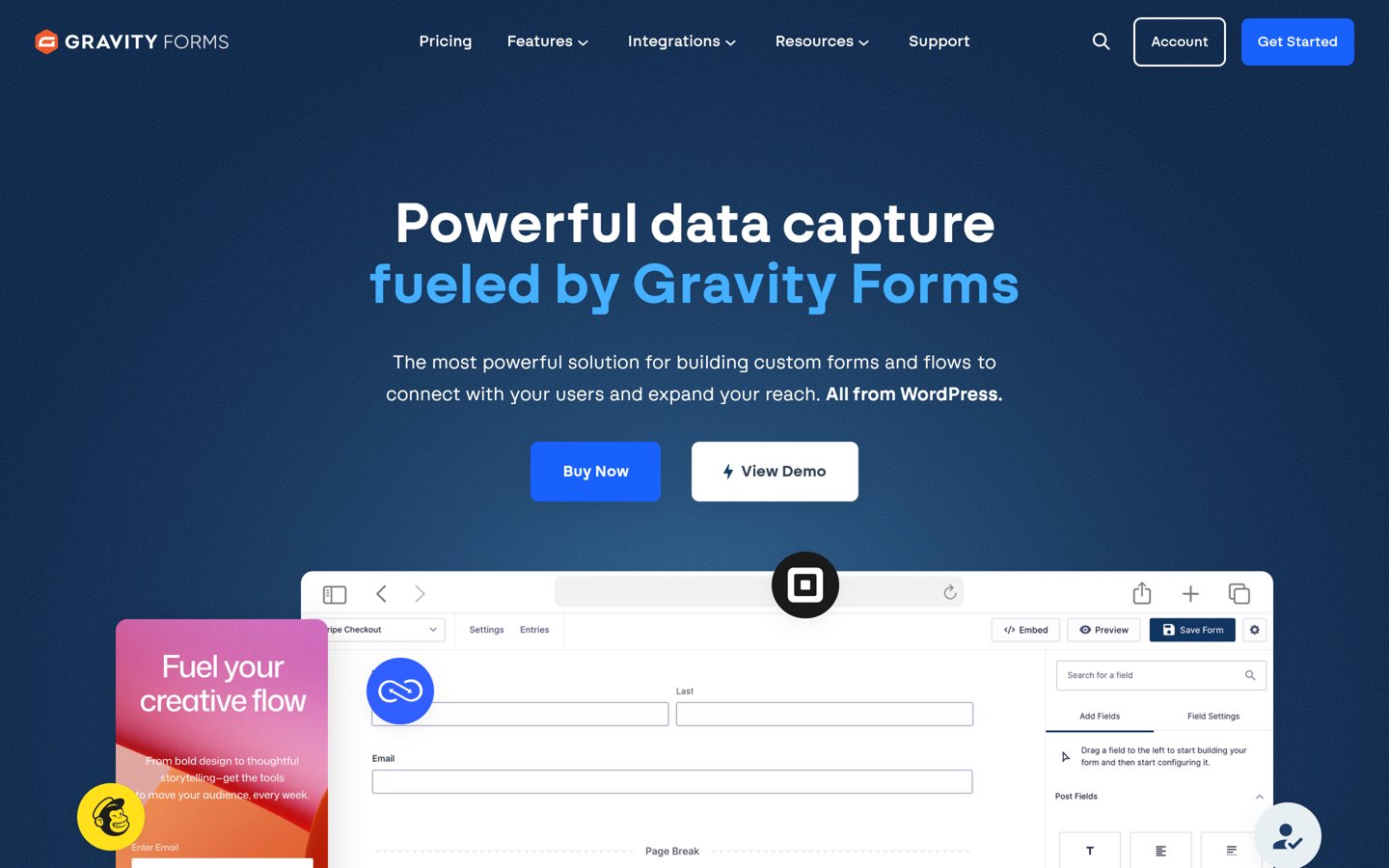
Gravity Forms is the premium form plugin WordPress professionals reach for, with a 4.5 out of 5 Trustpilot rating from 99 reviews. It has no free version: Basic costs $59 a year for one site and includes the visual editor, conditional logic, file uploads and add-ons for HubSpot, Mailchimp and ActiveCampaign.
The trade off is that you pay before you try it. There is no free version and no trial, only a fully working online demo, so you commit $59 before building a real form. It suits developers and agencies that need deep add-ons and workflows.
What we like
Visual editor with conditional logic built in
Add-ons for HubSpot, Mailchimp and ActiveCampaign on Basic
4.8/5on WordPress.org (1,392 reviews, checked Nov 2026)
Paid from$79/yr
Best for calculators and data apps
Free versionYes, on WordPress.org
Form templates100+ on Basic
CalculationsYes, on Basic
Paid planBasic, $79/yr
formidableforms.com
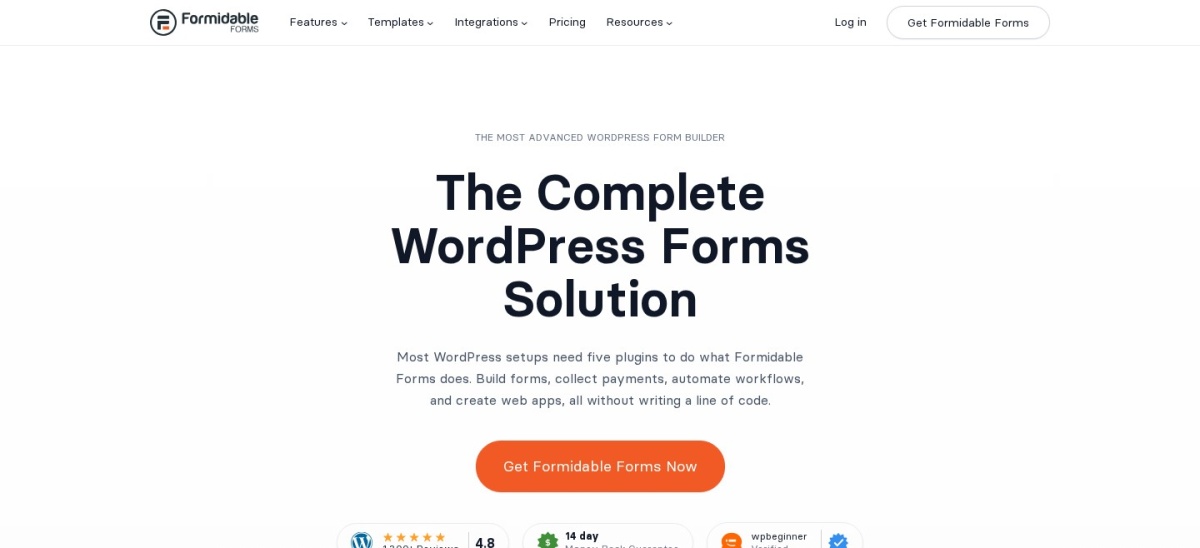
Formidable Forms homepage, captured Nov 2026.
Formidable Forms is a form builder that goes past contact forms into calculators, surveys and front-end data displays. The free version covers the drag-and-drop builder, and Basic costs $79 a year for one site with 100+ templates, calculations, conditional logic and payments.
The trade off is the first-year price. Basic costs $39.50 in the first year and renews at $79 a year, and payment forms carry a 3% transaction fee until you upgrade to Business. It suits sites that want one plugin to build forms, calculators and directories.
4.8/5on WordPress.org (812 reviews, checked Nov 2026)
Paid from$79/yr
Best value all-rounder
Free versionYes, on WordPress.org
Input fields65+
Third-party integrations60+
Paid planSingle, $79/yr
fluentforms.com
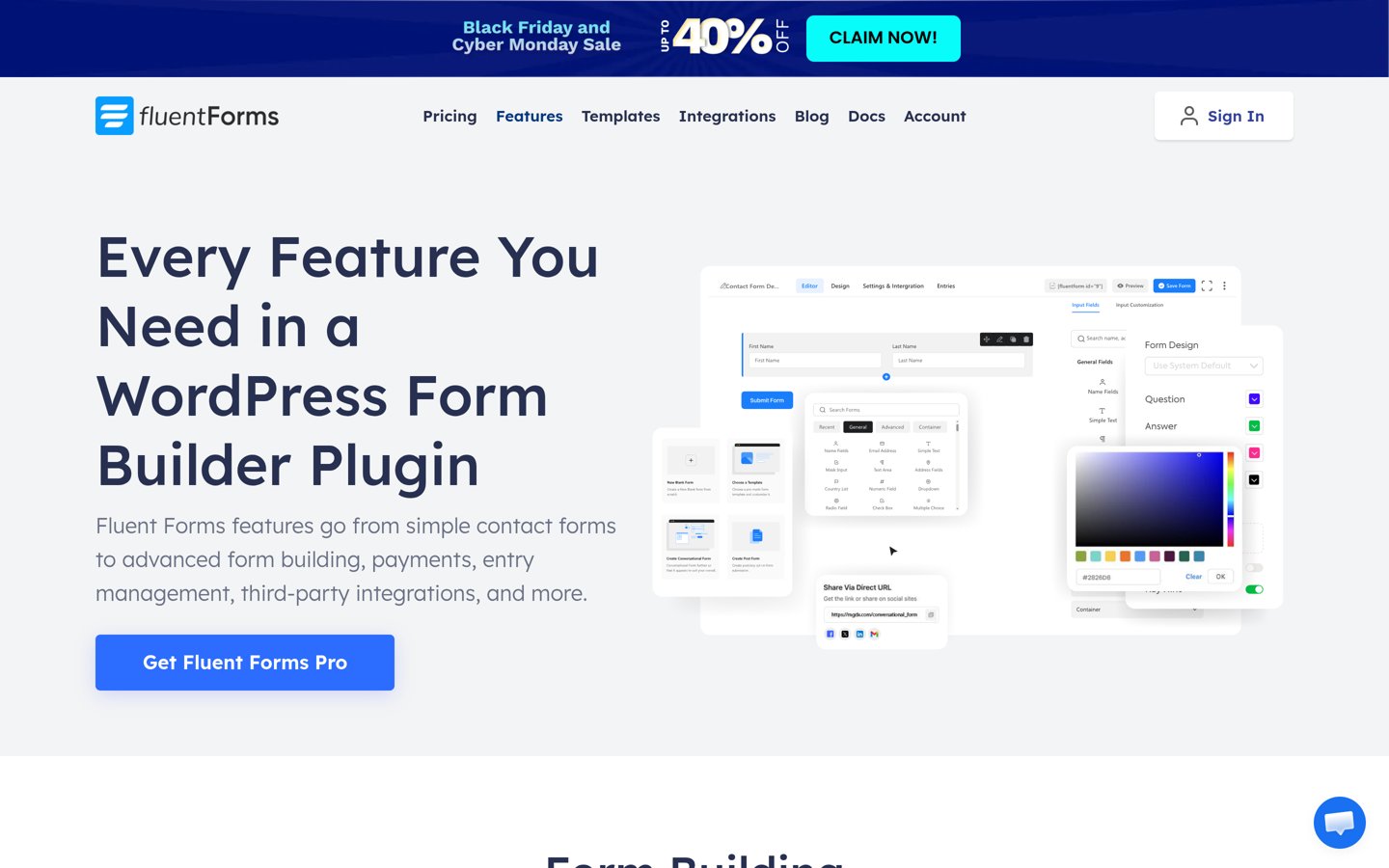
Fluent Forms homepage, captured Nov 2026.
Fluent Forms is a fast form builder with more than 800,000 active installs and a 4.8 out of 5 rating from 812 reviews. The free version covers the drag-and-drop builder with 65+ input fields, and the paid Single plan adds conversational forms, calculations, payments and 60+ integrations.
The trade off is the first-year discount. Single costs $47 in the first year and renews at $79 a year for one site, so the second year costs more than the first. It suits small businesses that want every Pro feature on one site at a low price.
4.8/5on WordPress.org (2,153 reviews, checked Nov 2026)
Paid from$50/yr
Best free version for payments
Free versionYes, on WordPress.org
Free paymentsStripe & PayPal
Polls & quizzesYes, free
Paid planPro Basic, $50/yr
wpmudev.com
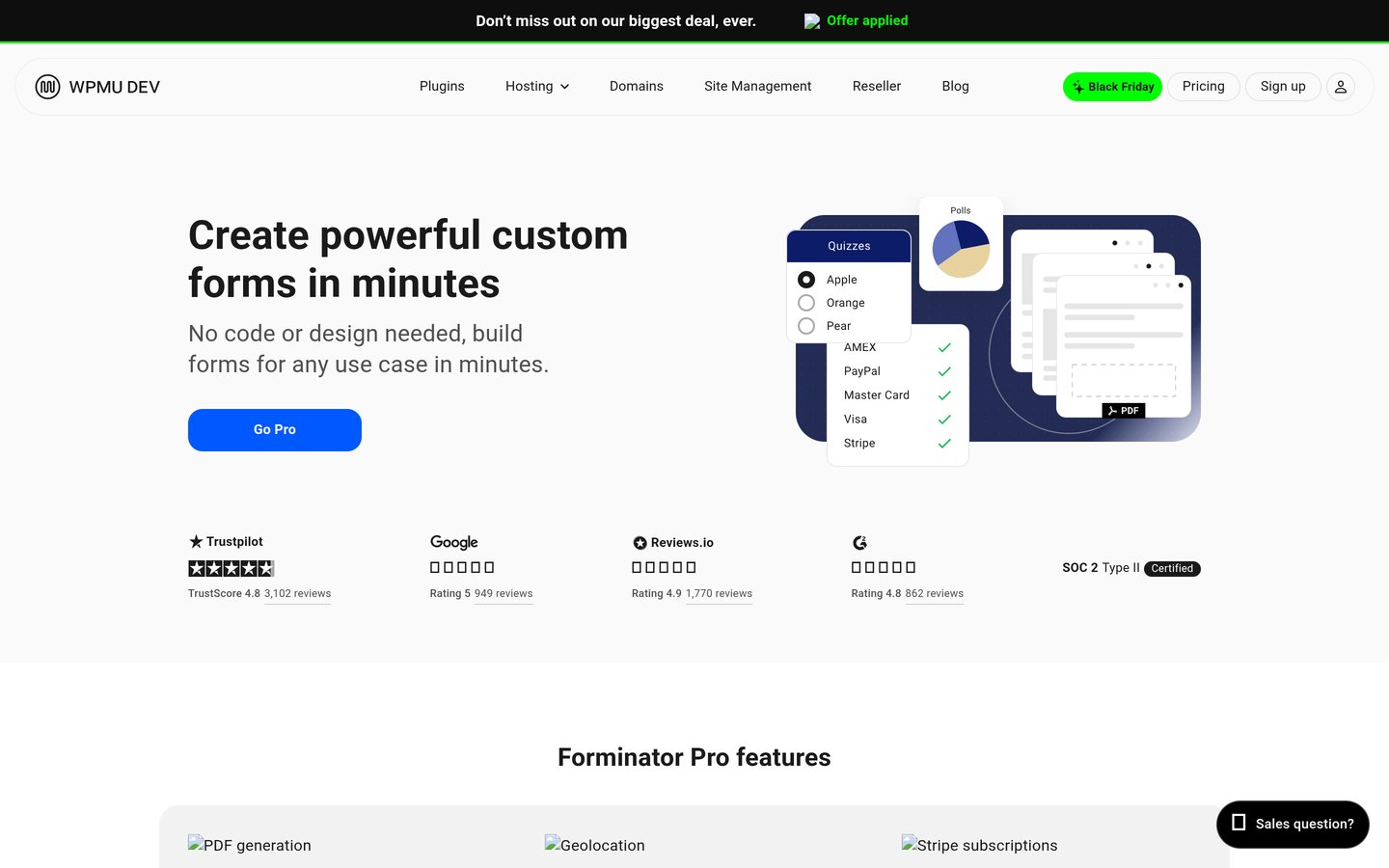
Forminator homepage, captured Nov 2026.
Forminator is the free form builder from WPMU DEV, with more than 600,000 active installs and a 4.8 out of 5 rating from 2,153 reviews. The free version covers forms, polls and quizzes, plus Stripe and PayPal payments with no platform fee, which no other free version here matches.
The trade off is that paid features are few. Pro Basic costs $50 a year for one site and adds Stripe subscriptions, PDF generation, geolocation and an e-signature field, and little else. It suits sites that want a payment form or a quiz without paying anything.
What we like
Stripe and PayPal payments free, with no fee
Polls and quizzes included free
Cheapest paid plan in this list at $50 a year
Watch out for
Pro adds only four features
No lifetime option on the pricing page
Pro adds Stripe subscriptions, PDF generation and e-signaturesVisit wpmudev.com
06
Ninja Forms
4.4/5on WordPress.org (1,398 reviews, checked Nov 2026)
Paid from$99/yr
Best free core to build on
Free versionYes, on WordPress.org
Form fields28+
Conditional logicPlus, $99/yr
Paid planPlus, $99/yr
ninjaforms.com
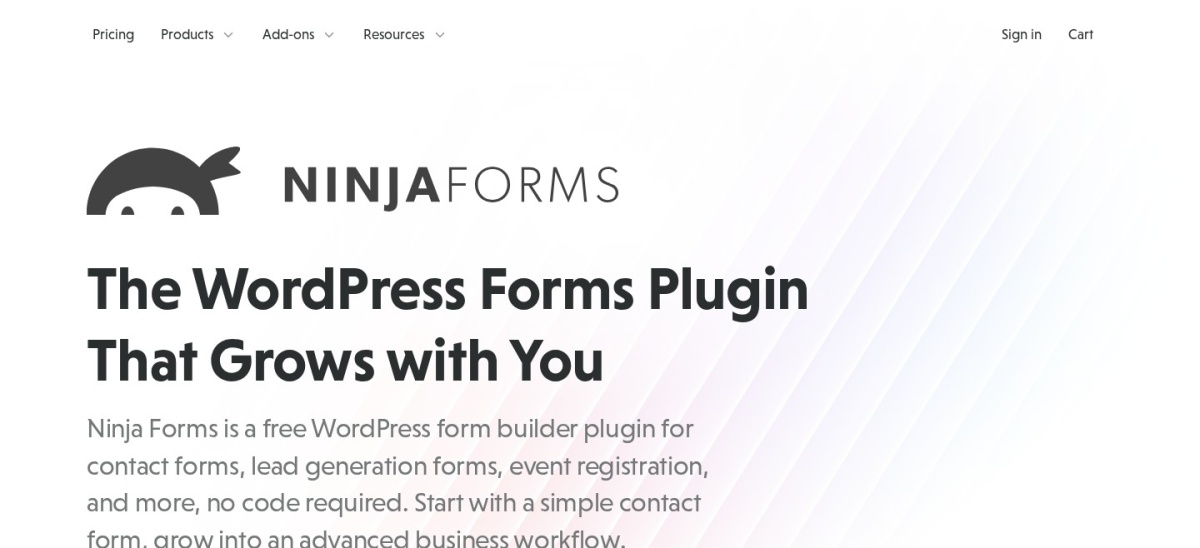
Ninja Forms homepage, captured Nov 2026.
Ninja Forms is a free form builder with more than 500,000 active installs and a 4.4 out of 5 rating from 1,398 reviews. The free core covers 28+ form fields, unlimited submissions, calculations, spam protection and entry management, with paid add-ons for the rest.
The trade off is that the extras add up. Conditional logic, file uploads and PayPal come with Plus at $99 a year for 3 sites, after a $59.40 first year, and Stripe needs the higher Pro plan. It suits sites that want a free start and room to grow.
What we like
Free core covers 28+ fields and calculations
Unlimited submissions on the free plan
Add-ons sold one by one, so you pay for what you need
Watch out for
Conditional logic and PayPal need Plus at $99 a year
4.9/5on WordPress.org (375 reviews, checked Nov 2026)
Paid from$69/yr
Best for AI-built forms
Free versionYes, on WordPress.org
Form fields35+
AI form builderYes
Paid planPersonal, $69/yr
everestforms.net
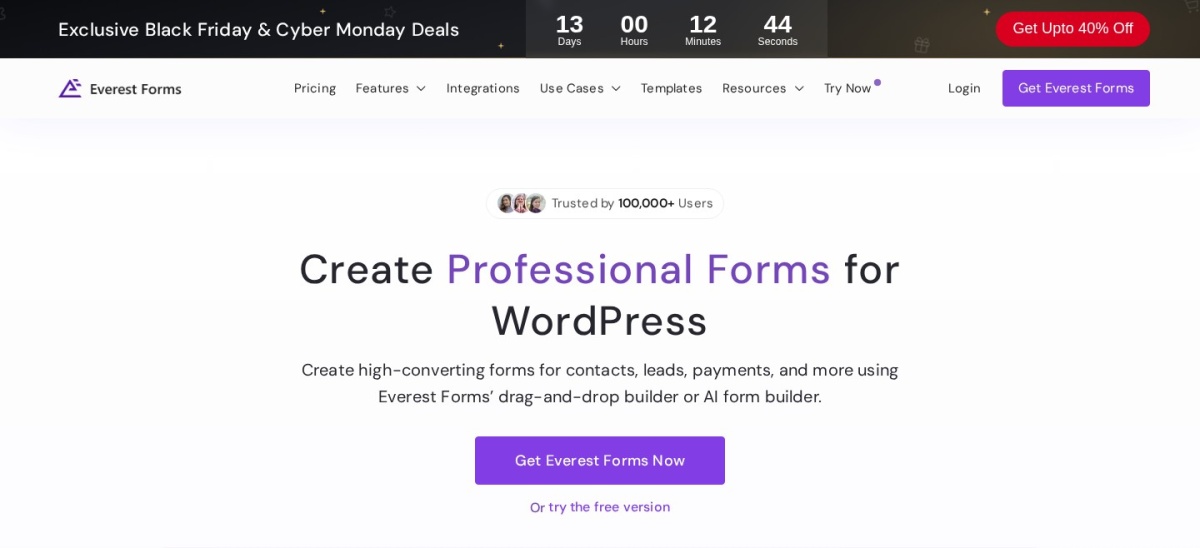
Everest Forms homepage, captured Nov 2026.
Everest Forms is a drag-and-drop form builder with more than 90,000 active installs and a 4.9 out of 5 rating from 375 reviews. The free version covers the builder with 35+ fields and an AI form builder, and the paid Personal plan unlocks every feature and add-on.
The trade off is the small review base. A 4.9 rating from 375 reviews is less proven than WPForms at 14,395 reviews, and Personal costs $49 in the first year before renewing at $69. It suits beginners who want AI to draft the form for them.
What we like
Joint-highest rating in this list at 4.9 out of 5
AI form builder in the free version
Every feature and add-on on the cheapest paid plan
4.7/5on WordPress.org (510 reviews, checked Nov 2026)
Paid from$49/yr
Best for Elementor sites
Free versionYes, on WordPress.org
Needs ElementorYes, required
Form templates37+ on Personal
Paid planPersonal, $49/yr
wpmet.com
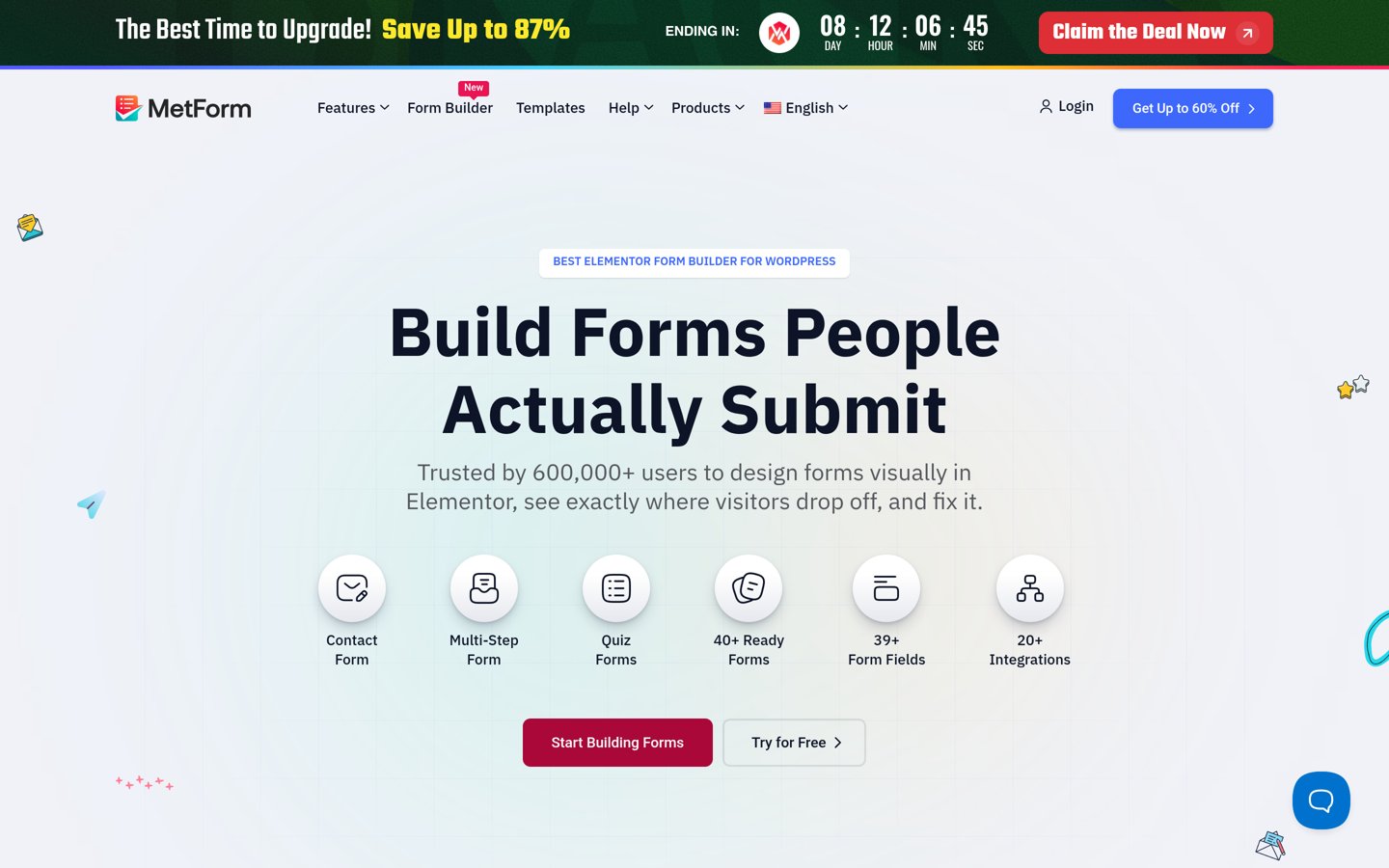
MetForm homepage, captured Nov 2026.
MetForm is a form builder that works inside Elementor, with more than 500,000 active installs and a 4.7 out of 5 rating from 510 reviews. The free version covers basic forms built from Elementor widgets, and Personal adds conditional logic, multi-step forms and 37+ templates.
The trade off is the Elementor lock-in. MetForm needs Elementor to run, and payments, calculations and analytics need Professional at $101 a year, not Personal at $49. It suits sites already built in Elementor that want forms in the same editor.
What we like
Builds forms inside Elementor, no second editor
37+ templates on Personal
Agency covers unlimited sites for $199 a year
Watch out for
Needs Elementor to run at all
Payments and analytics need Professional at $101 a year
Professional adds payments, calculations and analyticsVisit wpmet.com
09
SureForms
4.9/5on WordPress.org (105 reviews, checked Nov 2026)
Paid from$69/yr
Best for the block editor
Free versionYes, on WordPress.org
AI form builderYes
Stripe paymentsFree, with platform fee
Paid planSolo, $69/yr
sureforms.com
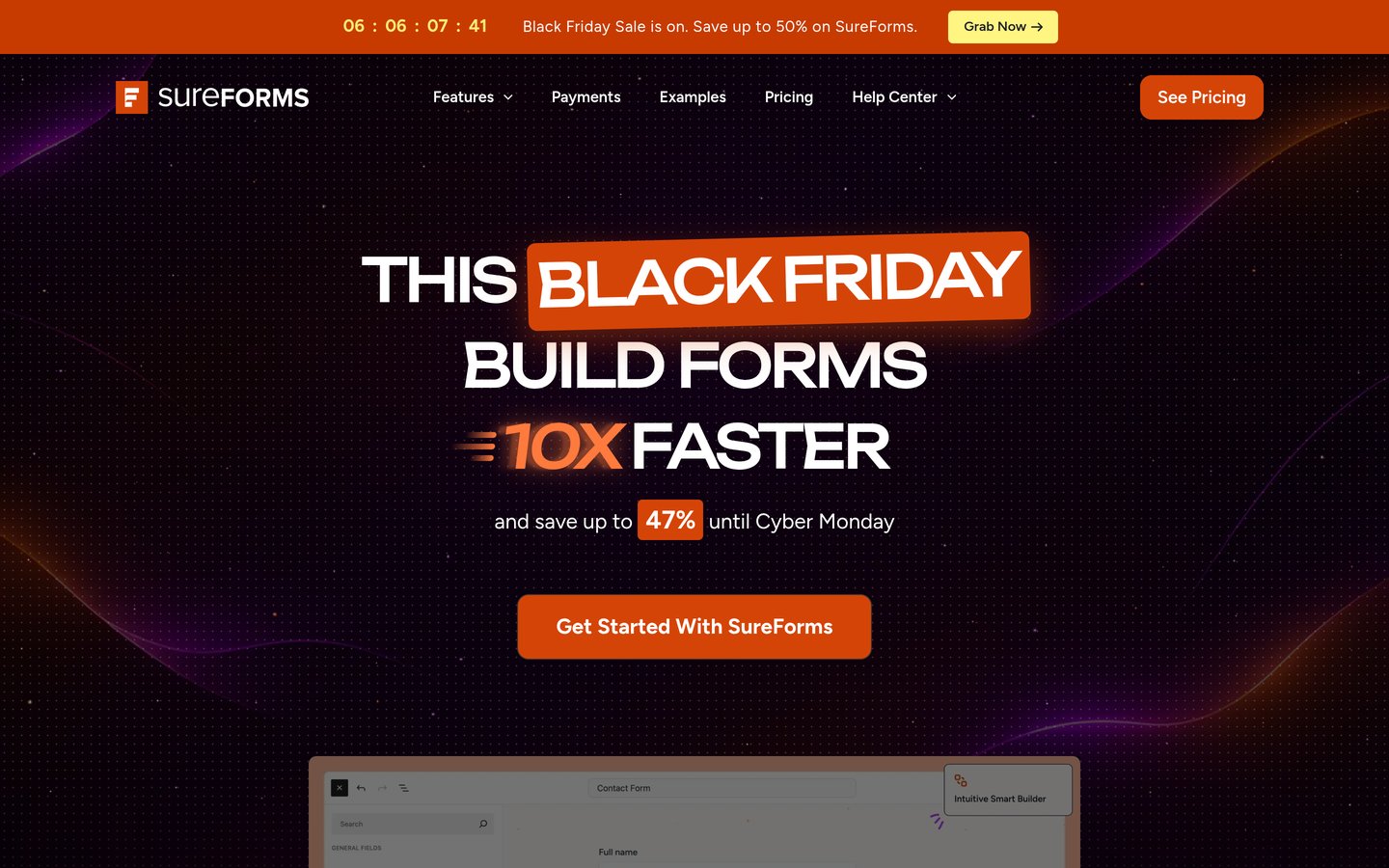
SureForms homepage, captured Nov 2026.
SureForms is the form builder from the Astra theme team, built for the WordPress block editor, with more than 500,000 active installs and a 4.9 out of 5 rating from 105 reviews. The free version covers AI form building, entries and Stripe payments, and paid plans add conditional logic and multi-step forms.
The trade off is that it is the newest pick here. A 4.9 rating from 105 reviews is thin evidence, and Solo costs $59 in the first year before renewing at $69 a year. It suits block-editor sites that want forms that feel native to WordPress.
What we like
Joint-highest rating in this list at 4.9 out of 5
AI form builder in the free version
Forms built as WordPress blocks, not a separate editor
Free versions cover the core job well. Eight of the nine tools here have a free version that builds and publishes real forms.
Paid plans mostly add payments, logic and limits. You get conditional logic, multi-step forms, calculations and more sites, plus support when something breaks.
Forminator is the exception: Stripe and PayPal payments work in its free version with no platform fee, so the paid plan adds little for a simple payment form.
Gravity Forms is the other exception: there is no free version at all, so the $59 a year is the entry price, not an upgrade.
Common mistakes when picking a form plugin
Installing two form plugins is the most common mistake. Two builders can load conflicting scripts, so pick one and remove the other.
Paying for payments you can get free is the second. Forminator and SureForms both take Stripe payments without paying, so check the free version before you buy a payment add-on.
Ignoring the renewal price is the third. WPForms, Formidable Forms, Fluent Forms, Ninja Forms, Everest Forms and SureForms all cost less in year one, so budget for the renewal, not the first-year offer.
How we chose
We started from the most-installed form plugins on WordPress.org, then added Gravity Forms, the leading premium-only form plugin, which is not listed there.
Prices come from each vendor's pricing page, checked on 22 November 2026. Ratings and install counts come from WordPress.org on the same day, except Gravity Forms, which is rated on Trustpilot. Where a vendor shows a sale, the list shows the regular price.
We left out plugins not updated in the last 12 months, and Contact Form 7, which builds forms with markup and shortcodes rather than a visual builder. No vendor paid for a place, and we do not claim hands-on testing for this list.
How to choose a form plugin without coding
Start with the form you need most, then check the free version before you pay.
List the forms your site needs. A contact form, a quote form and a payment form need different features. Match the form to the plugin before you compare prices.
Try the free version first. Every tool here except Gravity Forms has a free version. Build your real form in it before you pay, so you know what the paid plan actually adds.
Check the renewal price, not the first year. WPForms renews at $99 and Formidable Forms at $79 a year, both double their first-year prices. Budget for year two, not the launch offer.
Check what your builder already covers. If your site runs Elementor, MetForm builds forms inside it, so you may not need a separate builder at all.
FAQ
What is the best form plugin for WordPress without coding?
WPForms is the best pick for most sites. It has more than 5 million active installs and a 4.8 out of 5 rating from 14,395 users, and its drag-and-drop builder needs no code. Gravity Forms is the strongest paid-only alternative.
Can I build a WordPress form without coding?
Yes. Every tool in this list has a visual drag-and-drop builder, so you add fields, set options and publish without writing code. Only Contact Form 7, which we left out, builds forms with markup and shortcodes instead.
Which form plugin has the best free version?
Forminator has the strongest free version. It includes forms, polls and quizzes plus Stripe and PayPal payments with no platform fee, and it is rated 4.8 out of 5 from 2,153 reviews. WPForms Lite is the easiest free start for simple contact forms.
Is there a free form plugin for WordPress?
Yes. Eight of the nine tools in this list have a free version on WordPress.org, including WPForms, Formidable Forms, Fluent Forms and Ninja Forms. Only Gravity Forms is paid-only, starting at $59 a year for one site.
Which form plugin is best for payment forms?
Forminator is the cheapest way to take payments: Stripe and PayPal work in its free version with no platform fee. For subscriptions and deeper payment features, Gravity Forms Basic at $59 a year or WPForms Pro are stronger paid options.
Do form plugins slow down WordPress?
They can, but a single form plugin adds little load. Problems start when you install two form builders, or add heavy add-ons you never use. Pick one plugin, keep it updated, and remove any form plugin you no longer use.
Can I use two form plugins at once?
You can, but it is best not to. Two form builders can load conflicting scripts and styles, and entries end up split across two dashboards. Pick one builder for the whole site, and use its add-ons instead of a second plugin.