Best Form Plugins for WordPress for Surveys in 2026: 9 Tools Compared
WLWPLegible EditorsLast verified 22 Nov 2026How we test13 min read
★ Short answer
WPForms is the best form plugin for WordPress surveys for most sites, with a 4.8 out of 5 rating from 14,395 users and Likert, NPS and star-rating fields in its Pro plan. Pick Gravity Forms for agency work on unlimited sites, or Typeform when a conversational survey matters more than WordPress hosting.
How we make this list: we compare pricing pages, product documentation and public user reviews, then re-check every price before each update. No product paid for a place. Disclosure.
WPForms leads on ease and survey reports, but its survey fields need Pro at $399 a year, with the first year at $199.50.
Gravity Forms Elite at $259 a year covers unlimited sites and includes the Survey add-on, polls and quizzes.
Fluent Forms Pro at $59 a year and Forminator Pro at $50 a year are the cheapest paid survey options here.
Typeform, Jotform and SurveyMonkey run outside WordPress and charge by responses, from $336 to $468 a year.
Quiz and Survey Master is the only dedicated quiz and survey plugin in the list, and its free version covers scoring and timers.
What makes a form plugin good for surveys
A survey is not a contact form with more fields. You need question types such as Likert scales, NPS scores and star ratings, plus reports that turn answers into charts you can read at a glance.
WordPress plugins keep the survey and its results on your own site, inside your dashboard. Hosted tools such as Typeform and SurveyMonkey run the survey on their servers and embed it in a page, which means your data lives with the vendor.
Price works differently across the two groups. Plugins charge a flat yearly licence, while hosted tools charge by responses each month, so a busy survey can cost more than the headline price. Our guide on what premium WordPress plugins cost explains how yearly licences add up.
Check the response and export limits before you commit. Free plans cap questions, responses or the reports you can see, and the cheapest paid plan is not always the one that includes survey fields.
4.8/5on WordPress.org (14,395 reviews, checked Nov 2026)
Paid from$399/yr
Best form plugin for WordPress surveys overall
Survey fieldsLikert, NPS, star ratings
Survey reportsInteractive charts
Free versionYes, Lite
Paid planPro, $399/yr
wpforms.com
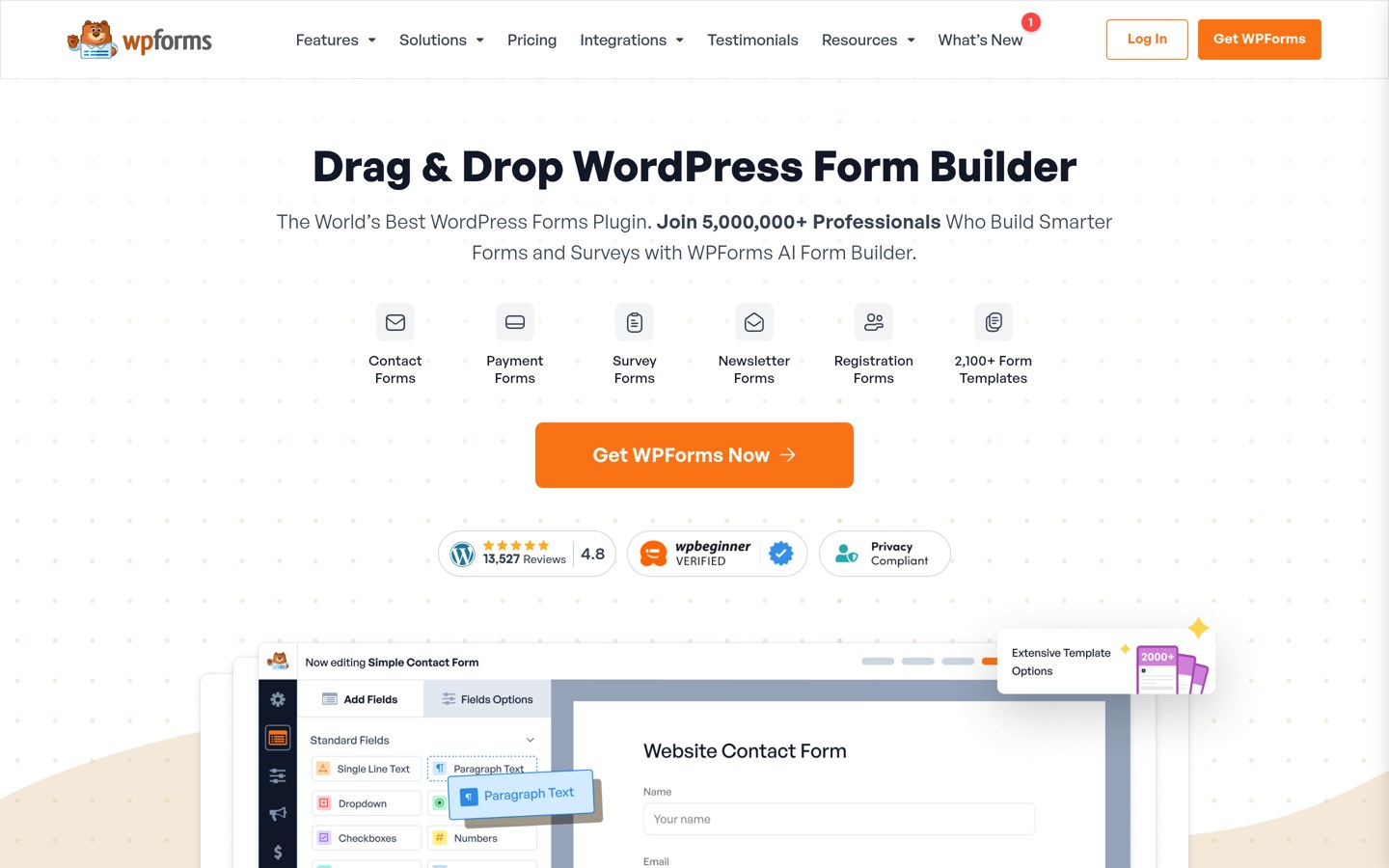
WPForms homepage, captured Nov 2026.
WPForms is a drag-and-drop form builder with more than 5 million active installs and a 4.8 out of 5 rating from 14,395 users. Its Surveys and Polls addon adds Likert scales, NPS scores, star ratings and ranking fields, plus interactive reports with charts you can export.
The trade off is the price of the survey features. They sit in the Pro plan, which lists at $399 a year for 5 sites, though the first year costs $199.50. It suits blogs and businesses that want surveys inside WordPress without a second tool.
What we like
Survey fields include Likert, NPS and star ratings
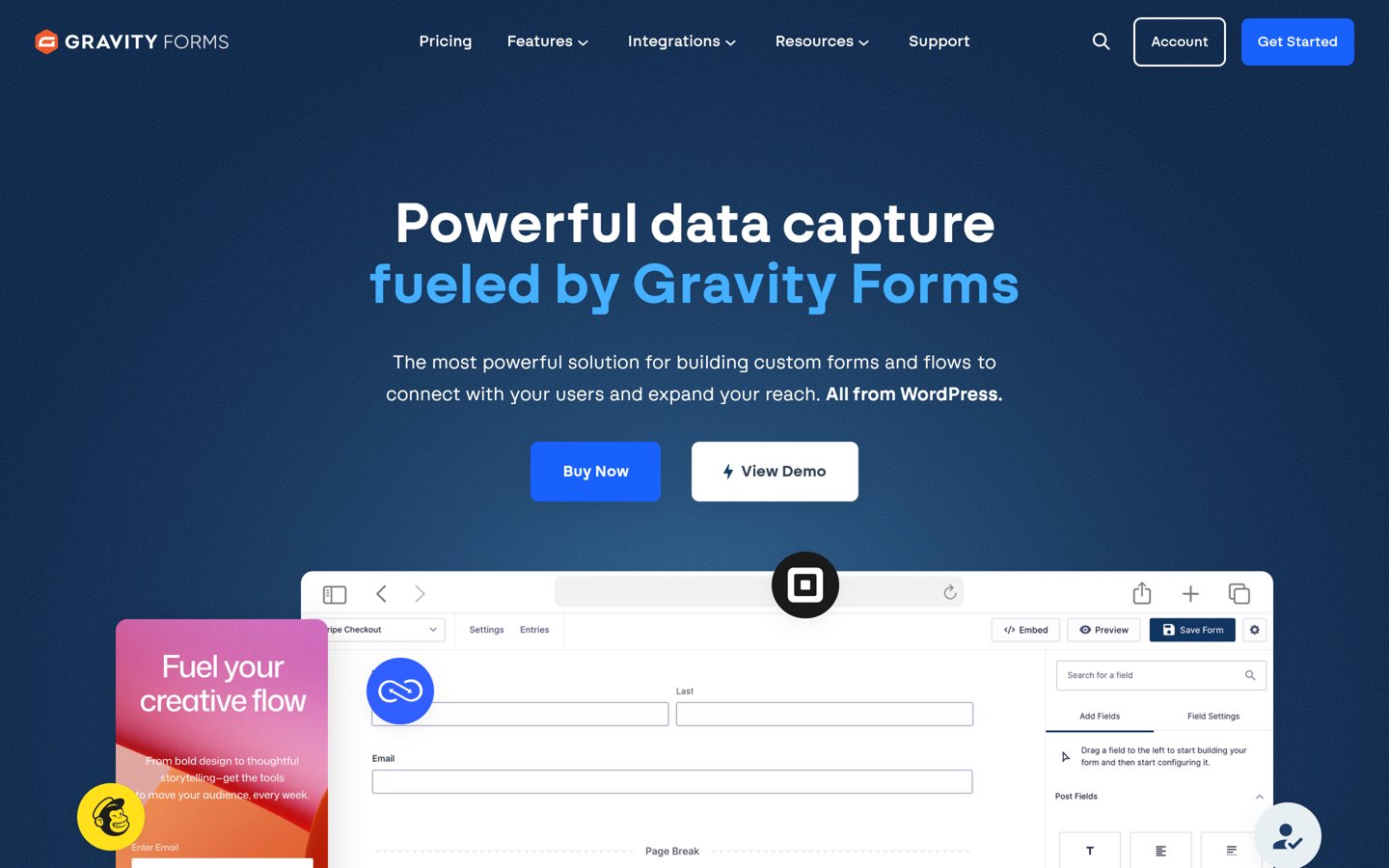
Gravity Forms is a premium form builder for WordPress with no free version, rated 4.7 out of 5 by 248 reviewers on G2. Its Elite licence includes the Survey add-on with NPS, Likert and rating fields, plus polls, quizzes and conversational forms, and it covers unlimited sites.
The trade off is that surveys are the most expensive add-on to reach. Basic starts at $59 a year and Pro at $159, but the Survey add-on only comes with Elite at $259 a year. It suits agencies and developers who run forms across many client sites.
4.8/5on WordPress.org (1,392 reviews, checked Nov 2026)
Paid from$399/yr
Best for survey reports you can publish
Survey fieldsNPS, Likert, ranking
Survey reportsCharts and graphs
Free versionYes, Lite
Paid planBusiness, $399/yr
formidableforms.com
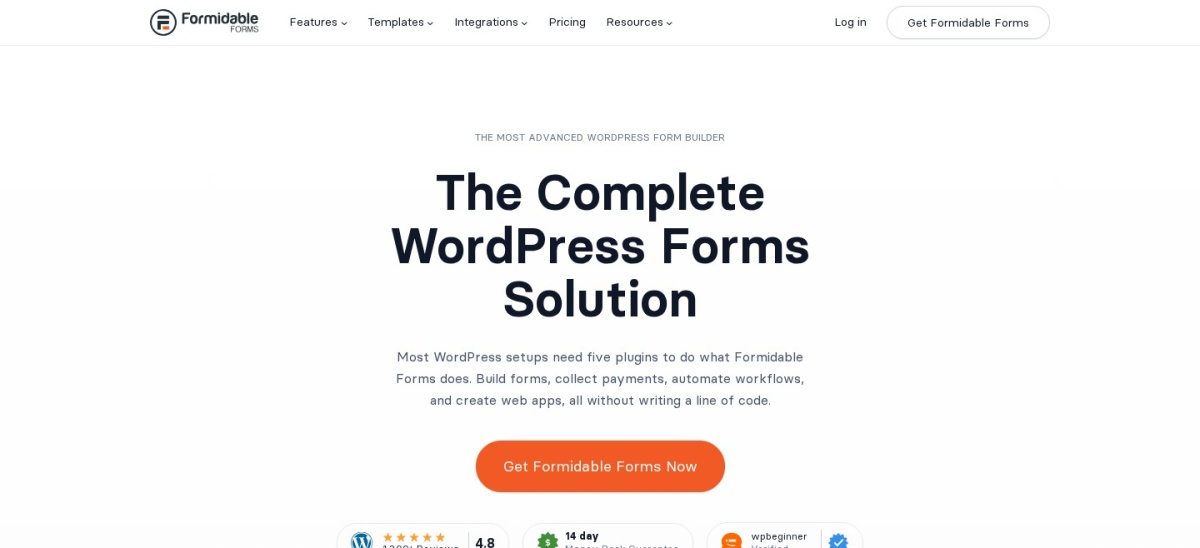
Formidable Forms homepage, captured Nov 2026.
Formidable Forms is a form builder with more than 300,000 active installs and a 4.8 out of 5 rating from 1,392 users. Its Business plan adds Surveys and Polls with NPS scoring, Likert fields, ranking fields and star ratings, plus Views that can publish survey results on a page.
The trade off is the same price wall as WPForms. Surveys sit on Business, which lists at $399 a year for 7 sites, though the first year costs $199.50. It suits sites that want to show results to visitors, not just read them in the dashboard.
4.8/5on WordPress.org (812 reviews, checked Nov 2026)
Paid from$59/yr
Best value paid survey plugin
Survey moduleQuiz & Survey, Pro
Free versionYes, on WordPress.org
Conversational formsYes, in Pro
Paid planPro, $59/yr
fluentforms.com
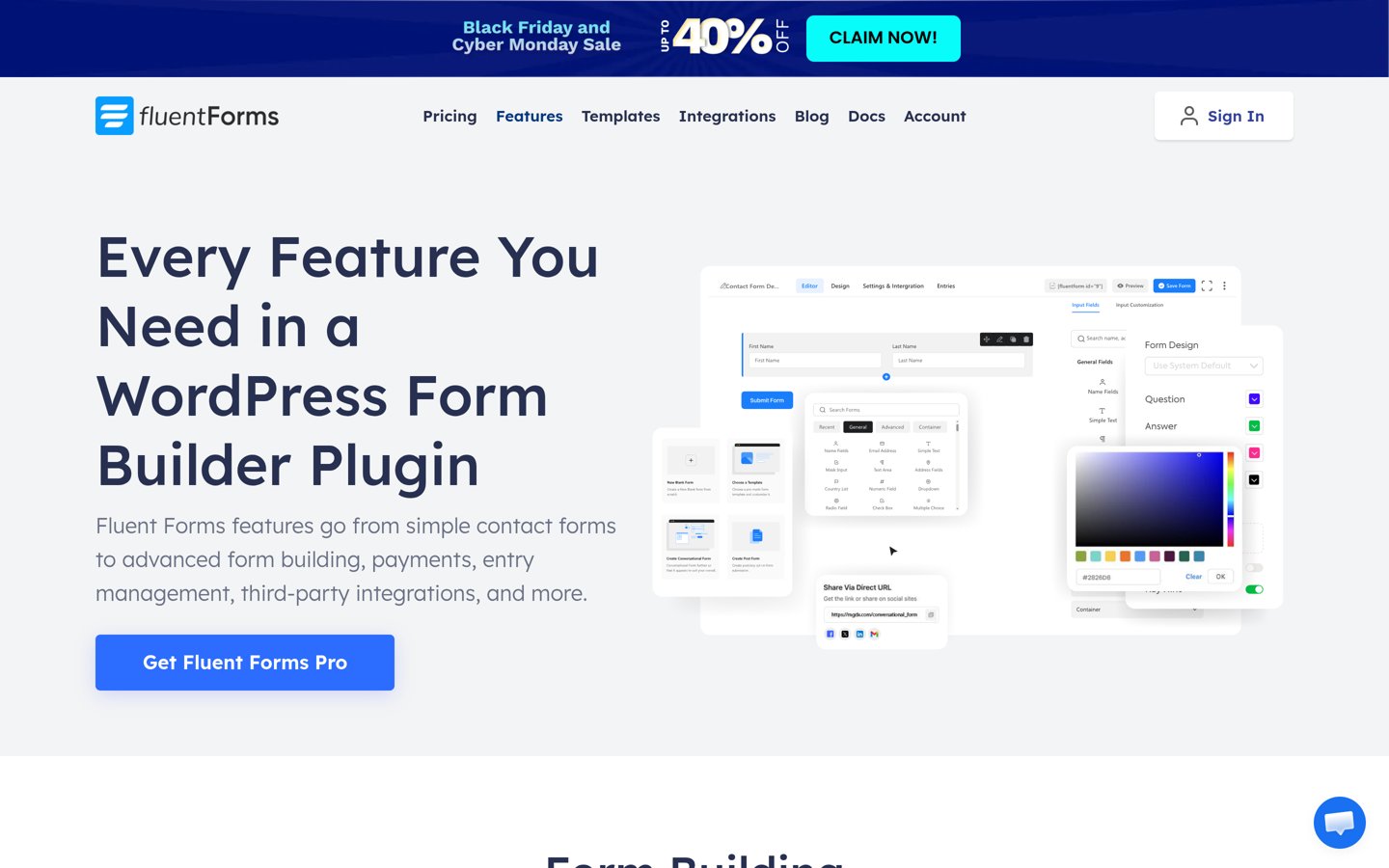
Fluent Forms homepage, captured Nov 2026.
Fluent Forms is a fast form builder with more than 800,000 active installs and a 4.8 out of 5 rating from 812 users. Its Pro licence adds a quiz and survey module with visual reports, plus conversational forms, calculations and 60+ integrations.
The trade off is depth. Its survey reports are simpler than WPForms or Formidable, and the cheapest plan covers one site only. It suits small sites that want a survey module for $59 a year without paying for a bigger plan.
4.8/5on WordPress.org (2,153 reviews, checked Nov 2026)
Paid from$50/yr
Best free polls and quizzes
Polls and quizzesFree, in the plugin
Survey reportsPoll results charts
Free versionYes, full builder
Paid planPro Basic, $50/yr
wpmudev.com
Forminator homepage, captured Nov 2026.
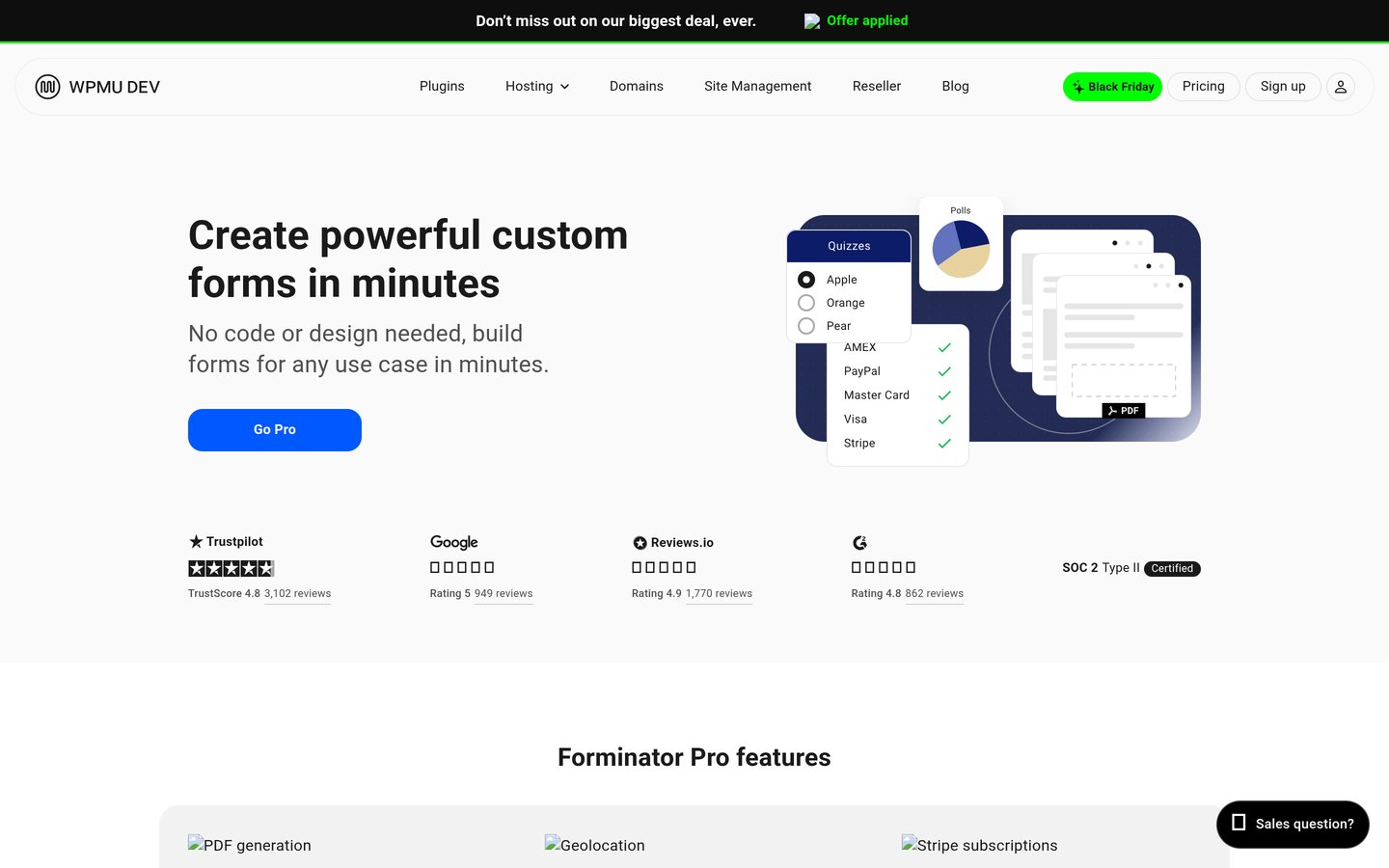
Forminator is a free form builder from WPMU DEV with more than 600,000 active installs and a 4.8 out of 5 rating from 2,153 users. The free plugin includes interactive polls with real-time results, quizzes, calculations and Stripe and PayPal payments, with no upgrade needed.
The trade off is that it is a poll and quiz tool, not a survey platform. There is no Likert or NPS field, and deeper survey reports need another tool. It suits sites that want quick polls and quizzes free, with Pro at $50 a year for extras.
4.7/5on WordPress.org (1,282 reviews, checked Nov 2026)
Paid from$149/yr
Best dedicated quiz and survey plugin
Question types15+, free
Scoring and timersYes, free
Survey reportsBasic, free
Paid planBasic, $149/yr
quizandsurveymaster.com
Quiz and Survey Master homepage, captured Nov 2026.
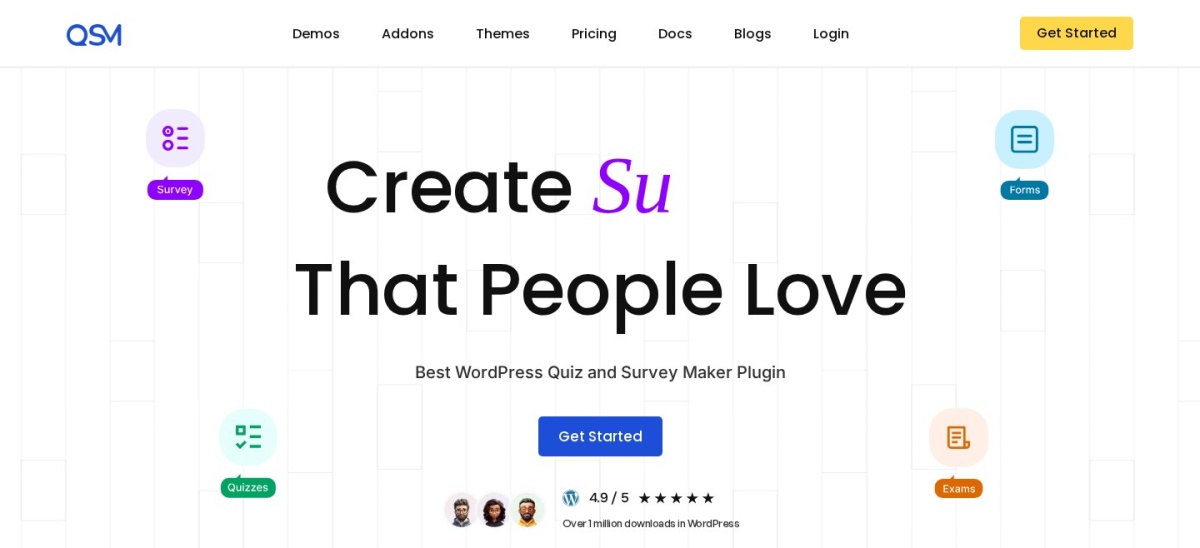
Quiz and Survey Master is a dedicated quiz and survey plugin with more than 40,000 active installs and a 4.7 out of 5 rating from 1,282 users. The free version covers 15+ question types, point scoring, pass and fail thresholds, timers and multiple result pages.
The trade off is polish. The builder looks dated next to WPForms or Typeform, and branching, advanced reporting and CRM links need paid add-ons from $149 a year. It suits teachers and trainers who need graded surveys and quizzes free.
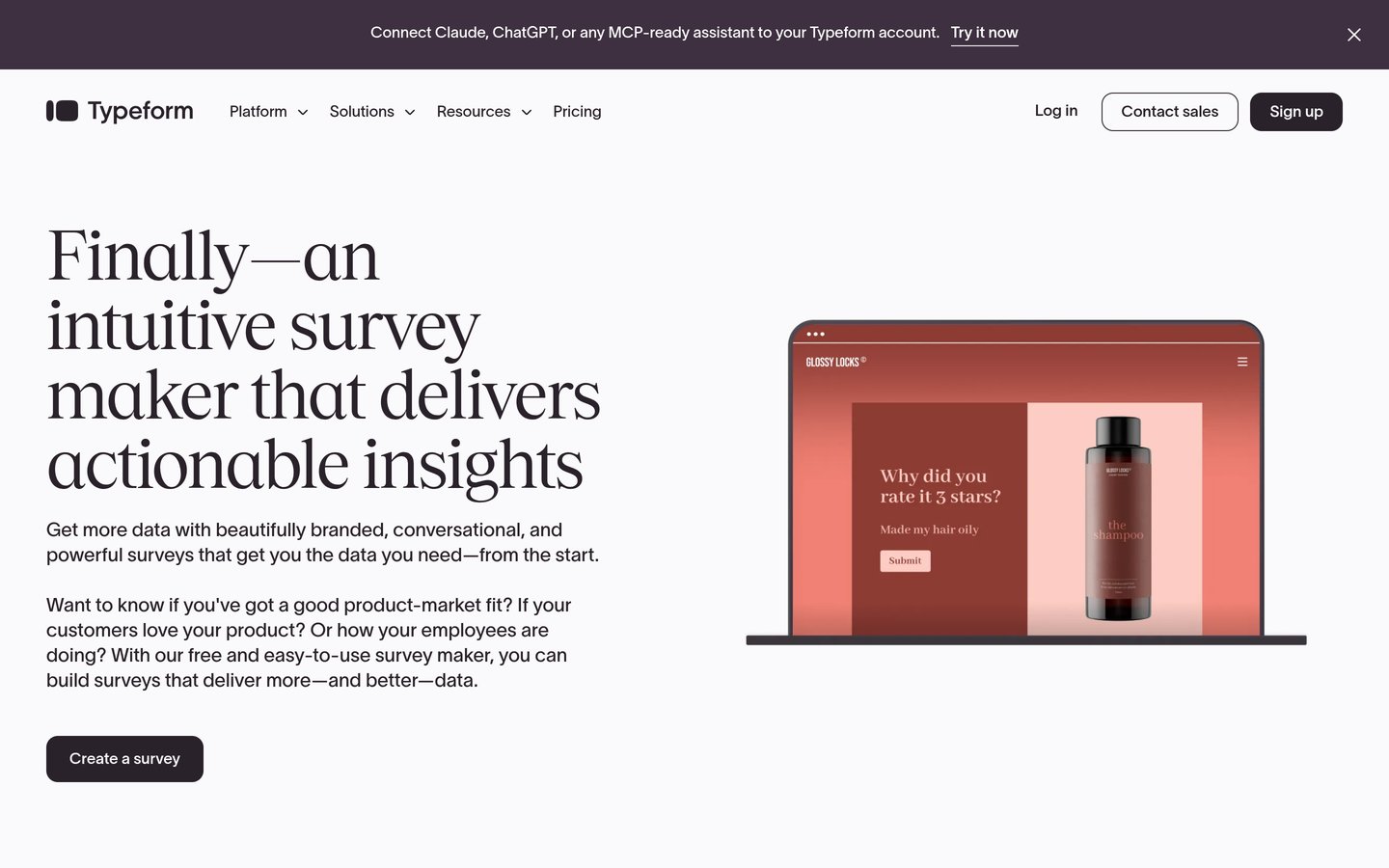
Typeform is a hosted form and survey tool that asks one question at a time, rated 4.5 out of 5 by 1,014 reviewers on G2. More than 150,000 businesses use it, and the Basic plan includes unlimited typeforms, logic jumps and 100 responses a month for $28 a month billed yearly.
The trade off is the response cap. The free plan allows 10 responses a month, and Basic stops at 100, so a popular survey needs Plus at $56 a month. It suits short customer surveys where completion matters more than volume.
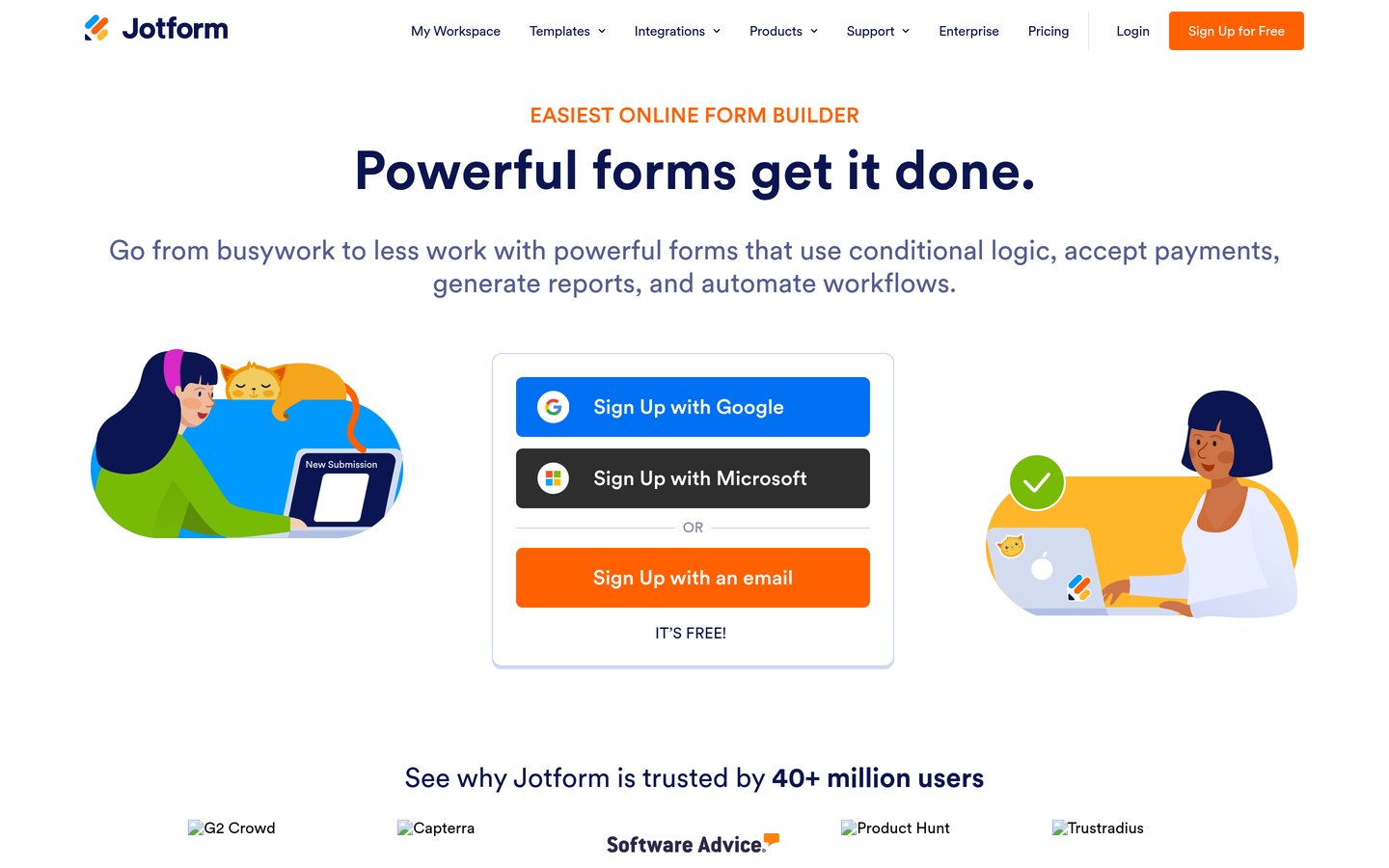
Jotform is a hosted form builder with more than 40 million users, rated 4.7 out of 5 by 5,415 reviewers on G2. Its free Starter plan covers 5 forms and 100 submissions a month, and Bronze at $34 a month billed yearly raises that to 25 forms and 1,000 submissions with branding removal.
The trade off is that it is a general form builder, not a survey specialist. Its reports are solid but lack the crosstabs and benchmarks of SurveyMonkey, and every self-serve plan covers one user only. It suits teams that need volume and templates at a fair price.
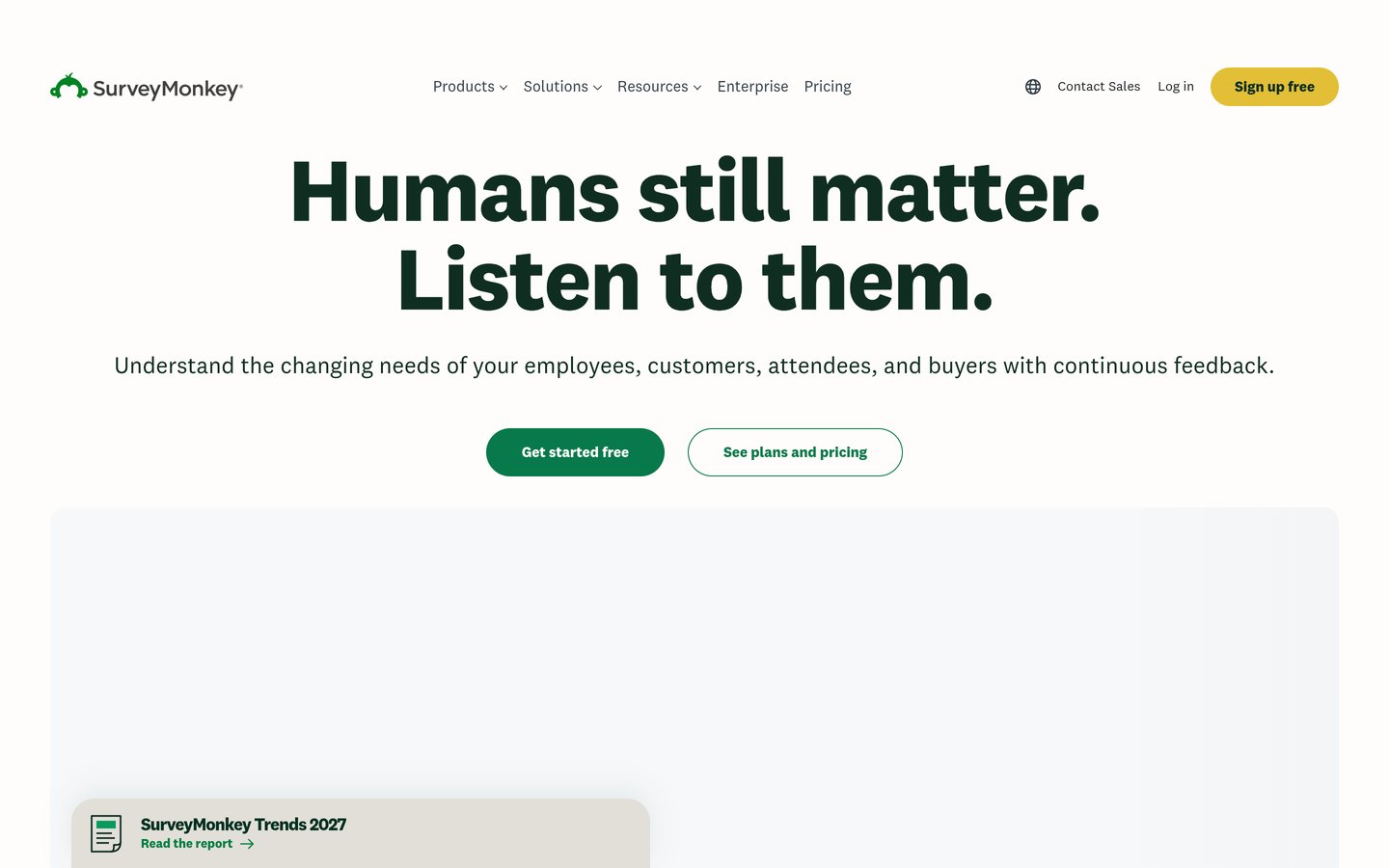
SurveyMonkey is the best-known survey platform, used by more than 260,000 organisations and rated 4.4 out of 5 by 23,901 reviewers on G2. The Advantage plan at $39 a month billed yearly includes unlimited surveys and questions, skip logic, data export and 15,000 responses a year.
The trade off is cost and metering. The free plan caps surveys at 10 questions with limited responses shown, and extra responses over the limit cost $0.15 each. It suits research, employee feedback and market surveys where analysis depth matters.
Free plans cover basic forms well. WPForms Lite, Formidable Lite and Fluent Forms free all build forms, but none of them includes Likert or NPS fields.
Survey fields usually sit on a paid tier. WPForms and Formidable both charge $399 a year for them, while Fluent Forms asks $59 and Forminator gives polls and quizzes away free.
Hosted tools meter responses instead. Typeform free allows 10 responses a month, Jotform free allows 100 submissions, and SurveyMonkey free shows only a limited number of responses.
Pay for the tier that includes the fields and reports you need, not the cheapest plan on the page. A $59 plan without survey reports is no saving.
Common mistakes when running a survey
Asking too many questions is the most common mistake. Long surveys lose respondents, so keep it short and put the most important question first.
Forgetting the export plan is the second. Check that your plan lets you export results as a spreadsheet before you launch, or the data stays locked in the tool.
Mixing two survey tools is the third. Answers split across two dashboards are hard to compare, so run each survey in one place from start to finish.
How we chose
We started from the form plugins on WordPress.org with survey features and the best-known hosted survey tools, then kept the nine that cover surveys properly, from free plugins to research platforms.
Prices come from each vendor's pricing page, checked on 22 November 2026. Ratings and install counts come from WordPress.org on the same day, except Gravity Forms, Typeform, Jotform and SurveyMonkey, which are rated on G2. Where a vendor shows a sale, the list shows the regular price.
We left out plugins not updated in the last 12 months and general form builders with no survey fields or reports. No vendor paid for a place, and we do not claim hands-on testing for this list.
How to choose a form plugin for surveys
Start with where the survey will live, then check the fields and limits before you pay.
Decide WordPress or hosted. A plugin keeps data on your site and in your dashboard. A hosted tool embeds in a page and stores answers on the vendor's servers.
List the question types you need. Likert scales, NPS scores and star ratings need a survey addon or a survey tool. A plain form builder will not have them.
Check the response and export limits. Free plans cap questions, responses or the reports you can see. Confirm the paid plan lifts the limit you will hit first.
Try the free version with a real survey. Build the actual survey, send it to a few people and read the report. That shows the gaps faster than any feature list.
FAQ
What is the best form plugin for WordPress surveys?
WPForms is the best pick for most sites. Its Surveys and Polls addon adds Likert, NPS and star-rating fields with interactive reports, and it is rated 4.8 out of 5 by 14,395 users on WordPress.org.
Can I run surveys with a free WordPress plugin?
Yes. Forminator includes polls and quizzes free, and Quiz and Survey Master covers 15+ question types with scoring and timers at no cost. Paid survey fields such as Likert and NPS usually need a Pro plan, except in those two.
How much does a survey plugin cost?
Paid survey features start at $50 a year for Forminator Pro and $59 for Fluent Forms Pro, then climb to $399 for WPForms Pro or Formidable Business. Hosted tools charge monthly, from $28 for Typeform Basic to $39 for SurveyMonkey Advantage.
Do I need a separate survey tool if I have WPForms?
No, if you have WPForms Pro. Its Surveys and Polls addon covers Likert, NPS and ranking fields with reports inside WordPress. If you only need a one-off poll, the free version of Forminator or a hosted free plan may be enough.
Are hosted survey tools better than WordPress plugins?
They are better for conversational surveys and deep analysis, and worse for data control and cost at volume. Typeform and SurveyMonkey lead on design and analysis, while plugins keep answers on your own site for a flat yearly price.
What should I check before launching a survey?
Check the question limit, the response limit and whether you can export the results. Then send the survey to a few people first and read the report, so you catch confusing questions before the full audience sees them.