Jotform is the best form building software for most teams. It is rated 4.7 out of 5 on G2 from more than 5,400 reviews, and Bronze costs $34 a month billed yearly. Pick Typeform for conversational forms and Google Forms when the budget is zero.
How we make this list: we compare pricing pages, product documentation and public user reviews, then re-check every price before each update. No product paid for a place. Disclosure.
Jotform leads on volume: Bronze allows 1,000 submissions a month for $34 a month billed yearly.
Typeform Basic costs $28 a month billed yearly but caps responses at 100 a month.
Tally and Google Forms give the most for free, with Tally offering unlimited forms and submissions.
Paperform is rated 4.8 out of 5 on G2, second only to Tally at 4.9.
Formstack is the most expensive entry here at $83 a month billed yearly, with no free plan.
SurveyMonkey is a survey tool first: its cheapest team plan needs 3 users at $30 each a month.
What to look for in a form builder
A form builder should match how many responses you expect. A free plan with 100 submissions a month is fine for a contact form, but it will stop a busy sign-up form mid-month.
Check whether the price is per response, per submission or per user. Typeform charges by responses, Jotform by submissions, and SurveyMonkey team plans charge per user.
Design matters when the form faces customers. One-question-at-a-time forms can lift completion, while a plain form is fine for internal requests.
Payments, file uploads and logic are the usual paid gates. Our guide on creating a payment form in WordPress shows what a payment form needs to collect safely.
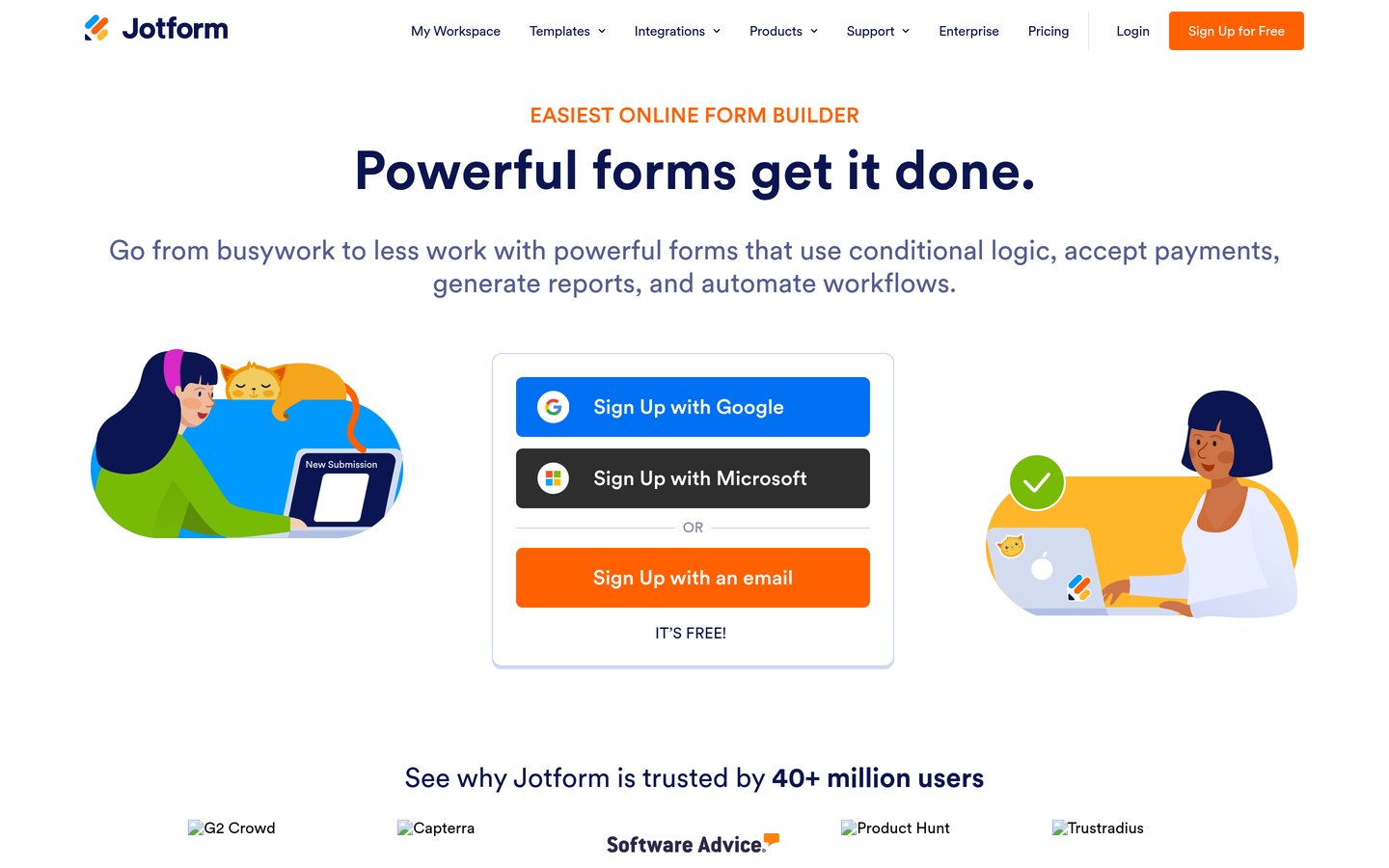
Jotform is a general-purpose form builder with one of the largest review bases in this list, rated 4.7 out of 5 on G2 from 5,421 reviews. The free Starter plan allows 5 forms and 100 submissions a month, while Bronze at $34 a month billed yearly allows 25 forms and 1,000 submissions a month.
The trade off is the jump from free to paid. Bronze costs $39 a month on monthly billing, and the free plan keeps Jotform branding on every form. It suits teams that collect a steady volume of orders, bookings or applications and want payment and signature options in the same tool.
What we like
Largest review base in this list at 5,421 G2 reviews
Bronze allows 1,000 submissions a month
Payment processing and signed documents on paid plans
Free plan includes 5 forms
Watch out for
Free plan caps at 100 submissions a month
Branding stays on forms until you pay
Monthly billing costs $39, above the $34 yearly rate
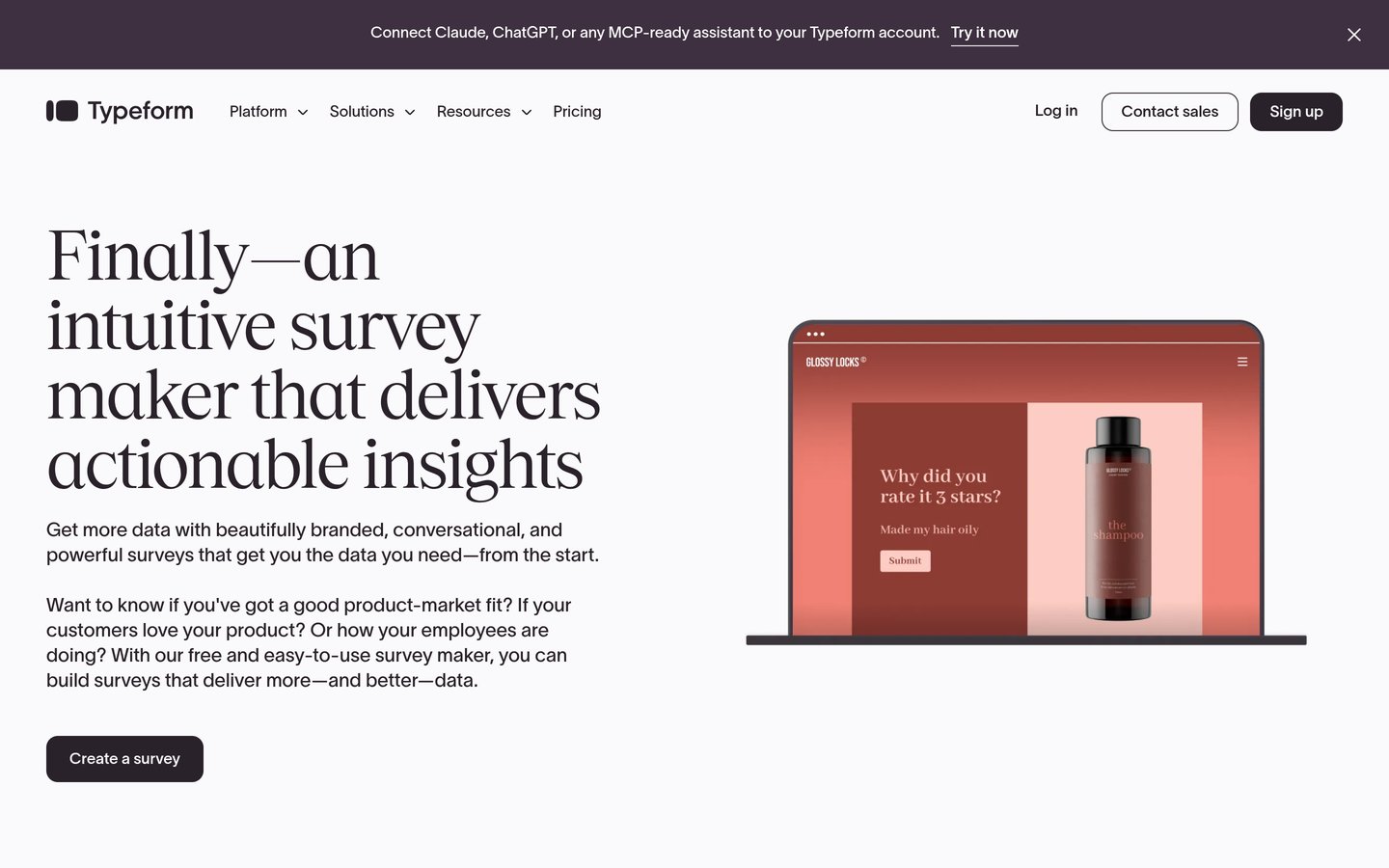
Typeform is a form builder that shows one question at a time, which suits short customer-facing forms, quizzes and sign-ups. The free plan allows 10 responses a month, and Basic at $28 a month billed yearly allows 100 responses a month, with unlimited forms, conditional logic and webhooks.
The trade off is the response cap. Basic costs $39 a month on monthly billing, and the Typeform logo stays on forms until Plus at $56 a month billed yearly. It suits teams that value completion rates on short forms more than raw submission volume.
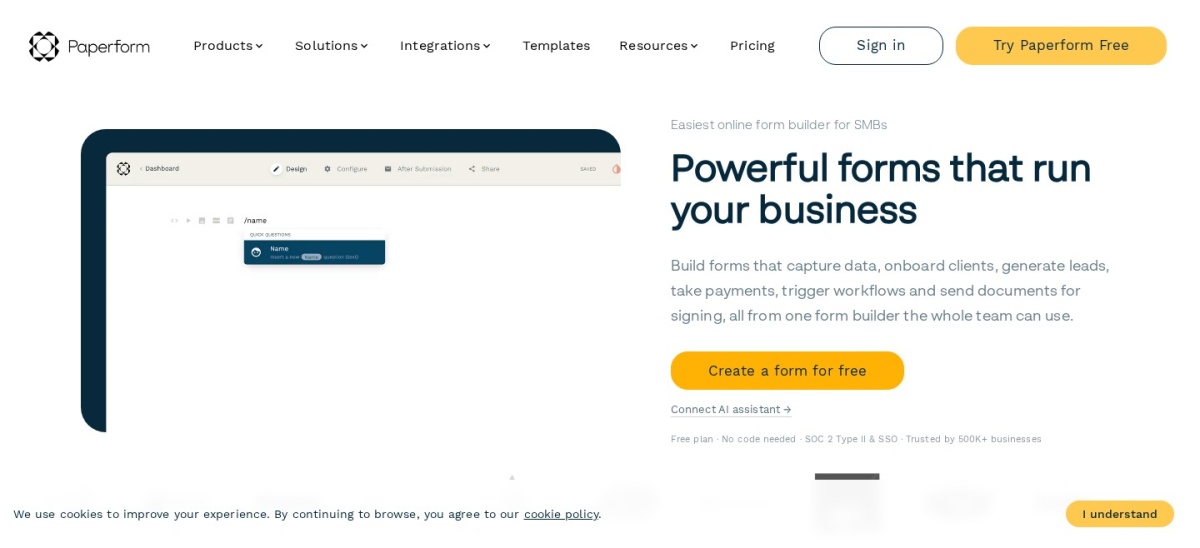
Paperform is a design-first form builder that builds forms as pages, mixing text, images, video and questions in one document-style editor. It is rated 4.8 out of 5 on G2 from 86 reviews. The free plan allows 30 submissions a month, and Essentials at $24 a month billed yearly allows 1,200 submissions a year.
The trade off is the yearly submission cap. Essentials works out at about 100 submissions a month, and API access, webhooks and a custom domain need Pro at $49 a month billed yearly. It suits bookings, applications and payment forms where presentation matters.
What we like
Rated 4.8 out of 5 on G2
Document-style editor mixes media and questions
Live support on the Essentials plan
Lowest paid entry among the design-first tools here
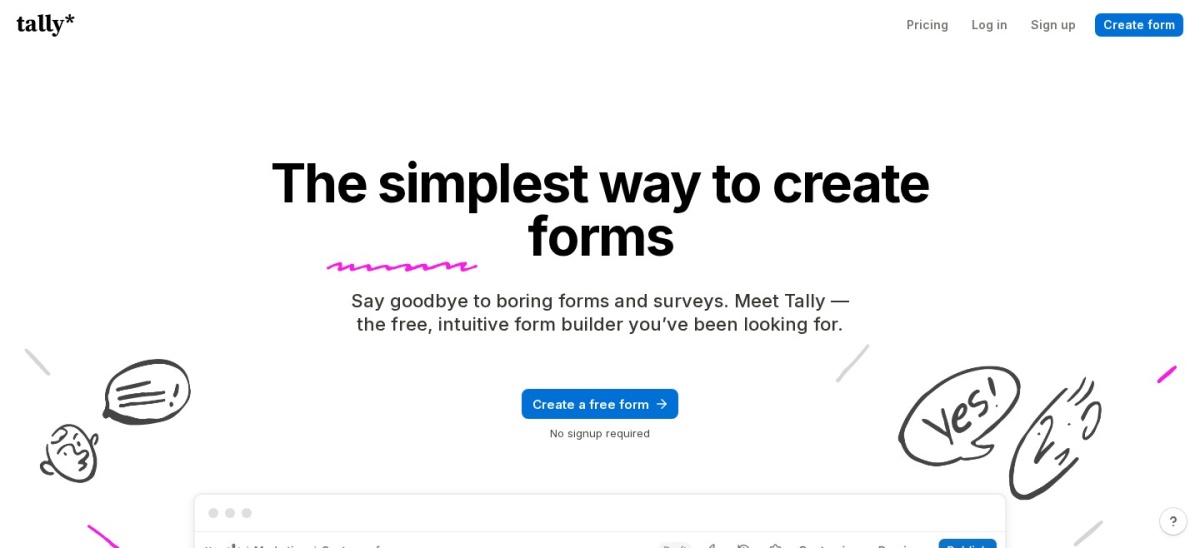
Tally is a form builder with a document-style editor, rated 4.9 out of 5 on G2 from 163 reviews. Its free plan includes unlimited forms and submissions, plus conditional logic, calculated fields, file uploads and payment collection, which most rivals charge for.
The trade off is branding and team features. Removing Tally branding, adding a custom domain and using team workspaces need Pro at $29 a month. It suits solo users, small teams and nonprofits that need a capable free plan without a submission cap.
What we like
Highest G2 rating in this list at 4.9 out of 5
Unlimited forms and submissions on the free plan
Conditional logic and payments included free
Flat $29 a month Pro plan, not per user
Watch out for
Branding removal needs the Pro plan
Smaller review base at 163 G2 reviews
Fewer native integrations than Jotform
Pro adds branding removal, custom domain and workspacesVisit tally.so
05
Google Forms
4.6/5on G2 (42,000 reviews, checked Nov 2026)
PriceFree
Best free form builder
Free planUnlimited forms
ResponsesUp to 500,000 per form
Paid planWorkspace from $7/user/mo
CollaborationReal-time co-editing
forms.google.com
Google Forms homepage, captured Nov 2026.
Google Forms is a free form builder that comes with any Google account, rated 4.6 out of 5 on G2 from about 42,000 reviews. It allows unlimited forms and up to 500,000 responses per form, with answers landing in Google Sheets and several people able to edit one form at the same time.
The trade off is features. Google Forms cannot take payments, and it offers section-level logic only, with no question-level rules or calculations. It suits internal surveys, RSVPs and simple data collection where cost and speed matter most.
What we like
Free, with unlimited forms
Up to 500,000 responses per form
Answers land directly in Google Sheets
Largest review base here at about 42,000 G2 reviews
SurveyMonkey is a survey platform first and a form builder second, rated 4.4 out of 5 on G2 from 23,844 reviews. Its strength is analysis: crosstabs, skip logic, A/B testing and reporting for customer feedback, employee surveys and market research at scale.
The trade off is price and structure. Individual Advantage costs $39 a month billed yearly, and Team Advantage costs $30 per user a month with a 3-user minimum, so a team pays at least $90 a month. It suits research programmes, not simple contact forms.
Formstack is a form builder for regulated and administrative workflows, rated 4.3 out of 5 on G2 from 471 reviews. Its Forms plan at $83 a month billed yearly includes 1 builder user, 25 forms and 1,000 submissions per form, with workflows and custom branding included.
The trade off is price. Formstack has no free plan, and the Forms plan allows only 1 builder user, so a second builder means the Suite plan at $250 a month billed yearly. It suits healthcare, legal and HR teams that need documents and e-signatures beside their forms.
Wufoo is a long-running form builder from SurveyMonkey, rated 4.2 out of 5 on G2 from 296 reviews. The free plan allows 5 forms and 100 entries a month, and Starter at $16.25 a month billed yearly allows 10 forms and 1,000 entries a month.
The trade off is age. Wufoo costs less than most rivals here, but its interface looks dated next to Typeform or Tally, and its rating is the lowest in this list. It suits small teams that want a simple, cheap paid form builder without new features.
What we like
Lowest paid entry in this list at $16.25 a month billed yearly
Simple setup with payment processing
1,000 entries a month on Starter
Free plan includes 5 forms
Watch out for
Lowest G2 rating in this list at 4.2 out of 5
Dated interface next to newer rivals
Starter costs $19 a month on monthly billing
Professional adds more forms and entries at $33.25 a month billed yearlyVisit wufoo.com
Free vs paid: what you give up
Free plans cover simple collection well. Google Forms and Tally allow far more responses free than Typeform or Jotform.
Paid plans mostly add volume, branding removal and payments. Tally is the exception, with payments and logic free.
If a form takes money, check the paid gate first. Google Forms cannot take payments at all, so a payment form needs a paid tool.
For a form that earns money every day, the first year of a paid plan often costs less than the responses lost to a capped free plan.
How we chose
We started from the most widely used general form builders, then kept those with a free plan or a published paid price, plus Formstack for regulated workflows.
Prices come from each vendor's pricing page, checked on 25 November 2026, using the billed-yearly monthly rate where the vendor shows one. Ratings and review counts come from G2 on the same day. Where a vendor shows a sale, the list shows the regular price.
We left out WordPress-only form plugins, since this list covers hosted form builders. No vendor paid for a place, and we do not claim hands-on testing for this list.
How to choose form building software
Start with your monthly response volume, then check the paid gates that matter to you.
Count your monthly responses. A free plan with 100 submissions a month will stop a busy form. Tally and Google Forms have no such cap.
Decide if the form faces customers. Typeform and Paperform suit customer-facing forms, while Google Forms suits internal collection. See how to embed a Google Form into WordPress.
Check payments, logic and branding. These are the usual paid gates. Confirm each one on the pricing page before you pay.
Test the free plan with a real form. Build the form you actually need, send it to a few people, and check the answers land where you expect.
FAQ
What is the best form building software?
Jotform is the best form building software for most teams. It is rated 4.7 out of 5 on G2 from more than 5,400 reviews, and Bronze allows 1,000 submissions a month for $34 a month billed yearly.
What is the best free form builder?
Tally has the most generous free plan, with unlimited forms and submissions, conditional logic and payments. Google Forms is the other strong free pick, with unlimited forms and up to 500,000 responses per form.
Is Typeform worth the price?
Typeform is worth it when the form faces customers and completion matters, since its one-question-at-a-time layout is polished. It is poor value for high volume, because Basic caps responses at 100 a month.
Can Google Forms take payments?
No, Google Forms cannot take payments. If you need to collect money through a form, use Jotform or Tally, which both offer payment collection.
Which form builder is best for surveys?
SurveyMonkey is the best pick for research surveys, with crosstabs, A/B testing and strong reporting. For simple surveys, Google Forms or Jotform will do the same job for less money.
Do form builders charge per response?
Some do. Typeform charges by responses, Jotform by submissions, and SurveyMonkey team plans charge per user. Always check whether the cap is monthly or yearly before you compare prices.
SaaS SEO and WordPress specialist with about 8 years of experience. Rakib compares WordPress plugins, themes, hosting and software using public pricing, documentation and user reviews. See how we rank.