Helicon Focus is the best focus stacking software for most photographers. Its Lite licence costs $30 a year and covers three rendering methods, RAW input and batch processing. Pick Zerene Stacker for the hardest macro subjects and Affinity for free stacking inside a full editor.
How we make this list: we compare pricing pages, product documentation and public user reviews, then re-check every price before each update. No product paid for a place. Disclosure.
Helicon Focus is the fastest all-rounder: three rendering methods, batch processing and retouching from $30 a year.
Zerene Stacker handles the hardest macro subjects with PMax and DMap, for $89 once, but renders slower.
Affinity stacks for free with Focus Merge, and Photoshop stacks well enough that subscribers may not need another app.
ON1 Photo RAW at $99.99 once and Luminar Neo at $119 once put stacking inside a full editor.
Picolay, GIMP and Hugin stack for free, with Picolay the best free pick for microscopy and 3D output.
What to look for in focus stacking software
Focus stacking blends a bracket of frames shot at different focus distances into one image that is sharp from front to back. Macro, product and landscape photographers use it when no single aperture keeps the whole subject sharp.
A dedicated stacker gives you a choice of rendering methods, alignment, batch processing and a retouching brush tied to source frames. General editors usually offer one automatic blend with no way to fix a bad edge.
Price shapes the choice more than features do. Two dedicated stackers cost $30 a year and $89 once, while four free tools cover the basics, so check what you already own before buying a single-purpose app.
Helicon Focus is a dedicated focus stacking app for Windows and macOS that aligns and blends a bracket of frames into one sharp image. The Lite licence costs $30 a year and covers the three rendering methods, RAW input and batch processing, with a 30-day trial that runs the full Pro version.
The trade off is that retouching brushes and DNG output need Pro at $55 a year, and the one-year licence reverts to demo mode when it lapses. It suits macro and product photographers who stack often and want speed plus a capture companion in Helicon Remote.
What we like
Three rendering methods for tricky edges
Fast batch processing for large stacks
Retouching brushes tied to source frames
30-day trial runs the full Pro version
Watch out for
Retouching and DNG output need the Pro licence
One-year licence reverts to demo mode if it lapses
4.7/5on Find Alternatives (Not published reviews, checked Nov 2026)
Starts at$89/once
Best for hard macro and microscopy
Stacking methodsPMax and DMap
RetouchingIncluded in all editions
PlatformsWindows, macOS, Linux
Cheapest planPersonal, $89 once
zerenesystems.com
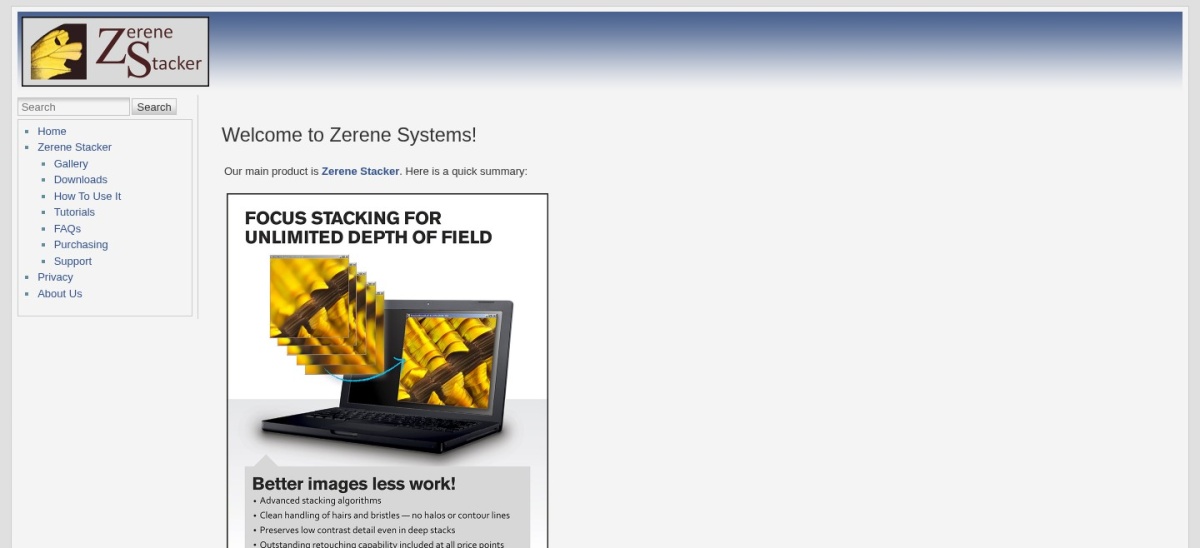
Zerene Stacker homepage, captured Nov 2026.
Zerene Stacker is a dedicated stacking app for Windows, macOS and Linux, built for the hardest macro and microscopy subjects. Its PMax and DMap methods handle hairs, bristles and deep stacks of hundreds of frames, and the retouching brush is included even in the $89 Personal edition.
The trade off is pace and polish. Rendering is CPU-only and slower than Helicon Focus, and the Java-based interface looks dated. It suits microscopists and extreme macro photographers who put output quality on difficult subjects ahead of speed.
Affinity is a free all-in-one creative app from Canva that includes Focus Merge, a dedicated stacking tool with alignment and depth-map output. It stacks a bracket of frames, then hands you the layered result for manual refinement inside a full photo editor.
The trade off is that stacking is one feature among many, not the reason the app exists. There is no batch queue or capture companion, and you need a free Canva account to download it. It suits photographers who stack occasionally and want a full editor for nothing.
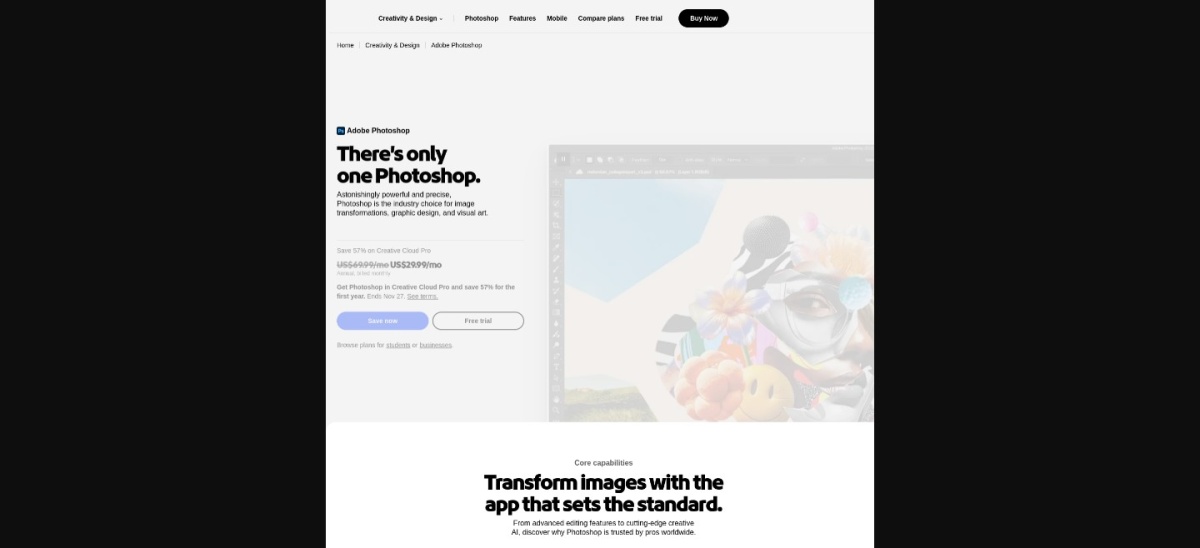
Adobe Photoshop is the full photo editor most photographers already pay for, and it stacks focus brackets with Auto-Align Layers and Auto-Blend Layers. The cheapest way in is the Photography plan at $19.99 a month, which adds Lightroom and 1 TB of storage.
The trade off is control. There is no choice of stacking method, no depth map and no retouching brush tied to source frames, so hard subjects need manual masking. It suits subscribers who stack now and then and want the blend to stay inside a layered editor.
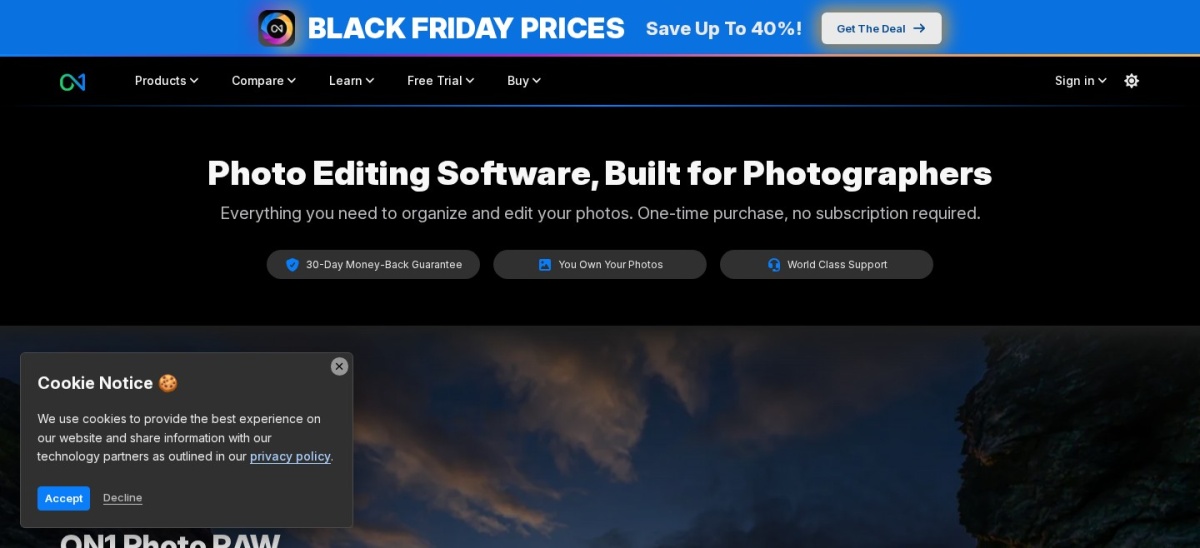
ON1 Photo RAW is an all-in-one photo editor that browses folders, develops RAW files and stacks focus brackets without leaving the app. Focus stacking sits beside HDR merge and panorama in the same catalog-free browser, and the perpetual licence costs $99.99.
The trade off is depth. Stacking is one feature among many, not the product's reason to exist, with fewer rendering choices and no capture companion. It suits photographers who want RAW editing, layers and stacking in one app for a single payment.
Luminar Neo is an AI-led photo editor from Skylum that includes focus stacking alongside HDR merge and panorama stitching. The desktop licence costs $119 as a one-time payment, and the stacked result stays inside the same editor for retouching.
The trade off is that focus stacking is one tool inside a general editor, and Skylum's prices shift with frequent sales, so check the live price before buying. It suits landscape and macro photographers who want fast AI edits and occasional stacking in one app.
3.5/5on FreeDownloadManager (88 reviews, checked Nov 2026)
PriceFree
Best free stacker for microscopy and 3D
PriceFreeware
PlatformsWindows only
3D outputAnaglyph, depth maps
DownloadSingle portable file
picolay.de
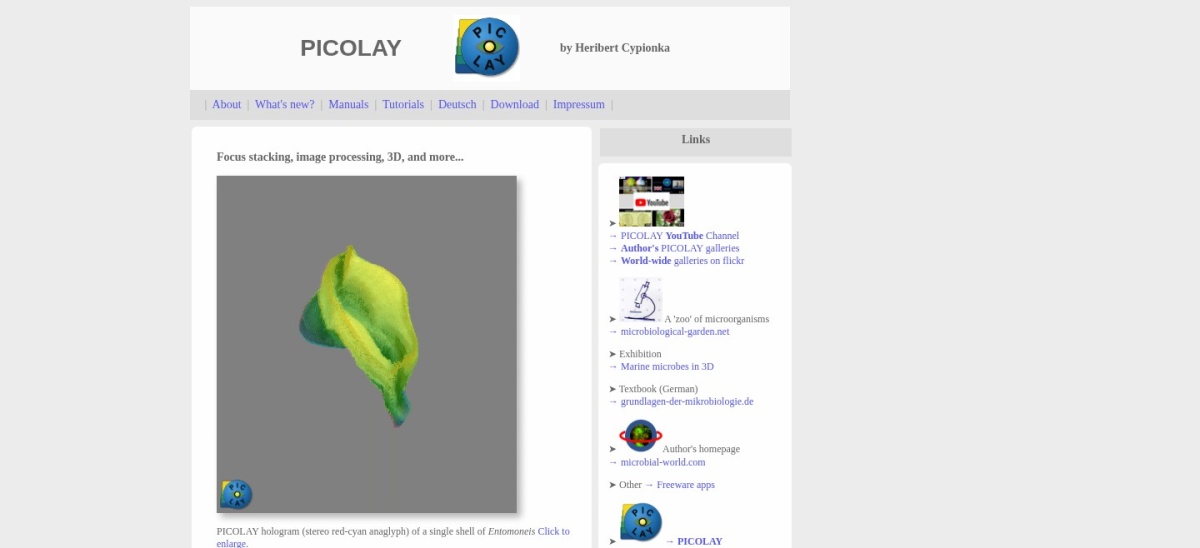
Picolay homepage, captured Nov 2026.
Picolay is a free Windows program by Heribert Cypionka, written for microscopy and still updated in 2026. Beyond standard stacking it builds depth maps, 3D projections and stereo pairs from one stack, and the whole program is a single portable file.
The trade off is polish. The interface is plain and technical, the manual reads like a lab guide, and there is no Mac or Linux version. It suits students, microscopists and hobbyists who need real stacking and 3D output without spending anything.
GIMP is a free open-source image editor, and its Depth Merge filter combines a stack of aligned layers into one image using depth maps. Version 3.2.8 is current, and the editor runs on Windows, macOS and Linux with no payment or account.
The trade off is manual work. There is no automatic stacking workflow: you align the layers and supply the depth maps yourself, which takes time on deep stacks. It suits photographers who already use GIMP and stack rarely enough to accept the extra steps.
4.4/5on SourceForge (138 reviews, checked Nov 2026)
PriceFree
Best free stacking for technical users
StackingVia Enfuse and align_image_stack
PriceFree, open source
PlatformsWindows, macOS, Linux
Latest version2026.0.0
hugin.sourceforge.io
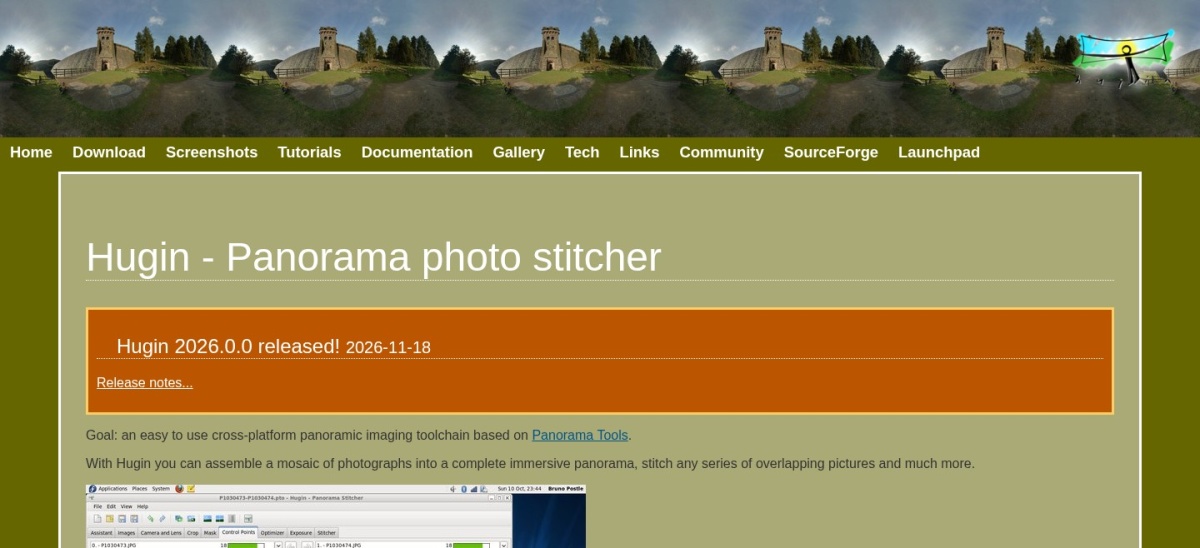
Hugin homepage, captured Nov 2026.
Hugin is a free open-source panorama stitcher whose alignment and blending engine also handles focus stacking through Enfuse and align_image_stack. Version 2026.0.0 was released on 18 November 2026, and it runs on Windows, macOS and Linux.
The trade off is the workflow. Stacking runs through separate command-line tools rather than one guided panel, so setup takes patience. It suits technical users who already use Hugin for panoramas and want focus stacking without buying another app.
Free tools cover the basics well. Picolay stacks and builds 3D output, Affinity adds a full editor, and GIMP and Hugin handle occasional stacks at no cost.
Paid tools mostly add speed and control. Helicon Focus and Zerene Stacker give you a choice of rendering methods, batch processing and retouching tied to source frames.
A one-time licence can be the cheapest route over time. Zerene Stacker costs $89 once with free updates, and ON1 Photo RAW costs $99.99 once, while Helicon Focus Lite costs $30 every year.
Watch for sales before you buy. Zerene Stacker offers a holiday coupon through 31 December 2026, and ON1 and Skylum discount often, so the price on the day can sit well below the regular price. Large stacked files also need care once they leave the editor: our guide on optimizing images for WordPress explains how to keep them fast on the web.
How we chose
We started from the dedicated stacking apps macro photographers actually buy, then added the general editors that include a stacking feature, and the free tools that still work in 2026.
Prices come from each vendor's pricing page, checked on 25 November 2026, and ratings come from G2 unless noted. Helicon Focus is rated 4.3 out of 5 on MacUpdate from 6 ratings, Hugin 4.4 out of 5 on SourceForge from 138 ratings, Zerene Stacker 4.7 out of 5 on Find Alternatives, which publishes no review count, and Picolay 3.5 out of 5 on FreeDownloadManager from 88 votes.
We left out CombineZP, whose official site is defunct and which is no longer maintained. No vendor paid for a place, and we do not claim hands-on testing for this list.
How to choose focus stacking software
Start with how often you stack, then match the tool to the subjects you shoot.
Count how often you stack. If you stack every week, a dedicated app pays for itself in speed. If you stack a few times a year, the editor you already own is enough.
Match the tool to the subject. Deep macro and microscopy stacks with hairs and bristles need Zerene Stacker or Helicon Focus. Flat product shots and landscapes are fine in Affinity or Photoshop.
Check the trial on your hardest images. Helicon Focus and Zerene Stacker both offer 30-day trials. Run your worst stack through each before paying.
Weigh one payment against a yearly fee. Zerene Stacker at $89 once and ON1 Photo RAW at $99.99 once cost less over three years than Helicon Focus Lite at $30 a year.
FAQ
What is the best focus stacking software?
Helicon Focus is the best pick for most photographers. Its Lite licence costs $30 a year and includes three rendering methods, RAW input and batch processing, and the 30-day trial runs the full Pro version so you can judge it on your own images.
Is Zerene Stacker better than Helicon Focus?
Zerene Stacker wins on the hardest subjects, with PMax and DMap methods that handle hairs, bristles and deep stacks with fewer halos. Helicon Focus is faster, has a friendlier interface and costs less to start at $30 a year against $89 once.
Can I focus stack for free?
Yes. Affinity stacks for free with Focus Merge inside a full editor, Picolay is a free dedicated stacker for Windows, and GIMP and Hugin stack for free with more manual steps. Start with one of these if you stack only now and then.
Does Photoshop do focus stacking?
Yes. Photoshop stacks a focus bracket with Auto-Align Layers and Auto-Blend Layers, which works well on straightforward subjects. It has no choice of stacking method or depth map, so hard macro subjects still benefit from a dedicated stacker.
What is the cheapest focus stacking software?
Helicon Focus Lite is the cheapest paid option at $30 a year. Zerene Stacker costs $89 once with free updates, and ON1 Photo RAW costs $99.99 once. Affinity, Picolay, GIMP and Hugin cost nothing.
Do I need a dedicated focus stacking app?
Not always. If you already pay for Photoshop or use Affinity, their built-in stacking covers occasional brackets. A dedicated app is worth it when you stack often, shoot deep macro stacks, or need retouching tied to source frames.
SaaS SEO and WordPress specialist with about 8 years of experience. Rakib compares WordPress plugins, themes, hosting and software using public pricing, documentation and user reviews. See how we rank.