Lucidchart is the best flow diagram software for most teams, with dedicated flowchart shapes, data linking and a 4.5/5 G2 rating from 8,846 reviews. Pick diagrams.net if you want a free tool, Miro for workshops, or Visio if your team already lives in Microsoft 365.
How we make this list: we compare pricing pages, product documentation and public user reviews, then re-check every price before each update. No product paid for a place. Disclosure.
Lucidchart leads for formal flowcharts, with data-linked diagrams and the deepest shape libraries in this list.
diagrams.net is the only fully free editor here: no account, no subscription, and desktop apps that work offline.
Miro is the best whiteboard for workshops, but its free plan stops at 3 editable boards.
Visio Plan 1 starts at $5 per user a month, while Plan 2 at $15 adds the desktop app and BPMN support.
Paid plans start at $5 a month per user and climb to $10.95, and six of the nine tools offer a free plan.
What to look for in flow diagram software
A flow diagram tool should make the common shapes easy: process boxes, decisions, connectors, swimlanes and org-chart layouts. If you draw the same kind of diagram every week, templates and shape libraries matter more than a long feature list.
Collaboration is the second test. Some tools are built for one person drawing alone, while others let a whole team edit, comment and review the same diagram at the same time.
File exchange matters too. If clients or colleagues send Visio files, check VSDX import and export before you commit, since support varies across tools. Teams that map a website's structure can also use our guide on creating an XML sitemap in WordPress to see how a finished map is used.
Price is mostly per editor, not per viewer. Most tools in this list let viewers in free, so count the people who actually draw before you compare monthly bills.
Lucidchart is a dedicated online diagramming tool for flowcharts, process maps, org charts and technical diagrams. The free plan covers 3 editable documents, and paid plans add unlimited documents, data linking from spreadsheets and databases, and integrations with Confluence, Jira and Microsoft 365.
The trade off is cost. Individual costs $9 a month billed annually, and Team is $10 per user a month, so a team of ten pays about $1,200 a year. It suits teams that publish formal process documentation and need diagrams to stay in step with live data.
What we like
Deepest shape libraries for formal diagrams
Data linking keeps diagrams in step with live data
Strong integrations with Confluence, Jira and Microsoft 365
Highest review volume among dedicated diagram tools
Miro is an online whiteboard where flowcharts sit beside sticky notes, workshops and planning boards. The free plan allows 3 editable boards with unlimited collaborators, and Starter at $8 per member a month billed annually unlocks unlimited boards, private boards and high-resolution exports.
The trade off is structure. Miro is flexible, so diagrams can drift into messy boards unless someone owns the layout, and guest editing needs the Business plan at $20 per member a month. It suits product and agile teams that diagram inside workshops rather than in formal documents.
What we like
Largest template library in this list
Strong live collaboration with voting and timers
One board covers diagrams, workshops and planning
Free plan allows unlimited collaborators
Watch out for
Free plan stops at 3 editable boards
Diagrams can get messy without an owner
Guest editing needs the Business plan
Business adds unlimited workspaces, guests and SSOVisit miro.com
03
diagrams.net
4.4/5on G2 (452 reviews, checked Nov 2026)
Paid from$1.70/mo
Best free flow diagram tool
Free planFull editor, no account
Cheapest paid$1.70/user/mo, Atlassian apps
G2 rating4.4/5
Offline useDesktop apps for Windows, Mac, Linux
diagrams.net
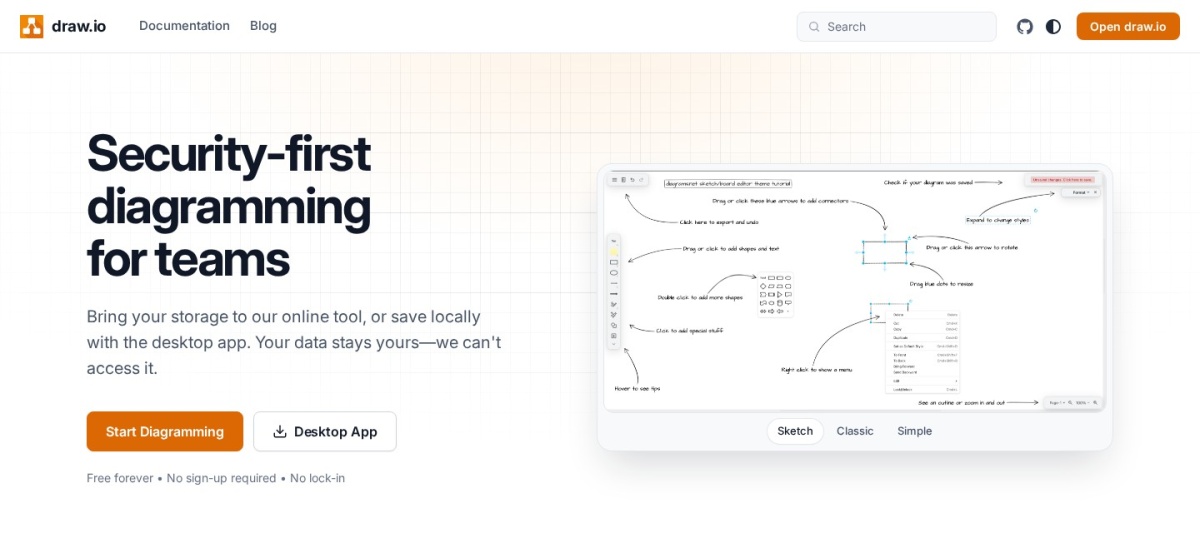
diagrams.net homepage, captured Nov 2026.
diagrams.net, formerly draw.io, is a free and open-source diagram editor that runs in the browser or as a desktop app. There is no account wall for core use, files save to Google Drive, OneDrive, Dropbox or local storage, and shape libraries cover flowcharts, UML, BPMN and network diagrams.
The trade off is collaboration. Shared editing works through connected storage, but it is less smooth than cloud-first tools when several people edit at once, and the interface looks plain next to paid rivals. It suits anyone who wants clear diagrams at zero cost, including offline work.
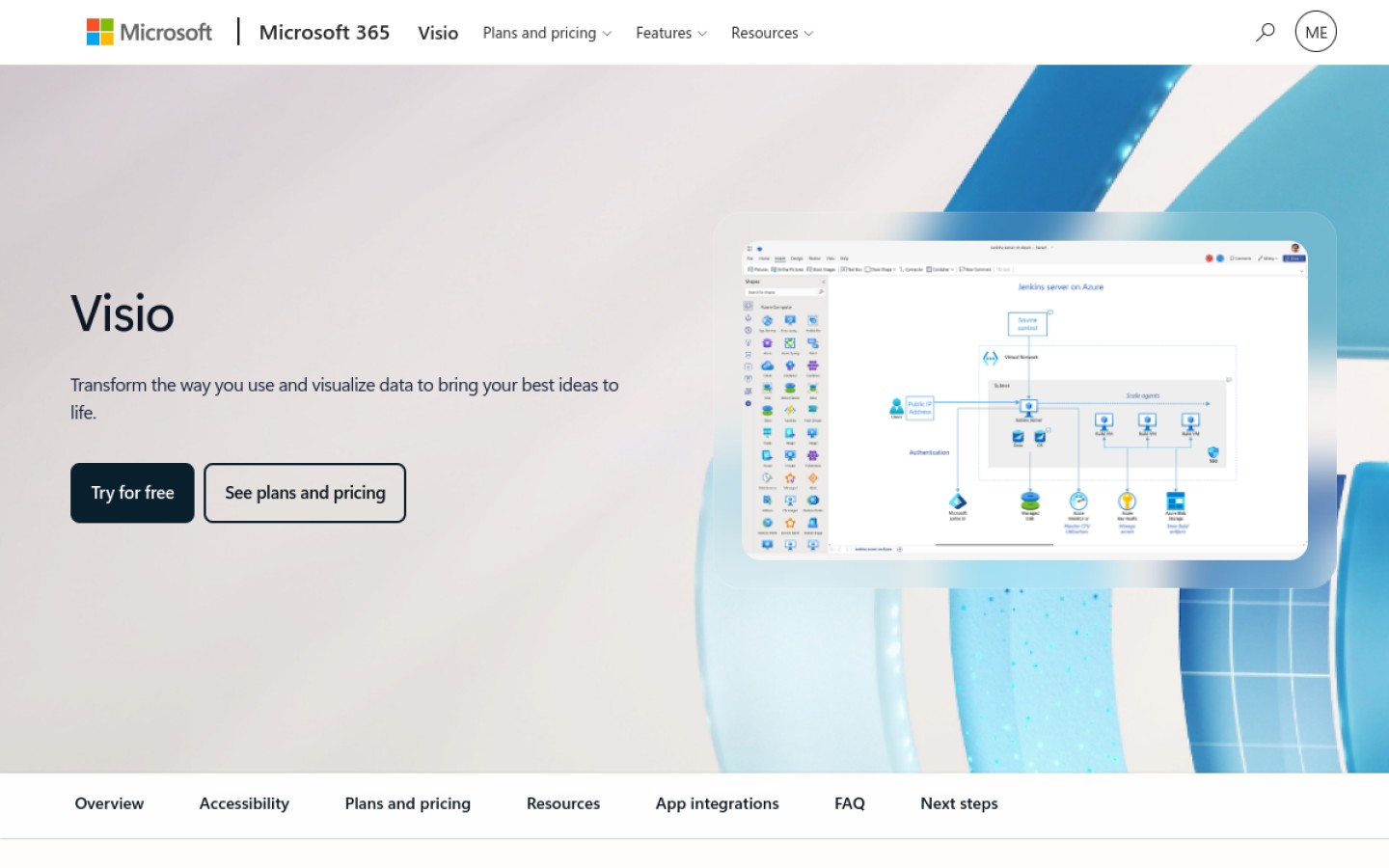
Microsoft Visio is the diagramming tool for teams that already live in Microsoft 365. Plan 1 at $5 per user a month covers web diagramming, while Plan 2 at $15 adds the Windows desktop app, BPMN 2.0 support and two-way data sync with Excel. Diagrams open in Teams and files sit in SharePoint and OneDrive.
The trade off is licensing. There is no permanent free plan, only a trial, and working out who needs Plan 1 and who needs Plan 2 takes effort. It suits Microsoft shops that need formal engineering diagrams and deep shape libraries for technical documentation.
Whimsical is a visual workspace for flowcharts, mind maps, wireframes and docs in one tidy place. The free plan covers 50 board objects a month, and Pro at $10 per editor a month billed annually adds unlimited boards, 1 GB uploads and 90 days of version history. Viewers and guests are free on every plan.
The trade off is depth. Shape libraries are thinner than Visio for detailed engineering diagrams, and the free object limit pinches anyone who diagrams every week. It suits product teams that want fast, clean flows and specs without learning a heavyweight tool.
What we like
Very fast, minimal editor
Flowcharts, mind maps, wireframes and docs in one place
Creately is a visual collaboration platform for flowcharts, org charts, UML, network diagrams and project timelines. The free plan allows unlimited canvases capped at 45 shapes each, and Pro at $5 per editor a month billed annually adds unlimited shapes, full exports and data sync. Business is a flat $89 a month for the whole organisation.
The trade off is polish on large diagrams. G2 reviewers report slow loading and lag once diagrams grow, and the editor can feel busy. It suits small teams that want many diagram types at the lowest per-editor price in this list.
What we like
Lowest per-editor price in this list
Large template set across business and technical diagrams
Flat-rate Business plan suits larger groups
Live collaboration with comments
Watch out for
Free plan caps items at 45 per canvas
Slow loading on large diagrams
Editor can feel busy
Business adds flat-rate pricing for the whole organisationVisit creately.com
07
SmartDraw
4.5/5on G2 (408 reviews, checked Nov 2026)
Starts at$10.95/mo
Best for template-heavy business diagrams
Free planTrial only
Cheapest paidIndividual, $10.95/mo
G2 rating4.5/5
BillingAnnual billing only
smartdraw.com
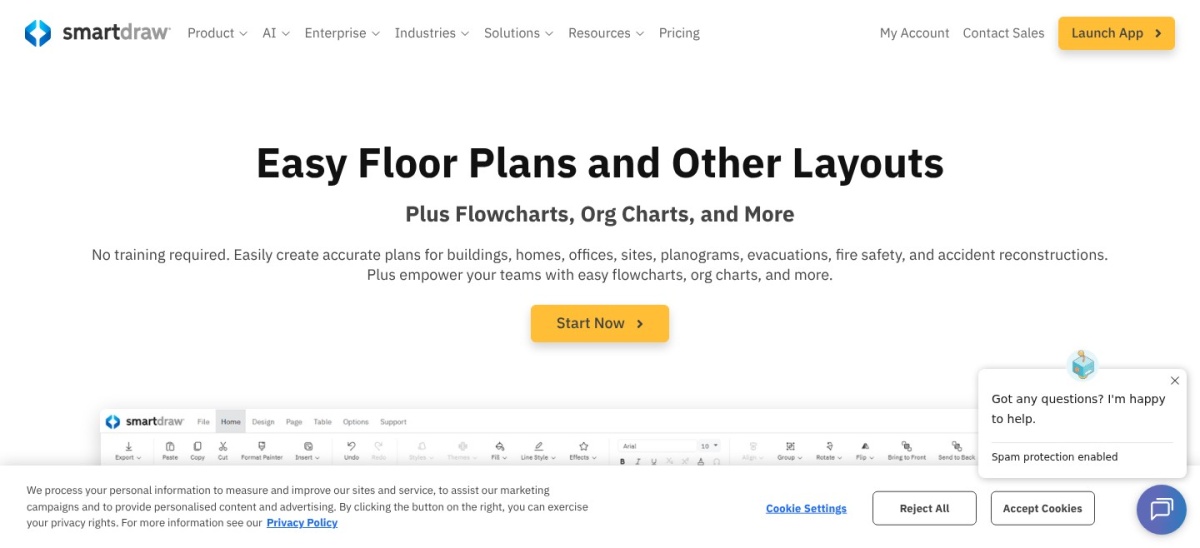
SmartDraw homepage, captured Nov 2026.
SmartDraw is a long-running diagram tool with thousands of templates for flowcharts, org charts, floor plans and business diagrams. Automatic formatting keeps shapes tidy, and Visio import and export make it a practical swap for teams moving away from Visio. The Individual plan lists at $10.95 a month, billed annually.
The trade off is price and billing. The $7.95 Individual rate shown on its site is an introductory price for new customers, and SmartDraw bills annually only, with a free trial instead of a free plan. It suits solo users and small teams that value templates over live collaboration.
What we like
Thousands of templates and symbols
Automatic formatting keeps diagrams tidy
Strong Visio import and export
Rated higher than Visio for support on G2
Watch out for
No permanent free plan
Annual billing only, no monthly option
Collaboration features lag behind Miro
Team adds shared use from $6.95 per user a month as an intro rateVisit smartdraw.com
08
Cacoo
4.5/5on G2 (235 reviews, checked Nov 2026)
Paid from$5/mo
Best low-cost team diagramming
Free plan6 sheets, PNG export
Cheapest paidPro, $5/user/mo annual
G2 rating4.5/5
Team planUp to 1,000 users
cacoo.com
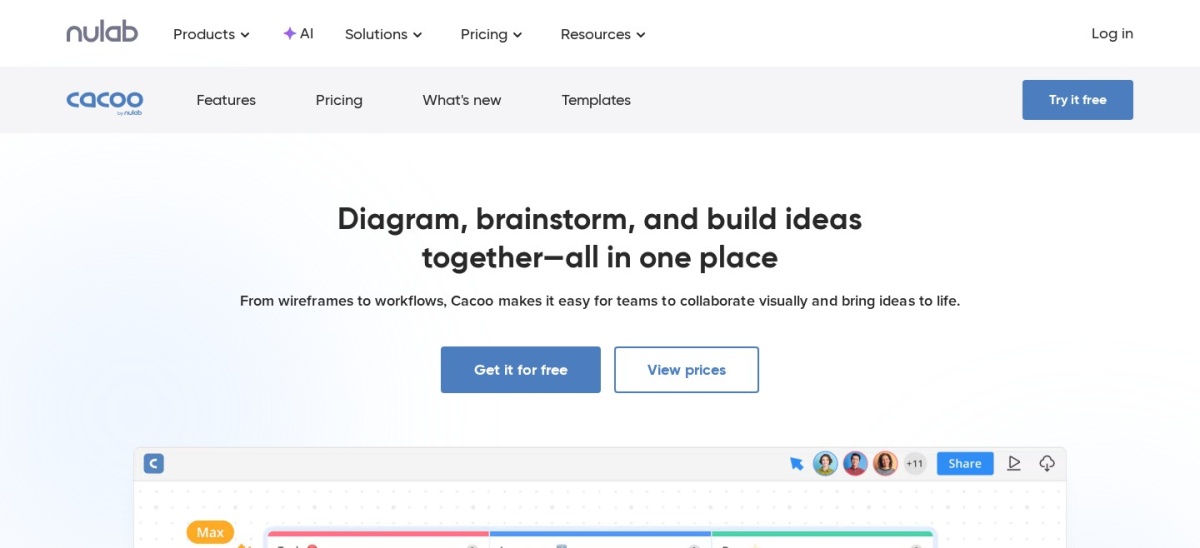
Cacoo homepage, captured Nov 2026.
Cacoo is an online diagramming tool from Nulab for flowcharts, wireframes, mind maps and network diagrams, with real-time collaboration, comments and revision history. The free plan covers 6 sheets with PNG export, and Pro and Team both cost $6 per user a month billed monthly, or $5 billed annually, with unlimited sheets.
The trade off is scale. The free sheet limit is the main frustration G2 reviewers mention, and Cacoo has fewer enterprise diagram types than Visio or Lucidchart. It suits small teams that want solid diagramming at a low per-user price.
What we like
Low per-user price with unlimited sheets on paid plans
Real-time collaboration with comments and revision history
Covers flowcharts, wireframes and network diagrams
Easy to learn for new users
Watch out for
Free plan stops at 6 sheets
Fewer enterprise diagram types than Visio
PNG-only export on the free plan
Paid plans add unlimited sheets and more export formatsVisit cacoo.com
09
Gliffy
4.4/5on G2 (222 reviews, checked Nov 2026)
Starts at$6/mo
Best for diagrams inside Atlassian tools
Free planTrial; free Confluence tier to 10 users
Cheapest paidProfessional, $6/mo
G2 rating4.4/5
Best fitConfluence and Jira teams
gliffy.com
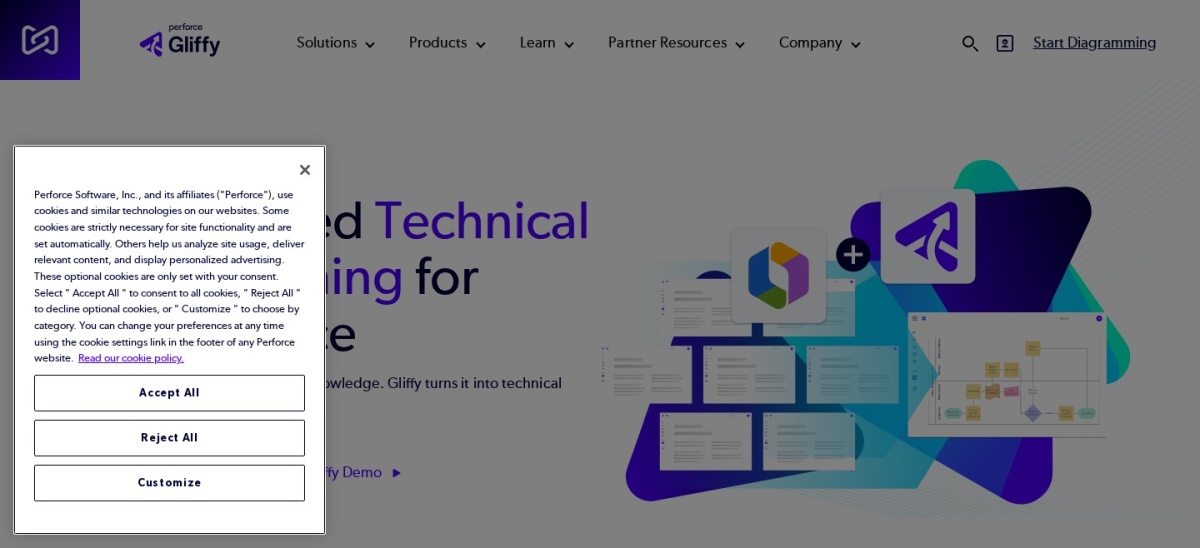
Gliffy homepage, captured Nov 2026.
Gliffy is a simple diagramming tool built for teams that work in Atlassian products. Diagrams embed directly in Confluence pages and Jira issues, covering flowcharts, UML, org charts and BPMN, and the Confluence app is free for up to 10 users. Professional costs $6 a month billed annually, or $8 billed monthly.
The trade off is scope. There is no permanent free plan for the standalone editor, only a trial, and the shape library is smaller than Visio or Lucidchart. It suits Confluence and Jira teams that want straightforward diagrams next to their docs and tickets.
What we like
Clean, simple editor for common diagrams
Strong fit for Confluence and Jira users
Easy sharing and embedding
Free Confluence tier for up to 10 users
Watch out for
No permanent free plan for the standalone editor
Smaller shape library than Visio or Lucidchart
Less suited to complex technical documentation
Professional adds unlimited diagrams and Google Drive integrationVisit gliffy.com
Free vs paid: what you give up
Free plans cover everyday flowcharts well. Most include the core shapes, basic sharing and export, which is enough for occasional diagrams.
Paid plans mostly add room and polish. You get unlimited documents or boards, more export formats, version history and admin controls.
The biggest gap is collaboration. Free plans often cap boards, sheets or objects, and guest editing or private teams usually need a paid plan.
If diagrams are part of your daily work, the first year of a paid plan often costs less than the time lost juggling free-plan limits.
How we chose
We started from the established diagramming tools with a published price or a free plan, then kept the nine that genuinely cover flowchart work for teams.
Prices come from each vendor's pricing page, checked on 25 November 2026. Ratings and review counts come from G2 on the same day. Where a vendor shows a sale or introductory price, the list shows the regular price.
We left out tools with no published price and no free way to start. No vendor paid for a place, and we do not claim hands-on testing for this list.
How to choose flow diagram software
Start with the diagram you draw most often, then check price, sharing and file exchange.
List the diagrams you actually make. A weekly process flowchart needs different shapes than an org chart or a network map. Pick the tool that handles your most common diagram well.
Count editors, not viewers. Most tools charge for editors and let viewers in free. List the people who will actually draw, then price that group, not the whole team.
Check file exchange early. If clients or colleagues send Visio files, test VSDX import and export before you move a library of diagrams. A tool that cannot open old files costs more in rework than it saves.
Try the free plan with a real diagram. Build one full-size flowchart, share it with a colleague and export it in the format your team uses. That short exercise shows the limits faster than any feature list.
FAQ
What is the best flow diagram software?
Lucidchart is the best pick for most teams. It is built for formal flowcharts and process maps, with data linking and a 4.5 out of 5 G2 rating from 8,846 reviews, though it costs $9 a month for the cheapest paid plan.
Is there a completely free flow diagram tool?
Yes, diagrams.net is completely free. The full editor needs no account and no subscription, works offline as a desktop app, and saves files to your own Google Drive, OneDrive or local storage.
Which flow diagram tool is best for Microsoft 365 teams?
Microsoft Visio is the best fit for Microsoft 365 teams. Plan 1 costs $5 per user a month for web diagramming, and Plan 2 at $15 adds the desktop app, BPMN support and data sync with Excel.
Can I use Miro for flowcharts?
Yes, Miro works well for flowcharts inside workshops and planning sessions. Its free plan allows 3 editable boards, and Starter at $8 per member a month adds unlimited boards. Formal documentation is better in Lucidchart or Visio.
Do I need to pay to collaborate on diagrams?
Not always. Miro, Lucidchart, Whimsical, Creately and Cacoo all have free plans with some collaboration, but they cap boards, sheets or objects. Teams that edit together every day usually need a paid plan.
Which tool is cheapest for a small team?
diagrams.net costs nothing for the core editor. Among paid tools, Creately Pro and Cacoo Pro both start at $5 per user a month billed annually, and Visio Plan 1 is also $5 per user a month.
SaaS SEO and WordPress specialist with about 8 years of experience. Rakib compares WordPress plugins, themes, hosting and software using public pricing, documentation and user reviews. See how we rank.