Best Fixed Asset Software for Small Business in 2026: 9 Tools Compared
WLWPLegible EditorsLast verified 23 Nov 2026How we rank11 min read
★ Short answer
AssetTiger is the best fixed asset software for most small businesses, at $20 a month for 500 assets with unlimited users and depreciation reports. Pick Sortly for the easiest free start, or Snipe-IT if your IT team can self-host a free tracker with no asset cap.
How we make this list: we compare pricing pages, product documentation and public user reviews, then re-check every price before each update. No product paid for a place. Disclosure.
AssetTiger is the cheapest dedicated tracker: $20 a month for 500 assets with unlimited users and depreciation reports included.
Sortly pairs a free plan with a photo-first design, but its regular price is $49 a month, not the $24 first-year price shown.
EZO is the fullest tracker, with reservations, check-outs and depreciation, from $48 a month for 100 items.
Snipe-IT is free to self-host with no asset cap, and hosted plans start at $39.99 a month.
Per-user maintenance tools start at $20 a user a month, so a 5-person team pays $100 a month before any higher tier.
What fixed asset software should cover
Fixed asset software does two jobs: it records where each asset is and who holds it, and it tracks value over time through depreciation. Most small businesses need the first job most, and use their accounting software for the second.
Start with the register. A tool should record purchase date, cost, location, custodian, and condition for every item, and let staff check items in and out with a phone scan. Barcode and QR labels beat typed serial numbers for audits.
Depreciation matters at year end. Trackers such as AssetTiger, EZO, and Snipe-IT include depreciation reports, while maintenance tools such as MaintainX and UpKeep do not. If your accountant needs depreciation in the ledger, keep that work in your accounting software and use the tracker for location and custody.
Price models differ more than prices. AssetTiger and EZO charge by asset count, MaintainX, UpKeep, Limble, and Fiix charge per user, and GoCodes charges one flat yearly fee. Our guide on average website costs shows how small-business software costs add up across tools.
The 9 best fixed asset software tools for small business
01
AssetTiger
4.6/5on Capterra (271 reviews, checked Nov 2026)
Starts at$20/mo
Best fixed asset software overall
Free plan30-day trial, up to 250 assets
Cheapest paid planBasic, $20/mo, 500 assets
DepreciationYes, 80+ report types
Mobile appiOS and Android
assettiger.com
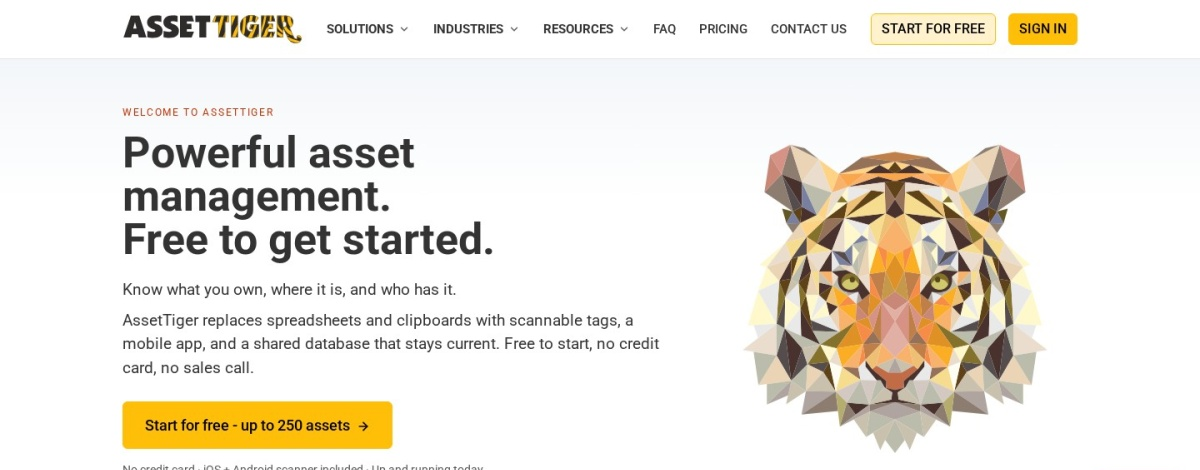
AssetTiger homepage, captured Nov 2026.
AssetTiger is a cloud asset tracker that replaces spreadsheets with barcode and QR scanning, check-in and check-out, and a shared asset database. Every paid plan includes unlimited users, maintenance scheduling, depreciation reports, contracts, and more than 80 report types, with a 30-day trial for up to 250 assets.
The trade off is depth. AssetTiger has no built-in accounting ledger, so depreciation figures feed reports rather than posting to your books, and there are no third-party integrations. It suits small businesses, schools, and nonprofits that want a cheap, simple register with unlimited users.
What we like
Cheapest paid plan in this list at $20 a month
Unlimited users on every paid plan
Depreciation and audit reports included on all plans
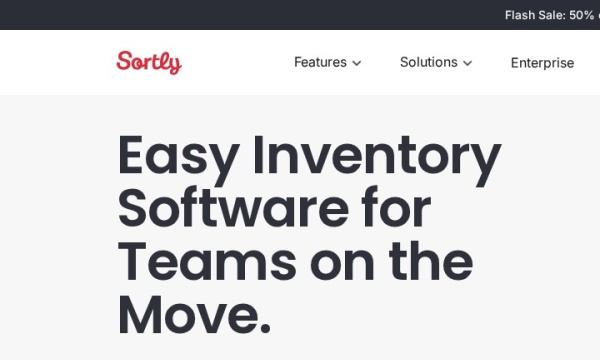
Sortly is a photo-first inventory and asset tracker built for small teams. The free plan covers 100 items for one user, and paid plans add QR and barcode labels, check-in and check-out, jobs, and purchase orders, with the Advanced plan covering 500 items and 2 user licences.
The trade off is price at renewal. The page shows $24 a month, but that is a 50% first-year discount off the $49 regular price, and item caps rise only on higher plans. It suits teams that want the easiest start and can live with a simple register.
What we like
Real free plan for up to 100 items
Easiest interface in this list for non-technical staff
4.6/5on Capterra (1,546 reviews, checked Nov 2026)
Starts at$48/mo
Best all-rounder for mixed assets
Free planNo, 15-day trial
Cheapest paid planEssential, $48/mo, 100 items
DepreciationYes, from Essential
Mobile appiOS and Android
ezo.io
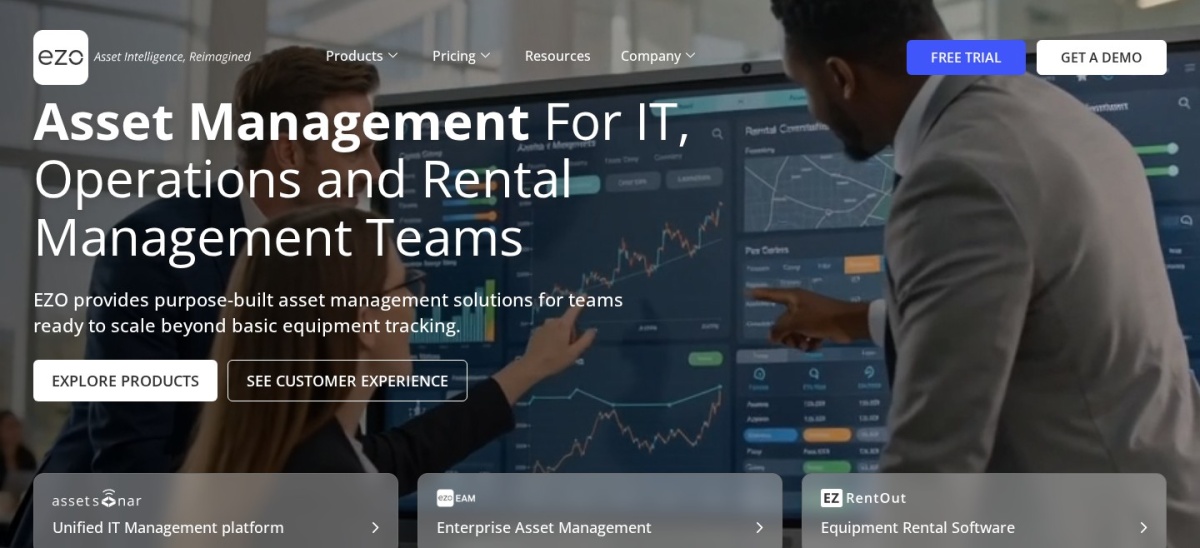
EZO homepage, captured Nov 2026.
EZO is a full asset lifecycle platform for IT, office, and field equipment, formerly sold as EZOfficeInventory. The Essential plan covers check-in and check-out, reservations, an availability calendar, depreciation tracking, and multi-location support, with unlimited users on every plan.
The trade off is price by item count. Essential starts at $48 a month for 100 items and rises as you add items, reaching $81.41 a month at 500 items on annual billing, while RFID needs the Advanced plan. It suits growing teams that need reservations and maintenance in one place.
What we like
Reservations, check-outs and depreciation in one tool
Unlimited users on every plan
QR, barcode and RFID scanning
Watch out for
Price rises with every item-count step
RFID and API need higher plans
No free plan, only a 15-day trial
Advanced adds RFID, purchase orders and auditsVisit ezo.io
04
Snipe-IT
4.6/5on G2 (27 reviews, checked Nov 2026)
Paid from$39.99/mo
Best free open-source option
Free planYes, self-hosted, open source
Cheapest paid planHosted Basic, $39.99/mo
DepreciationYes, with reports
Mobile appWeb only, no native app
snipeitapp.com
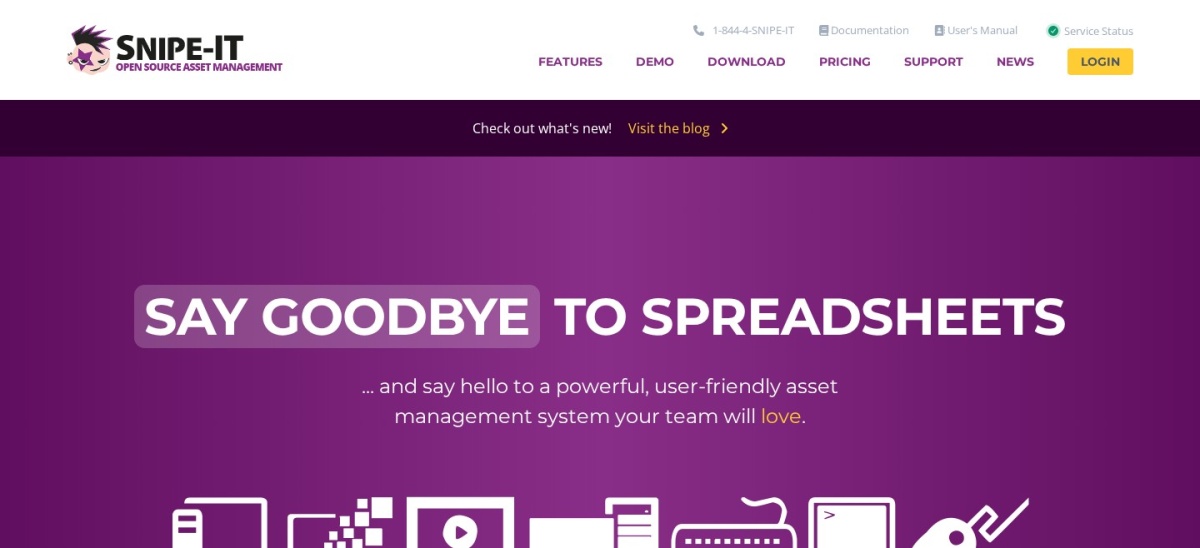
Snipe-IT homepage, captured Nov 2026.
Snipe-IT is an open-source asset management system for IT and general assets. The self-hosted edition is free with unlimited users and assets, and it covers check-in and check-out, depreciation, maintenance, custom fields, and an API, with hosted plans from $39.99 a month.
The trade off is setup. Self-hosting means you run the server, apply security patches, and arrange backups yourself, and the interface looks dated next to newer tools. It suits IT-led small businesses that want full control and no per-asset fees.
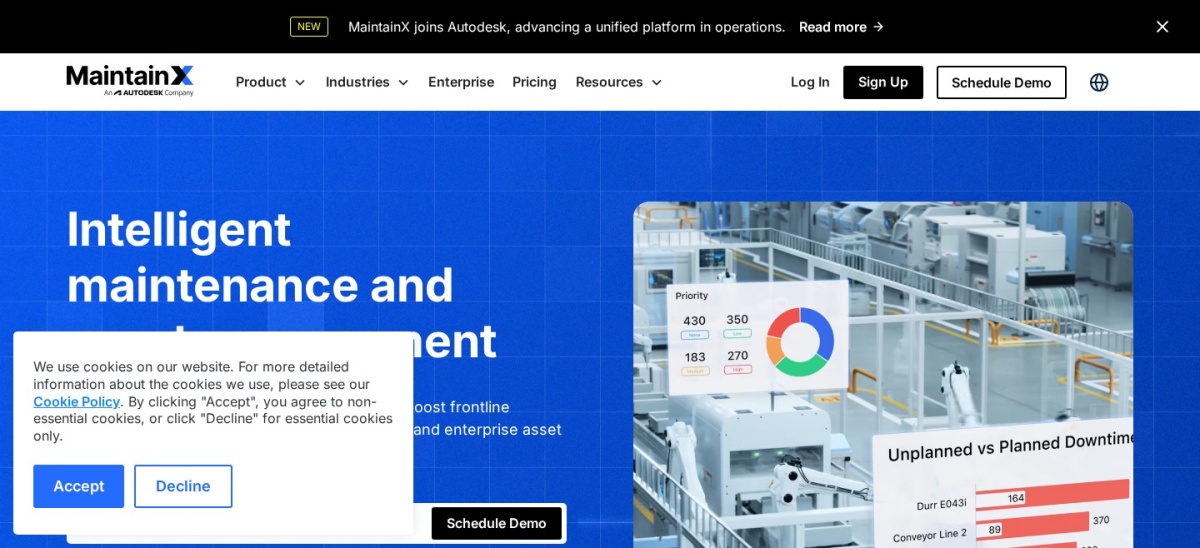
MaintainX is a mobile-first maintenance platform that pairs asset records with work orders, procedures, and messaging. The free Basic plan covers unlimited basic work orders, and Essential at $20 per user a month adds unlimited repeating work orders and three months of analytics history.
The trade off is the jump to Premium. Parts inventory, purchase orders, and full analytics sit on Premium at $65 per user a month, and one work order covers only one asset on lower plans. It suits frontline teams that need technicians to adopt the app fast.
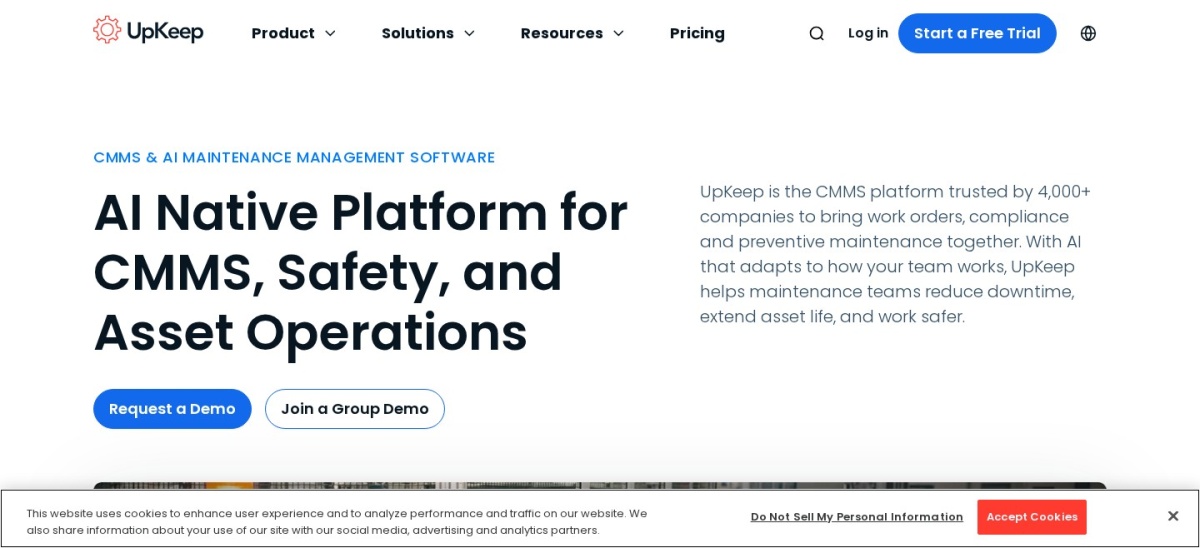
UpKeep is a mobile-first maintenance platform built around technicians, assets, and parts. Essential at $24 per user a month covers unlimited work orders and locations, asset management, and an AI assistant, with more than 4,000 companies using the platform.
The trade off is per-user pricing. Costs climb with every technician you add, and preventive maintenance scheduling starts on Premium at $55 per user a month. It suits small maintenance teams that live on their phones and want fast setup.
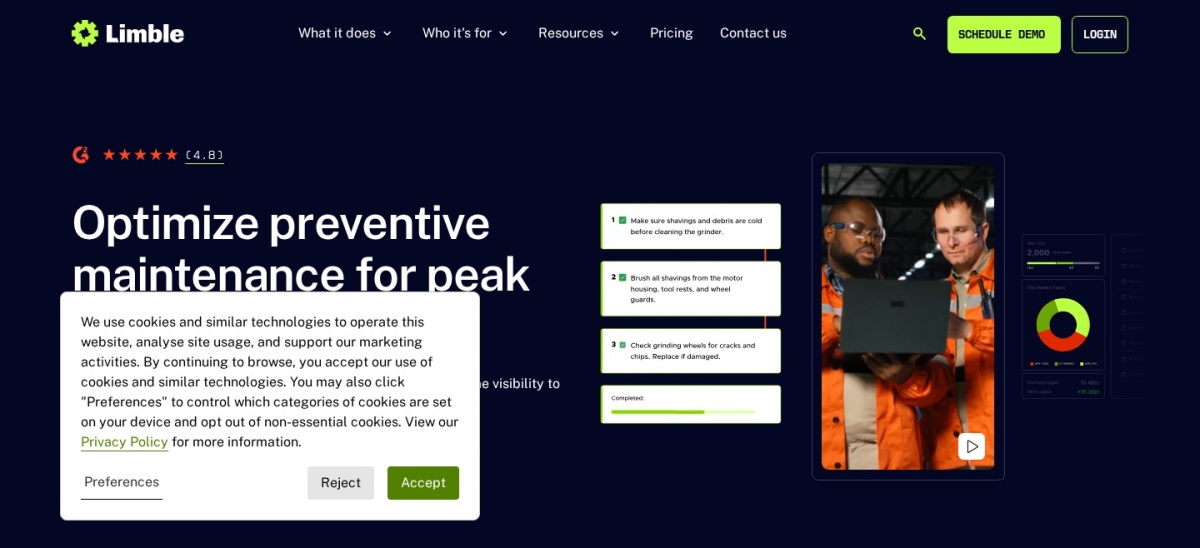
Limble is a maintenance platform that ties asset records to preventive maintenance, work orders, and parts. The free plan covers unlimited assets and users at one location, and the paid Standard plan starts at $28 per user a month with work orders and maintenance scheduling.
The trade off is per-user cost at scale. The free plan covers one location only, and teams with many technicians pay per user on paid plans. It suits facilities and manufacturing teams that plan maintenance by asset, not by spreadsheet.
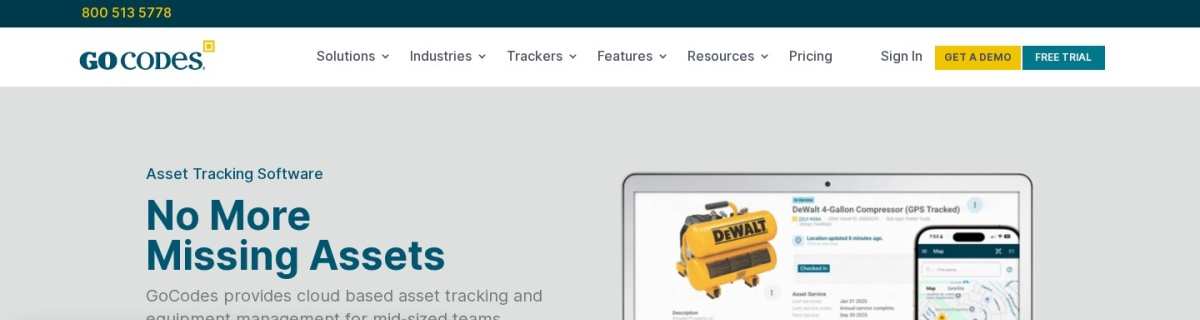
GoCodes is a cloud asset tracker built for construction and field teams. The Standard plan costs $500 a year for 200 assets and 3 users, with durable QR labels, GPS location at each scan, and task management.
The trade off is scope. GPS records location only when an asset is scanned, not continuously, and API access, offline mode, and kitting cost extra. It suits contractors tracking tools across job sites who want one flat yearly price.
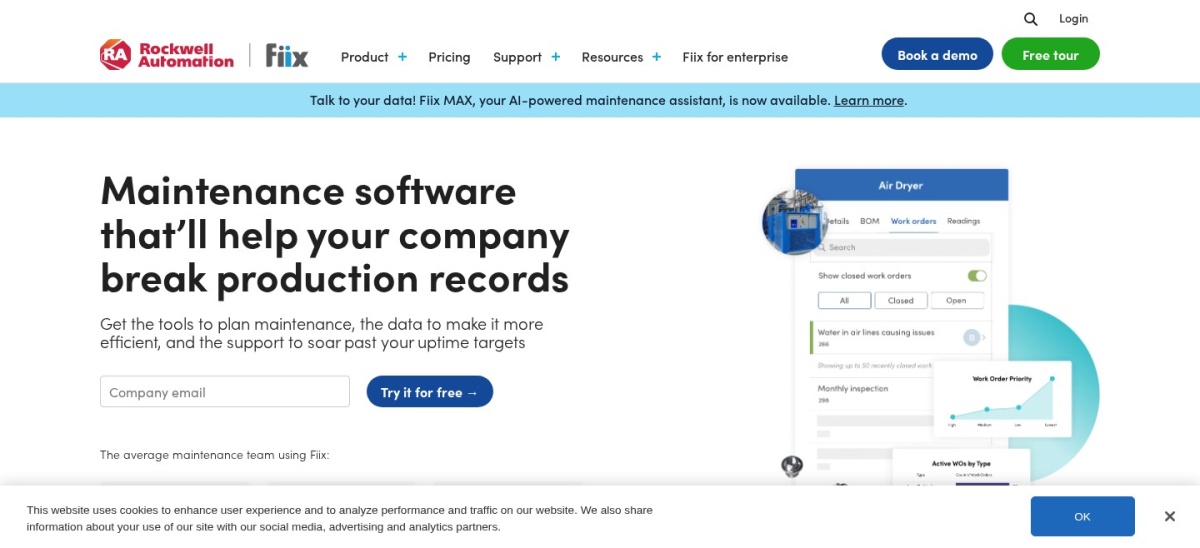
Fiix is a maintenance platform for asset-heavy teams, with asset hierarchies, work orders, and meter-based preventive maintenance. The free plan covers core work orders with a cap of 25 active preventive tasks, and Basic starts at $45 per user a month.
The trade off is price and depth. Basic costs more than twice MaintainX Essential, and multi-site management and condition-based maintenance need higher plans. It suits workshops and plants that need reliability data, not just a list.
Asset trackers answer where an item is, who holds it, and what condition it is in. They use barcodes, QR codes, and check-in records, and they suit teams that lose tools or fail audits.
Accounting software answers what an asset is worth now. It posts depreciation to the ledger, handles disposals, and produces tax schedules. Accounting tools such as Xero include a fixed asset register that posts depreciation to the ledger.
Most small businesses need both, but not in one tool. Use a tracker for custody and an accounting package for value, and reconcile the two lists at year end.
How we chose
We started from the fixed asset and asset tracking tools most often shortlisted for small businesses, then kept nine with published pricing or a real free plan and a public rating on G2 or Capterra.
Prices come from each vendor's pricing page, checked on 23 November 2026. Sortly shows a 50% first-year price, so the list uses its $49 regular price. Ratings and review counts come from G2 or Capterra on the same day.
We left out tools with quote-only pricing, including Sage Fixed Assets and Asset Panda, because a small business cannot compare them without a sales call. No vendor paid for a place, and we do not claim hands-on testing for this list.
How to choose fixed asset software for a small business
Match the tool to the job: tracking, maintenance, or accounting.
Decide what you are tracking. List your assets and how they move. Equipment that leaves the building needs check-in and check-out; fixed plant needs maintenance history.
Count the pricing unit first. AssetTiger and EZO charge by asset count, while MaintainX, UpKeep, Limble, and Fiix charge per user. Work out the yearly total for your team size before comparing monthly prices.
Check depreciation needs with your accountant. Trackers report depreciation, but only accounting software posts it to the ledger. Ask what your year-end close needs before choosing.
Trial with real assets, not a demo list. Import 20 real items, print labels, and run one check-out and one audit. If staff will not scan, the cheapest tool still fails.
FAQ
What is the best fixed asset software for a small business?
AssetTiger is the best pick for most small businesses. It costs $20 a month for 500 assets, includes unlimited users and depreciation reports, and needs no per-seat maths. Sortly is the easiest free start, and Snipe-IT is free if you can self-host it.
What is the cheapest fixed asset software?
AssetTiger and MaintainX tie at $20 a month, but they charge differently. AssetTiger covers 500 assets for a flat $20, while MaintainX charges $20 per user. Snipe-IT costs nothing if you host it yourself.
Do I need fixed asset software or just a spreadsheet?
A spreadsheet works until assets move. Once items leave the building, change hands, or need audits, a tracker with barcode scans and check-in history saves more time than it costs. Start with a free plan such as Sortly or Snipe-IT.
Does fixed asset software handle depreciation?
Some tools do. AssetTiger, EZO, and Snipe-IT include depreciation reports, while maintenance tools such as MaintainX, UpKeep, and Fiix do not. For tax and ledger postings, use your accounting software.
What is the difference between asset tracking and a CMMS?
Asset tracking records where items are and who holds them. A CMMS such as MaintainX, UpKeep, Limble, or Fiix adds work orders and preventive maintenance for those assets. Many small teams start with tracking and add maintenance later.
Can I track fixed assets for free?
Yes. Sortly has a free plan for 100 items, Snipe-IT is free to self-host with no cap, and MaintainX, Limble, and Fiix all offer free plans. Free plans cap items, users, or locations, so check the limits before you import your full list.