Uptick is the best fire inspection software for most contractors, with NFPA 10, 25 and 72 forms, offline mobile apps and invoicing in one platform, rated 4.7 out of 5 on Capterra. Pick Inspect Point for the deepest NFPA library and SafetyCulture for a free start on routine checks.
How we make this list: we compare pricing pages, product documentation and public user reviews, then re-check every price before each update. No product paid for a place. Disclosure.
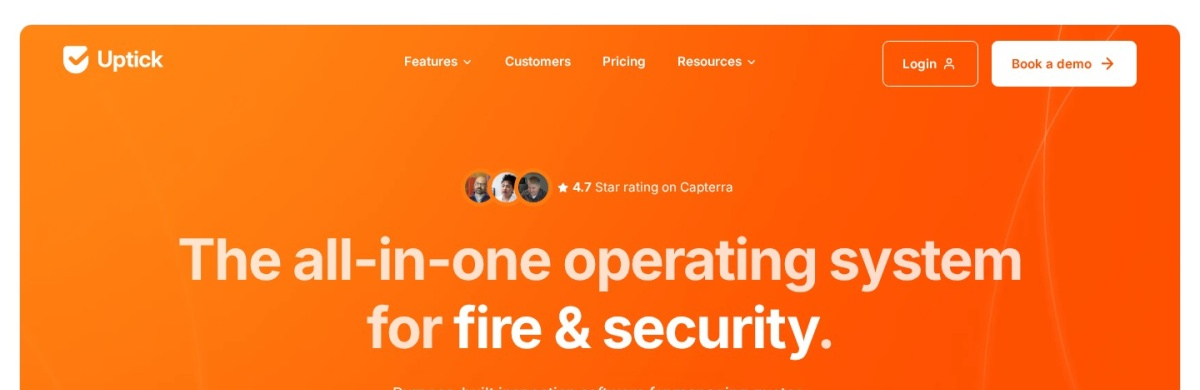
Uptick leads on review depth: 4.7 out of 5 on Capterra from 97 reviews, with NFPA forms, offline apps and invoicing in one platform.
Inspect Point has the deepest NFPA library, but only 5 Capterra reviews at 3.8 out of 5, and pricing is by quote.
BuildingReports is the pick for AHJ-accepted reports, with barcode proof on every device and 15 million inspections on record.
Only SafetyCulture has a free plan, for up to 10 seats; paid plans with published prices start at $24 a seat a month.
Inspect Point and Uptick publish no price at all, so expect a demo and a quote for both.
What fire inspection software should cover
A fire inspection is a record, not just a checklist. The report has to show which device was checked, what was found and what happens next, in a form the building owner and the fire official both accept.
The core of a good tool is NFPA coverage. Look for built-in forms for alarms (NFPA 72), sprinklers (NFPA 25) and extinguishers (NFPA 10), plus deficiency tracking that follows each finding until it is fixed.
Recurring schedules matter as much as the forms. Inspections repeat on monthly, annual and multi-year cycles, so the tool should schedule the next visit and flag overdue sites on its own. A clear maintenance checklist shows the same habit of working from a list and closing every item.
Offline mobile work is a must. Technicians inspect basements, riser rooms and roofs with no signal, so the app has to capture photos, barcodes and signatures offline and sync later.
Finally, check the price model before the demo. Two tools in this list publish no price at all, and two more list starting prices only through Capterra, so budget for a sales call.
Uptick is a cloud platform built only for fire and security inspection, testing and maintenance businesses. It covers asset lists, digital inspection forms based on NFPA 10, 25 and 72, recurring scheduling, defect quoting, invoicing and a customer portal, with iPhone and Android apps that work offline.
The trade off is price and reach. Uptick charges a per-user monthly fee and quotes on request, with no published dollar price, and native electronic AHJ submission to US portals is not confirmed. It suits small to mid-size fire and security contractors that run recurring compliance work and want one system from inspection to invoice.
What we like
Strongest review base of any fire-specific tool here
Asset-centred records with recurring compliance cycles
Full offline apps on iOS and Android
Customer and subcontractor logins are free and unlimited
Watch out for
No published price; quotes only
US AHJ submission path not confirmed
Aimed at teams, not one-person operations
Paid plans add the full workflow; every feature is in the per-user feeVisit uptickhq.com
02
Inspect Point
3.8/5on Capterra (5 reviews, checked Nov 2026)
PricingCustom/quote
Best for NFPA depth and deficiency workflow
NFPA question sets25, 72, 10 and more
Mobile appiPad, offline
Deficiency trackingInspection to invoice
PlansSilver, Gold, Platinum
inspectpoint.com
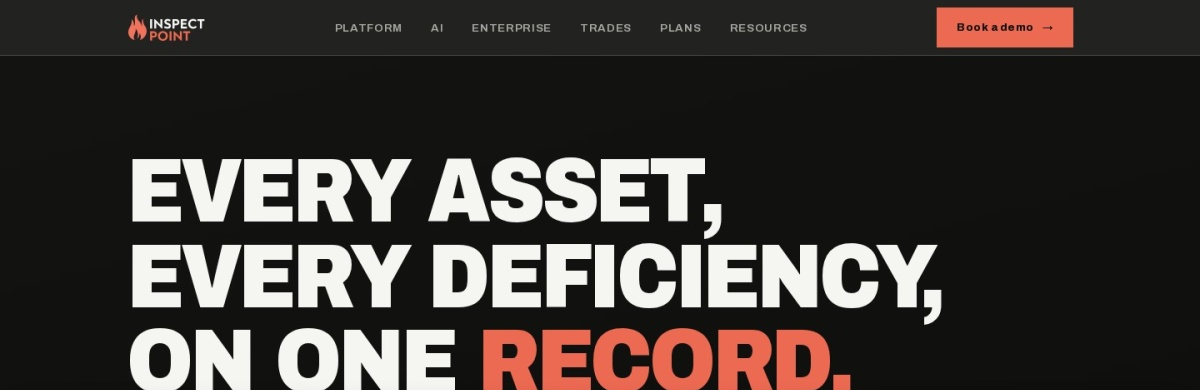
Inspect Point homepage, captured Nov 2026.
Inspect Point is fire inspection software built only for fire protection contractors. Its iPad app runs NFPA 25, 72 and 10 question sets in the field, and each deficiency stays on the asset record through the proposal, work order and invoice, with submission to AHJ portals. The vendor reports more than 16,000 professionals on the platform and 5 million inspections completed.
The trade off is the rating base and the price. It holds 3.8 out of 5 on Capterra from only 5 reviews, and pricing is by quote, with plans starting at 3 technicians or 400-plus inspections a year for smaller teams. It suits established contractors that want the deepest template library and a full back office in one place.
What we like
Deepest NFPA, Joint Commission and DNV template library
Deficiencies flow straight into proposals and invoices
AHJ submission through The Compliance Engine, IROL and LivSafe
More than 5 million inspections completed on the platform
Watch out for
Only 5 Capterra reviews, at 3.8 out of 5
No published price; quotes only
Mobile app is iPad only, with no Android app
Plan minimums shut out very small shops
Gold adds proposals; Platinum adds work orders, API access and phone supportVisit inspectpoint.com
03
BuildingReports
4/5on Capterra (4 reviews, checked Nov 2026)
Starts at$99/mo
Best for AHJ-ready compliance reports
Device scanningBarcode and NFC
AHJ reportingComplianceCenter portal
Inspections to date15M+ (vendor)
Starting price$99/mo, Capterra
buildingreports.com
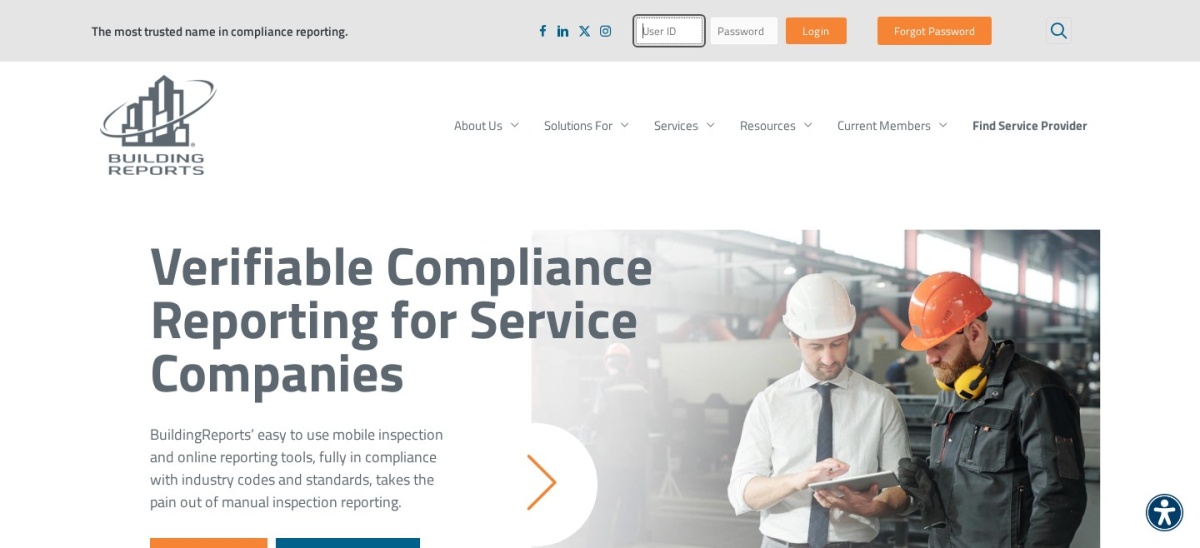
BuildingReports homepage, captured Nov 2026.
BuildingReports is a compliance reporting specialist for fire and life safety inspections. Its ScanSeries apps use barcode and NFC scanning to record device-level proof of inspection, and its ComplianceCenter portal is used by fire officials to receive reports. The vendor reports more than 15 million inspections, 1.8 million buildings and 750 million devices on record.
The trade off is scope and the rating base. It is a documentation tool, not a full business suite, with no proposals or invoicing, and it holds 4.0 out of 5 on Capterra from only 4 reviews. The $99 a month starting price comes from Capterra; the vendor itself quotes on request. It suits contractors whose main problem is getting reports accepted by demanding AHJs.
What we like
Device-level proof of inspection on every device
ComplianceCenter is already used by many AHJs
Longest track record in this list, since 2000
Barcode and NFC scanning cut missed devices
Watch out for
Only 4 Capterra reviews
No proposals or invoicing
Starting price comes from Capterra, not the vendor
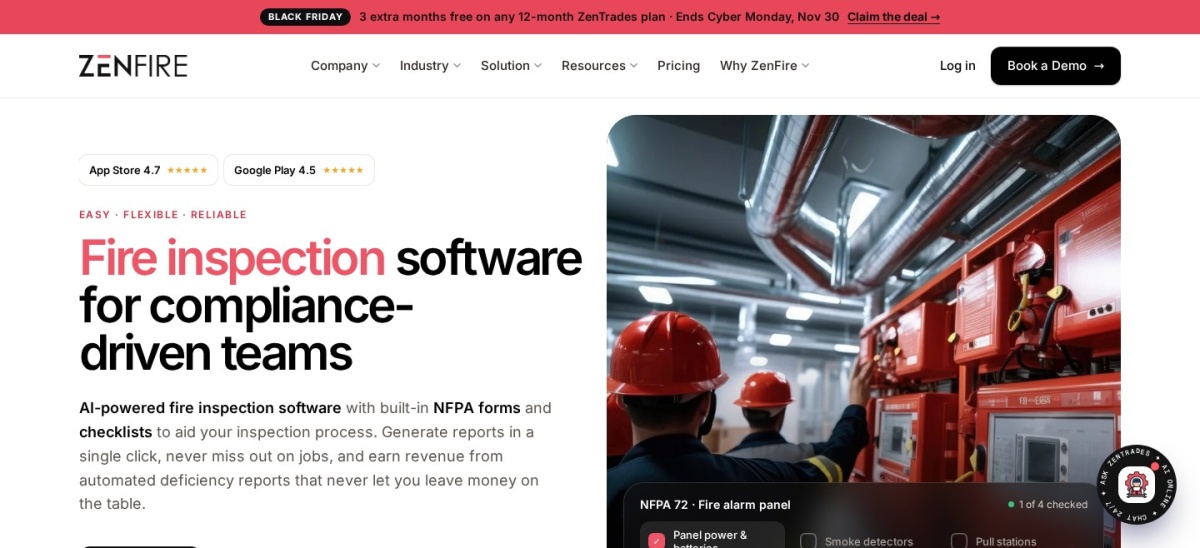
ZenFire, from ZenTrades, is a fire inspection platform for contractors from solo inspectors to multi-company groups. It includes NFPA 10, 13, 25, 72 and 96 forms, recurring inspections, scheduling, deficiency tracking and invoicing, and it offers a free trial before buying.
The trade off is price clarity. Capterra lists a starting price of $60 a month, but the vendor pricing page says quotes come from a demo call, so confirm the rate before signing. It suits growing shops that want per-license pricing and a trial before they commit.
What we like
NFPA forms included with no setup
Free trial before buying
Fits solo inspectors up to multi-company groups
4.7 out of 5 on Capterra
Watch out for
Only 29 Capterra reviews
Starting price conflicts with the vendor quote model
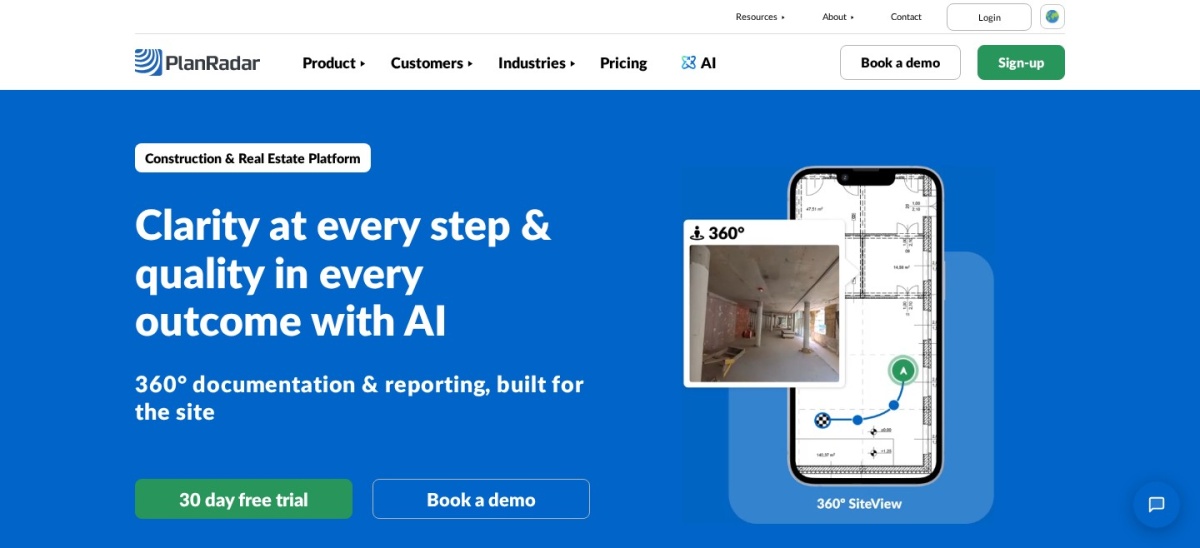
PlanRadar is a field management platform for construction and facility teams that pins inspections, defects and tasks to digital plans. Its Basic plan at $35 a user a month covers plan-based tickets with photos, comments, deadlines and assignees, plus offline capture and QR and NFC tags for fire checks.
The trade off is that it is a construction tool first. Fire teams get NFPA compliance checks and deficiency tracking, but no built-in NFPA forms or AHJ submission, and the Basic plan covers only 10 digital plans. It suits teams that inspect large buildings and want every finding pinned to the floor plan.
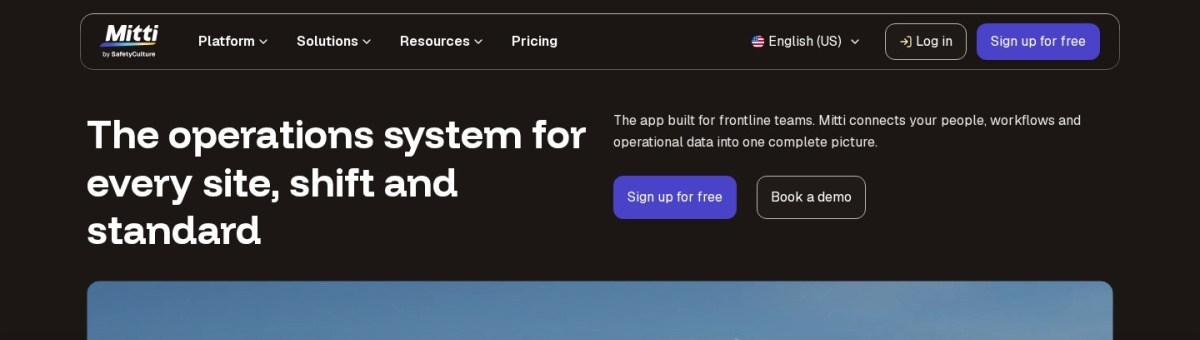
SafetyCulture (Mitti) homepage, captured Nov 2026.
SafetyCulture, rebranded as Mitti in August 2026, is a mobile inspection app that turns paper checklists into phone forms. The free plan covers up to 10 seats with 5 active templates, and Premium at $24 a seat a month billed annually adds unlimited templates, training and advanced analytics. Teams build fire inspection checklists from a large template library.
The trade off is that it is a general inspection tool, not a fire-specific one. There are no built-in NFPA forms or AHJ submissions, so fire teams must build and maintain their own checklists. It suits small teams that want a free start on routine fire checks before buying a fire-specific platform.
What we like
Only free plan in this list, for up to 10 seats
Large template library to start from
Offline capture with photos and issue actions
4.6 out of 5 on G2 from 483 reviews
Watch out for
No built-in NFPA forms or AHJ reporting
Free plan caps at 5 active templates
Per-seat pricing adds up as teams grow
The Mitti rebrand still confuses buyers
Premium adds unlimited templates, training and advanced analyticsVisit mitti.com
07
Fulcrum
4.6/5on G2 (253 reviews, checked Nov 2026)
Starts at$43/mo
Best for GIS and offline field data
Entry planProfessional, $43/user/mo
Offline modeYes, with GIS
Minimum users5 per organization
Free trialYes
fulcrumapp.com
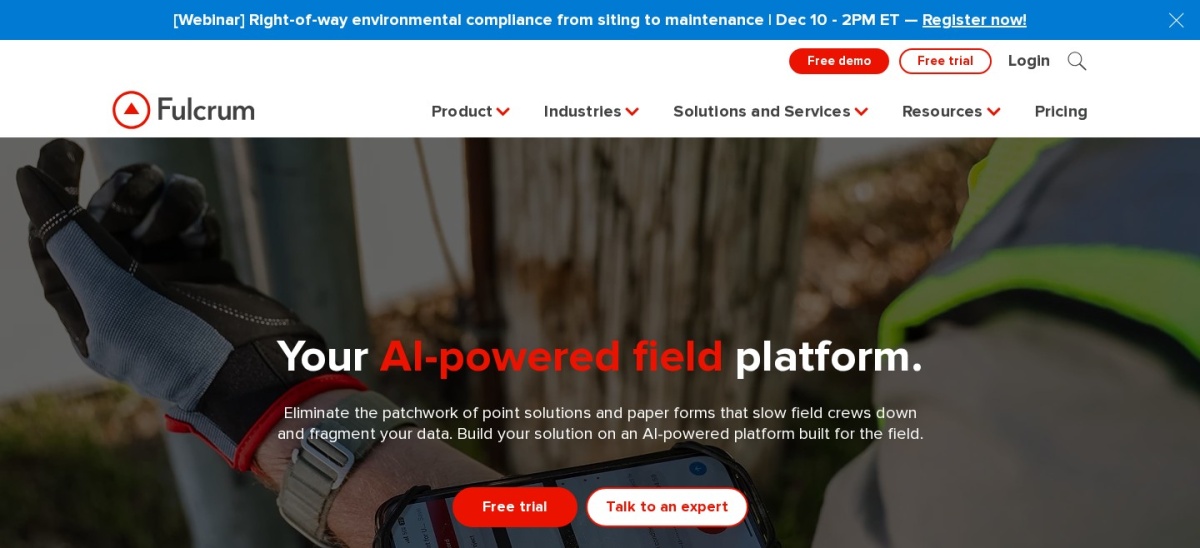
Fulcrum homepage, captured Nov 2026.
Fulcrum is a field data platform for inspections in utilities, construction and environmental work. Its Professional plan at $43 a user a month billed annually includes unlimited custom apps, offline capture, photo and barcode capture, and location-aware forms with GPS and mapping.
The trade off is that fire forms must be built, not bought. Fulcrum ships no NFPA templates or AHJ reporting, and the 5-user minimum prices out solo inspectors. It suits teams that inspect assets across large sites and want maps, GPS and offline capture in the same app.
What we like
Strong offline capture with GPS and mapping
Unlimited custom apps on the entry plan
4.6 out of 5 on G2 from 253 reviews
Photo, audio, video and barcode capture
Watch out for
No NFPA templates or AHJ reporting
5-user minimum on paid plans
Per-user cost rises fast for large crews
Elite at $55 a user a month adds AI features, SSO and API accessVisit fulcrumapp.com
08
GoCanvas
4.3/5on G2 (77 reviews, checked Nov 2026)
Starts at$29/mo
Best for turning paper forms into apps
Entry planEssentials, $29/user/mo
Minimum users3
Offline modeYes
PDF outputBranded PDFs
gocanvas.com
GoCanvas homepage, captured Nov 2026.
GoCanvas turns paper forms into mobile apps for field teams in construction, facilities and field service. The Essentials plan at $29 a user a month billed annually covers custom forms, offline entry and branded PDF reports, with dispatch scheduling for crews.
The trade off is depth. GoCanvas is a form builder, not a fire platform, so NFPA forms, deficiency workflows and AHJ reporting must be built by hand, and per-user pricing adds up as teams grow. It suits small crews that want their existing paper fire forms on phones fast.
What we like
Fastest route from paper forms to phone apps
Offline entry with branded PDF output
Dispatch calendar for scheduling crews
Lowest published entry price in this list
Watch out for
No NFPA templates or AHJ reporting
Reporting is mostly rows of data, not dashboards
Per-user pricing adds up at scale
3-user minimum on paid plans
Pro at $39 a user a month adds API access and multi-user workflowsVisit gocanvas.com
09
GoFormz
4.7/5on G2 (232 reviews, checked Nov 2026)
Starts at$499/mo
Best for forms that look like the paper original
Entry planStarter, $499/mo
Users includedUp to 10
Offline modeYes
TemplatesUp to 30
goformz.com
GoFormz homepage, captured Nov 2026.
GoFormz digitizes field forms while keeping the look of the paper original, with photos, sketches, signatures and GPS captured on the form. The Starter plan at $499 a month covers up to 10 users and 30 templates, with workflows, conditional logic and integrations with Box, SharePoint and Google Workspace.
The trade off is price. At $499 a month it is the most expensive entry price in this list, and like other form builders it ships no NFPA templates or AHJ submission. It suits mid-size teams that want exact digital copies of their existing fire forms with strong integrations.
What we like
Forms keep the exact look of the paper original
4.7 out of 5 on G2 from 232 reviews
Offline capture with photos, sketches and signatures
Strong integrations with Box, SharePoint and Google Workspace
Watch out for
Most expensive entry price in this list
No NFPA templates or AHJ reporting
No free plan; Enterprise is a custom quote
Enterprise adds the full integration suite, custom SSO and onboardingVisit goformz.com
What to ask when pricing is by quote
Two tools in this list publish no price: Inspect Point and Uptick. Two more list starting prices only through Capterra. That is normal in this niche, but it means the demo is where the budget gets set.
Ask for the per-technician rate, the plan minimums and what counts as a billable user. Inspect Point, for example, starts plans at 3 technicians, while customer logins are free on Uptick.
Ask what the quote leaves out. Implementation, training, device licences, API access and AHJ submission fees can sit outside the headline rate, and renewal terms are worth getting in writing before you sign.
How we chose
We started from the fire inspection tools that trade roundups and review sites list most often, then kept nine with a real product behind them: four fire-specific platforms and five general inspection and form tools that fire teams actually use.
Prices come from each vendor's pricing page or from G2 and Capterra vendor-supplied pricing, checked on 25 November 2026. Ratings come from G2 or Capterra on the same day. Where a vendor publishes no price, the list shows Custom and says so instead of repeating a directory estimate.
We left out tools with no public review score, such as MobileEyes, and fire-department records tools already covered in our fire department list. No vendor paid for a place, and we do not claim hands-on testing for this list.
How to choose fire inspection software
Start with who reads your reports, then match the tool to that audience.
Check what your AHJ accepts. If your local fire official already uses a portal such as ComplianceCenter, pick a tool that submits in that format. A report the AHJ rejects costs more than any subscription.
Match the tool to your trade mix. Fire-only contractors should shortlist Uptick, Inspect Point or BuildingReports first. Multi-trade shops get more from PlanRadar or a general form tool.
Count the real users before the demo. Per-user pricing punishes large crews, and plan minimums shut out small ones. Bring your technician count and your office headcount to the quote call.
Run a real inspection on the trial. Use one of your own buildings and your own forms. Check offline capture in a basement, the PDF the customer sees, and how a deficiency becomes a quote.
FAQ
What is the best fire inspection software?
Uptick is the best pick for most fire contractors. It combines NFPA 10, 25 and 72 forms, offline mobile apps, defect quoting and invoicing in one platform, and it is rated 4.7 out of 5 on Capterra from 97 reviews.
How much does fire inspection software cost?
Published entry prices in this list run from $24 a seat a month for SafetyCulture Premium to $499 a month for GoFormz Starter. Inspect Point and Uptick publish no price, so expect a demo before you see a number.
Is there free fire inspection software?
No fire-specific tool in this list has a free plan. SafetyCulture is the only free option here, with a free plan for up to 10 seats, but it is a general inspection app with no built-in NFPA forms, so fire teams must build their own checklists.
What is NFPA 25, 72 and 10 in fire inspections?
NFPA 25 covers inspection and testing of sprinkler systems, NFPA 72 covers fire alarm systems, and NFPA 10 covers portable fire extinguishers. Most fire-specific tools in this list ship built-in forms for all three standards.
Do fire inspectors need offline mobile apps?
Yes, in most cases. Technicians work in basements, riser rooms and roofs where there is often no signal. Nearly every tool in this list offers offline capture, so forms, photos and signatures sync once the device reconnects.
What is AHJ reporting in fire inspection software?
AHJ stands for Authority Having Jurisdiction, the fire official who accepts inspection reports. Tools such as BuildingReports and Inspect Point submit reports through AHJ portals, which cuts rework when a report arrives in the format the official already expects.
SaaS SEO and WordPress specialist with about 8 years of experience. Rakib compares WordPress plugins, themes, hosting and software using public pricing, documentation and user reviews. See how we rank.