Ansys Mechanical is the best finite element analysis software for most teams, with the deepest solver range and a 4.4/5 G2 rating from 95 reviews. Pick SimScale for free cloud-based analysis, Abaqus for nonlinear work, and Autodesk Fusion for the only published price at $680 a year.
How we make this list: we compare pricing pages, product documentation and public user reviews, then re-check every price before each update. No product paid for a place. Disclosure.
Ansys Mechanical leads on solver depth, with linear, nonlinear, thermal, explicit and acoustic analysis in one package.
Only two tools publish a price: Autodesk Fusion at $680 a year and SimScale, which is free for 10 simulations; the other seven are quote-only.
SimScale is the highest rated at 4.6/5 from 284 G2 reviews, and its free Community plan needs no workstation.
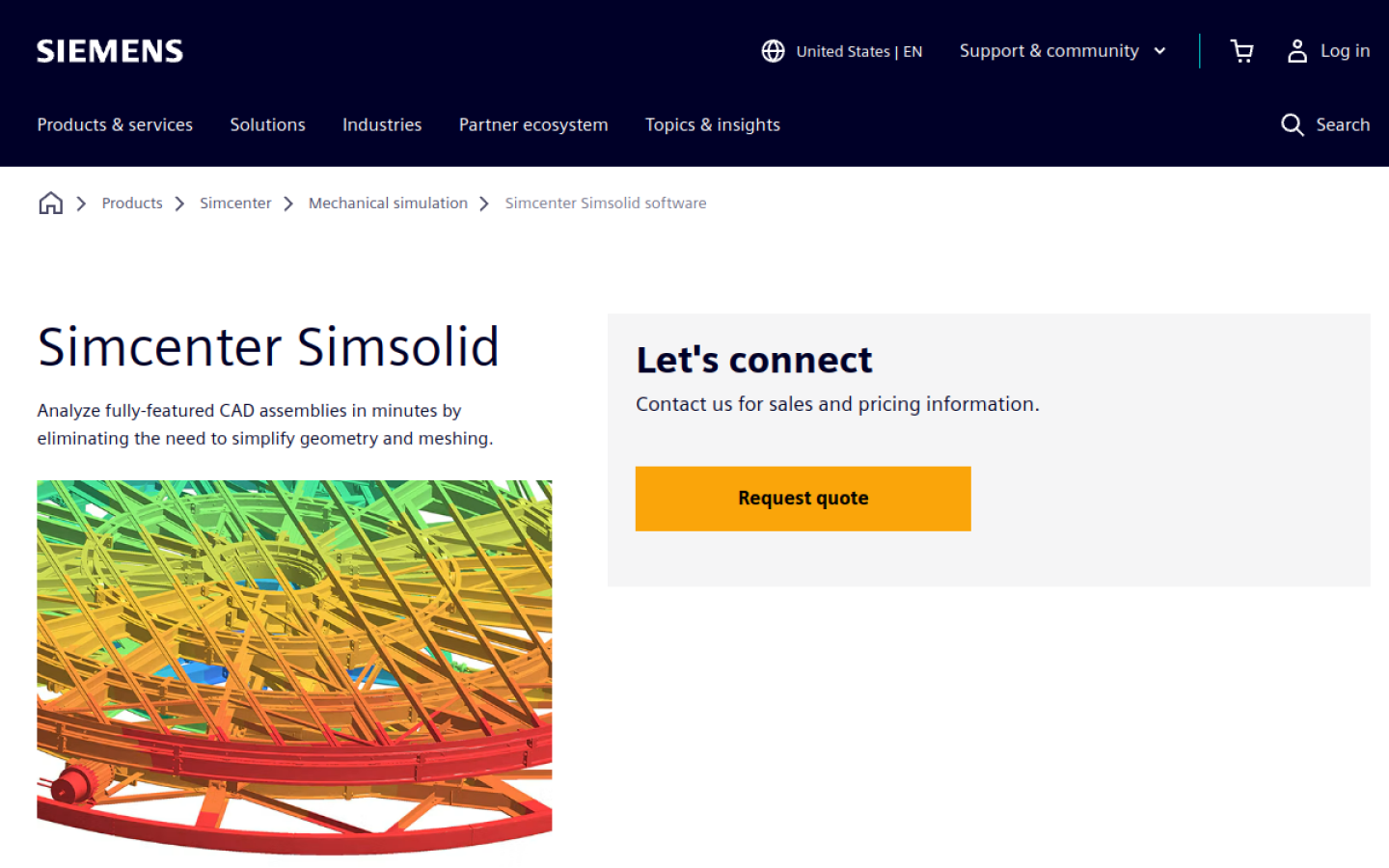
Simcenter Simsolid skips meshing entirely, so design teams can run structural checks in minutes instead of hours.
MSC Nastran carries the thinnest rating in this list at 4.3/5 from only 3 G2 reviews, despite 50-plus years in aerospace and automotive work.
What to look for in FEA software
Finite element analysis predicts how a part or assembly reacts to force, heat and vibration before it is built. The software divides a design into small elements, solves the physics on each one, and shows where stress, heat or movement will cause trouble.
The tools in this list split into three groups. Enterprise solvers such as Ansys Mechanical, Abaqus and COMSOL Multiphysics handle the hardest physics. CAD-integrated tools such as SOLIDWORKS Simulation, Fusion and Inventor Nastran bring analysis to the designer. Cloud and meshless tools such as SimScale and Simcenter Simsolid cut the hardware and setup burden.
Price is the hardest part of this comparison. Seven of the nine tools publish no price and sell by quote, so budget for a sales conversation rather than a checkout page. Only Fusion lists a standard price, at $680 a year, and only SimScale offers a usable free plan.
Ratings come from G2, checked on 25 November 2026. Most of these tools have small review counts because they are sold to specialist teams, not self-serve buyers, so treat a rating as a signal, not a verdict.
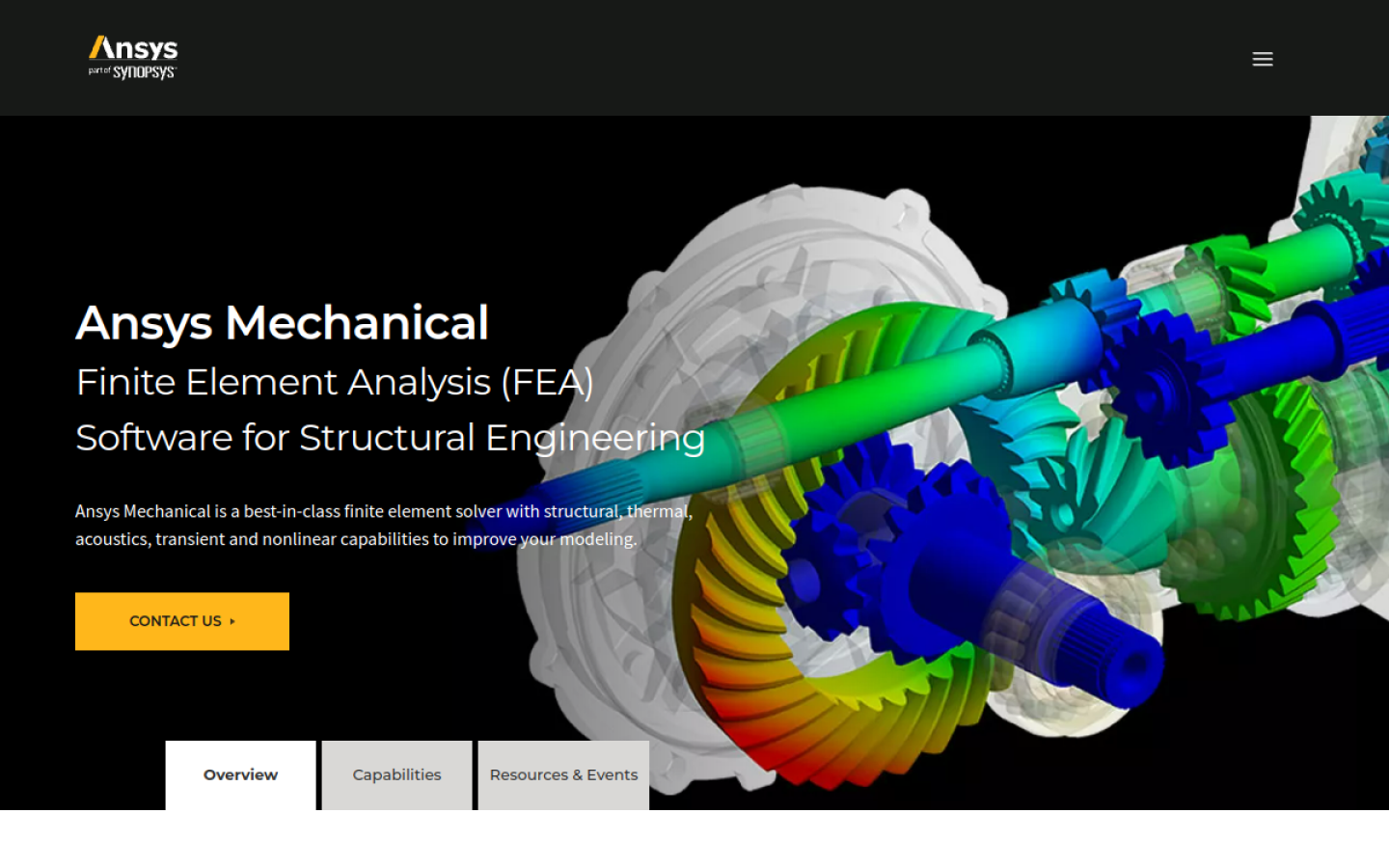
Ansys Mechanical is a finite element analysis package for structural simulation, covering linear dynamics, nonlinearities, thermal analysis, composites and explicit dynamics. It runs inside Ansys Workbench, so geometry, meshing, solving and post-processing sit in one workflow, and it supports scripting to automate repeat analyses.
The trade off is price and learning curve. Ansys publishes no price and sells by quote, and the breadth of the tool takes time to learn, so small teams should expect a sales conversation and training time. It suits enterprise engineering teams that need one solver for many kinds of structural work.
What we like
Deepest solver range in this list
Workbench workflow from geometry to results
Scripting and automation built in
Free trials offered
Watch out for
No published price, quote only
Steep learning curve for new users
Paid licences are quote-only; free trials are offeredVisit ansys.com
02
Abaqus
4.3/5on G2 (54 reviews, checked Nov 2026)
PricingQuote/yr
Best for nonlinear analysis
ModulesStandard, Explicit, CAE
Nonlinear analysisYes, incl. contact
GPU supportExplicit GPU in 2026 FD01
PricingQuote only
3ds.com
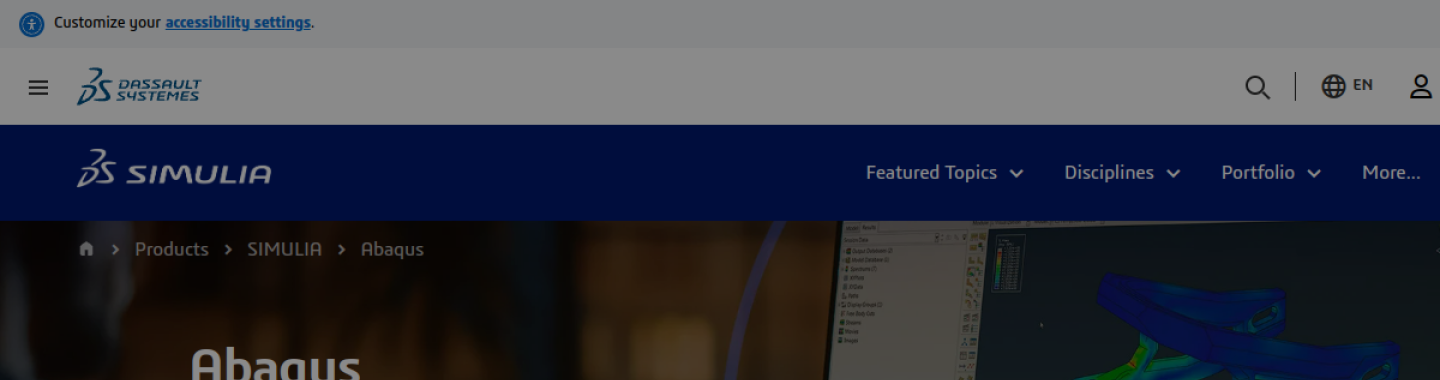
Abaqus homepage, captured Nov 2026.
Abaqus is Dassault Systèmes' SIMULIA solver for nonlinear finite element analysis, known for large deformations, complex contact and advanced material behaviour. It pairs Abaqus/Standard for implicit statics and dynamics with Abaqus/Explicit for high-speed transient events such as impact and crash, plus Abaqus/CAE for modelling and visualisation.
The trade off is price and specialisation. Abaqus publishes no price and sells by quote, and its depth in nonlinear work can be more than a design team needs for routine checks. It suits analysts working on crash, rubber seals, metal forming and other problems where materials and contact dominate.
What we like
Reference solver for nonlinear and contact problems
Implicit and explicit solvers in one package
Strong material model library
Watch out for
No published price, quote only
More tool than routine design checks need
Licences are sold by quote through Dassault SystèmesVisit 3ds.com
03
COMSOL Multiphysics
4.3/5on G2 (36 reviews, checked Nov 2026)
PricingQuote/yr
Best for coupled multiphysics
Physics couplingStructural, thermal, fluid, EM
Add-on modulesStructural, acoustics, CFD, heat
CAD linksLiveLink to major CAD
PricingQuote only
comsol.com
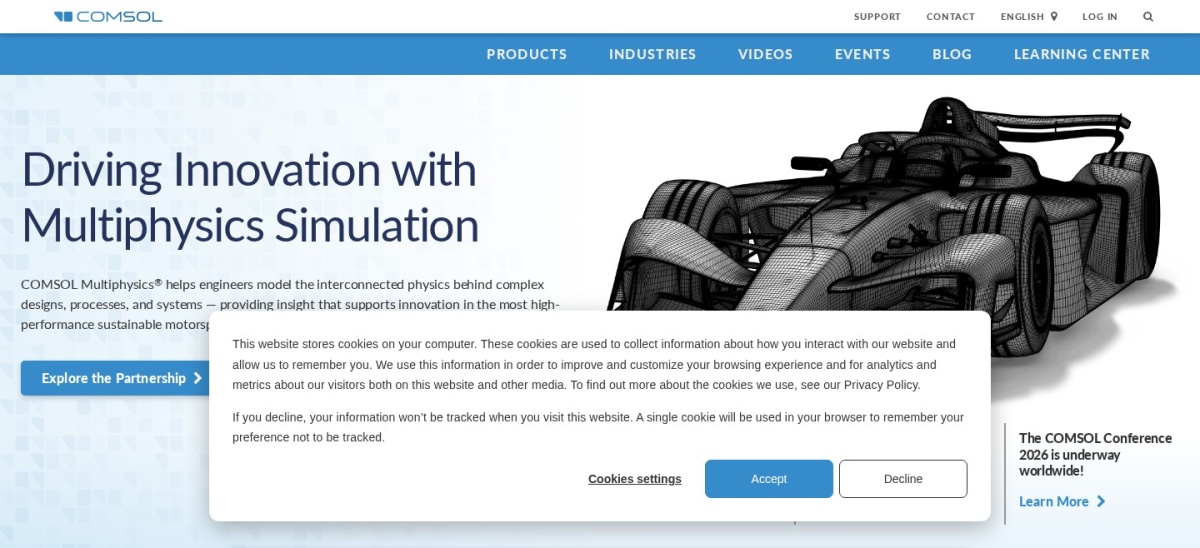
COMSOL Multiphysics homepage, captured Nov 2026.
COMSOL Multiphysics is a general multiphysics platform that couples structural mechanics with heat transfer, fluid flow, electromagnetics, acoustics and chemical reactions in one model. Its Model Builder lets engineers combine physics in any order, and add-on modules cover structural mechanics, acoustics, fluid flow and heat transfer.
The trade off is price and setup effort. COMSOL publishes no price and sells licences by quote, with add-on modules priced separately, so the full cost depends on the physics you need. It suits research and development teams whose problems cross several physics domains at once.
What we like
Couples many physics in one model
Equation-based modelling for custom physics
Add-on modules for specialist domains
Watch out for
No published price, quote only
Modules priced separately, so costs add up
Licences are quote-only, with modules priced separatelyVisit comsol.com
04
SimScale
4.6/5on G2 (284 reviews, checked Nov 2026)
PriceFree
Best cloud FEA with a free plan
Free planCommunity, 10 simulations
Core hours (free)Up to 2,000
Largest free instance16 cores
Paid plansCustom quote
simscale.com
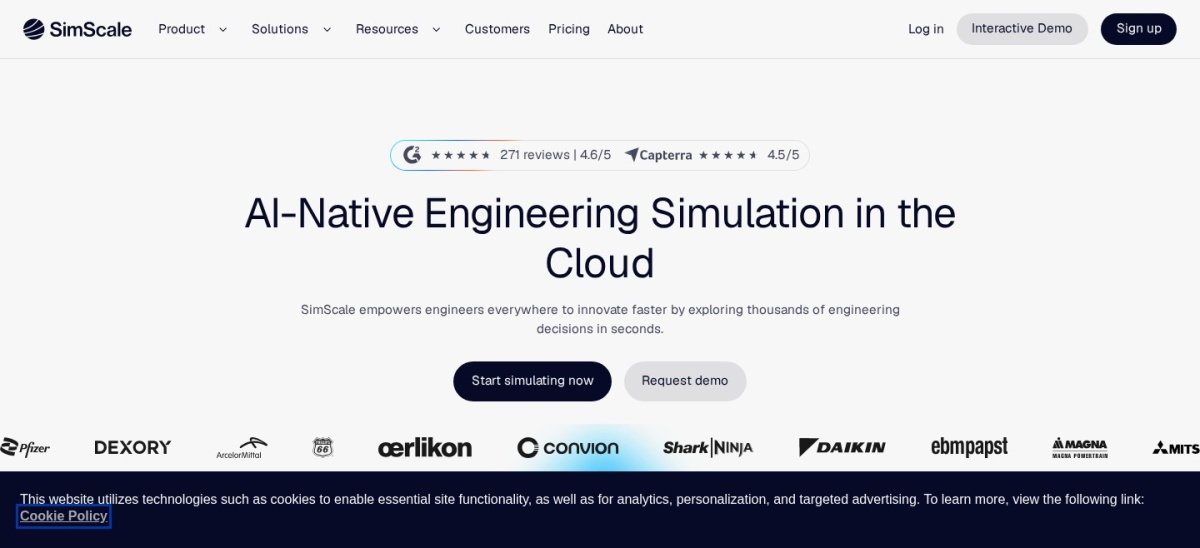
SimScale homepage, captured Nov 2026.
SimScale is a cloud-based simulation platform that runs structural, thermal and fluid analysis in a browser, with no workstation or install. The free Community plan covers selected analysis types with 10 unrestricted simulations and up to 2,000 core hours for one user, though Community projects are public.
The trade off is control and cost beyond the free tier. Paid plans are custom-priced by quote, Community results turn qualitative after 10 simulations, and cloud solving needs a steady internet connection. It suits small teams and students who want real FEA without buying hardware.
What we like
Only usable free plan in this list
No workstation or install needed
Highest G2 rating at 4.6/5
CAD links to SOLIDWORKS, Fusion and Onshape
Watch out for
Paid plans are quote-only
Free results turn qualitative after 10 simulations
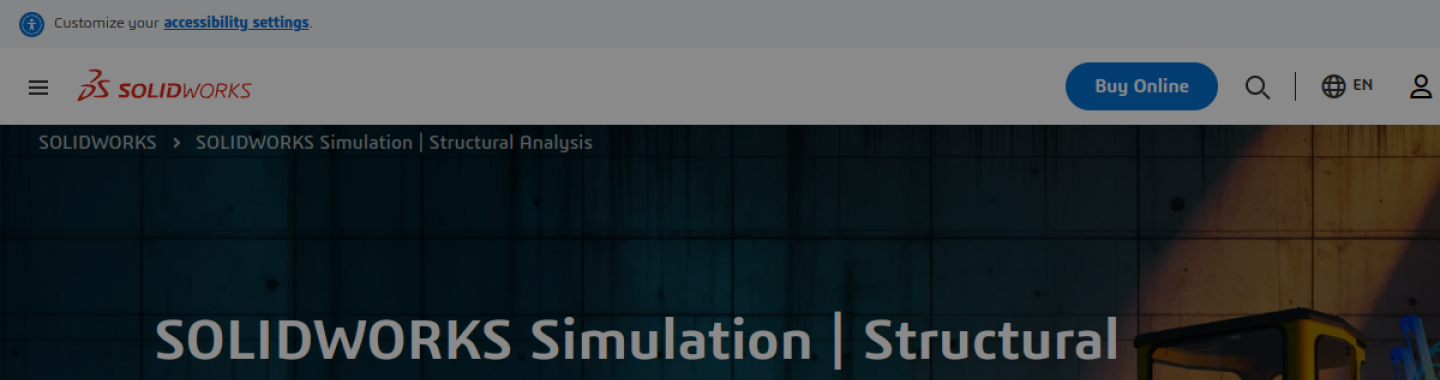
SOLIDWORKS Simulation homepage, captured Nov 2026.
SOLIDWORKS Simulation is a finite element analysis tool that runs as a tab inside SOLIDWORKS, so design changes flow into the analysis with no file export. It covers linear and nonlinear static, frequency, thermal, buckling and fatigue analysis, plus pressure vessel checks and parametric design studies.
The trade off is scope and price. It is built for design validation rather than the deepest specialist analysis, and Dassault Systèmes publishes no price, so licences come through a reseller quote. It suits design engineers who already model in SOLIDWORKS and want quick strength checks.
Autodesk Fusion is a cloud-based CAD, CAM and CAE package that adds structural, thermal, modal and event simulation to 3D modelling. A subscription costs $680 a year, or $85 a month, and includes a free trial plus a limited free version for personal use, with installs allowed on up to 3 computers.
The trade off is depth. Fusion's simulation covers common design checks but not the specialist nonlinear or multiphysics work of Ansys or Abaqus, and advanced simulation sits in higher-priced tiers. It suits product teams that want CAD and simulation in one subscription.
What we like
Only standard published price at $680 a year
CAD, CAM and simulation in one subscription
Free trial and limited personal version
Watch out for
Advanced simulation needs higher-priced tiers
Less depth for specialist nonlinear work
Higher tiers add advanced simulation and manufacturing toolsVisit autodesk.com
07
Simcenter Simsolid
4.3/5on G2 (223 reviews, checked Nov 2026)
PricingQuote/yr
Best for fast meshless analysis
MeshingNone, meshless
Analysis typesStatic, thermal, modal, fatigue
CAD formatsCATIA, NX, Creo, SOLIDWORKS
PricingQuote only
altair.com
Simcenter Simsolid homepage, captured Nov 2026.
Simcenter Simsolid is a meshless structural analysis tool, now part of Siemens, that runs on full CAD assemblies without simplifying geometry or building a mesh. It covers linear and nonlinear statics, thermal, modal, fatigue and buckling analysis, with bonded, sliding and separating contacts, bolts, welds and rivets.
The trade off is depth and price. Simsolid is built for fast design-stage checks rather than the most demanding specialist studies, and Siemens publishes no price, so licences come by quote. It suits design teams that want quick structural answers without meshing work.
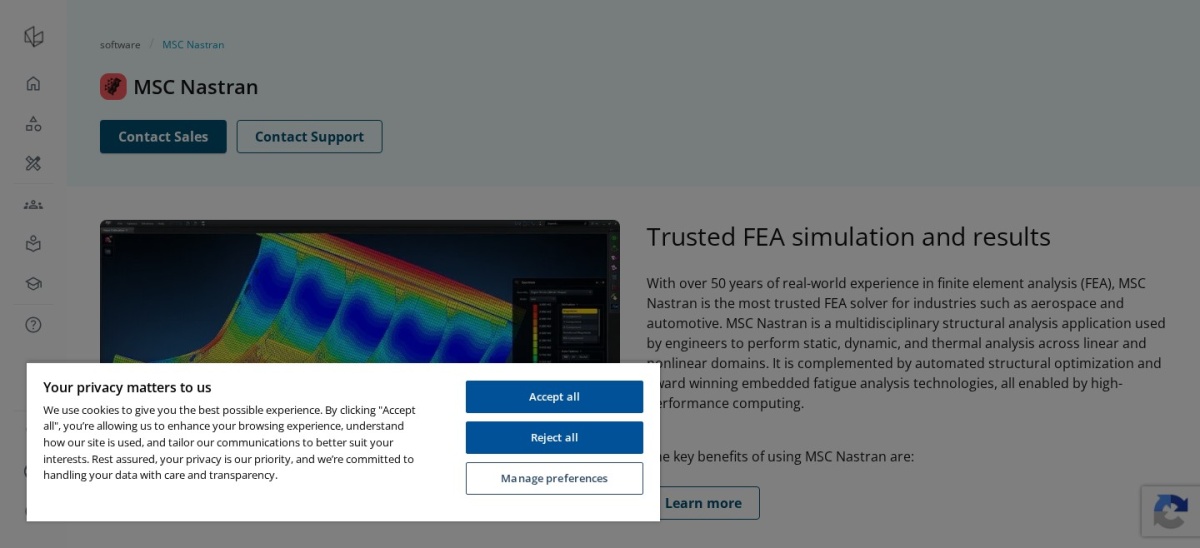
MSC Nastran is Hexagon's structural solver with more than 50 years of use in aerospace and automotive engineering. It performs static, dynamic and thermal analysis across linear and nonlinear domains, with automated structural optimisation and embedded fatigue analysis, all enabled by high-performance computing.
The trade off is age and access. Nastran's workflow feels dated beside modern CAD-integrated tools, it needs a good preprocessor, and Hexagon publishes no price, so licences come by quote. It suits teams in regulated industries that need a solver with a long validation record.
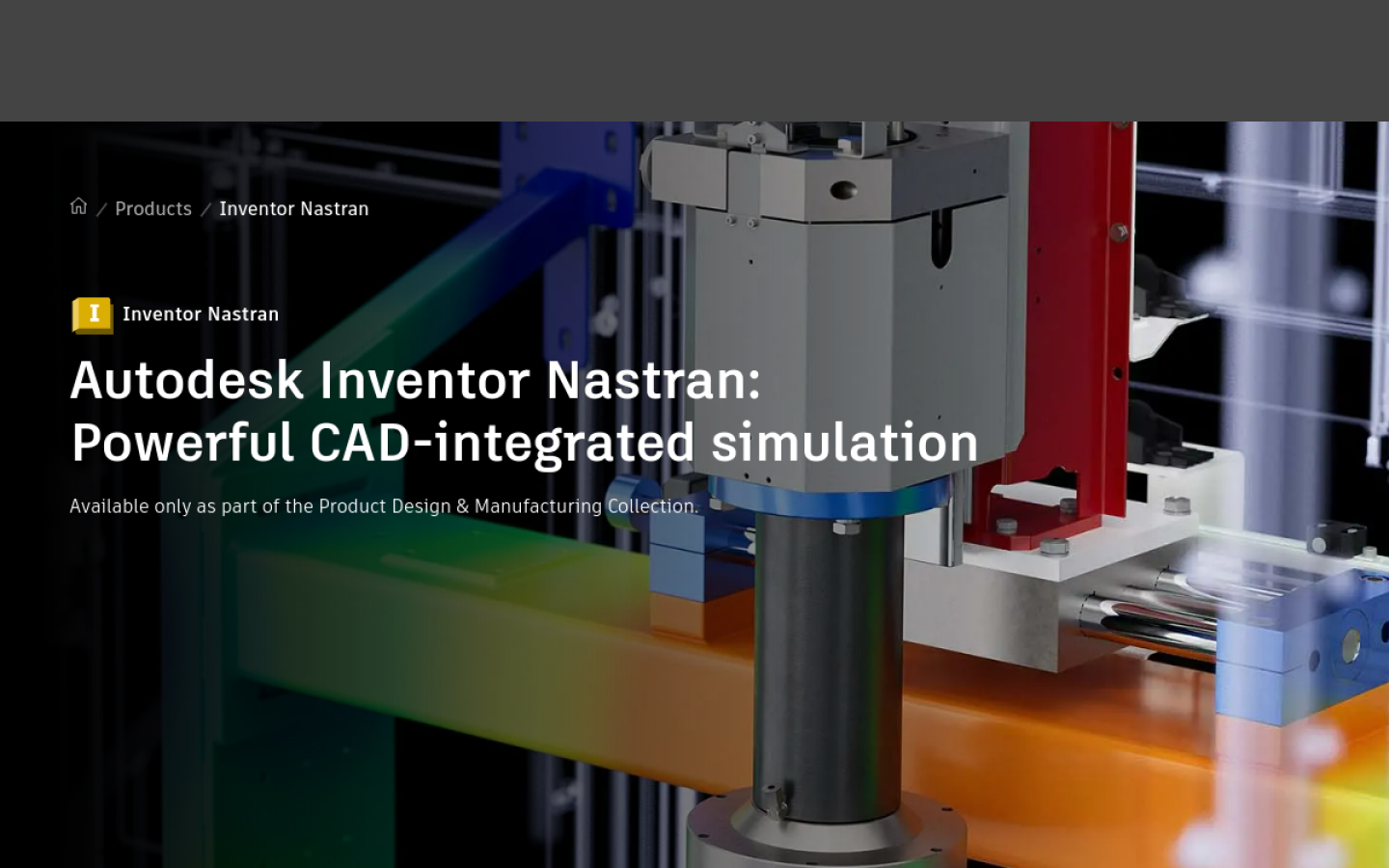
Autodesk Inventor Nastran homepage, captured Nov 2026.
Autodesk Inventor Nastran is a finite element analysis tool that works directly inside Autodesk Inventor, powered by the Autodesk Nastran solver. It covers linear and nonlinear stress, dynamics, fatigue and heat transfer, with advanced material models for plastic, rubber and soft tissue, plus an automated drop test.
The trade off is availability and price. Inventor Nastran is sold only through the Product Design & Manufacturing Collection, and Autodesk publishes no standalone price for it. It suits Inventor-based design teams that want simulation without leaving their CAD tool.
What we like
Works inside Inventor with no exports
NAFEMS-verified solver
Covers nonlinear, fatigue and heat transfer
Watch out for
Only sold in a bundle, no standalone price
Thinner rating at 4.0/5 from 23 reviews
Sold only in the Product Design & Manufacturing CollectionVisit autodesk.com
Why most FEA prices are hidden
Seven of the nine tools in this list publish no price. Enterprise simulation is sold by quote because the price depends on solver modules, user count and compute cores, not a flat seat fee.
That makes budgeting harder. Ask each vendor for the same configuration, including the modules you need, so quotes compare like with like.
Trials and evaluation licences are the practical workaround. Ansys offers free trials, Fusion offers a free trial and a limited personal version, and SimScale lets you run 10 simulations free before any sales call.
How we chose
We started from the established finite element analysis tools used across aerospace, automotive and product design, then kept the nine with the strongest solver coverage and public review record.
Prices come from each vendor's pricing page, checked on 25 November 2026. Seven of the nine publish no price and sell by quote, so the list shows Quote for those; only Fusion lists a standard price. Ratings come from G2 on the same day.
We left out tools with no public review record or no maintained product page. No vendor paid for a place, and we do not claim hands-on testing for this list.
How to choose finite element analysis software
Match the physics first, then the price model, then the workflow.
List the physics you must solve. Static stress, vibration, heat, crash and coupled physics need different solvers. Ansys and Abaqus cover the widest range; COMSOL leads when physics couple together.
Check what your CAD team already uses. SOLIDWORKS Simulation, Fusion and Inventor Nastran run inside the CAD tool, so design changes need no file export, while standalone solvers need a CAD import step.
Try the free route before a quote. SimScale runs 10 simulations free in the browser, and Fusion has a free trial. Use either to confirm the workflow fits your team before a sales call.
Get like-for-like quotes. Ask each vendor for the same modules, user count and core count, and confirm whether support and updates are included in the price.
FAQ
What is the best finite element analysis software?
Ansys Mechanical is the best overall pick, with the deepest solver range and a 4.4/5 G2 rating from 95 reviews. Abaqus leads for nonlinear analysis, COMSOL Multiphysics for coupled physics, and SimScale for free cloud-based work.
Is there a free finite element analysis software?
SimScale offers a free Community plan with 10 simulations and up to 2,000 core hours, though projects are public. Autodesk Fusion has a limited free version for personal use, and most other tools in this list offer trials rather than free plans.
How much does FEA software cost?
Only Autodesk Fusion publishes a standard price, at $680 a year or $85 a month. SimScale is free for its Community plan, and the other seven tools in this list sell by quote, so expect a sales conversation before you see a number.
What is the difference between Ansys Mechanical and Abaqus?
Ansys Mechanical covers the widest range of structural, thermal and coupled physics in one package. Abaqus goes deeper on nonlinear analysis, with advanced contact and material models for crash, impact, rubber and metal forming work.
Do I need a powerful computer to run FEA software?
Not always. SimScale runs simulations in the cloud, so a basic laptop works, and Simcenter Simsolid runs fast checks without meshing. Desktop tools such as Ansys Mechanical and Abaqus still benefit from a workstation with plenty of memory.
Which FEA software is best for beginners?
Autodesk Fusion is the easiest starting point, since it combines CAD and simulation in one subscription with a free trial. SimScale is also friendly for beginners, with a free plan and no install, while SOLIDWORKS Simulation suits designers already using SOLIDWORKS.
SaaS SEO and WordPress specialist with about 8 years of experience. Rakib compares WordPress plugins, themes, hosting and software using public pricing, documentation and user reviews. See how we rank.