Beyond Compare is the best file comparison software for most developers, rated 4.6 out of 5 on G2 from 152 reviews, with file and folder comparison plus sync for a $35 one-time licence. Pick Kaleidoscope for Mac-only work and WinMerge if you want a free Windows tool.
How we make this list: we compare pricing pages, product documentation and public user reviews, then re-check every price before each update. No product paid for a place. Disclosure.
Beyond Compare is the best all-round pick: file and folder comparison plus sync for $35 once, rated 4.6/5 on G2 from 152 reviews.
Kaleidoscope has the highest rating here, 4.8/5, but it is Mac-only and costs $8 a month.
Araxis Merge is the most formal option, with document comparison and diff reports, but Standard costs $129.
WinMerge and Code Compare cover most diffing needs for free on Windows; Diffchecker does the same in a browser.
Three tools in this list charge by subscription: Kaleidoscope at $96 a year, UltraCompare at $79.95 a year and Diffchecker at $180 a year.
What file comparison software should cover
File comparison software lines up two versions of a file or folder and shows what changed, line by line. Developers use it to review code, merge branches and check release folders before a deploy.
The tools in this list split into two groups. Desktop apps such as Beyond Compare and Araxis Merge compare whole folders and sync them, while web tools such as Diffchecker compare pasted text or uploaded documents without an install.
Three-way merge matters when two people change the same file. It compares both changed versions against their shared original, so conflicts are easier to resolve. Our guide on using Git with WordPress shows where a merge tool fits in a version-control workflow.
Price is mostly a one-time licence or a subscription. Four of the eight tools here sell one-time licences from $35 to $129, three charge by subscription, and WinMerge is free.
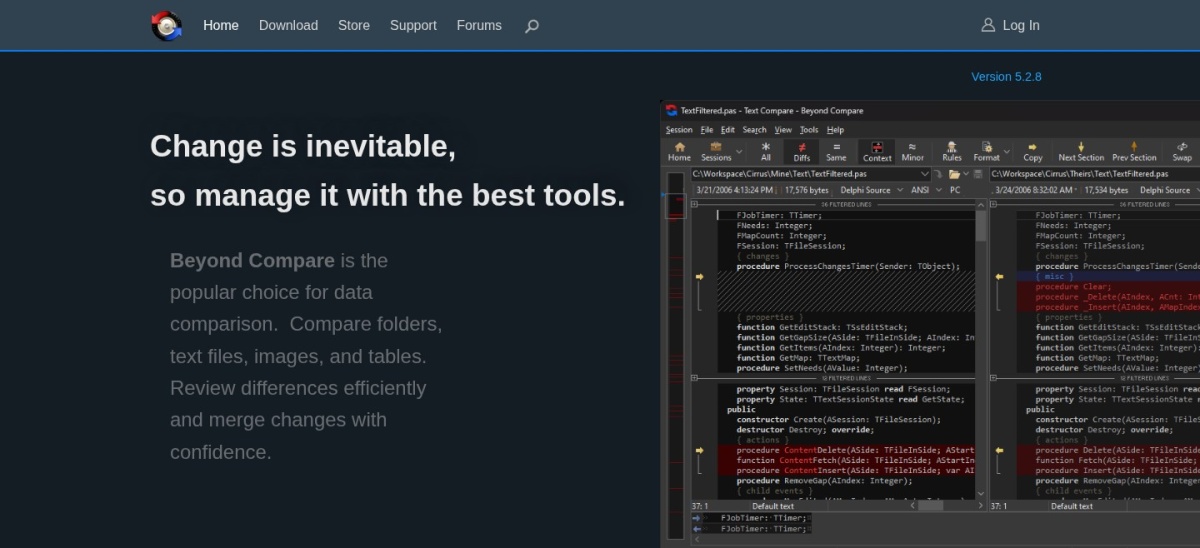
Beyond Compare is a file and folder comparison tool from Scooter Software that runs on Windows, macOS and Linux. The $35 Standard licence covers side-by-side text comparison, folder comparison and sync, plus image and table comparison, with a 30-day trial first.
The trade off is that three-way merge, scripting and FTP/SFTP comparison need the $70 Pro licence, so the $35 price only fits two-way work. It suits developers and release engineers who compare folders daily and want one tool for every platform.
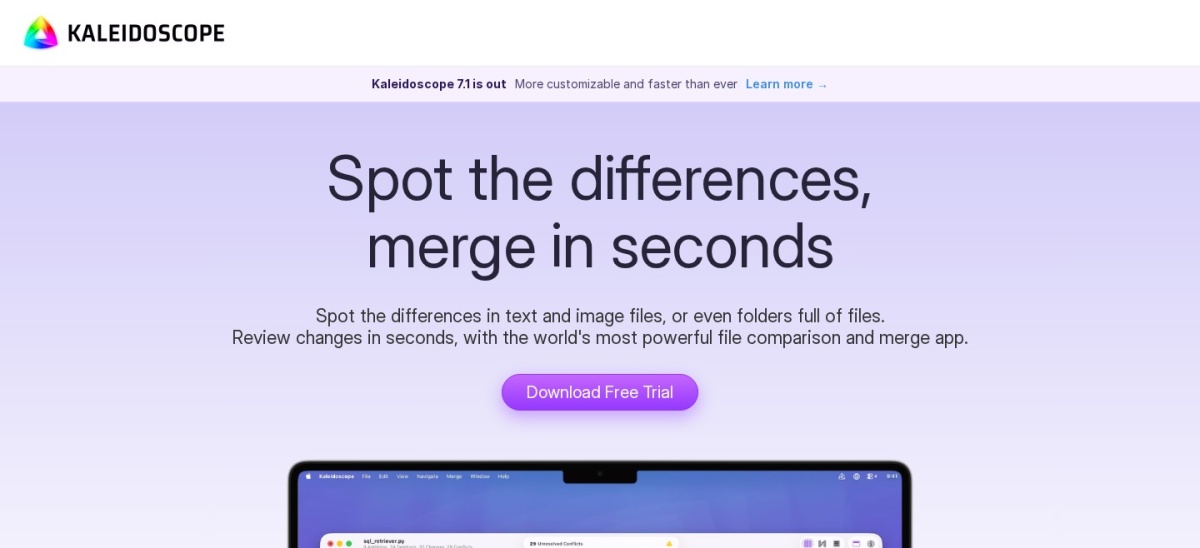
Kaleidoscope is a Mac-only comparison app for text files, images and folders, with Git integration built in. It shows changes side by side with a clean, colour-coded view, and it handles three-way merges when Git branches conflict.
The trade off is platform and price. It runs only on macOS and costs $8 a month, so Windows and Linux users need another tool. It suits Mac developers who compare code and images every day and want the clearest view on that platform.
What we like
Highest G2 rating in this list, 4.8 out of 5
Image comparison beside text and folders
Three-way merge and Git integration included
Watch out for
Mac only, with no Windows or Linux version
Subscription costs $96 a year, with no one-time licence
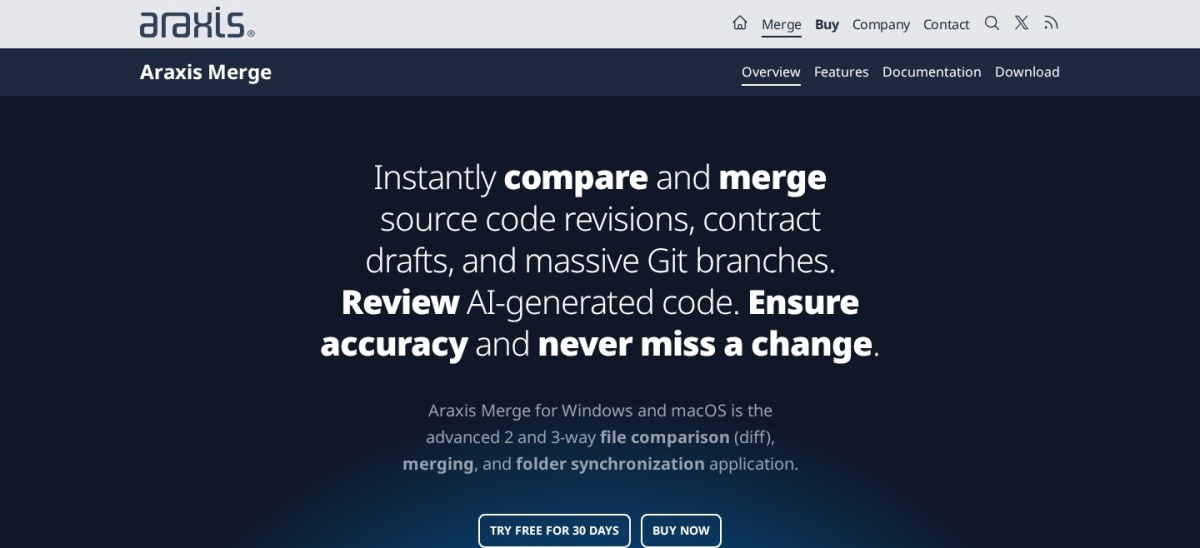
Araxis Merge is a file and folder comparison and merging tool for Windows and macOS, built for careful review work. Standard covers two-way comparison and merging, and it can also compare Word, PDF and Excel documents as text.
The trade off is price. Standard costs $129 as a one-time licence, and three-way merge needs Professional at $269, so it costs far more than the tools above it. It suits teams that need formal merge reports and a polished three-way merge.
What we like
Strong three-way merge in the Pro edition
Compares Word, PDF and Excel documents
Produces HTML and XML diff reports
Watch out for
Standard is $129, with no free plan
Reviewers report slow handling of very large files
Pro adds three-way merge for $269, with $49 yearly renewalVisit araxis.com
04
UltraCompare
4.8/5on G2 (13 reviews, checked Nov 2026)
Starts at$79.95/yr
Best for Word, PDF and FTP comparison
PlatformsWindows, macOS, Linux
Document compareWord, Excel, PDF
Three-way compareYes
Paid plan$79.95/yr
ultraedit.com
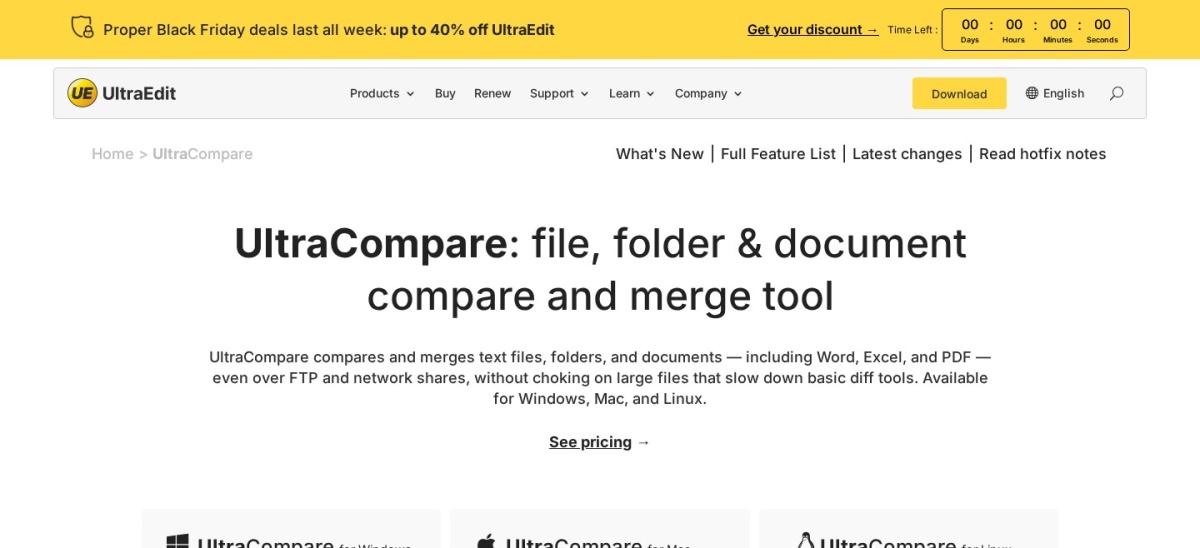
UltraCompare homepage, captured Nov 2026.
UltraCompare is a comparison tool from IDM that compares text files, folders and documents, including Word, Excel and PDF files. It can compare two or three files at once, and it also works over FTP and network shares.
The trade off is the buying model. The current pricing page offers subscription and perpetual licences but shows no price until checkout, and the $79.95 yearly starting price comes from a third-party listing. It suits Windows teams that compare documents and server files in one tool.
What we like
Compares Word, Excel and PDF documents
Works over FTP and network shares
Rated 4.8 out of 5 on G2
Watch out for
Official pricing page shows no price until checkout
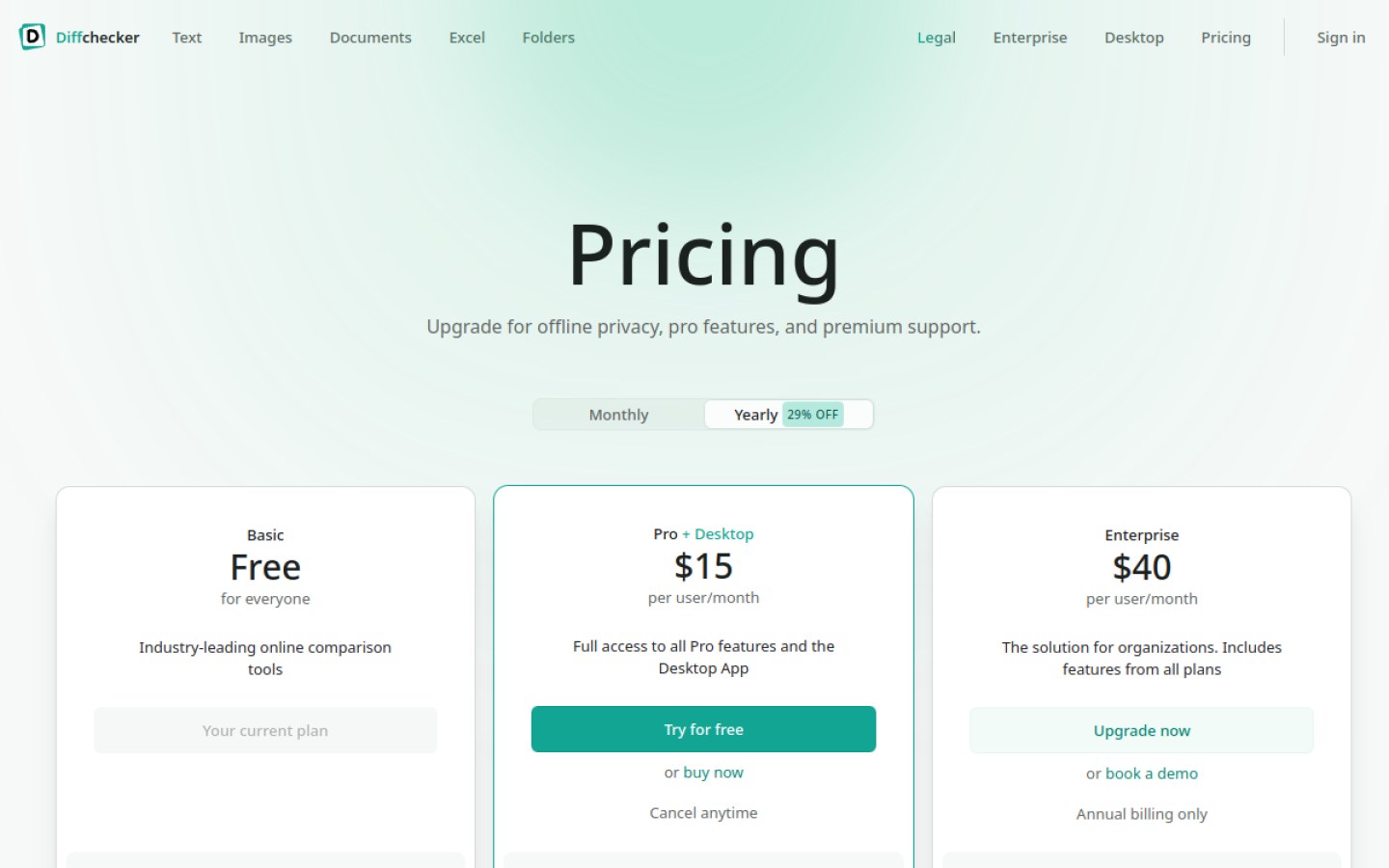
Diffchecker is a web-based comparison tool for text, code, PDFs, Word documents, Excel sheets, PowerPoint files, images and folders. The free web version runs in any browser with no install, and a desktop app keeps diffs offline.
The trade off is the subscription. Pro plus Desktop costs $15 per user a month, and the free web version lacks offline diffs and the advanced features. It suits anyone who needs a quick comparison without installing software.
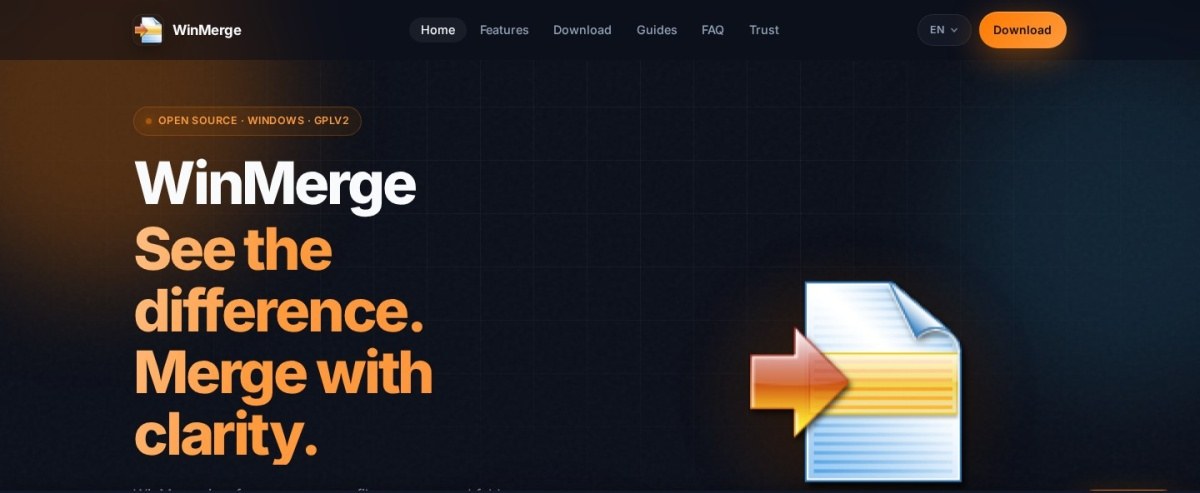
WinMerge is a free, open-source file and folder comparison tool for Windows, released under the GPL. It compares text files and folders side by side, supports three-way comparison, and can also compare images and binary files.
The trade off is reach. It runs only on Windows, and its interface is plainer than the paid tools in this list. It suits Windows developers who want a capable, no-cost diff tool with no licence to manage.
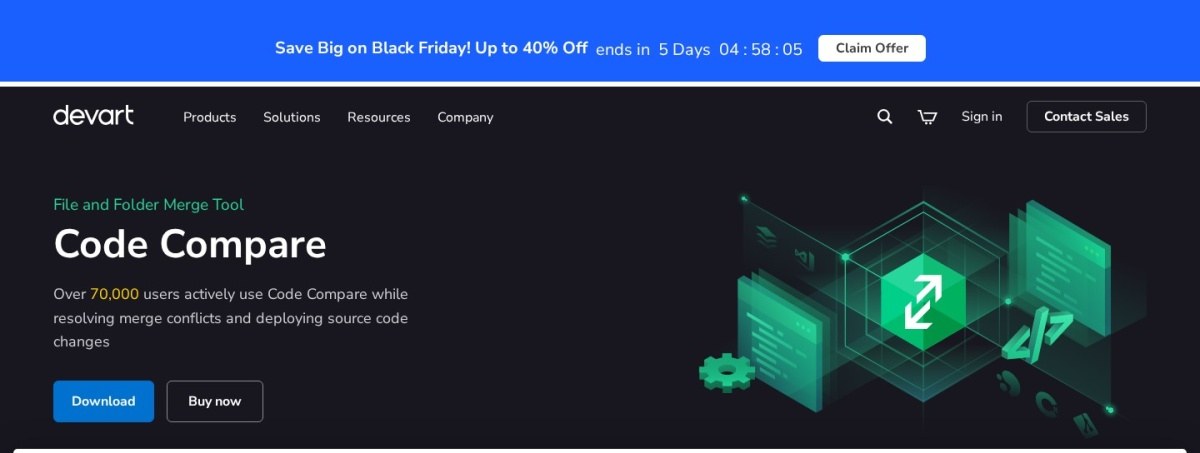
Code Compare is a Devart tool for comparing and merging code, shipped as a standalone app and a Visual Studio extension. The free edition covers two-way text and folder comparison, and it plugs into Git, SVN, Mercurial and other version control.
The trade off is scope. Three-way merge, structural comparison and moved-code detection need the $69.95 Pro licence, and it runs only on Windows. It suits .NET developers who already live in Visual Studio.
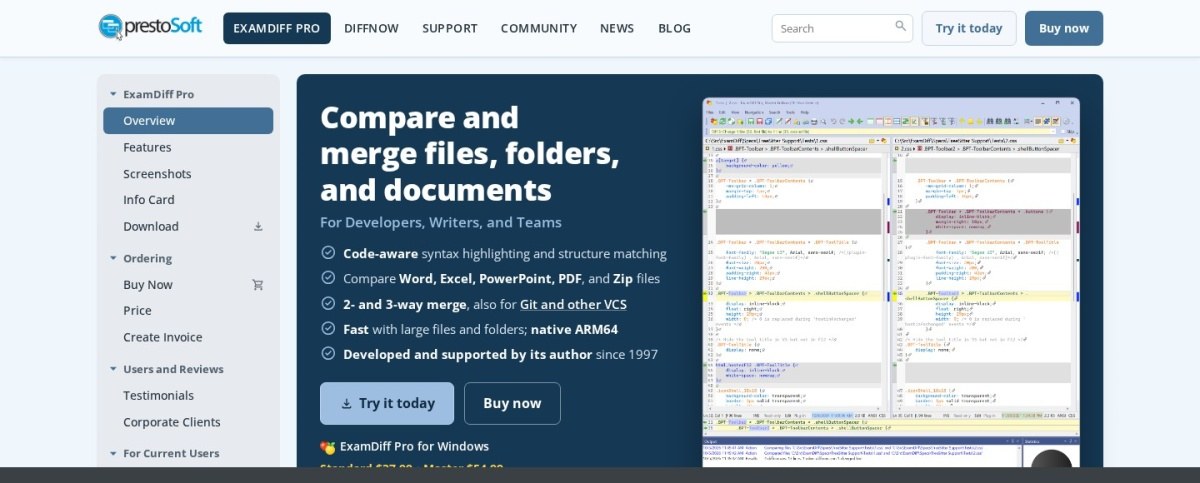
ExamDiff Pro is a lightweight file and folder comparison tool for Windows from PrestoSoft, in use since the late 1990s. Standard compares text, binary and folder contents, plus Word, Excel, PowerPoint, PDF and Zip files, with a 30-day trial.
The trade off is that it is Windows-only and plain-looking, and two- and three-way merge need the $54.99 Master edition. It suits Windows users who want fast, cheap comparisons without a subscription.
Free tools cover the basics well. WinMerge compares files, folders, images and binary files at no cost, and Code Compare's free edition handles two-way code comparison.
Paid tools mostly add folder sync, three-way merge and document comparison. Beyond Compare syncs folders for $35, while Araxis Merge compares Word and PDF documents for $129.
If you compare files a few times a month, a free tool is enough. If you merge branches or sync folders daily, a one-time licence usually pays for itself in a week.
How we chose
We started from the file comparison tools with a G2 profile and a published price, then kept the eight with a verifiable rating and a verifiable price.
Prices come from each vendor's pricing page or a corroborating listing, checked on 25 November 2026. Ratings and review counts come from G2 on the same day. Where a vendor shows a sale, the list shows the regular price.
We left out tools with no G2, Capterra or Trustpilot rating, including Meld, DeltaWalker, DiffMerge and KDiff3. No vendor paid for a place, and we do not claim hands-on testing for this list.
How to choose file comparison software
Start with your platform, then check whether you need folder sync or three-way merge.
Check your platform first. Kaleidoscope is Mac-only and WinMerge is Windows-only, so pick a tool that runs where you work before comparing features.
Decide if you need folder comparison. If you compare whole folders or sync releases, Beyond Compare, Araxis Merge or UltraCompare fit better than a text-only web tool.
Check three-way merge. Branch merges need three-way comparison. It is in Kaleidoscope and UltraCompare, but it costs extra in Beyond Compare, Araxis Merge, Code Compare and ExamDiff Pro.
Try the free option before you pay. WinMerge, Code Compare's free edition and Diffchecker's free web version cover most needs, so confirm a paid feature earns its price.
FAQ
What is the best file comparison software?
Beyond Compare is the best pick for most developers. It compares files and folders, syncs them, and runs on Windows, macOS and Linux for a $35 one-time licence, with a 4.6 out of 5 rating on G2 from 152 reviews.
Is there a free file comparison tool?
Yes. WinMerge is free and open-source for Windows, with file, folder, image and three-way comparison. Code Compare has a free edition for two-way code comparison, and Diffchecker compares text and documents free in a browser.
What is the best file comparison software for Mac?
Kaleidoscope is the best Mac option, rated 4.8 out of 5 on G2. It compares text, images and folders with Git integration, but it costs $8 a month and has no Windows version. Beyond Compare and Araxis Merge also run on macOS.
Do I need three-way merge?
You need it when two people change the same file and you must combine both sets of changes. It compares each changed version against the shared original. If you only review your own edits, two-way comparison is enough.
Can I compare Word or PDF documents?
Yes, with the right tool. Araxis Merge, UltraCompare, ExamDiff Pro and Diffchecker can compare Word, Excel, PowerPoint or PDF files as text. Plain diff tools such as WinMerge handle text files, images and binary files instead.
Is a one-time licence better than a subscription?
It depends on how long you keep the tool. A $35 one-time licence beats a $96 yearly subscription after one year, but subscriptions include updates. Beyond Compare, Araxis Merge, Code Compare and ExamDiff Pro sell one-time licences.
SaaS SEO and WordPress specialist with about 8 years of experience. Rakib compares WordPress plugins, themes, hosting and software using public pricing, documentation and user reviews. See how we rank.