Jobber is the best field force management software for most small service teams, with scheduling, quotes, invoicing and payments for $49 a month and a 4.6 out of 5 G2 rating from 530 reviews. Housecall Pro suits residential teams that want a price book, while ServiceTitan fits large multi-truck operations.
How we make this list: we compare pricing pages, product documentation and public user reviews, then re-check every price before each update. No product paid for a place. Disclosure.
Jobber is the best all-round pick for small teams, at $49 a month for one user with scheduling, quotes, invoicing and payments in one app.
Housecall Pro is the strongest residential option, with a price book on the $79 a month Basic plan and no long-term contract.
ServiceTitan, Zuper and Skedulo publish no prices, so three of the nine tools here are quote-only.
Fieldwire, ServiceM8 and Connecteam all offer a free plan, and Connecteam is free for teams of up to 10 users.
Zuper has the highest G2 rating in this list at 4.7 out of 5, from 152 reviews, with support rated 9.6 out of 10.
What field force management software should cover
Field force management software, often called field service management, runs the working day of a mobile team: scheduling, dispatch, job tracking, quotes, invoices and payments in one system that technicians can use from their phones.
Scheduling is the core. A good tool should show who is free, match jobs to skills, plan routes and let dispatchers move work around when a job runs long.
The office side matters just as much. Quotes, invoices, payments and a customer record should flow from the same job, so nothing is retyped. Our guide on adding a booking calendar to WordPress covers the same booking problem on a smaller scale.
Prices split the list in two. Small-team tools publish a monthly price, while enterprise tools sell by quote, so budget for a sales call and an implementation project with those.
Jobber is field service software for small home service businesses, covering scheduling, dispatch, quotes, invoices and payments in one app. The Core plan at $49 a month for one user includes online booking, quoting, invoicing, payments and a client hub, with a 14-day free trial. It is rated 4.6 out of 5 on G2 from 530 reviews.
The trade off is the price curve. Core covers one user, and extra users cost $29 a month each, while QuickBooks sync and automated reminders need Connect at $139 a month. Annual billing drops Core to $29 a month. It suits solo operators and small crews that want one tidy system.
What we like
Scheduling, quoting, invoicing and payments in one app
Clear published pricing with a 14-day trial
Client hub lets customers approve quotes and pay online
Route planning and crew scheduling included
Watch out for
Core covers one user; each extra user costs $29 a month
QuickBooks sync needs the $139 a month Connect plan
Marketing tools and AI receptionist are paid add-ons
Housecall Pro is an all-in-one platform for residential home service teams, covering scheduling, dispatch, estimates, invoices, payments and review requests. The Basic plan at $79 a month for one user includes online booking, a price book, job costing and review management, with a 14-day free trial. It is rated 4.3 out of 5 on G2 from 205 reviews.
The trade off is team cost. Essentials at $189 a month covers up to 5 users and adds routes, flat-rate pricing and QuickBooks sync, while Max at $329 a month covers 8 users. A 50% off for 3 months offer is showing now, so the list uses the regular price. It suits residential teams that want strong customer tools.
What we like
Price book included on the cheapest plan
No long-term contract required
Built-in review requests and consumer financing
Card processing from 2.59% with bank payments at 1%
Watch out for
QuickBooks sync needs the $189 a month Essentials plan
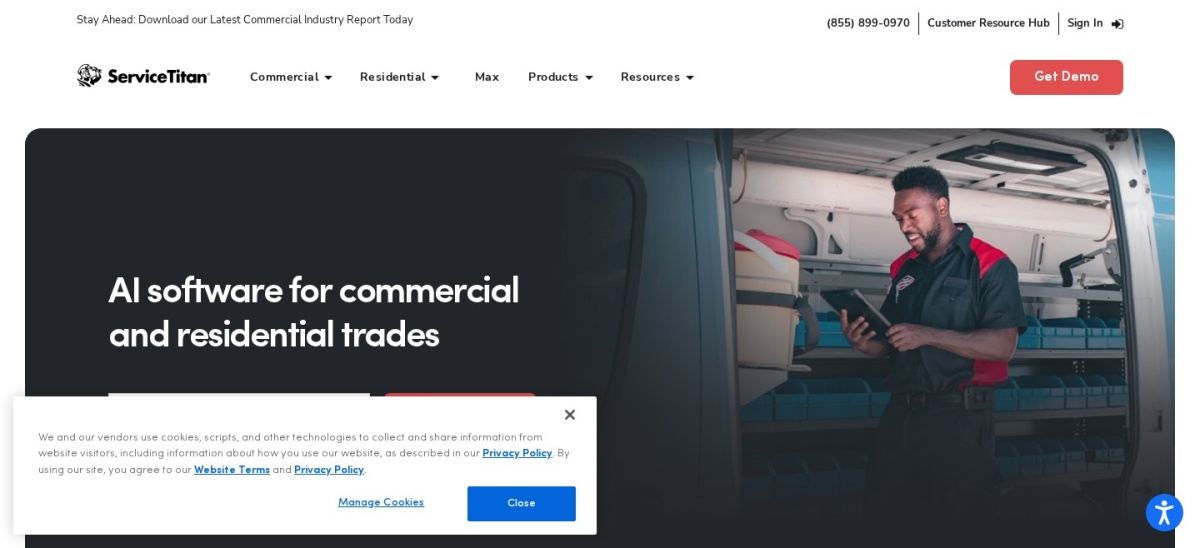
ServiceTitan is the category leader for large trade businesses, covering scheduling, dispatch, CRM, proposals, job costing, accounting, service agreements and marketing in one system. Its reporting shows which technicians, services and campaigns make money, and it is rated 4.4 out of 5 on G2 from 375 reviews. Pricing is by quote only.
The trade off is cost and setup. Third-party estimates put it at $245 to $500 per technician a month, with a paid implementation of 4 to 12 weeks and contracts commonly running 12 to 36 months. It suits established multi-truck HVAC, plumbing and electrical operations, not small teams.
What we like
Deepest feature set in this list, from dispatch to marketing
Strong reporting on technician and campaign profit
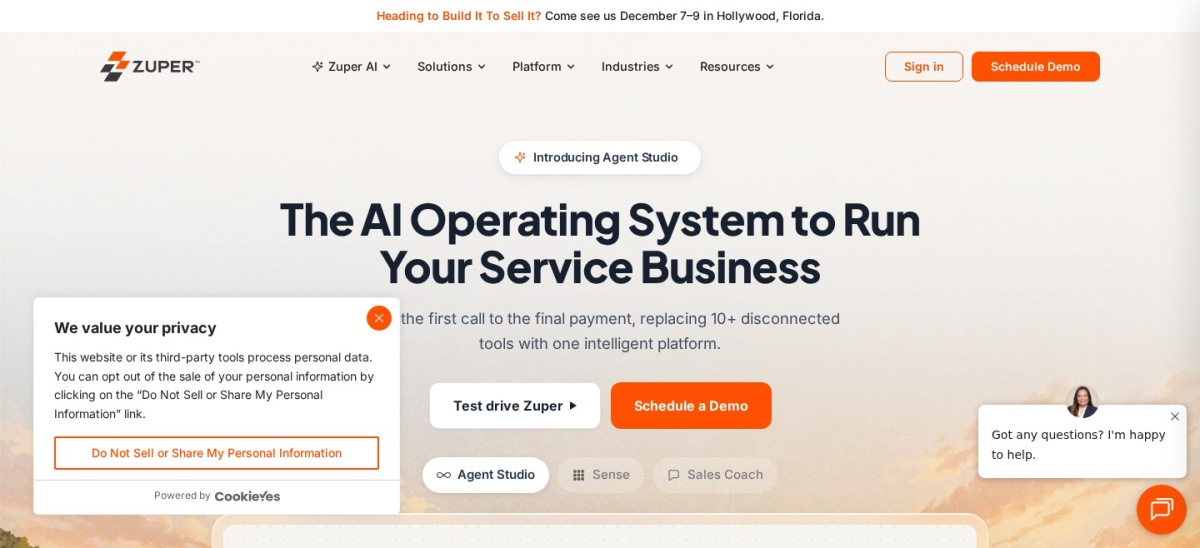
Zuper is a flexible field service platform built around a dispatch board, work orders, scheduling, GPS tracking and customer communication. It offers 60-plus prebuilt integrations and a strong API, so mid-market and franchise teams can wire it into the CRM and billing tools they already use. It is rated 4.7 out of 5 on G2 from 152 reviews.
The trade off is that nothing is published on price. Plans are priced per user per year after a sales call, and G2 reviewers report an average implementation time of 3 months. It suits teams that want to configure field service around their own stack rather than adopt a fixed trade workflow.
What we like
Highest G2 rating in this list at 4.7 out of 5
Support rated 9.6 out of 10 on G2
60-plus integrations and a strong API layer
High ease-of-use and setup scores on G2
Watch out for
No published prices; sold by quote only
Implementation averages about 3 months on G2
Smaller review base than Jobber or Salesforce
Quote only; ask sales for per-user annual pricingVisit zuper.co
05
Salesforce Field Service
4.4/5on G2 (1,049 reviews, checked Nov 2026)
Starts at$175/mo
Best for teams already on Salesforce
Cheapest paid planDispatcher, $175/user/mo
Free planNo, trial available
RequiresService Cloud licence
ContractAnnual, billed yearly
salesforce.com
Salesforce Field Service homepage, captured Nov 2026.
Salesforce Field Service is the field service arm of Salesforce CRM, now branded Agentforce Field Service, adding dispatch, scheduling and mobile work orders to a Salesforce org. Dispatcher and Technician licences each list at $175 per user a month billed annually, and the mobile app works offline with in-field quoting and payments. It is rated 4.4 out of 5 on G2 from 1,049 reviews.
The trade off is the entry cost and the stack it needs. Every seat is a named per-user licence on an annual contract, and at least one Service Cloud licence is required underneath. It suits enterprises already running Salesforce that want AI-driven scheduling tied to their CRM.
What we like
AI-driven scheduling and route optimisation
Offline mobile app with quoting and payments
Largest review base in this list at 1,049 G2 reviews
Deep CRM, asset and contract data in one place
Watch out for
$175 per user a month before the required Service Cloud licence
Skedulo is built for large mobile workforces where scheduling is the hard part. It matches jobs to workers by skills and qualifications, handles rosters, dispatch and route planning, and runs a Salesforce-native option for teams already on that platform. It is rated 4.1 out of 5 on G2 from 422 reviews.
The trade off is that it is a scheduling specialist, not a full trade platform. Pricing is per user per month by quote with a one-year minimum, and quoting, invoicing and payments are thinner than in Jobber or ServiceTitan. It suits healthcare, utility and government teams with complex rosters.
What we like
Constraint-based scheduling by skills and qualifications
Salesforce-native option for Salesforce teams
Offline mobile work for key field actions
Strong fit for healthcare, utilities and government
Watch out for
No published prices; sold by quote only
One-year minimum commitment
Thinner quoting and invoicing than trade platforms
Fieldwire is field management software for construction teams, built around drawings, tasks, punch lists and schedules on the job site. The free Basic plan covers 5 users, 3 projects and 100 sheets, while Pro at $39 per user a month billed annually adds unlimited projects and forms. It is rated 4.5 out of 5 on G2 from 586 reviews.
The trade off is focus. Fieldwire is strong on plans and site coordination but light on quoting, invoicing and payments, so most teams pair it with accounting software. It suits construction crews that live in drawings and punch lists rather than customer invoices.
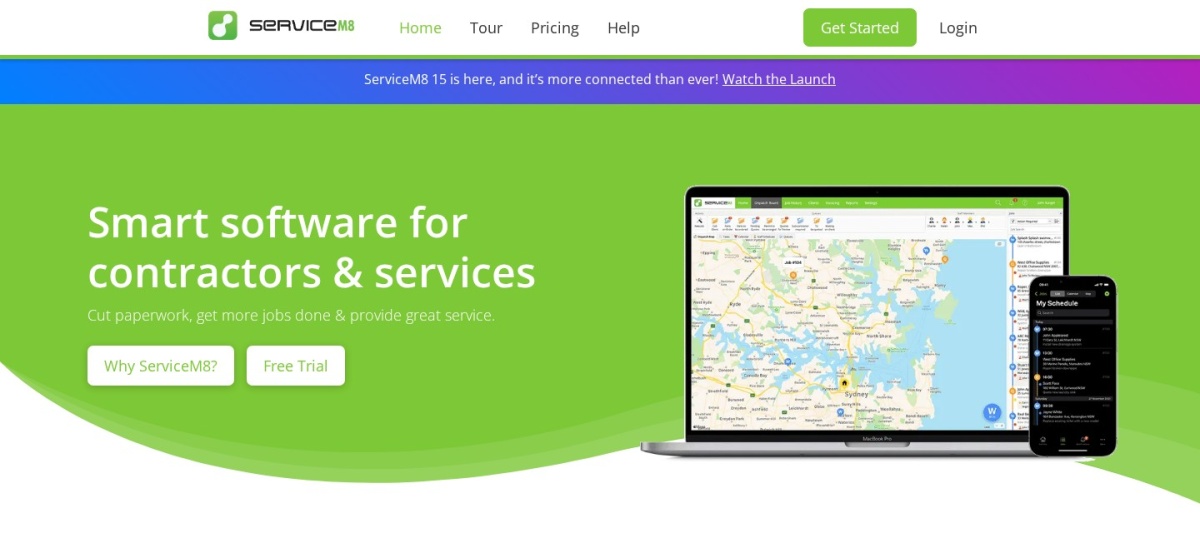
ServiceM8 is a straightforward field service app for small contractors, covering jobs, scheduling, dispatch, quotes, invoices and payments. The free plan covers one user and 30 jobs a month, while Starter at $29 a month allows unlimited users and 50 jobs a month. It is rated 4.5 out of 5 on Capterra from 300-plus reviews.
The trade off is depth. Pricing is by job volume rather than per user, so a busy team moves up the tiers fast, and reporting is thinner than in ServiceTitan or Salesforce. It suits small contractors that want simple pricing, no contracts and a 14-day free trial on paid plans.
Connecteam is an all-in-one app for frontline and deskless teams, covering job scheduling, a GPS time clock, forms, chat and onboarding. The free Small Business plan covers up to 10 users, while paid hubs start at $29 a month for the first 30 users. It is rated 4.6 out of 5 on G2 from 3,506 reviews.
The trade off is that it manages people more than jobs. Operations, Communications and HR are sold as separate hubs, so the cost rises if you need all three, and dispatch is lighter than in Jobber or ServiceTitan. It suits crews that need scheduling, time tracking and team chat in one cheap app.
What we like
Free for teams of up to 10 users
Scheduling, GPS time clock and chat in one app
Largest review base here at 3,506 G2 reviews
Flat $29 a month per hub for the first 30 users
Watch out for
Hubs are sold separately, so full coverage costs more
Lighter dispatch than dedicated field service tools
Costs rise sharply as the team grows past 30 users
Three tools in this list publish no prices: ServiceTitan, Zuper and Skedulo. That is normal for enterprise field service, but it means the first-year cost is a negotiation, not a number on a page.
Ask for the per-user or per-technician monthly rate, the implementation fee, the contract length and what happens at renewal. ServiceTitan contracts commonly run 12 to 36 months, and Skedulo has a one-year minimum.
Get the trial or demo in writing before you sign. A demo shows the dispatch board, but only a trial with your own jobs shows whether the scheduling fits your routes.
How we chose
We started from the field service tools with the largest G2 and Capterra review bases, then kept nine that cover small teams, large trade operations, construction and frontline crews.
Prices come from each vendor's pricing page or G2 pricing listing, checked on 25 November 2026. Ratings and review counts come from G2 or Capterra on the same day. Where a vendor shows a sale, the list shows the regular price.
We left out tools with no public rating base and tools aimed only at one trade. No vendor paid for a place, and we do not claim hands-on testing for this list.
How to choose field force management software
Start with team size, then check the price model before you book demos.
Count your field team first. Solo operators and crews under 10 fit Jobber, Housecall Pro or ServiceM8. Teams over 20 with a dispatcher belong on ServiceTitan, Salesforce or Skedulo.
List the jobs you actually run. Residential visits need quotes, invoices and a price book. Construction needs drawings and punch lists, which is Fieldwire's strength.
Check the price model. Published monthly prices are easy to compare. For quote-only tools, ask for the per-user rate, implementation fee and contract length in writing.
Run a trial with real jobs. Book a trial and load a normal week of work, including a late job and a reschedule. See how to add a booking calendar to WordPress for the same booking flow on a small site.
FAQ
What is the best field force management software?
Jobber is the best pick for most small service teams. Its Core plan covers scheduling, quotes, invoicing and payments for $49 a month, and it is rated 4.6 out of 5 on G2 from 530 reviews.
What is field force management software?
It is software that runs a mobile workforce: scheduling, dispatch, job tracking, quotes, invoices and payments in one system. Technicians use it from their phones, while dispatchers see every job, route and worker in real time.
How much does field force management software cost?
Small-team tools start at $29 a month, with Jobber at $49 and Housecall Pro at $79 a month. Enterprise tools such as ServiceTitan, Zuper and Skedulo are quote-only, with third-party estimates for ServiceTitan at $245 to $500 per technician a month.
Is there free field force management software?
Yes. Connecteam is free for up to 10 users, Fieldwire has a free plan for 5 users and 3 projects, and ServiceM8 is free for one user and 30 jobs a month. Free plans cover scheduling and basic jobs, while quoting and reporting usually need a paid plan.
Which tool is best for large field teams?
ServiceTitan is the strongest choice for large multi-truck HVAC, plumbing and electrical operations. Salesforce Field Service fits enterprises already on Salesforce, and Skedulo fits large teams where complex skill-based scheduling is the main problem.
Do I need a contract for field force management software?
It depends on the tool. Jobber, Housecall Pro and ServiceM8 have no long-term contracts, while ServiceTitan contracts commonly run 12 to 36 months and Skedulo has a one-year minimum. Check the contract length before you sign.
SaaS SEO and WordPress specialist with about 8 years of experience. Rakib compares WordPress plugins, themes, hosting and software using public pricing, documentation and user reviews. See how we rank.