LaunchDarkly is the best feature flag software for most teams, with a free Developer tier, unlimited seats and flags, and a top G2 rating from 914 reviews. Pick Flagsmith for open source flags from $45 a month, or Statsig if you want flags, experiments and analytics on one free plan.
How we make this list: we compare pricing pages, product documentation and public user reviews, then re-check every price before each update. No product paid for a place. Disclosure.
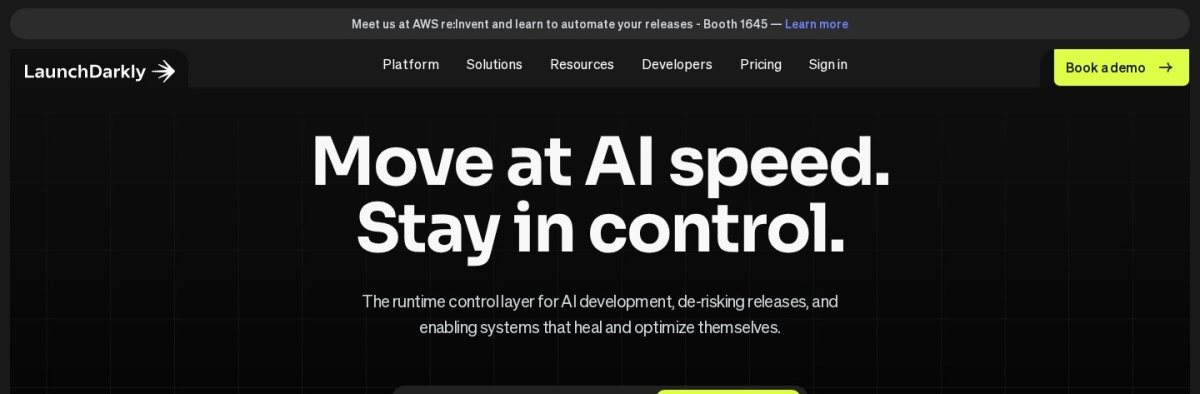
LaunchDarkly leads on governance and scale, with unlimited seats and flags even on its free Developer tier.
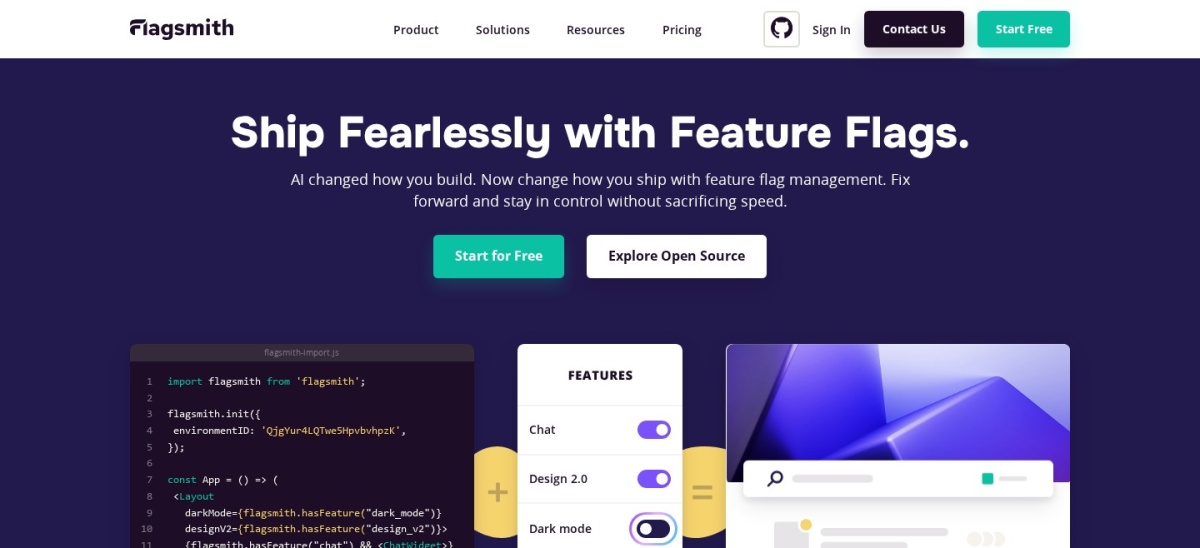
Flagsmith is the best open source pick: free self-hosting, remote config, and a $45-a-month Start-Up plan.
ConfigCat charges a flat $110 a month for Pro with unlimited seats, so the bill does not grow with headcount.
Statsig gives the most generous free tier: 2 million events a month, unlimited flag checks and 50,000 session replays.
Unleash and GrowthBook both offer free self-hosted editions, but their paid cloud plans charge $75 and $40 per seat a month.
Split and Optimizely publish no paid prices, so budget for a sales quote before you shortlist them.
What to look for in feature flag software
Feature flag software lets a team turn a feature on or off without a new deploy. A flag can limit a release to 1% of users, a single team or one region, then roll it back in seconds if something breaks.
The core features to compare are targeting rules, percentage rollouts, kill switches and flag history. Larger teams also need approvals, audit logs and role-based access, which often sit on higher plans.
Pricing is the hardest part to compare, because vendors charge in different ways: per seat, per monthly active user, per request or per event. A staging site is still the safest place to check a risky change first; our guide on setting up a staging site for WordPress covers the setup.
Free plans vary just as much. Some cap flags or seats, while others cap requests or events, so check the limit that matches how your app actually runs.
LaunchDarkly is the most established feature flag platform in this list, with 30-plus SDKs and unlimited flags on every plan. The free Developer tier includes unlimited seats, unlimited flags with targeting, 1 project and 3 environments, plus A/B tests and multi-armed bandits.
The trade off is price. Foundation is pay-as-you-go, listed at $10 per 1,000 client-side monthly active users a month, with service connections billed on top, so the bill moves with traffic. It suits large or regulated teams that need approvals, audit logs and governed rollouts.
What we like
Unlimited seats and flags on every plan
30-plus SDKs across server, web and mobile
Approvals, audit logs and guarded rollouts
Built-in experimentation with Bayesian and frequentist analysis
Watch out for
Usage-based bill is hard to forecast
SSO, custom roles and full audit history need Enterprise
Free tier allows only 1 project and 3 environments
Flagsmith is an open source feature flag and remote config platform, licensed under BSD-3-Clause. The free cloud plan covers unlimited flags, environments and segments for up to 50,000 API requests a month, and the self-hosted edition has no request limit.
The trade off is experimentation depth. A/B and multivariate testing need the Start-Up plan at $45 a month, which raises the limit to 1 million requests, and there is no built-in stats engine. It suits small teams that want open source flags at a predictable price.
What we like
Open source with a free self-hosted edition
Remote config alongside boolean flags
Unlimited flags on the free cloud plan
Low $45-a-month starting price
Watch out for
A/B testing needs the paid Start-Up plan
No built-in experimentation statistics
Enterprise controls such as SSO sit on higher tiers
ConfigCat is a feature flag and remote config service with unlimited seats on every plan. The free plan includes 10 feature flags, 2 environments, 2 products and 5 million config downloads a month, with SDKs for JavaScript, .NET, Java, Go, Python and more.
The trade off is the free plan's caps. Ten flags and 2 environments cover a small product, but a growing team will need Pro at $110 a month for 100 flags and 25 million downloads. It suits teams that want flat, predictable pricing without per-seat billing.
What we like
Unlimited seats on every plan
Flat pricing with no per-user charges
Free plan includes 5 million downloads a month
SDKs for 19 languages and frameworks
Watch out for
Free plan allows only 10 flags
No built-in experimentation or stats engine
Smart plan at $325 a month is needed for unlimited flags
Statsig is an experimentation-first platform that combines feature flags, A/B tests, product analytics and session replay. The free Developer tier includes 2 million metered events a month, unlimited flag and config checks, 50,000 session replays a month and unlimited seats.
The trade off is event-based billing. Flags themselves are free to check, but analytics and experiment events count toward the meter, and Pro costs $150 a month for 5 million events, with $0.05 per extra 1,000. It suits teams that want flags and measurement in one place.
What we like
Generous free tier with 2 million events a month
Unlimited flag checks on every plan
Flags, experiments, analytics and replays in one tool
50,000 free session replays a month
Watch out for
Event billing can be hard to forecast
Pro covers only one project per subscription
Docs and setup are aimed at developers
Pro adds 5 million events and unlimited analytics retentionVisit statsig.com
05
GrowthBook
4.6/5on G2 (26 reviews, checked Nov 2026)
Paid from$40/mo
Best warehouse-native experimentation
Free cloud usersUp to 3
Self-hostedFree, unlimited users
StatisticsBayesian, CUPED, bandits
Paid planPro, $40/seat/mo
growthbook.io
GrowthBook homepage, captured Nov 2026.
GrowthBook is an open source feature flag and experimentation platform that analyses results in your own data warehouse. The free cloud Starter plan covers up to 3 users and 1 project with unlimited flags, experiments and traffic, and the self-hosted edition is free with unlimited users.
The trade off is seat pricing on cloud. Pro costs $40 per seat a month for up to 30 users and 3 projects, adding the visual editor, multi-arm bandits and safe rollouts. It suits warehouse-first teams that want strong statistics without per-user traffic charges.
What we like
Open source with a free self-hosted edition
Warehouse-native stats, including CUPED and bandits
Unleash is the longest-running open source feature flag platform in this list, in use since 2014. The free self-hosted edition covers 1 project, 2 environments and 5,000 flags with no seat limit, and flags are evaluated locally in your apps by 25-plus SDKs.
The trade off is per-seat pricing on the managed plans. Pay-As-You-Go costs $75 per seat a month with a 5-seat minimum for self-hosted, and includes 53 million API requests a month. It suits regulated teams that need open source control and in-app flag evaluation.
What we like
Open source with a free self-hosted edition
Flags evaluated locally, so user data stays in-house
25-plus SDKs
Unlimited client-side users on paid plans
Watch out for
Paid cloud starts at $75 per seat a month
No native experimentation suite
Open source edition allows only 1 project and 2 environments
Pay-As-You-Go adds SSO, approvals and a 99.9% uptime commitmentVisit getunleash.io
07
Split (Harness FME)
4.7/5on G2 (145 reviews, checked Nov 2026)
PricingCustom/yr
Best for impact analysis with flags
Free flags50
Free seatsUp to 10
ExperimentationBuilt-in impact analysis
Paid planCustom quote
split.io
Split (Harness FME) homepage, captured Nov 2026.
Split is a feature management and experimentation platform, now sold as Harness Feature Management and Experimentation after Harness acquired Split in 2024. It pairs flags with impact analysis that ties a flag change to business metrics, with 15-plus open source SDKs.
The trade off is pricing transparency. The free tier covers up to 10 seats, 50 flags and 2 environments, but Harness publishes no paid dollar figure, and third-party reports put the Teams plan at $33 per seat a month. It suits teams already using Harness that want flags and experiments together.
What we like
Strong impact analysis tied to flag changes
Built-in experimentation with rigorous statistics
Free tier with 10 seats and 50 flags
15-plus open source SDKs
Watch out for
No published paid price; quotes only
Free tier caps at 50 flags
Direction is now tied to the wider Harness platform
Paid plans add SSO, audit logs and data exportVisit split.io
08
DevCycle
4.5/5on G2 (36 reviews, checked Nov 2026)
Paid from$500/mo
Best flags-first tool for developers
Free MAUs1,000
Business MAUs100,000 included
Events500,000/mo (Business)
Paid planBusiness, $500/mo
devcycle.com
DevCycle homepage, captured Nov 2026.
DevCycle is a feature flag platform with edge-based local evaluation and A/B testing on every plan. The free plan includes unlimited seats, flags, environments and projects for up to 1,000 client-side monthly active users, and Dynatrace acquired DevCycle in January 2026.
The trade off is the jump to paid. Business costs $500 a month billed annually, or $625 a month billed monthly, and includes 100,000 monthly active users and 500,000 events a month. It suits developer-led teams that want flags first with simple usage-based pricing.
What we like
A/B testing on the free plan
Unlimited seats, flags and environments
Edge-based flag evaluation
OpenFeature-native SDKs
Watch out for
Big jump from free to the $500-a-month Business plan
Statistics are limited to z-tests and t-tests
Business is $500 a month only on annual billing
Business adds roles, audit logging and 100,000 monthly usersVisit devcycle.com
09
Optimizely Feature Experimentation
4.3/5on G2 (117 reviews, checked Nov 2026)
PricingCustom/yr
Best for rigorous stats at scale
Free planRollouts, unlimited flags
Experiments1 at a time free
SDKs12+
Paid planCustom quote, MAU-based
optimizely.com
Optimizely Feature Experimentation homepage, captured Nov 2026.
Optimizely Feature Experimentation is the server-side flag and experimentation product in the Optimizely platform. The free Rollouts plan includes unlimited feature flags with one experiment at a time, and paid plans add its Stats Engine with sequential, Bayesian and frequentist analysis.
The trade off is cost and opacity. Paid plans are billed by monthly active users and need a sales quote, with third-party estimates starting near $36,000 a year. It suits large, data-mature teams that need rigorous statistics and governance at scale.
Per-seat tools such as GrowthBook at $40 and Unleash at $75 a month are easy to forecast from headcount, but the bill grows every time a new teammate needs access.
Usage-based tools such as LaunchDarkly, Statsig and DevCycle charge by traffic or events instead, so a quiet month costs less and a busy launch costs more.
Flat tools such as ConfigCat at $110 a month and Flagsmith at $45 a month keep the bill steady, with limits on flags, requests or downloads instead of seats.
Quote-only tools such as Split and Optimizely need a sales conversation before you can budget at all, so ask for a written quote early.
How we chose
We started from the feature flag tools that appear most often in G2, Capterra and developer comparisons, then kept nine established products with a public free plan or free tier.
Prices come from each vendor's pricing page, checked on 25 November 2026. Ratings come from G2 on the same day. Where a vendor shows a sale or a monthly-versus-annual rate, the list shows the regular price.
We left out tools with no public pricing and no free tier, and tools that are only a small part of a wider suite. No vendor paid for a place, and we do not claim hands-on testing for this list.
How to choose feature flag software
Start with how your team ships, then match the pricing model to your traffic.
Count who needs access. Per-seat tools get expensive when many people manage flags. If most of your team needs access, prefer unlimited-seat tools such as LaunchDarkly, ConfigCat or Flagsmith.
Check the free tier's real limit. Some free plans cap flags, others cap requests, events or users. Trial new flags on a staging copy first; our guide on setting up a staging site for WordPress shows the setup.
Decide if you need experiments. If every release needs a measured result, pick Statsig, GrowthBook or Split. If you only need safe rollouts, a flags-only tool such as ConfigCat or Flagsmith costs less.
Ask for the quote early. Split and Optimizely publish no paid prices. Get a written quote before you shortlist them, and check what counts toward the meter.
FAQ
What is the best feature flag software?
LaunchDarkly is the best pick for most teams. Its free Developer tier includes unlimited seats and flags, it is rated 4.5 out of 5 on G2 from 914 reviews, and it covers approvals, audit logs and guarded rollouts for large teams.
What is the best free feature flag software?
Flagsmith is the best free option for most small teams, with unlimited flags on its free cloud plan and a free self-hosted edition. Statsig is the strongest free choice if you also want experiments, analytics and session replay in one tool.
What is the best open source feature flag software?
Flagsmith, Unleash and GrowthBook all offer free self-hosted editions. Flagsmith is simplest for flags plus remote config, Unleash suits regulated teams that need local flag evaluation, and GrowthBook adds warehouse-native experimentation.
How much does feature flag software cost?
Paid plans in this list start at $40 per seat a month for GrowthBook and $45 a month for Flagsmith, and climb to $500 a month for DevCycle Business. LaunchDarkly and Statsig charge by usage, while Split and Optimizely publish no prices.
Do I need a paid plan to use feature flags?
No. Every tool in this list has a free plan or free tier, and most include unlimited flags. Paid plans mainly add higher limits, approvals, audit logs, single sign-on and support, so start free and upgrade when a limit blocks you.
What is the difference between feature flags and A/B testing?
A feature flag turns a feature on or off for a chosen audience, while an A/B test compares two versions to measure which performs better. Many tools combine both, using a flag to split traffic and a stats engine to read the result.
SaaS SEO and WordPress specialist with about 8 years of experience. Rakib compares WordPress plugins, themes, hosting and software using public pricing, documentation and user reviews. See how we rank.