ANSYS Mechanical is the best FEA software for most engineering teams, rated 4.4 out of 5 on G2 from 93 reviews, with the broadest multiphysics coverage. Pick Abaqus for nonlinear analysis, Autodesk Fusion for affordable CAD-integrated simulation at $680 a year, and SimScale for a free cloud plan.
How we make this list: we compare pricing pages, product documentation and public user reviews, then re-check every price before each update. No product paid for a place. Disclosure.
ANSYS Mechanical is the top pick for enterprise multiphysics, rated 4.4/5 on G2 from 93 reviews.
Abaqus is the pick for nonlinear analysis and complex materials, rated 4.3/5 from 54 reviews.
Autodesk Fusion is the only tool here with a published price: $680 a year, with a free personal-use tier.
SimScale's free Community plan is the most open free option: 10 simulations and up to 2,000 core hours.
Seven of the nine tools are quote-based, so budget for five-figure licenses plus training on the enterprise picks.
What FEA software should cover
FEA software predicts how a part or assembly behaves under load, heat and vibration before it is built. A single afternoon of analysis can catch a stress concentration that would otherwise cost a fortune in tooling changes.
The tools split into three groups. Enterprise solvers such as ANSYS and Abaqus handle the hardest physics, CAD-integrated tools such as Fusion and SOLIDWORKS Simulation bring analysis to the designer, and SimScale runs everything in the cloud.
Pricing is the hardest part of this market. Seven of the nine tools here are sold through quotes, so the list shows that plainly instead of repeating third-party estimates. Only Fusion publishes a price, at $680 a year.
Ratings come from G2, checked on 25 November 2026. Review counts are small for specialist solvers, so read the rating beside the count: 3 reviews for MSC Nastran is not the same evidence as 519 for Fusion.
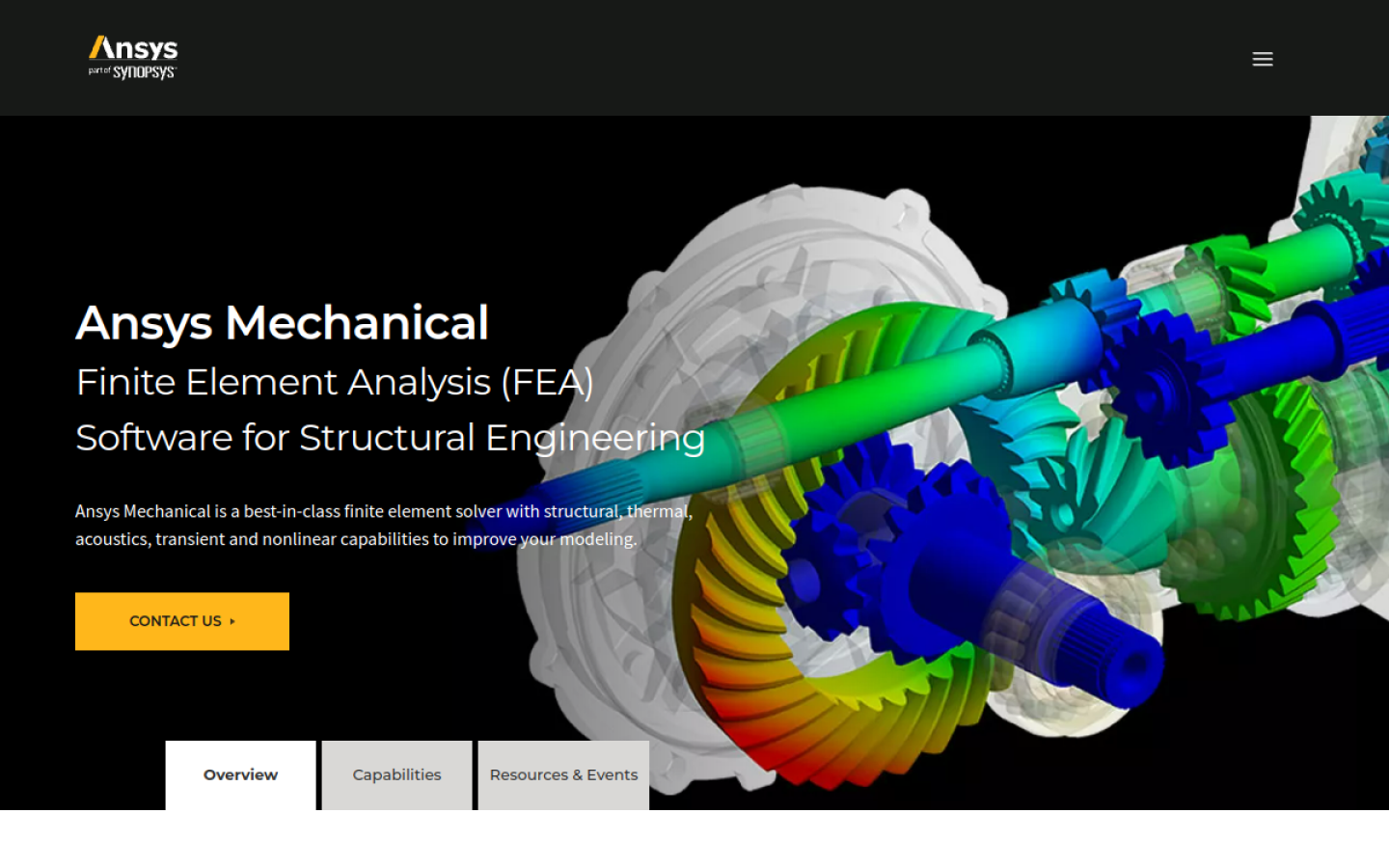
ANSYS Mechanical is the reference FEA solver for enterprise engineering, covering structural, thermal, fluid and electromagnetic analysis in one platform. It handles linear statics, nonlinear contact, fatigue and coupled physics, and it is rated 4.4 out of 5 on G2 from 93 reviews. A free student version is available for learning.
The trade off is price and complexity. Licenses are quote-based and typically run into five figures per seat, and advanced modules need trained specialists and serious compute hardware. It suits large automotive, aerospace and industrial teams that run simulation at scale.
What we like
Broadest multiphysics coverage in this list
Deep solver for linear and nonlinear problems
Huge user community and training resources
Watch out for
Quote-based enterprise pricing
Steep learning curve for advanced workflows
Heavy hardware requirements for large models
Paid plans are quote-based; a free student version is availableVisit ansys.com
02
Abaqus
4.3/5on G2 (54 reviews, checked Nov 2026)
PricingQuote/yr
Best for nonlinear analysis
Solver focusNonlinear, contact, materials
Free planFree trial
SolversStandard and Explicit
Paid planQuote-based
3ds.com
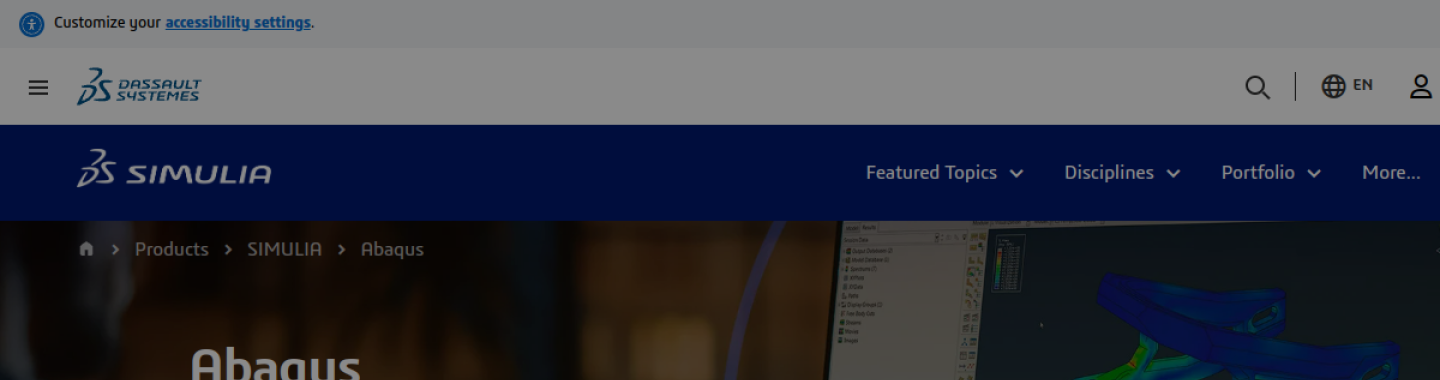
Abaqus homepage, captured Nov 2026.
Abaqus is the Dassault Systemes SIMULIA solver engineers reach for when the physics gets difficult. It covers nonlinear deformation, complex contact, advanced material models, crash and impact, with Abaqus/Standard for implicit analysis and Abaqus/Explicit for high-speed transient events. It is rated 4.3 out of 5 on G2 from 54 reviews.
The trade off is that it is sold through quotes and the interface assumes experience. Pricing is quote-based, typically bundled into enterprise agreements, and a free student edition exists for learning. It suits teams doing serious materials, contact and crash work.
What we like
Exceptional nonlinear and contact analysis
Deepest material model library
Trusted in automotive and aerospace
Watch out for
Quote-based pricing
Demanding interface for newcomers
Analysis setup rewards experienced users
Paid plans are quote-based; a free student edition existsVisit 3ds.com
03
COMSOL Multiphysics
4.3/5on G2 (36 reviews, checked Nov 2026)
PricingQuote/yr
Best for coupled multiphysics
Solver focusCoupled multiphysics
Free planFree trial
Runs onDesktop, HPC
Paid planQuote-based
comsol.com
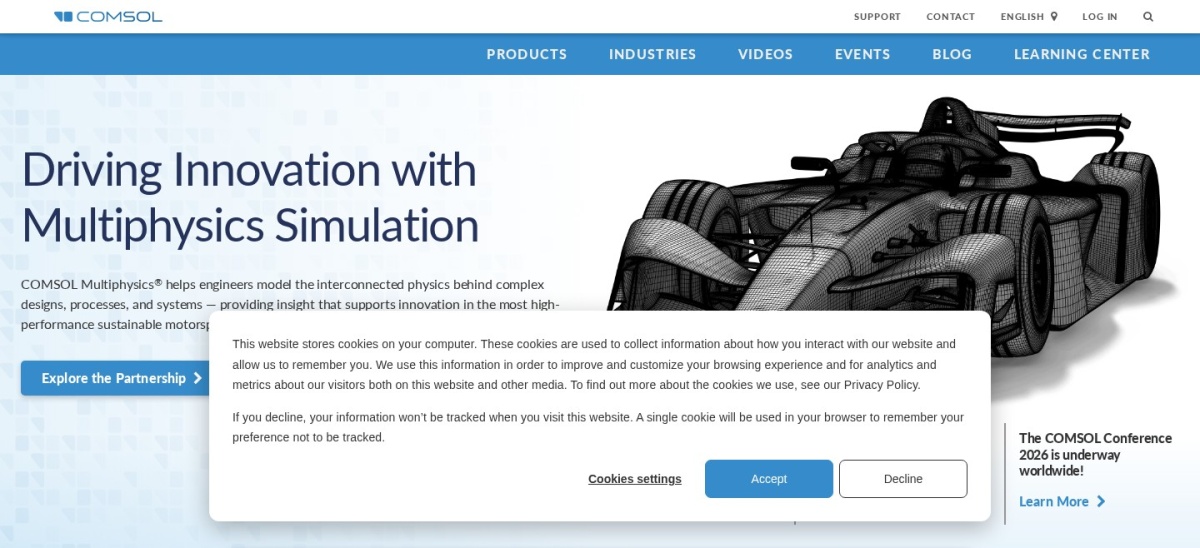
COMSOL Multiphysics homepage, captured Nov 2026.
COMSOL Multiphysics is a general multiphysics platform that couples structural mechanics with heat transfer, fluid flow, electromagnetics, acoustics and chemical reactions in a single model. That coupling is the point for R&D work such as battery thermal management and microfluidic devices. It is rated 4.3 out of 5 on G2 from 36 reviews.
The trade off is that the flexibility demands expertise and pricing is quote-based. You need to understand the underlying physics to use it well, and add-on modules add cost. It suits research and product teams whose problems refuse to stay in one physics domain.
Autodesk Fusion is a cloud-connected CAD, CAM and CAE platform with static stress, thermal, buckling and modal analysis built in. The base subscription costs $680 a year, and a free personal-use tier covers non-commercial projects. It is rated 4.5 out of 5 on G2 from 519 reviews, the largest review base in this list.
The trade off is depth. Fusion handles design validation well but will not replace a dedicated solver for complex nonlinear or multiphysics work, and advanced simulation needs paid extensions. It suits small product teams that need CAD and simulation in one affordable seat.
What we like
Only tool here with a published price
Combines CAD, CAM and simulation
Free personal-use tier for non-commercial work
Watch out for
Simulation depth is lighter than enterprise solvers
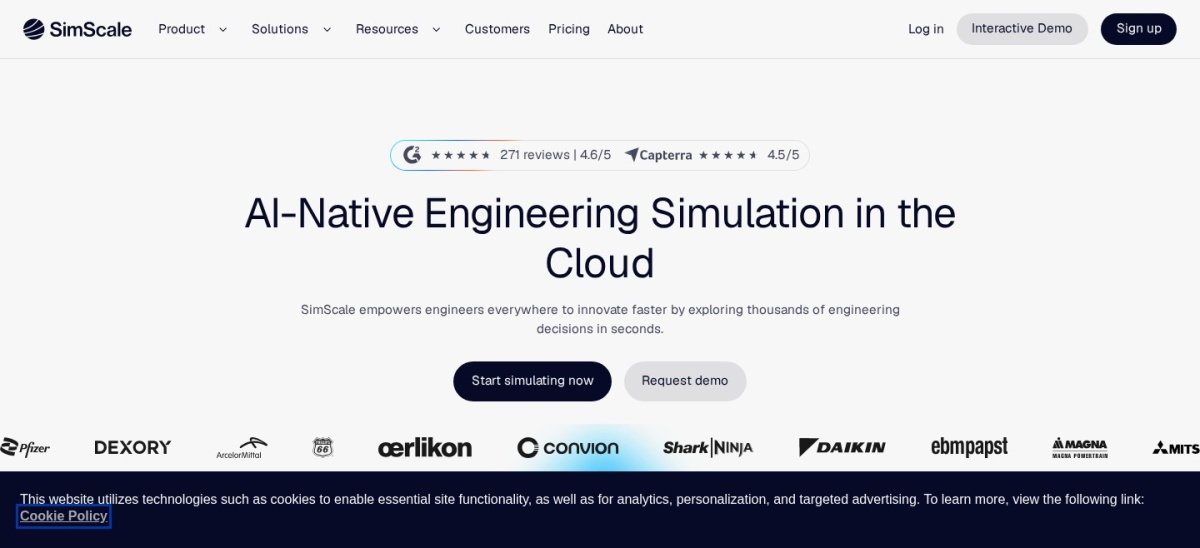
SimScale is a cloud-native simulation platform that runs structural, fluid and thermal studies in the browser on cloud HPC. There is no workstation to buy and no solver to install, and the free Community plan covers selected analysis types with 10 simulations and up to 2,000 core hours. It is rated 4.6 out of 5 on G2 from 284 reviews.
The trade off is that paid plans are quote-based and your models live on someone else's cloud. Mechanical, Professional and Enterprise plans are custom-priced, which rules SimScale out for some defense and IP-sensitive work. It suits design engineers who need answers fast without CAE infrastructure.
What we like
Runs entirely in the browser, no workstation needed
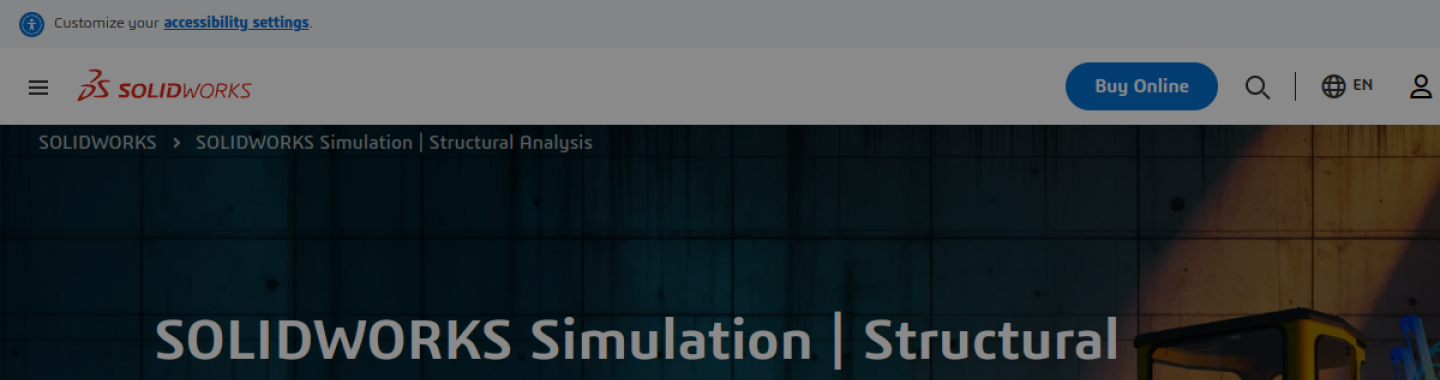
SOLIDWORKS Simulation homepage, captured Nov 2026.
SOLIDWORKS Simulation is FEA that runs inside SOLIDWORKS, so engineers validate parts and assemblies without exporting models or learning a separate pre-processor. It covers linear statics, thermal and basic nonlinear studies, and it is rated 4.4 out of 5 on G2 from 60 reviews. Tweaking geometry and re-running a study takes minutes.
The trade off is that it is a quote-priced add-on to SOLIDWORKS, and deep nonlinear analysis, complex contact and large assemblies push past its comfort zone. It suits product teams that need simulation inside the design workflow they already use.
Simcenter 3D is Siemens' integrated CAE environment for structural, dynamics, durability, electromagnetics, motion and acoustics simulation. It serves as the pre- and post-processing hub and can even drive third-party solvers such as ANSYS, Abaqus and MSC Nastran from the same desktop. It is rated 4.3 out of 5 on G2 from 211 reviews.
The trade off is enterprise pricing and breadth. Licenses are quote-based with flexible token licensing, and the full portfolio takes time to navigate. It suits large teams that want simulation, testing and design data in one Siemens environment.
Altair HyperWorks is a CAE suite built around pre-processing, solving and optimization, with the OptiStruct solver for structural optimization and the RADIOSS solver for crash and impact. It covers linear and nonlinear analysis, and it is rated 4.3 out of 5 on G2 from 56 reviews. Its strength is turning simulation results into lighter, stronger parts.
The trade off is quote-based enterprise pricing and a suite that takes time to learn. HyperWorks is sold through quotes, and Siemens' acquisition of Altair means the portfolio now sits beside Simcenter. It suits teams that optimize structures for weight, crash and durability.
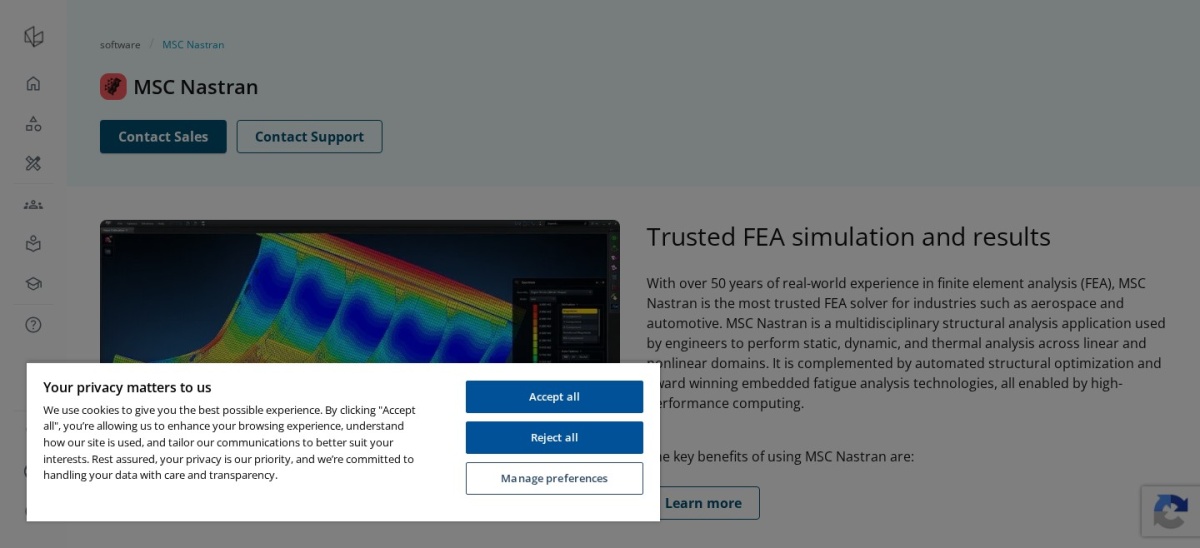
MSC Nastran is the structural solver with the longest track record in the industry, trusted in aerospace and automotive for more than 50 years. It handles static, dynamic and thermal analysis across linear and nonlinear domains, with built-in structural optimization and fatigue analysis. It is rated 4.3 out of 5 on G2 from 3 reviews.
The trade off is that it is a solver first and a user experience second. Most teams pair it with a pre- and post-processor such as MSC Apex or Patran, and pricing goes through Hexagon's sales team with no free trial. It suits aerospace teams where certification and heritage matter most.
Cloud tools such as SimScale and Fusion run the heavy solving on remote servers, so a normal laptop is enough. That is the fastest way to start, and the only way without buying workstation hardware.
Desktop solvers such as ANSYS, Abaqus and MSC Nastran keep models and results on your own machines. That matters for defense, aerospace and IP-sensitive work, where data cannot leave the network.
The middle ground is a CAD-integrated tool. SOLIDWORKS Simulation and Fusion run on the desktop but store and share work in the cloud, so teams get local control with cloud collaboration.
How we chose
We started from the established FEA solvers used in real engineering organizations, then kept the nine with current vendor pages and public review ratings.
Prices come from each vendor's pricing page, checked on 25 November 2026. Ratings and review counts come from G2 on the same day. Where a vendor shows no price, the list says quote-based instead of repeating a third-party estimate.
We left out defunct products and open-source solvers without public review ratings. No vendor paid for a place, and we do not claim hands-on testing for this list.
How to choose FEA software
Start from the physics your parts actually face, then match the solver to that problem.
Match the solver to the physics. Linear statics on machined parts is a CAD-integrated tool's job; crash, nonlinear contact and advanced materials belong to Abaqus or ANSYS.
Check what free access you get first. SimScale's Community plan and Fusion's personal-use tier let you run real studies before spending anything, while ANSYS and Abaqus offer student editions for learning.
Budget for more than the license. Training, compute hardware and support often cost more than the solver, and quote-based tools typically run into five figures per seat.
Trial the workflow, not just the solver. Meshing, CAD import and result review decide daily speed more than solver depth, so run one of your own parts through the trial before you commit.
FAQ
What is the best FEA software?
ANSYS Mechanical is the best FEA software for most engineering teams. It covers structural, thermal, fluid and electromagnetic analysis in one platform and is rated 4.4 out of 5 on G2 from 93 reviews.
How much does FEA software cost?
Most enterprise FEA tools are quote-based and typically run into five figures per seat per year. Autodesk Fusion is the exception here, with a published price of $680 a year, and SimScale offers a free Community plan.
Is there free FEA software?
SimScale has a free Community plan with 10 simulations and up to 2,000 core hours, and Autodesk Fusion has a free tier for personal, non-commercial use. ANSYS and Abaqus offer free student editions for learning, but not for commercial work.
What is the difference between ANSYS and Abaqus?
ANSYS Mechanical wins on multiphysics breadth and ecosystem, covering structures, fluids, heat and electromagnetics in one platform. Abaqus wins on depth in nonlinear structural analysis, contact and advanced material models.
Can FEA run in the cloud?
Yes. SimScale runs entirely in the browser on cloud HPC, and Autodesk Fusion combines desktop CAD with cloud solving and storage. Desktop solvers such as ANSYS and Abaqus can also run on HPC clusters, but the models stay on your own hardware.
Which FEA software is best for beginners?
Autodesk Fusion is the easiest starting point, with CAD, CAM and simulation in one seat at $680 a year and a free personal-use tier. SimScale is the other easy entry point, since it runs in the browser and needs no workstation.
SaaS SEO and WordPress specialist with about 8 years of experience. Rakib compares WordPress plugins, themes, hosting and software using public pricing, documentation and user reviews. See how we rank.