Helpjuice is the best FAQ software for most teams. Its flat $249-a-month plan covers 30 users, the vendor designs the help center for you, and it is rated 4.7 out of 5 on G2 from 382 reviews. Pick ProProfs for a free start, or Document360 when your docs run into hundreds of articles.
How we make this list: we compare pricing pages, product documentation and public user reviews, then re-check every price before each update. No product paid for a place. Disclosure.
Helpjuice charges a flat $249 a month for 30 users and designs the help center for you; AI features need the $449 tier.
Document360 and Stonly price by quote, so budget only after a sales call and use the trial first.
ProProfs, Crisp and BetterDocs all have free plans; ProProfs allows 25 articles free.
Zendesk and Freshdesk both start at $19 per agent a month, but Zendesk's full Guide features need Suite at $55.
Crisp only adds its knowledge base on Essentials at $95 a workspace a month, not on the $45 Mini plan.
What FAQ software should do
FAQ software is the public face of support. It holds the short answers customers search for first, so a good tool makes those answers easy to write, easy to find and easy to keep current.
Search quality decides whether the FAQ section actually deflects tickets. Customers type misspelled queries and partial phrases, so typo-tolerant search and failed-search reports matter more than a long feature list.
Pricing models differ more than the features do. Some tools charge per agent or per author, Helpjuice charges a flat monthly rate, Crisp charges per workspace, and two tools in this list price by quote. Our guide on adding FAQ in WordPress shows the cheapest route when the site already runs on WordPress.
Where answers get read matters too. A public help center needs SEO controls and a custom domain, an in-product widget needs embeddable guides, and an AI chatbot needs structured, current content.
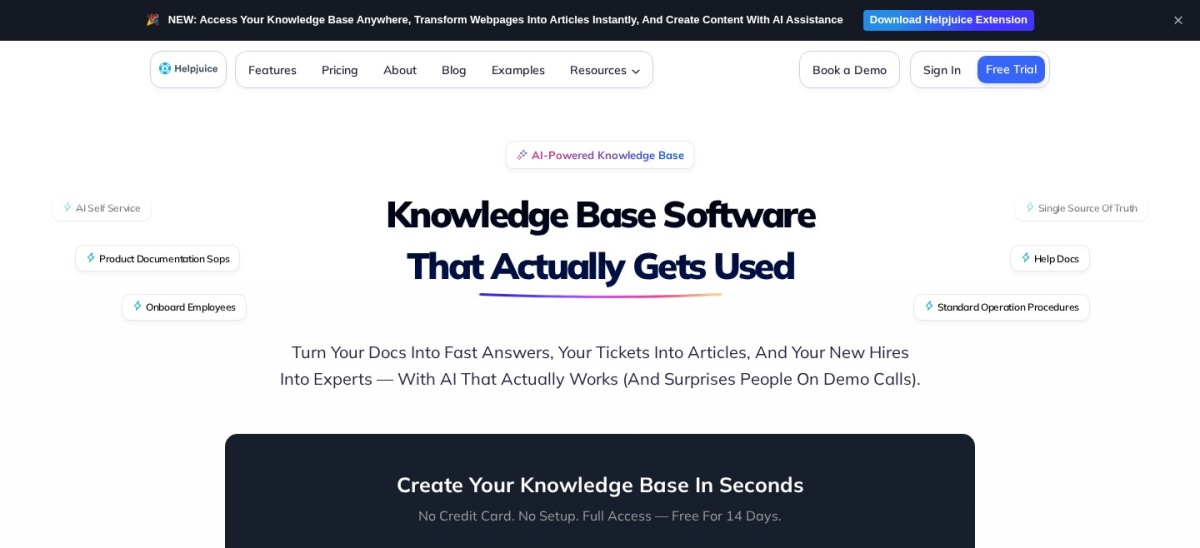
Helpjuice is a dedicated knowledge base platform that builds customer-facing FAQ sections and help centers. The $249-a-month plan covers 30 users, 12GB of file storage and unlimited articles, and the Helpjuice team handcrafts the design so the help center matches your brand without code.
The trade off is price and AI. The base plan excludes the AI suite, which includes the AI writer, AI search and chatbot, so teams that want AI pay $449 a month instead. It suits mid-size teams that want a polished help center live fast and can pay for the done-for-you design.
What we like
Vendor designs your help center for you
Flat pricing by user count, not articles
Strong AI search and translation into 40-plus languages
Analytics show what people search for and never find
Watch out for
$249 entry price is steep for tiny teams
AI chatbot and AI search cost extra on the base plan
No free plan, only a 14-day trial
Paid AI tier adds the AI writer, search and chatbot at $449/moVisit helpjuice.com
02
Document360
4.7/5on G2 (543 reviews, checked Nov 2026)
PricingCustom/yr
Best for large documentation sets
Cheapest paid planQuote only
Knowledge basesMultiple projects
EditorsMarkdown and WYSIWYG
Free plan14-day trial
document360.com
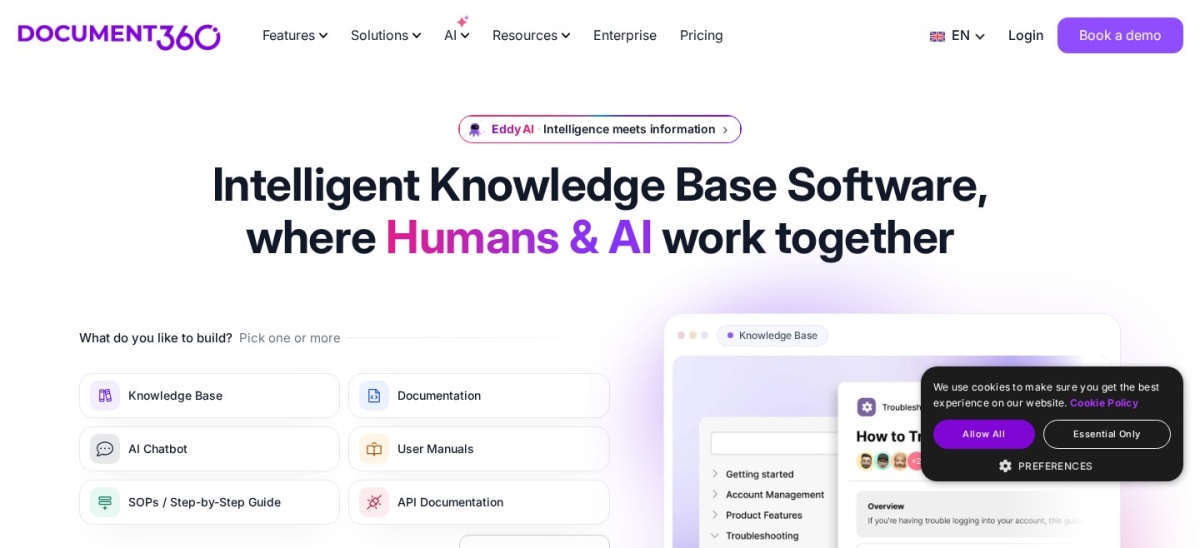
Document360 homepage, captured Nov 2026.
Document360 is a dedicated knowledge base platform for public help centers, product docs and internal handbooks. It handles multiple knowledge bases under one account, with markdown and WYSIWYG editors, reusable content blocks, version history and approval workflows that route articles before publishing.
The trade off is the buying process. Pricing is quote-based, so you talk to sales and the quote depends on workspaces, languages, team accounts and AI use. It suits SaaS teams with hundreds of articles, API docs and review workflows that a simple FAQ page cannot hold.
ProProfs Knowledge Base homepage, captured Nov 2026.
ProProfs Knowledge Base is a knowledge base tool for public help centers, internal wikis and product documentation. The free plan covers all premium features for up to 25 articles, and the Essentials plan costs $49 per author per month, with readers costing nothing on every plan.
The trade off is polish. The editor and themes feel dated next to Helpjuice or Document360, and advanced customization sits on higher tiers. It suits startups and small teams that need a real FAQ section this week at no cost, with a clear upgrade path.
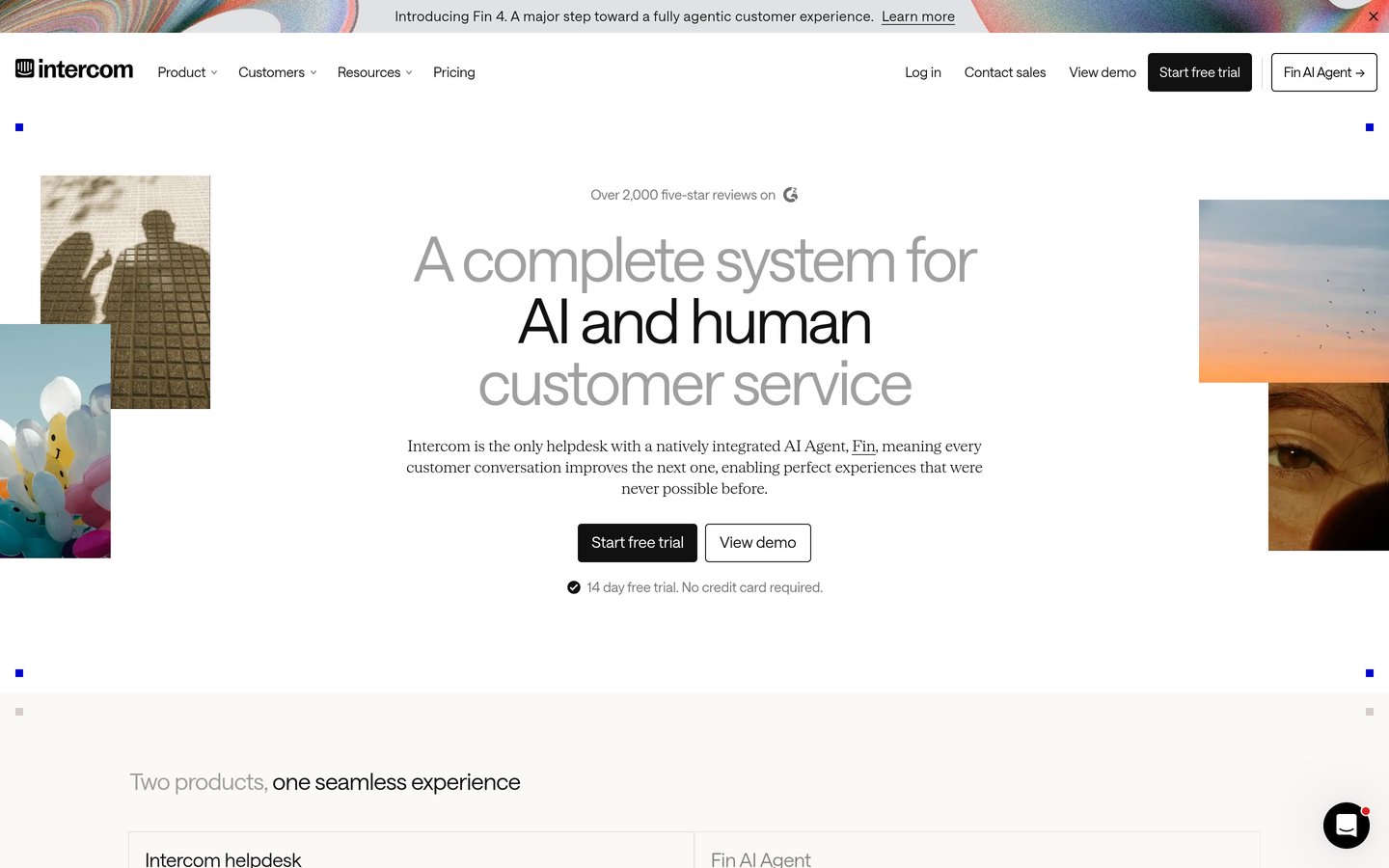
Intercom is a customer messaging platform whose Knowledge Hub hosts FAQs, help center articles and AI answers in one place. Articles feed the public help center, agent suggestions in the inbox and Fin, the AI agent that resolves conversations from your content.
The trade off is cost creep. Seats cost $29 each a month, and Fin adds $0.99 per AI resolution, so the bill grows with both team size and AI use. It suits teams that already run support in Intercom, where the FAQ section shares one system with chat and tickets.
What we like
Knowledge base shares one system with Fin AI agent and inbox
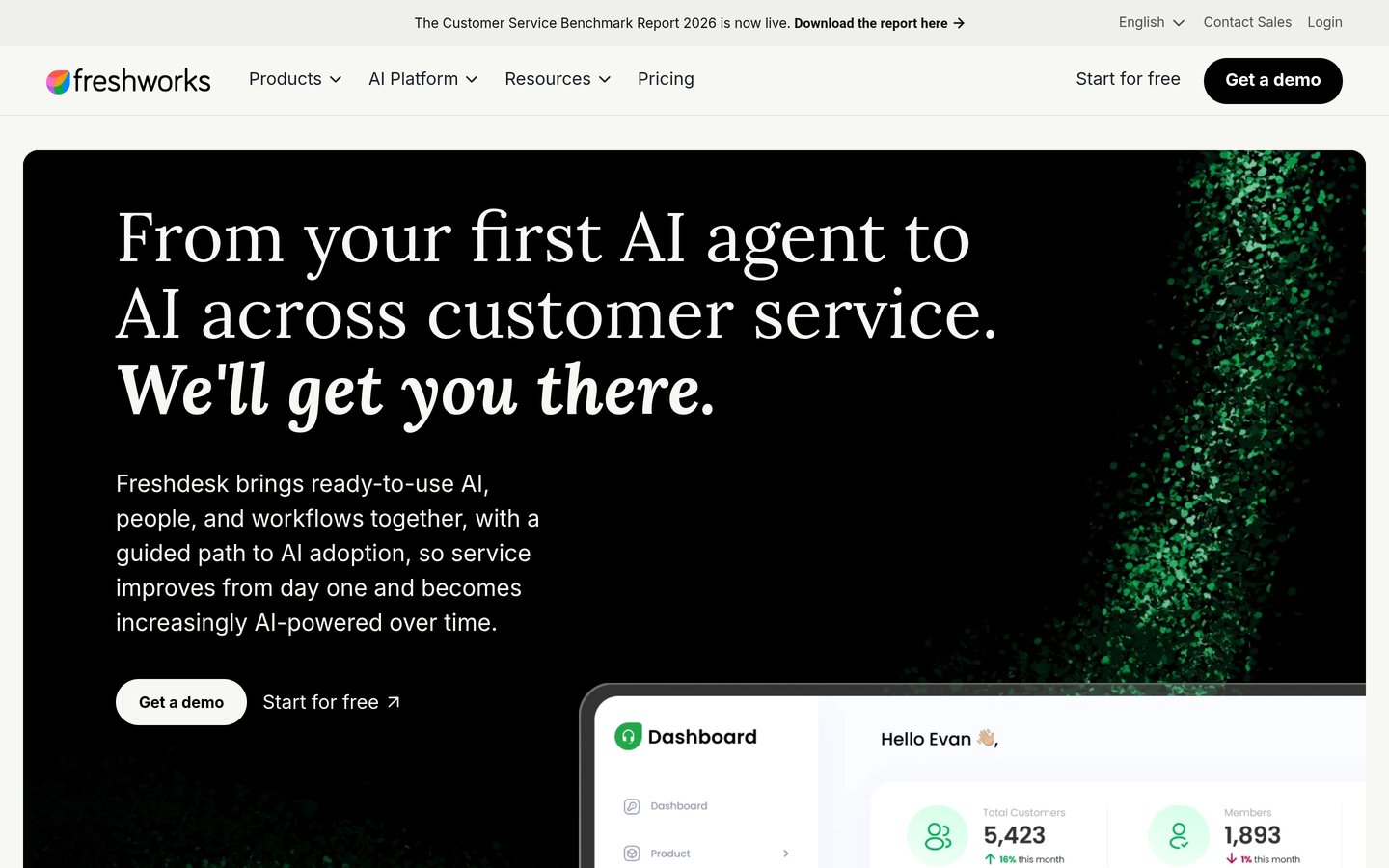
Freshdesk is a help desk with a built-in knowledge base, customer portal and ticketing in one subscription. The Growth plan costs $19 per agent a month billed annually and includes the customer portal, knowledge base and the Freddy AI agent with 500 free sessions.
The trade off is depth. The knowledge base covers articles, categories and a portal, but theme customization is shallower than Helpjuice or Document360. It suits small and mid-size teams that want ticketing plus FAQs in one subscription without enterprise pricing.
What we like
Freddy AI included from the Growth plan
Multilingual help desk
No cancellation fees
Knowledge base included from the cheapest paid plan
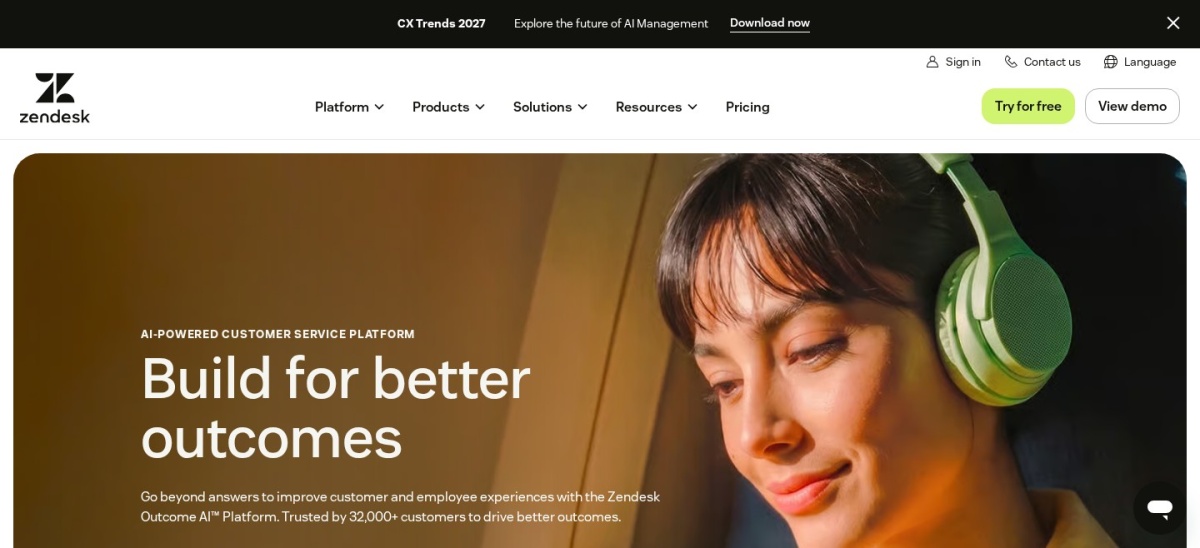
Zendesk is a customer support suite, and Guide is its knowledge base module. Agents see suggested articles inside every ticket, article votes feed content health reports, and AI agents resolve from the same knowledge, with a marketplace of more than 1,500 apps.
The trade off is the tier gap. Support Team starts at $19 per agent a month billed annually, but the fuller Guide features, including advanced content management and AI-powered search, sit on Suite Team at $55. It suits teams already on Zendesk that want FAQs beside tickets.
What we like
Guide knowledge base integrates with tickets and AI agents
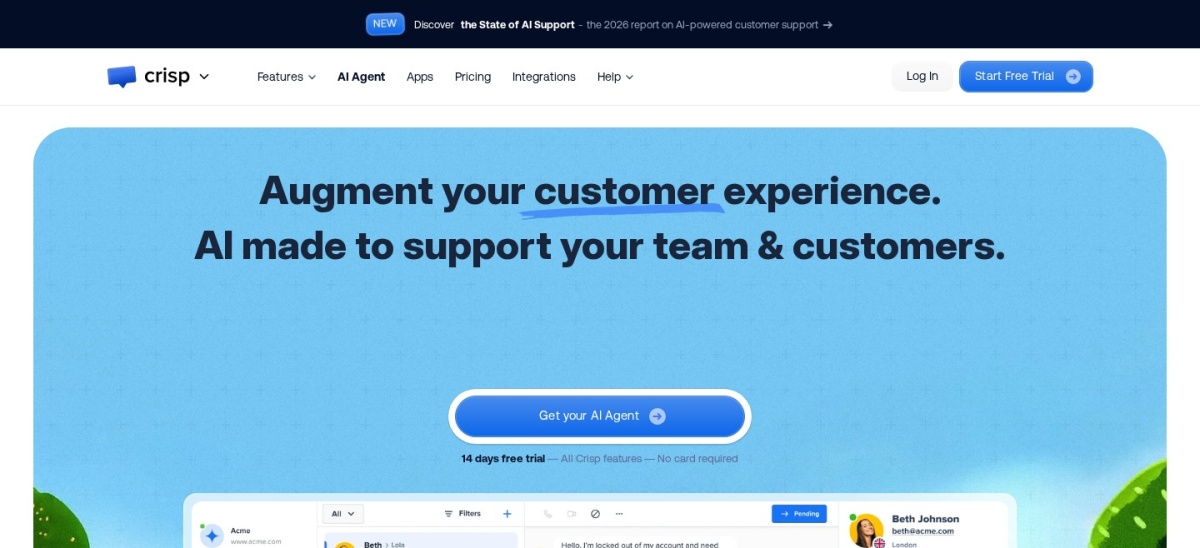
Crisp is a customer messaging platform with live chat, a shared inbox and a knowledge base under one login. Pricing is flat per workspace, not per seat, and the free plan covers chat for 2 seats with up to 100 customer profiles.
The trade off is the knowledge base gate. The knowledge base only appears on Essentials at $95 a workspace a month, not on the $45 Mini plan, so the cheapest plan with FAQs costs more than the headline price. It suits small teams whose FAQ section exists to deflect chat volume.
What we like
Flat per-workspace pricing regardless of team size
Free tier includes chat
Knowledge base included from Essentials
Chat, inbox, CRM and AI agents in one login
Watch out for
Knowledge base is a module, not a specialty
Free plan limits customer profiles to 100
Cheapest plan with a knowledge base is $95 a month
Essentials at $95 adds the knowledge base and 10 seatsVisit crisp.chat
08
Stonly
4.8/5on G2 (132 reviews, checked Nov 2026)
PricingCustom/yr
Best for step-by-step guides
Cheapest paid planQuote only
GuidesUnlimited
Guide views4,000 on Small Business
Free planBasic, 400 views/mo
stonly.com
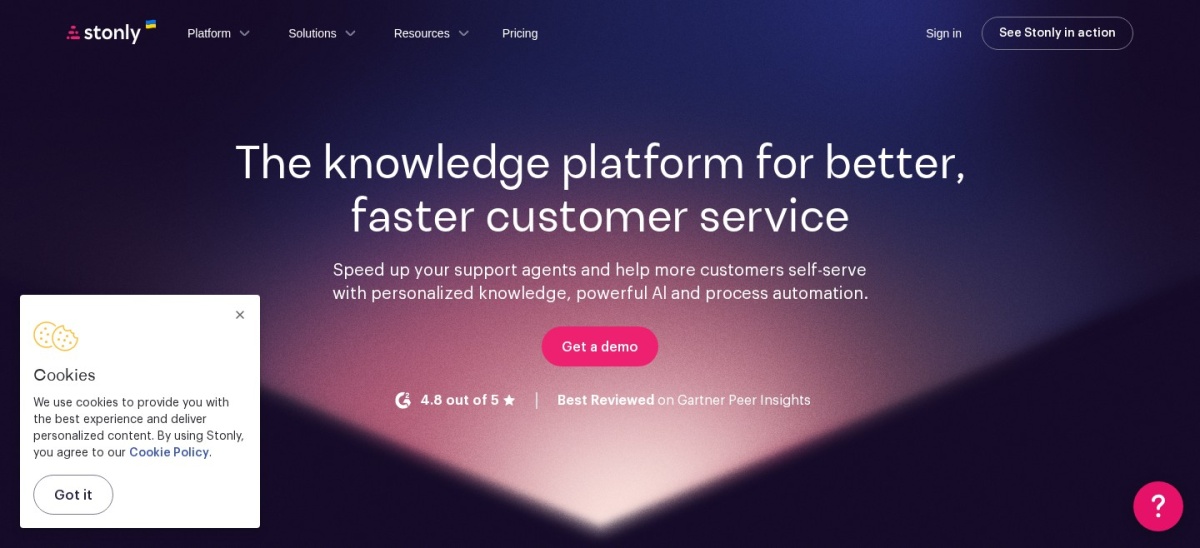
Stonly homepage, captured Nov 2026.
Stonly is a step-by-step guide tool that turns answers into interactive walkthroughs instead of blocks of text. Guides embed in your product, help center or ticketing tool, and full-path analytics show which step users abandon.
The trade off is price and scope. The Small Business plan is quote-based, with unlimited guides, one knowledge base and 4,000 guide views, and the trial drops to a limited free Basic plan. It suits software teams whose products need guided troubleshooting, not a simple FAQ list.
What we like
Interactive guides beat static articles for complex flows
Embeddable anywhere
Strong analytics on where users drop off
Watch out for
Quote-based pricing
Overkill for a simple FAQ list
Small Business plan covers only 5 team members
Quote only; Enterprise adds SSO and help desk integrationsVisit stonly.com
09
BetterDocs
4.8/5on WordPress.org (517 reviews, checked Nov 2026)
Paid from$69/yr
Best for WordPress sites
Cheapest paid plan$69/yr
Free versionOn WordPress.org
Active installs30,000+
Rating4.8/5, 517 reviews
betterdocs.co
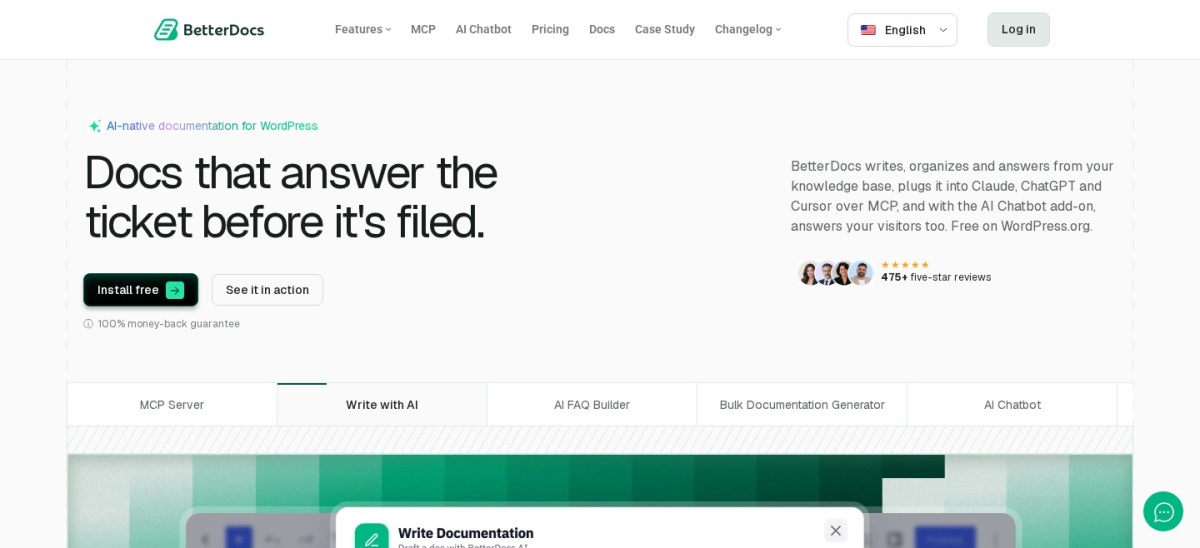
BetterDocs homepage, captured Nov 2026.
BetterDocs is a WordPress plugin for docs, FAQs, knowledge bases and wikis, so the FAQ section lives on your own domain inside WordPress. The free version on WordPress.org covers the basics, and Pro starts at $69 a year for one site.
The trade off is the platform lock-in. If you leave WordPress, the docs leave with it, and large sites can hit performance and search complaints. It suits WordPress-first businesses that want the cheapest serious FAQ option with no per-user fees.
Free plans cover a real FAQ section. ProProfs allows 25 articles free, Crisp gives free chat, BetterDocs has a free WordPress version, and Stonly drops to a free Basic plan with 400 guide views a month.
Paid plans mostly buy scale and AI. Helpjuice adds its AI suite at $449 a month, Intercom charges $0.99 per Fin resolution, and Freshdesk sells extra Freddy sessions at $49 per 100.
Quote-only tools need a sales call before you can budget them. Document360 and Stonly both price by quote, so run the trial first and ask what workspaces, languages and AI use change the price.
How we chose
We started from FAQ and knowledge base tools with live products, current pricing pages and an active customer base, then kept the nine that publish a customer-facing help center or FAQ section as a core feature.
Prices come from each vendor's pricing page, checked on 25 November 2026. Ratings come from G2, checked the same month, except BetterDocs, which comes from WordPress.org. Where a vendor shows a sale, the list shows the regular price.
We left out general wikis and internal-only tools. No vendor paid for a place, and we do not claim hands-on testing for this list.
How to choose FAQ software
Start with who writes the answers, then match the tool to where customers read them.
Count your writers, not your readers. Per-author and per-agent tools charge for writers and agents, while Helpjuice charges a flat rate for 30 users and Crisp charges per workspace. Pick the model that stays cheap as your team grows.
Check search before you pay. Try misspelled queries and partial phrases in the trial, because real customers do not type perfect keywords. Failed-search reports tell you what to write next.
Decide where answers must appear. A public help center needs SEO controls and a custom domain, while in-product help needs embeddable guides. Buy for the channel your customers actually use.
Add AI only after the content is right. An AI agent trained on outdated articles gives outdated answers. Get twenty articles that match real questions live first, then pay for AI search or a chatbot.
FAQ
What is the best FAQ software?
Helpjuice is the best pick for most teams. Its flat $249-a-month plan covers 30 users, the vendor designs the help center for you, and it is rated 4.7 out of 5 on G2 from 382 reviews. ProProfs is the best free start, and Document360 fits large documentation sets.
Is there free FAQ software?
Yes. ProProfs offers a free plan for up to 25 articles, Crisp has a free chat plan, BetterDocs has a free WordPress version, and Stonly drops to a free Basic plan with 400 guide views a month. Paid plans start at $19 per agent a month on Freshdesk and Zendesk.
How much does FAQ software cost?
Dedicated tools range from free to $249 a month for Helpjuice. Zendesk and Freshdesk start at $19 per agent a month, Intercom starts at $29 per seat a month plus Fin resolutions, and Crisp adds its knowledge base at $95 a workspace a month. Document360 and Stonly price by quote.
What is the difference between FAQ software and a knowledge base?
FAQ software focuses on short question-and-answer content for customers. A knowledge base is broader: it includes FAQs plus long-form guides, API documentation, tutorials and internal wikis. Most tools on this list do both, but dedicated FAQ features serve different use cases.
Should FAQs live on my website or in my support tool?
If SEO matters, host them on your domain with proper meta controls, which favors standalone tools like Helpjuice, Document360, ProProfs or BetterDocs for WordPress sites. If deflection inside chat matters more, the built-in knowledge bases in Intercom, Zendesk, Freshdesk or Crisp keep answers one click from the conversation.
Do I need AI features in my FAQ software?
AI search that understands intent helps when customers phrase questions unpredictably, and AI drafting speeds up article creation. AI chatbots trained on your docs can resolve common questions end to end. None of it replaces good content: an AI agent trained on outdated articles gives outdated answers, so get the content right first.
SaaS SEO and WordPress specialist with about 8 years of experience. Rakib compares WordPress plugins, themes, hosting and software using public pricing, documentation and user reviews. See how we rank.