FanControl is the best fan control software for most desktop PCs: it is free, controls CPU, GPU and case fans from one place, and is rated 4.5 out of 5 on TechSpot. Pick Argus Monitor for a paid tool with drive health checks, or Macs Fan Control if you run a Mac.
How we make this list: we compare pricing pages, product documentation and public user reviews, then re-check every price before each update. No product paid for a place. Disclosure.
FanControl is free and controls CPU, GPU and case fans from one place, with 7 curve types and mixes of several sensors.
Argus Monitor is the only paid Windows pick at $16.45 a year, and it adds S.M.A.R.T. drive health warnings to fan control.
TG Pro lists at $20 once but shows a $10 sale price; Macs Fan Control is free on macOS with a $14.95 Pro license.
Vendor tools only make sense with that vendor's hardware: Armoury Crate for ASUS, NZXT CAM for NZXT, GPU Tweak III for graphics cards.
SpeedFan is free but has not been updated since 2016, so it often cannot see fans on newer motherboards.
What fan control software should do
A fan that runs at full speed all day is loud, and a fan that never speeds up lets parts run hot. Fan control software sits between the two, setting each fan's speed from live temperature readings.
The best tools let one fan follow more than one sensor. A case fan can track the graphics card while gaming and the CPU while rendering, which is why curve editors matter more than preset modes.
Hardware decides what works. Universal tools read motherboard headers on most desktops, while vendor tools only see their own brand. Our guide on fixing high CPU usage covers the heat problems that noisy fans often point to.
Macs need their own tools. Apple locks fan control behind its own firmware, so Windows tools do not work on a Mac, and the two Mac picks below are the established options.
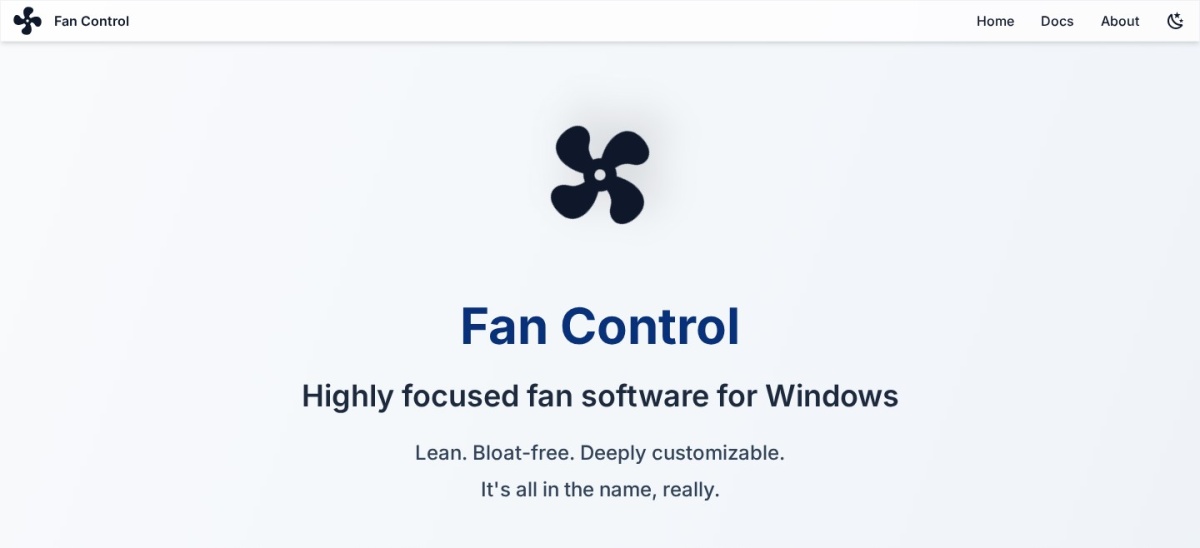
FanControl is a free Windows tool that builds custom fan curves from almost any temperature sensor in the PC. It reads motherboard headers, graphics cards and drives, then lets one fan follow several sensors at once through 7 curve types and mixes, with hysteresis and calibration to keep speeds steady.
The trade off is the learning curve. First setup asks you to map sensor names to physical fans, and the interface assumes you know what a fan curve is. It suits desktop owners who want full control and are happy to spend a few minutes setting it up.
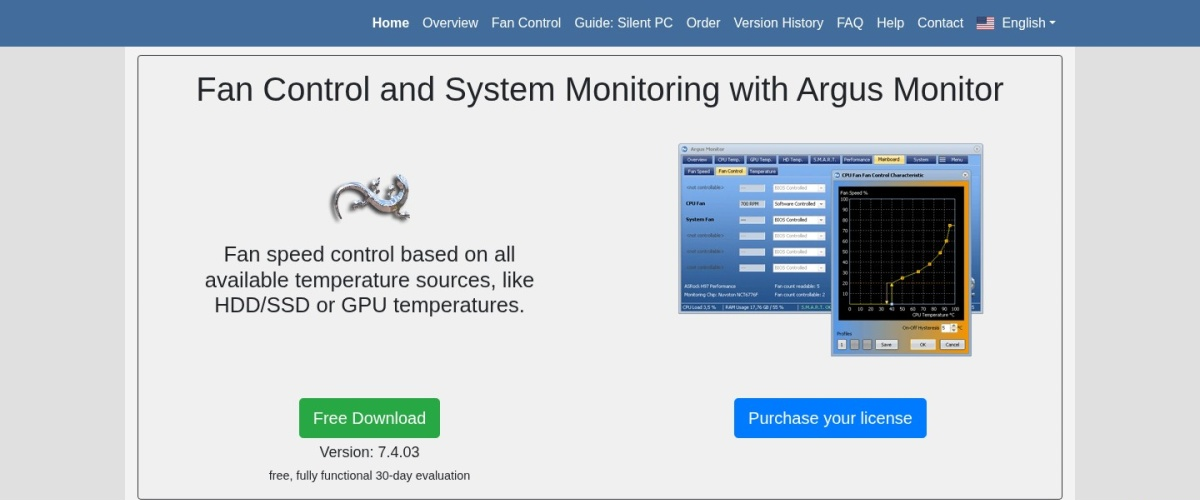
Argus Monitor is a paid Windows tool that pairs fan control with hardware monitoring. It drives motherboard headers, graphics card fans, AIO coolers and external controllers from any temperature source, including CPU, GPU, board and drive sensors, and watches drive health with S.M.A.R.T. data.
The trade off is that it costs money while the best rival is free. A 1-year license costs $16.45 after a 30-day full trial, and there is no free plan once the trial ends. It suits owners who want one dashboard for cooling and drive warnings and are happy to pay for it.
What we like
30-day trial includes every feature
Drive health warnings beside fan control
License covers two PCs and never expires for old versions
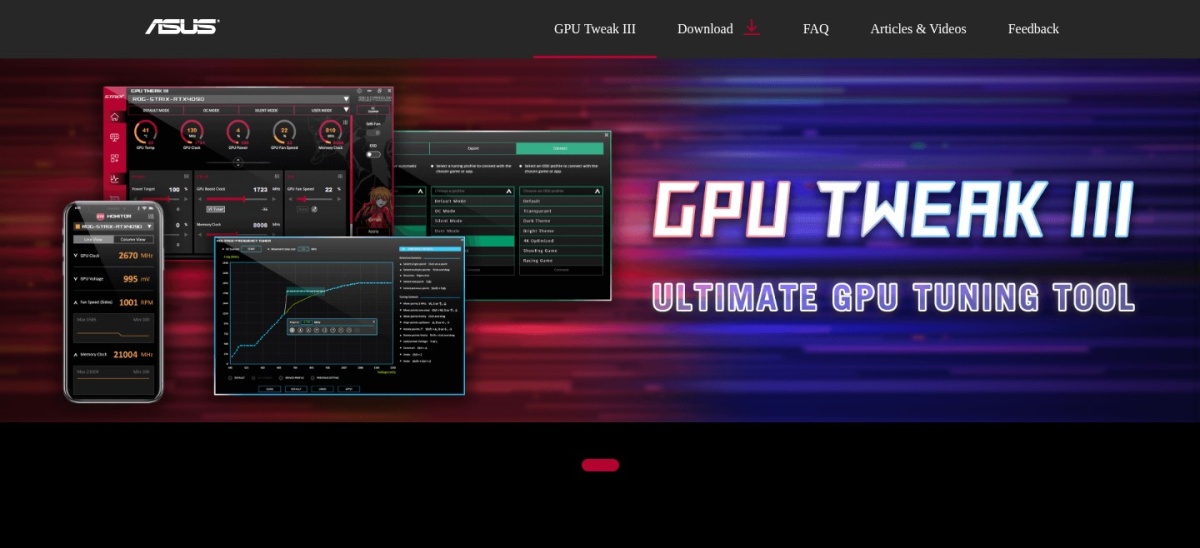
ASUS GPU Tweak III is a free Windows tool for tuning NVIDIA and AMD graphics cards. It builds custom fan curves with a 0dB mode that stops the fans at low load, and adds an OC Scanner, a voltage-frequency tuner, live monitoring and a phone app for checking stats away from the PC.
The trade off is scope. It controls graphics card fans only, so case and CPU fans still need another tool or the BIOS. It suits gamers with an ASUS or any other brand of graphics card who want quiet idle speeds and one-click overclocking.
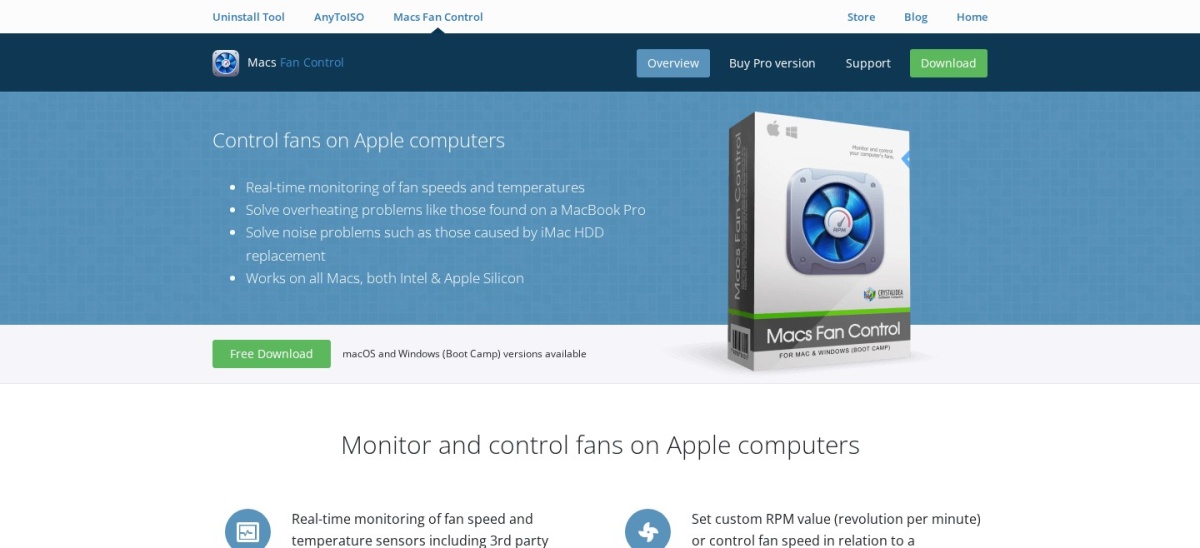
Macs Fan Control is a free Mac app that shows live fan speeds and temperatures, then lets you set a fixed RPM or tie a fan to a temperature sensor. It reads third-party drives through S.M.A.R.T., puts readings in the menu bar, and runs on Intel and Apple Silicon Macs.
The trade off is presets. Custom fan presets and priority support need the Pro license at $14.95 once per Mac, and the Windows Boot Camp build is now a 14-day trial. It suits Mac owners who want simple, direct fan control without a full diagnostics suite.
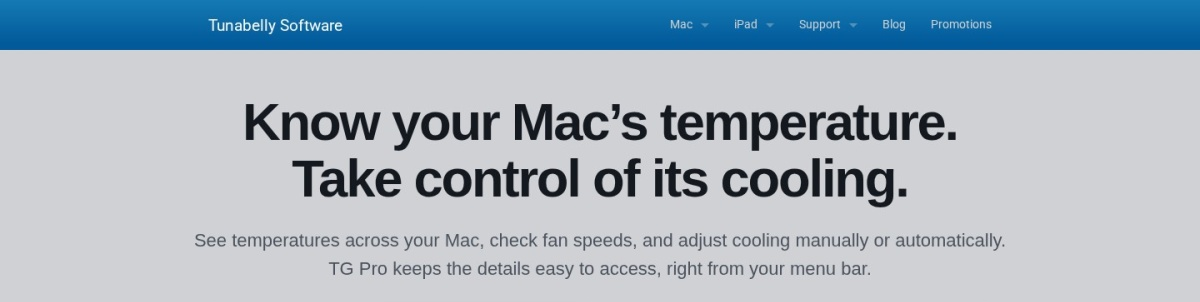
TG Pro is a Mac app that reads every temperature sensor macOS exposes and takes the fans off Apple's curve. It sets Auto Boost rules from CPU, GPU, drive or battery temperatures, shows fan speeds in the menu bar, and adds diagnostics, alerts and CSV logs.
The trade off is price. The regular price is $20 once, though the site currently shows a $10 sale, and there is only a 14-day trial with no free plan. It suits Mac owners who want to know why a Mac runs hot, not just force the fans faster.
What we like
Auto Boost rules per sensor
Full diagnostics for fans, sensors and battery
Alerts by notification or email, plus CSV logs
One license covers up to 3 personal Macs
Watch out for
No free plan, only a 14-day trial
Manual fan control is off by default on newer Macs
4.8/5on Download Zone (1,250 reviews, checked Nov 2026)
PriceFree
Best for NZXT builds
Fan controlCurves and profiles
MonitoringCPU, GPU, RAM, storage
OverlayIn-game FPS and temps
AccountNone needed for basics
nzxt.com
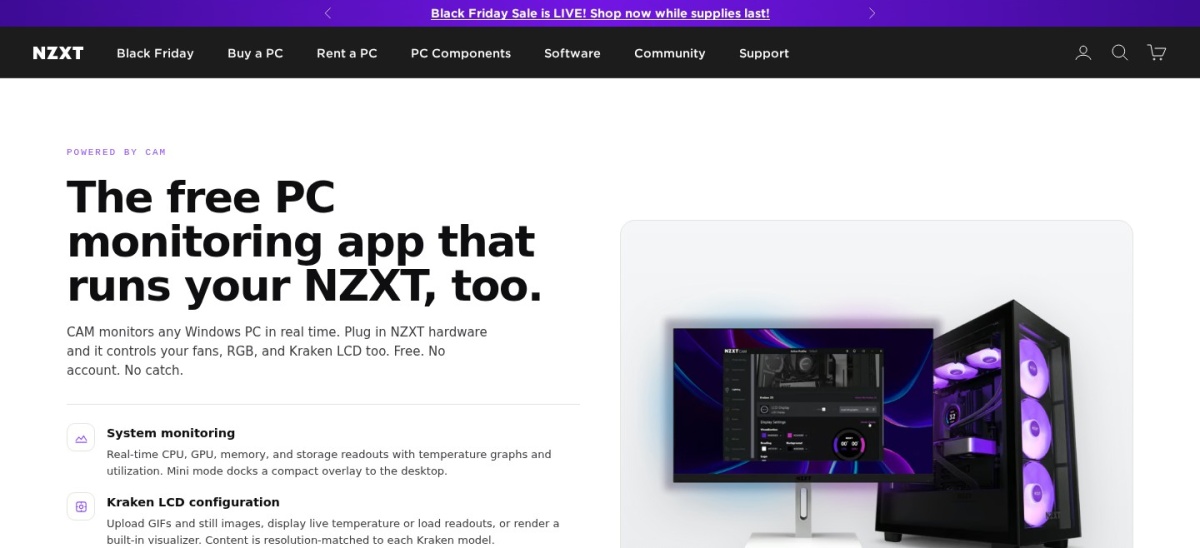
NZXT CAM homepage, captured Nov 2026.
NZXT CAM is a free Windows app that monitors a PC in real time and controls its fans. It draws custom fan curves and profiles, tracks CPU, GPU, memory and storage temperatures, and adds an in-game overlay with FPS and a cloud history of past performance.
The trade off is that it shines with NZXT hardware. Fan control is deepest on Kraken coolers and NZXT fan controllers, and some features need an account for cloud history. It suits NZXT builds and gamers who want monitoring and fan curves in one free app.
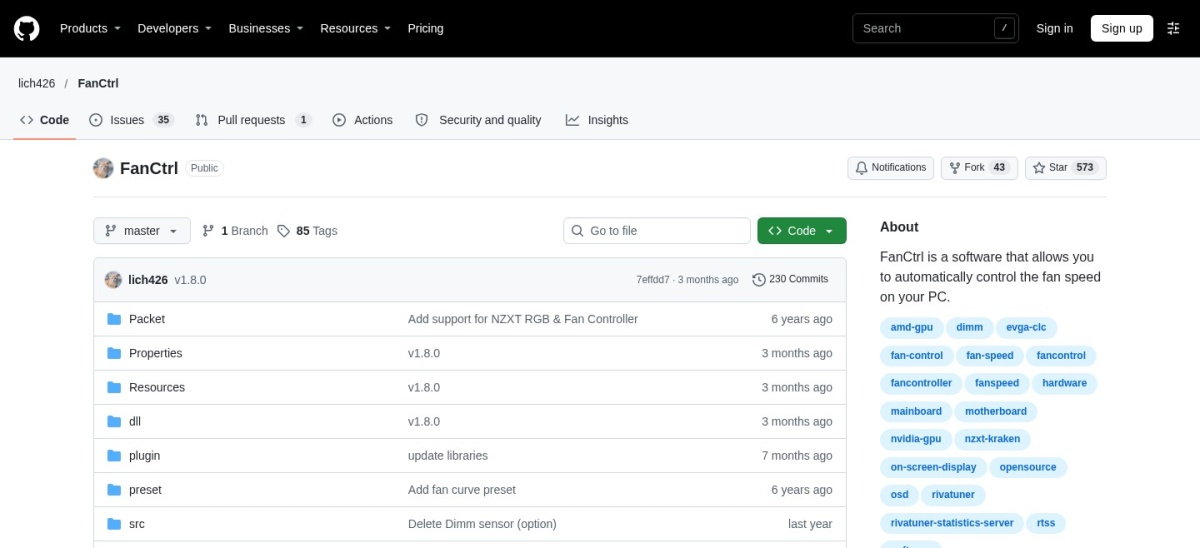
FanCtrl is a free, open-source Windows tool that turns temperature sensors into automatic fan curves. It drives motherboard headers, NZXT Kraken coolers, EVGA liquid coolers and NZXT fan controllers, and can pull extra sensor data from HWiNFO for finer control.
The trade off is rough edges. The project warns that not all hardware is supported and that running it beside another fan tool can cause problems, and the interface is plain. It suits owners of supported coolers who want a free, open alternative to FanControl.
ASUS Armoury Crate is a free Windows hub for ASUS and ROG hardware that includes Fan Xpert fan control. It sets custom curves per component, with temperature points for the CPU, GPU and voltage regulators, and bundles RGB lighting, driver updates and performance profiles in the same app.
The trade off is that it only fits ASUS gear. Fan Xpert needs an Intel 600 series or AMD X670E board or newer, and the app is heavy beside a single-purpose fan tool. It suits ASUS desktop and laptop owners who want one app for fans, lighting and updates.
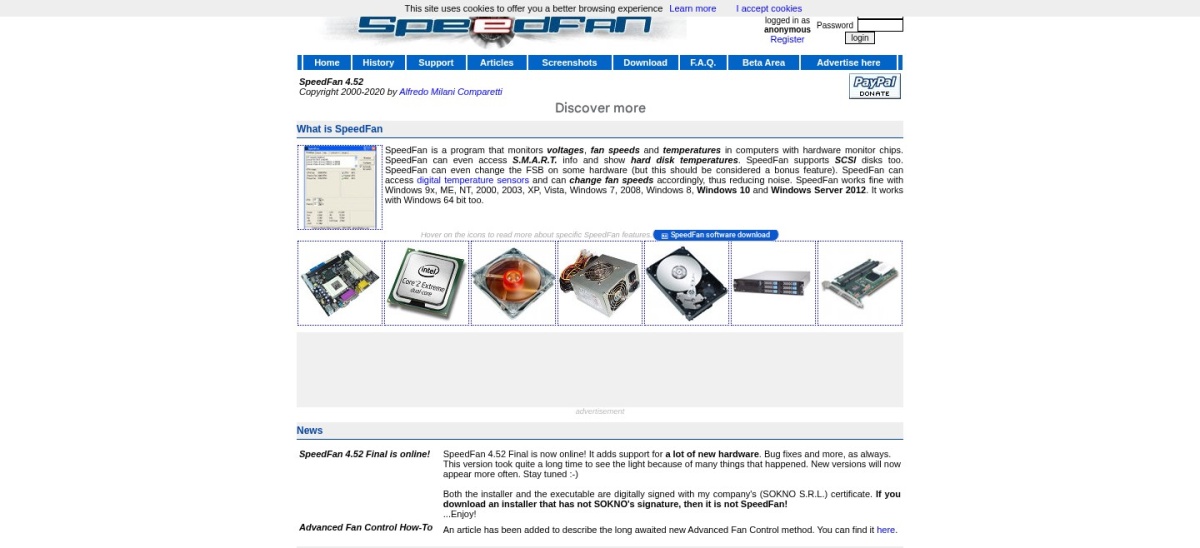
SpeedFan is a free Windows utility that monitors voltages, fan speeds and temperatures and changes fan speeds from temperature readings. It also reads S.M.A.R.T. data from hard disks and runs on very old hardware, which is why it is still passed around in forums.
The trade off is age. Version 4.52 dates from June 2016, so newer boards often go unseen, and some game anti-cheat software blocks its old driver. It suits owners of old PCs that newer tools cannot see, and nobody building a new PC should start here.
Free tools cover the core job well. FanControl, FanCtrl and the vendor apps all build custom curves without charging, and most desktops need nothing more.
Paid tools add breadth, not better curves. Argus Monitor adds drive health warnings, while TG Pro adds diagnostics and alerts for a Mac.
Neither paid pick here is a subscription. Argus Monitor sells 1- or 3-year licenses and keeps working on older versions after one ends, while TG Pro charges once.
How we chose
We started from the fan control tools recommended most often in PC building guides and forums, then kept the 9 that are still maintained or widely used, covering Windows desktops, Macs, graphics cards and vendor hardware.
Prices come from each vendor's pricing or download page, checked on 25 November 2026. Ratings come from TechSpot, MacUpdate, Trustpilot, FossHub and Download Zone on the same day. Where a vendor shows a sale, the list shows the regular price.
We left out tools that no longer run on current systems and BIOS-only fan curves, which need no software at all. No vendor paid for a place, and we do not claim hands-on testing for this list.
How to choose fan control software
Start with your hardware, then match the tool to it.
Check what your board already exposes. Open your BIOS fan settings first. If the board lists every fan and lets you set curves there, software adds convenience, not new control.
Match the tool to your hardware. Use a universal tool for a mixed-brand desktop, a vendor tool for a single-brand build, and a Mac tool for a Mac. A GPU-only tool cannot move case fans.
Pick curves over presets. Look for custom curves tied to more than one temperature sensor, plus hysteresis so fans do not ramp up and down every few seconds.
Leave headroom and check temperatures. Set a curve that keeps the CPU and GPU inside their normal range under load, then listen. If fans stay loud at idle, lower the low-temperature point.
FAQ
What is the best fan control software?
FanControl is the best pick for most desktop PCs. It is free, controls CPU, GPU and case fans from one place, and is rated 4.5 out of 5 on TechSpot. Argus Monitor is the paid alternative, and Macs Fan Control is the best free pick for a Mac.
Is FanControl really free?
Yes. The full program is free, with no paid tier and no locked features, and the author takes optional donations through PayPal and Stripe. The license limits use to personal, non-commercial purposes, so a work PC needs the author's consent.
Can I control my fans from the BIOS instead?
Yes, and for a set-and-forget curve it is often the better choice. BIOS fan control works before Windows loads and keeps working if no software runs. Software wins when you want per-sensor curves, profiles you can switch, or control from inside Windows.
Does fan control software work on laptops?
Mostly no. Most laptops hide their fans from third-party software, and FanControl's own notes say it mostly does not work on laptops. MacBooks need a Mac tool such as Macs Fan Control or TG Pro, and some gaming laptops have a vendor app of their own.
Is SpeedFan still safe to use?
It is free and still works on old motherboards, where it may be the only tool that sees the fans. It has not been updated since 2016, so on a board from the last few years it often finds nothing to control. For a newer PC, start with FanControl instead.
Do I have to pay for Argus Monitor?
After a 30-day trial with every feature, a 1-year license costs $16.45 and covers two PCs. There is no subscription: when the license period ends you keep using every version released before it expired, and you only pay again for newer versions.
Which fan control software is best for a Mac?
Macs Fan Control is the best free pick: it controls fans by fixed RPM or sensor and runs on Intel and Apple Silicon Macs. TG Pro costs $20 once at its regular price and adds diagnostics, alerts and automatic fan rules for owners who want more detail.
SaaS SEO and WordPress specialist with about 8 years of experience. Rakib compares WordPress plugins, themes, hosting and software using public pricing, documentation and user reviews. See how we rank.