Ancestry is the best family tree software for most researchers, with U.S. Discovery at $24.99 a month and hints that surface census, birth and military records beside each ancestor. Pick FamilySearch for a free shared tree, or RootsMagic for a desktop program you own outright.
How we make this list: we compare pricing pages, product documentation and public user reviews, then re-check every price before each update. No product paid for a place. Disclosure.
Ancestry leads on records and hints, with U.S. Discovery at $24.99 a month or $229 for a year paid up front.
MyHeritage is the strongest rival for international research, with a free tree up to 250 people and Premium at $129 a year.
FamilySearch is completely free, with over 13 billion searchable names and a shared tree of over 1.5 billion ancestor names.
RootsMagic 12 costs $29.95 once, with a free Essentials edition and sync to Ancestry and FamilySearch.
Legacy Family Tree 10 and Gramps are both free desktop programs, while Family Tree Maker 2024 costs $80 once.
What to look for in family tree software
Family tree software falls into two kinds: online services with record collections, and desktop programs that store your tree on your own computer. The best choice depends on whether you need records, DNA matching, charts, or privacy most.
Record hints save the most time. As you add names and dates, a good service suggests census, birth, marriage and military records that may match each ancestor.
DNA matching is a second route to new branches. It connects you with relatives who have also tested, which can open lines that records alone do not reach.
Think about who owns your tree. Our guide on the 3-2-1 backup rule for websites shows why keeping a copy outside any one service matters, and the same idea applies to a tree you spent years building.
GEDCOM export matters too. If a service closes or a price rises, a GEDCOM file lets you move your tree to another program without retyping it.
3.5/5on Trustpilot (37,211 reviews, checked Nov 2026)
Paid from$24.99/mo
Best family tree software overall
Free treeYes, records need a plan
Record hintsYes, automatic
DNA matchingYes, AncestryDNA
Paid planU.S. Discovery, $24.99/mo
ancestry.com
Ancestry homepage, captured Nov 2026.
Ancestry is the largest commercial genealogy service, pairing an online tree with a record collection and a hint system that does much of the early work. Building a basic tree is free, and U.S. Discovery at $24.99 a month opens all U.S. records, while World Explorer at $39.99 a month adds international records.
The trade off is the subscription cost. Full record access needs a paid plan, and the bill adds up over a long project, with a year of U.S. Discovery at $229 paid up front. It suits researchers who want the largest record collection and hints in one place.
What we like
Largest record collection and hint system
Free tree building before you pay
AncestryDNA matching for new branches
Mobile app for research on the go
Watch out for
Records sit behind a paid subscription
Monthly billing costs far more than a yearly plan
Shared trees can be copied by other users
World Explorer adds international records at $39.99 a monthVisit ancestry.com
02
MyHeritage
4.4/5on Trustpilot (111,847 reviews, checked Nov 2026)
Paid from$129/yr
Best for international research
Free treeYes, up to 250 people
Historical records42.3 billion, paid plans
DNA matchingYes, MyHeritage DNA
Paid planPremium, $129/yr
myheritage.com
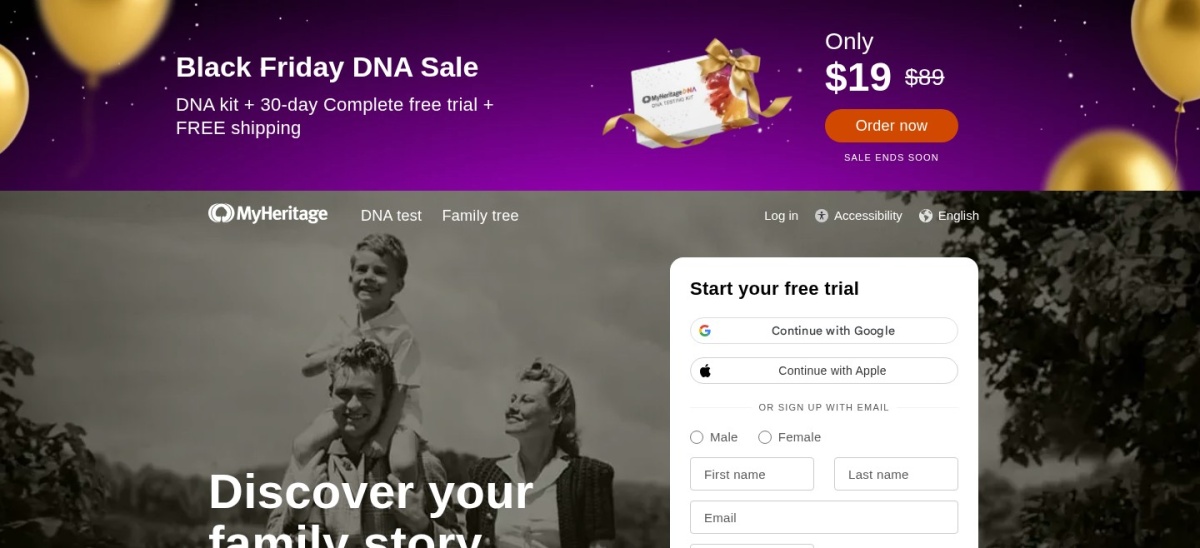
MyHeritage homepage, captured Nov 2026.
MyHeritage is the strongest rival to Ancestry, especially for researchers with roots outside the United States. Anyone can build a free tree of up to 250 people, and Premium at $129 a year raises the cap to 2,500 people and adds Smart Matches, while Complete at $299 a year adds records, DNA tools and photo tools.
The trade off is the plan ladder. Historical records need a Data, Complete or Omni plan, so the cheapest plan alone does not open the record collection. It suits families with European roots who want records, DNA and photo tools in one plan.
What we like
Strongest international and European records
Free tree up to 250 people
Photo repair, colorizing and animation in Complete
Rated 4.4 out of 5 from over 111,000 Trustpilot reviews
4.8/5on App Store (500K reviews, checked Nov 2026)
PriceFree
Best free family tree software
Free treeYes, no cap
Searchable namesOver 13 billion
Shared treeYes, one tree for all
Paid planNone, fully free
familysearch.org
FamilySearch homepage, captured Nov 2026.
FamilySearch is a nonprofit service that is free for everyone, with a shared tree of over 1.5 billion ancestor names and over 13 billion searchable names in its record collections. You build your tree on one shared tree, so work from other researchers can connect to your ancestors, and living people stay private.
The trade off is control. Anyone can edit the shared profiles of deceased ancestors, so a careless merge can change your work, and there is no DNA test of its own. It suits beginners and anyone who wants free records and a free tree before paying for anything.
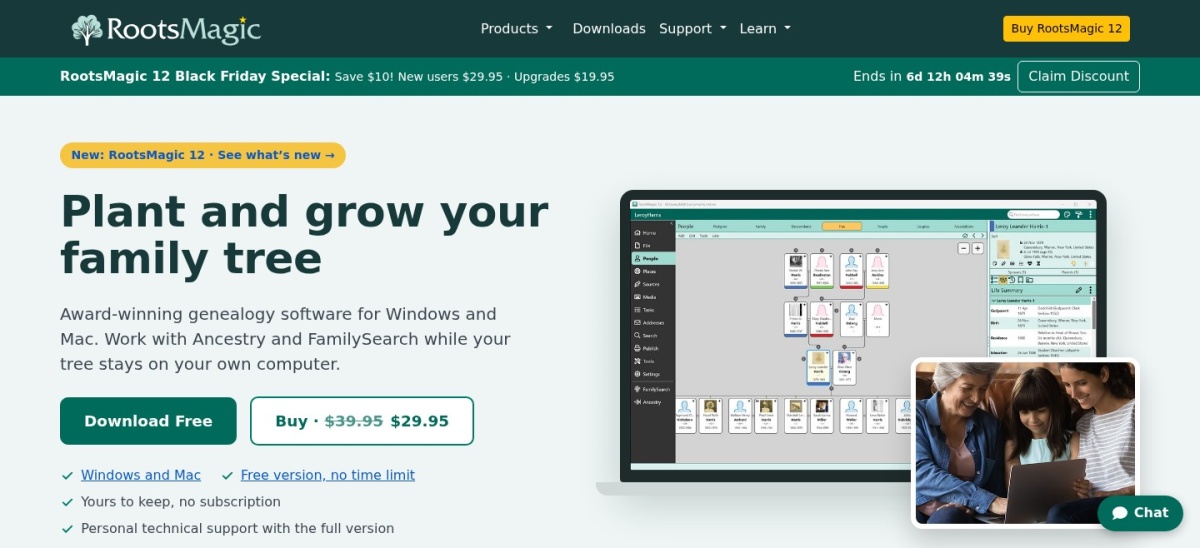
RootsMagic is a desktop program for Windows and Mac that stores your tree on your own computer, with a free Essentials edition that has no time limit and no limit on people. The full version at $29.95 once adds TreeShare sync with Ancestry, narrative reports, wall charts, DNA clustering and research logs.
The trade off is the learning curve. The full feature set takes time to learn, and the newest versions drew complaints from long-time users about the interface. It suits serious researchers who want to own their data and still sync with Ancestry and FamilySearch.
4/5on UpdateStar (Not published reviews, checked Nov 2026)
Starts at$80/once
Best desktop program for Ancestry users
Free editionNo, paid only
Ancestry syncYes, one click
FamilySearch hintsYes
Paid planDownload, $80 once
mackiev.com
Family Tree Maker homepage, captured Nov 2026.
Family Tree Maker 2024 is the desktop program built most closely around Ancestry. It syncs your tree with Ancestry in a single click, shows hints from Ancestry and FamilySearch beside each person, and includes charts, books and mapping tools, with a $20 Family Pack adding two more computers.
The trade off is price. The download costs $80 once at its regular price, with a sale price of $59.95 seen in November 2026, and there is no free edition or trial. It suits Ancestry members who want a desktop copy of their tree that stays in sync.
What we like
Closest Ancestry sync of any desktop program
Charts, books and mapping tools included
One-time purchase, no subscription
Family Pack covers three computers for $20
Watch out for
Most costly desktop program in this list
No free edition or trial before buying
TreeVault cloud backup costs extra after a year
TreeVault cloud services cost from $1.99 a month after the free yearVisit mackiev.com
06
Legacy Family Tree
4.3/5on Birdeye (3 reviews, checked Nov 2026)
PriceFree
Best free desktop program for Windows
Free editionYes, full program free
ReportsOver 100 reports
Record hintsFindmypast, FamilySearch and more
Paid planNone, fully free
legacyfamilytree.com
Legacy Family Tree homepage, captured Nov 2026.
Legacy Family Tree 10 is a free Windows program from MyHeritage, and since version 10 every feature is included at no cost. It offers more than 100 reports, SourceWriter for consistent citations, and hinting that searches Findmypast, FamilySearch, GenealogyBank and MyHeritage for missing facts and pictures.
The trade off is the platform and the pace of updates. Legacy runs on Windows only, and no new build has appeared since October 2025, so do not expect new features soon. It suits Windows users who want a full desktop program for free.
What we like
Full program is free, with no paid tier
More than 100 reports and charts
Hinting from four record sources
SourceWriter helps with citations
Watch out for
Windows only, with no Mac version
No new build since October 2025
Download link arrives by email with a newsletter sign-up
4.8/5on SourceForge (46 reviews, checked Nov 2026)
PriceFree
Best free open-source program
Free editionYes, open source, GPL
PlatformsWindows, Mac and Linux
ReportsMany formats, incl. PDF
Paid planNone, fully free
gramps-project.org
Gramps homepage, captured Nov 2026.
Gramps is a free and open-source genealogy program for Windows, Mac and Linux, built by genealogists and released under the GPL. It records people, places and events with sources, builds relationship graphs, and generates reports in formats such as PDF, HTML and plain text, with plugins adding more views.
The trade off is ease of use. Gramps is harder to start with than the commercial programs, and it has no record collection or DNA matching of its own. It suits technical users who value privacy, full control of their data and no subscription.
3.9/5on Trustpilot (6,237 reviews, checked Nov 2026)
Paid from$22.49/mo
Best for British and Irish research
Free accountYes, limited records
UK and Irish recordsYes, incl. 1921 Census
NewspapersYes, on higher plans
Paid planEverything, $22.49/mo billed yearly
findmypast.com
Findmypast homepage, captured Nov 2026.
Findmypast is the specialist pick for British and Irish family history, with over 3 billion records and exclusive access to the 1921 England and Wales Census. Its Everything plan starts at $22.49 a month when billed yearly, and its hint system suggests matches from its records as you build your tree.
The trade off is scope and cost. It is weaker than Ancestry for U.S. records, and the full plan is costly for a single research project. It suits researchers whose ancestors lived in Britain or Ireland.
What we like
Exclusive 1921 England and Wales Census
Strong British and Irish record collections
Newspaper archive on higher plans
Free account to try before paying
Watch out for
Weaker U.S. record coverage than Ancestry
Full plan costs $22.49 a month billed yearly
Some users report billing and cancellation trouble
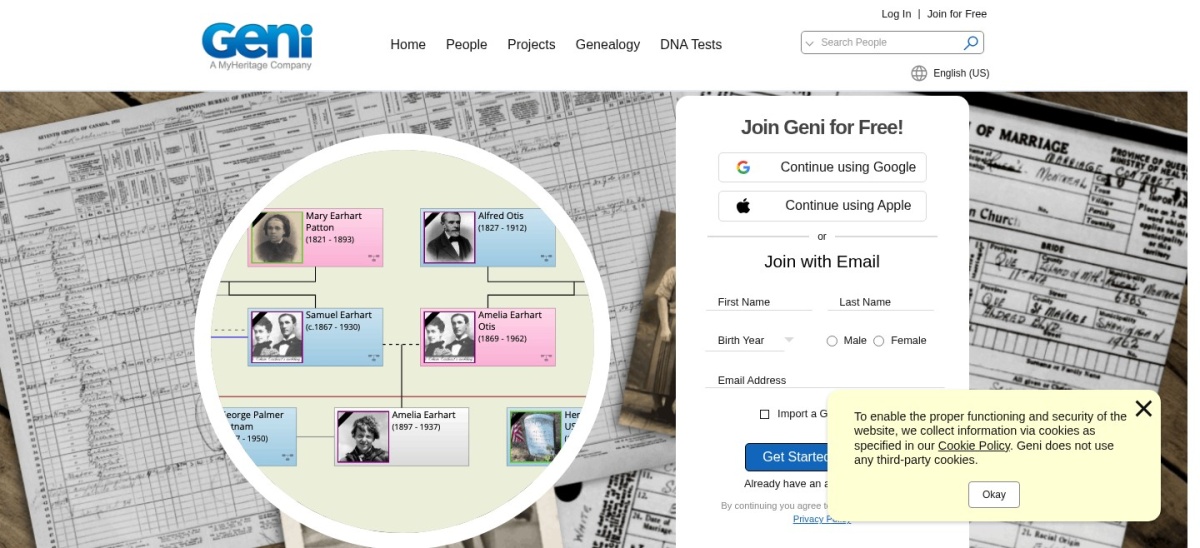
Geni is a hosted family tree service owned by MyHeritage, built around one shared World Family Tree that aims to connect all of humanity. A free Basic account lets you build a tree, add relatives and photos, and join groups, while Pro at $119 a year adds tree matches and merging into the world tree.
The trade off is the paywall. Many useful features, including merging into the world tree, need Pro, and the vendor does not publish the Pro price on its own pages. It suits families who want to collaborate on one shared tree with relatives.
What we like
One shared world tree to join
Free Basic account for building a tree
Good for collaborating with relatives
Owned by MyHeritage, with GEDCOM import
Watch out for
Pro price is not published on vendor pages
Merging into the world tree needs Pro
Lowest Trustpilot rating in this list at 3.0
Pro adds tree matches, merging and premium supportVisit geni.com
Online services vs desktop programs: which fits you
Online services such as Ancestry, MyHeritage and FamilySearch give you records and hints, which is where most new discoveries come from.
Desktop programs such as RootsMagic, Family Tree Maker, Legacy and Gramps keep your tree on your own computer, so it stays yours even if a subscription ends.
Many researchers use both: an online service for records and a desktop program as the master copy. RootsMagic and Family Tree Maker sync with Ancestry, so the two copies can stay aligned.
If you only pick one, pick records first when you are still finding ancestors, and pick a desktop program first when your tree is mostly built and you want to keep it safe.
How we chose
We started from the best-known family tree services and desktop programs, then kept nine that are established, actively maintained and cover online records, desktop ownership and free options.
Prices come from each vendor's pricing page, checked on 25 November 2026, with regular prices shown where a sale was running. Ratings come from Trustpilot, the App Store, SourceForge, Sitejabber, Birdeye and UpdateStar on the same day, and each rating is labelled with its source.
We left out tools with no published price or no public rating, and tools that duplicate another pick. No vendor paid for a place, and we do not claim hands-on testing for this list.
How to choose family tree software
Start with where your ancestors lived, then decide how much you want to pay and who should own your tree.
Match the records to your ancestors. Ancestry fits U.S. research, MyHeritage fits European roots, and Findmypast fits British and Irish lines.
Try the free option first. FamilySearch is free, and most paid services offer a free tree or trial, so test the interface before paying.
Decide who owns your tree. A desktop program such as RootsMagic or Gramps keeps the file on your computer, while an online tree lives on the vendor's servers.
Check export before you commit. Make sure you can export a GEDCOM file, so you can move your tree if the price rises or the service closes.
FAQ
What is the best family tree software?
Ancestry is the best pick for most researchers, with the largest record collection and hints that surface census, birth and military records beside each ancestor. FamilySearch is the best free option, and RootsMagic is the best desktop program you own outright.
Is there completely free family tree software?
Yes. FamilySearch is completely free, with records and a shared tree at no cost. Legacy Family Tree 10 and Gramps are also free desktop programs, and RootsMagic Essentials is free with no time limit.
Do I need a subscription to build a family tree?
No. You can build a free tree on Ancestry, MyHeritage, FamilySearch, Geni and Findmypast, and free desktop programs need no subscription at all. A subscription only opens record collections and hints.
What is the difference between Ancestry and MyHeritage?
Ancestry has the largest record collection, with strength in U.S. records, while MyHeritage is stronger for European and international records. MyHeritage also bundles photo tools, and its free tree covers up to 250 people.
Can I move my family tree to another program?
Yes, if the program exports GEDCOM, the standard file format for family trees. RootsMagic, Family Tree Maker, Legacy, Gramps and Geni all support GEDCOM import and export, so keep a copy outside any one service.
Is FamilySearch really free?
Yes. FamilySearch is a nonprofit and provides its tree and records free of charge to everyone. You need a free account, and details about living people stay private to you.
Which family tree software works on a Mac?
RootsMagic, Family Tree Maker and Gramps all run on Mac, and Ancestry, MyHeritage, FamilySearch, Findmypast and Geni all work in a browser. Legacy Family Tree is Windows only.
SaaS SEO and WordPress specialist with about 8 years of experience. Rakib compares WordPress plugins, themes, hosting and software using public pricing, documentation and user reviews. See how we rank.