Life360 is the best free family tracking app for most families. Its free plan covers live location sharing and 2 place alerts, and it is rated 4.8 out of 5 from 3.2M App Store ratings. Pick Google Family Link for a fully free option with screen time controls, or Apple Find My if every family member uses an iPhone.
How we make this list: we compare pricing pages, product documentation and public user reviews, then re-check every price before each update. No product paid for a place. Disclosure.
Life360 leads with a free live map, 2 place alerts and driving reports on paid plans, rated 4.8 out of 5 from 3.2M App Store ratings.
Google Family Link is the only pick that is free with no paid plan at all, and it adds screen time limits and app approvals.
Apple Find My costs nothing and needs no extra app on iPhones, but it has no location history and only works on Apple devices.
Findmykids is the cheapest paid upgrade at $29.09 a year, with an SOS button and a signal that rings through silent mode.
GeoZilla, FamiSafe, Qustodio and Bark all keep their best tracking features behind paid plans that start at $49 to $59.95 a year.
What a free family tracking app should cover
A family tracking app shows where each family member is on a live map and sends an alert when someone arrives at or leaves a place such as home or school. The free plan is usually enough for that core job.
The features that separate free plans are place alerts, location history and driving reports. Most free plans give you the live map and one or two place alerts, while history and crash alerts sit behind a subscription.
Parental control apps such as FamiSafe, Qustodio and Bark add location to a wider set of controls for screen time, web filtering and message alerts. They suit parents who want one app for safety and screen time, not just a map.
Ratings in this list come from the App Store and Google Play, checked on 25 November 2026. Where a tool has few ratings, we say so, because a 4.8 from 1,000 ratings means less than a 4.8 from 3 million.
4.8/5on App Store (3.2M reviews, checked Nov 2026)
Paid from$9.99/mo
Best free family tracking app overall
Free planLive map, 2 place alerts
Location history2 days free, 30 days on Gold
Crash detectionPaid plans
Cheapest paidSilver, $9.99/mo
life360.com
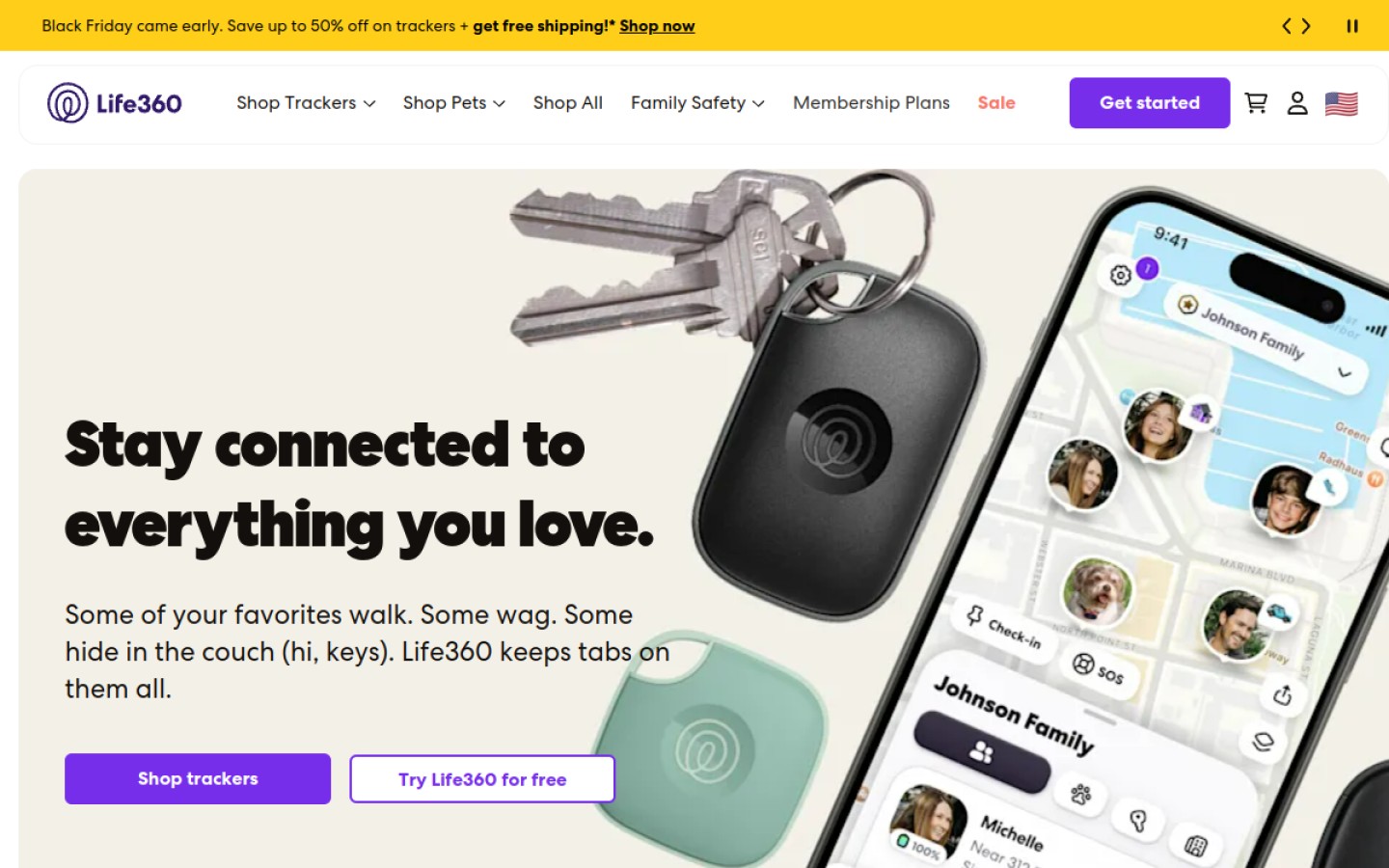
Life360 homepage, captured Nov 2026.
Life360 is a family location app built around private circles on a live map. The free plan covers live location sharing for the whole circle, 2 place alerts and 2 days of location history, which is enough for most families checking school runs and arrivals.
The trade off is that the useful safety extras cost money. Crash detection starts with Silver at $9.99 a month, and 30 days of history and emergency dispatch need Gold at $16.99 a month. It suits families who want the biggest, most polished free tracker and may pay later for driving safety.
What we like
Largest user base in this list, with 3.2M App Store ratings
4.3/5on Google Play (5,522,333 reviews, checked Nov 2026)
PriceFree
Best fully free family tracking app
Free planYes, no paid plan exists
Location historyNo, live location only
Screen time limitsYes, with school time and downtime
DevicesUnlimited supervised accounts
families.google.com
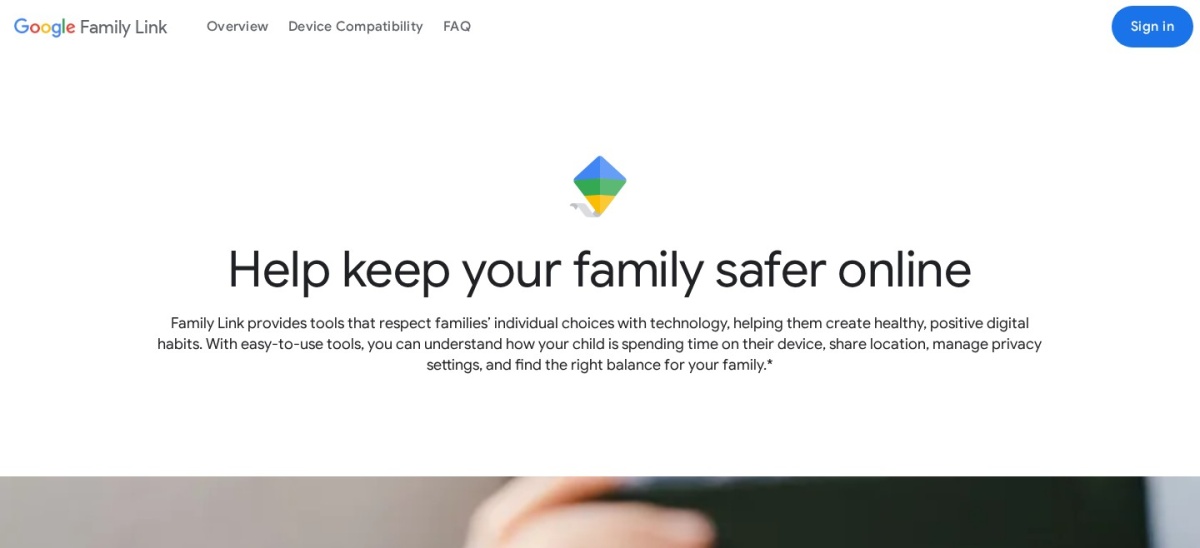
Google Family Link homepage, captured Nov 2026.
Google Family Link is a free parental controls app from Google that shows a supervised child's device location on one map. It also sets daily screen time limits, school time and downtime schedules, approves or blocks app installs, and sends arrival and departure alerts, all at no cost.
The trade off is that it is a controls app first and a tracker second. There is no location history, no driving report and no crash alert, and it works best when the child uses Android. It suits parents who want location plus screen time rules without paying anything.
What we like
Completely free, with no paid plan or trial
Screen time limits and app approvals included
Works for every supervised child account in the family
Watch out for
No location history or driving reports
Full features need an Android device for the child
Children aged 13 and over can switch supervision off
2.8/5on App Store (19,000 reviews, checked Nov 2026)
PriceFree
Best free tracker for iPhone families
Free planYes, built into every iPhone
Location historyNo, live location only
Place alertsArrival alerts for shared people
Works oniPhone, iPad, Apple Watch and Mac
apple.com
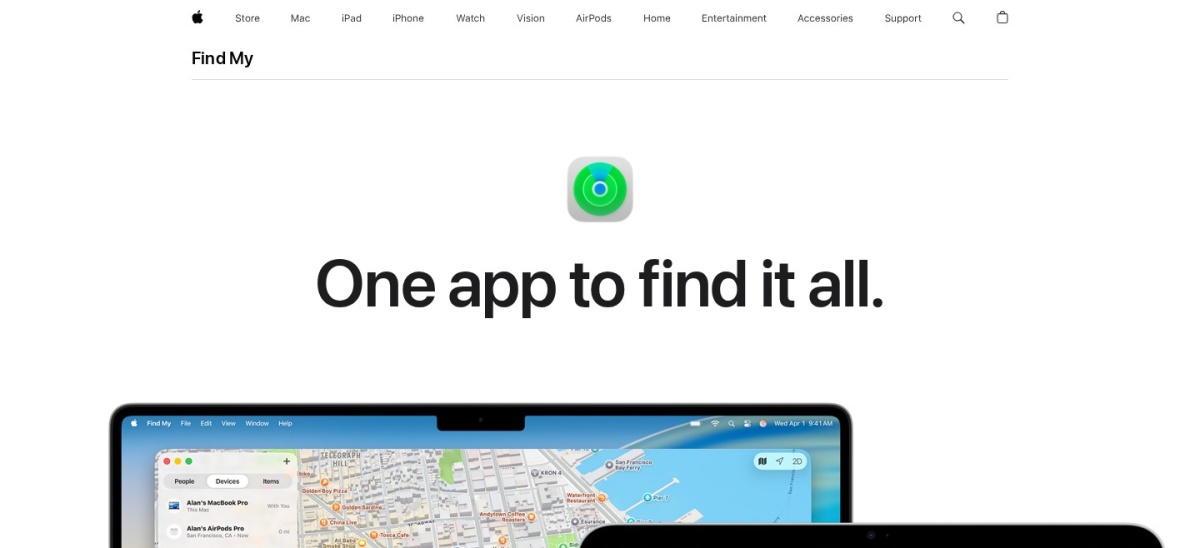
Apple Find My homepage, captured Nov 2026.
Apple Find My is the location app built into every iPhone, iPad and Mac. The People tab shares live location with family and friends for a set time, shows devices in a Family Sharing group on one map, and can play a sound on a lost device or put it in Lost Mode.
The trade off is scope. It only works between Apple devices, it keeps no location history, and it has no driving reports or SOS button. It suits families where everyone already uses an iPhone and who want simple, free sharing with nothing to install.
What we like
Free and already installed on every iPhone
Also finds AirTags, AirPods and other Apple devices
Sharing can be set for a chosen length of time
Watch out for
Apple devices only, no Android support
No location history or driving reports
Lowest App Store rating in this list at 2.8 out of 5
No paid plan exists, so the free app is the whole productVisit apple.com
04
GeoZilla
4.5/5on App Store (51,000 reviews, checked Nov 2026)
Paid from$49.99/yr
Best free alternative to Life360 for driving
Free planLive map, place alerts, daily history
Location history1 day free, 2 weeks on Premium
Driving reportsPremium, with crash alerts
Cheapest paidPremium Yearly, $49.99/yr
geozilla.com
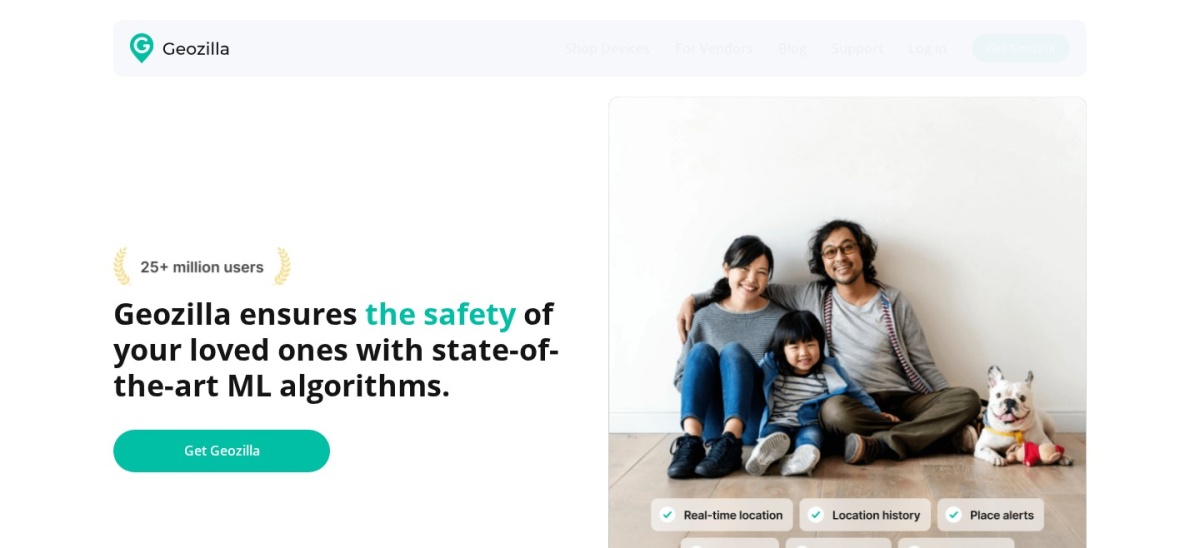
GeoZilla homepage, captured Nov 2026.
GeoZilla is a cross-platform family locator built around private circles on a live map. The free version shows family members on the map, sends arrival and departure alerts, keeps a daily location history and adds check-ins, messaging and low-battery alerts.
The trade off is pricing. Unlimited place alerts and circles, Driver Protection and 2 weeks of history need Premium, listed at $49.99 a year in the App Store, while the GeoZilla site sells 3 months for $59.99. It suits families who want Life360-style driving reports at a lower yearly price.
What we like
Free version covers the core map, alerts and daily history
Yearly Premium undercuts Life360 Silver by a wide margin
Driving reports with speeding and phone-use alerts
Watch out for
Many overlapping subscription prices make it confusing to buy
4.7/5on App Store (24,000 reviews, checked Nov 2026)
Paid from$29.09/yr
Best cheap paid tracker for school-age kids
Free planBasic, online location only
SOS buttonYes, on paid plans
Location historyRoutes on the map, paid plans
Cheapest paidCare, $29.09/yr
findmykids.org
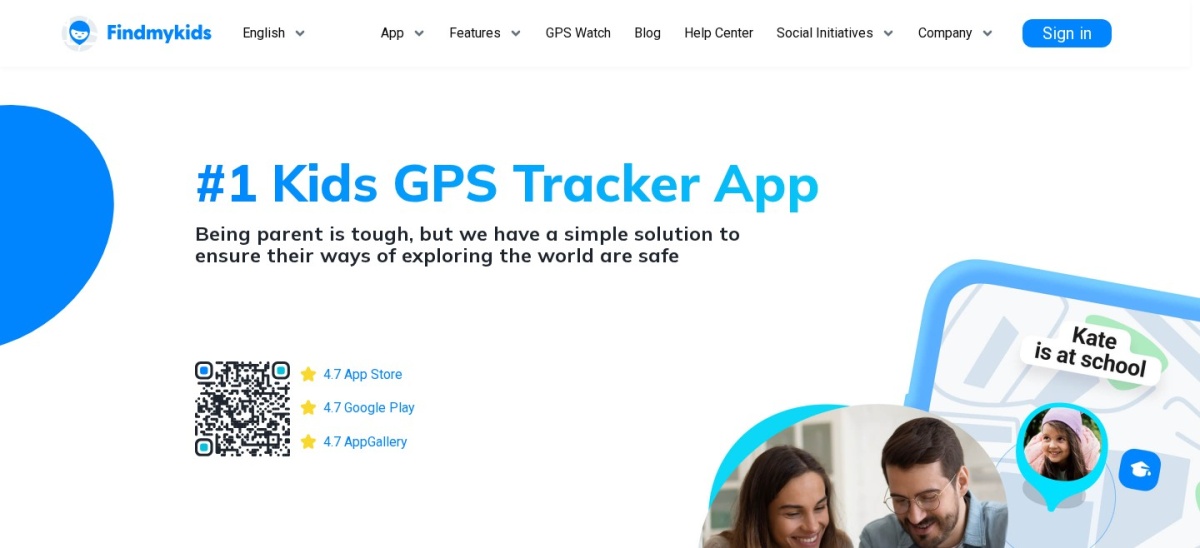
Findmykids homepage, captured Nov 2026.
Findmykids is a family tracker aimed at parents of school-age children. It shows a child's live location and routes on a map, sends notifications when the child arrives at or leaves places such as school or home, and adds an SOS button plus a Super Signal that rings even when the phone is on silent.
The trade off is that the free Basic plan is thin. After a 7-day trial of all features, only the online location stays free, and real-time routes, SOS and place alerts need the Care plan at $29.09 a year. It suits parents who want a low-cost tracker with a loud SOS for younger children.
What we like
Cheapest paid plan in this list at $29.09 a year
SOS button and Super Signal that rings through silent mode
Rated 4.7 out of 5 from 24,000 App Store ratings
Watch out for
Free plan keeps only the basic online location
App blocking and screen limits need the pricier Plus plan
Listening minutes and some extras are sold separately
4.8/5on App Store (49,000 reviews, checked Nov 2026)
Paid from$9.99/mo
Best for temporary location sharing by link
Free planYes, temporary shares free
Always-on trackingNo, shares expire by time
Viewer sign-upNo, opens in any browser
Cheapest paidPremium Shares, $9.99/mo
glympse.com
Glympse homepage, captured Nov 2026.
Glympse is a location sharing app for temporary shares instead of always-on tracking. You send a link with a live location for a set time, the other person opens it in any browser with no sign-up, and the share ends by itself, which suits a teen walking home or a relative driving over.
The trade off is that it is not a family tracker. There is no always-on circle, no place alerts and no location history, and the paid Premium Shares from $9.99 a month are aimed at businesses and events. It suits families who want short shares without asking everyone to install another app.
What we like
No sign-up needed for the person viewing a share
Shares expire by themselves after the set time
Rated 4.8 out of 5 from 49,000 App Store ratings
Watch out for
No always-on family map or place alerts
No location history after a share ends
Paid plans are priced for businesses, not families
4.1/5on App Store (4,400 reviews, checked Nov 2026)
Paid from$59.99/yr
Best for location inside a full parental control app
Free planYes, 1 device, most features locked
Geofence alertsYes, on paid plans
Driving routesYes, with location history report
Cheapest paidYearly, $59.99/yr, up to 10 devices
famisafe.wondershare.com
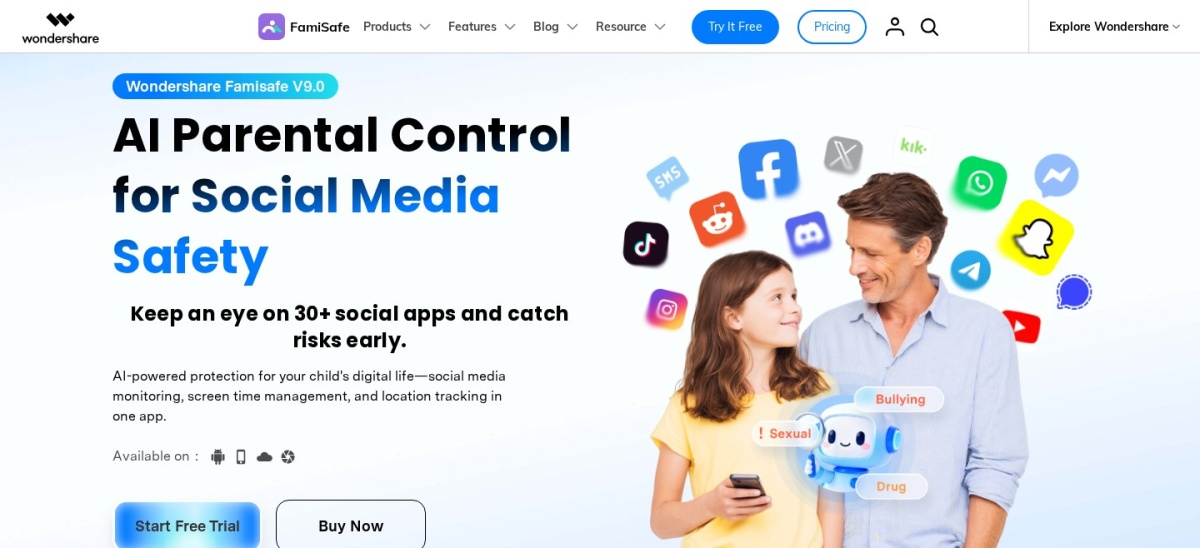
FamiSafe homepage, captured Nov 2026.
FamiSafe is a parental control app from Wondershare with real-time location, geofence alerts, driving route tracking and SOS notifications. It also covers screen time limits, app blocking, website filters and social media alerts across iOS, Android, Windows and Mac.
The trade off is the free tier. It covers 1 device with nearly every control and location feature locked, so real use needs the Yearly plan at $59.99 a year for up to 10 devices. It suits parents who want location plus deep phone monitoring in one app.
What we like
Location, geofences and driving routes in one app
Yearly plan covers up to 10 devices
Also monitors screen time, apps and social media
Watch out for
Free tier locks nearly every feature
Buying through the App Store costs more than the web store
Lowest rating among the parental control picks at 4.1
4.2/5on Apple App Store (9,700 reviews, checked Nov 2026)
Paid from$59.95/yr
Best for mixed iPhone and Android families
Free planYes, 1 device, basic controls
Location monitoringYes, Basic plan and up
Saved place alertsComplete plan only
Cheapest paidBasic, $59.95/yr, 5 devices
qustodio.com
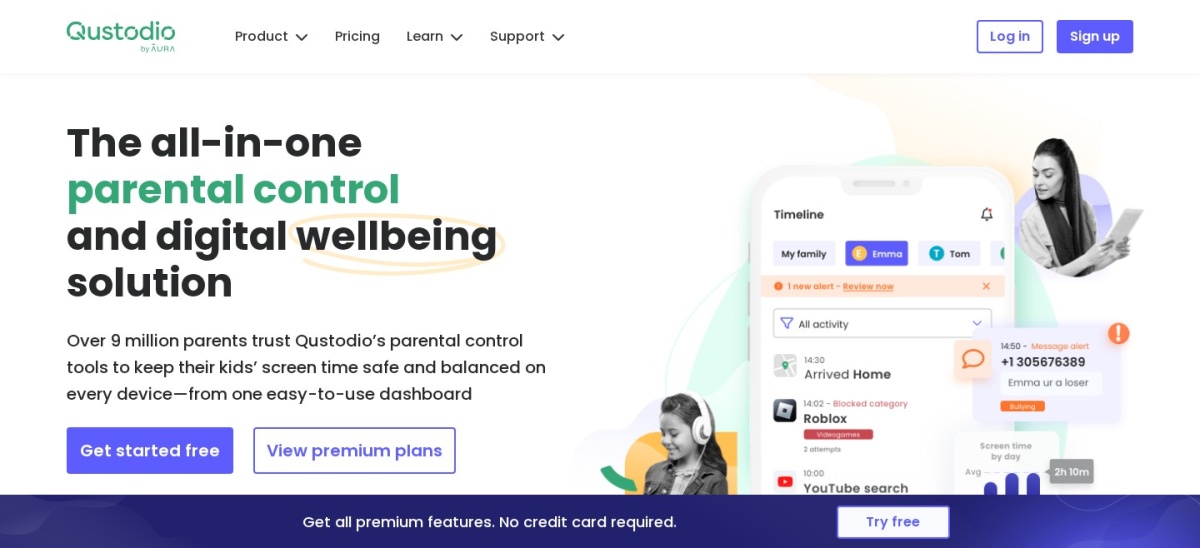
Qustodio homepage, captured Nov 2026.
Qustodio is a parental control app that puts web filtering, app blocking, daily time limits, routines and location monitoring in one dashboard. The free plan protects 1 device with safe search, web filtering and restricted times, while Basic at $59.95 a year adds location monitoring on up to 5 devices.
The trade off is that the best location features sit at the top. Saved place alerts, per-app time limits and calls and messages monitoring need Complete at $104.95 a year. It suits families with a mix of iPhone, Android and Windows devices who want one set of rules everywhere.
What we like
One dashboard for location, screen time and filtering
4.3/5on Apple App Store (36,000 reviews, checked Nov 2026)
Starts at$49/yr
Best for alerts about risky messages and location
Free planNo, 7-day free trial only
Location alertsYes, arrival and departure alerts
Message monitoringPremium plan, 30+ apps
Cheapest paidBark Jr, $49/yr
bark.us
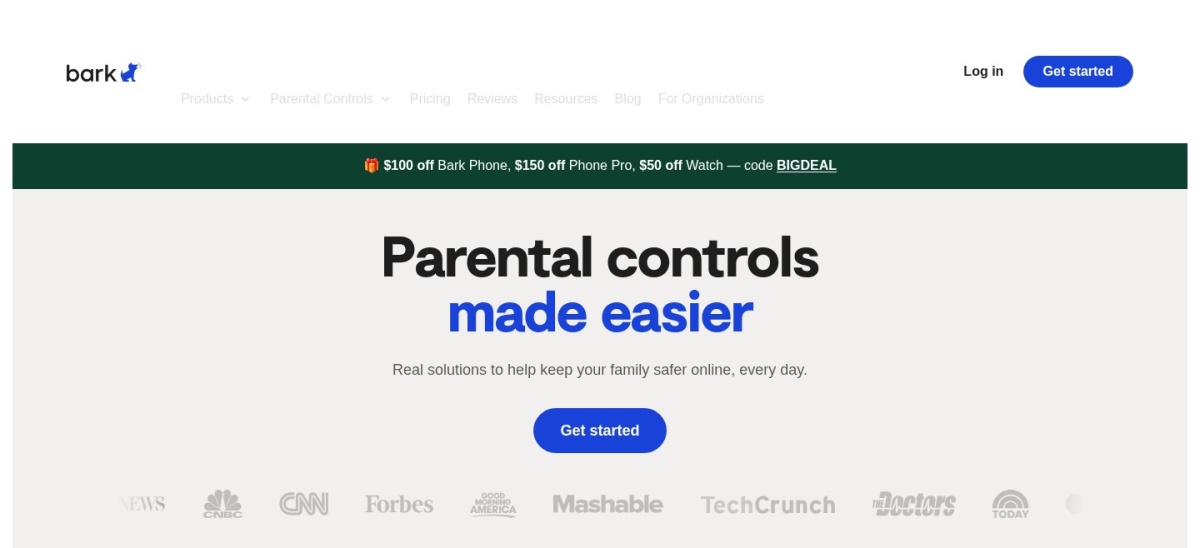
Bark homepage, captured Nov 2026.
Bark is a parental control app that scans texts, email, YouTube and more than 30 apps for signs of bullying, predatory contact and self-harm, and alerts parents only when something crosses a threshold. Every plan includes live GPS location with saved-place alerts and check-ins for unlimited kids and devices.
The trade off is that there is no free plan. Bark Jr costs $49 a year for screen time, filtering and location, and full message monitoring needs Premium at $14 a month or $99 a year. It suits parents who want location plus alerts about risky messages rather than a full transcript.
What we like
Alerts for risky messages instead of full transcripts
Location and check-ins included on every plan
Covers unlimited kids and devices on one subscription
Watch out for
No free plan, only a 7-day trial that needs a card
Location is a supporting feature, not the main focus
Only available in the US, South Africa and Australia
Premium adds message monitoring for $99 a yearVisit bark.us
Free vs paid: what the free plan leaves out
Free plans cover the core job well. Most include a live map and at least one or two place alerts, which is enough to know a child got to school.
Paid plans mostly add history and driving safety. You get more days of location history, crash detection, driving reports and unlimited place alerts.
Parental control apps are the exception. Their free tiers are thin on purpose: FamiSafe locks nearly every feature, and Qustodio covers only one device with no location.
Start with a free plan and pay only when you miss a feature. Life360 and GeoZilla both let you add driving safety later without moving the whole family to a new app.
How we chose
We started from the family locator and parental control apps with the largest store ratings and a real free plan, then kept those with live location sharing for families.
Prices come from each vendor's pricing page or App Store listing, checked on 25 November 2026. Ratings and review counts come from the App Store and Google Play on the same day. Where a vendor shows a sale, the list shows the regular price.
We left out apps with no free plan beyond a trial, except Bark, whose cheapest plan is included as a paid comparison. No vendor paid for a place, and we do not claim to have used these tools ourselves.
How to choose a free family tracking app
Start with the phones your family already uses, then pick the free plan that fits how you want to share.
Check what your phones already do. iPhone families already have Find My, and Android families already have Family Link. Try the built-in option first before installing another app.
Decide if you need always-on tracking or short shares. Life360, GeoZilla and Findmykids keep a family circle on the map all day. Glympse only shares for a set time, which fits trips and pick-ups.
Count the place alerts you need. Life360 free gives you 2 place alerts. If you need home, school and practice covered, a paid plan or a different free app may fit better.
Talk about it with the people being tracked. Location sharing works best when everyone in the circle agrees to it. Set the sharing time and the places together, and check the alerts still work after a month.
FAQ
What is the best free family tracking app?
Life360 is the best free family tracking app for most families. Its free plan covers live location sharing and 2 place alerts, and it is rated 4.8 out of 5 from 3.2M App Store ratings.
Is there a completely free family tracking app?
Yes. Google Family Link and Apple Find My are both free with no paid plan at all. Family Link adds screen time limits and app approvals, while Find My is built into every iPhone.
Can I track my family without paying anything?
Yes, for the basics. Life360, GeoZilla, Findmykids and Glympse all have free plans that cover live location, and Family Link and Find My cost nothing at all.
Do free family tracking apps keep location history?
Mostly not. Life360 free keeps 2 days of history and GeoZilla free keeps 1 day, while Family Link and Find My keep no history at all. Longer history needs a paid plan.
Which free family tracking app works on iPhone and Android?
Life360, GeoZilla, Findmykids and Glympse all work on iPhone and Android. Apple Find My is Apple only, and Google Family Link works best when the child uses Android.
Is Life360 really free?
Yes, the basic plan is free and covers live location sharing, 2 place alerts and 2 days of history. Crash detection starts with Silver at $9.99 a month, and Gold at $16.99 a month adds 30 days of history.
SaaS SEO and WordPress specialist with about 8 years of experience. Rakib compares WordPress plugins, themes, hosting and software using public pricing, documentation and user reviews. See how we rank.