Google Photos is the best facial recognition software for photos for most people, with a free plan that groups faces into People albums and a 4.5 out of 5 G2 rating from 813 reviews. Pick Lightroom for pro libraries and Lenso to find where a face appears online.
How we make this list: we compare pricing pages, product documentation and public user reviews, then re-check every price before each update. No product paid for a place. Disclosure.
Google Photos groups faces free and searches by person, rated 4.5/5 on G2 from 813 reviews.
Lightroom's People view tags faces across a pro catalog, at $11.99 a month with 1TB of storage.
Lenso.ai and PimEyes search the public web for a face; Lenso.ai costs $19.99 a month and PimEyes $29.99.
ACDSee costs $49.95 once and Zoner Studio $59 a year, the cheapest desktop options here.
FaceCheck.ID is the cheapest single check at $6, but its Trustpilot rating is 2.8/5 from only 4 reviews.
What facial recognition in a photo app should do
Face tools fall into two groups. Organizers such as Google Photos and Lightroom group the faces already in your library, while search engines such as Lenso.ai and PimEyes look for a face across the public web.
For organizing, the key question is whether the tool names people or only finds faces. Google Photos and Lightroom let you name each person once and then find every photo of them, while desktop tools vary in how much manual naming they need.
Accuracy is never perfect. Grouping can merge look-alikes or split one person across two groups, so expect to correct names by hand, especially in old scans and group shots.
Privacy matters more here than in most photo software. Cloud tools upload faces to a provider's servers, while desktop tools such as ACDSee and Zoner Studio keep the analysis on your computer. If you share your photos on a website, see whether WordPress is good for photographers.
The 9 best facial recognition software tools for photos
01
Google Photos
4.5/5on G2 (813 reviews, checked Nov 2026)
Paid from$1.99/mo
Best facial recognition for most people
Face groupingYes, People albums
Free storage15GB
Face searchBy name
Paid planGoogle One, 100GB
photos.google.com
Google Photos homepage, captured Nov 2026.
Google Photos is a free photo backup app that groups faces into People albums automatically. The free plan includes 15GB of shared Google storage, face grouping, and search by person, place, or object, and it works on phones, the web, and desktop upload.
The trade off is storage and privacy. The free 15GB fills fast, and paid storage starts at $1.99 a month for 100GB, while face data is processed on Google's servers. It suits anyone whose library starts on a phone and who wants face search without paying.
What we like
Free face grouping with no paid plan needed
Finds a person across years of photos in seconds
Rated 4.5 out of 5 from 813 G2 reviews
Automatic backup from phone and desktop
Watch out for
Free storage is only 15GB shared with Gmail and Drive
Face data is processed on Google servers
Grouping can merge look-alikes and needs corrections
Adobe Lightroom is a photo editor and organizer whose People view groups faces across a whole catalog. The Lightroom plan costs $11.99 a month with 1TB of cloud storage, and face grouping syncs between desktop, web, and mobile so a name added once applies everywhere.
The trade off is price and the subscription. At $11.99 a month it costs $143.88 a year, with no one-time license, and the $9.99 Photography plan is reported closed to new buyers. It suits working photographers who already live in Adobe's catalog.
What we like
People view works across desktop, web, and mobile
Strongest catalog tools in this list
Rated 4.6 out of 5 from 3,414 G2 reviews
1TB of cloud storage included
Watch out for
No one-time purchase; subscription only
Costs $143.88 a year for the cheapest plan
Face grouping needs a paid plan; the free mobile app is limited
4.4/5on Trustpilot (173 reviews, checked Nov 2026)
Paid from$19.99/mo
Best reverse face search
Face searchYes, People tab
Free searchYes, links locked
Monthly unlocks50 on Starter
Paid planStarter, $19.99/mo
lenso.ai
Lenso.ai homepage, captured Nov 2026.
Lenso.ai is a reverse image search engine with a People tab that looks for the same face across the public web. Searching is free, with results shown watermarked and most source links locked, while Starter at $19.99 a month unlocks 50 results, removes the watermark, and adds 10 alerts.
The trade off is reach and region. Face search runs only in selected regions because of local laws, and it does not search social media or dating apps. It suits photographers and creators checking where their own photos appear online.
What we like
Fast face matches across the public web
Free searches with no account needed
Rated 4.4 out of 5 from 173 Trustpilot reviews
Duplicates tab also finds copied photos
Watch out for
Face search is closed in some regions
Source links stay locked until you pay
Does not search social media or dating apps
Annual billing lowers Starter to $199.99 a yearVisit lenso.ai
04
ACDSee Photo Studio
4.4/5on G2 (282 reviews, checked Nov 2026)
Starts at$49.95/one-time
Best one-time purchase
Face detectionYes, People mode
LicenseOne-time purchase
RAW editingYes
Free planNo, 15-day trial
acdsee.com
ACDSee Photo Studio homepage, captured Nov 2026.
ACDSee Photo Studio is a Windows photo organizer with face detection, AI keywording, and RAW editing in one app. The Home edition costs $49.95 once, with no subscription, and its People mode groups faces so a large library stays searchable without a monthly bill.
The trade off is polish and platform. The interface can feel cluttered, loading can be slow with very large libraries, and there is no Mac version. It suits Windows photographers who want to own their organizer outright.
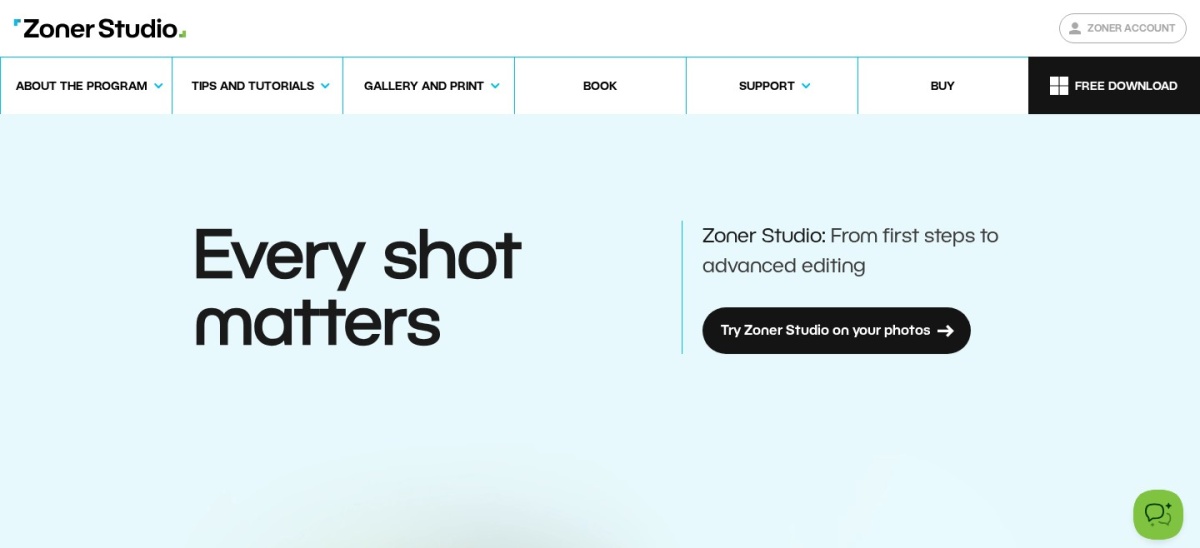
Zoner Studio is a Windows all-in-one that covers cataloging, RAW development, layers, and face detection for $59 a year. The $5.99 monthly option costs more over a year, and the subscription includes 20GB of cloud storage plus print products.
The trade off is reach. It is Windows only, with no perpetual license and a smaller community than Adobe's, so tutorials are harder to find. It suits Windows users who want organizing plus editing at the lowest serious price here.
CyberLink PhotoDirector homepage, captured Nov 2026.
CyberLink PhotoDirector is a desktop photo editor whose Library module tags faces and organizes shots by person. The free Essential edition covers basic edits, while PhotoDirector 365 regularly costs $79.99 a year and adds AI tools, 100 AI credits a month, and a stock library.
The trade off is the sale price gap. CyberLink currently advertises $54.99 a year, but the regular price is $79.99, and some AI features need extra credits. It suits beginners who want guided edits and face tagging in one Windows or Mac app.
What we like
Free Essential edition with no time limit
Face tagging plus guided AI edits
Rated 4.3 out of 5 from 53 G2 reviews
Works on Windows and Mac
Watch out for
Regular price is $79.99, above the advertised $54.99 sale
3.5/5on Trustpilot (154 reviews, checked Nov 2026)
Paid from$29.99/mo
Best for finding your own photos
Face searchPublic web index
Free searchBlurred, no links
Daily searches75 on Open Plus
Paid planOpen Plus, $29.99/mo
pimeyes.com
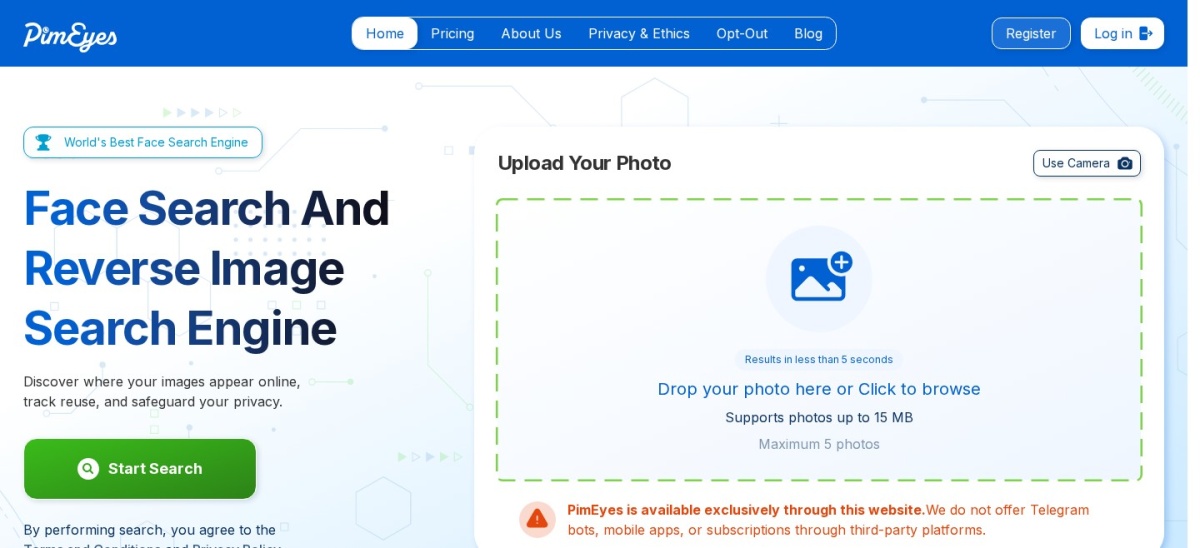
PimEyes homepage, captured Nov 2026.
PimEyes is a face search engine that finds where a face appears across the public web. Free searches show blurred thumbnails with no source links, while Open Plus at $29.99 a month unblurs results, shows source links, and allows 75 searches a day with 10 alerts.
The trade off is trust and cost. It is rated 3.5 out of 5 on Trustpilot from 154 reviews, with complaints about billing and captchas, and the subscription renews until cancelled. It suits people tracking their own photos and asking for takedowns.
What we like
Largest face search index for finding your photos
Monitoring alerts for new appearances
Rated 3.5 out of 5 from 154 Trustpilot reviews
Takedown help on higher plans
Watch out for
Free results are blurred with no source links
Trustpilot reviews report billing and captcha issues
Clarifai is an AI platform whose vision models detect faces and match similar faces across a large image set. The free Community plan covers limited monthly requests, while Essential starts at $30 a month in credits, and teams can train custom models on their own photos.
The trade off is complexity and cost. Pricing is usage-based, so a real monthly bill takes work to estimate, and it is built for developers, not for organizing a family library. It suits teams adding face search to their own app.
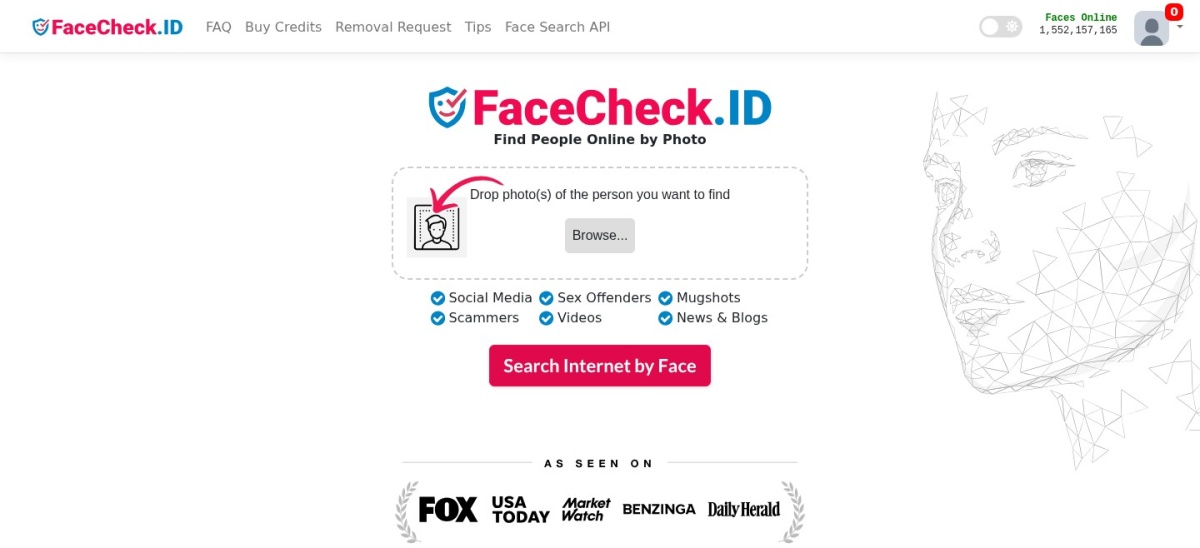
FaceCheck.ID is a reverse face search engine that checks a face against public social media, news, and scammer databases. Free searches show blurred previews, and the cheapest credit pack costs $6 for 36 credits, about 12 searches, with one search costing 3 credits.
The trade off is reliability and payment. It is rated 2.8 out of 5 on Trustpilot from only 4 reviews, credits expire in 2 days on the cheapest pack, and payment is crypto only. It suits a single cheap check before deciding on a costlier tool.
Library tools group faces you already own. Google Photos, Lightroom, ACDSee, Zoner Studio, and PhotoDirector sort your own collection by person.
Search engines find a face on the public web. Lenso.ai, PimEyes, and FaceCheck.ID take one photo and return other pages where the same face appears.
Most people need the first group. The second group fits privacy checks, such as finding photos of yourself posted without permission, and it should only be used with your own face.
How we chose
We started from the photo tools photographers and reviewers name for face grouping and face search, then kept only those with a public rating on G2, Capterra, or Trustpilot and a confirmed price.
Prices come from each vendor's pricing page or checkout, checked on 25 November 2026, and ratings come from G2, Capterra, or Trustpilot on the same day. Where a vendor shows a sale, the list shows the regular price.
We left out tools with no rating on those three platforms, including Mylio Photos, Excire Foto, digiKam, and Apple Photos, and tools whose face features do not search or group people, such as Luminar Neo. No vendor paid for a place, and we do not claim to have used these tools ourselves.
How to choose facial recognition software for photos
Start with the job: organizing your own photos, or finding a face online.
Decide which job you need. Organizing tools group faces in your own library, while search engines look for a face across the web. The two groups do not replace each other.
Check where face data goes. Cloud tools process faces on a provider's servers, while desktop tools keep the analysis on your computer. Pick the model you are comfortable with before uploading a lifetime of photos.
Try the free tier first. Google Photos, Lenso.ai, and PimEyes all show results before you pay, so run one real search with your own photos and check the matches.
Name people early. Face grouping works best when you name each person once and correct the mistakes it makes, especially in group shots and old scans.
FAQ
What is the best facial recognition software for photos?
Google Photos is the best pick for most people. Its free plan groups faces into People albums, searches by person, and works on phones and the web, and it is rated 4.5 out of 5 on G2 from 813 reviews.
Is there free facial recognition software for photos?
Yes. Google Photos groups faces free with 15GB of storage, PhotoDirector tags faces in its free Essential edition, and Lenso.ai, PimEyes, and FaceCheck.ID all offer free searches with blurred or limited results.
How accurate is facial recognition in photo apps?
Good, but not perfect. Grouping can merge look-alikes, split one person into two groups, or miss faces in side views and old scans, so expect to correct names by hand. Accuracy also varies with photo quality and lighting.
Can facial recognition software find my photos online?
Yes, with a search engine. Lenso.ai, PimEyes, and FaceCheck.ID upload one photo and return public pages where the same face appears. Free results are usually blurred, and you pay to see source links.
Does Lightroom have facial recognition?
Yes. Lightroom's People view groups faces across your catalog and syncs names between desktop, web, and mobile. Face grouping needs a paid plan, which starts at $11.99 a month with 1TB of storage.
Is it safe to upload my face to these tools?
It depends on the tool. Library apps such as ACDSee and Zoner Studio analyze faces on your computer, while cloud tools and face search engines upload your photo to their servers, so read the privacy policy first and search only your own face.
SaaS SEO and WordPress specialist with about 8 years of experience. Rakib compares WordPress plugins, themes, hosting and software using public pricing, documentation and user reviews. See how we rank.