Facetune is the best free face photo editing app for most people. It covers smoothing, reshaping, makeup looks and AI headshots, and it is rated 4.6 out of 5 from 382,000 App Store ratings. Pick FaceApp for quick age and hairstyle filters, and YouCam Makeup for the cheapest paid plan at $31.99 a year.
How we make this list: we compare pricing pages, product documentation and public user reviews, then re-check every price before each update. No product paid for a place. Disclosure.
Facetune is the most complete face editor here, with retouching, AI headshots, video retouching and a web editor.
FaceApp is the highest rated app in this list at 4.7 out of 5 from 1.8 million App Store ratings.
YouCam Makeup has the cheapest paid plan among the face specialists in this list at $31.99 a year, with Premium from $5.99 a month.
Remini is the best one-tap fix for blurry or old faces, but its weekly billing adds up fast if left running.
Pixlr and Adobe Express are the free browser options in this list, with layers and AI object tools for portraits that end up as designs.
What to look for in a free face photo editor
A face editor is not the same as a general photo editor. The tools in this list all work on faces directly: smoothing skin, removing blemishes, whitening teeth, reshaping features and trying makeup or hairstyles.
Free tiers differ more than the feature lists suggest. Some let you edit freely and only charge for HD exports, while others watermark every save or cap you at a few edits a day.
Check the subscription before you start a project. Weekly billing looks cheap at $4.99 or $6.99 a week, but it costs far more over a year than the annual plan for the same app.
4.6/5on App Store (382,000 reviews, checked Nov 2026)
Paid from$77.99/yr
Best face editor overall
Free tierYes, limited tools
AI headshotsYes, VIP
Video retouchingYes, VIP
Paid planVIP, $77.99/yr
facetuneapp.com
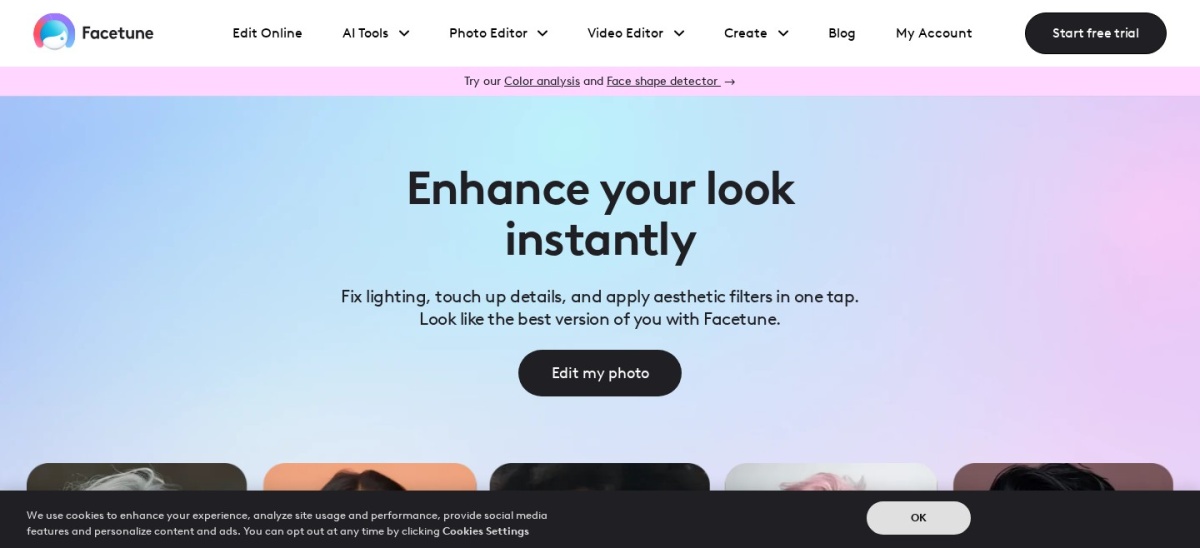
Facetune homepage, captured Nov 2026.
Facetune is a portrait and selfie editor from Lightricks, built around faces first. The free download covers basic retouching, filters and makeup looks, while VIP adds AI headshots, an AI clothes changer, virtual hair and nails, video retouching and watermark-free exports. It works on iPhone, Android and the web.
The trade off is price. VIP costs $25 a month, $40 every 3 months or $77.99 a year on the website, after a 7-day free trial, and in-app prices can differ. It suits people who edit portraits often and want one app for photos and short video.
What we like
Widest face toolkit in this list
AI headshots and video retouching included in VIP
Works on mobile and in a web editor
Rated 4.6 out of 5 from 382,000 App Store ratings
Watch out for
Free tier is limited and exports carry a watermark
Monthly billing at $25 is the priciest in this list
4.7/5on App Store (1,800,000 reviews, checked Nov 2026)
Paid from$60/yr
Best for quick age and hairstyle filters
Free tierYes, basic filters
Age filterYes
Hairstyle try-onYes
Paid planPRO, $60/yr
faceapp.com
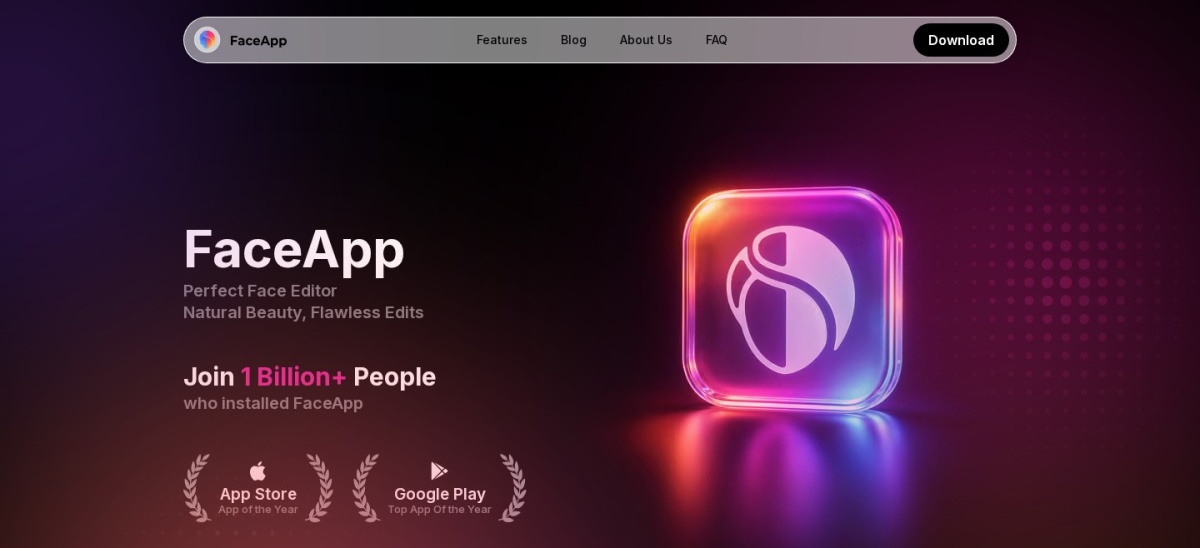
FaceApp homepage, captured Nov 2026.
FaceApp is a face editor that turns one selfie into dozens of looks with a single tap. Free filters cover ageing, smiles, hairstyles, hair colour, beards and makeup, with strength controls and a before-and-after comparison. It has more than 500 million Google Play downloads and 1.8 million App Store ratings.
The trade off is that there is no price list on its website. PRO is sold only inside the app, listed at $10 a month and $60 a year on the US App Store, and it unlocks every filter and removes watermarks. It suits quick experiments rather than careful, layered editing.
What we like
Highest App Store rating in this list at 4.7 out of 5
4.7/5on App Store (156,229 reviews, checked Nov 2026)
Paid from$31.99/yr
Best value face editor
Free tierYes, with ads
Makeup try-onYes, live and photo
Face retouchingYes
Paid planPremium, $31.99/yr
perfectcorp.com
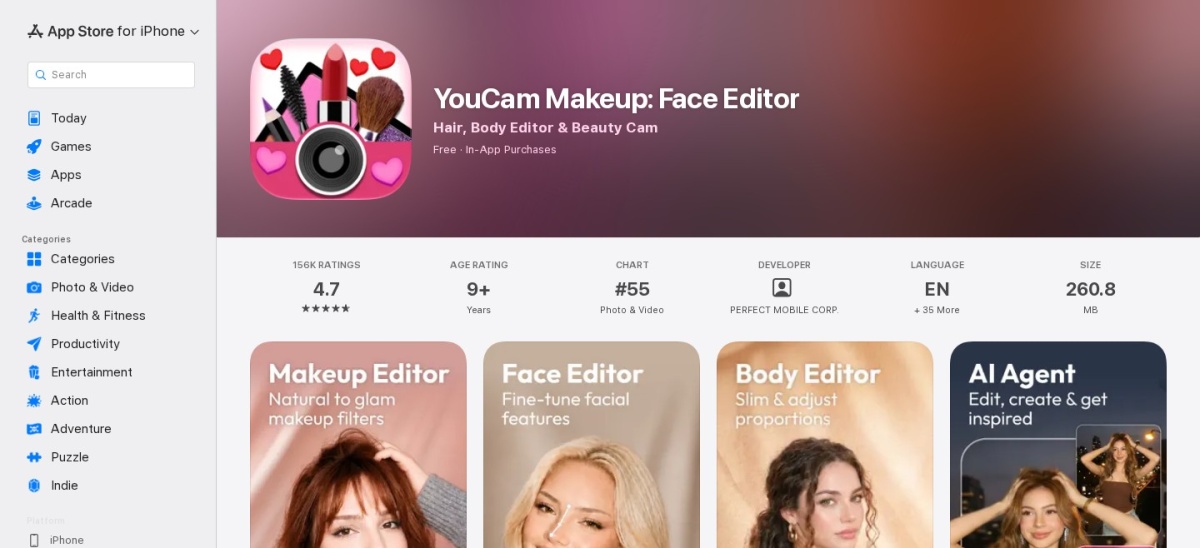
YouCam Makeup homepage, captured Nov 2026.
YouCam Makeup is a face editor from Perfect Corp. that pairs makeup try-on with retouching. The free app covers skin smoothing, face shaping, blemish removal, hair colour and more than 250 AI hairstyle presets, plus live makeup try-on through the camera. It is rated 4.7 out of 5 from about 156,000 App Store ratings.
The trade off is the free tier. It carries ads, and Premium is needed for the full set, listed from $5.99 a month or $31.99 a year on the US App Store. It suits people who want makeup and hair try-on in the same app as their retouching.
What we like
Cheapest paid plan among the face specialists at $31.99 a year
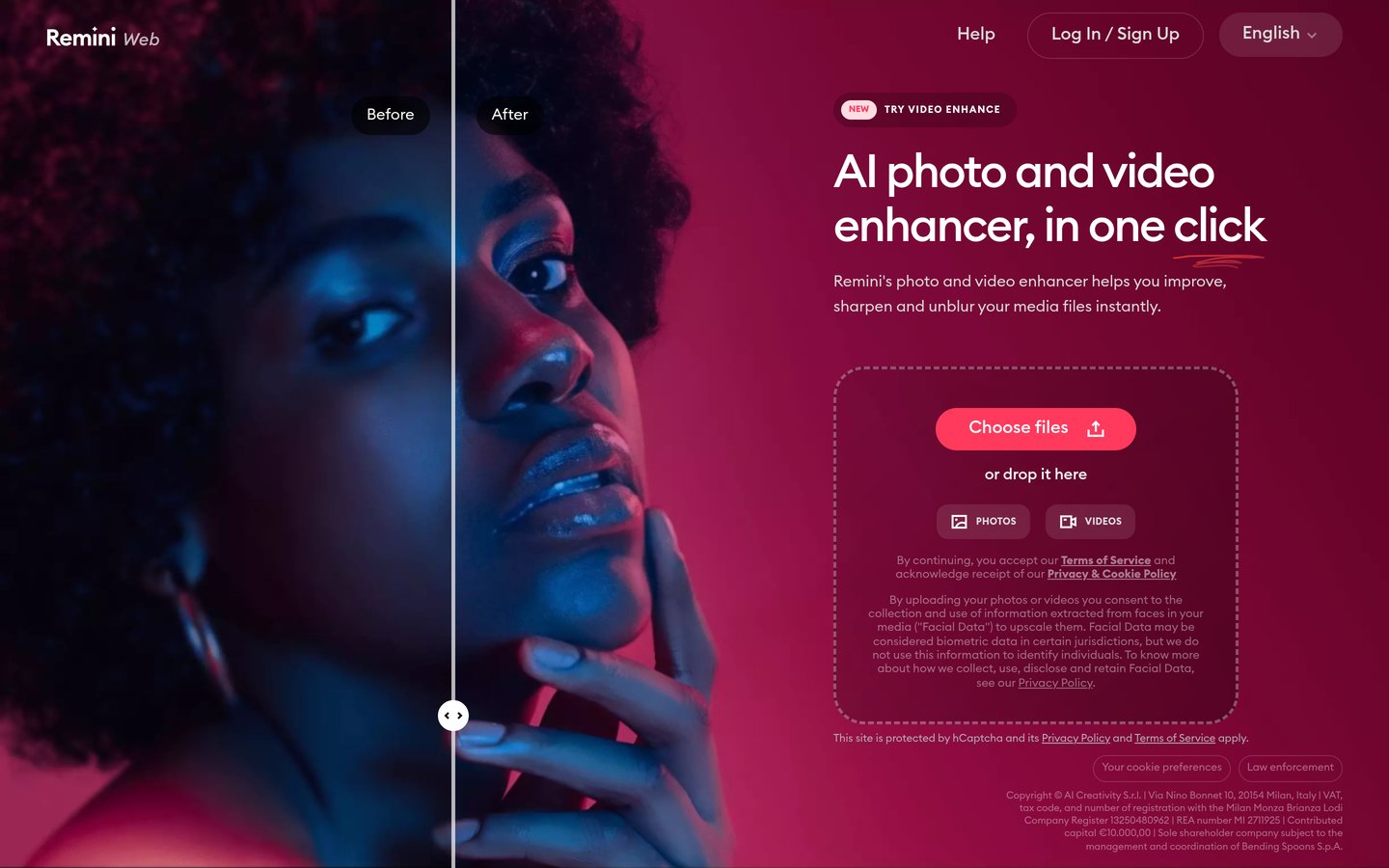
Remini is a mobile-first enhancer built around faces and old photos. Its Face Enhancer, Old Photos Restorer, Color Fixer and Denoiser run with one tap, and the Image Enlarger upscales photos up to 2x. The homepage reports 100 million monthly active users and 5 billion photos and videos enhanced.
The trade off is billing. Pro is $9.99 a month in the app, while the web Personal plan is listed at $179.99 a year, so the same tools cost very different amounts depending on where you buy. It suits phone users with a few portraits to fix, not a large archive.
Picsart is a broad photo and video editor with a one-tap AI enhancer for faces. The free tier covers core retouching, background removal, stickers, effects and templates, while Pro adds 500 AI credits a month, bulk editing of up to 50 images and 100 GB of cloud storage. It is rated 4.5 out of 5 on G2 from 800 reviews.
The trade off is price. Pro costs $15 a month or $126 a year, up from $84 a year in 2025, and the cheaper Plus plan is gone. It suits creators who retouch a face and then turn the photo into a post, collage or thumbnail in the same app.
Fotor is a browser photo editor with face retouching, one-click repair and more than 100 editing features. The free Basic plan handles small batches of portraits, while Pro adds HD downloads, 100 AI credits a month and batch editing of up to 50 images. It is rated 4.2 out of 5 on G2 from 342 reviews.
The trade off is depth. Fotor is quick and friendly, but it does not offer the fine face-shaping controls of Facetune or YouCam Makeup. Pro costs $8.99 a month or $39.99 a year. It suits beginners who want face fixes in a browser tab without installing an app.
Canva is a design app first, with photo tools that work on faces through Magic Edit, Magic Eraser and the background remover. The free plan covers basic edits and templates, while Pro raises AI limits and unlocks Magic Edit for changing parts of a portrait from a text prompt. It is rated 4.7 out of 5 on G2 from 7,678 reviews.
The trade off is focus. Canva has no dedicated face-shaping or makeup tools, so it is a poor pick if retouching is the whole job. Pro costs $18 a month or $144 a year. It suits people who retouch a portrait and then place it in a post, flyer or presentation.
Pixlr is a browser editor with layers, masks and generative fill, so a face edit can sit on its own layer and be undone cleanly. The free plan covers the core tools with ads, while Plus adds 80 AI credits a month and unlimited saves. It is rated 4.4 out of 5 on G2 from 751 reviews.
The trade off is polish. Pixlr is a general editor, not a face specialist, so skin and feature work takes more manual steps than in Facetune. Plus costs $2.49 a month, or $1.99 a month billed yearly. It suits people who want layered edits for free in a browser.
What we like
Layers and masks in a free browser editor
Cheapest annual plan in this list at $23.88 a year
Adobe Express is a browser design app with AI tools that help with portraits. The free plan includes daily Insert and Remove Object generations, background removal and templates, while Premium adds 250 generative credits a month and 100 GB of storage. It is rated 4.4 out of 5 on G2 from 1,108 reviews.
The trade off is scope. Express fixes and redesigns around a face, but it has no skin smoothing or face-shaping tools of its own. Premium costs $9.99 a month. It suits quick portrait clean-ups that end up as a social post or flyer.
Free plans cover the basics well. Most include smoothing, blemish removal, filters and a few AI edits a day.
Paid plans mostly add HD exports, watermark-free saves and unlimited AI use. The face tools themselves often stay the same.
Weekly billing is the trap to watch. A $4.99 weekly plan costs about $260 a year if it keeps renewing, while the same app may offer an annual plan under $80.
If you edit portraits every week, the annual plan of your favourite app usually costs less than two months of weekly billing.
How we chose
We started from the face editing apps with the largest user bases on the App Store, Google Play and G2, then kept those with a usable free tier and a public rating.
Prices come from each vendor's pricing page or app store listing, checked on 25 November 2026. Ratings come from the App Store or G2 on the same day. Where a vendor shows a sale, the list shows the regular price.
We left out apps with no public rating anywhere, since a rating is required for every tool in this list. No vendor paid for a place, and we do not claim to have used these tools ourselves.
How to choose a free face photo editing app
Start with the kind of face edit you do most, then check the free limits before you commit to an app.
Decide what the app must do to a face. Smoothing and blemish removal need a retoucher like Facetune, while age and hairstyle previews need FaceApp or YouCam Makeup.
Check the free tier first. Count the free edits per day, and check whether exports carry a watermark or cap at low resolution.
Compare the annual price, not the weekly one. Weekly plans look cheap but cost several times the annual plan over a year. See the price ladder above.
Keep the original photo. Save a copy before editing, so an over-smoothed face can be redone. See how to optimize images for WordPress before uploading.
FAQ
What is the best free face photo editing app?
Facetune is the best free face photo editing app for most people. Its free download covers basic retouching, filters and makeup looks, and it is rated 4.6 out of 5 from 382,000 App Store ratings, with VIP at $77.99 a year.
Which face editing app is completely free?
None of the apps in this list is fully free with every feature unlocked. Pixlr and Fotor come closest in a browser, with usable free tiers, while Facetune, FaceApp and YouCam Makeup keep their best tools behind a subscription.
Is FaceApp free to use?
Yes, FaceApp is free to download and its basic filters work without paying. PRO unlocks every filter and removes watermarks, listed at $10 a month and $60 a year on the US App Store.
What is the cheapest face photo editing app?
Pixlr Plus is the cheapest paid plan in this list at $23.88 a year, though it is a general editor rather than a face specialist. Among face specialists, YouCam Makeup is cheapest at $31.99 a year, with Premium from $5.99 a month.
Can I edit faces for free without a watermark?
It depends on the app. Facetune, FaceApp and Remini watermark some free exports, while Pixlr and Fotor offer cleaner free saves with ads. Check the export screen before you finish an edit.
Do these apps work on Android as well as iPhone?
Yes. Facetune, FaceApp, YouCam Makeup and Remini all run on iPhone and Android, while Fotor, Canva, Pixlr and Adobe Express also work in a browser on any device.
SaaS SEO and WordPress specialist with about 8 years of experience. Rakib compares WordPress plugins, themes, hosting and software using public pricing, documentation and user reviews. See how we rank.