Best Exterior Design Software in 2026: 9 Tools Compared
WLWPLegible EditorsLast verified 23 Nov 2026How we rank13 min read
★ Short answer
Cedreo is the best exterior design software for most builders and remodelers. Its Pro plan costs $39 a month billed yearly and turns a floor plan into elevations, roofs, terrain and 40 renders a month. Pick SketchUp for free-form 3D modeling and Chief Architect for permit-ready drawings.
How we make this list: we compare pricing pages, product documentation and public user reviews, then re-check every price before each update. No product paid for a place. Disclosure.
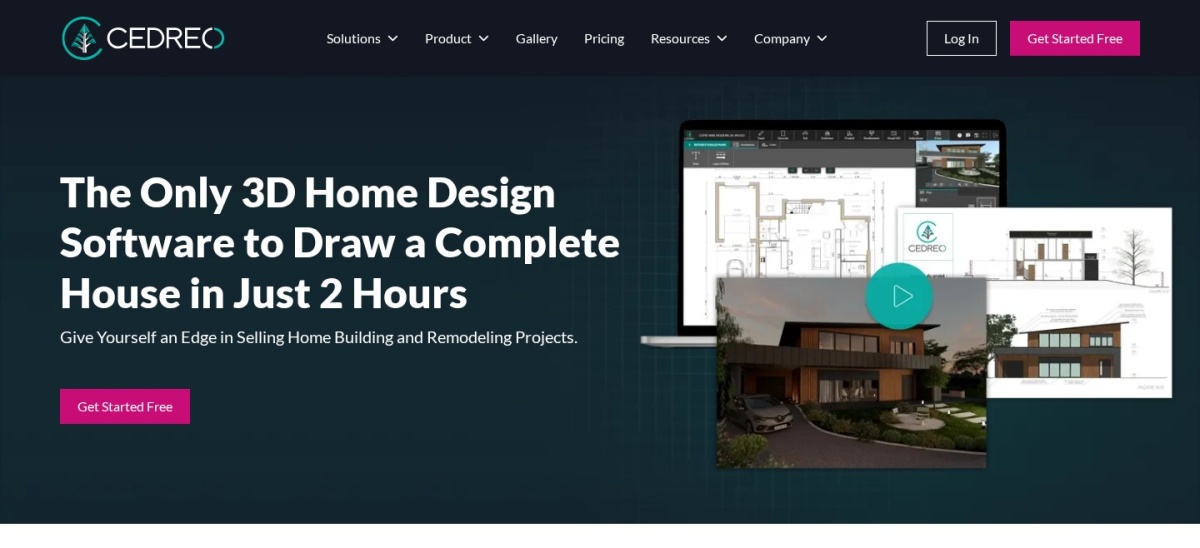
Cedreo is the only tool here built around the whole house exterior: plans, elevations, roofs and terrain in one browser app, with 40 renders a month on Pro.
SketchUp Free costs nothing for personal use, and Go starts at $129 a year, the cheapest route to full 3D control of a facade.
Chief Architect Premier is the priciest pick at $1,995 a year, but it is the only one that generates framing, foundations and a materials list from the plan.
Planner 5D Premium at $59.99 a year and Floorplanner Plus at $48.96 a year are the cheapest paid plans for homeowners.
RoomSketcher Pro lists at $24 a month, and Coohom Pro at $29 a month, before the sale prices shown on their pages this week.
What exterior design software should do
Exterior design is two jobs at once. You need a plan a builder can follow, with walls, roof lines and levels, and a picture a client can react to, with cladding, windows and the garden around it.
Plan-first tools draw the house, then produce the elevation and the render from the same model. Photo tools work the other way: they restyle a picture of the house you already have. This list covers plan-first tools, because a photo alone cannot produce a roof plan or a materials list.
Roofs and terrain separate the serious tools from the simple ones. Automatic roof generation, sloped lots and site plans matter as soon as the house is more than a flat box on flat ground.
Renders are usually rationed. Most paid plans include a set number of renders a month, and extra renders cost more, so check the monthly allowance before you pay. Our guide on generating images with AI in WordPress explains how AI images differ from renders made from a measured model.
Prices move with sales. Several vendors show a lower price this week for Black Friday, so this list uses the regular price and notes the sale where one is showing.
Cedreo is browser-based home design software for builders and remodelers. You draw or import a floor plan, and it generates walls, roofs, elevations, terrain and 3D views, then produces photorealistic renders for a client presentation. The free plan covers 1 user and 1 project, with no renders included.
The trade off is price and region. Pro costs $39 a month billed yearly, or $59 a month billed monthly, and other sources list higher prices by visitor location, so confirm the checkout total. It suits builders who need elevations and renders from one model.
What we like
Draws plans, elevations, roofs and terrain in one app
40 renders a month on Pro, plus 10 AI renders
Imports existing plans in JPEG, PNG, PDF, DWG and DXF
SketchUp is the most flexible way to model a house exterior. You push and pull walls into shape, try porch or dormer options in one sitting, and pull ready-made windows, doors and cladding from 3D Warehouse. The free web version covers personal use, and Go starts at $129 a year.
The trade off is that nothing is automatic. SketchUp does not generate a roof, framing or elevations for you, so every surface is modeled by hand. It suits designers who want full control of a facade and do not need construction documents.
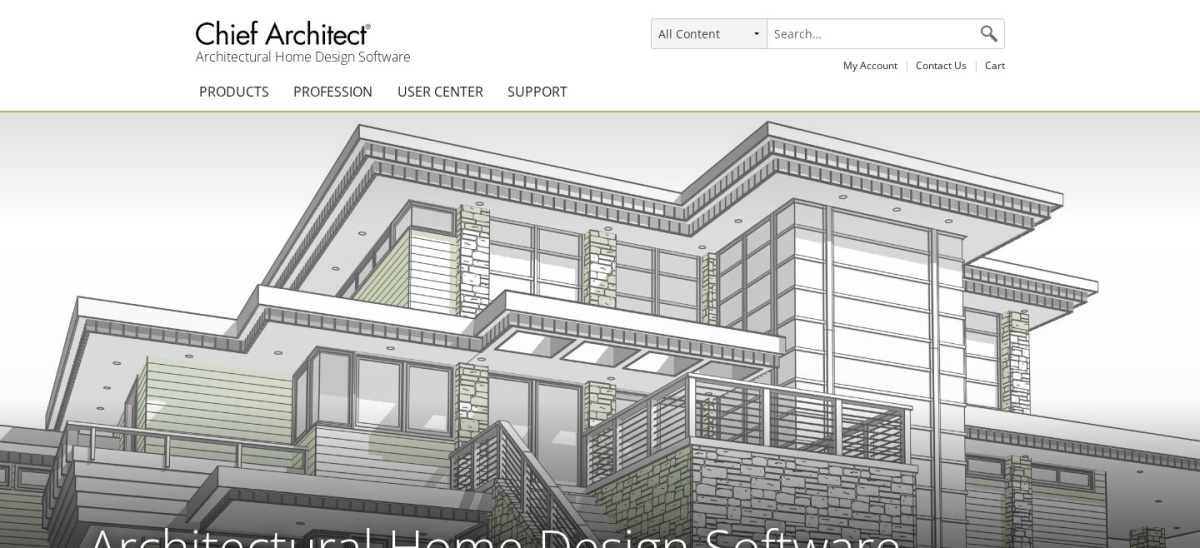
Chief Architect Premier homepage, captured Nov 2026.
Chief Architect Premier is residential design software that builds the exterior for you from the plan. Draw the walls and it generates the roof, framing and foundation with real building logic, then produces elevations, cross sections and a materials list. It costs $229 a month or $1,995 a year, with support included.
The trade off is cost and scope. It is the priciest tool here by a wide margin, and it is built for houses, not commercial buildings. It suits residential designers and builders who produce permit sets every week.
What we like
Automatic roofs, framing and foundations
Elevations, sections and materials lists from one model
Rated 4.6 out of 5 on G2
Support and updates included in the price
Watch out for
Costs $1,995 a year, far above every other tool here
Planner 5D is the easiest starting point in this list. The free plan covers unlimited projects across web and mobile, with half of the furniture catalog, and you draw walls, drop in furniture and switch to 3D in minutes. Premium costs $59.99 a year and unlocks the full catalog of 10,000-plus items.
The trade off is depth. It is a general home design app, not a construction tool, so there are no automatic roofs, framing plans or materials lists. It suits homeowners who want a quick exterior concept and a 3D view to show a contractor.
What we like
Highest G2 rating here at 4.7 out of 5
Free plan allows unlimited projects
Premium is only $59.99 a year
Works on web, phone and tablet
Watch out for
No automatic roofs or construction drawings
Half the catalog sits behind Premium
Black Friday sale prices are showing this week
Professional at $399.99 a year adds 4K renders and CAD exportVisit planner5d.com
05
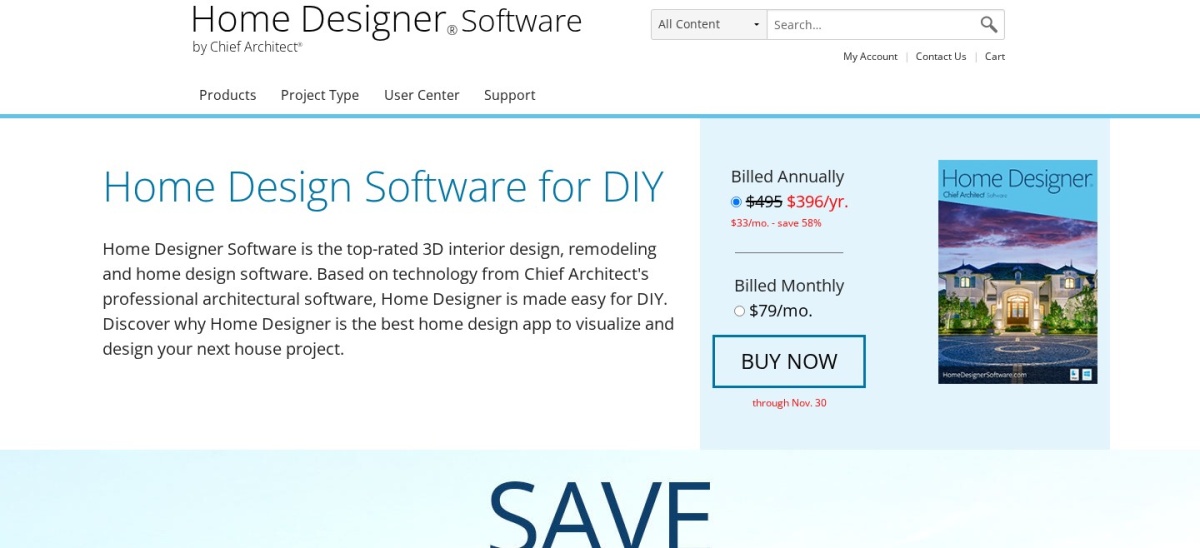
Home Designer
4.3/5on G2 (20 reviews, checked Nov 2026)
Starts at$495/yr
Best for DIY remodelers who want pro tools
Free planNo, trial only
Annual price$495/yr
Monthly price$79/mo
Auto-generatedRoofs and foundations
homedesignersoftware.com
Home Designer homepage, captured Nov 2026.
Home Designer is Chief Architect's line for homeowners and DIY remodelers. It brings the same building logic to exterior work at a lower price: popular roof styles come with step-by-step instructions, foundations generate automatically, and you can draw site and terrain plans with lot boundaries and decks.
The trade off is that it is still a subscription, not a one-time purchase. It costs $495 a year billed annually, or $79 a month billed monthly, and the trial blocks saving and printing. It suits a homeowner planning a real build or remodel, not a quick sketch.
What we like
Automatic roofs and foundations at a quarter of Premier's price
Site and terrain plans with lot boundaries
Files move to Chief Architect if you hire a pro later
Step-by-step roof instructions for beginners
Watch out for
No free plan, only a limited trial
Sale price of $396 a year runs through 30 Nov 2026
RoomSketcher is a cloud floor plan and home design app that turns a measured layout into 2D plans, 3D floor plans and walkthroughs without CAD training. The free plan includes 2 credits and 1 AI floor plan conversion, and Pro adds the full furniture library, 3D photos and 360 views.
The trade off is the credit system. Pro lists at $24 a month, or $288 a year, and most outputs still cost credits, with 5 included a month. It suits agents and designers who need tidy, measured plans with 3D views for clients.
What we like
Rated 4.5 out of 5 on G2 from 150 reviews
Measured plans with print-to-scale on Pro
Floor plan redraw service from $18 a floor on Pro
Trusted by 10M+ professionals and homeowners, per its site
Watch out for
Most outputs cost credits on top of the subscription
Half-price sale lists Pro at $144 a year this week
Exterior and terrain tools are thinner than Cedreo or Chief Architect
Coohom is a browser-based 3D design platform that turns a floor plan into a photorealistic render in seconds. The free Basic plan allows up to 3 design projects with low-resolution watermarked renders, and Pro adds unlimited projects, the 100,000-plus premium model catalog and unlimited 4K renders.
The trade off is price and depth. Pro lists at $29 a month, or $348 a year, and construction drawings wait for Elite at $699 a year. It suits designers who need fast, good-looking visuals for clients more than measured construction output.
What we like
Unlimited 4K renders on Pro with no watermark
100,000-plus premium model catalog
Runs fully in the browser, nothing to install
360 walkthroughs and video renders included on Pro
Watch out for
Free plan stops at 3 projects with watermarked renders
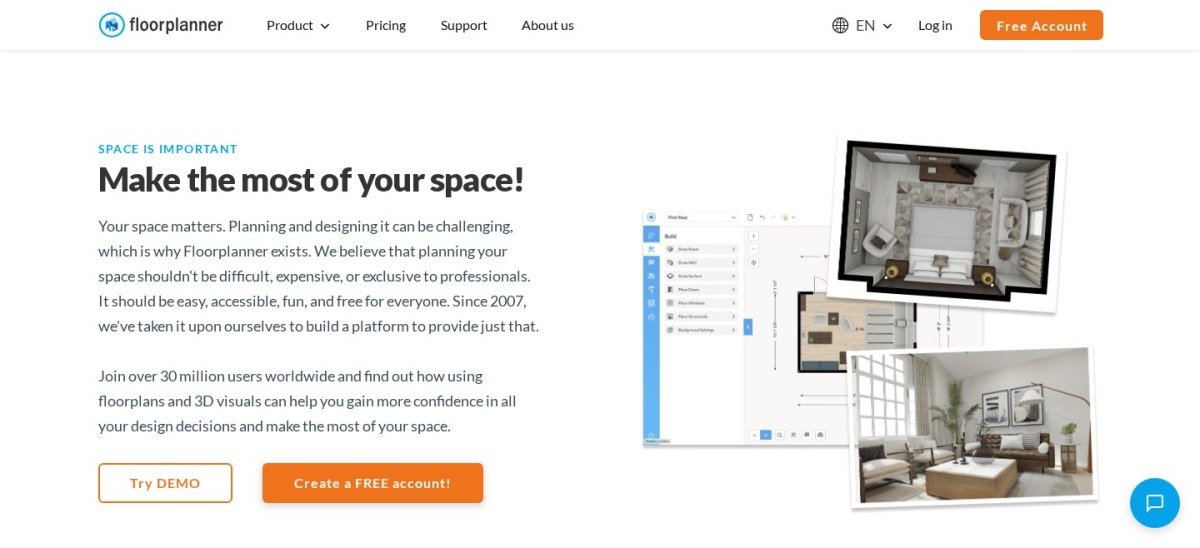
Floorplanner is the cheapest way to get an accurate, dimensioned floor plan in a browser, with no install and no CAD training. The free Basic plan covers up to 5 projects, and Plus costs $5 a month, or $4.08 a month billed annually, with 4 credits a month and no export cooldown.
The trade off is the credit limit. Plus includes only 4 credits a month, and one HD project upgrade costs 5 credits, so heavy exporters buy extra credits at $1.63 each. It suits DIYers who need a measured plan to brief a contractor.
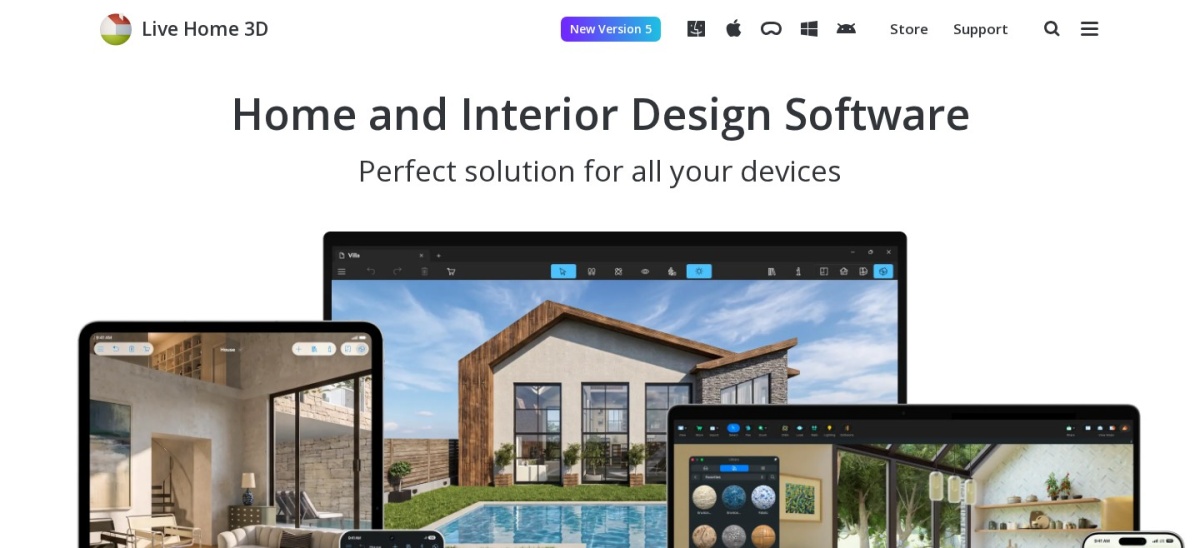
Live Home 3D is multi-platform home design software that helps anyone create detailed floor plans and 3D renderings. It plans the exterior, adjusts the terrain for a sloped lot, and runs on Mac, Windows, iOS, Android and Apple Vision Pro. The free version covers basic design, and Pro is a one-time licence.
The trade off is the render meter. Pro lists at $149.99 as a one-time licence, with a lower $129.99 price showing in the store this week, and rendering starts with 10 free credits before extra credits cost more. It suits homeowners who want to avoid a subscription.
What we like
One-time Pro licence, no subscription required
Terrain tools for sloped lots
Runs on Mac, Windows, iOS, Android and Vision Pro
Rated 4.5 out of 5 from 962 App Store ratings
Watch out for
Render credits cost extra after the first 10
Extra materials and objects are in-app purchases
No G2 or Capterra review base to check
Pro is a $149.99 one-time licence; a $49.99 a year subscription also existsVisit livehome3d.com
Free vs paid: what you give up
Free plans cover the basics well. Most include 2D plans, a 3D view and a small set of renders or projects.
Paid plans mostly add renders and exports. You get more renders a month, higher resolution, no watermark and files a builder can use, such as print-to-scale plans or CAD export.
The cheapest paid plans here are Floorplanner Plus at $48.96 a year and Planner 5D Premium at $59.99 a year. Both are enough for a homeowner working on one house.
For a builder or designer, the jump to Cedreo Pro at $468 a year or Chief Architect at $1,995 a year buys roofs, elevations and documents, not just prettier pictures.
How we chose
We started from the tools most often recommended for exterior and home design in 2026, then kept 9 that are established, still sold and able to model a house exterior, not just restyle a photo.
Prices come from each vendor's pricing page, checked on 23 November 2026, using the regular price where a sale is showing. Ratings come from G2 on the same day, except Floorplanner from Capterra and Live Home 3D from the App Store.
We left out photo-only restylers and tools with no published price. No vendor paid for a place, and we do not claim hands-on testing for this list.
How to choose exterior design software
Start with what the finished design has to produce, then match the tool to that output.
Decide whether you need drawings or just pictures. If a builder will work from it, pick a plan-first tool with roofs and elevations, such as Cedreo, Chief Architect or Home Designer.
Check the roof and terrain tools. Automatic roofs, sloped lots and site plans matter for most real houses. SketchUp and Planner 5D leave that work to you.
Count the renders in the plan. Free plans ration renders or watermark them. Check the monthly allowance and the cost of extra credits before you pay.
Try the free plan on your real house first. Draw your own lot and roofline before subscribing, and confirm the checkout price, since several vendors show sale prices this week.
FAQ
What is the best exterior design software?
Cedreo is the best pick for most builders and remodelers, because it draws plans, elevations, roofs and terrain in one browser app, with 40 renders a month on Pro at $39 a month billed yearly.
Is there free exterior design software?
Yes. SketchUp Free, Planner 5D, RoomSketcher, Coohom, Floorplanner and Live Home 3D all have free plans. They limit renders, projects or exports, so a finished client presentation usually needs a paid plan.
Can exterior design software make permit-ready drawings?
Chief Architect Premier can, with automatic roofs, framing, foundations, elevations and a materials list. Home Designer covers the same ground for homeowners at $495 a year. Most cheaper tools cannot produce drawings a permit office will accept.
How much does exterior design software cost?
Paid plans in this list run from $48.96 a year for Floorplanner Plus to $1,995 a year for Chief Architect Premier. Most homeowners spend under $150 a year, while builders pay $468 to $1,995 a year.
Do I need to install exterior design software?
Not always. Cedreo, Planner 5D, RoomSketcher, Coohom and Floorplanner run in a browser. SketchUp has a free web version, while Chief Architect, Home Designer and Live Home 3D need a desktop or mobile app.
Which exterior design software is easiest for beginners?
Planner 5D is the easiest to start with, with a free plan, unlimited projects and a 10,000-item catalog on Premium. Floorplanner is the simplest route to a measured, dimensioned plan.