Best Expense Management Software for Startups in 2026: 9 Tools Compared
WLWPLegible EditorsLast verified 23 Nov 2026How we rank10 min read
★ Short answer
Ramp is the best expense management software for most startups: its free plan covers unlimited cards, expenses and bill pay, and it is rated 4.8 out of 5 on G2. Pick Brex for global card spend, BILL Spend & Expense for a fully free platform, or Navan if travel is your biggest cost.
How we make this list: we compare pricing pages, product documentation and public user reviews, then re-check every price before each update. No product paid for a place. Disclosure.
Ramp is the top pick: a $0 free plan with unlimited cards, rated 4.8 out of 5 on G2.
Brex matches Ramp at 4.8 out of 5, with a free Essentials plan and cards in 210+ countries.
BILL Spend & Expense, Rho and Ramp all cost $0 per user, so a startup can start free.
Zoho Expense has the cheapest paid plan at $3 per user per month, billed annually.
Navan is the pick for travel-heavy teams: free travel booking for companies up to 300 employees.
What a startup should look for in expense software
A startup usually spends before it has a finance team. Cards go out, receipts pile up in chat threads, and the first close takes days. Expense software replaces that scramble with one place for cards, receipts, approvals and reimbursements.
Most tools in this list start free. Card-led platforms such as Ramp, Brex and BILL earn money from card spending, so the software costs $0 per user. Receipt-led tools such as Zoho Expense and Expensify charge per user instead.
Price the renewal, not the signup offer. Our guide on budgeting for a WordPress website makes the same point for site costs: the second year is usually dearer than the first, and the same holds for per-user billing.
Check three things before you pick: whether you need corporate cards or only reimbursements, which accounting tool you sync to, and what the paid tier adds once the free limits run out.
The 9 best expense management software for startups
01
Ramp
4.8/5on G2 (2,495 reviews, checked Nov 2026)
Paid from$15/mo
Best expense software for startups overall
Free planYes, $0
Corporate cardsUnlimited, free
Receipt captureAuto-match
Paid planPlus, $15/user/mo
ramp.com
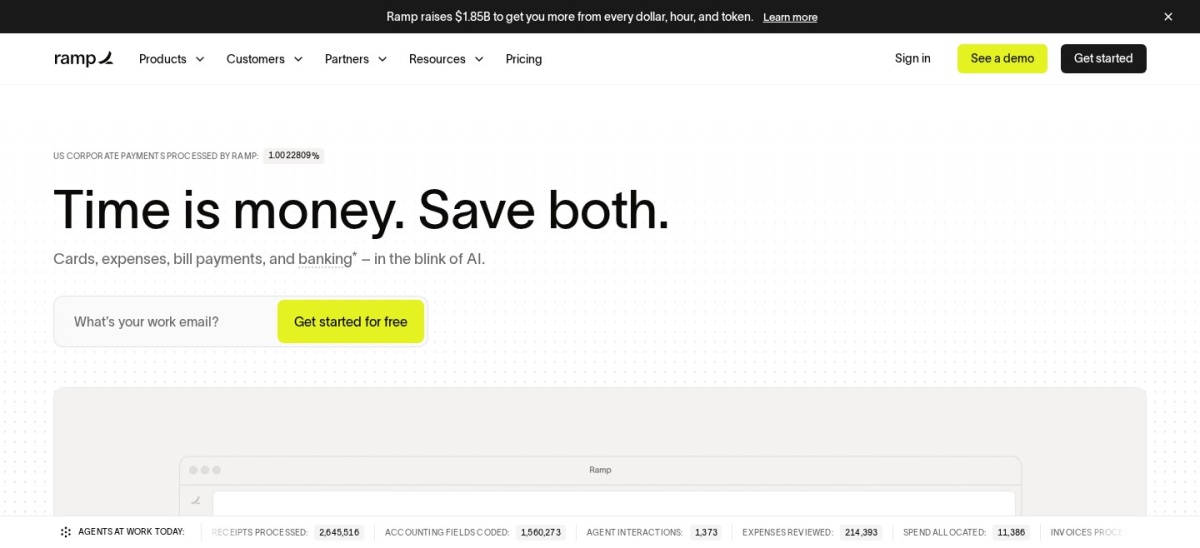
Ramp homepage, captured Nov 2026.
Ramp is a spend platform that pairs unlimited corporate cards with expense management, bill pay and travel booking. The free plan covers cards, expenses, approvals, receipt matching and QuickBooks Online and Xero, with no per-user fee.
The trade off is the paid tier. Plus costs $15 per user per month plus a platform fee based on team size, and it adds NetSuite and Sage Intacct, multi-entity support and AI expense reviews. It suits startups that want cards and expenses in one free system first.
What we like
Free plan covers cards, expenses and bill pay
Highest G2 rating in this list at 4.8 out of 5
Unlimited physical and virtual cards at no cost
Watch out for
Plus adds an unpublished platform fee on top of the per-user price
Bill-pay transaction fees apply unless paid from a Ramp checking account
Plus adds NetSuite, multi-entity and AI reviewsVisit ramp.com
02
Brex
4.8/5on G2 (1,637 reviews, checked Nov 2026)
Paid from$12/mo
Best free plan for venture-backed startups
Free planYes, Essentials
Corporate cards210+ countries
Receipt captureAI custom rules
Paid planPremium, $12/user/mo
brex.com
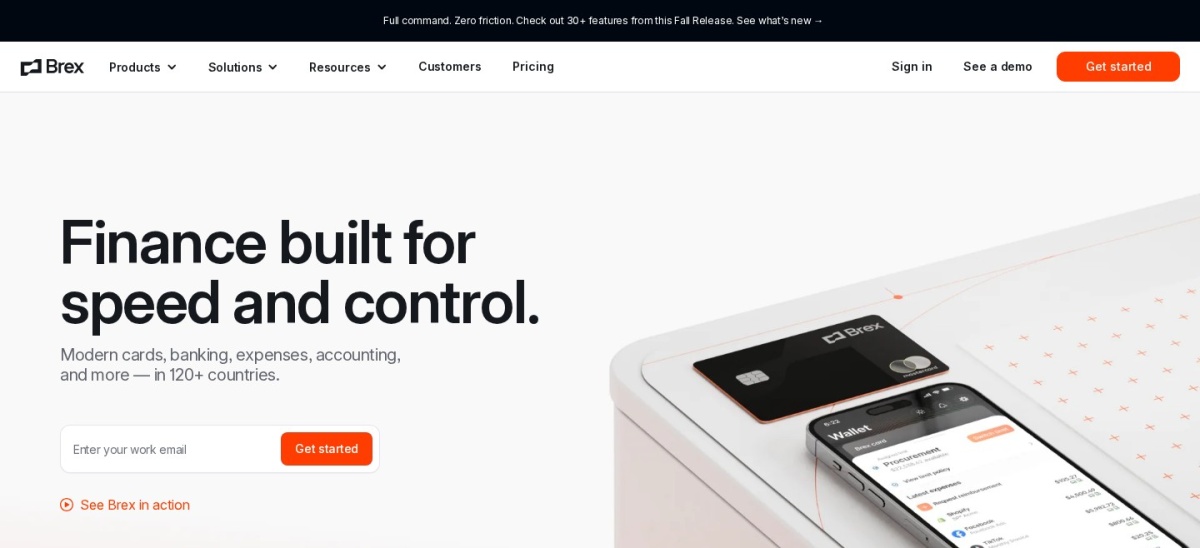
Brex homepage, captured Nov 2026.
Brex is a spend platform built for startups, with corporate cards, expenses, bill pay, reimbursements and travel booking in one place. The free Essentials plan covers global card acceptance, accounting integrations, bill pay and reimbursements with no per-user fee.
The trade off is that the deeper controls cost money. Premium is $12 per user per month and adds multiple expense policies, multi-entity support, live budgets and VAT documentation. It suits funded startups that spend across borders and want one finance stack.
What we like
Free Essentials plan is genuinely broad
Cards accepted in 210+ countries and territories
Travel booking is free on Essentials
Watch out for
Trustpilot scores are far lower than G2, mostly about account applications
Premium is needed for multi-entity and live budgets
Premium adds multi-entity, live budgets and VAT docsVisit brex.com
03
BILL Spend & Expense
4.5/5on G2 (2,237 reviews, checked Nov 2026)
PriceFree
Best completely free spend platform
Free planYes, $0
Corporate cardsUnlimited virtual
Receipt captureAI matching
Paid planNone, $0
bill.com
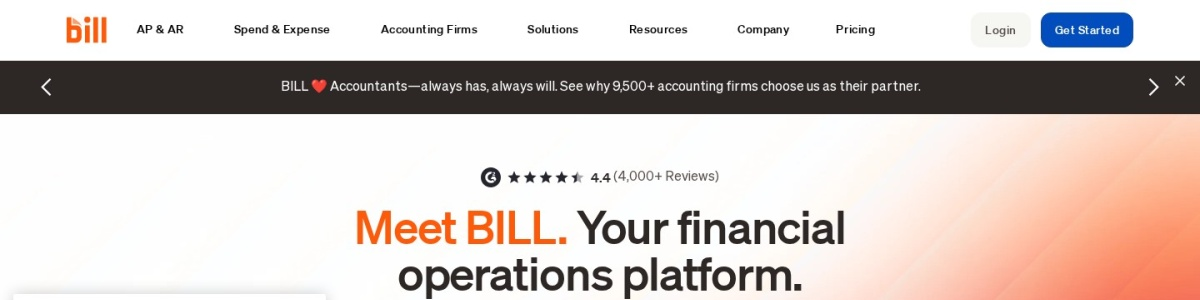
BILL Spend & Expense homepage, captured Nov 2026.
BILL Spend & Expense, formerly Divvy, is a spend platform with corporate cards, budgets, expense tracking and reimbursements at $0 per user per month. The free plan includes unlimited physical and virtual cards, budget controls, receipt capture and accounting integrations.
The trade off is depth. There is no paid tier to unlock, so advanced reimbursement workflows and wider accounting integrations are thinner than in paid rivals. It suits small startups that want cards and budgets free and already use QuickBooks or NetSuite.
What we like
No per-user fee at all, with no paid tier
Unlimited physical and virtual cards included
Credit lines from $1,000 to $5M
Watch out for
Reviewers report weaker support and integration issues
Reimbursement workflows are less flexible than paid tools
No paid tier; AP and AR are separate paid productsVisit bill.com
04
Navan
4.7/5on G2 (9,691 reviews, checked Nov 2026)
Paid from$15/mo
Best for startups where travel is the big spend
Free planYes, to 300 staff
Corporate cardsVirtual cards
Receipt captureScan in app
Paid planExpense $15/user/mo
navan.com
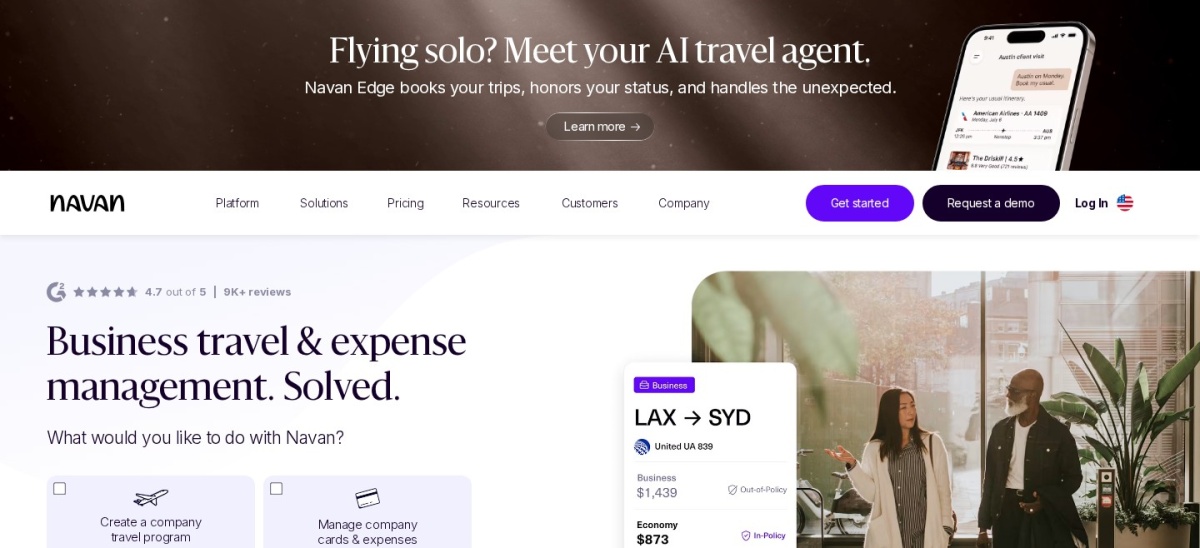
Navan homepage, captured Nov 2026.
Navan, formerly TripActions, pairs travel booking with expense management, cards and reimbursements. Navan Business is free for companies with up to 300 employees, and expense reports are free for the first 5 monthly expensing users.
The trade off is the expense fee. After the first 5 users, Navan Expense costs $15 per user per month, and larger companies move to a quote-only Enterprise plan. It suits travel-heavy startups that want booking and expenses in one place.
What we like
Travel booking free for companies up to 300 employees
4.7 out of 5 from more than 9,000 G2 reviews
24/7 travel support included
Watch out for
Expense costs $15 per user after the first 5
Enterprise pricing is quote-only
Enterprise adds negotiated rates and dedicated supportVisit navan.com
05
Zoho Expense
4.5/5on G2 (1,559 reviews, checked Nov 2026)
Paid from$3/mo
Best low-cost pick for small teams
Free planYes, to 3 users
Corporate cardsCard reconciliation
Receipt captureAutoscan, 20/mo free
Paid planStandard, $3/user/mo
zoho.com
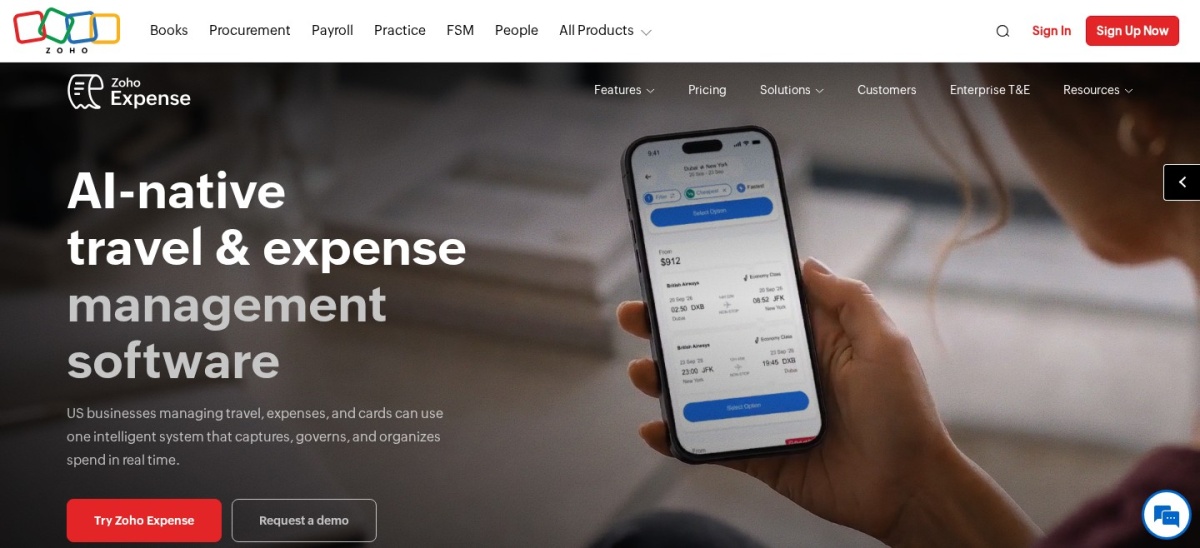
Zoho Expense homepage, captured Nov 2026.
Zoho Expense is a standalone expense tool with receipt capture, mileage tracking, approvals and reimbursements. The free plan covers up to 3 users with multicurrency expenses and 20 receipt autoscans a month.
The trade off is scale. The free plan caps users and autoscans, and Standard at $3 per user per month adds corporate card reconciliation, multilevel approvals and unlimited users. It suits small startups that only need expenses, not cards or banking.
What we like
Cheapest paid plan in this list at $3 per user
Free plan for teams of up to 3 users
Mileage tracking and multicurrency expenses included
Watch out for
No corporate card of its own
Setup and configuration take longer than card-led rivals
Standard adds card reconciliation and multilevel approvalsVisit zoho.com
06
Expensify
4.5/5on G2 (5,664 reviews, checked Nov 2026)
Paid from$5/mo
Best for receipt capture and reimbursements
Free planLimited scans
Corporate cardsExpensify Card
Receipt captureSmartScan
Paid planCollect, $5/user/mo
expensify.com
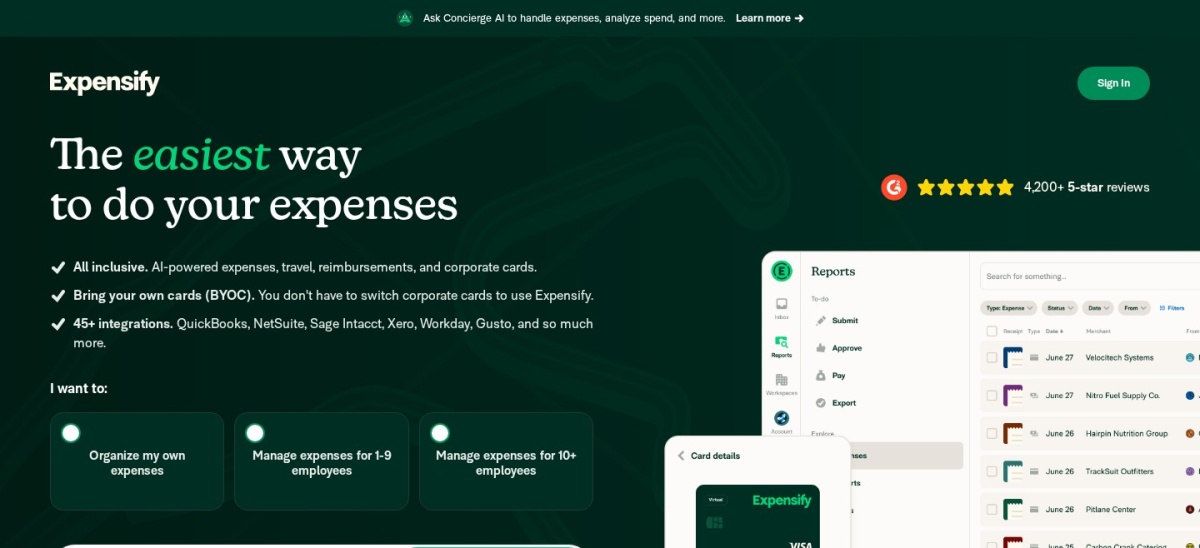
Expensify homepage, captured Nov 2026.
Expensify is a long-running expense tool built around SmartScan receipt capture, expense reports and reimbursements. Collect costs $5 per user per month and adds unlimited SmartScans, ACH reimbursement, Expensify Cards and QuickBooks Online and Xero.
The trade off is per-user cost. G2 lists a 50% off 6 months offer, but the regular Collect price is $5 per user per month, so a growing team pays for every member. It suits startups that reimburse staff spending rather than issuing cards to everyone.
What we like
SmartScan is fast and widely praised
Works with your own corporate cards
Largest review base in this list, over 5,600 G2 reviews
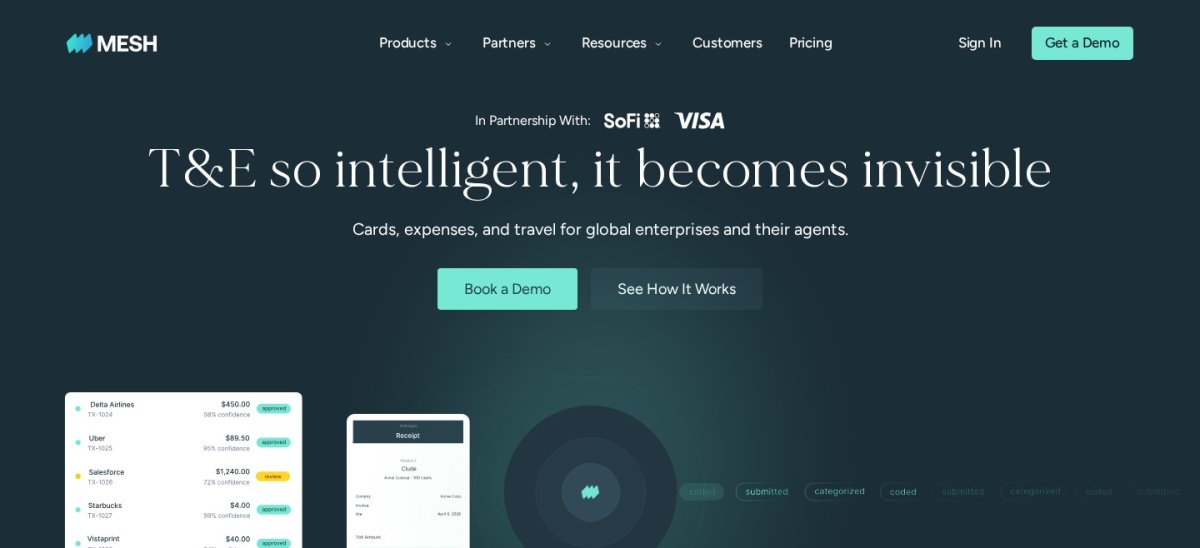
Mesh Payments is a spend platform with Visa corporate cards, expense management, accounts payable and travel booking. The free Pro plan covers up to 3 users with virtual cards, budget controls and receipt management.
The trade off is the paid step. Premium costs $13 per user per month, and cashback only starts at $50,000 of monthly card spend. It suits small startups with global spend that want cards and expenses without a platform fee.
What we like
Free Pro tier for up to 3 users
Cards and expenses in one global platform
Real-time spend visibility and controls
Watch out for
Premium rose from $10 to $13 per user in June 2026
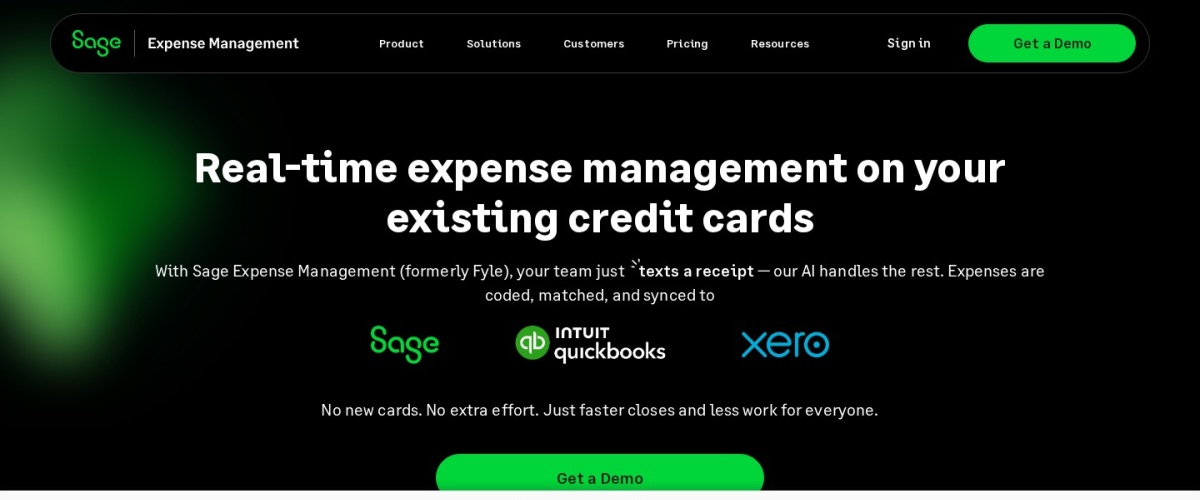
Sage Expense Management homepage, captured Nov 2026.
Sage Expense Management, formerly Fyle, automates expenses on the credit cards a company already has. Staff text a receipt, and the system codes, matches and syncs it to QuickBooks, Xero, NetSuite or Sage accounting.
The trade off is price and minimums. Growth costs $11.99 per active user per month on annual billing, with a 5-user minimum, and there is no free plan. It suits startups that like their current cards and only need the expense layer.
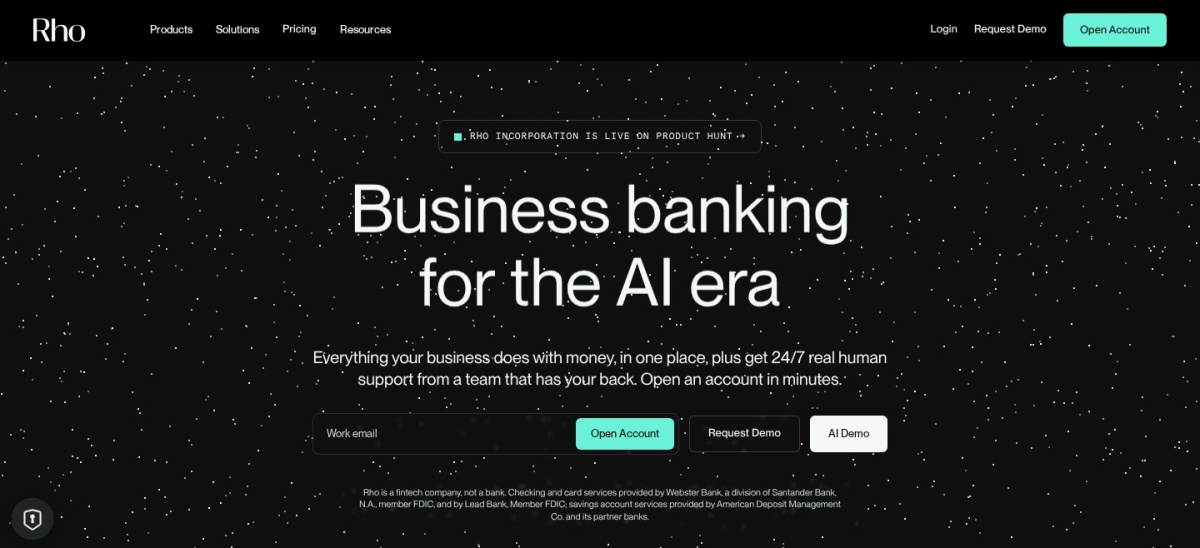
Rho is a banking platform for startups that bundles checking, corporate cards, expense management, bill pay and treasury in one free account. There are no subscription, per-user or platform fees on the core platform.
The trade off is eligibility and scope. Only US-incorporated businesses qualify, sole proprietors are excluded, and the G2 review base is small at 127 reviews. It suits funded startups that want banking and expenses in one free place.
What we like
Core banking, cards and expenses free
Free ACH transfers and domestic wires
Cashback of about 1% to 1.25% on cards
Watch out for
US-incorporated businesses only, no sole proprietors
Small G2 review base of 127 reviews
Treasury fees apply; Enterprise is custom pricedVisit rho.co
Free vs paid: what the $0 plans leave out
Free plans cover the core job: cards, receipt capture, approvals and reimbursements.
Paid plans add the controls a growing team needs: multi-entity support, live budgets, VAT documents and deeper accounting integrations.
The dearest mistake is paying per user for a tool whose free plan already covers your team. Start free, and move up only when a limit blocks real work.
Check the renewal terms too. Ramp Plus saves 20% on annual billing, and Sage Expense Management bills per active user, so the bill follows headcount.
How we chose
We started from the best-known expense and spend platforms for small teams, then kept nine with published prices or a genuine free plan, and a G2 rating from real reviewers.
Prices come from each vendor's pricing page and G2 listings, checked on 23 November 2026. Ratings and review counts come from G2 on the same day. Where a vendor shows a sale, the list shows the regular price.
We left out quote-only platforms such as Airbase, now sold as Paylocity for Finance, and Spendesk, which publish no list price. No vendor paid for a place, and we do not claim hands-on testing for this list.
How to choose expense management software for your startup
Start with how your team actually spends, then match the tool to that pattern.
Decide cards or reimbursements first. If staff spend on company cards, pick a card-led tool such as Ramp or Brex. If staff spend their own money, a receipt-led tool such as Zoho Expense or Expensify fits better.
Count the real monthly cost. Multiply the per-user price by your headcount, and add any platform fee. A $0 plan with cards beats a $5 plan once you pass a handful of users.
Check the accounting sync. Make sure the tool syncs with QuickBooks Online, Xero or NetSuite before you commit. A broken sync means manual entry every month.
Run one month on the free plan. Issue cards to a small group, submit real expenses and close the month. Keep the tool only if the close is faster than your old spreadsheet.
FAQ
What is the best expense management software for startups?
Ramp is the best pick for most startups. Its free plan includes unlimited corporate cards, expense management and bill pay, and it is rated 4.8 out of 5 by more than 2,400 G2 reviewers.
Is there really free expense management software?
Yes. Ramp, Brex, BILL Spend & Expense and Rho all offer $0 plans with cards and expense tracking. They earn money from card spending rather than subscriptions, so check what the paid tier adds before you upgrade.
Do I need corporate cards, or is receipt tracking enough?
Cards suit teams that spend often, because limits and approvals apply before the money moves. Receipt tracking suits teams that reimburse occasional spending from personal cards.
How much should a startup budget for expense software?
Many startups pay nothing, using a free card-led plan. If you pay per user, expect $3 to $15 per user per month, so a 10-person team pays $360 to $1,800 a year.
Which expense tool is cheapest for a small team?
Zoho Expense is cheapest paid at $3 per user per month on annual billing, with a free plan for up to 3 users. BILL Spend & Expense and Rho cost $0 with no paid tier.
Can expense software replace my accountant?
No. These tools capture, approve and sync expenses to your accounting software, but they do not close the books, file taxes or give tax advice. Your accountant still reviews the final numbers.