Ramp is the best expense management software for most SMBs, with unlimited corporate cards, receipt matching and QuickBooks and Xero sync free and a 4.8 out of 5 G2 rating. Pick Expensify if you want to keep your own cards, or Zoho Expense for the lowest paid plan at $3 per user a month.
How we make this list: we compare pricing pages, product documentation and public user reviews, then re-check every price before each update. No product paid for a place. Disclosure.
Ramp is the best pick for most SMBs: unlimited cards, expenses and bill pay free, rated 4.8 out of 5 on G2.
Brex matches Ramp on rating at 4.8, and its free Essentials tier covers cards in 210+ countries.
Zoho Expense has the lowest paid plan at $3 per user a month, and its free plan covers 3 users.
BILL Spend & Expense and Rho cost $0 per user, but both require their own cards and accounts.
Pleo retired its free plan in late 2026, so it now starts at $12 per user a month billed yearly.
What expense management software should do for an SMB
Small and midsize businesses lose time when expenses live in spreadsheets and inboxes. A receipt photographed on a Friday still needs an approval, a category and a line in the books on Monday.
The tools in this list split into two kinds. Card-first tools such as Ramp, Brex and BILL issue the card and control spend before it happens. Reimbursement-first tools such as Expensify and Zoho Expense track money staff already spent and pay it back.
Every tool here syncs with at least one accounting system, most often QuickBooks Online or Xero. If your books run in QuickBooks, our guide on integrating WooCommerce with QuickBooks explains how that connection works.
Watch the per-user maths. A $3 plan for 20 people costs $720 a year, while a free card platform costs nothing until a paid tier adds the feature you need.
The 9 best expense management software tools for SMB
01
Ramp
4.8/5on G2 (2,578 reviews, checked Nov 2026)
Paid from$15/mo
Best expense management software overall
Free planYes, $0/user/mo
Cheapest paid planPlus, $15/user/mo
Corporate cardsUnlimited, virtual + physical
Accounting syncQuickBooks Online, Xero
ramp.com
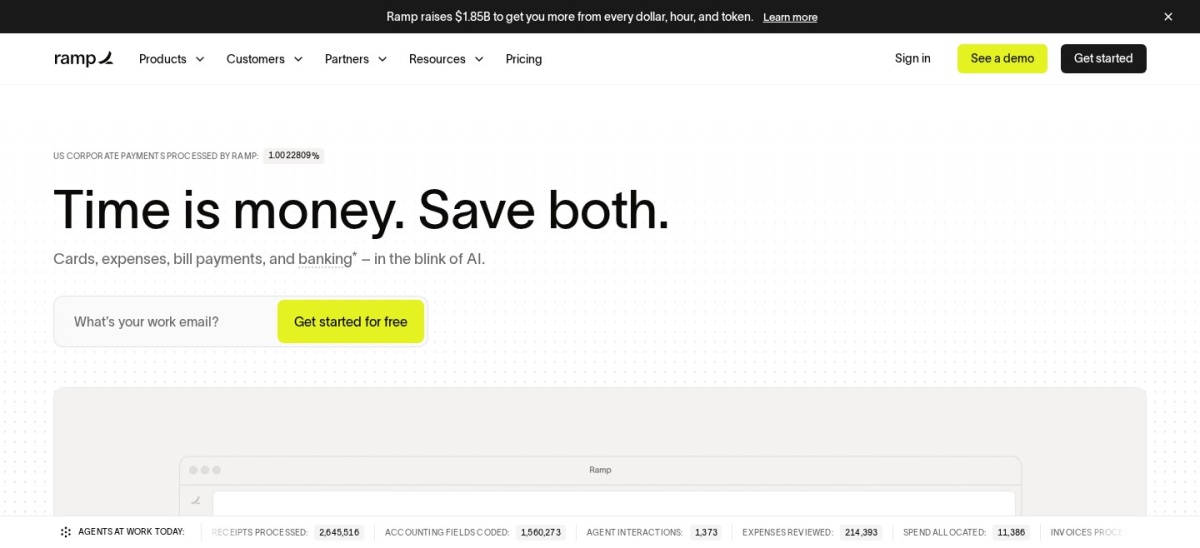
Ramp homepage, captured Nov 2026.
Ramp is a spend platform built around corporate charge cards, with expense reports, bill pay and travel booking in one login. The free plan includes unlimited physical and virtual cards, receipt matching, approvals and sync with QuickBooks Online and Xero at $0 per user a month.
The trade off is the Plus platform fee. Plus costs $15 per user a month plus a platform fee based on team size that Ramp does not publish, and NetSuite and Sage Intacct sync need Plus. It suits SMBs that want cards, expenses and bill pay free and will pay only for deeper accounting controls.
What we like
Free plan covers cards, expenses and bill pay
Unlimited virtual and physical cards
Cash back on card spend
Receipt matching with SMS and Slack submission
Watch out for
Plus platform fee is not published
NetSuite and Sage Intacct sync need Plus
Free plan has no multi-entity support
Plus adds NetSuite, Sage Intacct and multi-entity supportVisit ramp.com
02
Brex
4.8/5on G2 (1,637 reviews, checked Nov 2026)
Paid from$12/mo
Best for global teams and travel
Free planYes, Essentials $0
Cheapest paid planPremium, $12/user/mo
Corporate cardsAccepted in 210+ countries
Accounting syncQuickBooks, Xero, NetSuite
brex.com
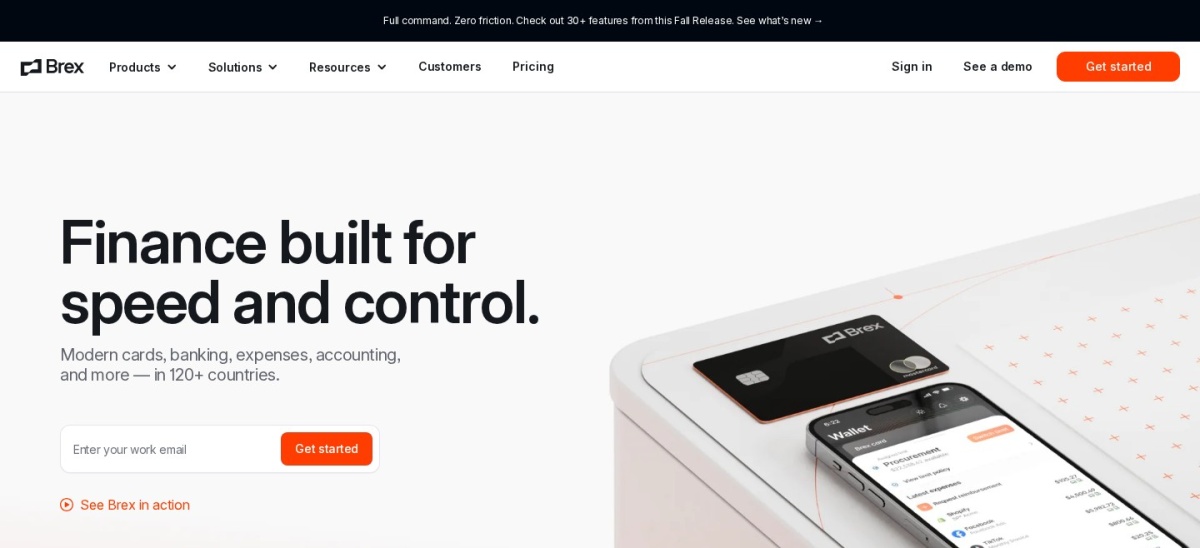
Brex homepage, captured Nov 2026.
Brex is a corporate card and spend platform with a business account, bill pay, reimbursements and travel booking in one place. Essentials costs $0 per user a month and includes global cards, AI custom rules, bill pay and accounting integrations, with cards accepted in more than 210 countries.
The trade off is focus. Brex is built for venture-backed and global companies, so very small owner-run firms may find the sales-led higher tiers heavy. Premium at $12 per user a month adds multiple expense policies, live budgets and multi-entity support. It suits SMBs with staff, entities or travel outside one country.
What we like
Free Essentials tier is genuinely usable
Cards work in 210+ countries
Business account with bill pay included
Travel booking built in
Watch out for
Premium needed for multiple expense policies
Higher tiers are sales-led
Less focused on very small non-venture firms
Premium adds multi-entity support and live budgetsVisit brex.com
03
Expensify
4.5/5on G2 (5,664 reviews, checked Nov 2026)
Paid from$5/mo
Best if you keep your own cards
Free planYes, Submit
Cheapest paid planCollect, $5/member/mo
Receipt captureUnlimited SmartScan
Accounting syncQuickBooks Online, Xero
expensify.com
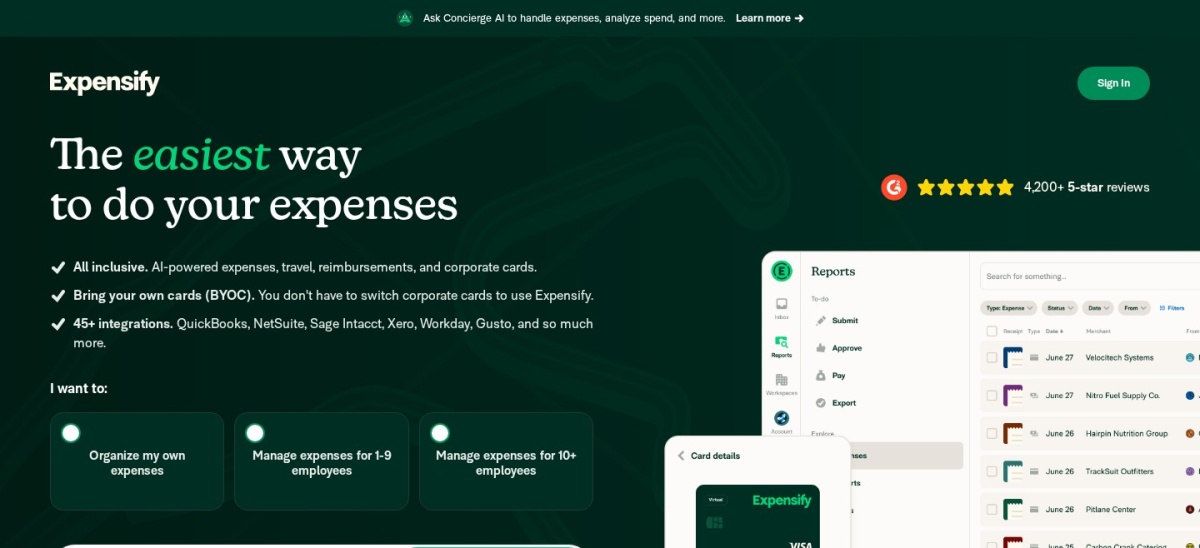
Expensify homepage, captured Nov 2026.
Expensify is a reimbursement-first expense platform that works with the corporate cards a team already carries, so nobody has to switch banks. The free Submit plan covers individual expense filing, and Collect at $5 per unique member a month adds unlimited SmartScan receipt capture, ACH reimbursements and approval workflows.
The trade off is billing. Collect charges for every unique member on the workspace, even one who files nothing that month, and Control costs $18 per member a month on annual billing unless card use cuts it. It suits SMBs that reimburse staff after the fact and want the best-known receipt scanner.
What we like
Works with any corporate card
Unlimited SmartScan on Collect
ACH reimbursements included
Travel booking in the same tool
Watch out for
Collect bills every unique member
Control pricing depends on card use
No free corporate card program
Control adds NetSuite, Sage Intacct and multi-level approvalsVisit expensify.com
04
Zoho Expense
4.5/5on G2 (1,559 reviews, checked Nov 2026)
Paid from$3/mo
Best value paid plan
Free planYes, up to 3 users
Cheapest paid planStandard, $3/user/mo
Receipt capture20 autoscans/user/mo
Accounting syncZoho Books, QuickBooks, Xero
zoho.com
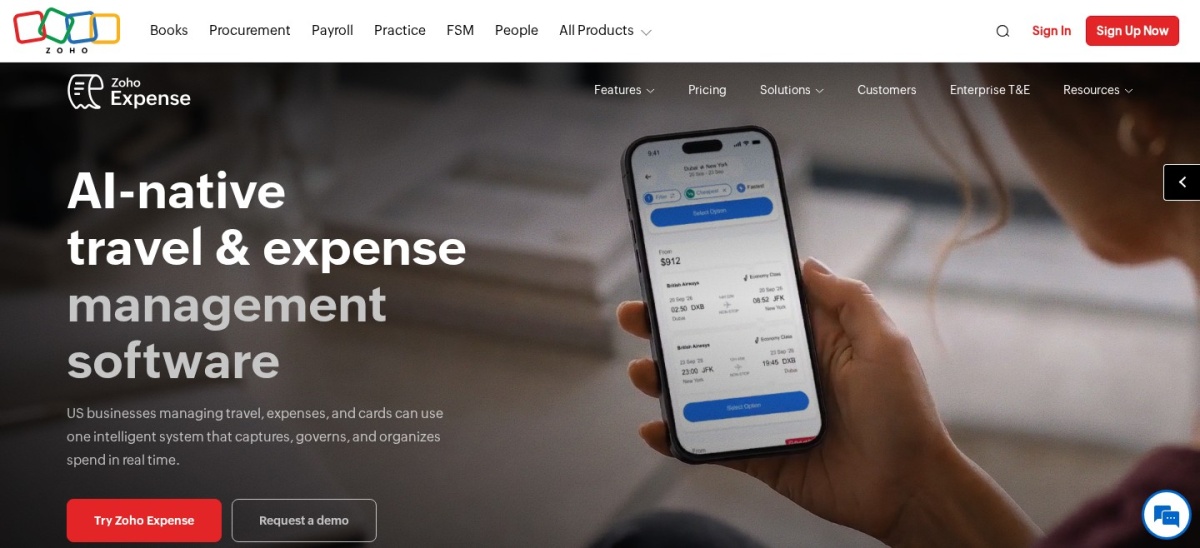
Zoho Expense homepage, captured Nov 2026.
Zoho Expense is the expense tracker inside the Zoho business suite, built for receipt capture, approvals, mileage and reimbursements. The free plan covers up to 3 users with 20 receipt autoscans per user a month, GPS mileage and multi-currency expenses, and Standard costs $3 per user a month billed annually.
The trade off is the ceiling. The free plan stops at 3 users, and corporate card feeds and multi-level approvals need Standard, so a growing team outgrows free fast. It suits small teams that want the lowest paid price in this list and already use Zoho Books, QuickBooks or Xero.
What we like
Lowest paid plan in this list
Free plan covers 3 users
GPS mileage tracking included
Multi-currency expenses on the free plan
Watch out for
Free plan caps at 3 users
Card feeds need Standard
Premium features cost extra
Standard adds card feeds and multi-level approvalsVisit zoho.com
05
BILL Spend & Expense
4.5/5on G2 (2,261 reviews, checked Nov 2026)
PriceFree
Best free card-based budgeting
Free planYes, $0/user/mo
Cheapest paid planSpend & Expense, $0
Corporate cardsBILL Divvy Card
Accounting syncQuickBooks, NetSuite, Xero
bill.com
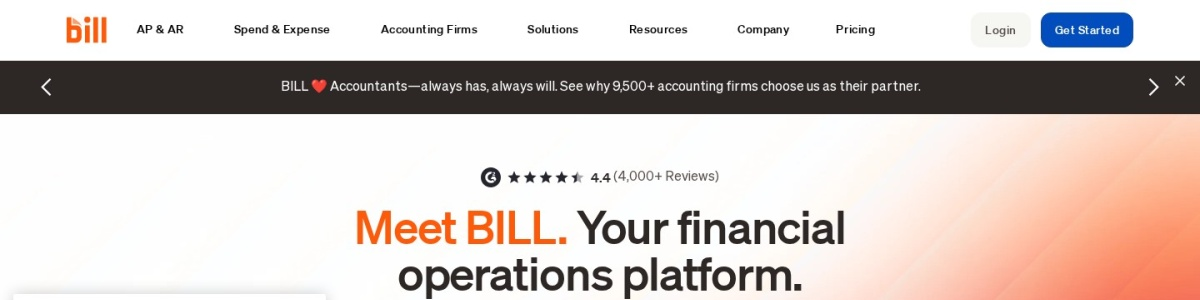
BILL Spend & Expense homepage, captured Nov 2026.
BILL Spend & Expense is the free expense platform built around the BILL Divvy Card. It gives teams corporate cards with budgets, real-time tracking, AI receipt matching and reimbursements for $0 per user a month, with credit lines from $1,000 to $5 million subject to approval.
The trade off is the card. You must use BILL cards and pay balances under the card terms to keep the software free, and the reimbursement workflows are thinner than Expensify. It suits small businesses that want budget control on every card before money is spent.
What we like
Free software with no per-user fee
Budgets with spend controls on every card
AI receipt matching and real-time tracking
Deep sync with QuickBooks, NetSuite and Xero
Watch out for
Requires BILL cards and credit approval
Reimbursement workflows are thinner than Expensify
Support quality is a common complaint in reviews
Paid BILL products for AP and AR are separate subscriptionsVisit bill.com
06
Navan
4.7/5on G2 (9,298 reviews, checked Nov 2026)
Paid from$15/mo
Best for travel plus expenses
Free planYes, travel + 5 expense users
Cheapest paid planExpense, $15/user/mo
Travel bookingFree, up to 300 employees
Accounting syncNetSuite, QuickBooks, Xero
navan.com
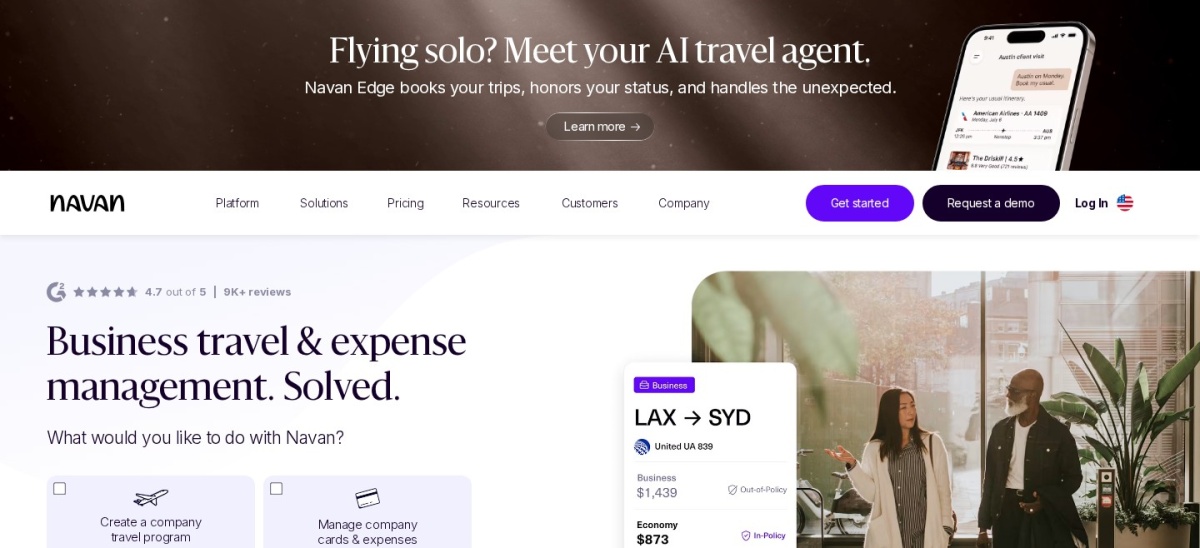
Navan homepage, captured Nov 2026.
Navan combines travel booking and expense management, so a trip and its receipts live in one place. Travel booking is free for companies with up to 300 employees, and the Expense plan is free for the first 5 monthly expensing users, then $15 per user a month.
The trade off is that the free tier ends quickly. Once more than 5 people expense in a month, every extra user costs $15, and larger companies move to a quoted Enterprise plan. It suits SMBs whose staff travel often and want booking and expenses in one tool.
What we like
Travel booking free up to 300 employees
First 5 expense users free
Reimbursements in 45 countries
Works with existing Visa, Mastercard and Amex cards
Watch out for
$15 per user after the first 5
Enterprise pricing is quote-only
Travel-first design may be more than some teams need
Expense adds approvals, cards and deeper accounting syncVisit navan.com
07
Pleo
4.7/5on G2 (1,435 reviews, checked Nov 2026)
Starts at$12/mo
Best for card controls per employee
Free planNo
Cheapest paid planBuild, $12/user/mo
Corporate cardsPhysical + virtual Mastercard
Accounting syncXero, QuickBooks, NetSuite
pleo.io
Pleo homepage, captured Nov 2026.
Pleo is a company-card platform that gives every employee a physical or virtual Mastercard with its own spending limit, plus receipt capture and approvals. Build costs $12 per user a month billed yearly and adds reimbursements, mileage, approval workflows and flexible card limits.
The trade off is price and reach. Pleo retired its free Starter plan in late 2026, so every team pays from the first user, and its US product is lighter than the European one. It suits SMBs that want strict per-person card limits and real-time spend tracking.
What we like
Per-employee card limits
Physical and virtual Mastercard
Real-time spend tracking
Approval workflows on Build
Watch out for
No free plan since late 2026
US version is lighter than Europe
Per-user price grows with headcount
Optimise adds cashback, budgets and HRIS integrationsVisit pleo.io
08
Mesh Payments
4.6/5on G2 (1,000+ reviews, checked Nov 2026)
Paid from$13/mo
Best for subscription spend control
Free planYes, Pro up to 3 users
Cheapest paid planPremium, $13/user/mo
Corporate cardsVirtual, per vendor
Accounting syncBasic export, integrations on Premium
meshpayments.com
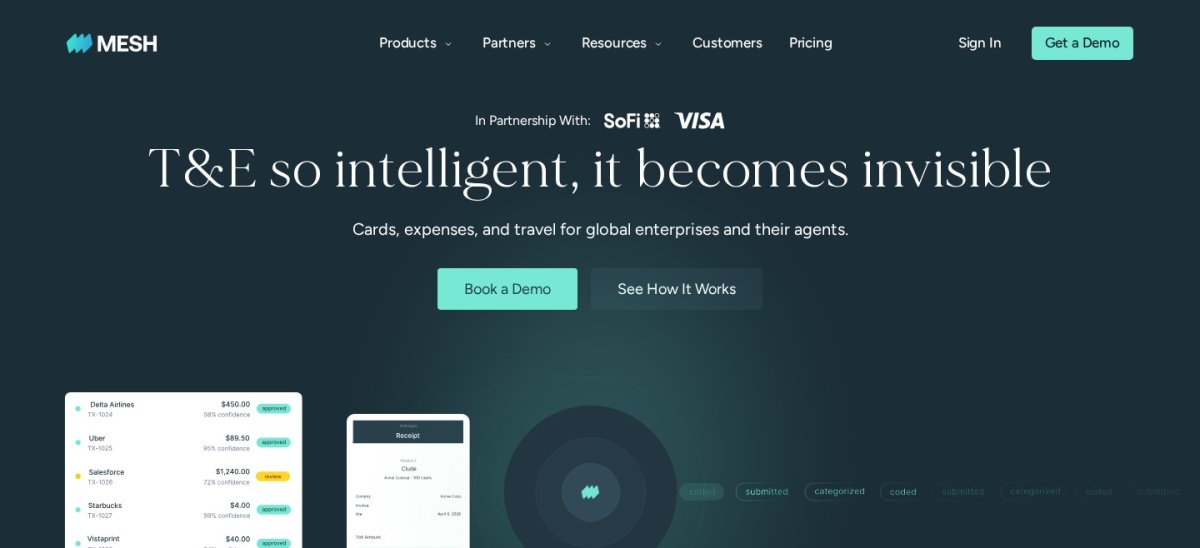
Mesh Payments homepage, captured Nov 2026.
Mesh Payments issues virtual and physical Visa corporate cards, with a separate card for each vendor subscription so a renewal cannot charge more than its limit. The free Pro plan covers up to 3 users with cards and receipt capture, and Premium costs $13 per user a month.
The trade off is the free cap. Pro stops at 3 users, and cashback only starts once monthly card spend reaches about $50,000, so most SMBs pay the subscription without the rebate. It suits teams whose software subscriptions keep renewing unchecked.
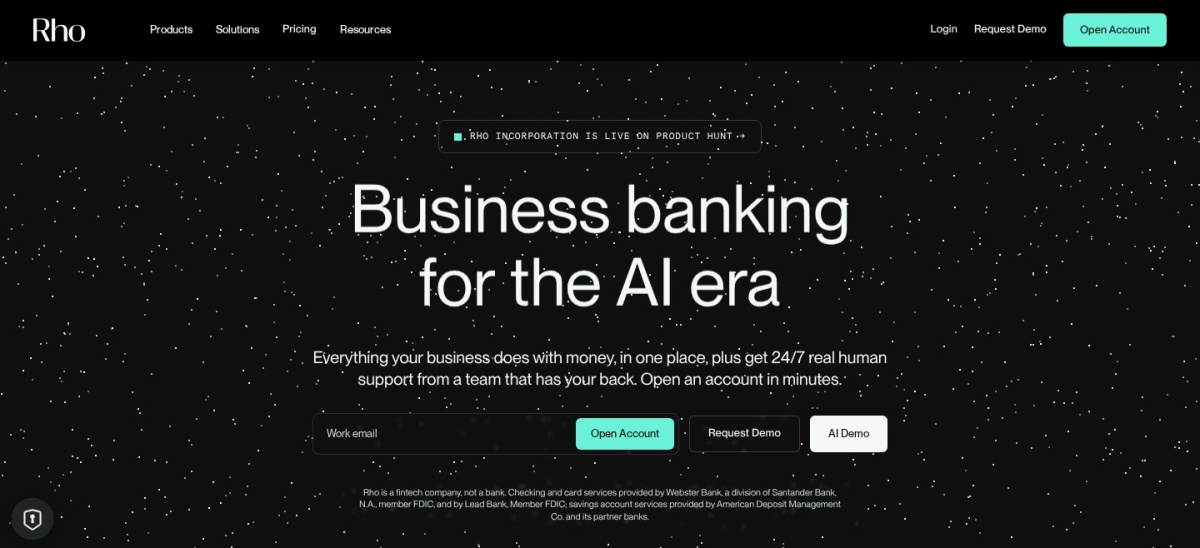
Rho is a business banking platform with expense management built in, combining accounts, cards, bill pay and receipts in one place. It charges no subscription, per-user or platform fees, and includes corporate cards, approvals and accounting sync with QuickBooks, Xero and NetSuite.
The trade off is fit. Rho only serves US-incorporated businesses, not sole proprietors, and its review base is small at 127 G2 reviews. It suits SMBs that want banking and expenses together with no monthly software bill.
What we like
No subscription or per-user fees
Banking, cards and expenses in one place
Cashback on card spend
Receipts by email, Slack or WhatsApp
Watch out for
US-incorporated businesses only
Small G2 review base
No sole proprietors
Enterprise is custom-priced for larger teamsVisit rho.co
Card-first vs reimbursement-first: which fits your team
Card-first tools control spend before it happens. You set a limit on a card, the employee spends inside it, and the receipt matches itself. Ramp, Brex, BILL, Navan, Pleo, Mesh and Rho all work this way.
Reimbursement-first tools fit teams that already have cards they like. Staff pay, photograph the receipt and get paid back. Expensify and Zoho Expense are the two picks in this list that work with any card.
If your main problem is surprise spending, pick a card-first tool. If your main problem is slow reimbursements and lost receipts, pick a reimbursement-first tool and keep your cards.
How we chose
We started from the expense tools with the most G2 reviews in the small-business segment, then kept the nine with a published price or a free plan and a clear SMB fit.
Prices come from each vendor pricing page, checked on 26 November 2026. Ratings and review counts come from G2 on the same day. Where a vendor shows a sale, the list shows the regular price.
We left out tools with quote-only pricing, including SAP Concur, Airbase and Spendesk, because an SMB cannot compare them on price. No vendor paid for a place, and we do not claim to have used these tools ourselves.
How to choose expense management software for your SMB
Start with how your team actually pays, then match the tool to that habit.
Decide whether you want new cards. If you are happy to issue company cards, a free card platform such as Ramp or BILL costs nothing. If staff must keep existing cards, pick Expensify or Zoho Expense.
Count the people who file expenses. Per-user prices look small until you multiply them. A $15 plan for 20 people is $3,600 a year, so check the free tier limits first.
Check the accounting sync. Make sure the tool syncs with the ledger you use, whether that is QuickBooks, Xero or NetSuite, before you sign up.
Run a short trial with real receipts. Ask two or three staff to submit real expenses for a week and see how long approvals and reimbursements take.
FAQ
What is the best expense management software for SMBs?
Ramp is the best pick for most SMBs. Its free plan includes unlimited corporate cards, receipt matching, approvals and QuickBooks and Xero sync, and it is rated 4.8 out of 5 on G2. Brex is the closest alternative for global teams.
Is there really free expense management software?
Yes. Ramp, BILL Spend & Expense and Rho charge $0 per user, and Brex Essentials is free too. The catch is that these tools earn money from card spending, so you use their cards and accounts to keep the software free.
What is the cheapest expense management software?
Zoho Expense has the lowest paid plan in this list at $3 per user a month billed annually. BILL Spend & Expense and Rho cost $0 per user, but both require their own cards and accounts.
Do I have to switch corporate cards?
No. Expensify and Zoho Expense work with the cards your team already carries, and Navan Connect works with existing Visa, Mastercard and Amex cards. The other tools in this list issue their own cards.
What does Ramp Plus cost?
Ramp Plus costs $15 per user a month plus a platform fee based on team size that Ramp does not publish. Annual billing takes 20% off the per-user price. Plus adds NetSuite and Sage Intacct sync, multi-entity support and advanced approvals.
Which expense tool is best for travel?
Navan is the best pick when travel matters. Travel booking is free for companies with up to 300 employees, and expenses are free for the first 5 monthly expensing users before the $15 per user charge starts.
SaaS SEO and WordPress specialist with about 8 years of experience. Rakib compares WordPress plugins, themes, hosting and software using public pricing, documentation and user reviews. See how we rank.