Brex is the best expense management software for most businesses, with a free Essentials plan covering cards, reimbursements and bill pay, a 4.8 out of 5 G2 rating, and Premium at $12 per user a month. Pick Ramp for free receipt matching at scale, or Navan if travel booking matters as much as expenses.
How we make this list: we compare pricing pages, product documentation and public user reviews, then re-check every price before each update. No product paid for a place. Disclosure.
Brex wins on price: Premium is $12 per user a month with no platform fee, while Ramp Plus is $15 plus a fee Ramp does not publish.
Seven of the 9 tools have a free plan, and BILL Spend & Expense charges $0 per user a month for its full expense feature set.
Navan is the only pick that pairs travel booking with expenses, free for the first 5 expensing users and $15 per user a month after that.
Expensify and Sage Expense Management work with the cards you already have, so you do not have to switch card providers.
SAP Concur is the enterprise pick, but it has the lowest rating in this list at 4.0 out of 5 on G2 and usage-based pricing from $7 a month.
What business expense software should cover
Business expense software has two jobs: stop bad spend before it happens, and make good spend easy to report. Card-first tools do the first job with limits and approvals on every card. Report-first tools do the second, with receipt scanning and fast reimbursements.
The split matters more than any single feature. If your team spends mostly on company cards, a card-first tool such as Brex, Ramp or BILL controls that spend at the point of purchase. If staff pay out of pocket and claim it back, Expensify, Zoho Expense or Sage Expense Management fits better.
Accounting sync decides how much manual work is left. Every tool in this list syncs with at least one major accounting system, and most cover QuickBooks Online and Xero. Our guide on whether WooCommerce integrates with Xero shows the kind of two-way sync to look for.
Watch the minimums and the fees that sit beside the headline price. Ramp Plus adds a platform fee based on team size, Navan charges per active expensing user, and Sage Expense Management bills a minimum of 5 users.
The 9 best expense management software tools for businesses
01
Brex
4.8/5on G2 (1,657 reviews, checked Nov 2026)
Paid from$12/mo
Best expense management software overall
Free planYes, Essentials $0/user/mo
Cheapest paid planPremium, $12/user/mo
Corporate cardsUnlimited, 210+ countries
Accounting syncQuickBooks, Xero, NetSuite
brex.com
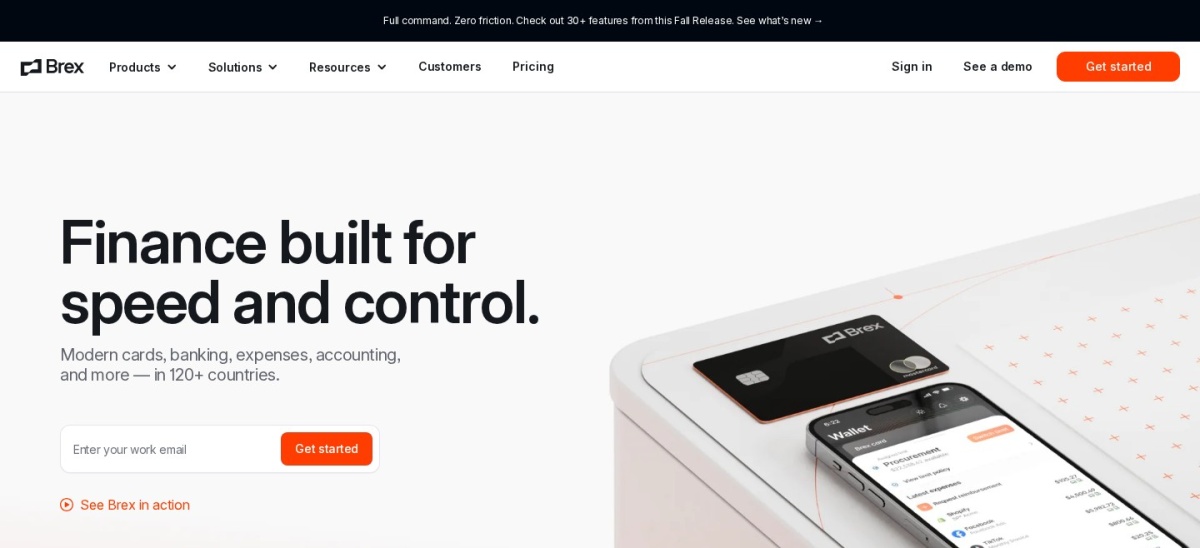
Brex homepage, captured Nov 2026.
Brex is a corporate card and spend platform with expense management, bill pay, travel booking and reimbursements in one place. The free Essentials plan includes global cards, bill pay, reimbursements, travel booking, real-time reporting and accounting integrations, for up to two entities.
The trade off is that the deeper controls cost extra. Multiple expense policies, dynamic review chains, AI compliance checks, VAT documentation and multi-entity support need Premium at $12 per user a month. It suits growing businesses that want cards and expenses free now, with a clear paid step up.
What we like
Free plan already includes reimbursements and bill pay
Premium at $12/user/mo has no platform fee
Cards accepted in 210+ countries and territories
Rated 4.8 out of 5 on G2 from 1,657 reviews
Watch out for
Essentials caps you at two entities
Multi-entity and VAT tools need Premium
You must use Brex cards to get the full value
Premium adds multiple policies, live budgets and VAT toolsVisit brex.com
02
Ramp
4.8/5on G2 (2,579 reviews, checked Nov 2026)
Paid from$15/mo
Best free receipt matching at scale
Free planYes, $0/user/mo
Cheapest paid planPlus, $15/user/mo
Corporate cardsUnlimited, virtual + physical
Accounting syncQuickBooks Online, Xero
ramp.com
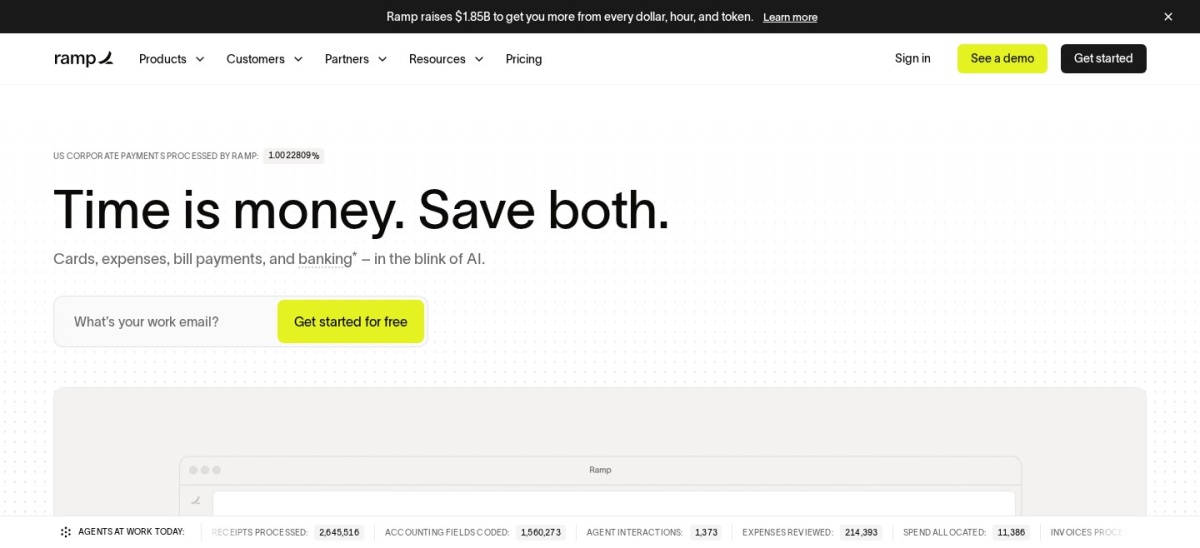
Ramp homepage, captured Nov 2026.
Ramp is a spend platform built around corporate cards, expense management, bill pay and travel in one place. The free plan includes unlimited physical and virtual cards, automatic receipt collection and matching, expenses filed by SMS or Slack, and sync with QuickBooks Online and Xero at $0 per user per month.
The trade off is the paid tier. Plus costs $15 per user per month and adds a platform fee based on team size that Ramp does not publish, so the real cost is higher than the headline rate. It suits teams that want cards and expenses free and can live with QuickBooks or Xero until they need NetSuite.
What we like
Full spend platform free, including unlimited cards
Automatic receipt matching and policy checks
Syncs with QuickBooks Online and Xero at no cost
Expenses can be filed by SMS or Slack
Watch out for
Plus adds an unpublished platform fee on top of $15/user/mo
NetSuite and Sage Intacct need the Plus plan
You must switch to Ramp cards to get the value
Plus adds NetSuite, Sage Intacct and multi-entity supportVisit ramp.com
03
Navan
4.7/5on G2 (9,517 reviews, checked Nov 2026)
Paid from$15/mo
Best for travel booking and expenses together
Free planYes, first 5 expensing users
Cheapest paid plan$15/expensing user/mo
Corporate cardsYes, plus existing cards
Accounting syncMost major ERPs
navan.com
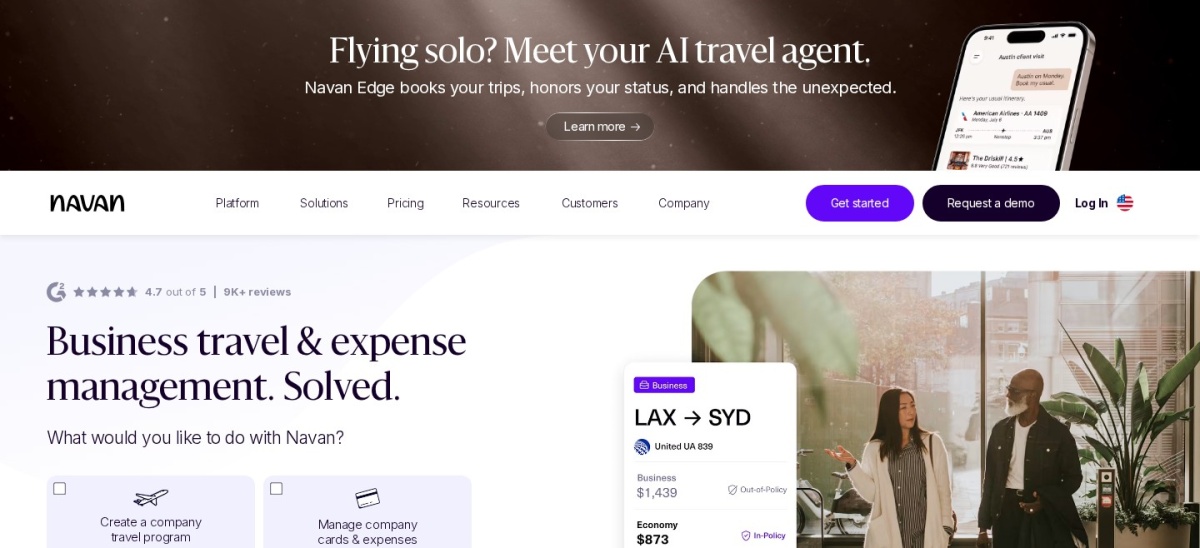
Navan homepage, captured Nov 2026.
Navan, formerly TripActions, pairs corporate travel booking with cards, expense management and reimbursements. Navan Business is free for companies with up to 300 employees on the travel side, and expense is free for the first 5 monthly expensing users, with 30+ HRIS integrations and 24/7 travel support.
The trade off is that expense is a bundled module, not a standalone product. After the first 5 users, expense costs $15 per user per month, and the Enterprise plan is quote-only. It suits travel-heavy teams that want bookings, policy and receipts to line up in one place.
What we like
Travel booking free for companies up to 300 employees
Highest review count in this list at 9,517 on G2
Works with your existing corporate cards
24/7 travel support included
Watch out for
Expense costs $15 per user a month after 5 free users
Expense is a module inside a travel platform
Enterprise pricing is quote-only
Enterprise adds unlimited users and a named account teamVisit navan.com
04
Expensify
4.5/5on G2 (5,700 reviews, checked Nov 2026)
Paid from$5/mo
Best for receipt scanning without switching cards
Free planYes, Submit for individuals
Cheapest paid planCollect, $5/member/mo
Corporate cardsExpensify Card, or your own
Accounting syncQuickBooks Online, Xero
use.expensify.com
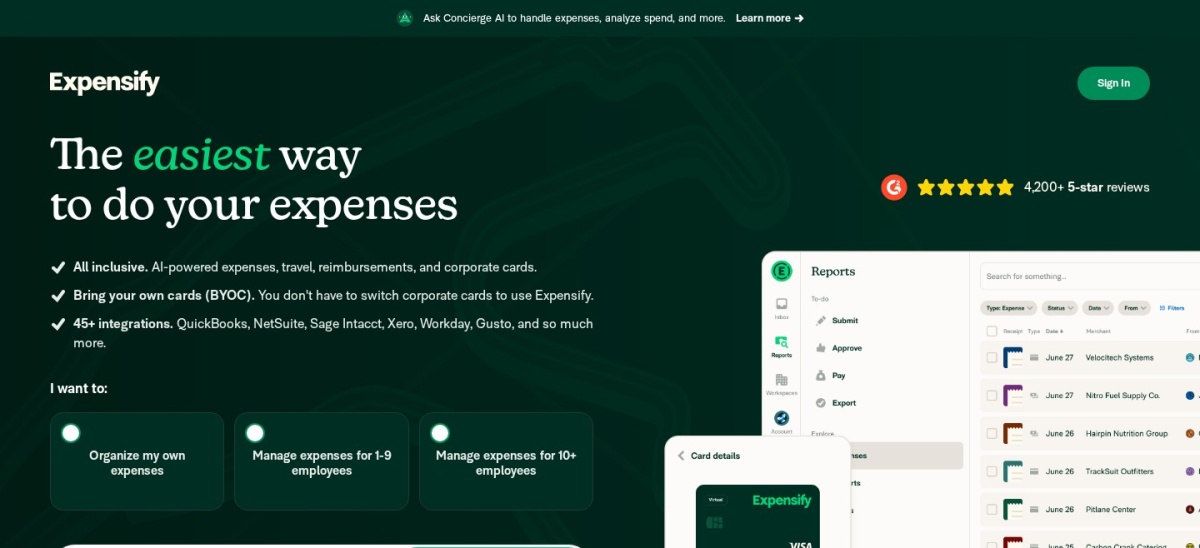
Expensify homepage, captured Nov 2026.
Expensify is expense reporting software with its own Expensify Card, receipt scanning, travel and reimbursements. The Collect plan costs $5 per member a month with no annual commitment, and adds unlimited SmartScan receipt scanning, approvals, next-day ACH reimbursement, global reimbursement and sync with QuickBooks Online and Xero.
The trade off is the step up to Control. It adds multi-level approvals, NetSuite and Sage Intacct, HR integrations and SAML SSO, and costs as low as $9 per member a month when most spend goes through the Expensify Card. It suits businesses that want to keep their own cards and reimburse staff fast.
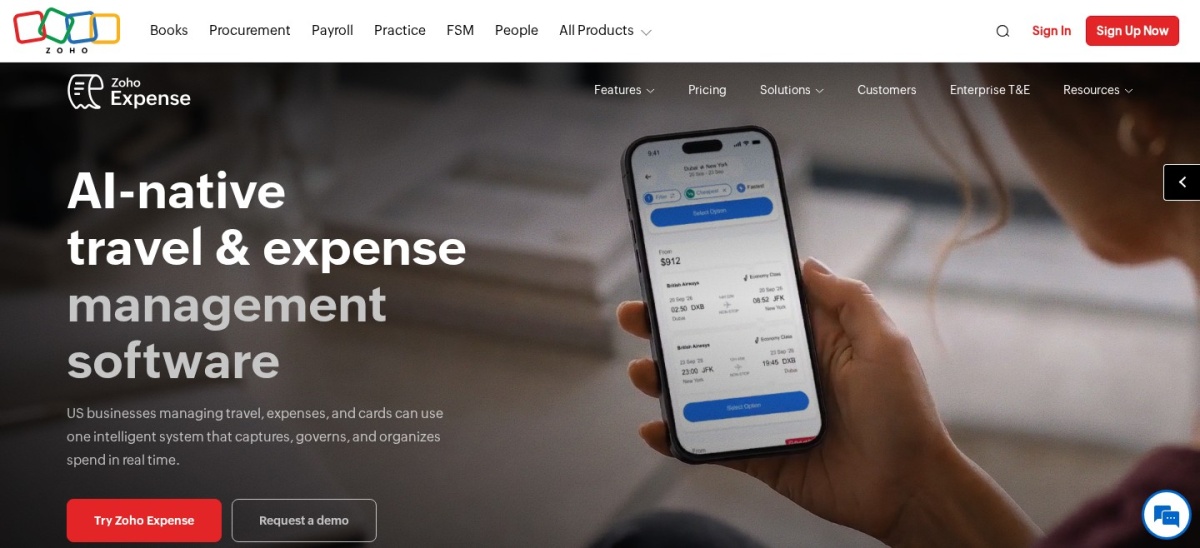
Zoho Expense is a low-cost expense tool with receipt capture, mileage tracking, approvals and multi-currency expenses. The free plan covers up to 3 users with 5GB of receipt storage and 20 receipt autoscans, and the Standard plan costs $3 per user a month billed annually with corporate card reconciliation and multi-level approvals.
The trade off is the ceiling on the free plan. The 20-autoscan limit pushes busy teams to Standard, and travel requests, per diem automation and advanced approvals need Premium at $5 per user a month. It suits businesses that want the cheapest paid plan in this list and already use Zoho Books.
What we like
Cheapest paid plan in this list at $3/user/mo
Free plan for up to 3 users
Strong sync with Zoho Books, QuickBooks and Xero
Rated 4.5 out of 5 on G2 from 1,609 reviews
Watch out for
Free plan caps autoscans at 20
Paid plans need a minimum of 3 users
Travel and per diem tools need the $5 Premium plan
Premium adds travel requests and per diem automationVisit zoho.com
06
BILL Spend & Expense
4.5/5on G2 (2,261 reviews, checked Nov 2026)
PriceFree
Best free spend platform with no per-user fee
Free planYes, $0/user/mo
Cheapest paid planNone, expense is free
Corporate cardsUnlimited, virtual + physical
Accounting syncQuickBooks, NetSuite, Xero
bill.com
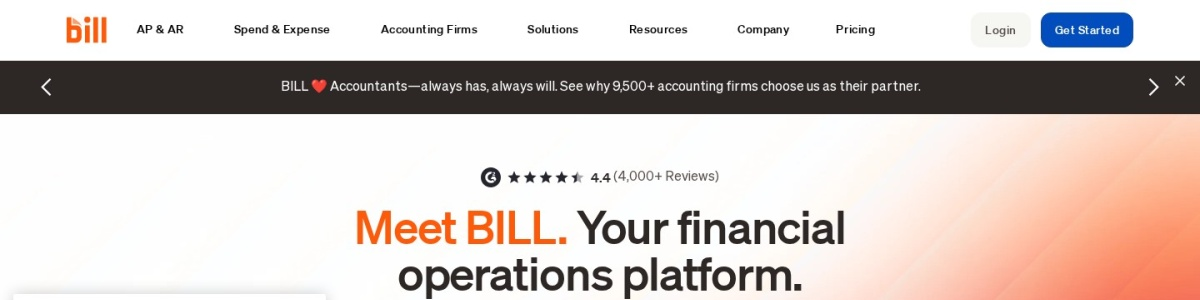
BILL Spend & Expense homepage, captured Nov 2026.
BILL Spend & Expense, formerly Divvy, is a free spend platform with corporate cards, budget controls and AI-powered receipt matching. It charges $0 per user per month with no per-user fee, and includes unlimited physical and virtual cards, employee reimbursements, real-time spend tracking and accounting integrations.
The trade off is depth in a few areas. Reviewers note the rewards program is weaker than Ramp, and reimbursement workflows are less deep than pure expense tools. Paid AP and AR plans start at $49 per user a month. It suits businesses that want cards and budgets free and already run BILL for bills.
What we like
Full expense feature set at $0 per user a month
Unlimited cards with budget controls
AI receipt matching included free
Rated 4.5 out of 5 on G2 from 2,261 reviews
Watch out for
Rewards program is weaker than Ramp
Reimbursement workflows are less deep than Expensify
AP and AR plans start at $49 per user a month
Paid AP/AR plans add invoicing from $49/user/moVisit bill.com
07
Mesh Payments
4.6/5on G2 (1,067 reviews, checked Nov 2026)
Paid from$13/mo
Best for global cards in local currency
Free planYes, Pro up to 3 users
Cheapest paid planPremium, $13/user/mo
Corporate cardsVisa, local currency 40+ countries
Accounting syncQuickBooks, NetSuite, Xero
meshpayments.com
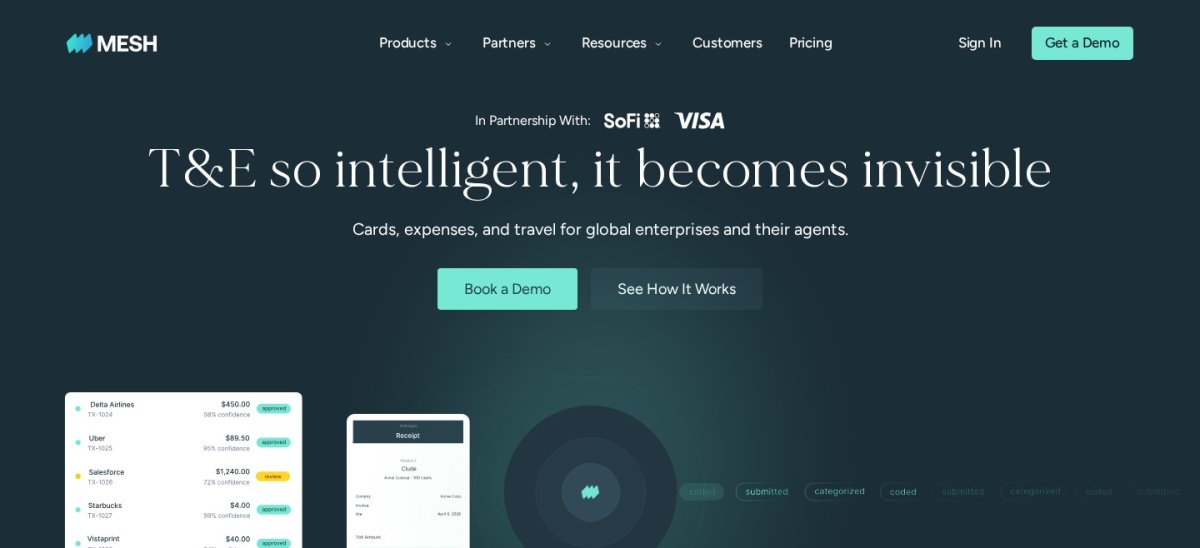
Mesh Payments homepage, captured Nov 2026.
Mesh Payments issues physical and virtual Visa corporate cards with expense management, accounts payable and travel tools in one platform. The free Pro plan covers up to 3 users with cards, real-time expense tracking and budget controls, and Premium costs $13 per user per month with cards issued in local currency in more than 40 countries.
The trade off is the free tier size and the cashback bar. Pro covers only 3 users, and cashback pays only once monthly card spend reaches $50,000. It suits mid-sized businesses with staff in several countries that want one card program with live spend controls.
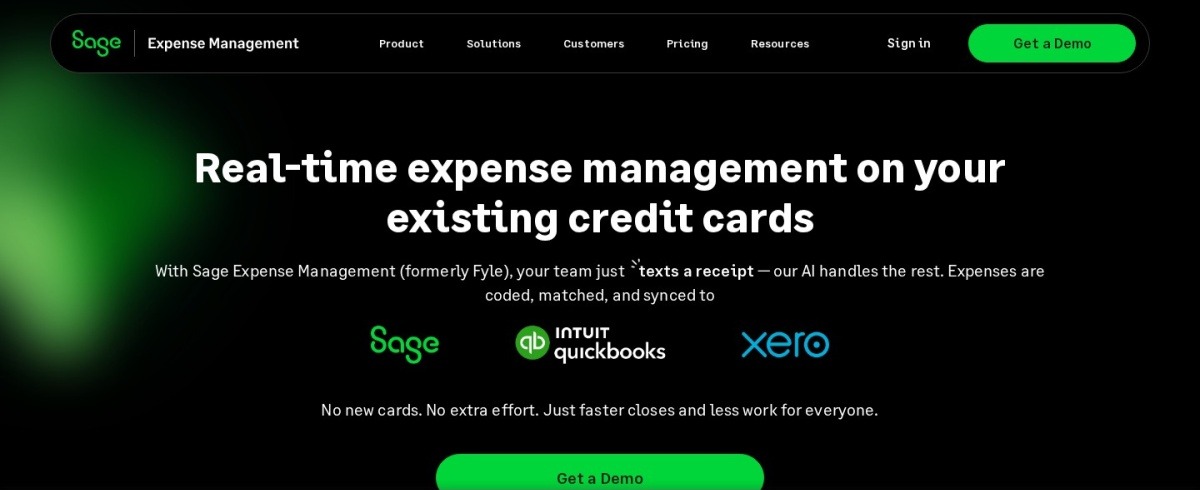
Sage Expense Management homepage, captured Nov 2026.
Sage Expense Management, formerly Fyle, works with the corporate cards you already have instead of issuing its own. Direct feeds from Visa, Mastercard and American Express pull transactions in as they happen, staff submit receipts by text, email or mobile app, and Growth costs $11.99 per active user a month billed annually, with a 5-user minimum.
The trade off is price and the lack of a free plan. Growth is the highest entry price in this list, and you pay only for active users, so the bill drops in quiet months. It suits finance teams on Sage Intacct or NetSuite that refuse to switch card providers.
What we like
Keep your existing corporate cards
Real-time card feeds with instant receipt matching
Pay only for active users each month
Rated 4.6 out of 5 on G2 from 1,820 reviews
Watch out for
No free plan
Highest entry price in this list at $11.99/user/mo
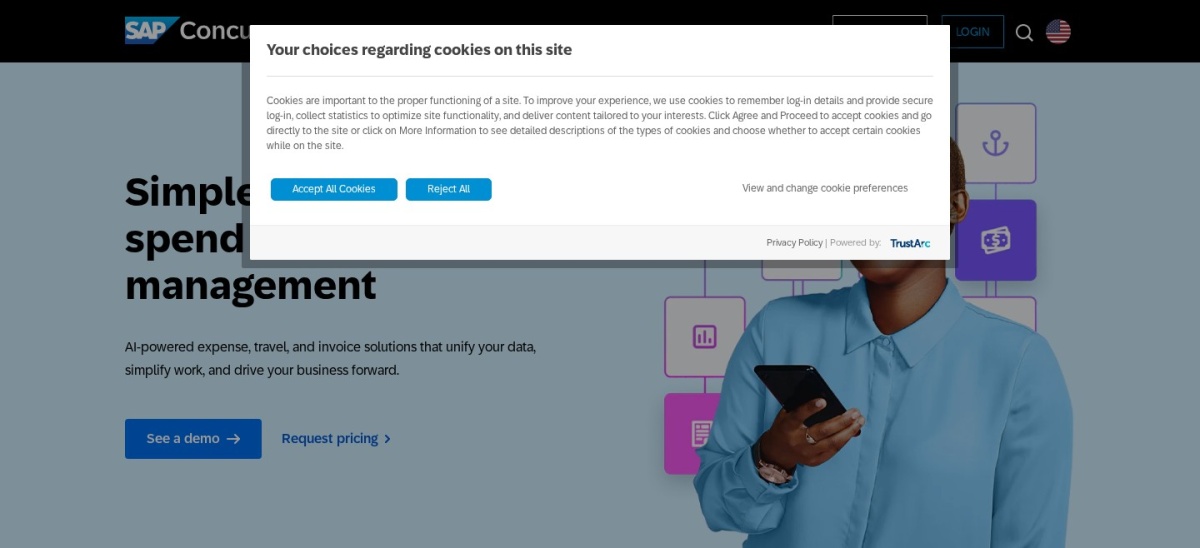
SAP Concur is the long-standing enterprise choice for travel, expense and invoice workflows in one system. The Base plan lists at $7 usage-based per month, Plus at $11, and Premium is quoted, with automated receipt capture, corporate card integration, spending policies and deep ERP integrations.
The trade off is complexity and rating. It holds the lowest rating in this list at 4.0 out of 5 on G2, reviewers often call the setup slow and the interface dated, and usage-based pricing makes totals hard to predict. It suits large enterprises that need SAP-grade controls and global travel policy.
Card-first vs report-first: which fits your business
Card-first tools control spend before it happens. You set a limit on each card, the purchase is checked against policy at the point of sale, and finance sees it at once.
Report-first tools handle spend after it happens. Staff pay, photograph the receipt and file a report, and finance reimburses them. This fits teams that travel on personal cards or use cards the business cannot replace.
Most businesses end up with one of each job covered by a single tool. Brex, Ramp and BILL do both jobs from the card side, while Expensify, Zoho Expense and Sage Expense Management do both from the report side.
If you cannot decide, count how your team actually pays today. Card spend above half of all expenses points to a card-first tool, and claim-heavy teams should start with a report-first tool.
How we chose
We started from the expense tools that appear most often in G2 and Capterra business expense categories, then kept the 9 with a published price or a free plan and a public G2 rating.
Prices come from each vendor's pricing page or vendor-supplied G2 pricing, checked on 26 November 2026. Ratings and review counts come from G2 on the same day. Where a vendor shows a sale, the list shows the regular price.
We left out tools with no published price and no current public rating, such as Airbase, which is now sold inside Paylocity for Finance on a quote only. No vendor paid for a place, and we do not claim to have used these tools ourselves.
How to choose expense management software for your business
Start with how your team pays today, then match the tool to that habit.
Count who actually files expenses. Per-user tools charge for every seat, while Navan charges per active expensing user and Sage Expense Management charges per active user. Count the real filers, not the headcount.
Decide card-first or report-first. Pick Brex, Ramp or BILL if most spend goes on company cards. Pick Expensify, Zoho Expense or Sage Expense Management if staff pay first and claim it back.
Check the accounting sync you need. QuickBooks Online and Xero are covered almost everywhere, but NetSuite and Sage Intacct usually need a paid plan. Confirm your system before you shortlist.
Add up the full first-year cost. Include platform fees, minimum user counts and card fees, not just the per-user rate. Our guide on how to budget for a WordPress website shows the same add-up-the-total approach for a different kind of purchase.
FAQ
What is the best expense management software for businesses?
Brex is the best pick for most businesses. Its free Essentials plan covers cards, reimbursements and bill pay, it is rated 4.8 out of 5 on G2, and Premium costs $12 per user a month with no platform fee.
Is there free expense management software for businesses?
Yes. Brex, Ramp and BILL Spend & Expense all offer free plans with corporate cards and expense tracking. Navan is free for the first 5 expensing users, Mesh Payments is free for up to 3 users, and Zoho Expense is free for up to 3 users.
How much does expense management software cost?
Paid plans in this list run from $3 per user a month for Zoho Expense Standard to $15 per user a month for Ramp Plus and Navan. BILL Spend & Expense charges $0 per user a month, while SAP Concur and Airbase use usage-based or quoted pricing.
Do I need to switch corporate cards to use these tools?
Not always. Expensify, Navan and Sage Expense Management work with the cards you already have. Brex, Ramp, BILL and Mesh Payments issue their own cards, and most of their value comes from using them.
What is the difference between Brex and Ramp?
Both are rated 4.8 out of 5 on G2 and both start free. Brex Premium costs $12 per user a month with no platform fee, while Ramp Plus costs $15 per user a month plus a platform fee based on team size that Ramp does not publish.
Which expense tool is best for travel-heavy businesses?
Navan is the best pick when travel dominates spending. It pairs flight, hotel and car booking with expenses in one app, free for companies up to 300 employees, with expense free for the first 5 users and $15 per user a month after that.
SaaS SEO and WordPress specialist with about 8 years of experience. Rakib compares WordPress plugins, themes, hosting and software using public pricing, documentation and user reviews. See how we rank.