Best Enterprise Document Management Software in 2026: 9 Tools Compared
WLWPLegible EditorsLast verified 23 Nov 2026How we rank13 min read
★ Short answer
Microsoft SharePoint is the best enterprise document management software for most large firms, at $5 per user a month for Plan 1 and rated 4.0 out of 5 on G2. Pick Laserfiche for records and automation, or M-Files if you want files found by metadata instead of folders.
How we make this list: we compare pricing pages, product documentation and public user reviews, then re-check every price before each update. No product paid for a place. Disclosure.
Microsoft SharePoint is the cheapest entry point here at $5 per user a month, and most large firms already license it inside Microsoft 365.
Laserfiche has the highest G2 rating in this list at 4.7 out of 5 from 1,250 reviews, but forms and workflow start at $69 per user a month.
M-Files organises files by metadata instead of folders, with Essentials at $65 per seat a month, the dearest entry price here.
DocuWare cloud plans typically start at $30 per user a month, but the vendor states a range up to $125 or more per user a month.
Three tools publish no price at all: Hyland OnBase, OpenText Extended ECM and Hyland Alfresco are all priced by quote.
What enterprise document management should cover
Enterprise document management is about control as much as storage. A large firm needs to know who can open a file, which version is current, how long it must be kept, and what happens when it changes.
Look first at permissions, version history, retention rules and search. If a tool cannot show an audit trail for a regulated file, it is a file store, not a document system.
Access control matters most for shared files. Our guide on adding security headers to WordPress explains one layer of protection, but the document system itself must limit who sees each file.
Workflows are the second test. Invoices, contracts and HR files move through approvals, and a tool that only stores them leaves the routing to email.
Finally, check where files live. Some teams are fully cloud, others still hold files on local servers, and a few need both.
The 9 best enterprise document management software
01
Microsoft SharePoint
4/5on G2 (8,958 reviews, checked Nov 2026)
Starts at$5/mo
Best enterprise document management overall
Entry planPlan 1, $5/user/mo
DeploymentCloud, in Microsoft 365
Version historyYes, with restore
Admin controlsPermissions and retention
microsoft.com
Microsoft SharePoint homepage, captured Nov 2026.
Microsoft SharePoint is the document library and intranet platform inside Microsoft 365, so most large firms already license it. Plan 1 costs $5 per user a month and covers secure libraries, co-authoring, version history and search across sites.
The trade off is setup. Permissions, site structure and retention rules take planning, and Plan 1 covers web apps only, so desktop Office needs a Microsoft 365 bundle. It suits large firms already on Microsoft 365 that want one governed home for documents.
What we like
Lowest entry price in this list at $5 per user a month
Works with Teams, OneDrive and the Office apps
Version history, permissions and retention built in
Watch out for
Permissions and site structure take planning
Plan 1 covers web apps only, not desktop Office
Reviewers cite a steep learning curve and sync problems
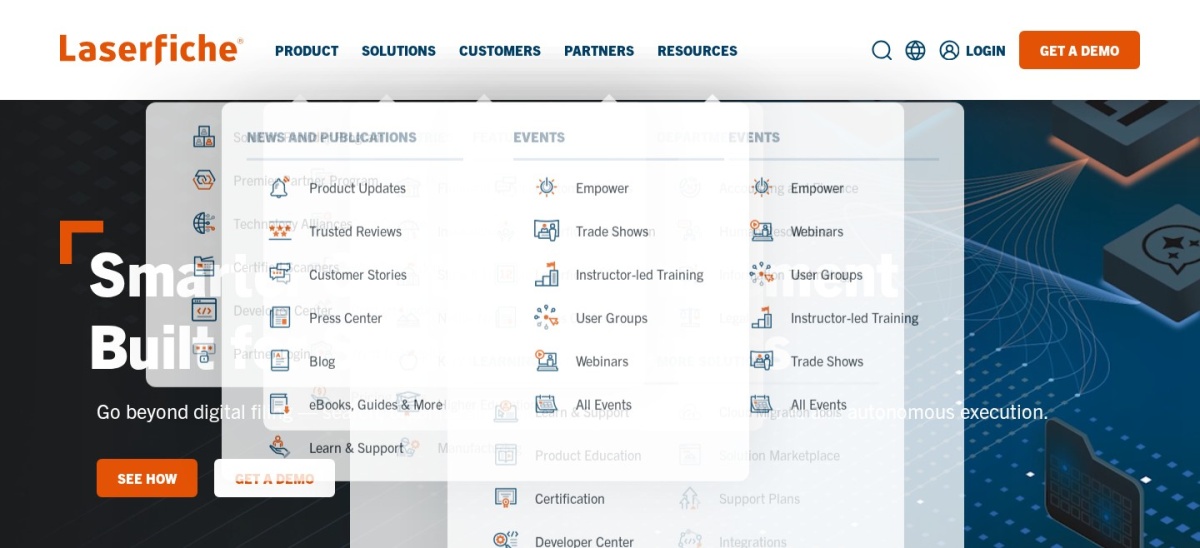
Laserfiche is a document management and process automation platform used heavily in government and education. Cloud Starter costs $50 per user a month and covers core document management, full-text search and Microsoft 365 integration.
The trade off is that forms and workflow need higher tiers. Professional costs $69 per user a month with a 5-user minimum, and Business costs $79 with a 25-user minimum. It suits regulated teams that need governed records and automated approvals.
What we like
Highest G2 rating here, 4.7 out of 5 from 1,250 reviews
Strong forms, workflow and records management
Cloud or self-hosted deployment
Watch out for
Forms and workflow are not in the Starter plan
Professional and Business tiers carry user minimums
Implementation is billed separately through partners
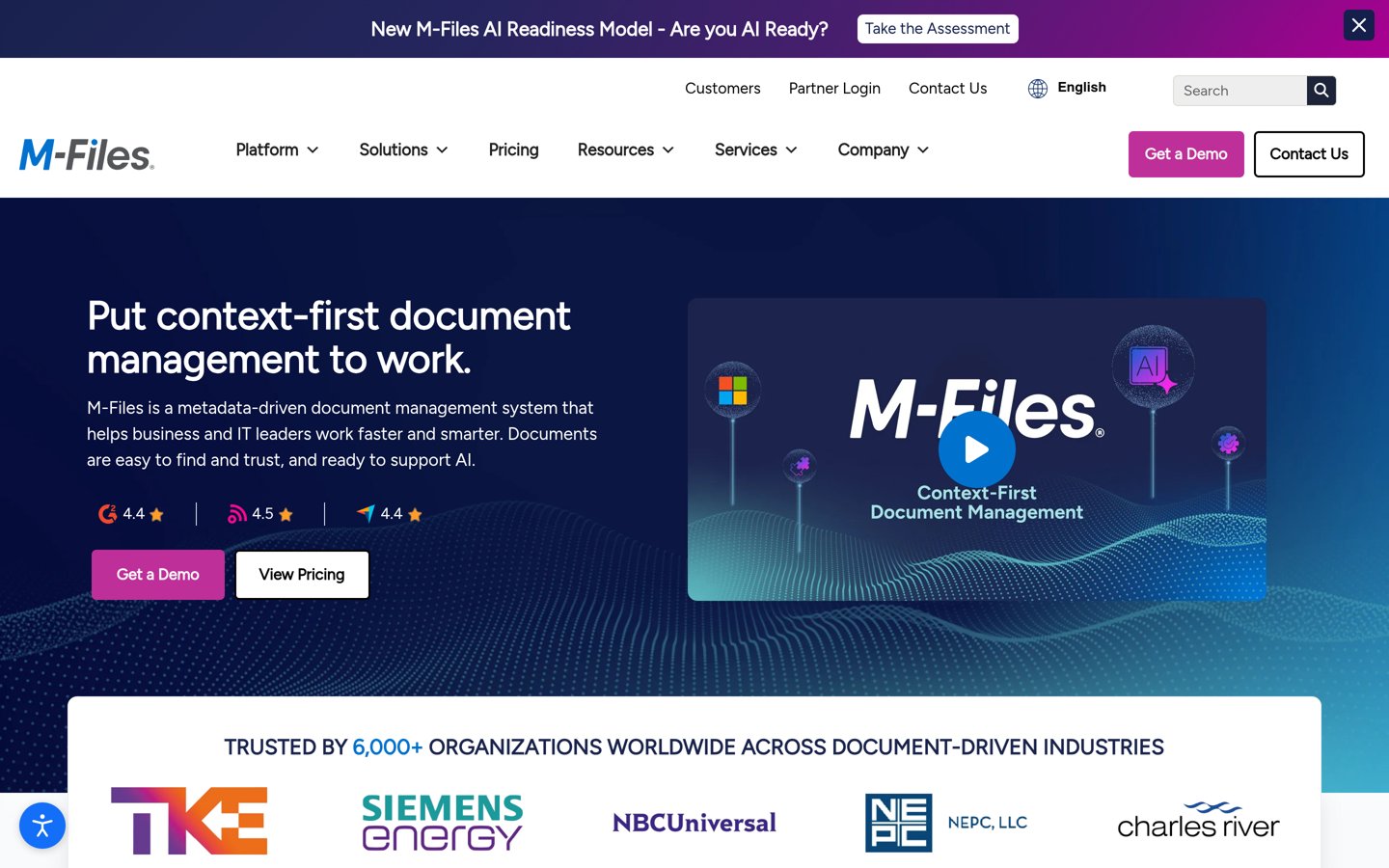
M-Files is a metadata-driven document system that files documents by customer, project or document type instead of folders. Essentials costs $65 per seat a month and includes AI classification, workflows and Microsoft 365 integration.
The trade off is price. Essentials is the dearest entry plan in this list, and Enterprise is priced by quote, so costs rise fast with headcount. It suits knowledge-heavy firms whose files live in many systems and need finding by context.
What we like
Finds files by what they are, not where they sit
AI classification with M-Files Aino
Connects existing repositories without migrating them
Watch out for
Dearest entry price in this list at $65 per seat a month
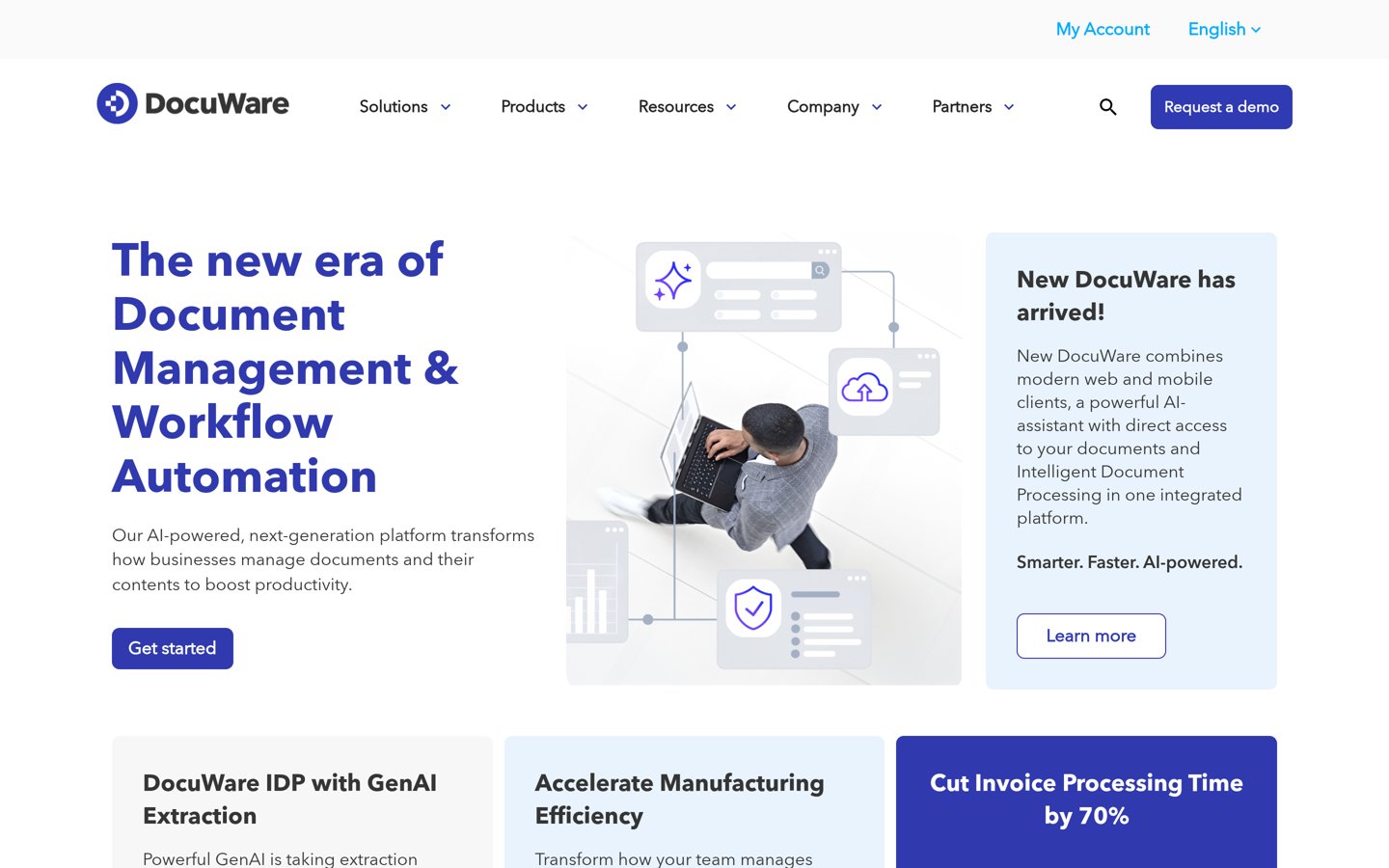
DocuWare is a cloud document system built around capture and workflow, with strong pre-built flows for invoices and HR files. Cloud plans typically start at $30 per user a month, and a 30-day trial covers the full cloud product.
The trade off is the range. DocuWare states cloud typically costs $30 to $125 or more per user a month, so advanced needs cost far more than the starting figure. It suits mid-sized teams that want to digitise invoice and HR paperwork fast.
Box is a cloud content platform for secure sharing and collaboration, with governance tools such as Box Shield and Box AI on higher tiers. Business Starter costs $5 per user a month billed annually, with 100 GB of storage and a 3-user minimum.
The trade off is the Starter ceiling. It caps at 10 users and 2 GB uploads, so growing teams move to Business at $15 per user a month for unlimited storage. It suits firms that need controlled sharing with outside partners.
What we like
Governance and compliance options for regulated work
More than 1,500 integrations
Free Individual plan with 10 GB of storage
Watch out for
Starter caps at 10 users and 100 GB of storage
Box AI and Shield need higher tiers
Reviewers cite the cost structure as a trade-off
Business adds unlimited storage at $15/user/moVisit box.com
06
Egnyte
4.4/5on G2 (1,162 reviews, checked Nov 2026)
Starts at$10/mo
Best for hybrid file governance
Entry planTeam, $10/user/mo
GovernancePermissions and compliance tools
DeploymentCloud with on-prem sync
Business tierBusiness, $22/user/mo
egnyte.com
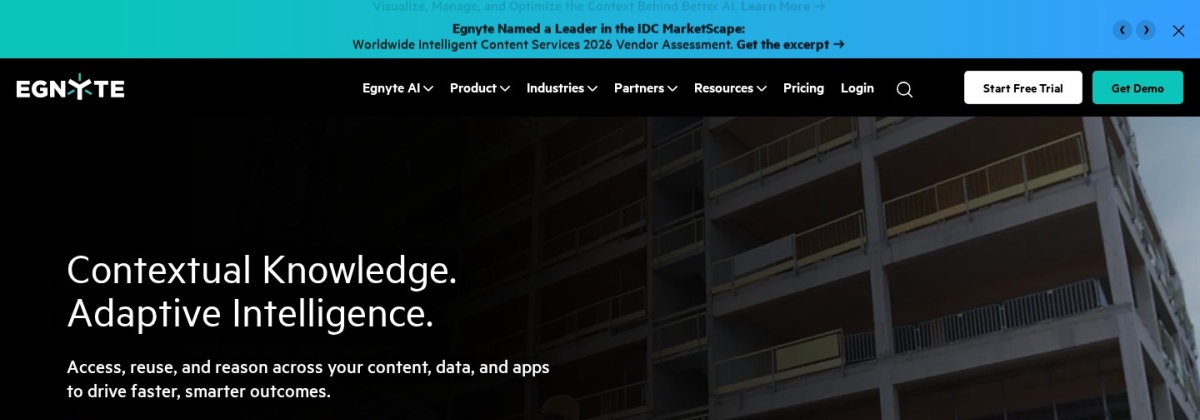
Egnyte homepage, captured Nov 2026.
Egnyte is a content cloud that manages files in the cloud and on local servers from one place, with granular permissions and governance. Team costs $10 per user a month, and Business costs $22 with more governance and workflow tools.
The trade off is that the deeper governance, including advanced compliance and AI tools, sits in Enterprise Lite at $39 per user a month and above. It suits firms with files split between offices and the cloud.
What we like
One view of cloud and on-prem files
Granular permissions and governance
Ease of use is the most praised strength on G2
Watch out for
Deeper governance needs Enterprise Lite at $39 per user a month
Reviewers call it pricey for smaller teams
Advanced features add cost as teams grow
Enterprise Lite adds deeper governance at $39/user/moVisit egnyte.com
07
Hyland OnBase
4.4/5on G2 (324 reviews, checked Nov 2026)
PricingCustom/yr
Best for deep enterprise customisation
Entry planCustom, by quote
DeploymentCloud or on-premises
WorkflowsConfigurable approval workflows
IntegrationsERP and Microsoft 365 links
hyland.com
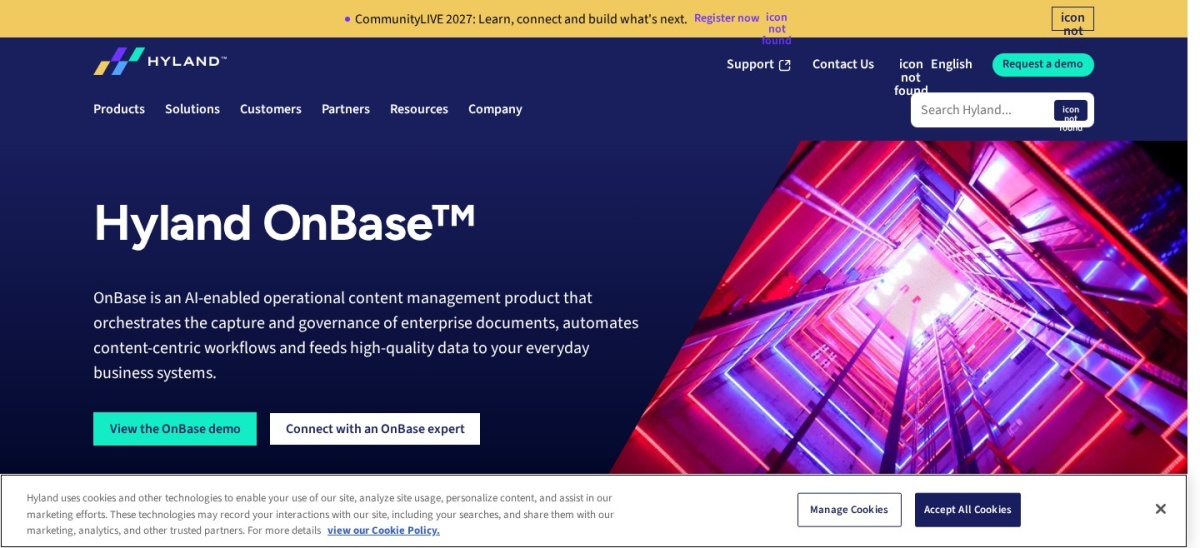
Hyland OnBase homepage, captured Nov 2026.
Hyland OnBase is a long-standing enterprise content platform for document management, workflow and case work. Pricing is by quote, and it is built for large firms that need deep customisation and department-specific processes.
The trade off is cost and complexity. Reviewers cite rising costs and extra fees for modules, and setup needs training and technical knowledge. It suits large enterprises that need a highly configurable system and can staff it.
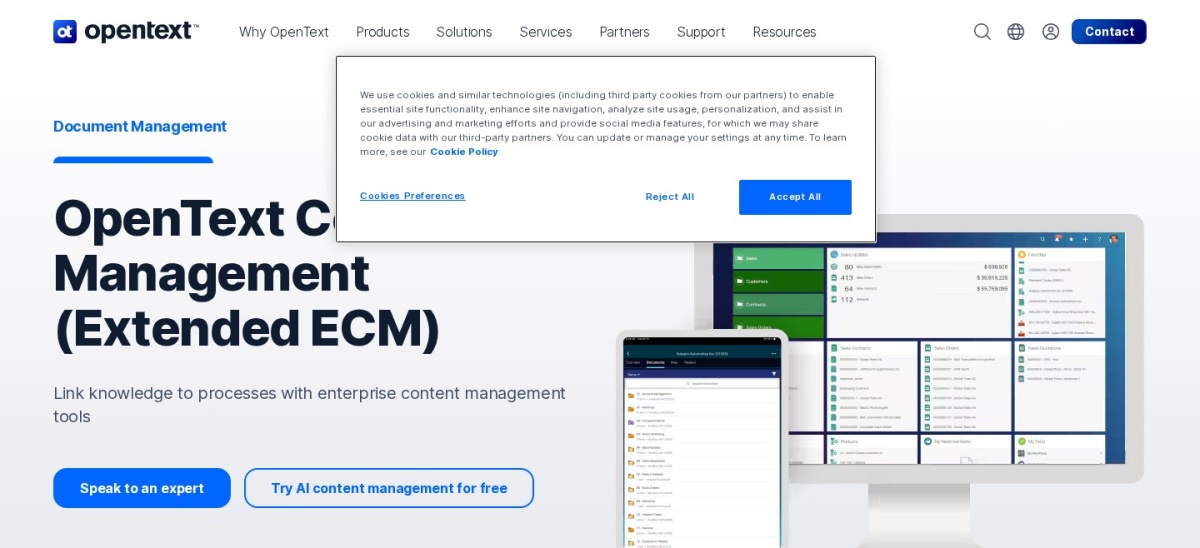
OpenText Extended ECM homepage, captured Nov 2026.
OpenText Extended ECM is a large enterprise content suite that sits inside SAP, Salesforce and Microsoft 365, adding records and process automation to those systems. Pricing is custom across X1, X2 and X3 tiers, by quote.
The trade off is cost and time. G2 lists an average implementation of 4 months and a 21-month return, and reviewers call it one of the pricier options. It suits large regulated firms already standardised on SAP or Microsoft.
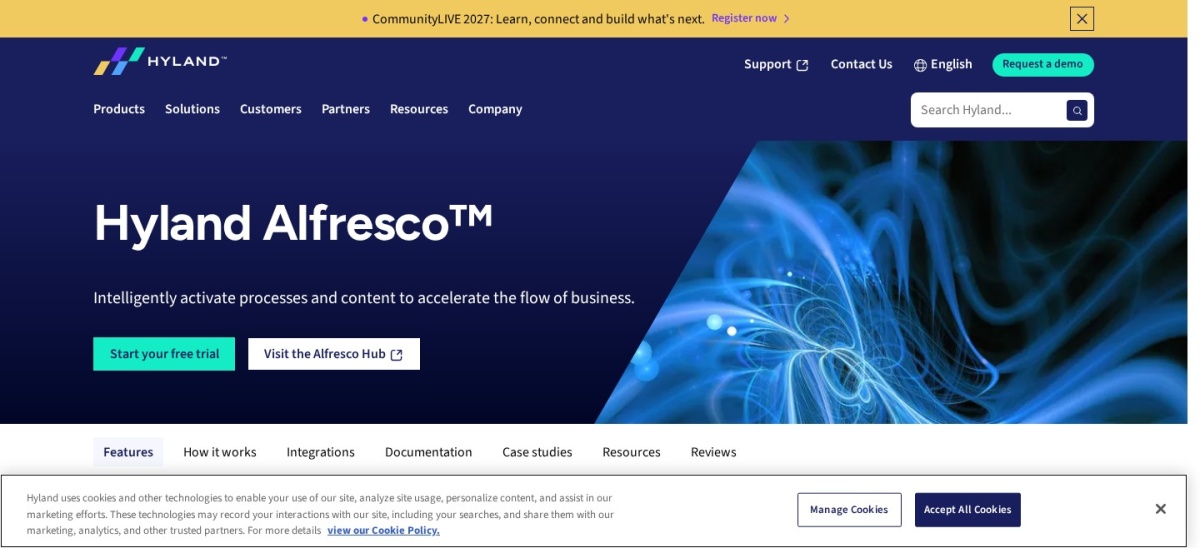
Hyland Alfresco is an open content services platform for document, process and governance work, now part of Hyland. Its Community Edition is free, while Enterprise is priced by quote with support, records and full API access.
The trade off is effort. G2 lists an average implementation of 7 months, and customisation needs Java and technical staff. It suits teams that want to extend an open platform rather than accept a vendor's defaults.
What we like
Open platform you can extend and customise
Reviewers call licence costs lower than some rivals
Cloud or self-hosted deployment
Watch out for
Lowest G2 rating here, 3.8 out of 5 from 55 reviews
Three tools in this list publish no price: Hyland OnBase, OpenText Extended ECM and Hyland Alfresco. Their cost depends on users, modules, storage and deployment, so a headline figure from another buyer will not match your quote.
Ask for the quote in writing, split by licence, implementation, training and support. Ask which modules are included and which are charged extra, since reviewers of OnBase and OpenText both cite module fees.
Also ask how the price changes as users grow. A per-user rate that looks fair at 50 users can climb sharply at 500, and minimum user counts, such as Laserfiche Business at 25 users, change the real monthly bill.
How we chose
We started from the established enterprise document and content platforms that appear across G2, vendor sites and buyer guides, then kept nine with a clear enterprise record, from Microsoft SharePoint to Hyland Alfresco.
Prices come from each vendor's pricing page or vendor-supplied G2 pricing, checked on 23 November 2026. Ratings and review counts come from G2 on the same day. Where a vendor shows a sale, the list shows the regular price.
We left out tools that publish no enterprise record or no usable pricing signal. No vendor paid for a place, and we do not claim hands-on testing for this list.
How to choose enterprise document management software
Start with the systems you already run, then test the shortlist against your hardest files.
List the systems it must sit inside. SharePoint fits Microsoft 365 shops and OpenText fits SAP shops. A tool that fights your main system will cost more than it saves.
Count your regulated files. If retention, audit trails and records matter, shortlist Laserfiche, OnBase and OpenText first, and check their records tools in a demo.
Get written quotes for the same user count. Ask each vendor for the same number of users, storage and modules, so the custom-priced tools can be compared with the published-price tools.
Run a pilot on one real process. Pick one workflow, such as invoice approval, and run it end to end before you sign. See how to add security headers to WordPress for one layer of the wider security picture.
FAQ
What is the best enterprise document management software?
Microsoft SharePoint is the best pick for most large firms. It costs $5 per user a month for Plan 1, sits inside Microsoft 365, and is rated 4.0 out of 5 on G2 from 8,958 reviews.
How much does enterprise document management software cost?
Published entry prices here run from $5 to $65 per user a month. Three tools publish no price at all, and DocuWare states a typical range of $30 to $125 or more per user a month, so always get a written quote.
Which tool is best for records management?
Laserfiche is the strongest records pick here. It is rated 4.7 out of 5 on G2 from 1,250 reviews, but forms and workflow need Professional at $69 per user a month, not the $50 Starter plan.
Is there a free enterprise document management option?
There is no full free enterprise tier here. Box has a free Individual plan with 10 GB, and Hyland Alfresco has a free Community Edition, but both need paid plans for enterprise support and governance.
What is the difference between SharePoint and Laserfiche?
SharePoint is a broad document and collaboration platform inside Microsoft 365, from $5 per user a month. Laserfiche is a focused records and automation platform from $50 per user a month, with a higher G2 rating of 4.7 out of 5.
Do these tools work on-premises as well as in the cloud?
Most do. Laserfiche, M-Files, OnBase, OpenText and Alfresco offer cloud or on-premises deployment. SharePoint, DocuWare, Box and Egnyte are cloud-first, with Egnyte also syncing local servers.