Best Enterprise Budgeting Software in 2026: 9 Tools Compared
WLWPLegible EditorsLast verified 23 Nov 2026How we rank11 min read
★ Short answer
Anaplan is the best enterprise budgeting software for large teams with complex, multi-department plans, rated 4.6 out of 5 on G2 from 462 reviews. Pick Workday Adaptive Planning for driver-based scenarios, Planful for planning plus consolidation, or Vena if your team wants to stay in Excel.
How we make this list: we compare pricing pages, product documentation and public user reviews, then re-check every price before each update. No product paid for a place. Disclosure.
Anaplan leads at 4.6 out of 5 on G2 from 462 reviews, built for connected planning across finance, sales and supply chain.
8 of the 9 tools publish no price and sell on custom quotes; only Jedox lists a starting price, at $160 per user per month.
Workday Adaptive Planning runs unlimited what-if scenarios and Monte Carlo simulations, with Excel reports that refresh from the model.
Vena, Datarails, Cube and Jedox keep Excel at the center, while Anaplan, Workday and Planful are web-first platforms.
Planful and Prophix One pair budgeting with consolidation and close, so multi-entity groups can plan and close in one place.
What enterprise budgeting software should cover
Enterprise budgeting is not a bigger spreadsheet. It is one governed model where every department builds its budget from the same drivers and the same actuals.
A good tool should link plans to actuals, run rolling forecasts and let finance test scenarios without rebuilding the model each month.
Consolidation matters once a group has more than one entity. Our guide on how to budget for a WordPress website shows the same discipline at a smaller scale: set the scope first, then pick the tool.
Expect a sales process. Most enterprise tools publish no price, so budget for a quote, an implementation fee and training on top of the license.
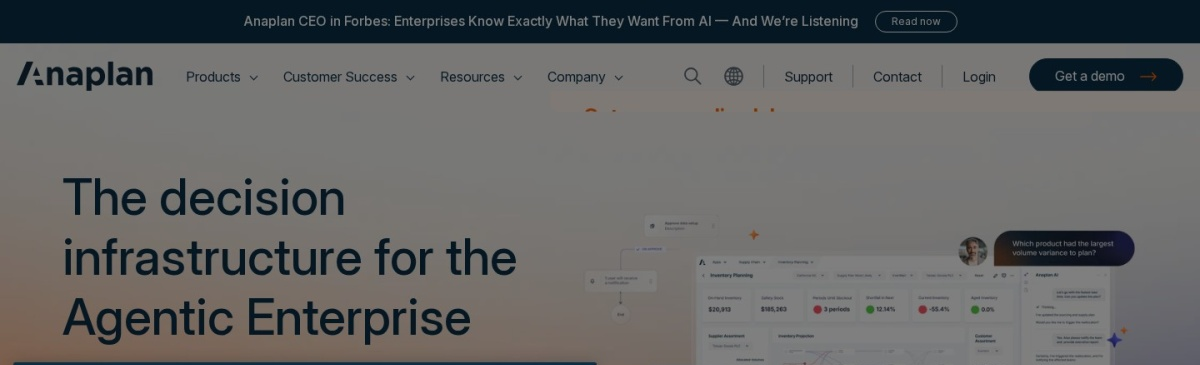
Anaplan is a cloud planning platform for large enterprises, built on its Hyperblock engine for connected planning across finance, sales, supply chain and HR. It handles multi-dimensional models, rolling forecasts and driver-based budgets in one place, and G2 reviewers rate it 4.6 out of 5 from 462 reviews.
The trade off is cost and setup. Pricing is quote only, implementation averages 6 months on G2, and smaller teams often find it too large for their needs. It suits large finance teams with complex, multi-department planning and staff to build models.
What we like
Connected planning across departments
Strong scenario and forecast depth
Hyperblock engine built for large models
Highest G2 rating in this list, tied at 4.6
Watch out for
Quote-only pricing with no published starting price
Average 6-month implementation on G2
Needs dedicated staff to build and maintain models
Paid plans add modules such as supply chain and workforce planningVisit anaplan.com
02
Workday Adaptive Planning
4.3/5on G2 (406 reviews, checked Nov 2026)
PricingCustom/yr
Best for driver-based scenarios
Planning styleDriver-based
ScenariosUnlimited what-if
Excel reportsOfficeConnect
PricingCustom quote
workday.com
Workday Adaptive Planning homepage, captured Nov 2026.
Workday Adaptive Planning is a cloud planning platform for mid-market and enterprise finance teams, built around driver-based budgets and forecasts. It links plans to actuals in one model, runs unlimited what-if scenarios, and sends reports to Excel through OfficeConnect. G2 reviewers rate it 4.3 out of 5 from 406 reviews.
The trade off is price and learning curve. Pricing is quote only, reviewers describe high total cost for smaller teams, and setup takes time to learn. It suits finance teams that plan from drivers and need deep scenario work.
What we like
Unlimited what-if scenarios and Monte Carlo simulations
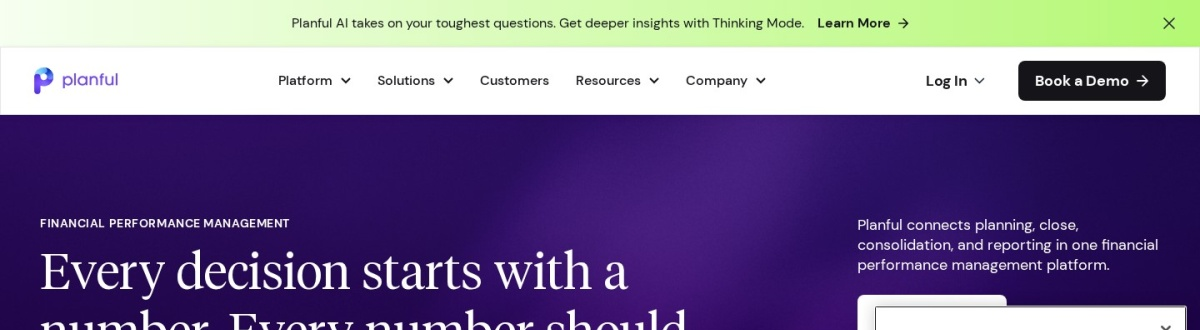
Planful is a cloud platform that pairs budgeting and forecasting with financial close and consolidation. It handles multi-entity consolidation with eliminations and minority interest, rolling forecasts and management reporting in one web platform. G2 reviewers rate it 4.3 out of 5 from 508 reviews.
The trade off is cost and scope. Pricing is quote only and sold by module, so consolidation, reporting and analytics are priced separately. It suits upper mid-market teams that want close, consolidation and planning together without an enterprise suite.
What we like
Consolidation and close beside planning
Rolling forecasts and reporting in one place
Rated for ease of use and reporting
Customer base of more than 1,400
Watch out for
Quote-only, module-by-module pricing
Implementation typically runs 2 to 4 months
Advanced features may need extra configuration
Paid modules add consolidation, close and Predict AI forecastingVisit planful.com
04
Vena
4.5/5on G2 (482 reviews, checked Nov 2026)
PricingCustom/yr
Best for teams that want to stay in Excel
InterfaceNative Excel
DatabaseCubeFLEX
PackagesProfessional, Complete
PricingCustom quote
venasolutions.com
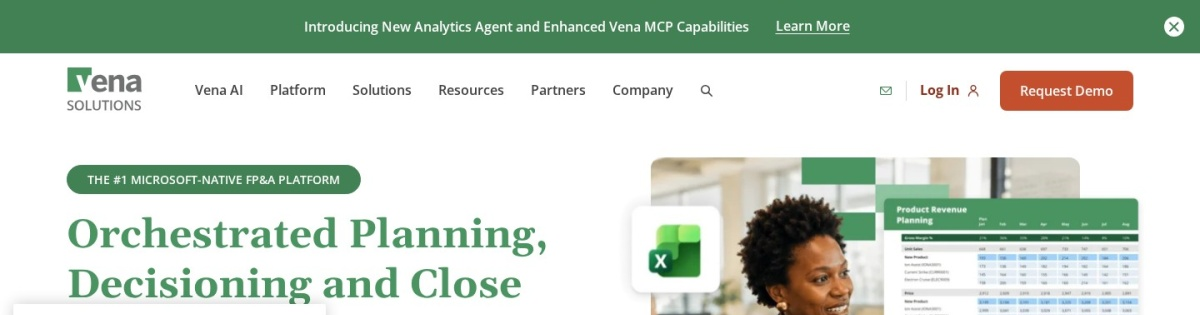
Vena homepage, captured Nov 2026.
Vena is an Excel-native planning platform that adds a central database, workflow and audit trails to the spreadsheets finance teams already use. It covers budgeting, forecasting, consolidation and workforce planning, with Power BI reporting. G2 reviewers rate it 4.5 out of 5 from 482 reviews.
The trade off is speed on large files. Reviewers report slowdowns with very large or complex Excel templates, and pricing is quote only across its Professional and Complete packages. It suits Microsoft-based mid-market teams that want governed planning without leaving Excel.
What we like
Keeps existing Excel templates
Central database with audit trails
Consolidation and workforce planning included
Rated 4.5 out of 5 on G2, Capterra and Gartner Peer Insights
Prophix One is a cloud financial performance platform built around budgeting and planning, with close management and consolidation as separately priced modules. It uses driver-based models, automated workflows and audit trails, and keeps Excel where it works. G2 reviewers rate it 4.4 out of 5 from 234 reviews.
The trade off is that the full suite is modular. Planning is the base, and close and consolidation cost extra, while pricing is quote only. It suits mid-market teams that want planning first and will add close modules as the group grows.
What we like
Modular: buy planning first, add close later
Native intercompany elimination
AI Copilot and workflow automation
Free trial available
Watch out for
Quote-only pricing
Close and consolidation cost extra
Implementation often needs consulting hours
Paid modules add close management and financial consolidationVisit prophix.com
06
Datarails
4.6/5on G2 (316 reviews, checked Nov 2026)
PricingCustom/yr
Best Excel-native pick for mid-market teams
InterfaceExcel and Google Sheets
Data sources600+ integrations
Go-live2 to 4 weeks
PricingCustom quote
datarails.com
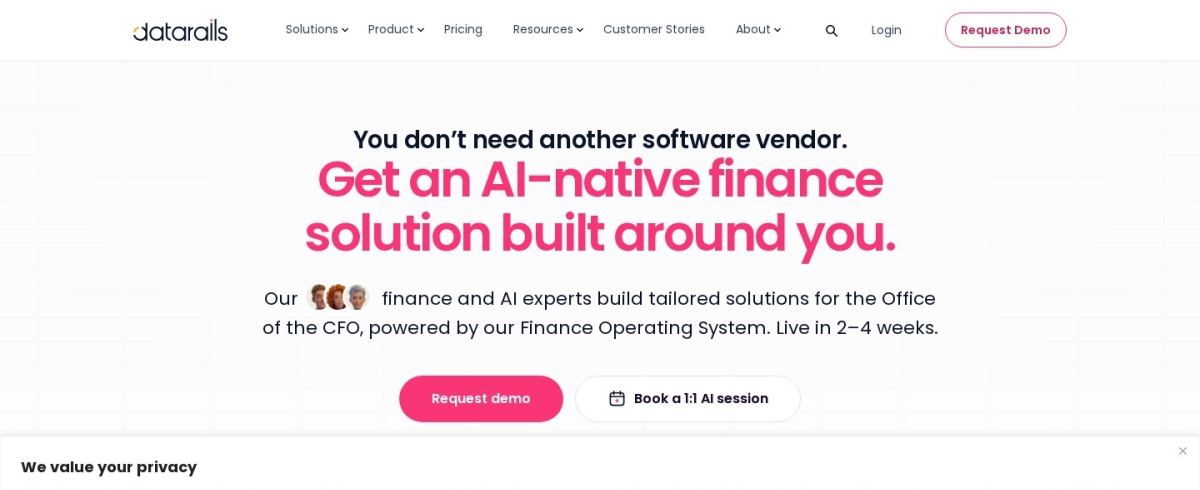
Datarails homepage, captured Nov 2026.
Datarails is an Excel-native FP&A platform built on FinanceOS, a central database that feeds budgeting, forecasting, consolidation and reporting. Teams keep working in Excel and Google Sheets while reports and board packs draw from mapped ledger data. G2 reviewers rate it 4.6 out of 5 from 316 reviews.
The trade off is price and positioning. Pricing is quote only, and its newer FinanceOS work is built around each buyer rather than a fixed product. It suits mid-market finance teams that want to keep Excel and move off manual spreadsheets fast.
Pigment is a cloud planning platform with a modern web interface for budgeting, forecasting and reporting. Scenario planning is native, so teams test what-if versions side by side, and models cut across regions, products and departments. G2 reviewers rate it 4.6 out of 5 from 111 reviews.
The trade off is maturity on reporting. Reviewers note report layouts take extra effort, and pricing is quote only across Essentials, Professional and Enterprise. It suits mid-market teams that want fast, flexible planning with strong support.
What we like
Native scenario planning
Highest G2 support score in this comparison
Modern interface with AI planning features
14-day free trial
Watch out for
Quote-only pricing
Report layouts take extra effort
No statutory consolidation
Professional adds unlimited scenarios and a 12-month audit trailVisit pigment.com
08
Cube
4.5/5on G2 (145 reviews, checked Nov 2026)
PricingCustom/yr
Best spreadsheet-native pick for smaller teams
InterfaceExcel and Google Sheets
SyncBi-directional
Go-live2 to 6 weeks
PricingCustom quote
cubesoftware.com
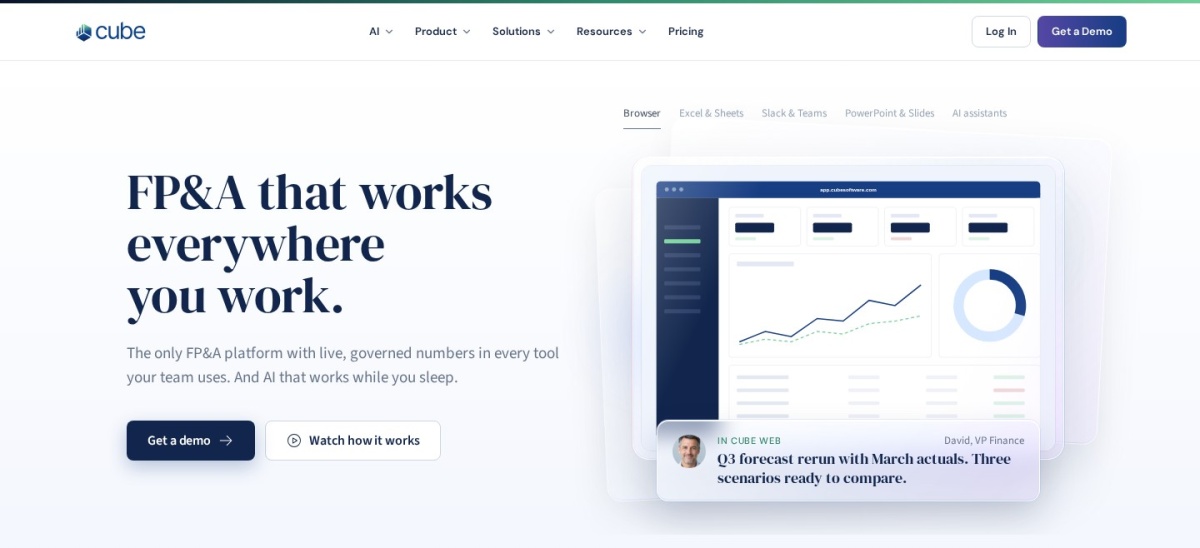
Cube homepage, captured Nov 2026.
Cube is a spreadsheet-native FP&A platform that connects Excel and Google Sheets to source systems, so finance teams plan and report in the interface they already know. Data stays centralized and version-controlled behind the sheets. G2 reviewers rate it 4.5 out of 5 from 145 reviews.
The trade off is scale and price transparency. Cube moved to custom quotes in 2026, and reviewers note performance drops with large data sets. It suits small to mid-market teams that live in spreadsheets and want FP&A without an enterprise project.
What we like
Native to both Excel and Google Sheets
Fast setup, measured in weeks
Bi-directional sync keeps sheets and model aligned
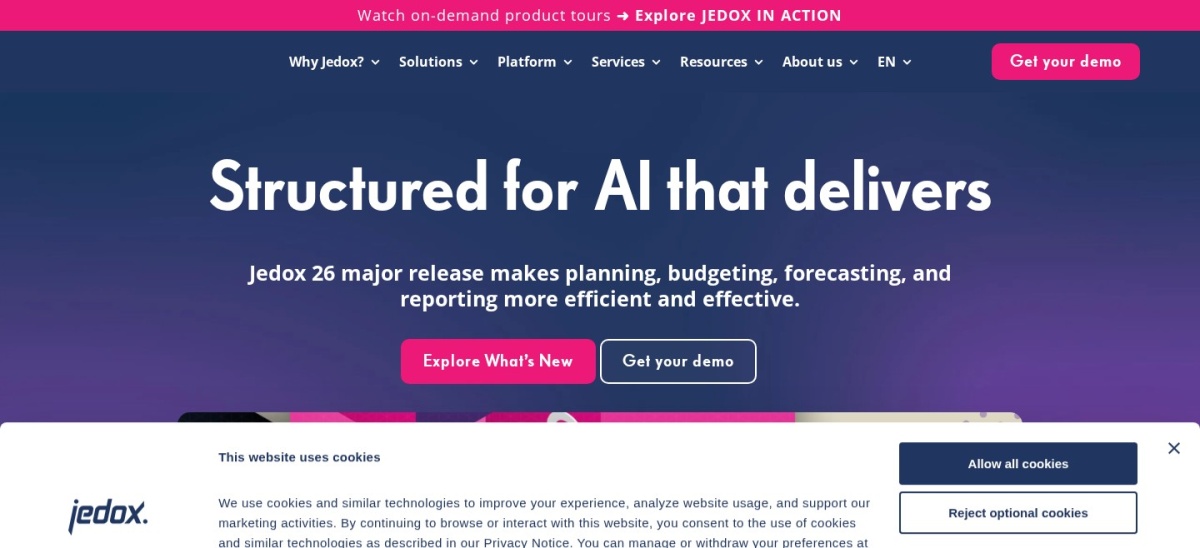
Jedox is an FP&A platform with an Excel-like interface and an add-in for Excel 365, plus drag-and-drop dashboards and ad-hoc reporting. It builds driver-based models, runs unlimited simulations and connects ERP, HCM and CRM data into one model. G2 reviewers rate it 4.3 out of 5 from 188 reviews.
The trade off is price per user. G2 lists the Basic plan at $160 per user per month, which adds up fast for large teams, and the platform takes practice to model well. It suits finance teams that want Excel-style modelling with AI-assisted forecasts.
What we like
Only tool here with a published starting price
Excel 365 add-in keeps a familiar workflow
Unlimited simulations and scenario modelling
AI-assisted forecasts with JedoxAI
Watch out for
$160 per user per month adds up for large teams
Advanced models take practice to build
Smaller G2 review base than the leaders
Contact sales for higher tiers and volume pricingVisit jedox.com
Most enterprise budgeting tools are quote only
Eight of the nine tools in this list publish no price. Expect a sales call, a demo and a quote based on users, entities and modules.
Ask whether the quote covers implementation, training and support, or whether those are separate. G2 reports average implementations of 4 to 6 months for several tools here.
Jedox is the exception, with G2 listing Basic at $160 per user per month. Use it as a starting point, then confirm the current price with the vendor before budgeting.
How we chose
We started from the established enterprise budgeting and FP&A platforms most often compared on G2, then kept nine with a clear budgeting core and a solid review base.
Prices and plan names come from each vendor's pricing page and G2 pricing pages, checked on 23 November 2026. Ratings and review counts come from G2 on the same day. Where a vendor shows no price, the list shows a custom quote.
We left out tools aimed only at small businesses and personal budgeting. No vendor paid for a place, and we do not claim hands-on testing for this list.
How to choose enterprise budgeting software
Start with who builds the budget, then match the tool to their workflow.
Count your budget owners and entities. A team of five in one company needs a lighter tool than a group with ten entities and fifty contributors.
Decide whether Excel stays. If budget owners refuse to leave spreadsheets, pick an Excel-native tool such as Vena, Datarails or Cube.
Check consolidation and close needs. Groups that consolidate monthly should weigh Planful or Prophix One, which pair planning with close and consolidation.
Get quotes on the same scope. Ask every vendor for the same user count, entities and modules, and ask what implementation, training and support cost on top.
FAQ
What is the best enterprise budgeting software?
Anaplan is the best pick for large teams with complex, multi-department plans. It is rated 4.6 out of 5 on G2 from 462 reviews and leads on connected planning across finance, sales and supply chain.
How much does enterprise budgeting software cost?
Most tools in this list are quote only, with no published price. Jedox is the exception, with G2 listing Basic at $160 per user per month. Ask every vendor what implementation, training and support cost on top of the license.
Do any enterprise budgeting tools have a free plan?
No. None of the nine tools here has a free plan. Workday Adaptive Planning, Prophix One, Pigment and Jedox offer free trials, so a team can test the product before asking for a quote.
Which enterprise budgeting tool is best for Excel users?
Vena, Datarails and Cube are the strongest Excel picks. Vena and Datarails keep existing Excel templates on a central database, while Cube works in both Excel and Google Sheets with bi-directional sync.
What is the difference between budgeting software and FP&A software?
Budgeting software covers the annual plan and its versions. FP&A software adds rolling forecasts, management reporting and often consolidation and close, so the plan, the forecast and the actuals live in one model.
How long does it take to set up enterprise budgeting software?
G2 reports average implementations of 4 to 6 months for Anaplan, Vena, Prophix and Pigment. Datarails states live in 2 to 4 weeks, and Cube is built for setup in weeks rather than months.