Best Enterprise Automation Software in 2026: 9 Tools Compared
WLWPLegible EditorsLast verified 23 Nov 2026How we rank10 min read
★ Short answer
UiPath is the best enterprise automation software for most large teams, with the deepest RPA and AI agent tooling and a 4.6 out of 5 G2 rating from 7,734 reviews. Microsoft 365 shops should pick Power Automate at $15 per user a month, and API-heavy teams should look at Workato.
How we make this list: we compare pricing pages, product documentation and public user reviews, then re-check every price before each update. No product paid for a place. Disclosure.
UiPath leads on RPA depth: attended and unattended bots, AI agents and document processing in one platform, rated 4.6/5 on G2.
Power Automate is the cheapest entry point at $15 per user a month, and it is free in a limited form with Microsoft 365.
Automation Anywhere and Nintex publish no list price; the only public figures are $750 and $910 a month from third-party listings.
Workato, Zapier and Make bill by usage, so the monthly cost follows task, credit or execution volume, not seats.
n8n is the only pick you can self-host for free, with Cloud Starter at $20 a month for 2,500 executions.
What enterprise automation software should cover
Enterprise automation covers three kinds of work: software robots that drive screens, API workflows that connect apps, and low-code apps that run approvals end to end. Most teams need more than one kind.
Start by naming the work. If the job lives in legacy desktop apps, SAP or Citrix, you need RPA. If it lives in SaaS apps and APIs, an integration platform is the better fit.
Pricing is the hardest part to compare. Some tools charge per user, some per bot, and some per task, credit or execution. Our guide on connecting an AI model to WordPress shows the same API-first pattern in a smaller setting.
Governance decides whether a rollout survives. Audit logs, role-based access and approval steps matter more than the builder once dozens of people automate.
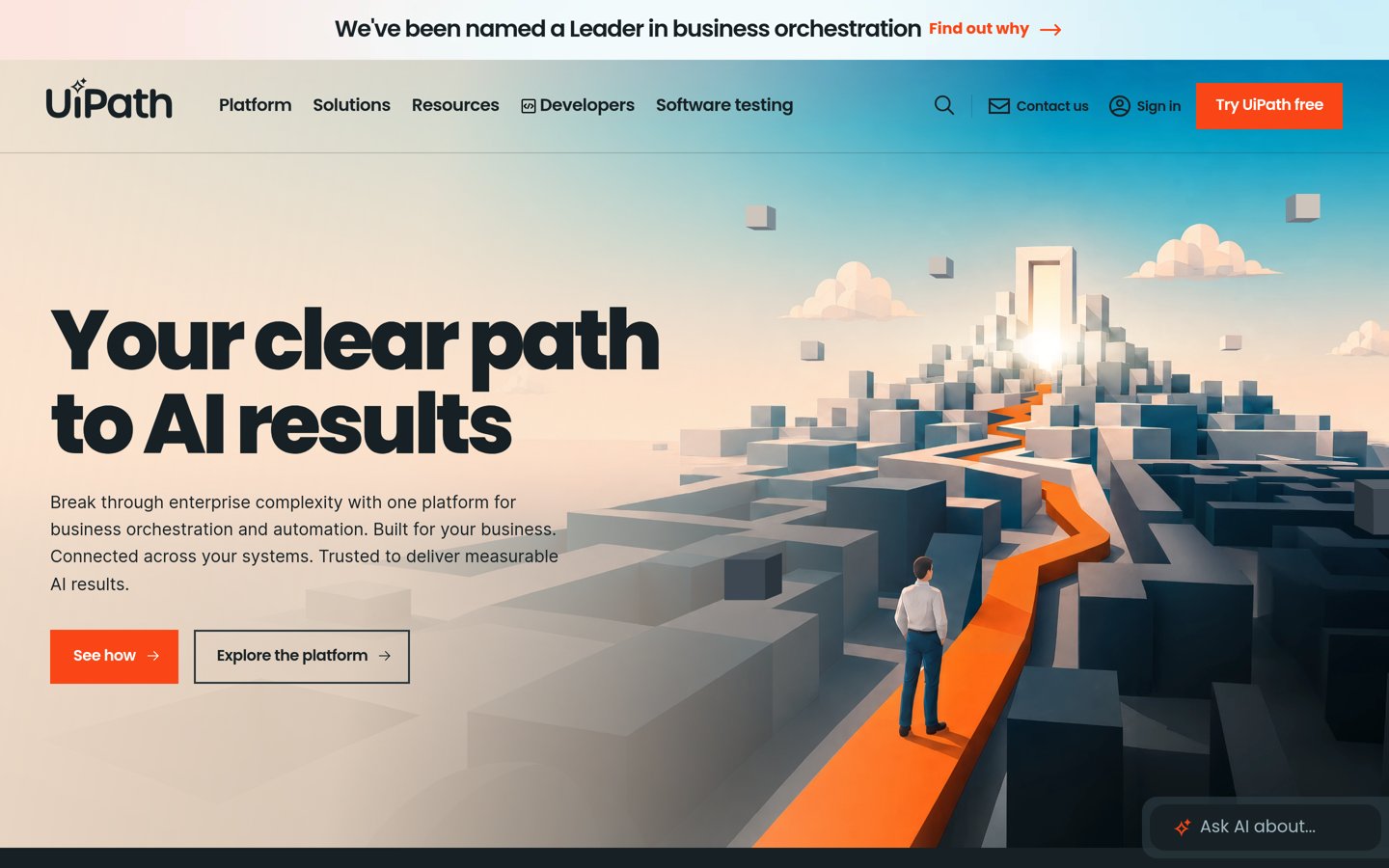
UiPath is an enterprise automation platform built around software robots, with Studio for building, Orchestrator for running bots and Maestro for orchestrating robots, AI agents and people. The free Community plan covers Studio and attended automation, and Basic starts at $25 a user a month.
The trade off is price and complexity. Basic caps an organisation at 11 users and 2 robots with Europe-only hosting, and Standard and Enterprise are quote-only, so a real deployment needs a sales conversation. It suits large teams with a dedicated automation group and legacy apps to drive.
What we like
Deepest RPA tooling, from Studio to Orchestrator
AI agents and document processing on one platform
Largest review base in this list, at 7,734 G2 reviews
Watch out for
Standard and Enterprise pricing is quote-only
Basic plan is capped and Europe-hosted only
Licensing mixes users, robots and usage units
Standard and Enterprise add scale, SSO and governance by quoteVisit uipath.com
02
Microsoft Power Automate
4.4/5on G2 (1,094 reviews, checked Nov 2026)
Paid from$15/mo
Best for Microsoft 365 organisations
Free planYes, with Microsoft 365
Cheapest paidPremium, $15/user/mo
Premium connectors600+
Unattended RPA$150/bot/mo
microsoft.com
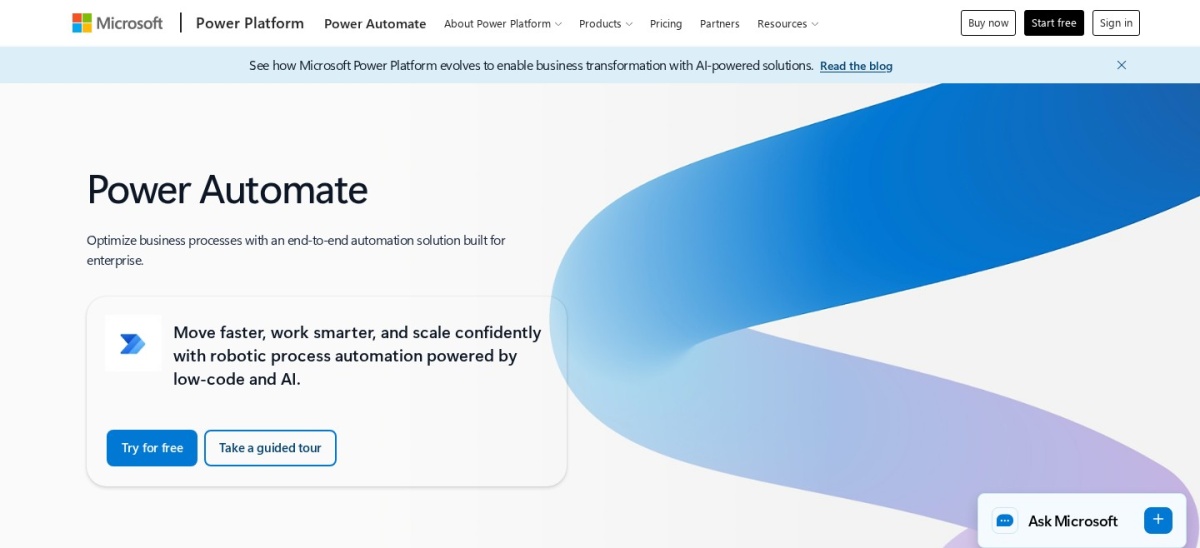
Microsoft Power Automate homepage, captured Nov 2026.
Microsoft Power Automate is the automation service inside Microsoft 365 and the Power Platform, covering cloud flows between apps and desktop flows that drive Windows apps. Premium costs $15 a user a month and adds premium connectors, attended RPA and process mining.
The trade off is the Microsoft tie-in. It works best inside a Microsoft 365 tenant, and unattended bots cost $150 a bot a month on top of Premium. It suits organisations that already run on Microsoft 365 and want approvals, alerts and desktop automation under one licence.
What we like
Cheapest paid entry in this list at $15 a user a month
Automation Anywhere is a cloud-native RPA platform that runs bots, AI agents and document automation from its Automation 360 control room, with the AARI digital assistant for attended work. A free Community Edition is available for learning and small use.
The trade off is pricing transparency. The vendor publishes no price list; the only public figure is the Cloud Starter Pack at $750 a month, and larger deployments are quoted by sales. It suits back-office teams moving a legacy RPA estate to the cloud.
Workato is an enterprise integration and automation platform built on recipes that connect apps, data and APIs, with governance, audit logs and AI agents on top. A free plan gives a one-time grant of 50,000 credits, and Pro starts at $75 a month.
The trade off is usage billing. Costs follow credit volume, so a busy recipe estate is hard to forecast, and the Standard, Business and Enterprise editions are quote-only. It suits integration teams that need governed, high-volume connections across many systems.
What we like
Highest G2 rating in this list at 4.7 out of 5
1,200+ pre-built connectors
Strong governance, audit logs and access controls
Watch out for
Credit pricing is hard to forecast
Enterprise editions are quote-only
Free credits do not renew each month
Enterprise editions add environments, SSO and API managementVisit workato.com
05
Appian
4.5/5on G2 (502 reviews, checked Nov 2026)
Paid from$75/mo
Best for low-code process apps
Free editionCommunity, free
Cheapest paidStandard, $75/user/mo
Low-code appsYes
Data fabricYes, unified
appian.com
Appian homepage, captured Nov 2026.
Appian is a low-code platform that combines process automation with a unified data fabric, so teams build case and approval apps without a separate database layer. A free Community Edition is available, and the Standard user licence is listed at $75 a user a month.
The trade off is cost structure. Appian publishes no figures itself, and list prices point to a platform base fee on top of per-user charges. It suits regulated industries that need audited, end-to-end processes built as apps.
What we like
Low-code apps plus process automation in one place
Nintex is a process automation platform for document-heavy work, with a visual workflow designer, forms, document generation and e-signatures in one suite. It is strongest in SharePoint and Microsoft shops, where it has its deepest roots.
The trade off is the entry price. Standard is listed at $910 a month with unlimited users and 10 workflows, and G2 reviewers report about 3 months to implement. It suits large teams automating contracts, approvals and compliance paperwork.
What we like
Forms, document generation and e-signatures in one suite
Zapier is a no-code automation platform that connects apps with trigger-and-action workflows called Zaps, covering more than 8,000 apps. The free plan allows 100 tasks a month, and Professional starts at $19.99 a month billed yearly for 750 tasks.
The trade off is task billing. A multi-step Zap burns one task per action, so a busy workflow climbs through the task tiers fast. It suits teams that want the widest app coverage with the least setup.
What we like
Widest app coverage in this list, at 8,000+ apps
Fastest setup for simple app-to-app flows
Free plan for trying real workflows
Watch out for
Costs climb fast with task volume
Multi-step Zaps multiply task use
No RPA for apps without an API
Team plans add shared workflows and SSO from $69 a monthVisit zapier.com
08
Make
4.6/5on G2 (455 reviews, checked Nov 2026)
Paid from$9/mo
Best value visual workflow builder
Free credits1,000/mo
Cheapest paidCore, $9/mo
Active scenariosUnlimited on Core
Min interval1 minute
make.com
Make homepage, captured Nov 2026.
Make is a visual automation platform where scenarios run on a canvas with routers, filters and error handling, and every module action uses one credit. The free plan includes 1,000 credits a month, and Core starts at $9 a month billed yearly for 10,000 credits.
The trade off is counting. A scenario with ten modules uses ten credits per run, so volume estimates need care, and AI features use credits at higher rates. It suits builders who want to see every branch of a workflow.
What we like
Lowest paid entry in this list at $9 a month
Visual canvas with routers and error handling
Unlimited active scenarios on Core
Watch out for
Every module action costs a credit
AI features cost extra credits
No RPA for desktop apps
Pro adds priority execution and full log searchVisit make.com
09
n8n
4.7/5on G2 (283 reviews, checked Nov 2026)
Paid from$20/mo
Best for self-hosted automation
Free editionCommunity, self-hosted
Cheapest paidStarter, $20/mo
Executions2,500/mo on Starter
UsersUnlimited
n8n.io
n8n homepage, captured Nov 2026.
n8n is a workflow automation platform with a node-based canvas, code steps in JavaScript and Python, and AI agent nodes built on LangChain. The Community Edition is free to self-host, and Cloud Starter costs $20 a month billed yearly for 2,500 executions.
The trade off is limits on the cheap tier. Starter allows 5 concurrent executions and one shared project, and self-hosting means owning updates and uptime. It suits technical teams that want data control and execution-based pricing.
What we like
Free to self-host, with unlimited executions
Code steps and AI agent nodes on the canvas
Bills per workflow run, not per step
Watch out for
Starter caps concurrency at 5 runs
Self-hosting needs maintenance
Smallest G2 review base in this list
Pro adds 10,000 executions and more projects at $50 a monthVisit n8n.io
RPA vs integration automation: which do you need?
RPA drives screens. It clicks, types and reads what a person would see, which is the only option when an app has no API.
Integration automation calls APIs. It is faster and more stable than screen driving, and it is the right default when the apps you connect offer an API. Our guide on adding an AI chatbot to WordPress uses the same API-first approach.
Most enterprises end up with both. RPA handles the legacy apps, integration handles the SaaS stack, and one orchestration layer keeps the audit trail in one place.
How we chose
We started from the established enterprise automation platforms: the RPA leaders, the integration platforms and the low-code process tools, then kept the nine with the widest adoption and clearest public record.
Prices come from each vendor's pricing page or, where the vendor publishes none, from the most recent public listing, checked on 23 November 2026. Ratings come from G2 on the same day. Where a vendor shows a sale, the list shows the regular price.
We left out tools with no public price and no free tier or trial to evaluate, and tools aimed only at developers. No vendor paid for a place, and we do not claim hands-on testing for this list.
How to choose enterprise automation software
Map the work before you compare prices, then shortlist two tools and run one real process through each.
List the apps your process touches. If any app has no API, you need RPA. If every app has an API, an integration platform will be cheaper and more stable.
Count the volume, not the users. Per-task, per-credit and per-execution billing can cost more than per-user pricing at high volume. Model one busy month before you sign.
Check governance early. Ask for audit logs, role-based access and approval steps before you buy, not after the first audit.
Plan for upkeep. Bots break when the apps they drive change. Budget time for maintenance, or the automation quietly stops working.
FAQ
What is the best enterprise automation software?
UiPath is the best pick for most large teams. It combines attended and unattended RPA with AI agents and document processing, and it holds a 4.6 out of 5 G2 rating from 7,734 reviews, the largest review base in this list.
How much does enterprise automation software cost?
Entry prices in this list run from $9 a month for Make Core to $910 a month for Nintex Standard. Most enterprise deployments cost far more, because the entry tier rarely covers the bots, users and volume a large team needs.
What is the difference between RPA and workflow automation?
RPA drives software through its screen, clicking and typing like a person, which works even when an app has no API. Workflow automation calls APIs between apps, which is faster and more stable when the apps support it.
Is Power Automate enough for enterprise automation?
For Microsoft 365 organisations, often yes. Premium at $15 a user a month covers cloud flows, attended desktop RPA and premium connectors. Unattended bots cost $150 a bot a month extra, and heavy legacy estates may still need a dedicated RPA platform.
Can I self-host enterprise automation software?
Yes. n8n offers a free self-hosted Community Edition with unlimited executions, and UiPath supports self-hosted deployment on its Standard and Enterprise plans. Self-hosting means owning updates, uptime and security yourself.
Do I need developers to use these tools?
Not for the basics. Zapier, Make and Power Automate are built for business users. UiPath, Appian and n8n reward technical skill, and large rollouts on any of these tools need someone who owns the automations.