Best Engineering AI Platforms in 2026: 9 Tools Compared
WLWPLegible EditorsLast verified 23 Nov 2026How we rank14 min read
★ Short answer
GitHub Copilot is the best engineering AI platform for most teams: Pro costs $10 a month, includes agent mode and code review, and it is rated 4.4 out of 5 on G2. Pick Cursor for an AI-first editor, or Claude Code for terminal-first agent work.
How we make this list: we compare pricing pages, product documentation and public user reviews, then re-check every price before each update. No product paid for a place. Disclosure.
GitHub Copilot is the cheapest paid start at $10 a month, with a free plan and the widest editor support.
Cursor's $8 Plus plan covers Grok models only; frontier models need Premium at $30 a month.
Claude Code has the highest G2 rating here, 4.7 out of 5, but no free plan.
Amazon Q Developer closed to new sign-ups, and its IDE plugins lose support on 30 April 2027.
Cody is enterprise-only since July 2025, with contracts from $16,000 a year and no per-seat price.
What an engineering AI platform should cover
Engineering AI platforms now cover the whole job: completions in the editor, agents that edit across files, and reviewers that check pull requests. The best choice depends on where your team already works.
Start with the surface. An AI-native editor suits developers who want the agent inside their daily tool, while a terminal agent suits teams that live in the command line and CI. Our guide on adding code snippets safely in WordPress shows the same care with AI-written code: check every change before it ships.
Then check the billing model. Most tools in this list now meter agent use with credits or quotas, so the monthly price is a floor, not a cap. Read the pricing page for overage rates before you roll a tool out to a whole team.
Finally, weigh the exit. Two tools in this list changed hands or closed sign-ups in 2026, so a short trial on real work matters more than a feature list.
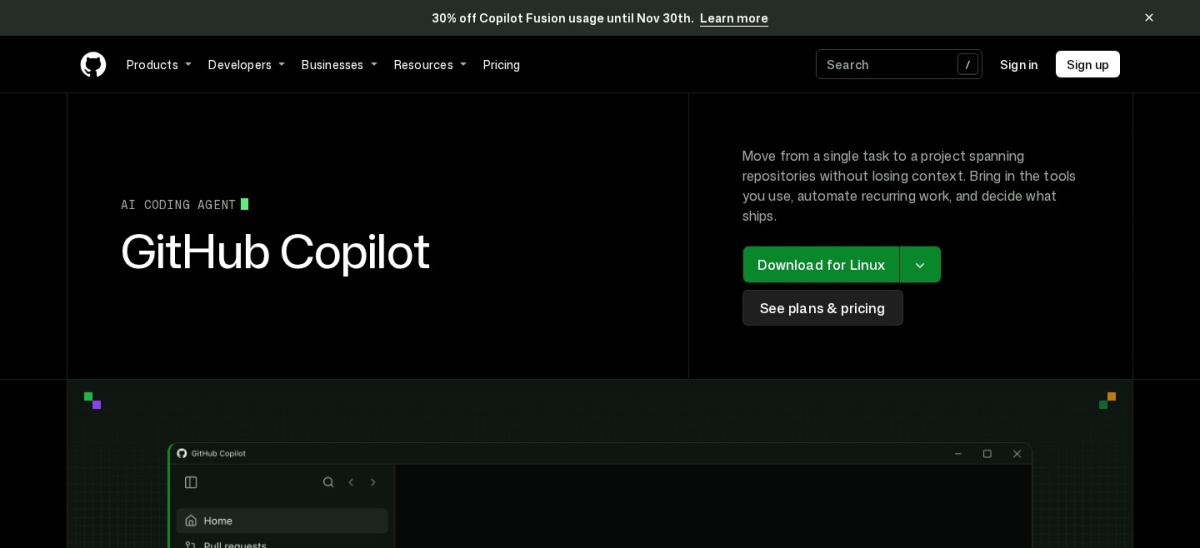
GitHub Copilot is an AI pair programmer that lives inside the editor, on GitHub and in a terminal. The free plan gives 2,000 completions a month with limited chat and agent use, while Pro at $10 a month adds unlimited completions, agent mode, code review and the Copilot CLI. It is rated 4.4 out of 5 on G2 from 397 reviews.
The trade off is usage billing. Pro includes $15 of AI credits a month, and heavy agent work on premium models can cost more, so the $10 price is a floor rather than a cap. Business at $19 per user a month adds policy controls and IP indemnity. It suits teams that already live on GitHub and want one assistant everywhere.
What we like
Cheapest paid plan in this list at $10 a month
Works in the editors teams already use
Agent mode, code review and CLI included in Pro
Free plan for light use
Watch out for
Premium-model use beyond the credit allowance costs extra
Agent quality varies by the model chosen
Business adds policy controls and IP indemnity at $19 per user a monthVisit github.com
02
Cursor
4.6/5on G2 (326 reviews, checked Nov 2026)
Paid from$8/mo
Best AI-native editor
Cheapest paid planPlus, $8/mo
Frontier modelsPremium, $30/mo
Agent modeYes, multi-file
EditorVS Code fork
cursor.com
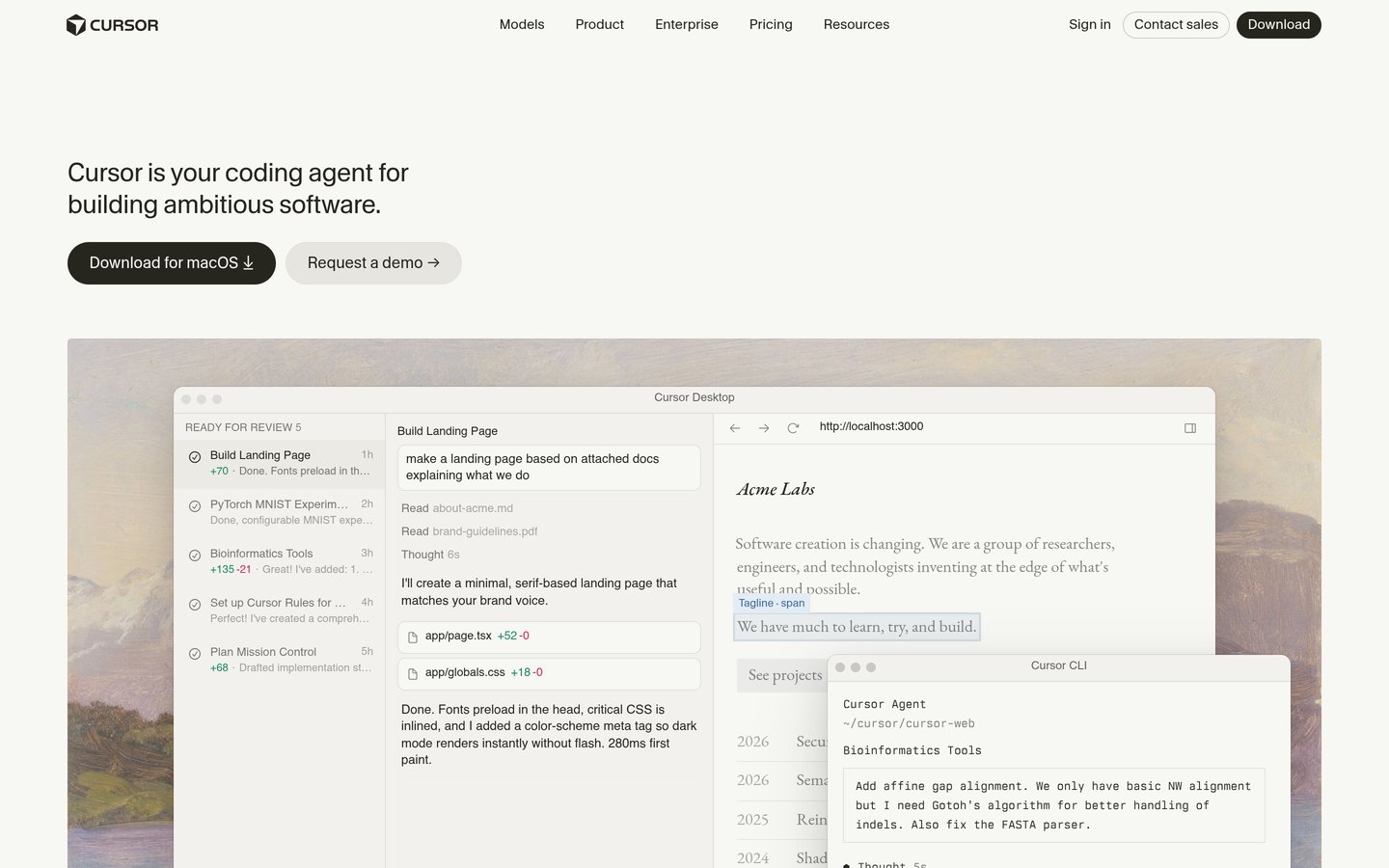
Cursor homepage, captured Nov 2026.
Cursor is an AI-native code editor built as a fork of VS Code, with an agent that plans and edits across files. The free Hobby plan covers light use, Plus at $8 a month adds more agent use on Grok models, and Premium at $30 a month opens frontier models such as Claude and GPT. It is rated 4.6 out of 5 on G2 from 326 reviews.
The trade off is the model split. The $8 Plus plan covers Grok models only, so developers who want Claude or GPT pay $30 a month for Premium, and extra use is billed at API rates. It suits developers who want to live in one AI-first editor all day.
Claude Code is Anthropic's terminal-first coding agent, included in a Claude Pro subscription. It takes a plain-language task, reads the codebase, edits files, runs commands and checks its own work, and it also runs as an IDE plugin and in CI. It is rated 4.7 out of 5 on G2 from 112 reviews, the highest rating in this list.
The trade off is the surface. There is no free plan and no full editor of its own, so developers who want buttons and panels may prefer Cursor or Copilot. Pro costs $20 a month, or $17 a month billed yearly. It suits teams comfortable in the terminal with large codebases.
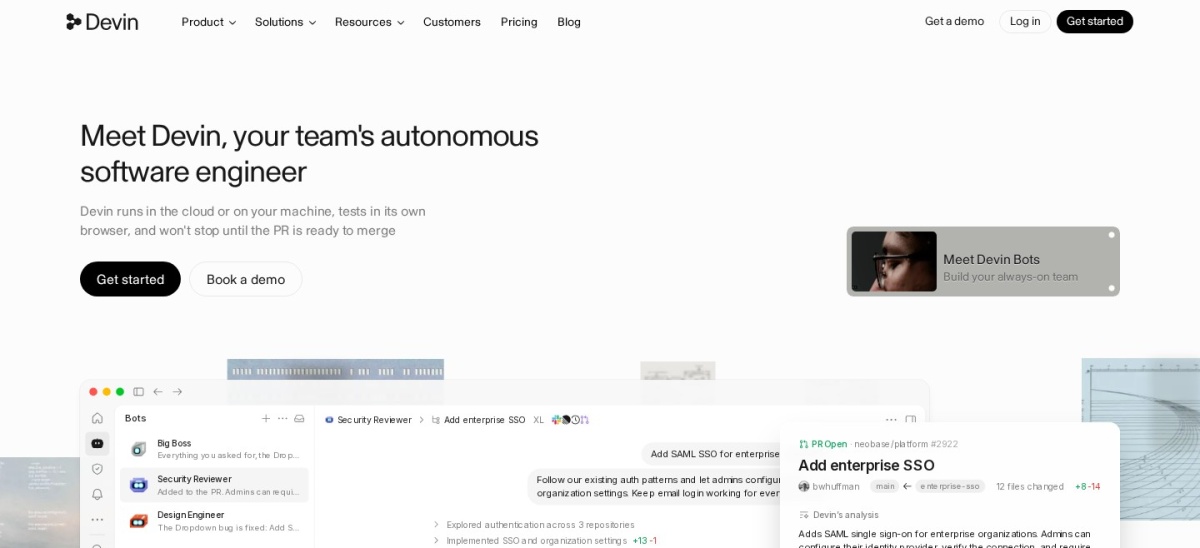
Devin Desktop is the AI code editor formerly sold as Windsurf, renamed by Cognition on 2 June 2026. The free plan gives a light agent quota with unlimited tab completions, and Pro at $20 a month adds larger quotas, frontier models from OpenAI, Anthropic and Google, and Devin Cloud agents. It is rated 4.2 out of 5 on G2 from 56 reviews.
The trade off is billing. Allowances refresh daily and weekly instead of monthly, Cognition does not publish quota sizes, and extra use is billed at API prices, so heavy months are hard to predict. It suits developers who want local and cloud agents in one editor.
What we like
Frontier models included in the $20 Pro plan
Local and cloud agents in one editor
Unlimited tab completions on the free plan
Watch out for
Daily and weekly quotas, not monthly credits
Quota sizes are not published
Renamed in June 2026, so older Windsurf guides may not match
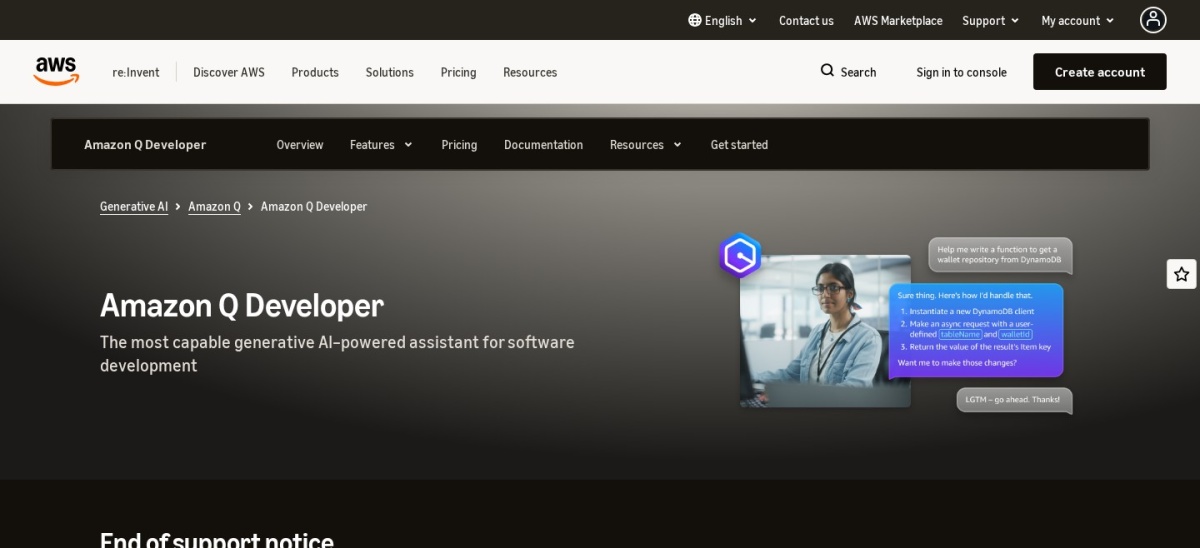
Amazon Q Developer is AWS's AI assistant for writing code, answering AWS questions and upgrading Java and .NET code. The free tier gives 50 agentic requests a month, and Pro at $19 per user a month adds higher limits, 4,000 transformation lines a month pooled per account, an admin dashboard and IP indemnity. It is rated 4.6 out of 5 on G2 from 51 reviews.
The trade off is its future. AWS closed new sign-ups in May 2026 and ends support for the IDE plugins on 30 April 2027, pointing users to Kiro instead. It suits AWS teams with a defined modernisation backlog to clear before that date.
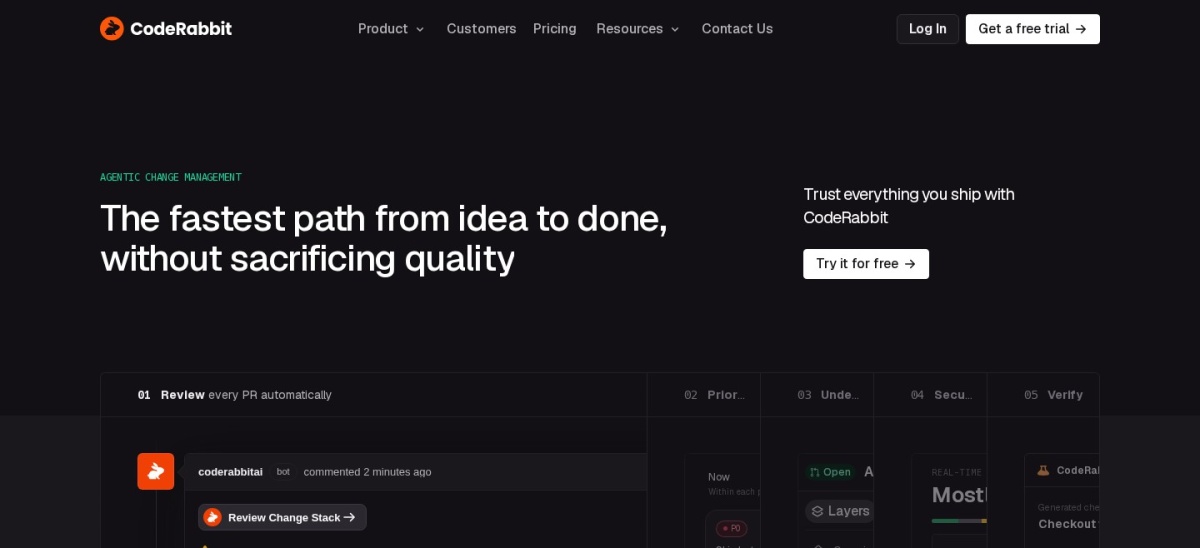
CodeRabbit is an AI reviewer that reads every pull request, posts line-by-line comments and one-click fixes, and explains each change in plain language. The free plan covers public repositories, and Essentials at $24 per developer a month on annual billing adds the full review set for private repos. It is rated 4.4 out of 5 on G2 from 181 reviews.
The trade off is scope. CodeRabbit reviews code rather than writing it, so it pairs with an editor assistant instead of replacing one, and it charges per developer who opens pull requests. It suits teams that want a review step on every pull request without adding headcount.
What we like
Reviews every pull request automatically
Only PR creators are billed
Free for public repositories
One-click fixes in the pull request
Watch out for
Does not write code like the editors here
Essentials caps reviews at 5 per developer per hour
Augment Code is an AI coding agent built for large repositories, with a Context Engine that indexes the whole codebase and pulls in the files a task touches. Standard costs $20 a month flat for up to 50 seats, with $20 of usage included, and the team joined Harness in October 2026. It is rated 4.0 out of 5 on G2 from 36 reviews.
The trade off is metering. Model use is billed at the provider's list price plus a 40% service fee, so the $20 plan covers only about $20 of usage and heavy agent days need top-ups. It suits teams with many occasional users sharing one flat bill.
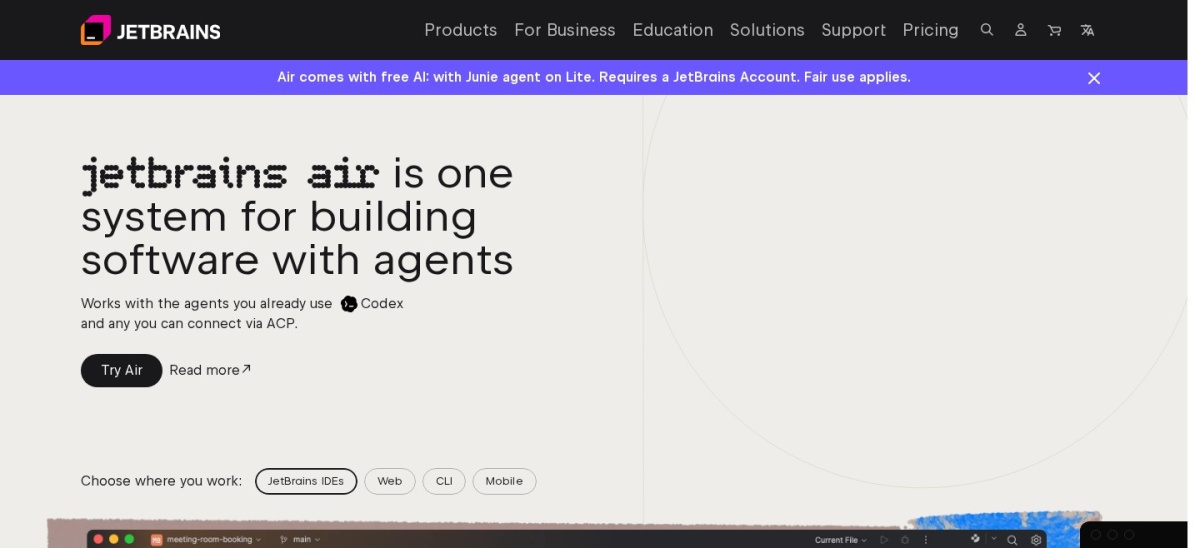
JetBrains AI is the first-party AI layer for IntelliJ IDEA, PyCharm, WebStorm and the rest of the JetBrains family. The free plan gives unlimited code completion plus 3 AI credits per 30 days, and AI Pro at $10 a month adds 10 credits for chat and agents, including the Junie coding agent. It is rated 3.2 out of 5 on G2 from 99 reviews.
The trade off is the meter. Credits are spent on chat and agent work, reviewers report the balance falling fast on heavy days, and the tool only works inside JetBrains IDEs. It suits developers who already live in a JetBrains IDE all day.
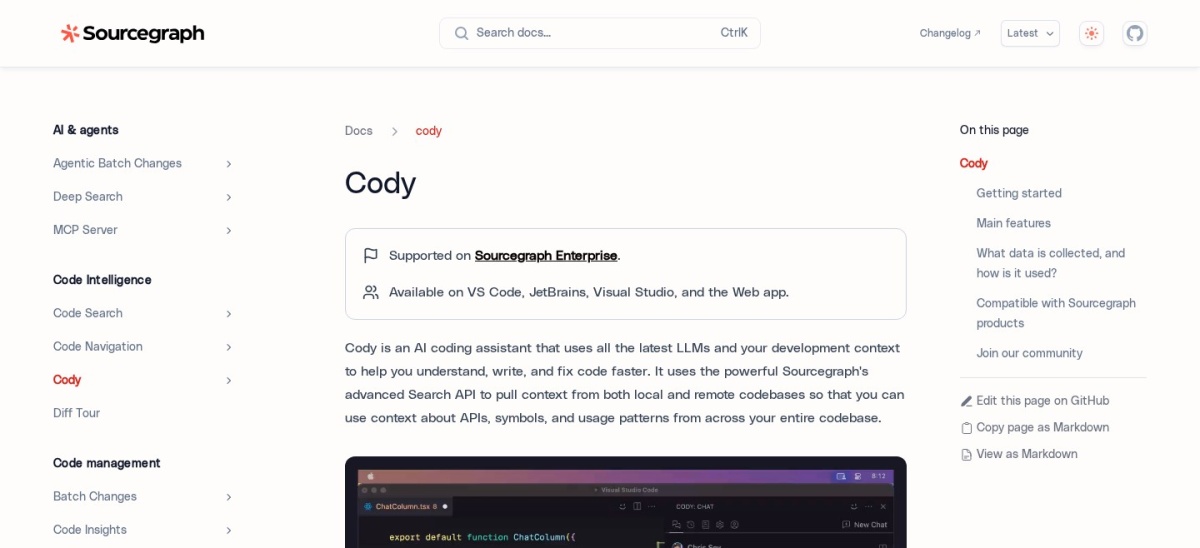
Sourcegraph Cody is an AI assistant that answers and edits using Sourcegraph's index of the whole codebase, across many repositories. Cody's free and Pro plans ended in July 2025, so it is now sold only with Sourcegraph Enterprise, which starts at $16,000 a year on a minimum annual contract. It is rated 4.3 out of 5 on G2 from 55 reviews.
The trade off is access. There is no per-seat price and no self-serve plan, so individuals and small teams cannot buy it on their own. It suits large engineering organisations that already run Sourcegraph and need answers drawn from code across many repositories.
Windsurf became Devin Desktop on 2 June 2026, when Cognition renamed the editor. Existing subscribers kept their plans, but new Pro plans list at $20 a month, up from $15.
Sourcegraph ended Cody's free and Pro plans on 23 July 2025, and Augment Code joined Harness in October 2026. Both moves left fewer self-serve options for small teams.
Amazon Q Developer stopped new sign-ups in May 2026, and its IDE plugins lose support on 30 April 2027. AWS points developers to Kiro instead.
Cursor rebuilt its plans in 2026: Plus at $8 a month covers Grok models only, and Premium at $30 a month is the entry point for frontier models.
How we chose
We started from the AI coding tools with the largest review bases on G2 and the widest IDE support, then kept nine that cover editors, terminal agents, review and large-codebase search.
Prices come from each vendor's pricing page, checked on 23 November 2026. Ratings and review counts come from G2 on the same day. Where a vendor shows a sale, the list shows the regular price.
We left out tools whose homepages no longer present the product, such as Tabnine, whose site now redirects to its parent company. No vendor paid for a place, and we do not claim hands-on testing for this list.
How to choose an engineering AI platform
Match the tool to where your team already works, then trial it on real code for two weeks.
Check what your team already uses. A team on GitHub gets the most from Copilot, a JetBrains shop from JetBrains AI, and an AWS shop from Amazon Q Developer while it lasts.
Pick one editor assistant first. Two agents editing the same files can conflict. Choose one main assistant and add a reviewer such as CodeRabbit beside it.
Test the meter on real work. Run a normal week through the trial or free plan and watch the credit or quota balance before you buy seats for everyone.
Read the end-of-support notes. Check whether the vendor still sells the plan you want and whether its IDE support has an end date.
FAQ
What is the best engineering AI platform?
GitHub Copilot is the best pick for most teams. Pro costs $10 a month, includes agent mode, code review and the CLI, and it is rated 4.4 out of 5 on G2 from 397 reviews. It works in the editors teams already use.
Is Cursor better than GitHub Copilot?
It depends on how you work. Cursor is the better pick if you want an AI-first editor with deep multi-file agent work. Copilot is the better pick if you want the cheapest paid plan and an assistant that plugs into your current editor.
What is the cheapest engineering AI platform?
Cursor Plus at $8 a month is the cheapest paid plan here, but it covers Grok models only. GitHub Copilot Pro at $10 a month and JetBrains AI Pro at $10 a month are the cheapest paid plans with broader model access.
Can AI coding tools review pull requests?
Yes. CodeRabbit reviews every pull request with line-by-line comments and one-click fixes, and it is free for public repositories. GitHub Copilot also includes code review in its Pro plan at $10 a month.
Do I need a paid plan to use an AI coding assistant?
Most tools here have a free plan, including Copilot, Cursor, Devin Desktop, Amazon Q Developer, CodeRabbit and JetBrains AI. Claude Code, Augment Code and Cody have no free plan, so a paid plan is the only way in.
Which AI coding tool is best for large codebases?
Augment Code is built for large repositories, with a Context Engine that indexes the whole codebase. Cody is the strongest choice for answers across many repositories, but it is enterprise-only with contracts from $16,000 a year.