Best Email Tracking Software in 2026: 9 Tools Compared
WLWPLegible EditorsLast verified 23 Nov 2026How we rank12 min read
★ Short answer
Yesware is the best email tracking software for most sales teams. Its Pro plan costs $15 a month billed yearly, with unlimited open, link and attachment tracking, and it is rated 4.4 out of 5 on G2 from 821 reviews. Pick Mixmax for Gmail sequences or Mailtrack for the cheapest simple tracker.
How we make this list: we compare pricing pages, product documentation and public user reviews, then re-check every price before each update. No product paid for a place. Disclosure.
Yesware leads for sales teams: unlimited tracking on Pro at $15 a month billed yearly, rated 4.4 out of 5 on G2 from 821 reviews.
Mailtrack is the cheapest dedicated tracker here at $9.99 a month, with a free plan and a 4.6 out of 5 G2 rating from 135 reviews.
Right Inbox is the highest rated at 4.8 out of 5 on G2, and its Professional plan costs $7.95 a month billed yearly.
Mixmax charges by recipients, not features: $29 a month billed yearly covers 100 sequence recipients, with unlimited tracking on paid plans.
HubSpot and Streak bundle tracking with a CRM, but their cheapest paid plans cost $20 and $49 a month, so they only pay off if you use the CRM too.
What email tracking software should cover
Email tracking software tells you when a recipient opens your email and which links they click, so you can follow up while the message is still fresh.
The core feature is open and click tracking, usually through a small image or a rewritten link. Most tools add desktop alerts, so you know the moment someone reads a message.
Tracking only works if your mail reaches the inbox. Set up SPF, DKIM and DMARC first: our guide on setting up SPF, DKIM and DMARC for WordPress email explains the three records that protect your sender reputation.
Beyond tracking, look at what else you get for the price. Some tools are simple Gmail extensions, while others add templates, sequences, meeting booking and a full CRM.
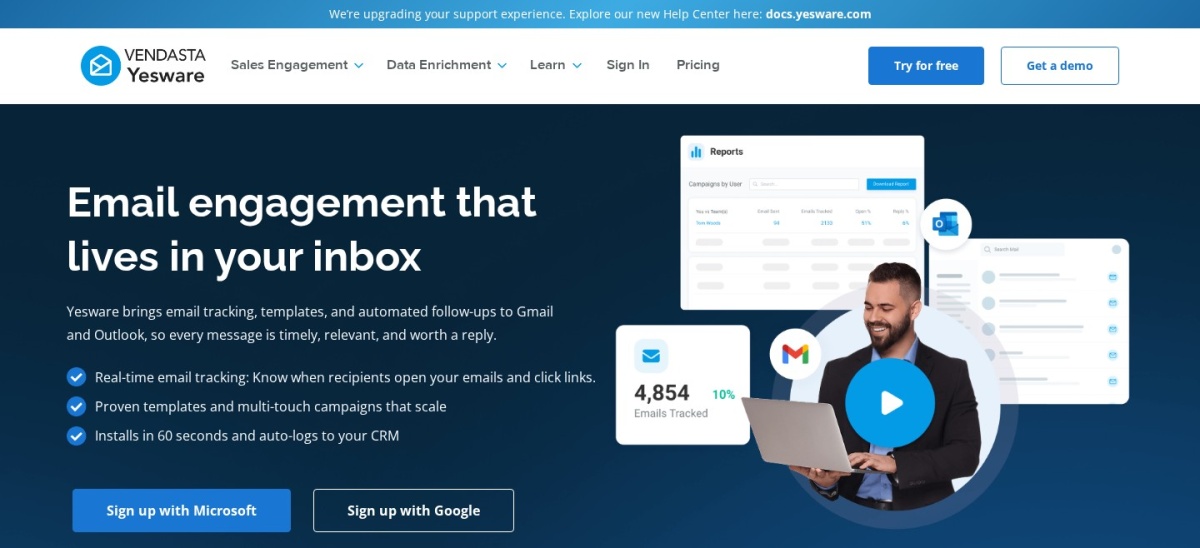
Yesware is a sales tool that lives inside Gmail and Outlook, so tracking, templates and campaigns appear in the inbox instead of a separate app. The free plan includes basic open and attachment tracking, plus 10 campaign recipients a month and a meeting scheduler.
The trade off is campaign size. Pro costs $15 a month billed yearly and still caps campaigns at 20 recipients a month, so real outreach volume needs Premium at $35 a month. It suits solo reps and small sales teams who want tracking without leaving their inbox.
What we like
Unlimited open, link and attachment tracking on Pro
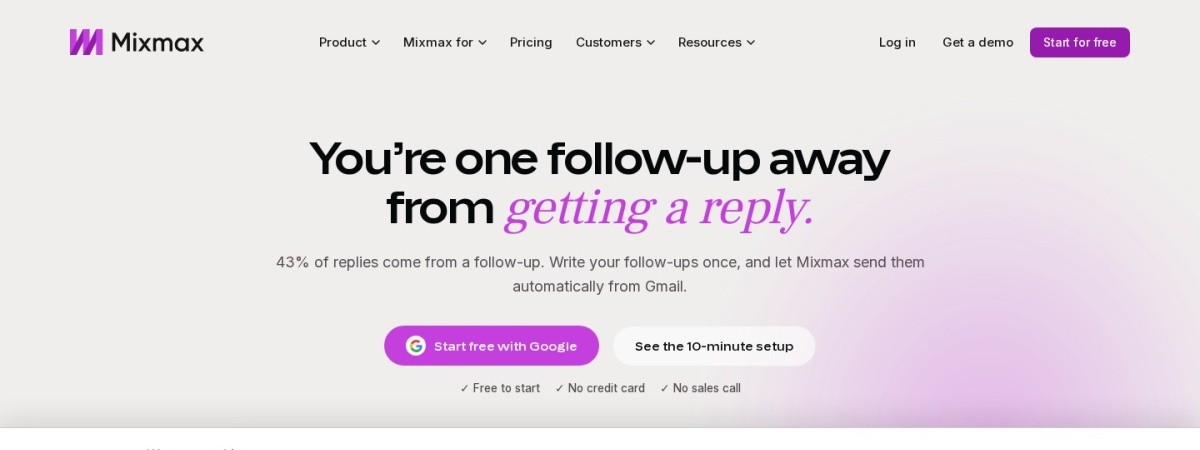
Mixmax is a Gmail sales tool that combines email tracking with sequences, templates, reminders and meeting scheduling. The free plan covers 50 sequence recipients a month with limited features, and every paid plan includes the same features, so the price only changes with volume.
The trade off is the pricing model. The cheapest paid tier costs $29 a month billed yearly and covers only 100 recipients a month, so heavy outreach jumps to $89 a month for 1,500 recipients. It suits Gmail teams that send sequences every week and want tracking, scheduling and follow-ups in one place.
What we like
Every paid plan includes every core feature
Unlimited tracking on paid plans
Strong scheduling and reminder tools
14-day trial with no card required
Watch out for
Gmail only, no Outlook version
Price rises fast with recipient volume
Add-ons such as the dialer cost $9 a month extra
Paid plans add full sequences and remove Mixmax brandingVisit mixmax.com
03
Mailtrack
4.6/5on G2 (135 reviews, checked Nov 2026)
Paid from$9.99/mo
Best value for simple Gmail tracking
Open trackingUnlimited, even free
Link tracking10 emails on free plan
Works inGmail, plus Outlook
Paid planFrom $9.99/mo
mailtrack.io
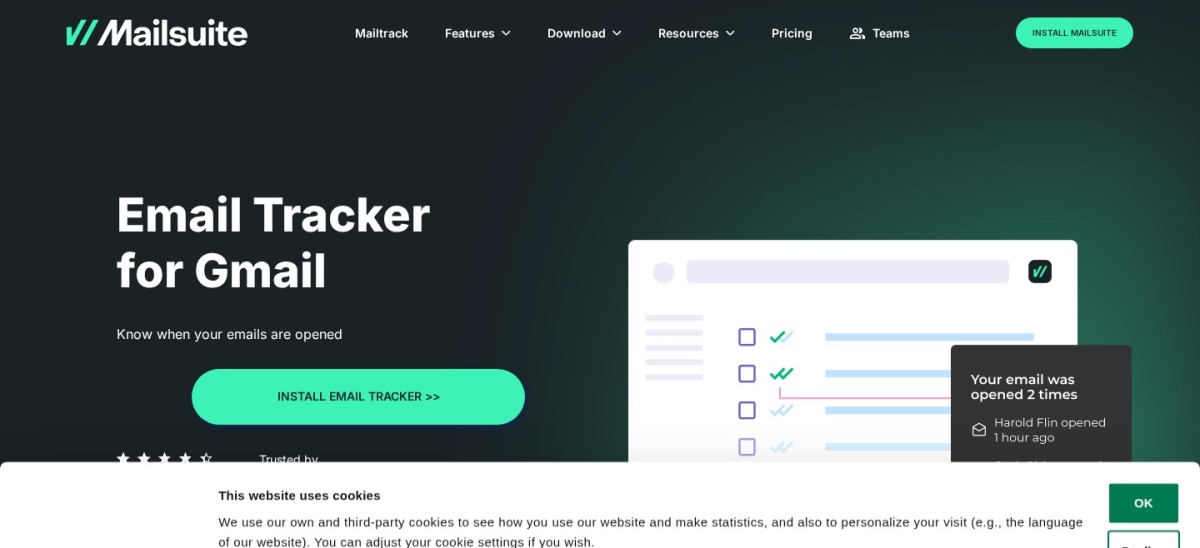
Mailtrack homepage, captured Nov 2026.
Mailtrack is a Gmail extension that shows double-check marks when a recipient opens your email, with real-time alerts and a daily report. The free plan includes unlimited open tracking, and the vendor reports more than 1.5 million active users.
The trade off is the free plan's branding. Free emails carry a Mailtrack signature, and full tracking history, link clicks and campaigns need a paid plan. It suits Gmail users who mainly want to know whether an email was read, without a sales platform.
What we like
Free plan includes unlimited open tracking
Simple double-check read receipts in Gmail
Real-time open alerts and daily reports
Lowest paid price in this list
Watch out for
Free plan adds a Mailtrack signature to emails
Most features are built for Gmail users
Paid price is $9.99 a month on G2, while the official page shows euros
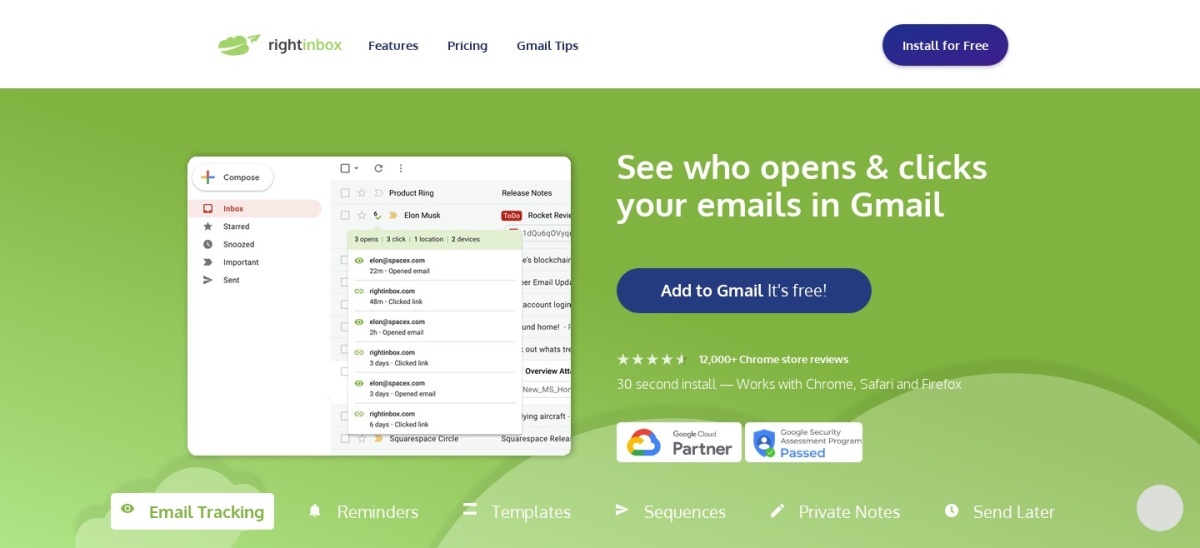
Right Inbox is a Gmail extension that adds email tracking to a wider set of inbox tools, including send-later scheduling, reminders, templates, mail merge and private notes. The free Limited plan covers 5 emails a month, while Professional is $7.95 a month billed yearly with unlimited tracking and sequences.
The trade off is the free plan's limit. Five tracked emails a month is only enough to try the tool, so regular use means paying. It suits Gmail users who want tracking as part of a general inbox upgrade rather than a standalone sales tool.
HubSpot Sales Hub is a CRM with email tracking built in, so opens and clicks land on the same contact record as deals, calls and meetings. The free tools cover up to 2 users and include open and click tracking, with 200 tracking notifications a month on the free plan.
The trade off is price and complexity. Starter lists at $20 a seat a month, and sequences only arrive on Professional at $90 a seat a month billed yearly, plus a $1,500 onboarding fee. It suits teams that want tracking and a CRM on one record, not a tracking-only tool.
What we like
Tracking tied to a full CRM record
Free plan for up to 2 users
Works with Gmail and Outlook
Calling, meetings and pipelines included
Watch out for
Sequences need Professional at $90 a seat a month
Professional adds a $1,500 onboarding fee
More setup than a simple Gmail extension
Starter adds unlimited notifications and more pipelinesVisit hubspot.com
06
Streak
4.5/5on G2 (264 reviews, checked Nov 2026)
Paid from$49/mo
Best for a CRM that lives inside Gmail
Open trackingFree, with link tracking
CRM pipelinesPaid, unlimited records
Works inGmail
Paid planPro, $49/mo billed yearly
streak.com
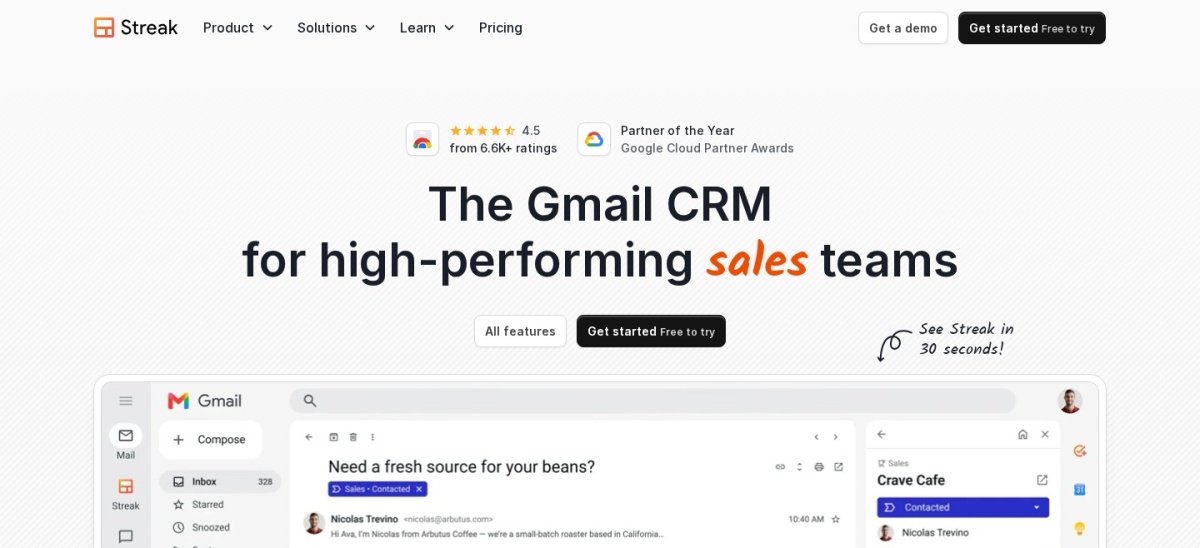
Streak homepage, captured Nov 2026.
Streak is a CRM built inside Gmail, with pipelines shown as rows and columns in the inbox and email tracking on every message. Its free email tools include open and link tracking, snippets, mail merge up to 50 sends a day, and a thread splitter, and the vendor reports more than 750,000 users.
The trade off is the CRM price. Pipelines need Pro at $49 a user a month billed yearly, which is a high entry price for tracking alone, and every team member must be on the same plan. It suits Gmail teams that want pipelines and tracking without opening a separate CRM.
What we like
Email tracking is free, with no pipeline needed
Pipelines live inside Gmail
Mail merge up to 1,500 sends a day on Pro
Free tools include snippets and scheduling
Watch out for
Pro costs $49 a month, a high entry price
Gmail only, no Outlook version
All team members must share one plan
Pro adds shared pipelines, mail merge and CRM recordsVisit streak.com
07
Snov.io
4.5/5on G2 (500 reviews, checked Nov 2026)
Paid from$29.25/mo
Best free tracker with a lead finder
Open trackingFree Chrome extension
Email finder1,000 credits on Starter
Works inGmail via Chrome
Paid planStarter, $29.25/mo yearly
snov.io
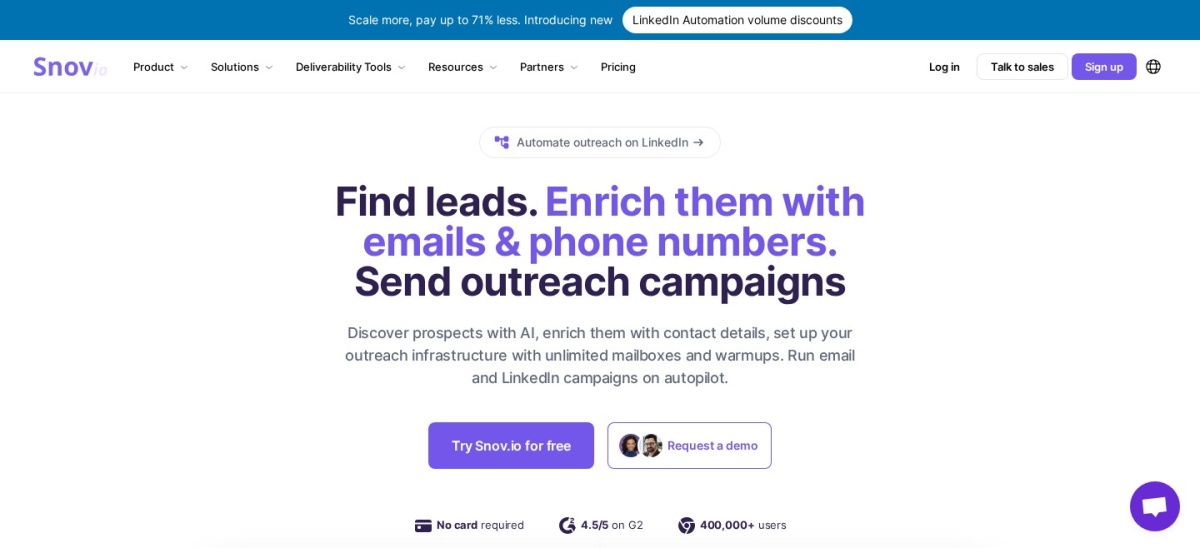
Snov.io homepage, captured Nov 2026.
Snov.io is a lead generation and outreach platform with a free email tracking extension for Gmail. The tracker shows open history and sends real-time notifications, while the paid platform adds an email finder, verifier, campaigns and warm-up, with 1,000 credits a month on Starter.
The trade off is the credit system. Finding and verifying the same email costs 2 credits, so the Starter allowance of 1,000 credits covers about 500 fully verified leads a month. It suits small teams that want free tracking now and a finder and outreach tools in the same account later.
What we like
Email tracking extension is free
Finder, verifier and campaigns in one account
Rated 4.5 out of 5 on G2 from 500 reviews
Unlimited team seats on paid plans
Watch out for
Credits burn fast: 2 per found and verified email
Tracking extension is Gmail and Chrome only
Starter is $29.25 a month for 1,000 credits
Starter adds the finder, verifier and campaignsVisit snov.io
08
SalesBlink
4.5/5on G2 (312 reviews, checked Nov 2026)
Starts at$25/mo
Best for cold outreach with built-in warm-up
Open trackingYes, with full metrics
Email warm-upBuilt in
Send limit10,000 a month on Starter
Paid planStarter, $25/mo
salesblink.io
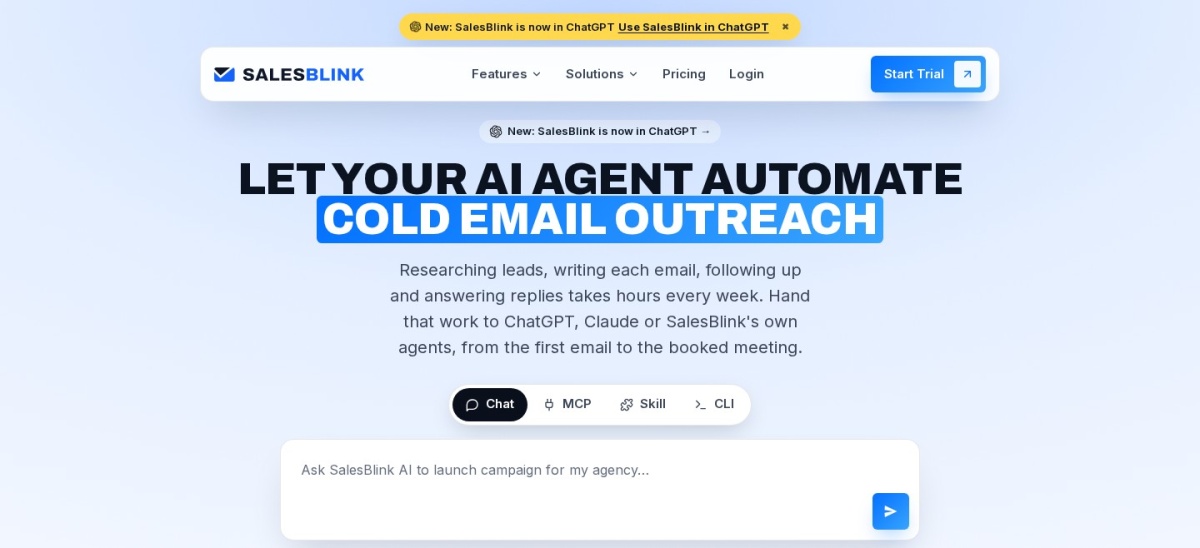
SalesBlink homepage, captured Nov 2026.
SalesBlink is a cold outreach platform with email tracking, sequences, A/B testing, built-in warm-up and email verification. The Starter plan costs $25 a month and allows up to 10,000 emails a month, with a 7-day free trial and no card required.
The trade off is that there is no free plan. Tracking only comes with a paid plan, and the meeting scheduler sits on the higher Growth tier. It suits cold outreach teams that want tracking, warm-up and verification without buying three separate tools.
Autoklose is a sales automation platform with email tracking, real-time analytics, A/B testing and a dashboard that ranks the warmest prospects. The Starter plan costs $59.99 a user a month, with one email automation account, unlimited campaigns and a 14-day free trial.
The trade off is the real cost. The B2B contact database is a separate purchase, from $250 for 1,000 credits, and extra email connections cost $19.99 each a month. It suits B2B teams that want tracking, sequences and contact data from one vendor and can budget for the add-ons.
What we like
Real-time analytics and warm-prospect ranking
A/B testing and smart email alerts
Rated 4.6 out of 5 on G2 from 262 reviews
Works with Gmail and Outlook
Watch out for
Contact data costs extra, from $250 per 1,000 credits
Free plans cover basic tracking well. Mailtrack tracks opens free without a limit, Streak adds link tracking and snippets free, and Yesware covers basic tracking on its free plan.
Paid plans mostly add volume and history. You get full tracking history, link clicks, campaigns, sequences and team reporting, plus the removal of branding on free emails.
The line is clearest on campaigns. Yesware Pro caps campaigns at 20 recipients a month, Mixmax free covers 50 recipients, and SalesBlink has no free plan at all.
If email earns you money, a paid plan usually pays for itself in saved follow-up time. If you only need to know whether a few emails were read, start with a free tracker and upgrade only when you hit a real limit.
How we chose
We started from the email tracking tools most often named in 2026 comparisons, then kept 9 established products with published prices and a public review footprint on G2.
Prices come from each vendor's pricing page, checked on 23 November 2026, with the top 3 read on their official pages. Ratings are G2 scores from the same week. Where a vendor shows a sale, the list shows the regular price.
We left out tools with no published price and niche trackers with too few reviews to judge. No vendor paid for a place, and we do not claim hands-on testing for this list.
How to choose email tracking software
Start with your inbox and your volume, then check price, free plan and CRM fit.
Check which inbox you use. Mixmax, Streak and Right Inbox are Gmail only, while Yesware, HubSpot and Autoklose work in Gmail and Outlook. Pick a tool that lives where you already write email.
Decide how much tracking you need. A free tracker is enough if you only want open alerts on a few emails a week. Sequences, link tracking and full history usually need a paid plan.
Count your monthly volume before you pay. Mixmax charges by recipients and Yesware caps campaigns on Pro, so a cheap monthly price can still cost more at your volume. Check the cap, not just the headline price.
Check whether you need a CRM too. If you already run a CRM, a light tracker such as Mailtrack or Right Inbox is enough. If you need deals and pipelines, HubSpot or Streak may replace two tools at once.
FAQ
What is the best email tracking software?
Yesware is the best pick for most sales teams. Its Pro plan costs $15 a month billed yearly, with unlimited open, link and attachment tracking, and it is rated 4.4 out of 5 on G2 from 821 reviews.
Is there a free email tracking tool?
Yes. Mailtrack tracks opens free without a limit, Streak offers free open and link tracking in Gmail, and Snov.io has a free tracking extension. Free plans usually add branding or cap history and campaigns.
Does email tracking work in Gmail and Outlook?
It depends on the tool. Yesware, HubSpot and Autoklose work in both Gmail and Outlook, while Mixmax, Streak and Right Inbox are Gmail only. Check the inbox list before you buy.
How much does email tracking software cost?
Paid plans in this list start at $7.95 a month for Right Inbox and $9.99 a month for Mailtrack, and rise to $59.99 a month for Autoklose. Most sales tools sit between $15 and $49 a month per user.
Is email tracking accurate?
Open tracking is not exact. It relies on a tiny image loading when the email is opened, so image blocking and privacy settings can hide opens. Treat opens as a signal for follow-up timing, not as proof of reading.
Do I need a CRM with email tracking?
Not always. A light tracker is enough if you only want open alerts. HubSpot and Streak add a CRM, which helps when you track deals and follow-ups across a team, but they cost more per user.