Best Email Testing Tools in 2026: 9 Tools Compared
WLWPLegible EditorsLast verified 23 Nov 2026How we rank13 min read
★ Short answer
Mailtrap is the best email testing tool for most teams: its free sandbox catches 50 test emails a month, and the paid sandbox starts at $14 a month billed annually, with spam and HTML checks included. Pick Email on Acid for previews across 100+ clients, or Mailosaur for automated email and SMS tests in code.
How we make this list: we compare pricing pages, product documentation and public user reviews, then re-check every price before each update. No product paid for a place. Disclosure.
Mailtrap has the strongest free plan here: its sandbox catches 50 test emails a month, and Basic costs $14 a month billed annually.
Email on Acid gives 1,000 previews a month for $99, across more than 100 email clients and devices.
Mailosaur is the cheapest automation-first pick at $20 a month billed annually, with 15,000 inbound emails a month.
GlockApps is the placement tool with a standing free plan, at 2 spam test credits, and Essential costs $59 a month billed annually.
Litmus publishes no price now. It is sold as Validity Engage on a sales quote, after its last reported Core plan at $500 a month.
Inbox Monster is the dearest pick here: its Creative Suite starts at $3,750 a year, and Deliverability starts at $15,000 a year.
What an email testing tool should check
Email testing covers three different jobs. Rendering checks show how a message looks in Gmail, Outlook and Apple Mail. Spam checks score the content and headers. Placement checks show whether the message lands in the inbox, the Promotions tab or spam.
Most teams need the first two before every send, and placement checks when delivery drops. A sandbox is a fourth job: it catches mail from staging and development so test messages never reach real people.
Prices below are the cheapest paid plan for the testing product, not for sending. Mailtrap and Folderly both sell sending or warmup separately, so read the plan name before you buy.
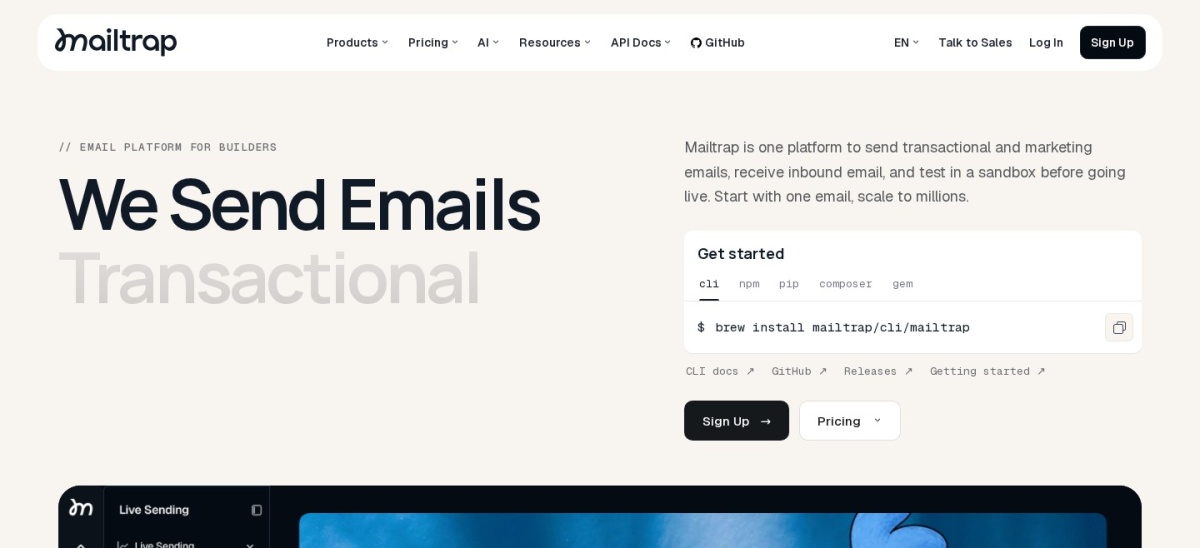
Mailtrap is a hosted email sandbox for developers and QA teams. Its free plan catches 50 test emails a month in one sandbox that keeps the last 10, and every plan includes an HTML check, a spam analysis, a blacklist report and an API for test scripts.
The trade off is that sending and testing are separate subscriptions. The sandbox Basic plan costs $17 a month, or $14 a month billed annually, for 500 test emails and 3 users. It suits teams that want a safe place to catch staging mail before it reaches real inboxes.
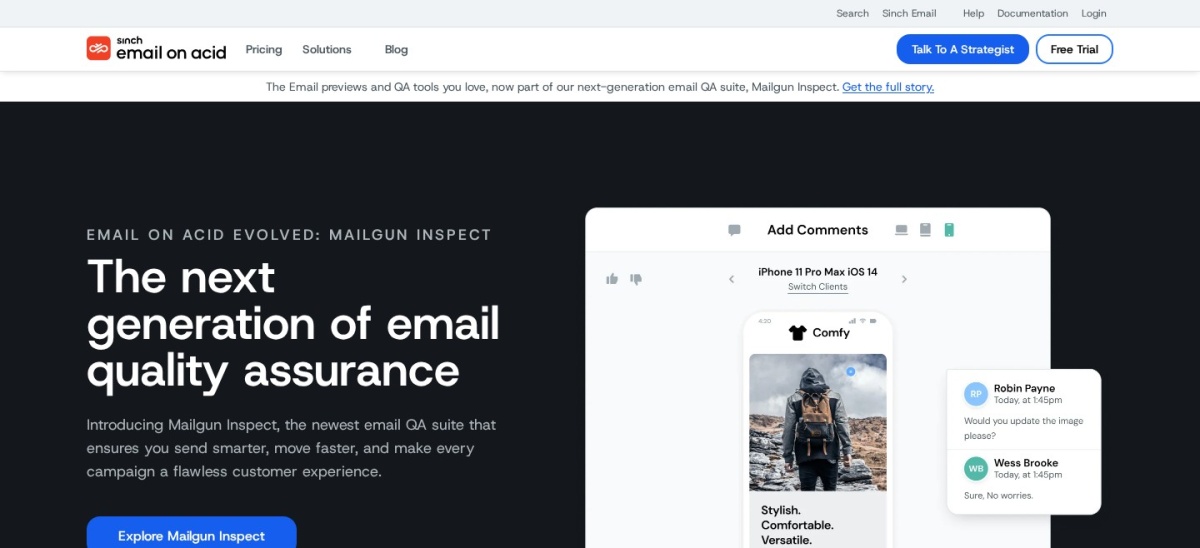
Email on Acid is a pre-send QA tool, now sold as Mailgun Inspect. Basic costs $99 a month for 1,000 previews a month across more than 100 email clients and devices, with unlimited users, API access and a first month free.
The trade off is the preview cap. Each client you check uses one preview, so one test across 50 clients uses 50 of your 1,000, and extras cost $0.15 each. It suits marketing teams that need to see a campaign in every client before they send.
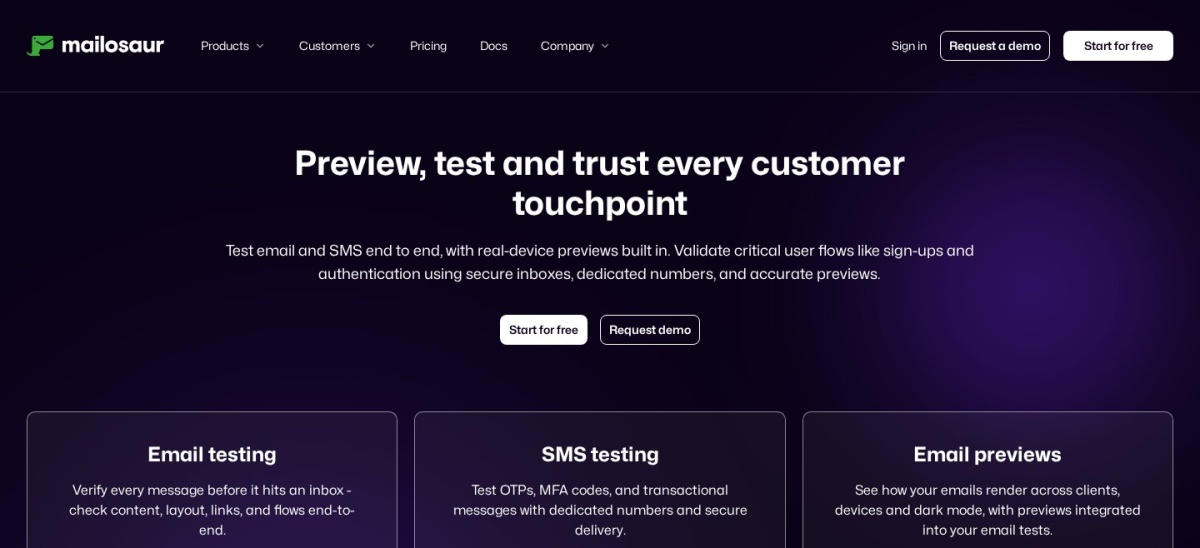
Mailosaur is an API-first email and SMS testing service for automated suites. Personal costs $25 a month, or $20 a month billed annually, for one inbox with unlimited addresses, 15,000 inbound emails a month and libraries for Playwright, Cypress and Selenium.
The trade off is that it is built for code, not for marketers. There is no visual campaign builder, and email previews cost from $25 a month extra. It suits QA engineers who check password resets, sign-ups and receipts inside a test suite.
GlockApps is a deliverability testing platform built around Inbox Insight, a seed-list placement test. Essential costs $85 a month, or $59 a month billed annually, for 360 spam test credits a year, DMARC analytics, uptime checks and IP reputation monitoring.
The trade off is that it diagnoses, it does not fix. It shows where mail lands and what fails, but it does not warm inboxes or send campaigns. It suits senders who need to know why a campaign landed in spam before they change anything.
What we like
Seed placement tests across 40 providers
DMARC analytics and blocklist monitoring included
Standing free plan with 2 test credits
Extra test credits sold in small packs
Watch out for
No rendering previews for email design
Credits do not roll over to the next period
Monthly billing is $85, well above the annual rate
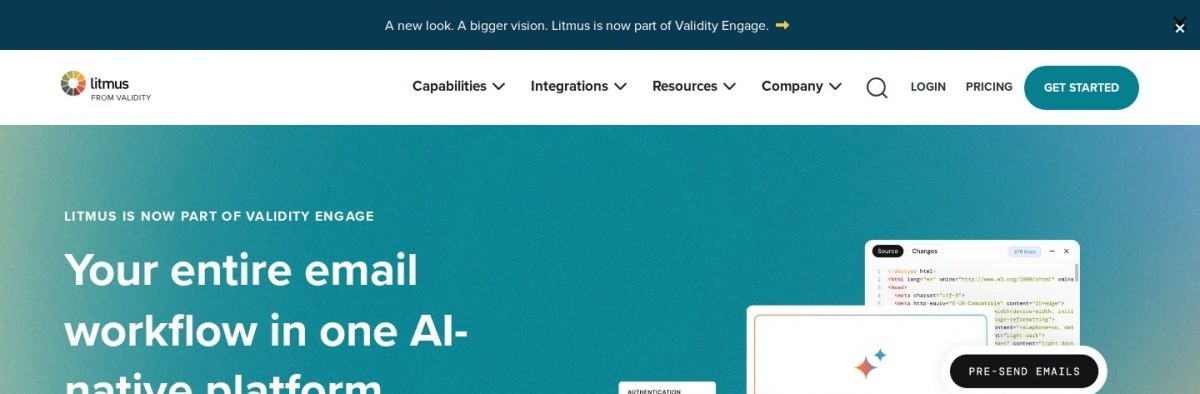
Litmus is the best known email rendering and QA suite, now part of Validity Engage. It previews mail across more than 100 clients and devices, with a builder, spam testing, analytics and ESP integrations, and it holds the largest review base in this list at 447 G2 reviews.
The trade off is price transparency. Litmus publishes no price now and sells on a sales quote; its last reported Core plan was $500 a month for 5 users and 2,000 previews. It suits large teams that already buy through sales and want one platform for design, QA and analytics.
What we like
Widest preview coverage in this list
Builder, QA checks and analytics in one place
Largest G2 review base here, 447 reviews
Rated 4.6 out of 5 on G2
Watch out for
No published price or self-serve plan
No free plan or trial published
Deliverability tools are a separate add-on
Ask sales for a Validity Engage quote before budgetingVisit litmus.com
06
Folderly
4.8/5on G2 (103 reviews, checked Nov 2026)
Paid from$66.58/mo
Best for placement tests plus monitoring
Placement tests100/mo, $799/yr
Free tests2/mo
Core product$96/mailbox/mo annual
MonitoringPulse alerts, free
folderly.com
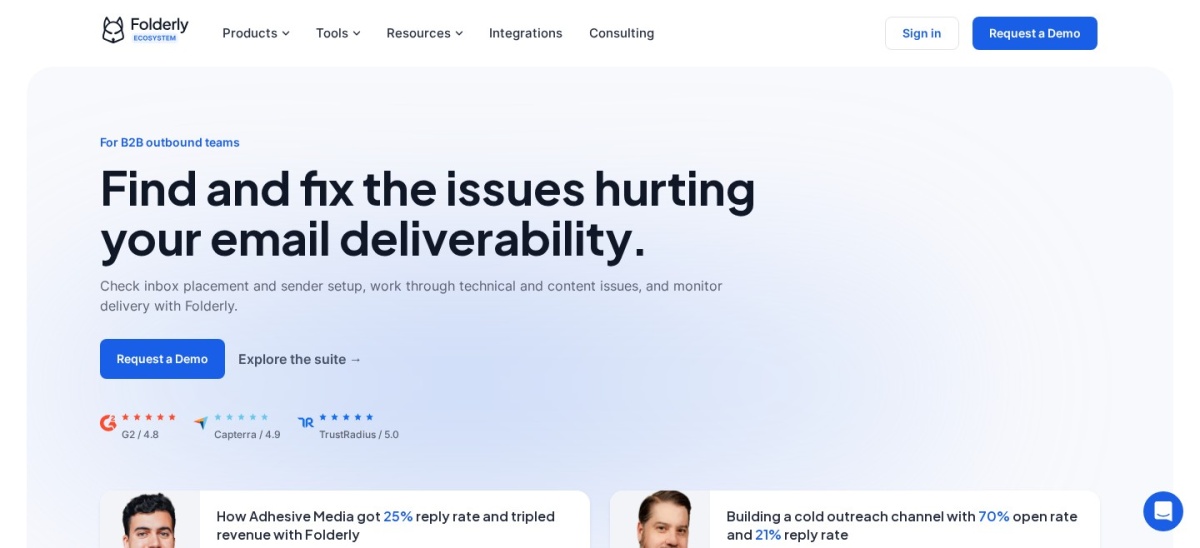
Folderly homepage, captured Nov 2026.
Folderly is a deliverability platform whose Inbox Insights product runs placement tests. It costs $79 a month, or $799 a year billed annually, for 100 placement tests a month, with a free tier of 2 tests a month and free Pulse alerts when placement slips.
The trade off is split pricing. Placement testing is one subscription, and the core Folderly product, with warmup and sender reputation work, costs $96 per mailbox a month billed annually on top. It suits outbound teams that want placement tests and ongoing monitoring in one place.
What we like
Placement tests across Gmail, Outlook and Yahoo
Free Pulse alerts for placement drops
DMARC product from $19 a month for one domain
Rated 4.8 out of 5 on G2 from 103 reviews
Watch out for
Core warmup product is a separate, dearer plan
No rendering previews for email design
Core product needs a yearly commitment
Core adds warmup and reputation work at $96 per mailbox a monthVisit folderly.com
07
testmail.app
4.3/5on G2 (3 reviews, checked Nov 2026)
Paid from$9/mo
Best cheap automation inboxes
Free plan100 emails/mo
Paid planEssential, $9/mo annual
APIGraphQL and REST
Spam testingYes, included
testmail.app
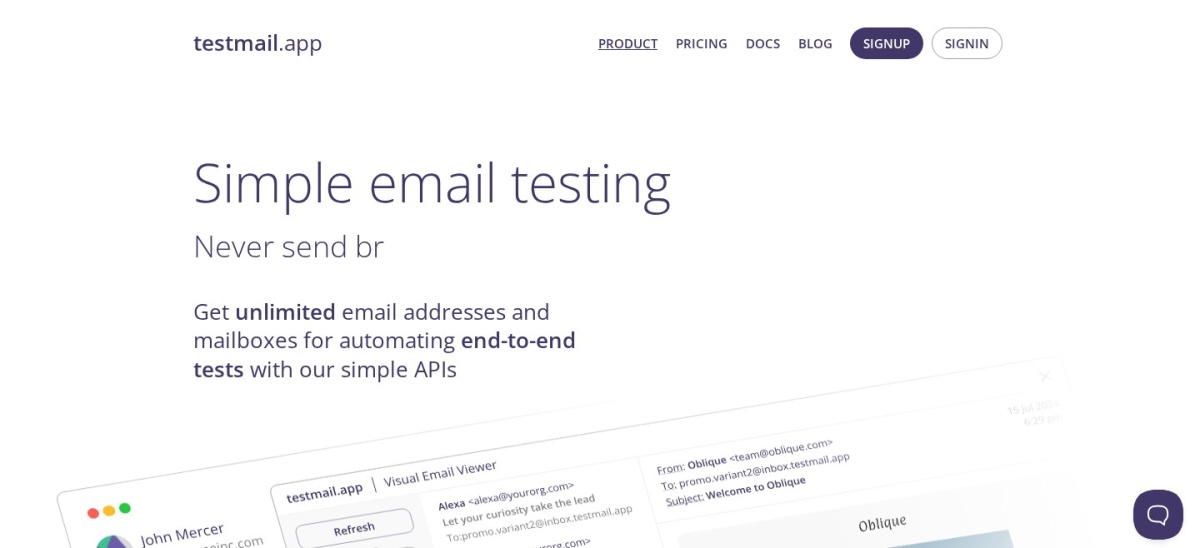
testmail.app homepage, captured Nov 2026.
testmail.app is a low-cost automation service for end-to-end email tests. Its free plan covers 100 emails a month with unlimited addresses and mailboxes, and Essential costs $12 a month, or $9 a month billed annually, for 10,000 emails a month with unlimited users.
The trade off is thin public feedback. It has only 3 G2 reviews, and there are no rendering previews, so it checks delivery and content, not design. It suits small teams that need many disposable inboxes for automated tests on a small budget.
What we like
Cheapest paid plan in this list
Unlimited addresses, mailboxes and users
GraphQL and REST APIs plus webhooks
Free plan with spam testing included
Watch out for
Only 3 G2 reviews, so feedback is thin
No rendering previews for email design
Free plan keeps mail for 1 to 3 days only
Pro adds custom namespaces and unlimited API keys at $29 a monthVisit testmail.app
08
Warmy
4.8/5on G2 (498 reviews, checked Nov 2026)
Starts at$49/mo
Best for warmup plus placement tests
Placement tests5/mo on Starter
Warmup100 emails/day on Starter
Price basisPer mailbox
Free trial7 days, reported
warmy.io
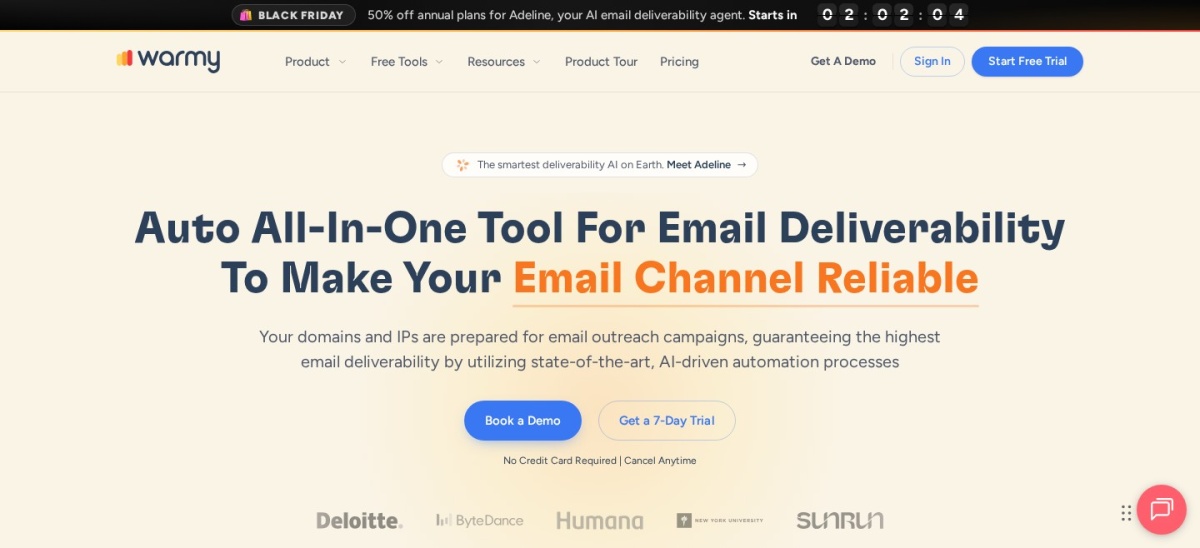
Warmy homepage, captured Nov 2026.
Warmy is a deliverability platform that pairs mailbox warmup with placement testing. Starter costs $49 a month per mailbox for 100 warmup emails a day and 5 placement tests a month, plus DMARC monitoring and email verification in every plan.
The trade off is that warmup is the main job. Placement tests are few on Starter, and the price is per mailbox, so costs climb fast with more inboxes. It suits teams that are warming new mailboxes and want proof of where their mail lands as they go.
What we like
Warmup and placement tests in one plan
DMARC monitoring and verification included
Large warmup network of over 1 million mailboxes
Rated 4.8 out of 5 on G2 from 498 reviews
Watch out for
Only 5 placement tests a month on Starter
Priced per mailbox, so teams pay more fast
No rendering previews for email design
Business adds 300 warmup emails a day and 10 tests for $129 a monthVisit warmy.io
09
Inbox Monster
4.9/5on G2 (57 reviews, checked Nov 2026)
Starts at$3,750/yr
Best enterprise placement monitoring
Creative SuiteEssential, $3,750/yr
Previews15,000/yr on Essential
Deliverability SuiteFrom $15,000/yr
Providers90 mailbox providers
inboxmonster.com
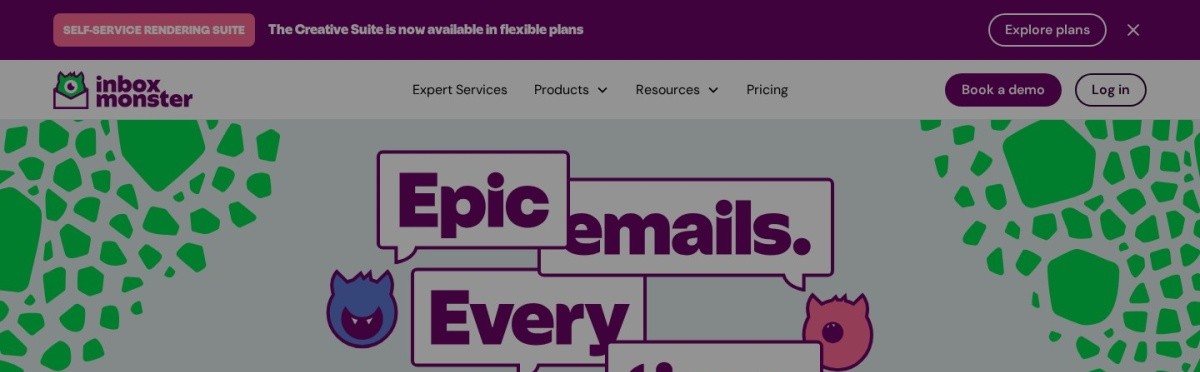
Inbox Monster homepage, captured Nov 2026.
Inbox Monster is an enterprise email testing and deliverability platform. Its Creative Suite starts at $3,750 a year for 15,000 previews across more than 120 device renderings, and its Deliverability Suite starts at $15,000 a year for weighted placement tests across 90 mailbox providers.
The trade off is cost and commitment. Every suite needs an annual commitment, there is no free trial, and a sales demo is needed to start. It suits large senders that need placement, spamtrap and blocklist monitoring across many domains at once.
A tool that renders well may not check placement, and a placement tool may not render at all. GlockApps and Folderly show where mail lands, but neither renders a design. Email on Acid and Litmus render, but neither reports placement per provider on its own.
Pick by the failure you see most. If designs break in Outlook, start with a rendering tool. If mail lands in spam, start with a placement tool and check authentication first.
Many teams end up with two tools: a sandbox or rendering tool for pre-send QA, and a placement tool for weekly checks. That pair costs less than one enterprise suite for most small teams.
How we chose
We started from the email testing tools named most often in 2026 comparison lists, then kept 9 that cover rendering, spam checks, placement and developer sandboxes, with a published price or a clear quote-only status.
Prices come from each vendor's pricing page or, where the vendor publishes none, from the vendor's own sales pages, checked on 23 November 2026. Ratings and review counts come from G2 on the same day. Where a vendor shows a sale, the list shows the regular price.
We left out Parcel, Mailsac and Mail-Tester because no clean G2, Capterra or Trustpilot rating could be tied to the right product. No vendor paid for a place, and we do not claim hands-on testing for this list.
How to choose an email testing tool
Start with the job that fails most often, then match the tool to that job.
Name the job first. Rendering, spam scoring, placement and sandbox capture are different jobs. A tool that does one well may not do the others at all.
Use the free plan or trial to run one real campaign through it. Send a real template, not a blank test. Check the render, the spam score and the placement result before you pay.
Check the cap, not just the price. Previews, test credits and inbound emails all have monthly caps. A cheap plan with a low cap costs more once you pay for extras.
Check authentication before you blame the tool. SPF, DKIM and DMARC faults look like placement faults. See our SPF, DKIM and DMARC guide before you switch tools.
FAQ
What is the best email testing tool?
Mailtrap is the best pick for most teams. Its free sandbox catches 50 test emails a month, and the paid sandbox starts at $14 a month billed annually, with spam, HTML and blacklist checks included.
What is the best free email testing tool?
Mailtrap has the strongest free plan, with 50 test emails a month in a sandbox. GlockApps gives 2 free spam test credits, and Folderly gives 2 free placement tests a month.
How much does Litmus cost?
Litmus publishes no price now. It is sold as Validity Engage on a sales quote, so you need to contact sales for a figure. Its last widely reported plan, Core, was $500 a month.
Do I need a rendering tool and a placement tool?
Often, yes. Rendering tools show how a message looks in each client, while placement tools show where it lands. Few tools in this list do both well, so many teams pair one of each.
What is the difference between a spam check and a placement test?
A spam check scores one message against spam filters and authentication. A placement test sends it to seed mailboxes and reports whether it landed in the inbox, Promotions or spam at each provider.
Can I test emails without sending to real people?
Yes. A sandbox such as Mailtrap catches mail from staging and development, and tools such as Mailosaur and testmail.app give you test inboxes with an API.
Which email testing tool is best for developers?
Mailosaur is the best fit for automated suites, with libraries for Playwright, Cypress and Selenium. Mailtrap is the best sandbox for staging mail, and testmail.app is the cheapest way to get many disposable inboxes.