Zapier is the best CRM integration tool for most sales teams, with 9,000+ apps and a free plan. Choose Make at $9 a month for visual workflows on a budget, or HubSpot if you want the CRM and its integrations on one record.
How we make this list: we compare pricing pages, product documentation and public user reviews, then re-check every price before each update. No product paid for a place. Disclosure.
Zapier connects 9,000+ apps, more than any other tool here, with a free plan covering 100 tasks a month.
Make costs $9 a month for 10,000 credits, the best price per unit of work for visual workflows.
HubSpot puts the CRM and its integrations on one record, with a free plan for 2 users and 1,000 contacts.
n8n is the only tool here with a free self-hosted edition, and it charges per workflow run, not per step.
Paid plans start at $9 a month (Make and Freshsales) and climb to $35 a user for Close Essentials.
What a CRM integration tool should do
A CRM integration tool moves customer data between your CRM and the other apps your sales team uses, such as email, calendars, billing and support. Without it, reps retype the same lead in three places and records drift apart.
There are two routes. An automation platform such as Zapier or Make sits between apps and moves data on triggers. A CRM such as HubSpot or Zoho connects to other apps directly, with sync built into the CRM itself.
Two-way sync matters most. If a deal stage changes in the CRM, the connected app should see it too, and the other way round. One-way imports look fine on day one and go stale within weeks.
WordPress teams face the same choice on the CMS side. Our WordPress vs HubSpot CMS guide compares an open platform with plug-in connections against an all-in-one system.
Check the limits before you pay. Task, credit and execution caps decide the real monthly bill, and per-user CRM prices multiply across the team.
Zapier is the largest automation platform in this list, connecting 9,000+ apps with no-code workflows called Zaps. The free plan covers 100 tasks a month with two-step Zaps, and the Professional plan at $19.99 a month adds multi-step Zaps, premium apps and webhooks.
The trade off is task pricing. Every successful action step uses a task, so long multi-step sales flows can burn through the allowance fast. It suits teams that want the widest app coverage and the fastest setup.
What we like
Widest app coverage in this list at 9,000+ apps
Free plan with 100 tasks a month, no card needed
14-day trial of the Professional plan
Easy enough for non-technical reps to build flows
Watch out for
Per-task pricing gets costly on multi-step flows
Complex branching needs higher tiers or workarounds
Professional adds multi-step Zaps, premium apps and webhooksVisit zapier.com
02
Make
4.6/5on G2 (347 reviews, checked Nov 2026)
Paid from$9/mo
Best value visual builder
Apps connected1,000+
Free plan1,000 credits/mo
Paid planCore
Visual builderYes, canvas
make.com
Make homepage, captured Nov 2026.
Make is a visual automation platform where sales workflows are built as scenarios on a canvas, with branching, filters and error handling in view. The free plan gives 1,000 credits a month, and Core at $9 a month billed yearly adds 10,000 credits.
The trade off is the learning curve. The canvas is more powerful than a linear Zap, but new users need time to plan routes and handle errors. It suits teams that run complex, branching flows and want more work per dollar.
What we like
Lowest paid entry here alongside Freshsales at $9 a month
Visual canvas shows branching and error routes clearly
10,000 credits on Core covers far more than Zapier tasks
Free plan with 1,000 credits a month
Watch out for
Steeper learning curve than Zapier
Some visitors see a $12 Core price, so check the live page
Core adds 10,000 credits a month and unlimited scenariosVisit make.com
03
HubSpot
4.4/5on G2 (13,909 reviews, checked Nov 2026)
Paid from$20/mo
Best native CRM sync
Free CRM2 users, 1,000 contacts
Data syncTwo-way, Data Hub
Paid planStarter
App MarketplaceYes
hubspot.com
HubSpot homepage, captured Nov 2026.
HubSpot is a CRM with built-in integration tools, so sales, marketing and service data sit on one contact record instead of in separate apps. The free CRM covers up to 2 users and 1,000 contacts, and Starter at $20 a seat a month adds data sync, workflows and more pipelines.
The trade off is price growth. Starter is cheap, but the Professional tier jumps to $800 a month per seat, and onboarding fees apply at higher tiers. It suits teams that want the CRM itself to be the integration hub.
What we like
One shared record for sales, marketing and service
Free CRM is genuinely usable for small teams
Two-way data sync through Data Hub
Large App Marketplace for the rest of the stack
Watch out for
Professional tier jumps to $800 a month per seat
New-customer $7 offer is not the regular $20 price
n8n is an open workflow platform with a visual builder, code steps and AI agent nodes for teams that want full control. The self-hosted Community edition is free, and cloud Starter costs $20 a month billed yearly for 2,500 workflow executions with unlimited steps per run.
The trade off is skill. n8n expects comfort with APIs, webhooks and basic code, and cloud Starter caps concurrent runs at 5. It suits technical sales-ops teams that want to own their automation.
What we like
Free self-hosted edition with no execution cap
Charged per workflow run, not per step
Code steps and AI agent nodes included
Highest G2 rating in this list alongside Integrately and Close
Watch out for
Needs technical skill to set up well
Cloud Starter caps concurrent runs at 5
Pro adds 10,000 executions a month for $50Visit n8n.io
05
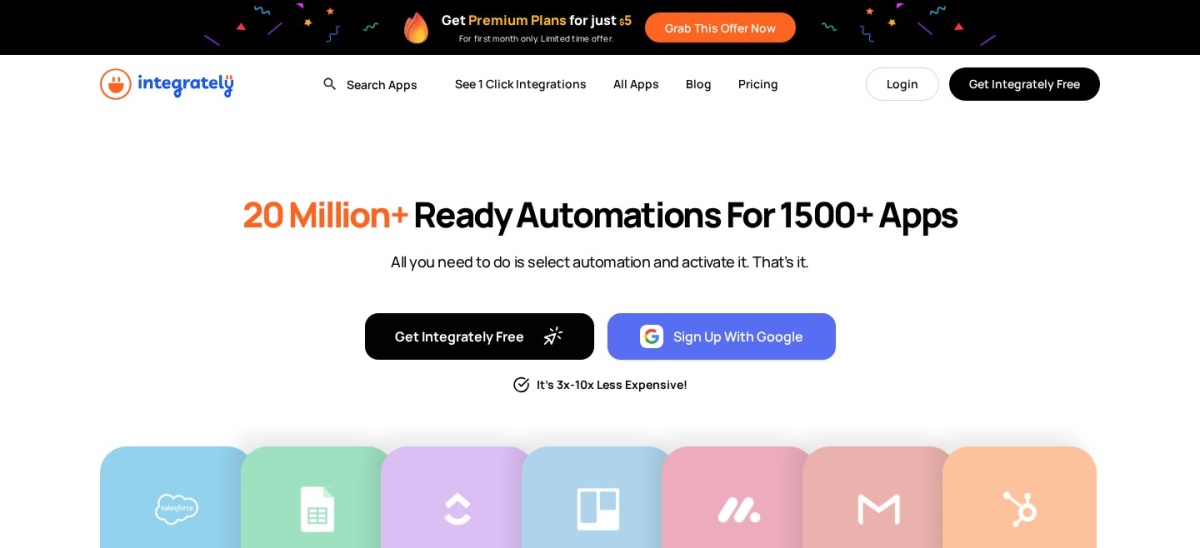
Integrately
4.7/5on G2 (713 reviews, checked Nov 2026)
Paid from$19.99/mo
Best one-click automations
Apps connected1,400+
Ready automations20 million+
Free plan100 tasks/mo
Paid planStarter
integrately.com
Integrately homepage, captured Nov 2026.
Integrately is a one-click automation platform with 20 million ready automations across 1,400+ apps. Pick two apps and it suggests the workflow, with no canvas to learn. The free plan covers 100 tasks a month, and Starter at $19.99 a month adds 2,000 tasks with multi-step flows.
The trade off is scale. Starter's 2,000-task limit is small for busy sales teams, and the next tiers climb fast. It suits small teams that want working automations in minutes.
What we like
Fastest setup here: pick two apps and activate
20 million ready automations to start from
Live chat support on every plan, praised by G2 reviewers
Flat price that does not rise per seat
Watch out for
Starter covers only 2,000 tasks a month
Less control than a visual canvas for complex flows
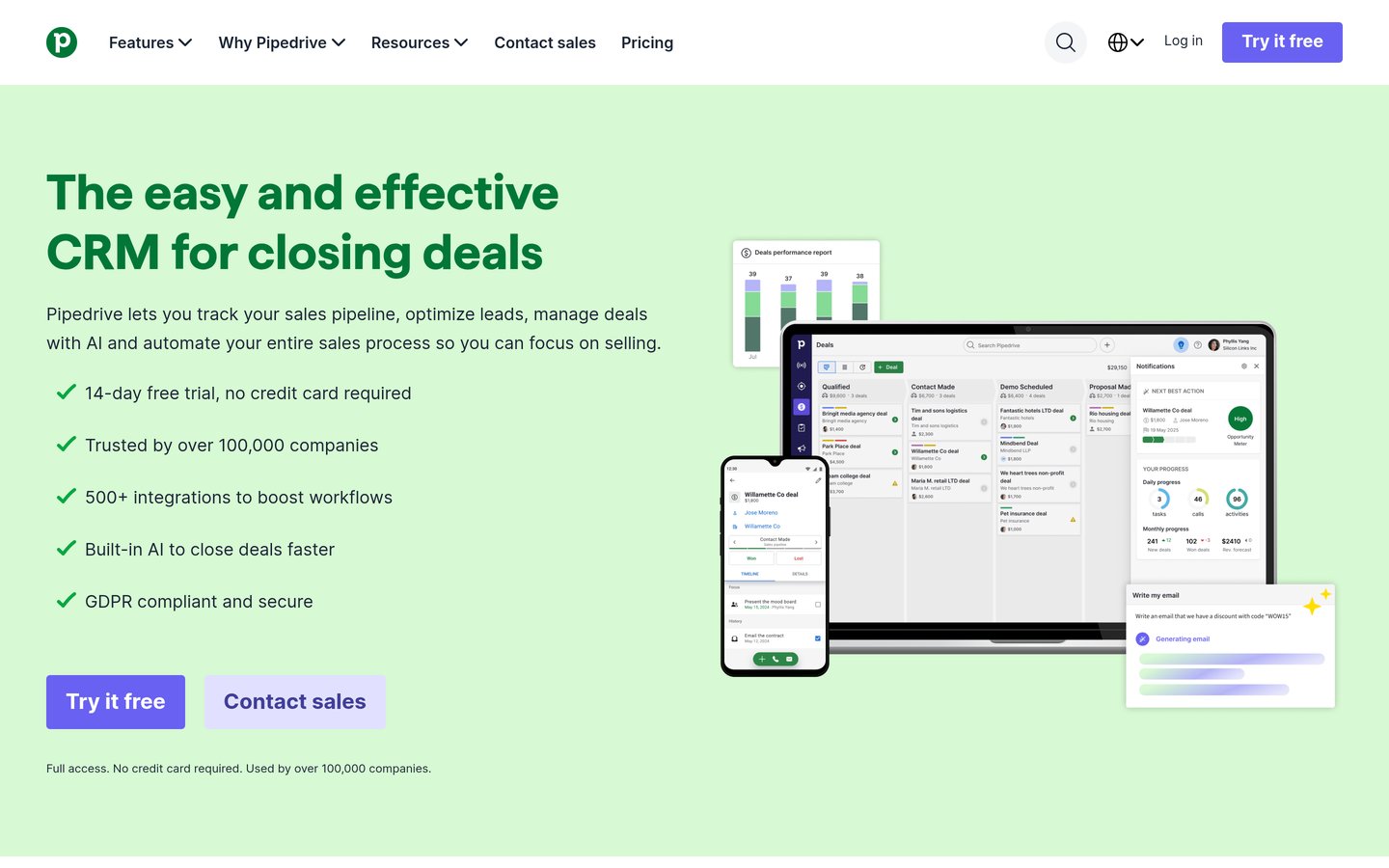
Pipedrive is a visual pipeline CRM with 500+ integrations, including Zapier, Zoom and Lemlist, plus a marketplace for the rest. Lite costs $14 a seat a month billed yearly and covers leads, deals, contacts and calendar management for teams that live in the pipeline.
The trade off is that Lite is thin. Two-way email sync and workflow automations start at Growth, $39 a seat a month, so the real entry price for an integrated setup is higher. It suits deal-led teams that want a clear pipeline first.
What we like
Clearest pipeline view in this list
500+ integrations plus a marketplace
Trusted by over 100,000 sales teams
14-day free trial with no card required
Watch out for
No free plan, only a 14-day trial
Lite lacks two-way email sync and automations
Growth adds full email sync and automations for $39 a seat a monthVisit pipedrive.com
07
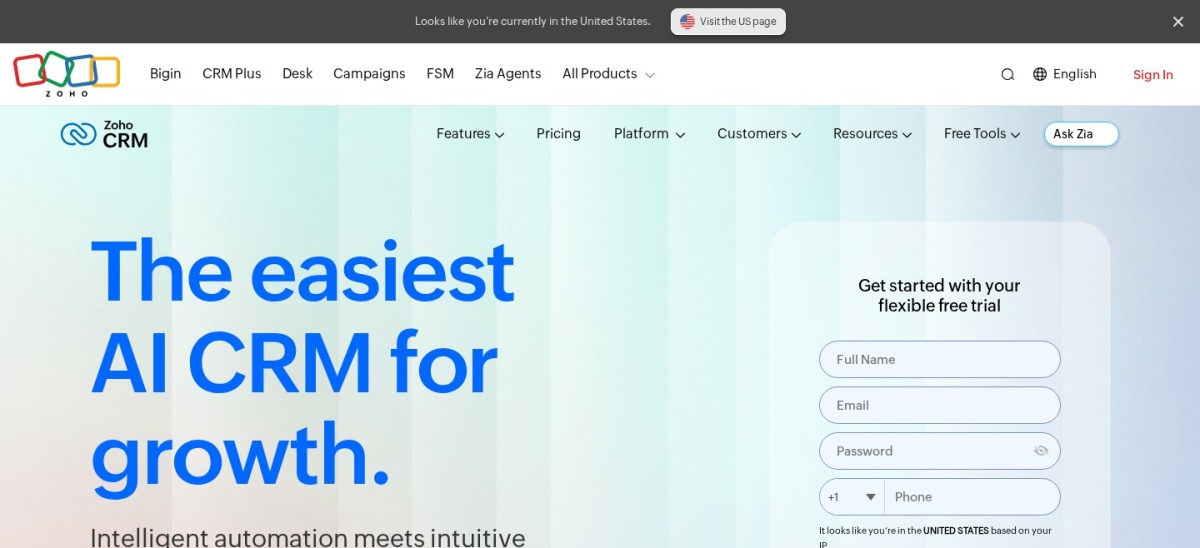
Zoho CRM
4.1/5on G2 (2,964 reviews, checked Nov 2026)
Paid from$14/mo
Best low-cost CRM with integrations
Free plan3 users
Records on Standard100,000
Paid planStandard
API calls, free plan5,000/day
zoho.com
Zoho CRM homepage, captured Nov 2026.
Zoho CRM is a low-cost CRM with a free plan for 3 users and a large marketplace of integrations, plus built-in calling and email. Standard at $14 a user a month billed yearly adds multiple pipelines, sales forecasting and 100,000 records.
The trade off is setup time. Zoho covers a lot for the price, but configuring modules, workflows and integrations takes longer than in simpler CRMs. It suits budget teams that want depth and do not mind the setup.
What we like
Free plan for 3 users with workflow automation
Standard is $14 a user a month, among the cheapest here
Built-in calling, email and multiple pipelines
Wide marketplace across the Zoho suite and beyond
Watch out for
Setup and configuration take real time
Lowest G2 rating in this list at 4.1/5
Professional adds automation and predictive tools for $23 a user a monthVisit zoho.com
08
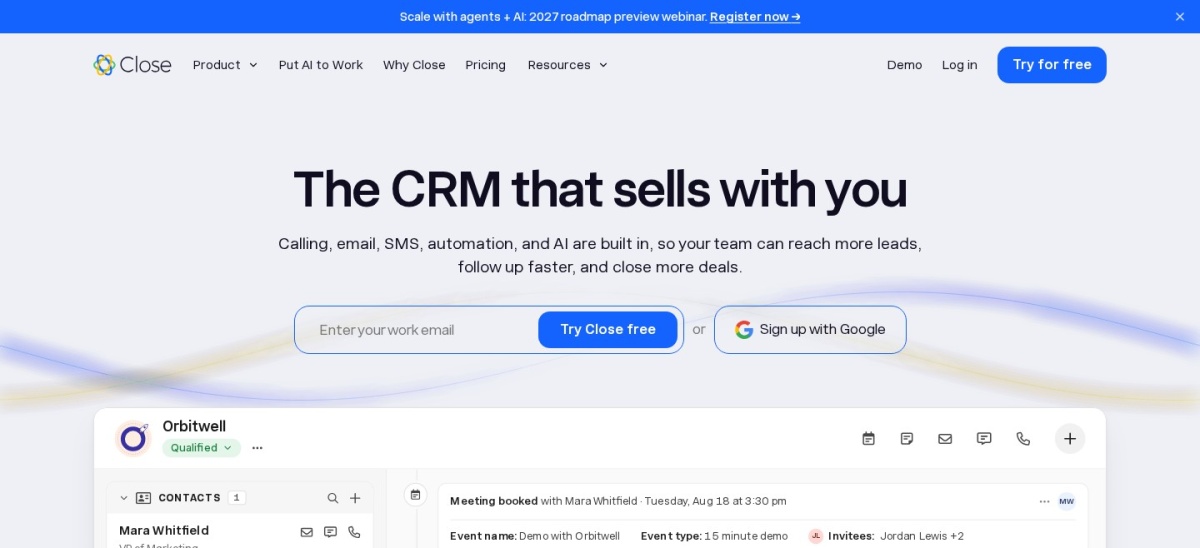
Close
4.7/5on G2 (2,070 reviews, checked Nov 2026)
Starts at$35/mo
Best CRM for outbound sales teams
Built-in callingYes
Free planNo, 14-day trial
Paid planEssentials
AI credits1,000/user/mo
close.com
Close homepage, captured Nov 2026.
Close is a sales CRM with calling, SMS and email built in, so reps work leads from one screen instead of juggling a phone tool and a CRM. Essentials costs $35 a user a month billed yearly and includes unlimited contacts, a shared inbox and 1,000 AI credits per user. A single-user Solo plan costs $9 a month.
The trade off is the dialer. Essentials has click-to-call only, and the power dialer starts at Growth, $99 a user a month. It suits outbound teams that call and text at volume.
What we like
Calling, SMS and email built into the CRM
4.7/5 on G2 from 2,000+ reviews, mostly five-star
Fast pipeline with a shared team inbox
14-day free trial to test the workflow
Watch out for
Most expensive entry price in this list at $35 a user
Power dialer needs the $99 Growth plan
Growth adds the power dialer and workflows for $99 a user a monthVisit close.com
09
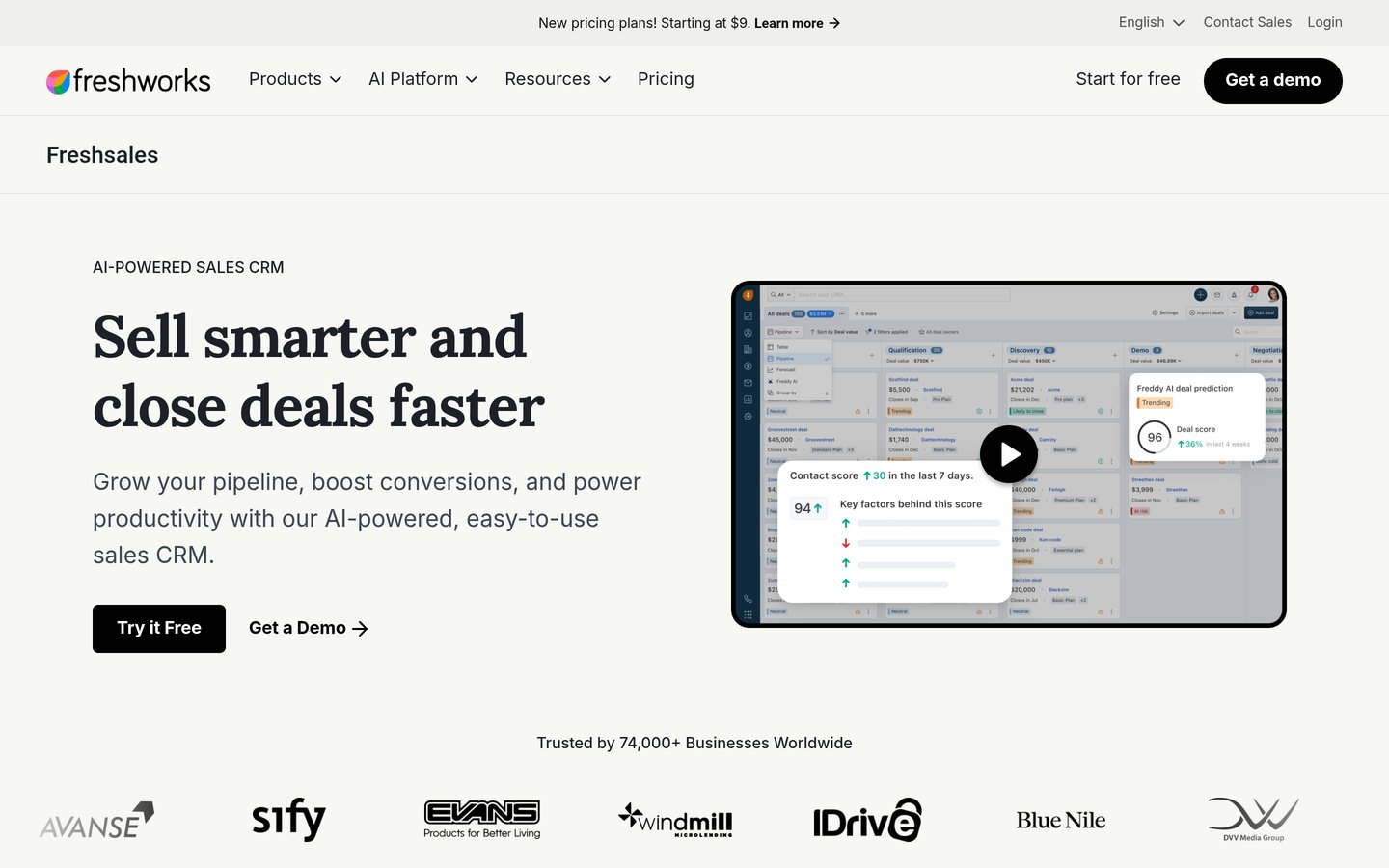
Freshsales
4.5/5on G2 (1,243 reviews, checked Nov 2026)
Paid from$9/mo
Best budget AI-assisted CRM
Free plan3 users
Built-in phoneYes
Paid planGrowth
AI lead scoringFreddy AI
freshworks.com
Freshsales homepage, captured Nov 2026.
Freshsales is the sales CRM from Freshworks, with built-in phone and email, sales sequences and Freddy AI lead scoring. The free plan covers 3 users, and Growth costs $9 a user a month billed yearly, the lowest paid entry in this list.
The trade off is depth. Advanced customization and reporting trail the larger CRMs, and Freddy AI features are split across tiers. It suits small teams that want AI help without enterprise pricing.
What we like
Lowest paid CRM entry here at $9 a user a month
Built-in phone, email and Freddy AI scoring
Free plan for 3 users
14-day trial of the paid plans
Watch out for
Customization trails larger CRMs
Older listings still show $15 Growth, so check the live page
Pro adds contact scoring and deal insights for $39 a user a monthVisit freshworks.com
Free vs paid: what you give up
Free plans cover the basics well. Zapier, Make, HubSpot, n8n, Integrately, Zoho CRM and Freshsales all let a small team start without paying.
Paid plans mostly add volume and depth. You get more tasks, credits or executions, plus premium apps, two-way sync and deeper reporting.
Watch the step between tiers. Pipedrive Lite lacks email sync, Close Essentials lacks the power dialer, and HubSpot Starter is far cheaper than Professional.
For a team that lives in its CRM every day, the first year of a paid plan often costs less than the hours lost retyping data between disconnected apps.
How we chose
We started from the best-known automation platforms and sales CRMs, then kept the nine with published prices, a free plan or trial, and a G2 rating from real reviewers.
Prices come from each vendor's pricing page, checked on 24 November 2026. Ratings come from G2 on the same day. Where a vendor shows a sale or a new-customer offer, the list shows the regular price.
We left out tools with no published price and enterprise-only platforms. No vendor paid for a place, and we do not claim hands-on testing for this list.
How to choose a CRM integration tool
Start with the CRM your team already uses, then pick the integration route that fits it.
List the apps that must share data. Write down the CRM, email, calendar, billing and support tools that need the same customer record. If the list is long, an automation platform covers it better than one-off native links.
Check for two-way sync first. One-way imports create stale records. Look for two-way sync on contacts and deals, and see how field mapping works. Our guide on connecting WPForms to Mailchimp shows the same idea on a smaller form-to-email flow.
Price the volume, not the headline. Task, credit and execution limits decide the real bill. Estimate monthly runs from your lead volume, then compare the tier that fits.
Trial the top two with a real workflow. Connect the CRM to one live flow, such as new-lead routing, and watch it for a week before paying.
FAQ
What is the best CRM integration tool for sales teams?
Zapier is the best pick for most sales teams. It connects 9,000+ apps, has a free plan with 100 tasks a month, and holds a 4.5/5 G2 rating from 2,088 reviews.
Do I need Zapier if my CRM already has integrations?
Not always. If your CRM covers the apps you use, native integrations are simpler and cheaper. Add Zapier or Make when you need apps your CRM does not connect to, or multi-step flows across several tools.
What is the difference between Zapier and Make?
Zapier is simpler and connects far more apps, at 9,000+ against Make's 1,000+. Make is cheaper at $9 a month for 10,000 credits and handles branching flows better on a visual canvas.
Can I integrate my CRM for free?
Yes, for light use. Zapier, Make, HubSpot, n8n, Integrately, Zoho CRM and Freshsales all have free plans. Free tiers cap tasks, credits or users, so busy teams outgrow them quickly.
What is two-way sync and why does it matter?
Two-way sync means a change in either app updates the other, so contacts and deals stay the same everywhere. Without it, records drift apart and reps work from stale data.
Which CRM has the best built-in integrations?
HubSpot has the strongest built-in set here, with two-way data sync and a large App Marketplace on one contact record. Zoho CRM is the budget alternative, with a wide marketplace at $14 a user a month.
SaaS SEO and WordPress specialist with about 8 years of experience. Rakib compares WordPress plugins, themes, hosting and software using public pricing, documentation and user reviews. See how we rank.