TalentLMS is the best corporate LMS for most teams, rated 4.6 out of 5 on G2 from 822 reviews, with a free plan and Core from $119 a month. Pick Absorb LMS for compliance-heavy enterprises and 360Learning when subject experts should build the courses.
How we make this list: we compare pricing pages, product documentation and public user reviews, then re-check every price before each update. No product paid for a place. Disclosure.
TalentLMS is the only tool here with a free plan, and Core costs $119 a month billed yearly for up to 40 users.
360Learning has the cheapest clear per-user price at $8 per user per month, while iSpring LMS charges $6.91 per active user at 100 users.
Absorb LMS, LearnUpon, Cornerstone and Adobe Learning Manager publish no prices, so budget only after a quote.
Docebo lists a main tier at $9 per user with a 250-user minimum, but most of its price still comes through a quote.
Litmos is the most transparent enterprise option, with Foundation from $8,000 a year and Platinum from $15,000 a year.
What a corporate LMS should cover
A corporate LMS runs training for people who work for you, and often for customers and partners too. It should enroll learners, track who finished what, and prove completion when compliance asks.
The billing unit matters more than the feature list. Some tools charge for every account, some for people who log in that month, and some for active users only, so the same headcount can cost very different amounts.
Compliance tracking is the part most teams undervalue. Look for certification reports, expiry reminders and an audit trail before you sign, not after the first audit.
Content is the other gap. Most tools in this list host courses rather than create them, so check whether you need an authoring tool, a course library, or both.
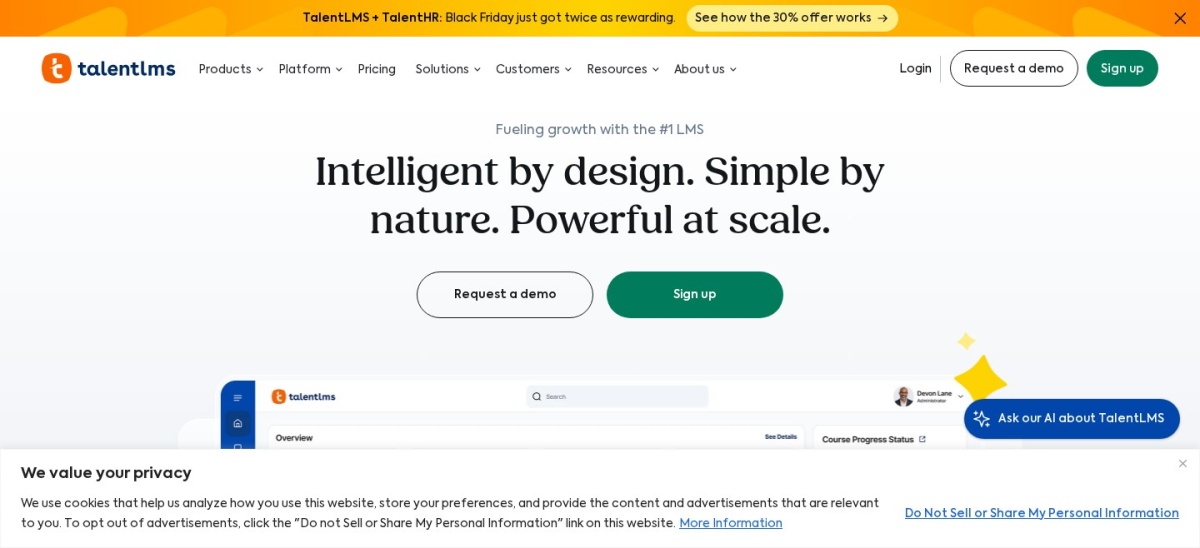
TalentLMS is a cloud LMS for employee, customer and partner training, with a free plan for up to 5 users and 10 courses. Core costs $119 a month billed yearly for up to 40 users, and covers unlimited courses, single sign-on, a custom domain and automations.
The trade off is the user ceiling. Each plan stops at a set number of active users, so a growing team moves to a higher band, and monthly billing costs $149 for Core. It suits small and mid-size teams that want training live fast without a long setup project.
What we like
Free plan with no time limit for up to 5 users
Flat band pricing, so a full 40-user band costs about $2.98 per user a month
Rated 4.6 out of 5 on G2 from 822 reviews
Fast to set up, with learning paths and gamification
Watch out for
Each plan has a hard user ceiling, so growth means a higher band
Advanced reporting and question types need higher plans
Course design can look less polished than newer rivals
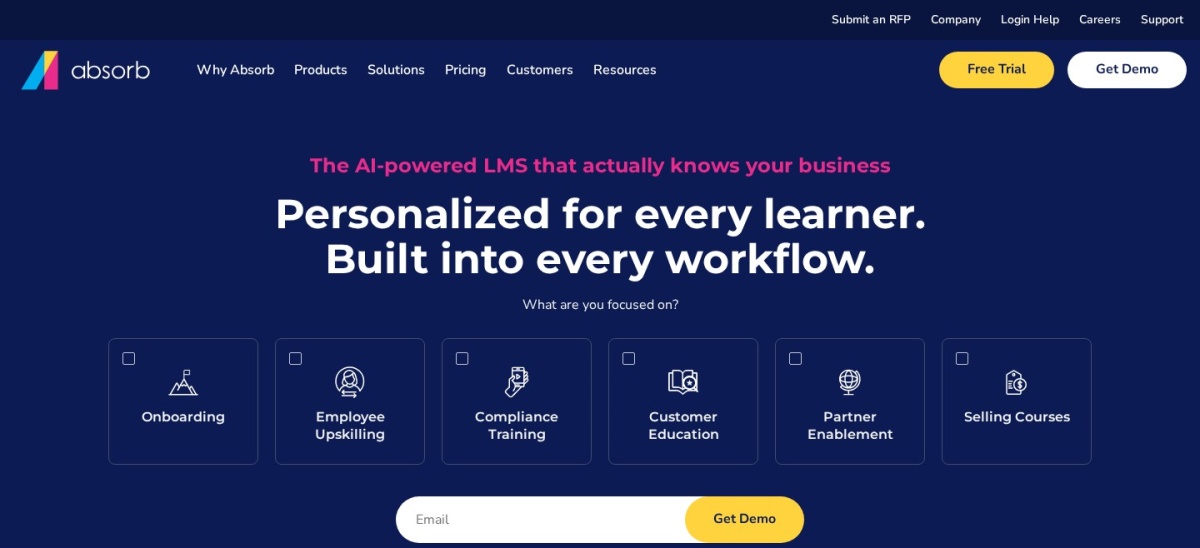
Absorb LMS is a corporate LMS for employee, customer and partner training, built for mid-market and enterprise teams. It covers course delivery, certifications, compliance tracking and multi-audience portals, with a clean admin and learner interface reviewers praise.
The trade off is price. Absorb publishes no prices and sells by quote, with third-party medians near $20,000 a year, and advanced reporting sits in the paid Analyze add-on. It suits larger teams that need compliance proof and strong support.
What we like
Rated 4.6 out of 5 on G2 from more than 1,000 reviews
Strong compliance tracking and certification reports
Clean interface for admins and learners
Support scores 9.3 out of 10 on G2
Watch out for
No published price, so budgeting needs a quote
Advanced reporting costs extra through Analyze
User numbers cannot be reduced mid-term in the contract
Paid plans are quoted by active users; ask for Analyze in the quoteVisit absorblms.com
03
360Learning
4.6/5on G2 (661 reviews, checked Nov 2026)
Starts at$8/user/mo
Best for expert-led course creation
Free planNo, 30-day trial
Cheapest paidTeam, $8/user/mo
Team limitUp to 100 users
AuthoringBuilt-in, collaborative
360learning.com
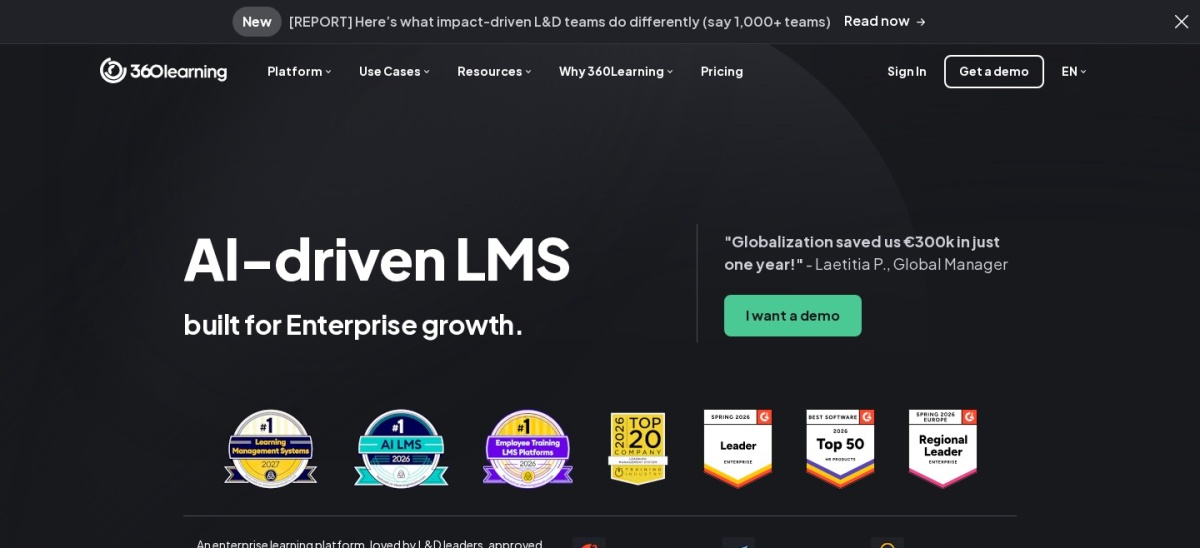
360Learning homepage, captured Nov 2026.
360Learning is a collaborative learning platform where subject experts build courses together with the L&D team. The Team plan costs $8 per user per month for up to 100 users, and includes course creation, learning paths, mobile access and analytics.
The trade off is scale. Team caps at 100 users and charges for every account until it is removed, so larger teams move to the Business plan by quote. It suits companies that want experts, not only trainers, to create and update courses.
What we like
Experts can create courses without waiting on L&D
Clear public entry price at $8 per user per month
Rated 4.6 out of 5 on G2 from 661 reviews
Learners can flag outdated content for review
Watch out for
Team plan caps at 100 users
Charging per account can add up for inactive users
Reporting is less deep than compliance-first rivals
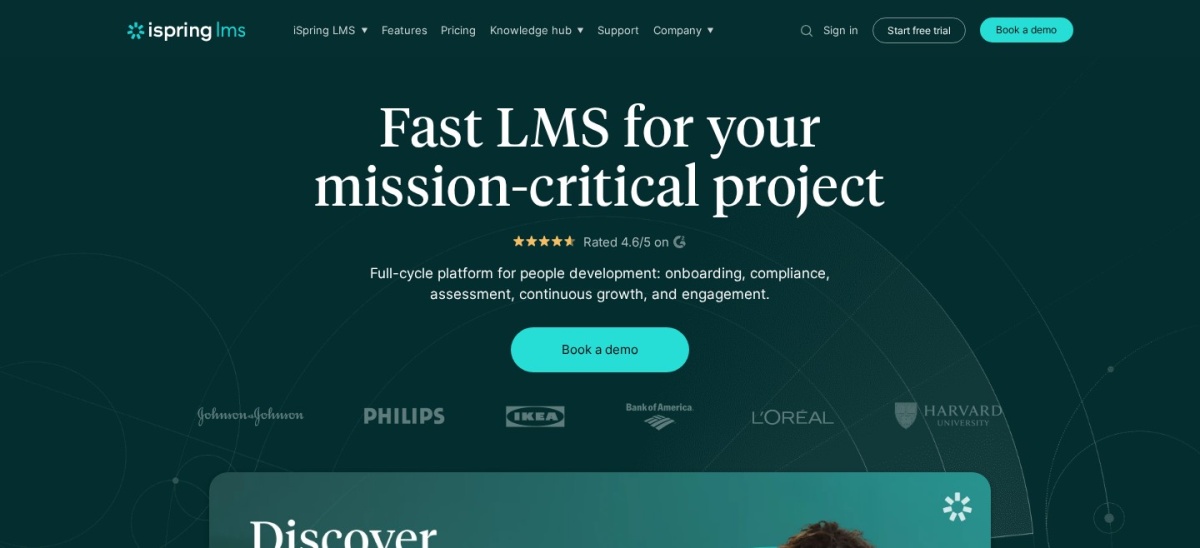
iSpring LMS is a corporate LMS for employee and partner training, from the team behind the iSpring authoring tools. Business costs $6.91 per active user per month for 100 users, billed yearly, and charges only for users who log in during the month.
The trade off is the entry size. The published Business rates start at 100 users, so smaller teams need the Enterprise plan by quote, and the per-user rate falls only as volume rises. It suits teams that already build courses in PowerPoint and want fast deployment.
What we like
Pay only for active users, not every registered account
Strong PowerPoint course building through iSpring Suite
Rated 4.6 out of 5 on G2 from 176 reviews
Mobile app and offline learning included
Watch out for
Published Business rates start at 100 users
Vendor pricing page lists euros in some regions, so confirm USD
Fewer integrations than larger enterprise platforms
Enterprise adds custom limits and on-premise options by quoteVisit ispring.com
05
LearnUpon
4.5/5on G2 (262 reviews, checked Nov 2026)
PricingCustom/yr
Best for several audiences at once
Free planNo
PricingQuote only
PortalsSeparate portals per audience
User minimumFrom 100 users, employees
learnupon.com
LearnUpon homepage, captured Nov 2026.
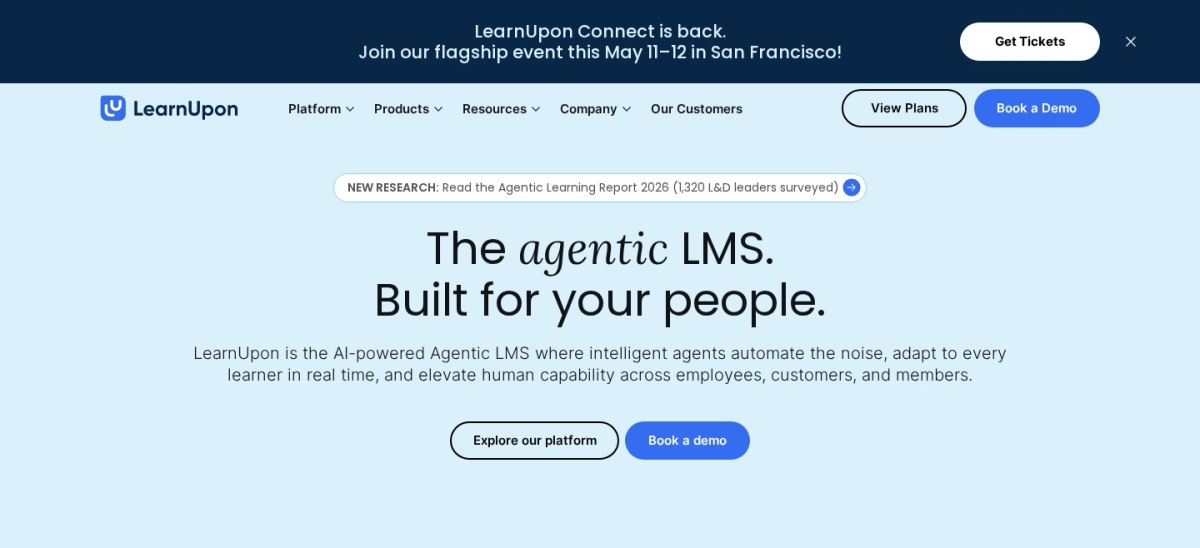
LearnUpon is a cloud LMS for training employees, customers and partners from separate branded portals in one account. It covers multi-portal hubs, rule-based enrollments, segmentation and integrations with HubSpot and Salesforce.
The trade off is pricing. LearnUpon publishes no prices and quotes by active users and portals, with third-party estimates starting near $15,000 a year. It suits mid-market teams that train several audiences and want one account for all of them.
What we like
One account runs separate portals for each audience
Rated 4.5 out of 5 on G2 from 262 reviews
Implementation consultant and 24/7 support on every plan
Strong ease-of-use scores on G2
Watch out for
No published price, so budgeting needs a quote
An older $599 a month figure still appears in some listings and is outdated
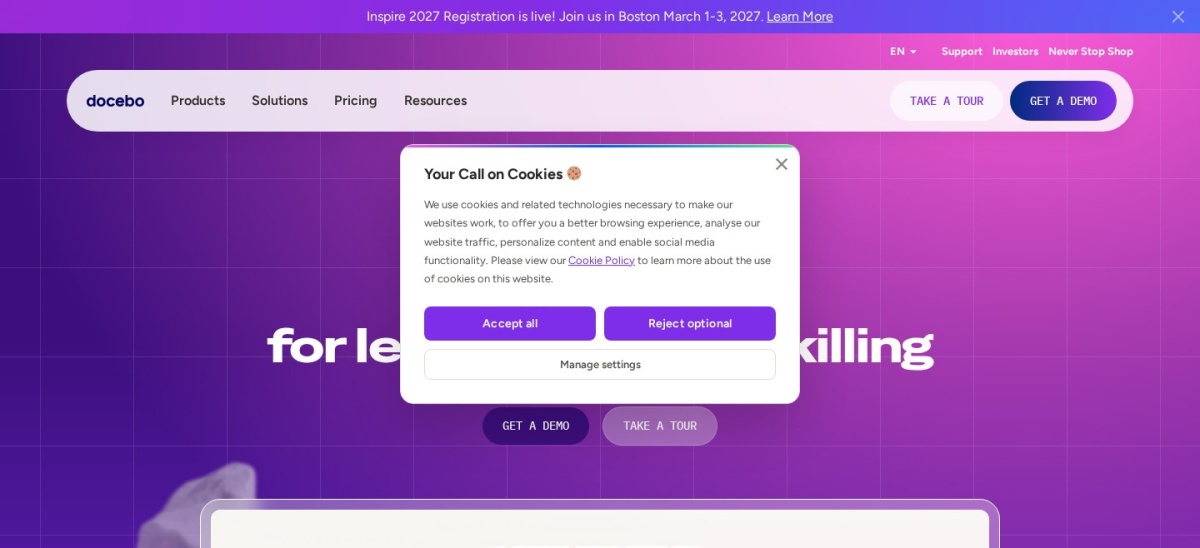
Docebo is an enterprise LMS for employee, customer and partner training, with AI content tools, workflow automation and deep analytics. Its main tier is listed at $9 per user with a 250-user minimum, which gives buyers a rare public starting point in this category.
The trade off is cost at scale. Most of the price still comes through a quote, with third-party medians near $42,000 a year, and AI features such as roleplay cost extra. It suits large teams that run several audiences from one platform.
What we like
One platform for employees, customers and partners
AI authoring, automation and skills tools
Rated 4.3 out of 5 on G2 from 752 reviews
Large integration catalog
Watch out for
Most pricing is by quote, despite the $9 list figure
AI credits and roleplay are paid add-ons
Setup is more complex than smaller rivals
Enterprise adds a branded mobile app and dedicated databaseVisit docebo.com
07
Litmos
4.3/5on G2 (698 reviews, checked Nov 2026)
Starts at$8,000/yr
Best for ready-made compliance courses
Free planNo
Cheapest paidFoundation, from $8,000/yr
Content library300+ pre-built courses
Foundation limitUp to around 250 learners
litmos.com
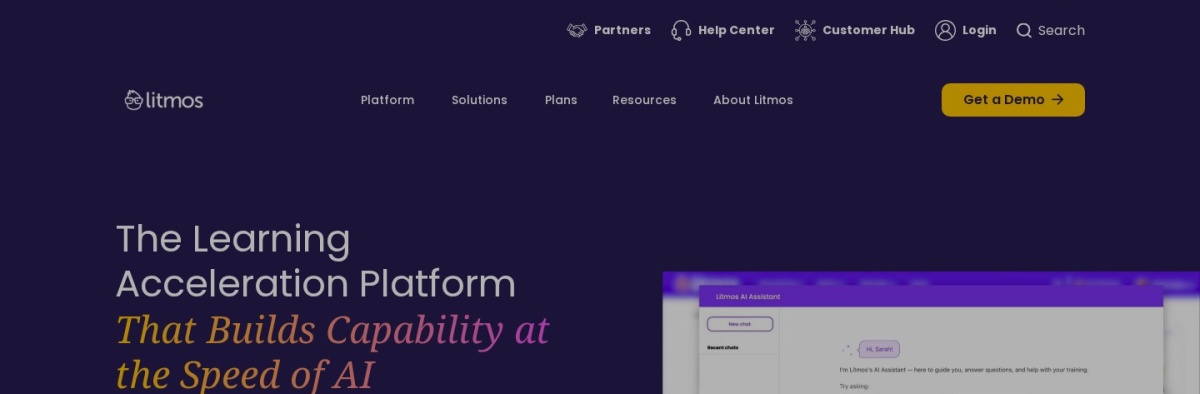
Litmos homepage, captured Nov 2026.
Litmos is a corporate LMS for employee, customer and partner training, with a library of more than 300 pre-built compliance courses. Foundation starts at $8,000 a year and covers single sign-on, standard reporting and content import.
The trade off is the starting price. Foundation suits up to around 250 learners, and the Platinum plan starts at $15,000 a year, so small teams pay an enterprise-style entry fee. It suits compliance-heavy teams that want ready-made courses from day one.
What we like
More than 300 pre-built compliance courses
Published starting prices, unlike most rivals here
Rated 4.3 out of 5 on G2 from 698 reviews
Native links to SAP SuccessFactors and ADP
Watch out for
Foundation starts at $8,000 a year
Platinum AI pricing is by quote only
Reporting needs more setup than some rivals
Platinum adds advanced admin, authoring and compliance trackingVisit litmos.com
08
Cornerstone Learning
4.1/5on G2 (530 reviews, checked Nov 2026)
PricingCustom/yr
Best for talent-suite enterprises
Free planNo
PricingQuote only
SuiteLearning, performance, recruiting
ContentLinkedIn Learning and Coursera marketplace
cornerstoneondemand.com
Cornerstone Learning homepage, captured Nov 2026.
Cornerstone Learning is the learning part of the Cornerstone talent suite, covering learning, performance, recruiting and succession planning in one system. It suits large, global teams that need compliance tracking, skills development and a content marketplace in one place.
The trade off is complexity. Cornerstone publishes no prices, with third-party estimates near $6 to $10 per user, and reviewers note a steep setup and a dated admin experience. It suits enterprises that already run Cornerstone for talent management.
What we like
Full talent suite, not just an LMS
Strong compliance reporting for large teams
Content marketplace with LinkedIn Learning and Coursera
Adobe Learning Manager homepage, captured Nov 2026.
Adobe Learning Manager is an enterprise LMS for employee, customer and partner training, built for teams already using Adobe content tools. It covers blended learning, certifications, progress tracking and integrations with Salesforce.
The trade off is setup. Reviewers note a steep learning curve for admins and a high implementation cost, and pricing is by quote only. It suits large teams in the Adobe and Salesforce ecosystem that need blended training at scale.
Only four tools here publish a clear entry price: TalentLMS, 360Learning, iSpring LMS and Litmos. The other five quote by users, audiences and modules, so two buyers can pay very different amounts for the same platform.
For quote-only tools, ask for the full first-year cost in writing, including implementation, support and any add-ons such as reporting or a content library.
A low per-user figure can still mean a high bill when there is a user minimum. Docebo lists $9 per user with a 250-user minimum, and Litmos Foundation starts at $8,000 a year.
How we chose
We started from the established corporate LMS platforms with a G2 profile and a real customer base, then kept nine that cover small teams, mid-market and enterprise buyers.
Prices come from each vendor's pricing page or, where the vendor publishes none, from the vendor's own quote-only pricing page and third-party medians, checked on 24 November 2026. Ratings and review counts come from G2 on the same day.
We left out course-selling platforms and school tools, which solve a different problem. No vendor paid for a place, and we do not claim hands-on testing for this list.
How to choose corporate LMS software
Start with who you train, then check the billing unit before you compare features.
List every audience first. Employees, customers and partners need different portals, branding and sign-in. A tool built for one audience can be awkward for the others.
Ask what counts as a billable user. Some tools bill every account, some bill logins that month, and some bill active users only. Get the definition in writing before you compare prices.
Check compliance proof before you buy. Ask for a certification report, expiry reminders and an audit trail in a demo, and confirm which of those need a paid add-on.
Count the full first-year cost. Add implementation, support, authoring and content library fees to the license price, and check whether user numbers can go down at renewal.
FAQ
What is the best corporate LMS software?
TalentLMS is the best corporate LMS for most teams. It is rated 4.6 out of 5 on G2 from 822 reviews, has a free plan for up to 5 users, and Core costs $119 a month billed yearly for up to 40 users.
How much does a corporate LMS cost?
Published entry prices run from $8 per user per month on 360Learning to $8,000 a year for Litmos Foundation. Most enterprise tools are quote-only, with third-party medians near $20,000 a year for Absorb LMS and $42,000 for Docebo.
What is the difference between an LMS and an LXP?
An LMS manages courses, enrollments and completion records, while an LXP focuses on recommending content and skills. Most corporate tools here are LMS platforms with some recommendation features added.
Do corporate LMS tools offer a free plan?
Only TalentLMS in this list has a free plan, for up to 5 users and 10 courses. 360Learning, iSpring LMS and Adobe Learning Manager offer free trials instead, and the rest start with a demo or quote.
Which corporate LMS is best for compliance training?
Absorb LMS and Litmos are the strongest picks for compliance training. Absorb has deep certification tracking and Litmos ships more than 300 pre-built compliance courses, though Absorb's advanced reporting is a paid add-on.
Can one LMS train employees, customers and partners?
Yes, and most tools here do it. LearnUpon runs separate branded portals for each audience, while Docebo, Absorb LMS and TalentLMS manage all three audiences from one account with different access rules.
SaaS SEO and WordPress specialist with about 8 years of experience. Rakib compares WordPress plugins, themes, hosting and software using public pricing, documentation and user reviews. See how we rank.