Best Construction Risk Assessment Software in 2026: 9 Tools Compared
WLWPLegible EditorsLast verified 24 Nov 2026How we rank14 min read
★ Short answer
Procore is the best construction risk assessment software for large projects, tying inspections, incidents and daily logs to one project record and rated 4.6 out of 5 on G2 from 4,250 reviews. Pick SafetyCulture for fast mobile inspections on small crews, and Safesite for a free start with OSHA recordkeeping.
How we make this list: we compare pricing pages, product documentation and public user reviews, then re-check every price before each update. No product paid for a place. Disclosure.
Procore is the strongest all-round pick, but it publishes no list price and sells by annual construction volume.
SafetyCulture gives the fastest mobile start, with a free plan for up to 10 users and Premium at $24 per user a month billed annually.
Safesite is the cheapest paid route, with a free plan for unlimited members and Premium at $16 per member a month.
Autodesk Build ties risk data to drawings and models, at about $145 per user a month on an annual term.
Three of the nine tools publish no list price, so get a written quote before budgeting for Procore, Donesafe or HammerTech.
What construction risk assessment software should cover
Construction risk assessment means spotting hazards before work starts, scoring them, and proving the fix happened. A good tool turns that into a repeatable loop: identify the risk, assign an owner, set a corrective action, and keep the evidence.
Look for a risk register first, then mobile inspections, photo evidence, corrective actions with due dates, and reporting that shows open risks by project, trade or severity.
Price models vary more here than in most software categories. Some tools charge per user, some per member, some by construction volume, and several publish no price at all. Compare the total for your real headcount, not the headline figure.
Field use matters as much as the office dashboard. Offline mobile capture, simple checklists and quick photo uploads decide whether crews actually log hazards or fall back to paper.
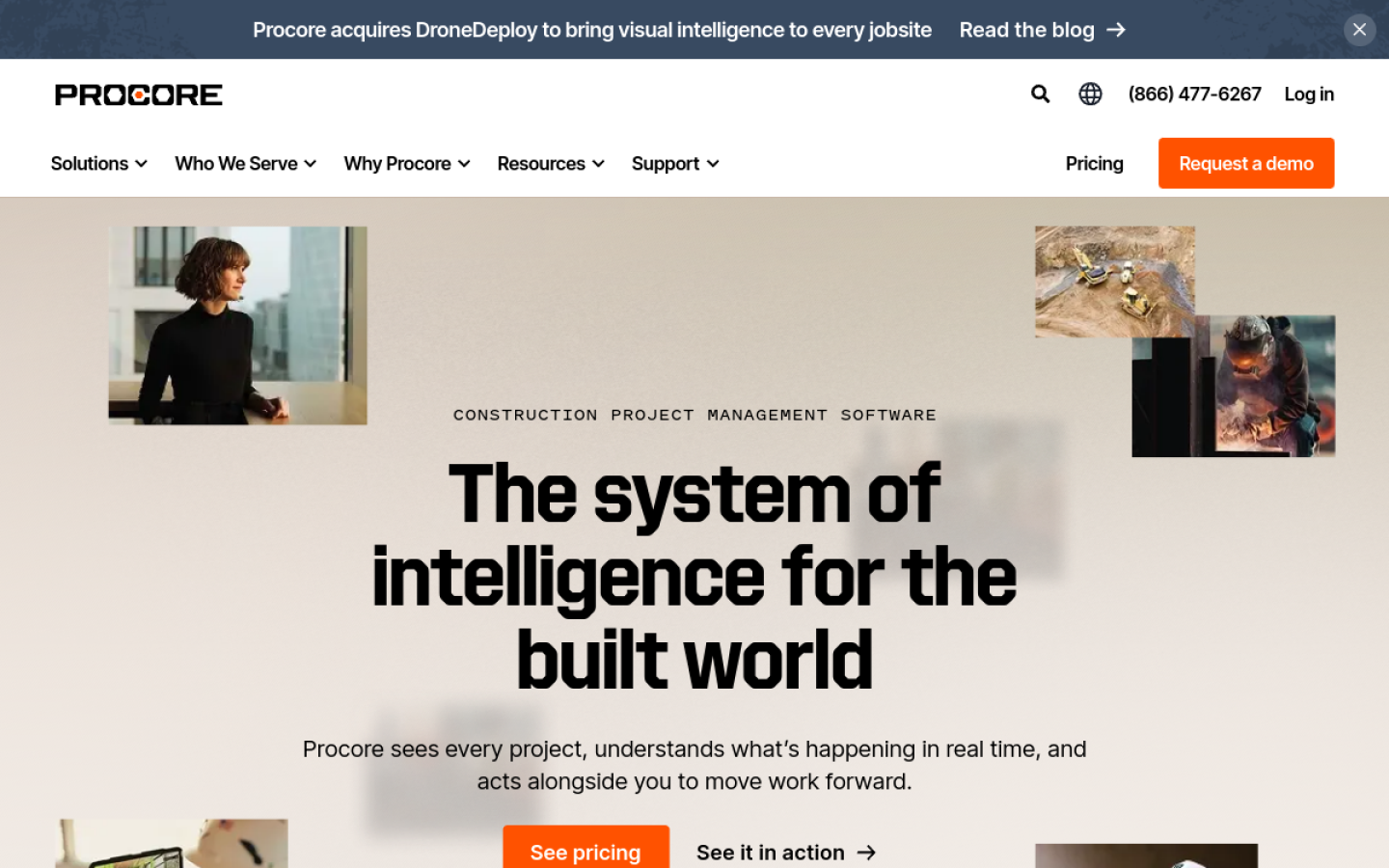
Procore is a construction management platform that covers the whole project, from preconstruction and bidding to field work, quality, safety and closeout. Its risk tools sit inside that record: inspections, observations, incidents, daily logs, RFIs and submittals all feed one project file, so a risk raised on site stays linked to the drawing, the trade and the schedule.
The trade off is price and scale. Procore publishes no list price and sells by annual construction volume, with third-party estimates starting near $10,000 a year, so small firms should get a written quote before budgeting. It suits general contractors and owners running large or complex projects who want every trade working in one system.
What we like
Widest set of construction workflows in this list
Unlimited users, so subcontractors join at no seat cost
Rated 4.6 out of 5 on G2 from 4,250 reviews
Risk data stays linked to drawings and the schedule
Watch out for
No published pricing; a quote is required
Expensive and more than small contractors need
Reviewers report a learning curve and slow loading
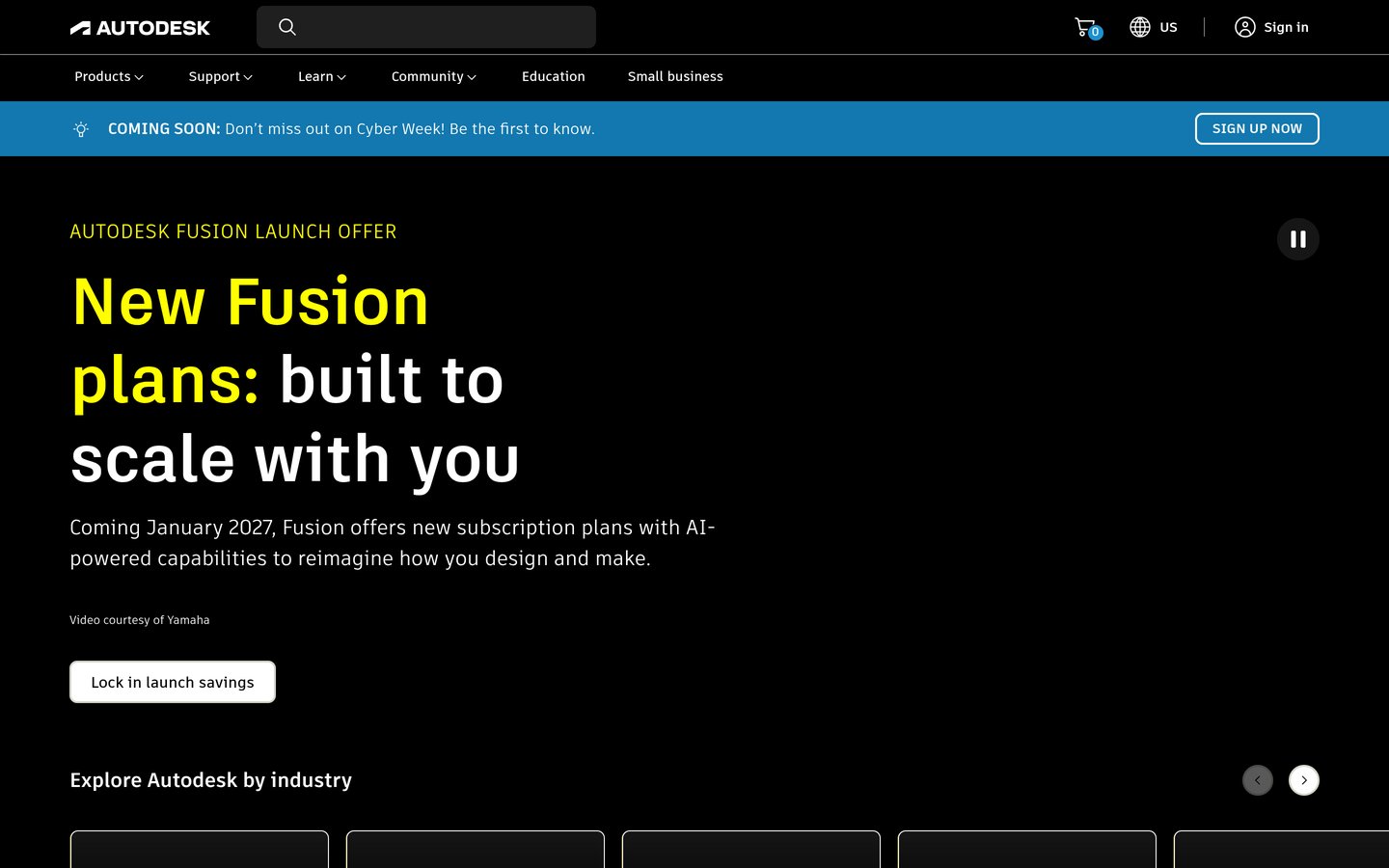
Autodesk Build is the field and project management product in the Autodesk Construction Cloud family, now presented under the Forma name. It ties risk data to drawings, models and sheets, with checklists, issues, RFIs, submittals and safety forms that field teams complete on mobile, plus cost and schedule views for the office.
The trade off is cost and learning curve. The Standard plan lists at about $145 per user a month on an annual term, or $1,740 a year, and reviewers note the platform takes time to learn. It suits mid-size and large firms already working in Autodesk design tools.
What we like
Risk and safety data connect directly to models and drawings
Rated 4.4 out of 5 on G2 from 5,667 reviews
Covers project management, quality, safety and cost in one place
More than 400 integrations with other construction tools
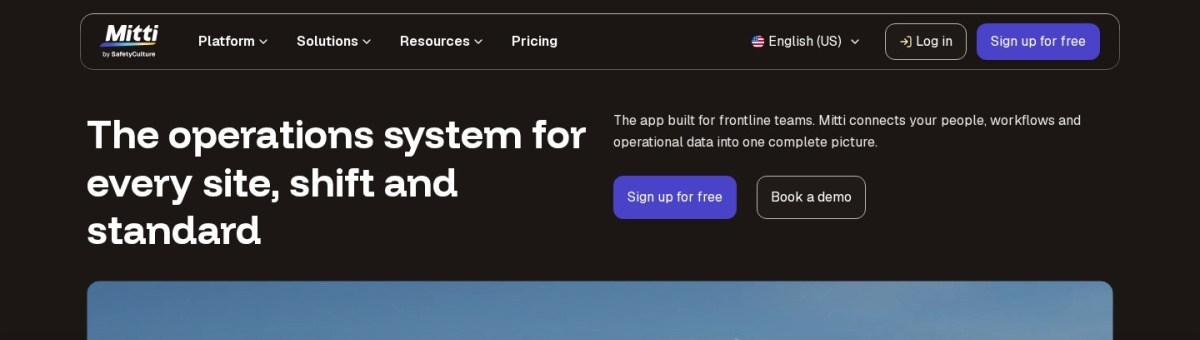
SafetyCulture is a mobile inspection app, originally called iAuditor and now branded Mitti, that turns paper checklists into digital inspections. Teams run risk assessments, hazard checks and audits from a phone, attach photos, assign corrective actions and track them to closure, with offline use on sites with weak coverage.
The trade off is per-seat cost at scale. The free plan covers up to 10 users, and Premium costs $24 per user a month billed annually, or $29 billed monthly, so a large crew pays for every auditor. It suits small and mid-size crews that want to start fast with mobile inspections.
What we like
Free plan for up to 10 users with real inspections
Rated 4.6 out of 5 on G2 from 470 reviews
Works offline, which matters on remote sites
Unlimited templates on the Premium plan
Watch out for
Per-seat pricing grows fast with headcount
AI features are metered on top of Premium
Less project management depth than Procore or Autodesk Build
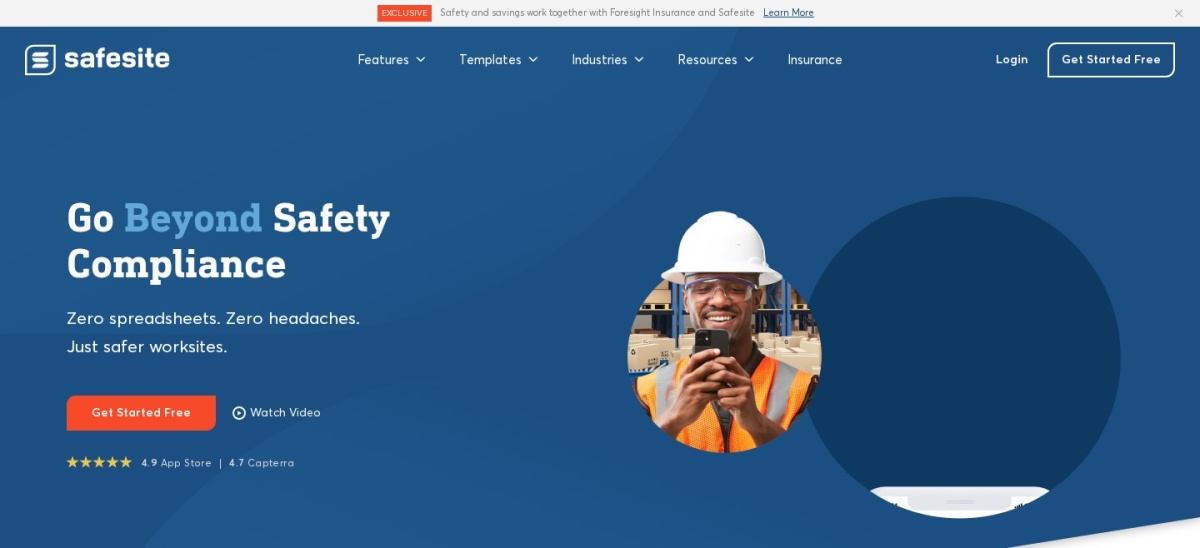
Safesite is a mobile safety app built for contractors moving inspections, hazard reports, incidents and toolbox talks off paper. The free plan covers unlimited members with inspections, hazard observations, incident reporting and safety meetings, and Premium adds full reporting history and OSHA 300 log generation.
The trade off is reporting depth on the free plan. Free reports cover only the last 30 days, and Premium costs $16 per member a month, or $12.80 billed annually, which pushes serious programs to pay. It suits small crews that want a free start with real OSHA recordkeeping.
What we like
Free plan covers unlimited members
Rated 4.7 out of 5 on Capterra from 74 reviews
OSHA 300, 300A and 301 logs on Premium
Cheapest paid plan in this list
Watch out for
Free plan reports cover only the last 30 days
Construction-focused, not a full enterprise EHS suite
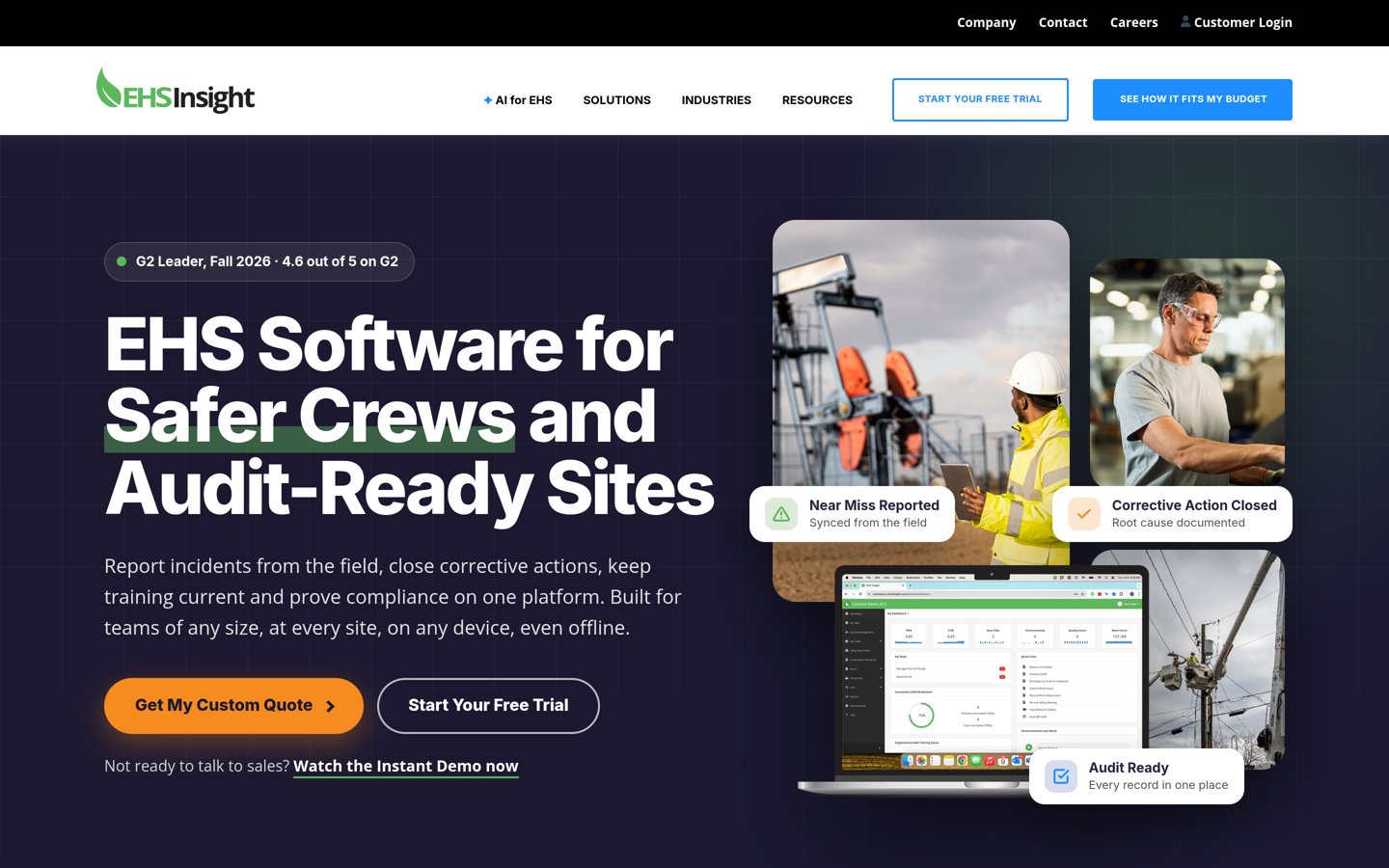
EHS Insight is a modular environment, health and safety suite with 32 modules covering incidents, risk assessment, audits, inspections, training and compliance tracking. Teams pick the modules they need, run risk registers and corrective actions in one place, and work from a mobile app in the field.
The trade off is the entry commitment. The Small and Medium Business plan starts at $5,000 a year, with no free plan and no monthly billing, and the price scales with employee count and modules chosen. It suits mid-market firms that want one configurable EHS system instead of several point tools.
What we like
Transparent starting price in a quote-heavy market
Rated 4.6 out of 5 on G2 from 104 reviews
32 modules cover most EHS needs in one system
Strong ease-of-use scores on G2
Watch out for
No free plan or monthly billing option
Price scales with headcount and modules, so totals rise
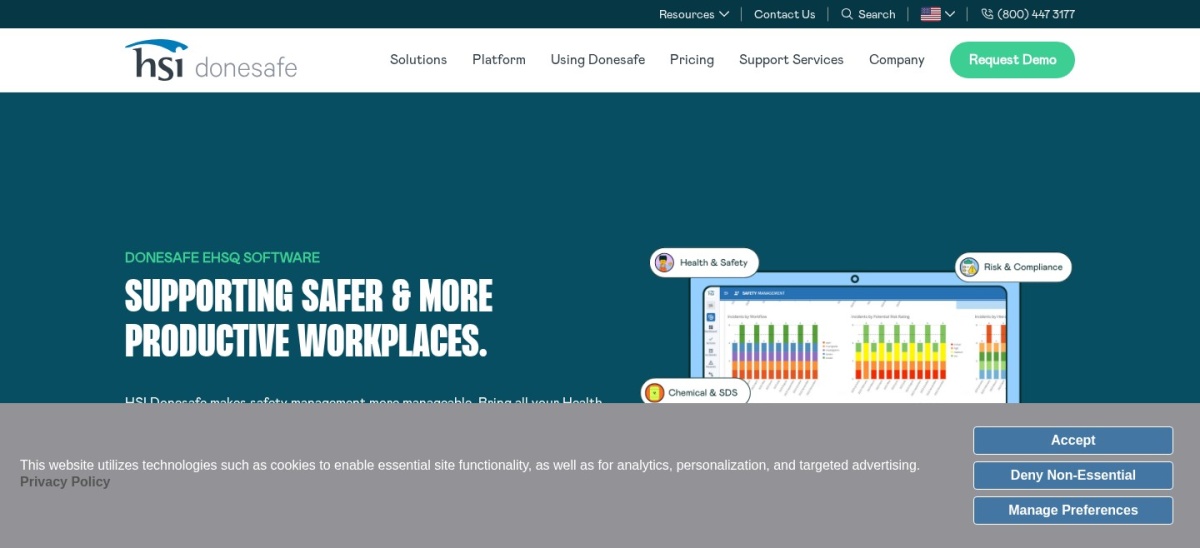
HSI Donesafe is a cloud EHSQ platform with more than 60 no-code modules covering incidents, hazards, risk assessment, audits, inspections, chemicals and training. Teams build their own forms and workflows without code, and worker licences cost less than administrator licences.
The trade off is pricing transparency. Donesafe publishes no list price and sells by worker count and modules chosen, so buyers need a demo and a quote, with one listing suggesting about $10,000 a year as a starting point. It suits mid-market and enterprise teams that want a configurable EHSQ suite.
What we like
Rated 4.8 out of 5 on Capterra from 96 reviews
More than 60 modules in one system
No-code setup lets safety teams build their own forms
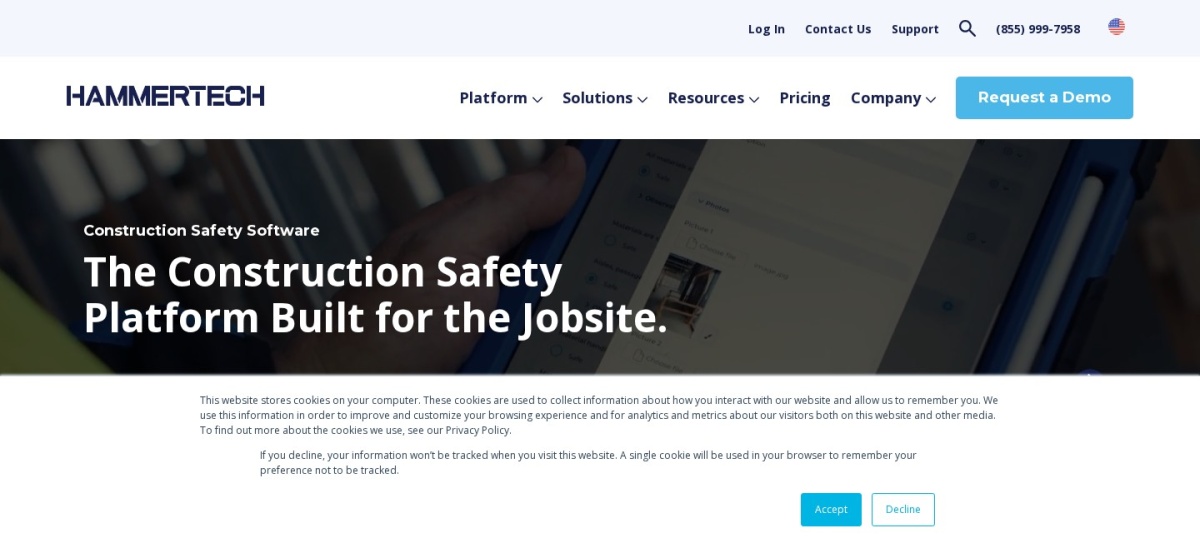
HammerTech is an enterprise safety and site operations platform for general contractors and EPC firms on complex, high-headcount jobsites. It covers pre-qualification, worker inductions, permits to work, incident management, inspections, safety observations and competency tracking in one system.
The trade off is fit and cost. HammerTech does not use per-user pricing and instead prices on the scale and complexity of operations, with unlimited users included, which puts it out of reach for small firms. It suits large contractors managing many subcontractors across multiple projects.
What we like
Rated 4.6 out of 5 on G2 from 26 reviews
Unlimited users, with free access for subcontractors
Strong induction, permit and competency workflows
High ease-of-use and support scores on G2
Watch out for
No published pricing; quotes are custom
Small review sample, so the rating could move
Average implementation takes about 5 months, per G2
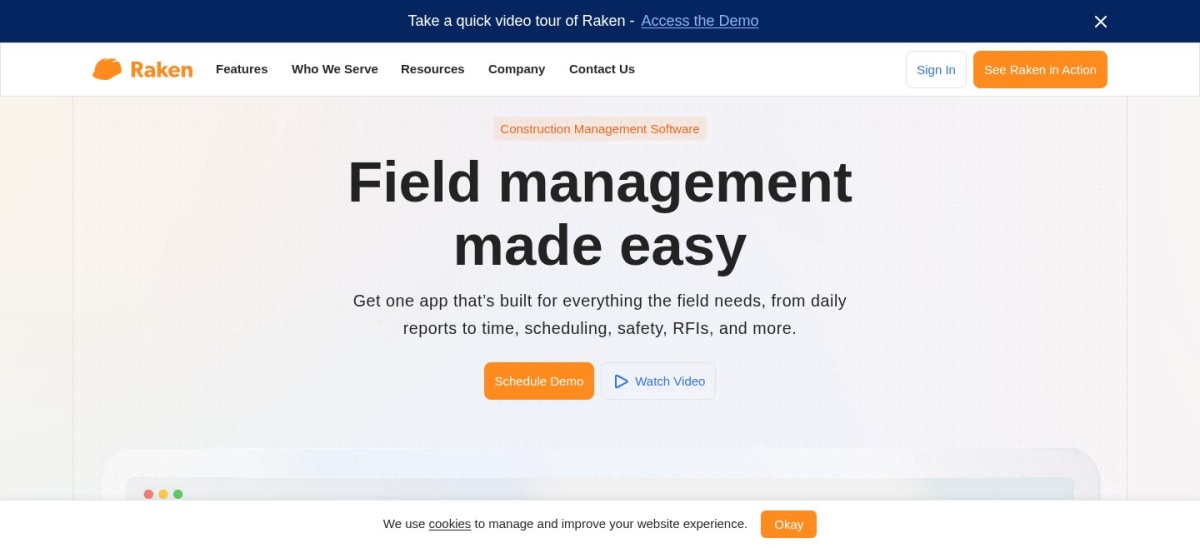
Raken is a field management app built around daily reporting, with safety and quality tools beside time tracking and production tracking. Superintendents log daily progress, photos, safety checklists and incidents from a phone, and the app turns them into branded daily reports for the office and the client.
The trade off is that safety sits on the higher tier. Basic costs $23 per user a month billed annually, but safety and quality management are on Performance at $59 per user a month, so price the tier you would really buy. It suits teams whose daily report is the main deliverable.
What we like
Rated 4.6 out of 5 on G2 from 110 reviews
Daily reports with photos are ready to share
Simple enough for superintendents to use daily
Time tracking and production tracking included on Performance
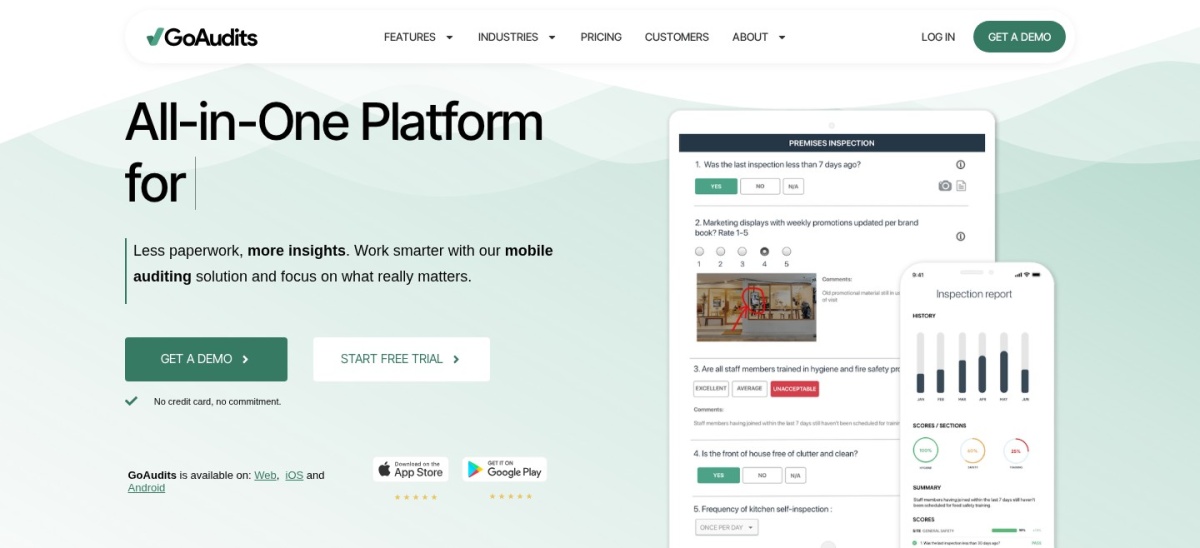
GoAudits is a mobile audit and inspection app with checklists, photos, e-signatures and corrective actions. Teams build scored audits from a library of more than 1,500 templates or an AI checklist generator, capture evidence offline, and send instant branded reports with scores compared across sites.
The trade off is scope. Starter costs $10 per user a month billed annually and is capped at 25 locations and 10 templates, so larger networks need Enterprise at $30 per user a month. It suits small audit teams that run repeatable scored inspections across sites.
What we like
Rated 4.8 out of 5 on Capterra from 145 reviews
Lowest per-user price in this list
Scored audits compare sites against one standard
14-day trial with no credit card
Watch out for
Starter caps at 25 locations and 10 templates
Small G2 sample, at 16 reviews
Inspection-first, with no asset register or work orders
Free plans cover real field work here. SafetyCulture covers up to 10 users and Safesite covers unlimited members, both with inspections, hazard logging and incident reports.
Paid plans mostly add history, analytics and scale. Safesite limits free reports to 30 days, SafetyCulture limits free templates to 5, and GoAudits caps Starter locations at 25.
For a firm with several active projects, the paid tier usually pays for itself in one avoided incident report scramble. Price the tier that holds your real headcount and project count, not the cheapest headline.
How we chose
We started from the construction risk and safety tools most often listed on G2 and Capterra, then kept nine with a clear risk assessment workflow: a risk register or hazard log, mobile inspections, and corrective actions.
Prices come from each vendor's pricing page or, where the vendor publishes no price, from the vendor's own statement that pricing is by quote, checked on 24 November 2026. Ratings and review counts come from G2 or Capterra on the same day.
We left out tools with no construction focus and tools that only sell risk consulting without software. No vendor paid for a place, and we do not claim to have used these tools ourselves for this list.
How to choose construction risk assessment software
Start with the size of your crew and the number of active projects, then match the tool to that scale.
Count the people who will actually log risks. Per-seat tools charge for every auditor, while Procore and HammerTech include unlimited users. Model the cost for 10, 25 and 50 users before you sign.
Check the free plan limits against your projects. SafetyCulture caps free users at 10 and Safesite caps free reporting history at 30 days. If either limit bites, price the paid tier from day one.
Test the mobile app on a real site. Offline capture, photo uploads and simple checklists decide whether crews log hazards. A tool that only works well in the office will fall back to paper.
Ask for a written quote where no price is published. Procore, Donesafe and HammerTech all sell by quote. Get the figure in writing, with implementation and training included, before comparing totals.
FAQ
What is the best construction risk assessment software?
Procore is the best pick for large projects, tying inspections, incidents and daily logs to one project record, with a 4.6 out of 5 G2 rating from 4,250 reviews. SafetyCulture suits small crews that want fast mobile inspections, and Safesite suits crews that want a free start.
How much does construction risk assessment software cost?
Published prices in this list run from $10 per user a month for GoAudits to $145 per user a month for Autodesk Build, with free plans from SafetyCulture and Safesite. Procore, Donesafe and HammerTech publish no price and sell by quote, so ask for a written figure.
Is there free construction risk assessment software?
Yes. SafetyCulture has a free plan for up to 10 users with inspections and corrective actions, and Safesite has a free plan for unlimited members with inspections and hazard logging. Both limit reporting or templates, so growing teams usually move to a paid plan.
What should a construction risk assessment include?
A risk assessment should name the hazard, score its likelihood and severity, assign an owner and a corrective action, and keep photo evidence with a due date. The tool should also show open risks by project, trade or severity so nothing is left unclosed.
Do I need Procore for construction risk assessment?
No, not unless you run large or complex projects. Small crews get a working risk workflow from SafetyCulture or Safesite at a fraction of the cost. Procore earns its place when many trades, owners and subcontractors must share one project record.
Can risk assessment software replace a safety consultant?
No. Software records hazards, assigns fixes and keeps the evidence, but it does not replace professional judgement on site. Use the tool to run the process consistently, and keep a qualified person reviewing the risks it surfaces.