Procore is the best construction contract management software for most general contractors, covering subcontracts, change orders and payment applications in one platform rated 4.6 out of 5 on G2 from 4,698 reviews. Pick Autodesk Forma Build if your team already works in Revit, and ContractWorks if you mainly need a simple contract repository.
How we make this list: we compare pricing pages, product documentation and public user reviews, then re-check every price before each update. No product paid for a place. Disclosure.
Procore is the strongest all-round pick: subcontracts, change orders and payments in one platform, rated 4.6 out of 5 on G2.
Autodesk Forma Build is the only tool here with a published per-user price: $117 per user per month, or $1,404 a year.
Six of the nine tools sell by quote only, so budget for a sales call and a separate implementation fee.
ContractWorks is the simplest entry point, at $600 a month for unlimited users, with a 2,500-document repository.
Oracle Aconex and e-Builder suit owners and large capital programmes more than small contractors.
What construction contract management software should cover
Construction contract management software is the system a contractor, owner or programme manager uses to create, approve, track and close out construction contracts.
The core cycle is the same on most jobs: draft the subcontract, get it signed, track change orders against it, then certify payment applications and close out. A tool earns its place when each step updates the same contract record, instead of living in separate spreadsheets.
Pricing is the hardest part to compare. Six of the nine tools in this list publish no price and sell by quote, with the final figure set by project volume, user count and modules. Budget for more than the licence: implementation and training are often quoted separately, so plan the full first-year cost before you sign.
Small firms should start from the other end: a simple repository with renewal alerts beats an enterprise platform nobody finishes setting up. Large programmes need the opposite: audit trails, multi-party workflows and cost control in one record.
The 9 best construction contract management software tools
01
Procore
4.6/5on G2 (4698 reviews, checked Nov 2026)
PricingCustom/yr
Best construction contract management overall
Contract cycleSubcontracts to closeout
Change ordersTracked in platform
Payment applicationsBuilt in
PricingQuote, volume-based
procore.com
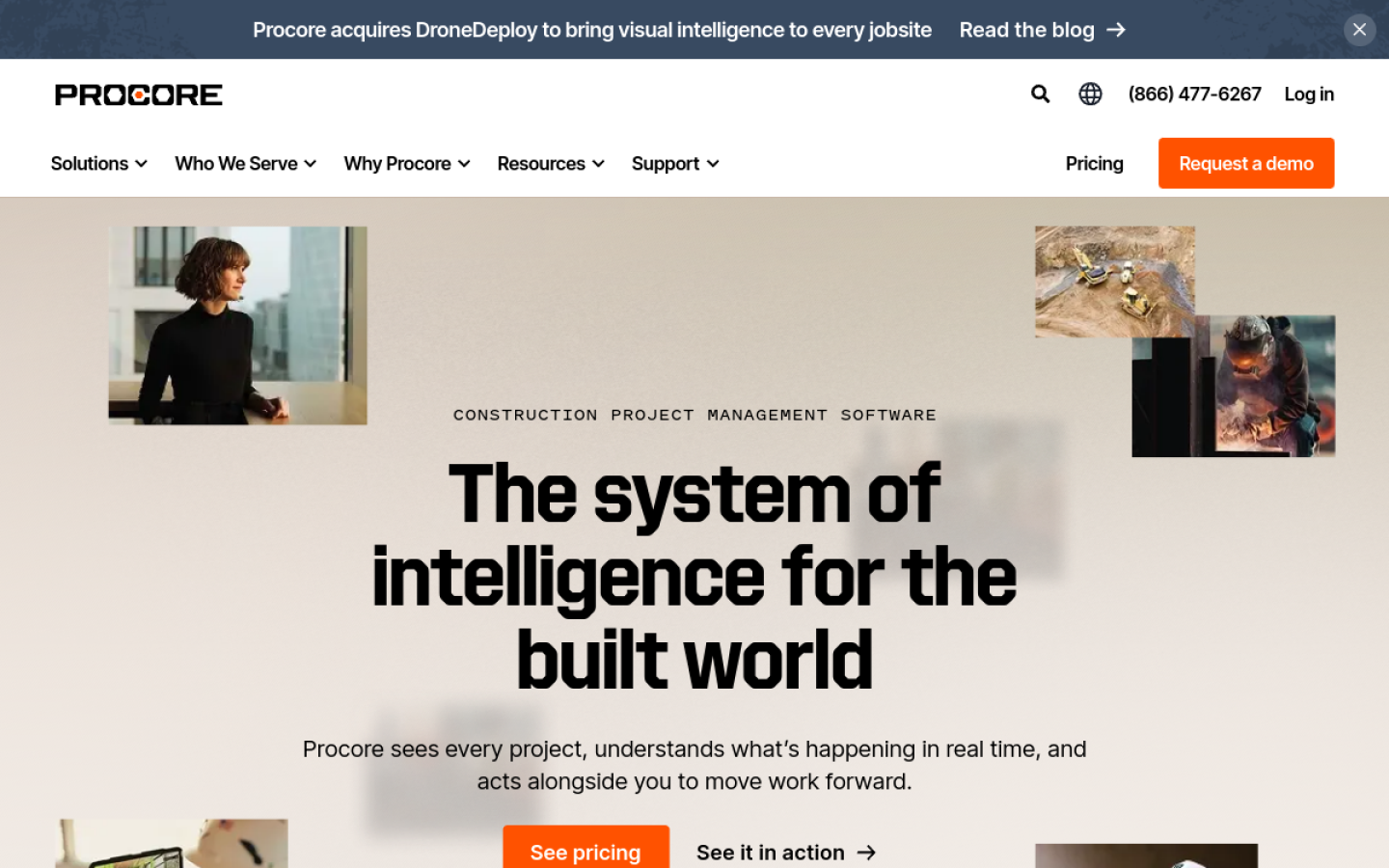
Procore homepage, captured Nov 2026.
Procore is a construction management platform that connects office teams, field teams, owners and subcontractors in one system. Its contract tools cover subcontract creation, change orders, payment applications and compliance documents, with drawings, RFIs and daily logs in the same record. G2 reviewers rate it 4.6 out of 5 from 4,698 reviews, and G2 reports an average implementation time of 3 months.
The trade off is price. Procore publishes no prices and charges on annual construction volume with unlimited users, so a small firm can still face a five-figure annual bill and a separate implementation cost. It suits mid-size and large general contractors that run many projects and want contracts, costs and field data in one place.
What we like
Subcontracts, change orders and payments in one record
Unlimited users within the licensed volume
Largest review base in this list, 4,698 G2 reviews
Strong document, drawing and RFI tools beside contracts
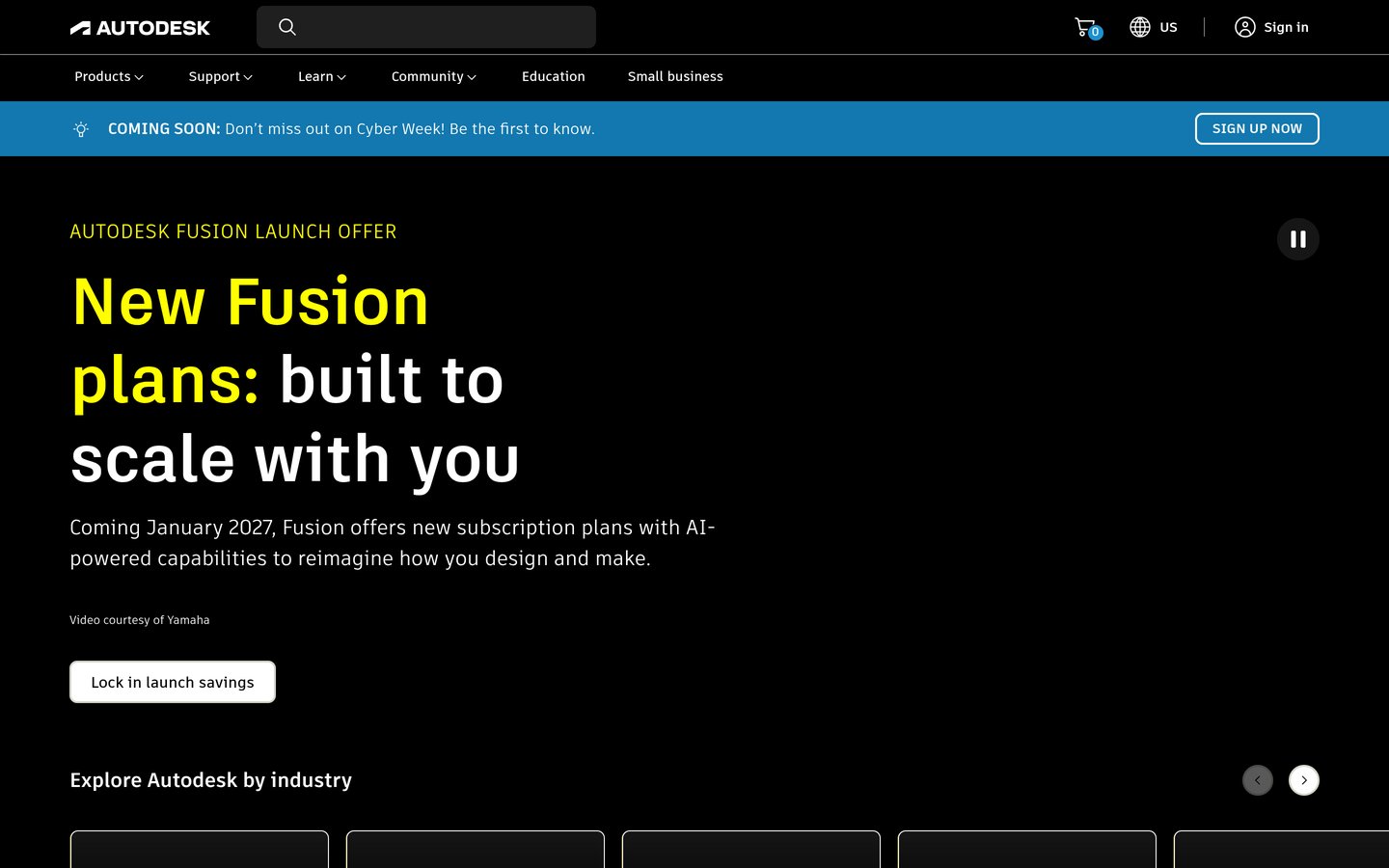
Autodesk Construction Cloud (Build) homepage, captured Nov 2026.
Autodesk Construction Cloud (Build) is a cloud platform that connects design, preconstruction and field work, now called Forma Build. Contract documents, drawings, RFIs and change orders sit in the same common data environment, and the cost module tracks budgets, contracts, change orders and payment applications. It is rated 4.4 out of 5 on G2 from 5,668 reviews.
The trade off is cost per head. Autodesk charges per user, so the bill grows with every seat, and the full Build plan starts at $117 per user per month, or $1,404 a year. It suits design-build firms and contractors already using Revit or AutoCAD, where drawings and contract documents belong together.
What we like
Only tool here with a published per-user price
Drawings, models and contracts in one record
30-day free trial
Largest G2 review base here, 5,668 reviews
Watch out for
Per-user pricing climbs fast on big teams
Older sources list $1,625 a year, so confirm the current price
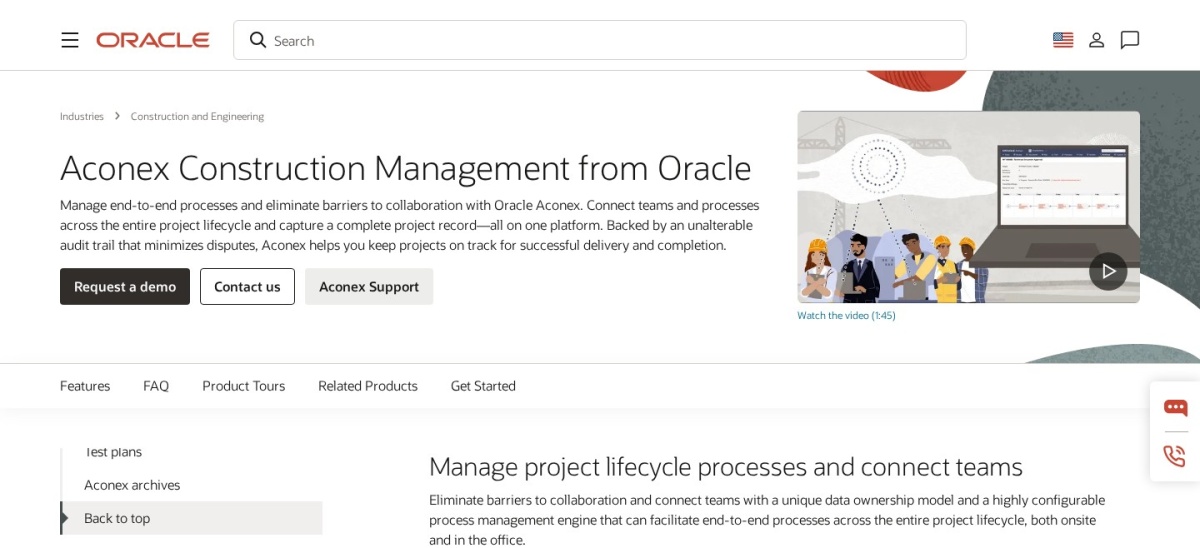
Oracle Aconex is a common data environment for large construction and infrastructure programmes. It manages documents, correspondence, models, cost and field processes in one central system, with configurable workflows and an unalterable audit trail that records every exchange. G2 reviewers rate it 4.5 out of 5 from 231 reviews.
The trade off is scale. Aconex is sold by quote through Oracle sales, with licences metered by named user or project value, and it is built for programmes with many parties rather than a single small contractor. It suits owners, consultants and contractors on large infrastructure and capital projects.
What we like
Strong document control and audit trail
Handles very large, multi-party programmes
Model coordination built in
Rated 4.5 out of 5 on G2
Watch out for
Quote-only pricing with no published tiers
Too heavy for small contractors
Add-on modules are licensed separately
Quote only; modules such as cost and field are extraVisit oracle.com
04
Buildertrend
4.3/5on G2 (229 reviews, checked Nov 2026)
Starts at$499/mo
Best for residential builders
Starting price$499/mo, last published
UsersUnlimited on every plan
Change ordersBuilt in, with client approval
Client portalYes, with payments
buildertrend.com
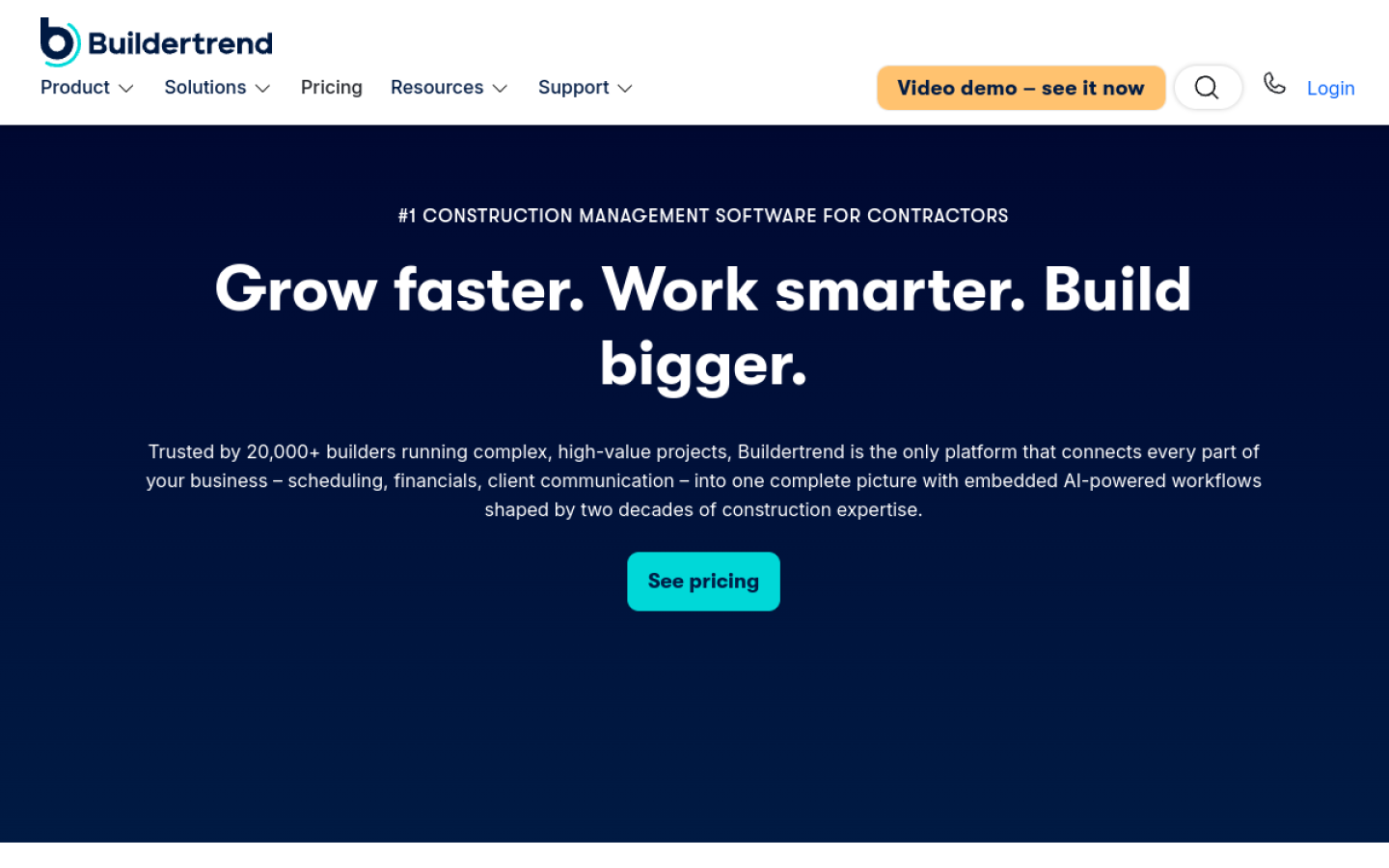
Buildertrend homepage, captured Nov 2026.
Buildertrend is a construction platform built for home builders, remodelers and specialty contractors. It covers scheduling, estimates, change orders, daily logs and a client portal where homeowners approve selections and change orders and pay draws. Its last published starting price was $499 a month, and every plan includes unlimited users and projects.
The trade off is pricing transparency. Buildertrend no longer publishes a price list, and the final quote depends on annual construction volume and onboarding, so two builders can pay different amounts for the same platform. It suits residential builders doing steady volume who want one system for the office, the site and the client.
What we like
Built for residential builders, not adapted from enterprise tools
Unlimited users and projects on every plan
Client portal covers selections, approvals and payments
Change orders flow into the schedule and budget
Watch out for
No current published price; final cost needs a quote
Entry price of $499 a month is high for very small firms
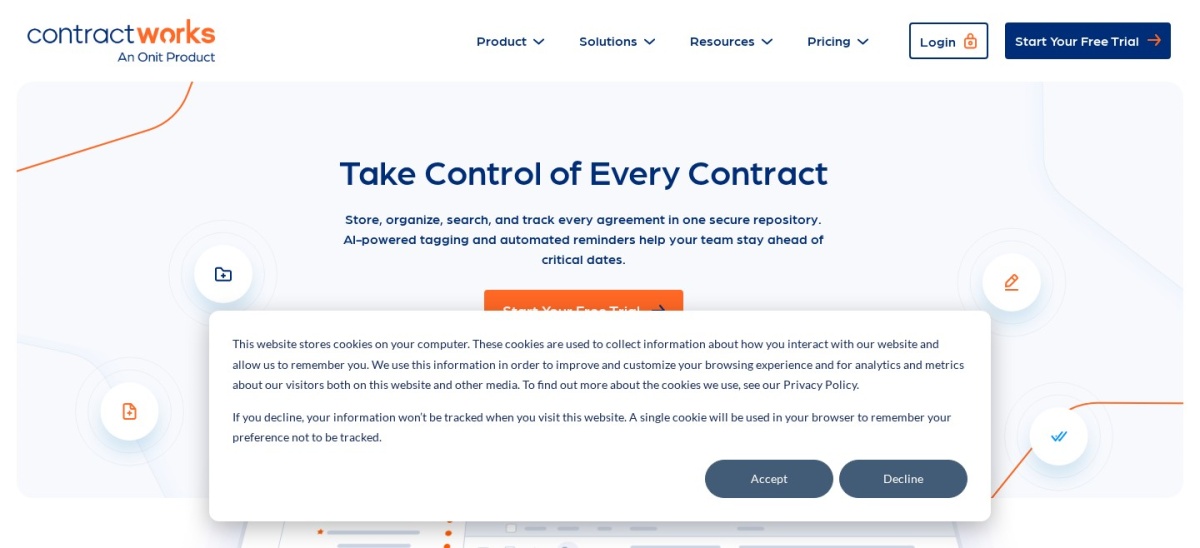
ContractWorks is a contract repository from Onit, built for teams that need to store, find and track contracts without a full lifecycle platform. The Standard plan starts at $600 a month billed yearly and covers unlimited users, 2,500 documents, 5 e-signature licences, smart tagging, OCR and date alerts. G2 reviewers rate it 4.6 out of 5 from 95 reviews.
The trade off is depth. ContractWorks is strong on storage, search and renewal alerts, but it does not run complex multi-stage approvals or AI clause negotiation the way enterprise lifecycle tools do. It suits small and mid-size construction firms that mainly need one searchable home for signed subcontracts and supplier agreements.
What we like
Flat $600 a month with unlimited users
Free trial and free implementation
Date alerts catch renewals before they lapse
Rated 4.6 out of 5 on G2
Watch out for
No published pricing page in November 2026; $600 is the last listed price
Best construction ERP for contracts and accounting
PlatformSingle-database ERP
SubcontractsUpdate committed cost
Job costingBuilt in
ImplementationAbout 7 months on G2
cmicglobal.com
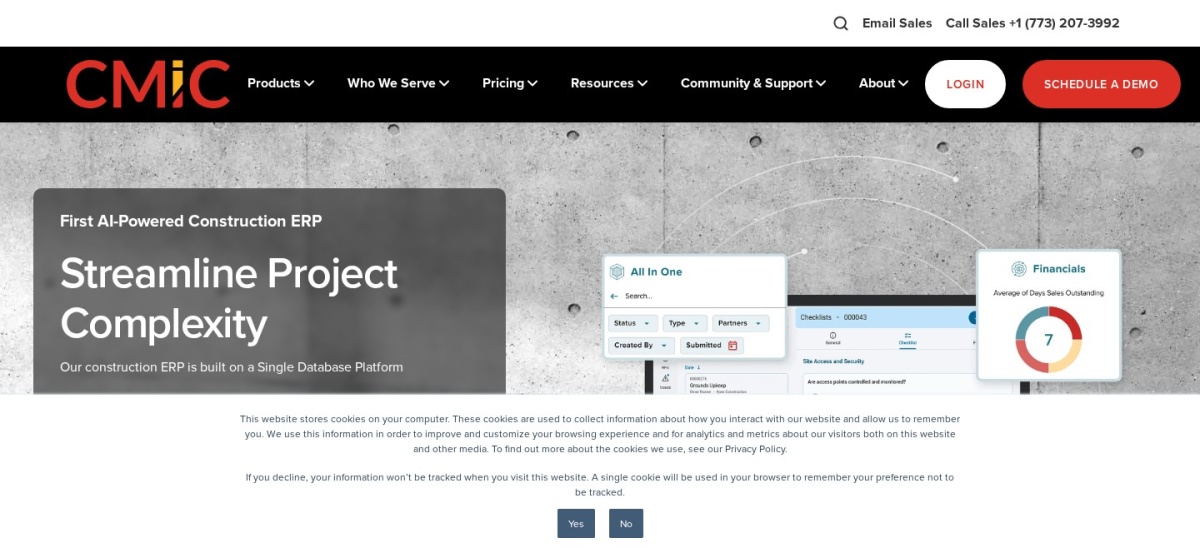
CMiC homepage, captured Nov 2026.
CMiC is a construction ERP built on a single database, so a subcontract entered once updates committed cost, job cost and the forecast together. Payment applications flow into accounts payable without rekeying, and payroll, financials and field operations sit in the same system. G2 reviewers rate it 4.4 out of 5 from 211 reviews.
The trade off is scope and time. CMiC is a full ERP with an implementation G2 puts at about 7 months, and it is priced by quote with licence and implementation costs on top. It suits mid-size and large contractors that also want to replace their accounting system, not firms that only need contract storage.
What we like
One database for contracts, accounting and payroll
Subcontracts update job cost and forecasts at once
Built for construction, not adapted from generic ERP
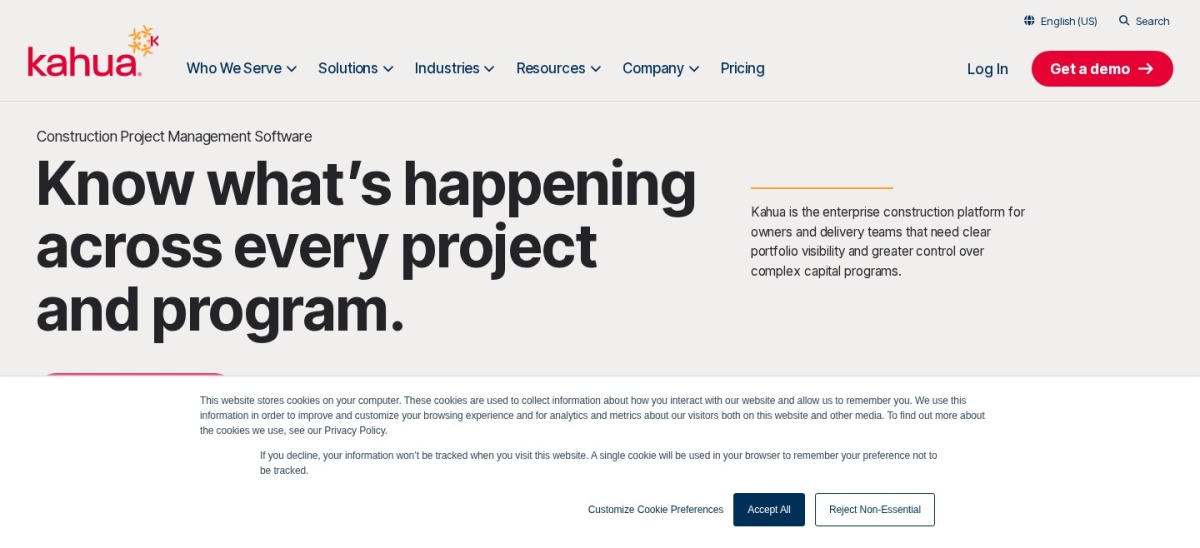
Kahua is a low-code construction programme and project management platform used by owners, programme managers, general contractors and subcontractors. Teams build their own apps, logs and approval workflows without code, and the platform covers budgets, contracts, documents and cost management. G2 reviewers rate it 4.4 out of 5 from 33 reviews.
The trade off is that flexibility takes setup. Kahua is sold by quote per user per year, reviewers describe the price as steep for smaller budgets, and G2 reports an average implementation time of 7 months. It suits owners and public agencies that need custom approval workflows and strict programme controls.
What we like
Highly configurable without developer help
FedRAMP authorized since 2022
Strong for owners and public agencies
Responsive implementation and support, per reviewers
Watch out for
Quote-only pricing with no published tiers
Thin G2 base of 33 reviews
Slow loading noted by some reviewers
Quote only; packages differ for owners and contractorsVisit kahua.com
08
Jonas Construction Software
4.1/5on Capterra (145 reviews, checked Nov 2026)
PricingCustom/yr
Best ERP for specialty contractors
PlatformConstruction ERP
Job costingBuilt in
Service workDispatch and billing
HistoryIn use for 30+ years
jonasconstruction.com
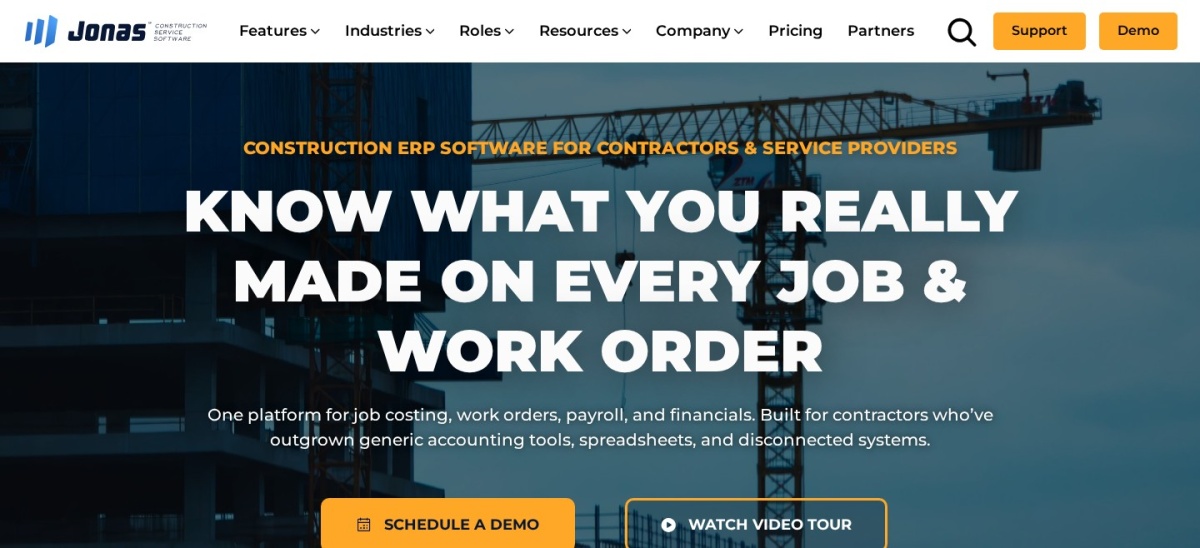
Jonas Construction Software homepage, captured Nov 2026.
Jonas Construction Software is a construction ERP for specialty and general contractors, in use for more than 30 years. It ties job costing, payroll, service dispatch and financials together, so contract values, labour and billing sit in one system. Capterra reviewers rate it 4.1 out of 5 from 145 reviews.
The trade off is age and ratings. Jonas is priced by quote, its G2 base is thin at 3.3 out of 5 from 24 reviews, and reviewers note slow support responses and a dated interface in places. It suits specialty contractors that need strong accounting and service work in the same system as their contracts.
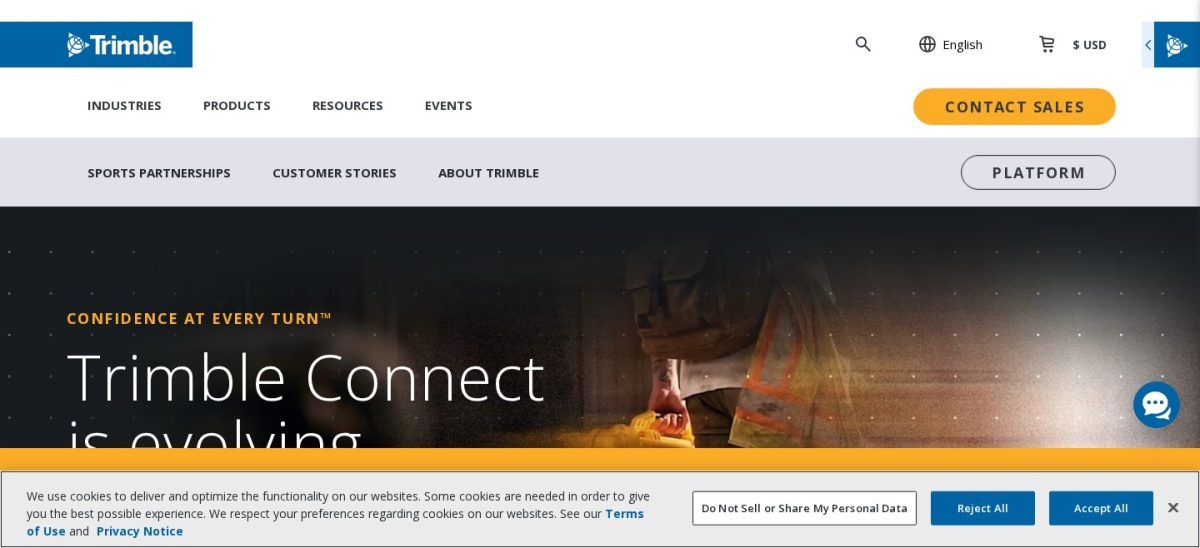
e-Builder (Trimble Unity Construct) homepage, captured Nov 2026.
e-Builder (Trimble Unity Construct) is a cloud platform for owners running capital programmes. It covers capital planning, funding allocation, digital bid management, cost control, schedules and asset handover, with dashboards that track change orders across many projects. Capterra reviewers rate it 4.3 out of 5 from 418 reviews.
The trade off is that it is built for owners, not contractors. Pricing is by quote with no published list, the interface has a learning curve, and G2 carries only 17 reviews at 3.7 out of 5. It suits public agencies, universities and healthcare owners running large, multi-year capital programmes.
Six of the nine tools here publish no price. That is normal for enterprise construction software, where the quote depends on volume, users and modules.
Ask every vendor for the same three numbers: the annual licence, the one-off implementation fee, and the yearly support charge. Procore, CMiC and Kahua all carry implementation costs that sit outside the licence.
Get the quote in writing with the renewal terms. Third-party reviews report Buildertrend renewal increases of 50 to 75% for long-term users, so a low first-year figure can mislead.
If a vendor will not quote without a demo, treat the demo as part of the cost: Procore averages 3 months to implement and CMiC about 7 months on G2.
How we chose
We started from the construction platforms and contract tools most often named in G2 and Capterra construction categories, then kept nine with a real contract workflow, from subcontract creation to payment.
Prices and ratings were checked on 24 November 2026. Ratings come from G2, except Jonas and e-Builder, which use Capterra where the G2 base is thin. Autodesk's $117 a month comes from its official product page; Buildertrend's $499 and ContractWorks' $600 are the last published figures, since neither publishes a current price list.
We left out generic document tools with no construction workflow. No vendor paid for a place, and we do not claim hands-on testing for this list.
How to choose construction contract management software
Start with who signs the contracts, then match the tool to that team.
Name the contract owner. If owners run the programme, shortlist Aconex, Kahua or e-Builder. If a general contractor runs it, start with Procore or Autodesk Build.
Count the contracts, not the users. A firm with 20 subcontracts a month needs workflow depth; a firm with 20 a year needs a searchable repository such as ContractWorks.
Get the full quote in writing. Ask for licence, implementation and support as separate lines, plus renewal terms, before you compare two tools.
Trial the workflow, not the demo. Run one real subcontract through change order and payment on the trial, and check who can approve each step.
FAQ
What is the best construction contract management software?
Procore is the best all-round pick for most general contractors. It covers subcontracts, change orders and payment applications in one platform, and it is rated 4.6 out of 5 on G2 from 4,698 reviews.
How much does construction contract management software cost?
Most tools here sell by quote, so there is no single price. Autodesk Forma Build publishes $117 per user per month, ContractWorks lists $600 a month, and Buildertrend's last published price was $499 a month. Expect a five-figure annual bill for enterprise platforms.
Is there a free construction contract management tool?
No tool in this list has a free plan. Autodesk Forma Build and ContractWorks offer free trials, so you can run a real subcontract through the workflow before paying. Small firms that only need storage can start with a simple repository instead.
What is the difference between Procore and Autodesk Build?
Procore is the broader all-round platform for general contractors, with contracts, costs and field data together and volume-based pricing. Autodesk Build is stronger for design-build teams already using Revit, and it is the only tool here with a published per-user price.
Do I need a construction ERP such as CMiC or Jonas?
Only if contracts must update accounting directly. CMiC and Jonas tie subcontracts to job costing, payroll and billing in one system, which suits mid-size and large contractors. Smaller firms usually do better with Procore or a simple repository such as ContractWorks.
Which tool is best for owners and public agencies?
Oracle Aconex, Kahua and e-Builder are built for owners and large capital programmes. Aconex offers the strongest document control and audit trail, Kahua the most flexible approval workflows, and e-Builder capital planning with funding allocation.
SaaS SEO and WordPress specialist with about 8 years of experience. Rakib compares WordPress plugins, themes, hosting and software using public pricing, documentation and user reviews. See how we rank.