CCleaner is the best computer tune-up software for most Windows users, with a capable free version and a 4.5/5 rating on G2 from 626 reviews. Pick Advanced SystemCare for one-click maintenance at $29.99 a year, or Glary Utilities Pro for the cheapest paid plan at $19.97 a year for 3 PCs.
How we make this list: we compare pricing pages, product documentation and public user reviews, then re-check every price before each update. No product paid for a place. Disclosure.
CCleaner is the safest first pick: a capable free version, rated 4.5/5 on G2 from 626 reviews, and Professional at $44.95 a year.
Glary Utilities Pro is the cheapest paid plan here at $19.97 a year for up to 3 PCs, with the same price on renewal.
Advanced SystemCare Pro is the simplest one-click option at $29.99 a year, but expect frequent upgrade prompts in the free version.
AVG TuneUp and Avast Cleanup Premium both renew at about $66 to $70 a year for one PC after a discounted first year, so budget on the renewal price.
No cleaner fixes failing hardware or a full drive, so back up first and clear space before you buy.
What computer tune-up software should cover
A slow PC is usually slowed by junk files, too many startup programs and a nearly full drive, not by one broken setting. Tune-up software gathers those small jobs into one dashboard, so you can clear them without hunting through Windows settings.
The tools in this list all clean temporary files and manage startup programs. They differ in automation, in how many PCs one licence covers, and in what the paid plan adds over the free version.
Price needs a careful read in this category. Several tools discount the first year heavily, then renew at a much higher rate, so this list shows the regular renewal price. The same rule applies on websites: our guide on speeding up WordPress starts with the free fixes before any paid tool.
Before you install anything, create a system restore point and back up files you cannot replace. Registry cleaners can remove entries Windows needs, so review what a scan plans to delete before you let it fix everything.
CCleaner is the best-known Windows cleaner, in use since 2004, and its free version covers the everyday job. It clears temporary files, browser traces and broken shortcuts, manages startup programs and uninstalls software. The free version needs no account and handles the basics most home users need.
The trade off is the upsell. The free version pushes Professional hard, and the installer has bundled extra offers to decline, so download only from the official site. Professional costs $44.95 a year for one PC after a $29.95 first year, and adds automatic cleaning, a driver updater and a performance optimizer. It suits users who want the familiar name and a capable free start.
Advanced SystemCare is IObit's all-in-one Windows maintenance suite, built around a single scan button. The free version cleans junk files, repairs registry entries, manages startup items and sweeps privacy traces in one pass, with a driver updater helper included.
The trade off is the sales pressure. The free version shows frequent upgrade prompts and bundles other IObit tools during install, so decline the extras. Pro lists at $29.99 a year for one PC and adds real-time protection, deep optimization, automatic maintenance and 24/7 support. It suits beginners who want one button to run the whole cleanup.
What we like
Simplest one-click scan and fix in this list
Generous free version for everyday cleaning
One licence covers up to 3 PCs
Watch out for
Frequent upgrade prompts in the free version
Installer bundles other IObit software
Some antivirus tools flag the installer
Pro adds real-time protection and automatic maintenanceVisit iobit.com
03
Glary Utilities
4.1/5on G2 (14 reviews, checked Nov 2026)
Paid from$19.97/yr
Best value paid plan
Free planYes
Tools in suite20+
PCs coveredUp to 3 PCs
Paid planPro, $19.97/yr
glarysoft.com
Glary Utilities homepage, captured Nov 2026.
Glary Utilities is a toolbox of more than 20 small maintenance tools in one download, from junk cleaning and registry repair to a duplicate finder, startup manager and file shredder. The free version includes nearly all of them for manual use. Version 6.50 for Windows was released in November 2026.
The trade off is the dated interface, which looks older than most rivals, and some tools repeat what Windows now does itself. Pro costs $19.97 a year for up to 3 PCs, with the same $19.97 renewal, and adds automatic maintenance, scheduled tasks and priority support. It suits users who want the widest free toolbox at the lowest paid price.
What we like
Cheapest paid plan here, with the same renewal price
4.5/5on Trustpilot (49,594 reviews, checked Nov 2026)
Starts at$69.99/yr
Best for automatic maintenance
Free plan7-day trial
Paid plan$69.99/yr renewal
Devices1 PC, 10-device plan $84.99/yr
Sleep ModeYes
avg.com
AVG TuneUp homepage, captured Nov 2026.
AVG TuneUp is a paid maintenance suite for Windows, Mac, Android and iOS, built around automatic maintenance. It cleans junk files, manages startup programs, updates software and puts background apps to sleep to free memory and CPU. A 7-day trial needs no credit card.
The trade off is the renewal price. The first year costs $29.99 for one device, then the subscription renews at $69.99 a year, and the 10-device plan renews at $84.99 a year. Much of what it does can be done with free tools, so it suits households that want maintenance on autopilot and one subscription for up to 10 devices.
What we like
Automatic maintenance on a schedule
Sleep Mode pauses background apps without uninstalling them
One plan covers up to 10 devices, including phones
Watch out for
No useful free tier, only a 7-day trial
Renewal price is more than double the first year
Much of it overlaps with free Windows tools
Paid plans add automatic cleaning and software updatesVisit avg.com
05
Avast Cleanup
4.3/5on Trustpilot (44,000 reviews, checked Nov 2026)
Starts at$65.99/yr
Best for bloatware removal
Free plan30-day trial
Paid plan$65.99/yr renewal
Devices1 PC, 10-device plan $79.99/yr
Sleep ModeYes
avast.com
Avast Cleanup homepage, captured Nov 2026.
Avast Cleanup Premium is a paid tune-up suite for Windows, Mac, Android and iOS from the Avast security family. It clears junk files and browser traces, cleans the registry, removes bloatware and puts background apps to sleep. A 30-day trial lets you try it before paying.
The trade off is the renewal jump. The first year is discounted to about $30 for one PC, then the subscription renews at $65.99 a year, and the 10-device plan renews at $79.99 a year. It suits households that want one subscription for phones and computers, and users who already run Avast antivirus.
What we like
Good at removing manufacturer bloatware
Sleep Mode frees memory without uninstalling apps
Pairs naturally with Avast antivirus
Watch out for
No free tier, only a 30-day trial
Renewal price is roughly double the first year
Trustpilot score covers all Avast products, not Cleanup alone
Premium adds automatic maintenance and software updatesVisit avast.com
06
System Mechanic
4/5on Trustpilot (4,037 reviews, checked Nov 2026)
Starts at$54.95/yr
Best for households with several PCs
Free planFree scan
Paid plan$54.95/yr renewal
PCs coveredUp to 10 PCs
Automated maintenanceActiveCare
iolo.com
System Mechanic homepage, captured Nov 2026.
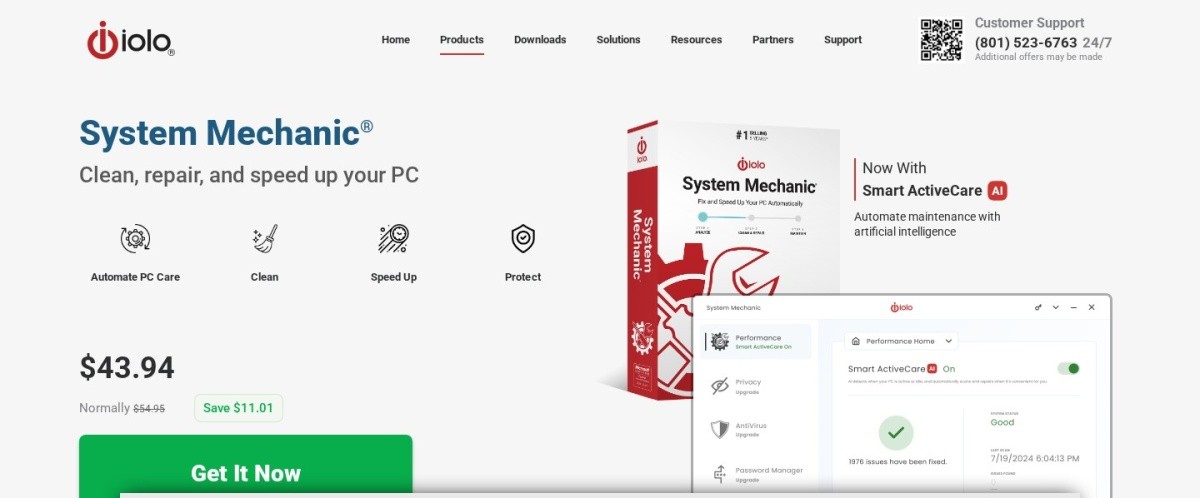
System Mechanic is iolo's Windows optimization suite, sold since 1998, aimed at neglected PCs. It cleans junk files, repairs registry entries, manages startup programs and runs automated maintenance through ActiveCare. The base plan covers up to 10 PCs in one household.
The trade off is the checkout. The first year costs $43.94, then the subscription renews at $54.95 a year, and iolo offers a paid support add-on at checkout that costs far more than the cleaner, so check what is selected. It suits households with several Windows PCs that want deep, automated tune-up tools on every machine.
What we like
Deep repair and optimization toolkit
Covers up to 10 PCs on the base plan
Long track record since 1998
Watch out for
Paid support add-on at checkout is easy to leave switched on
Subscription only, with a dated, salesy presentation
Trustpilot score covers iolo as a brand, not this product alone
Paid plans add automated maintenance and deeper repairVisit iolo.com
07
Wise Care 365
4.6/5on Trustpilot (97 reviews, checked Nov 2026)
Paid from$29.95/yr
Best lightweight cleaner
Free planYes
Paid planPro, $29.95/yr (1 PC)
PCs covered1 PC, $39.95/yr for 3
Program sizeUnder 40 MB
wisecleaner.com
Wise Care 365 homepage, captured Nov 2026.
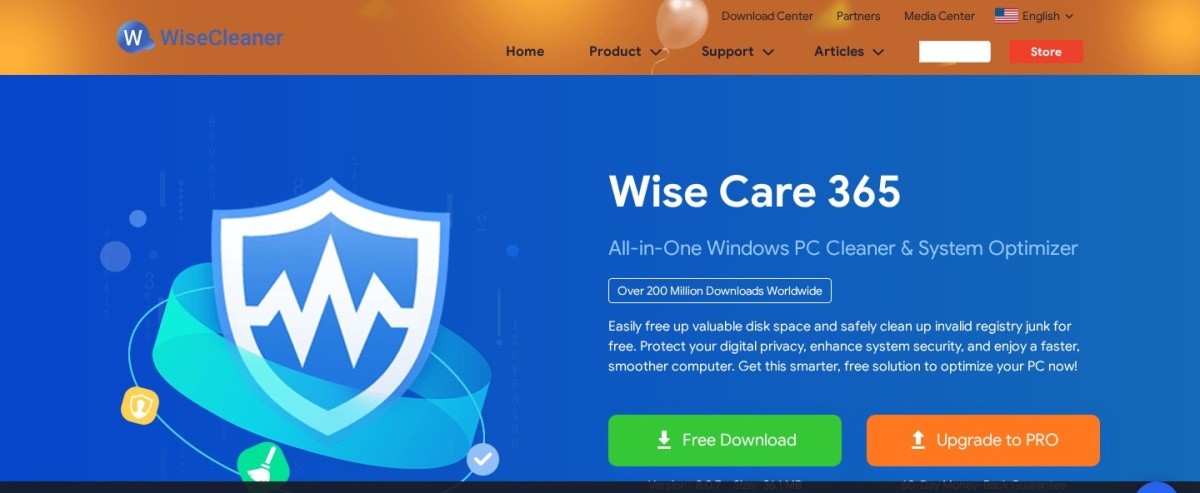
Wise Care 365 is a lightweight Windows cleaner from WiseCleaner, with a fast one-click checkup that scans junk files, registry entries, privacy traces and startup drag. The program is under 40 MB, scans finish in seconds, and the free version has no ads. It also includes hardware monitoring.
The trade off is the smaller community, so obscure problems get less crowd-sourced help than with CCleaner. Pro costs $29.95 a year for one PC, or $39.95 a year for 3 PCs, and adds real-time protection, silent automatic cleaning and faster startup optimization. It suits older or slower PCs where every megabyte matters.
Ashampoo WinOptimizer homepage, captured Nov 2026.
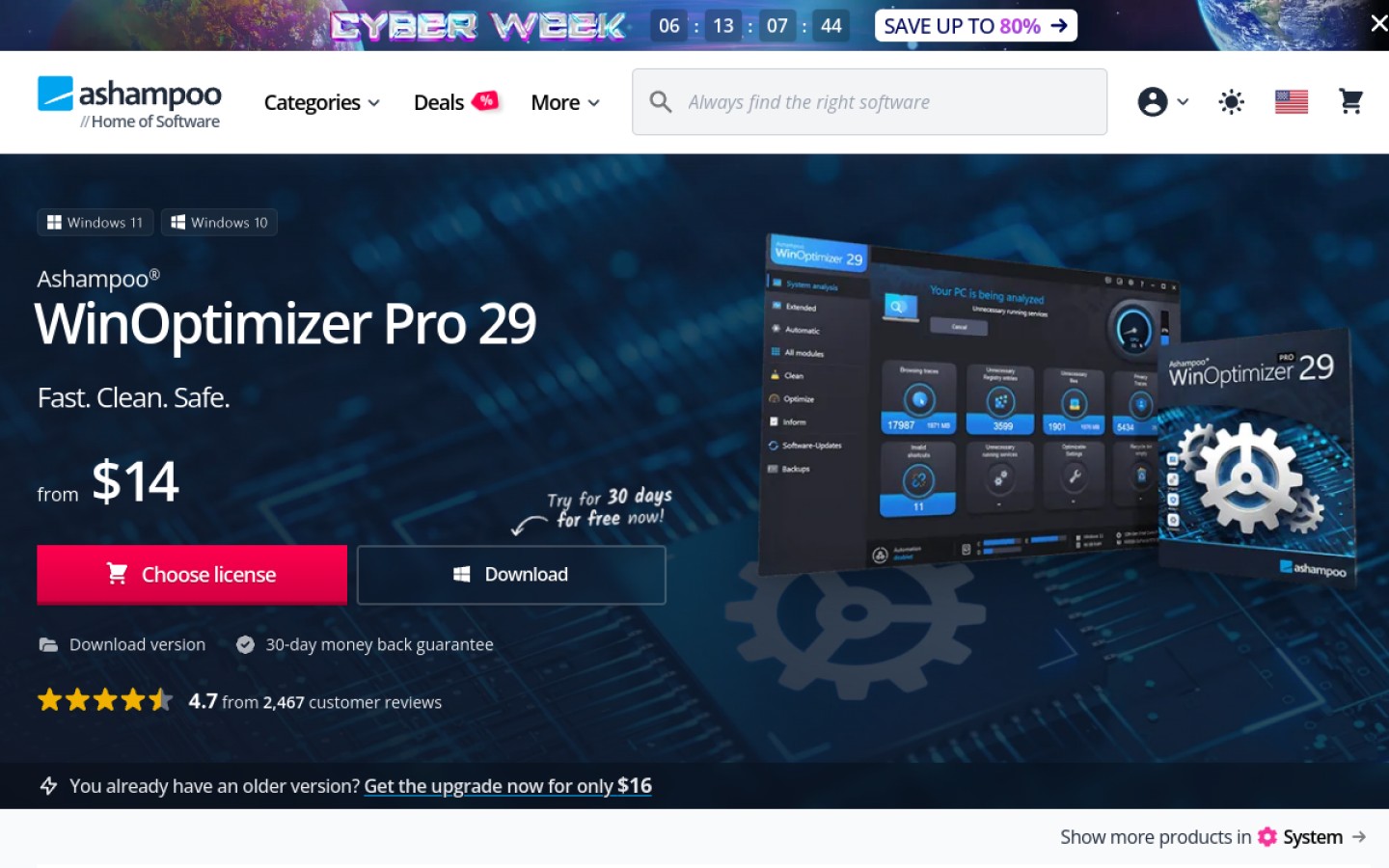
Ashampoo WinOptimizer Pro 29 is a paid Windows tune-up suite with more than 30 modules, including drive and internet cleaners, a registry optimizer, privacy manager, startup manager and benchmarks. It runs on Windows 10 and 11, and a 30-day trial needs no payment.
The trade off is the licence model. The subscription starts at $14 a year for up to 3 PCs with free upgrades while it runs, while a one-time licence covers one edition only and the next edition is a separate purchase. It suits enthusiasts who enjoy detailed tweaking and system analysis, not beginners.
What we like
Detailed system analysis and benchmarks
More than 30 modules in one suite
Cheapest subscription start in this list at $14 a year
Watch out for
Tweaking modules can confuse beginners
One-time licence does not include the next edition
4.3/5on Trustpilot (2,010 reviews, checked Nov 2026)
Paid from$59.95/yr
Best for deep disk and registry tools
Free planYes, basic
Paid planPro, $59.95/yr
PCs coveredUp to 3 PCs
Registry backupYes, before edits
auslogics.com
Auslogics BoostSpeed homepage, captured Nov 2026.
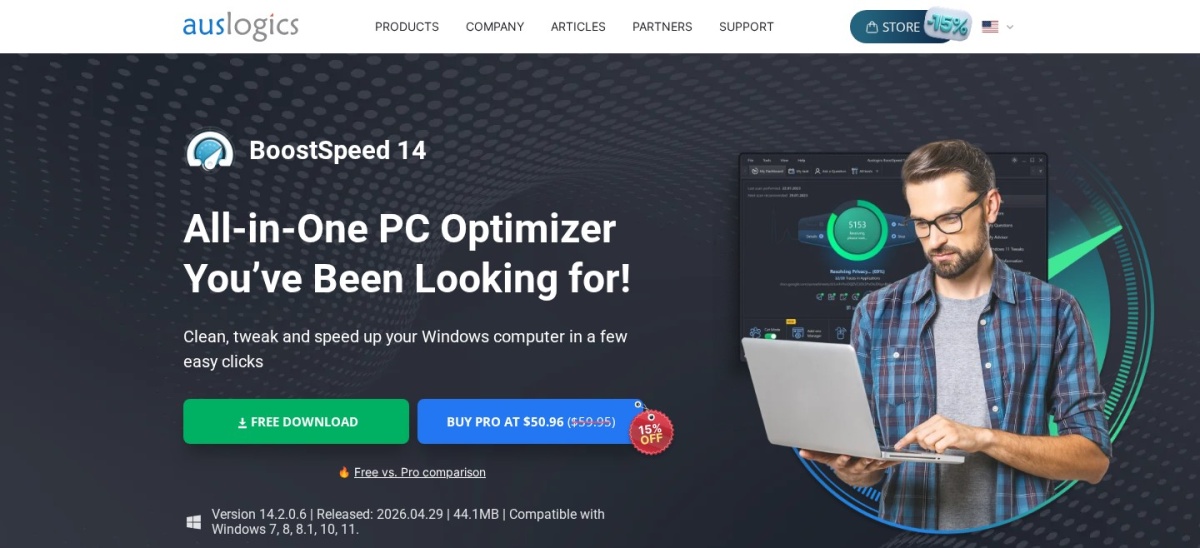
Auslogics BoostSpeed 14 is a Windows-only optimization suite that goes deeper than surface cleaners, with disk cleanup across many junk categories, registry defragmentation, SSD optimization and internet tweaks. Every registry operation backs up first. A free version covers basic cleaning.
The trade off is price and platform. The regular price is $59.95 a year for 3 PCs, though the homepage showed $50.96 on the day we checked, and there is no Mac version. It suits enthusiasts who want deep disk and registry tools and are happy to pay more for them.
What we like
Deep disk, registry and SSD tools
Registry operations back up first
Modern interface with dark mode
Watch out for
Most expensive paid plan in this list at $59.95 a year
Create a system restore point before running any cleaner for the first time, and back up anything irreplaceable. No cleaner is perfect, and the ten minutes a backup takes is cheap insurance.
Run the free things first. Open Task Manager, look at the Startup tab, and disable everything you do not recognize as essential. Run Windows Storage Sense to clear temp files automatically.
Check how full your drive is, because a drive over 90 percent full will feel slow no matter what software you run. Only after these steps does a tune-up tool earn its place, handling the leftovers and the automation.
How we chose
We started from the best-known Windows tune-up tools still sold in 2026, then kept nine with an established user base and a current release.
Prices come from each vendor's pricing page and homepage, checked on 24 November 2026. Ratings come from G2, Trustpilot or SourceForge on the same day, and several are brand-level scores where no product-level score is published. Where a vendor shows a sale, the list shows the regular price.
We left out tools with no current release and free tools that only clean one thing, such as a disk-only cleaner. No vendor paid for a place, and we do not claim hands-on testing for this list.
How to choose a computer tune-up software
Start with what your PC actually needs, then match the tool to that job.
Count your PCs first. A licence that covers 3 or 10 PCs can cost less per machine than a cheaper single-PC plan, so check the device limit before the headline price.
Budget on the renewal price, not the first year. Several tools in this list double in price in year two, so read the renewal line at checkout before you buy.
Pick one cleaner and stick with it. Two cleaners can fight over the same files and registry entries, so choose one main tool and uninstall the rest.
Check the free version before paying. If the free version already covers your junk cleaning and startup control, the paid plan may only add automation you do not need.
FAQ
What is the best computer tune-up software?
CCleaner is the best pick for most Windows users. Its free version covers junk cleaning, startup control and uninstalling, it is rated 4.5 out of 5 on G2 from 626 reviews, and Professional costs $44.95 a year.
Is free tune-up software enough?
Often yes. CCleaner, Advanced SystemCare, Glary Utilities and Wise Care 365 all have free versions that cover junk cleaning and startup control. Paid plans mainly add automation, real-time protection and support, which matter most on PCs you maintain for other people.
Do PC cleaners actually speed up a computer?
They can help when junk files, startup programs or a full drive are the problem, but the gains are usually small on a healthy PC. No cleaner fixes failing hardware, a full drive or malware, so check those first.
Is it safe to clean the registry?
Mostly, but not without risk. Registry cleaners can remove entries Windows or an app still needs, so back up first, create a restore point, and review what a scan plans to delete before you approve it.
Why do prices rise after the first year?
Most tune-up tools sell the first year at a discount and renew at the regular price. AVG TuneUp, Avast Cleanup and System Mechanic all renew higher, so always read the renewal price at checkout and turn off auto-renewal if you do not want it.
Can I use two tune-up tools at once?
Avoid running two cleaners together, because they can conflict over the same files and registry entries. Pick one main tool for cleaning and automation, and use Windows Storage Sense beside it if you need scheduled temp-file cleanup.
SaaS SEO and WordPress specialist with about 8 years of experience. Rakib compares WordPress plugins, themes, hosting and software using public pricing, documentation and user reviews. See how we rank.