Best Computer Optimization Software in 2026: 9 Tools Compared
WLWPLegible EditorsLast verified 24 Nov 2026How we rank12 min read
★ Short answer
CCleaner is the best computer optimization software for most Windows users. Its free version clears junk files, browser traces and startup items, and it holds a 4.5 out of 5 rating on G2. Pick Advanced SystemCare for one-click care, or Glary Utilities for the widest free toolkit.
How we make this list: we compare pricing pages, product documentation and public user reviews, then re-check every price before each update. No product paid for a place. Disclosure.
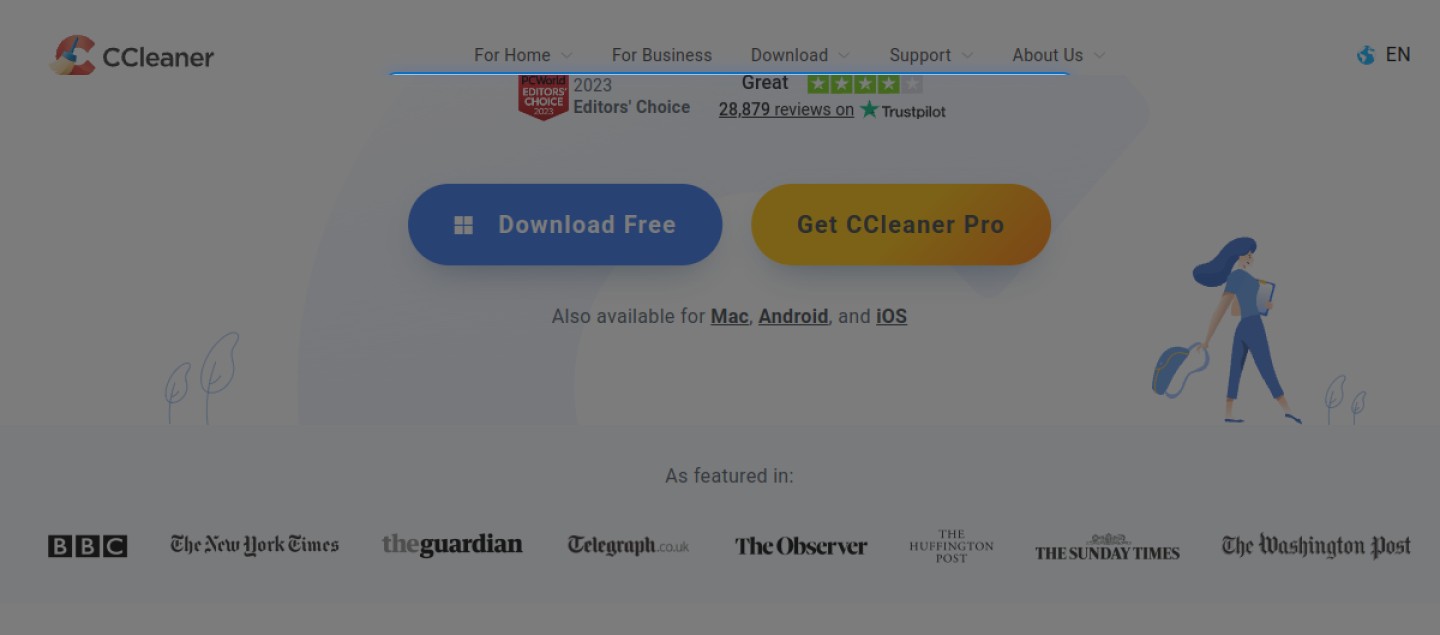
CCleaner is the best-known pick, rated 4.5 out of 5 on G2 from 627 reviews, with a free version that covers everyday cleanup.
Advanced SystemCare Pro costs $29.99 a year and runs the whole cleanup from one button, with real-time protection in the background.
Glary Utilities packs more than 20 tools into one free package, and Pro costs $39.95 a year for 3 PCs.
Avast Cleanup and AVG TuneUp both renew at $65.99 a year for up to 10 devices after a cheaper first year, so budget on the renewal price.
BleachBit is the only fully free tool here, with no paid plan and no upsells, but it has no scheduled cleaning.
What computer optimization software should do
A slow PC is usually full of temporary files, browser traces and programs that launch at startup. Good optimization software clears that clutter and lets you control what runs when Windows starts.
The useful features are junk cleanup, startup management, a registry cleaner with a backup step, and scheduled or automatic maintenance. Our guide on how to speed up WordPress covers the same idea for sites: remove what you do not need before you pay for more power.
Registry cleaning adds little speed on modern Windows, so treat it as a tidy-up, not a fix. Always create a restore point before a registry tool makes changes.
Free versions cover the everyday job well. CCleaner, Advanced SystemCare, Glary Utilities, Wise Care 365, Ashampoo WinOptimizer and BleachBit all clean junk files, browser traces and temporary files without payment.
CCleaner is the best-known PC cleaner, with a free version that handles junk files, browser traces, broken shortcuts and startup items. Professional costs $44.95 a year for one PC, with the first year discounted to $29.95, and adds scheduled cleaning, automatic updates for installed apps, a driver updater and a Performance Optimizer that puts idle apps to sleep.
The trade off is the upsell pressure. The installer and the free version push bundled extras and paid upgrades, so read each screen during setup. It suits most home users who want a familiar cleaner with a capable free version and simple one-click maintenance.
What we like
Best-known cleaner with the largest review base
Free version covers everyday junk and privacy cleanup
3/5on Trustpilot (1,300+ reviews, checked Nov 2026)
Paid from$29.99/yr
Best for one-click whole-PC care
Free planYes
One-click careYes
Real-time protectionPro only
Paid planPro, up to 3 PCs
iobit.com
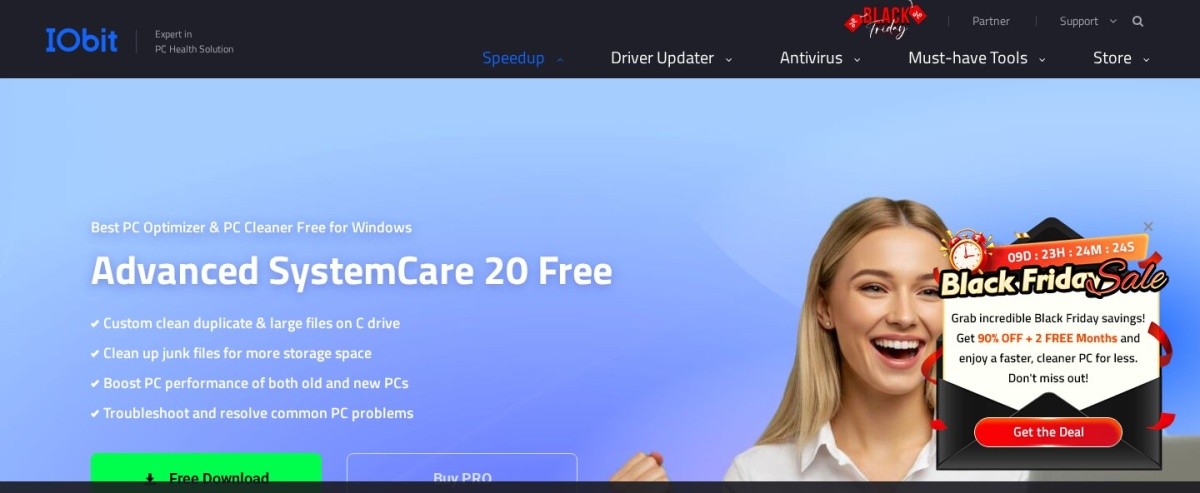
Advanced SystemCare homepage, captured Nov 2026.
Advanced SystemCare is IObit's all-in-one cleaner, built around a single button. One scan cleans junk files, sweeps privacy traces, repairs registry entries and tunes system settings, and the free edition covers the everyday cleaning. Pro costs $29.99 a year, adds real-time protection, deep optimization, automatic background maintenance and 24/7 support, and one licence covers up to 3 PCs.
The trade off is the sales pressure and a low Trustpilot score of 3.0 out of 5. The free version pushes upgrades and bundled IObit tools during install and use, so decline what you do not need. It suits beginners who want one button to run the whole cleanup.
What we like
Guided one-click care suits beginners
Pro covers up to 3 PCs at a low price
Includes startup, RAM and driver tools
Watch out for
Low Trustpilot rating of 3.0 out of 5
Interface promotes other IObit products
Windows only
Pro adds real-time protection and automatic maintenanceVisit iobit.com
03
Glary Utilities
4.6/5on Capterra (16 reviews, checked Nov 2026)
Paid from$39.95/yr
Best toolkit with the widest free set
Free planYes
Tools included20+
Scheduled maintenancePro only
Paid planPro, up to 3 PCs
glarysoft.com
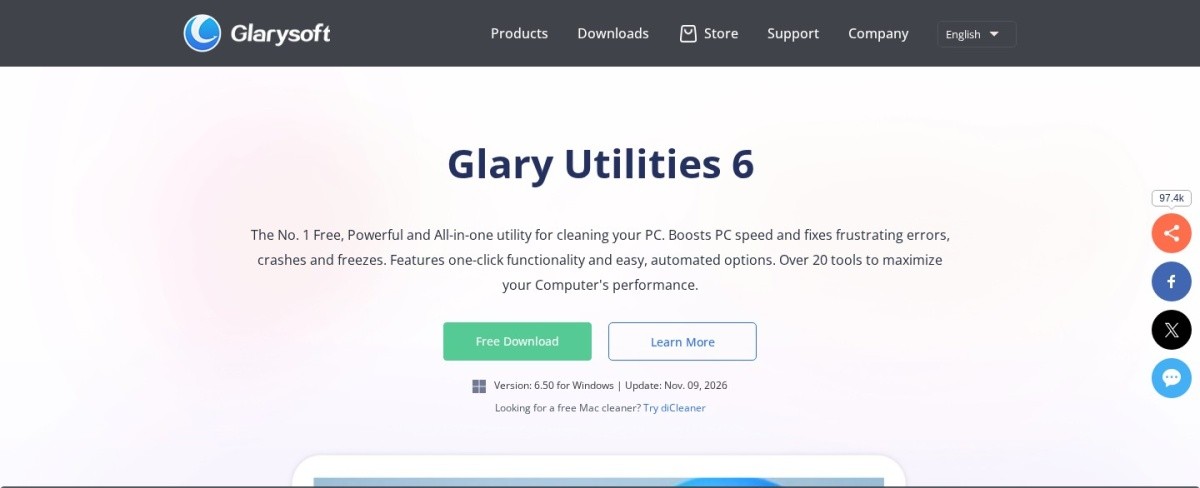
Glary Utilities homepage, captured Nov 2026.
Glary Utilities is the toolbox pick in this list, with more than 20 maintenance tools in one light package. It covers disk cleanup, registry repair, startup management, duplicate finding, file shredding and software updates, and the free edition includes most of the toolkit. Pro costs $39.95 a year for up to 3 PCs and adds scheduled maintenance, automatic updates and priority support.
The trade off is the dated interface and a thin Capterra base of 16 reviews behind its 4.6 rating. Pro mainly adds automation you can do by hand with the free version on a schedule. It suits tinkerers who want every maintenance tool in one place.
4.5/5on Trustpilot (48,463 reviews, checked Nov 2026)
Starts at$65.99/yr
Best for automatic background maintenance
Free planTrial only
Sleep ModeYes
Devices coveredUp to 10
Paid plan1 year, 10 devices
avg.com
AVG TuneUp homepage, captured Nov 2026.
AVG TuneUp is the household plan in this list. Its signature feature is Sleep Mode, which puts background apps to sleep to free memory and CPU without uninstalling them, and it adds automatic software updates, disk defragmentation and browser cleanup on a schedule. The first year costs $39.99 and covers up to 10 devices, which suits multi-device households.
The trade off is the renewal price. It renews at $65.99 a year, and another price comparison puts the renewal at $79.99, so read the renewal line before you buy. It suits households that want maintenance to run itself across every PC.
What we like
Sleep Mode tames background apps
Covers up to 10 devices
Automatic maintenance runs weekly
Watch out for
Renewal price jumps after the first year
No free plan, only a trial
Subscription pop-ups annoy
Renews at $65.99 a year after a $39.99 first yearVisit avg.com
05
Avast Cleanup
4.3/5on Trustpilot (47,199 reviews, checked Nov 2026)
Starts at$65.99/yr
Best for multi-device households
Free planTrial only
Sleep ModeYes
Devices coveredUp to 10
Paid planPremium, 10 devices
avast.com
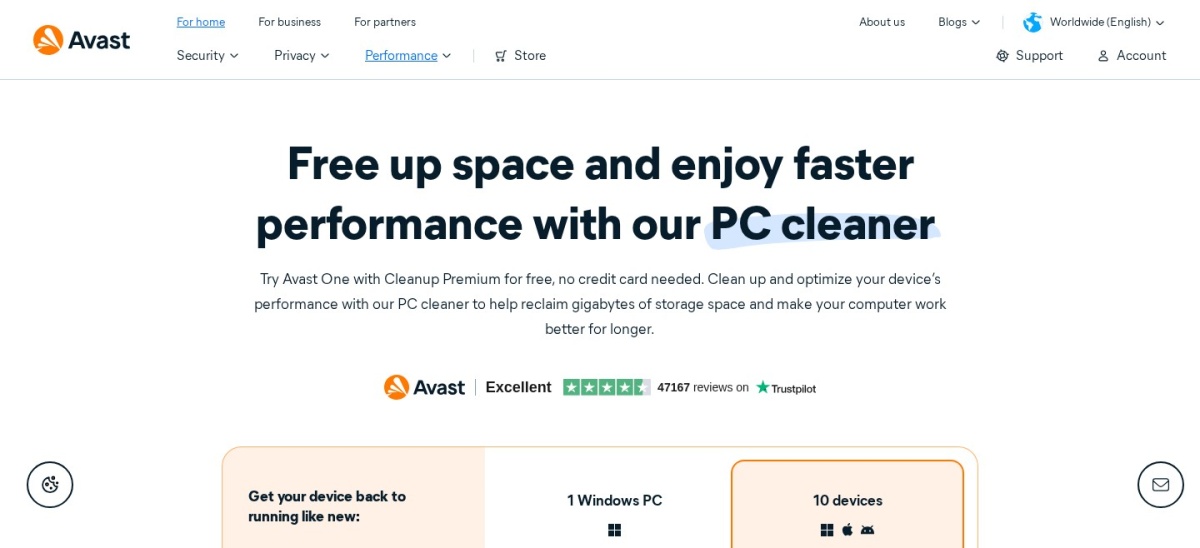
Avast Cleanup homepage, captured Nov 2026.
Avast Cleanup is a multi-device cleaner from the same company behind AVG. Its signature feature is Sleep Mode, which puts background apps to sleep to free memory and CPU without uninstalling them, and it adds automatic software updates, disk defragmentation and browser cleanup on a schedule. One subscription covers up to 10 devices, including phones and Macs.
The trade off is the renewal price. It renews at $65.99 a year after a cheaper first year, and one price comparison puts the renewal at $79.99, so check the live price before you buy. It suits households that want one subscription to cover every device.
What we like
One subscription covers up to 10 devices
Sleep Mode frees memory without uninstalling apps
Automatic maintenance on a schedule
Watch out for
Renewal price jumps after the first year
No free plan, only a 30-day trial
Trustpilot score covers the whole Avast brand
Premium renews at $65.99 a year after a cheaper first yearVisit avast.com
06
System Mechanic
4/5on Trustpilot (4,036 reviews, checked Nov 2026)
Starts at$54.95/yr
Best for deep automated tune-ups
Free planTrial only
Automated careYes, ActiveCare
Devices coveredUp to 10 PCs
Paid planStandard, 10 PCs
iolo.com
System Mechanic homepage, captured Nov 2026.
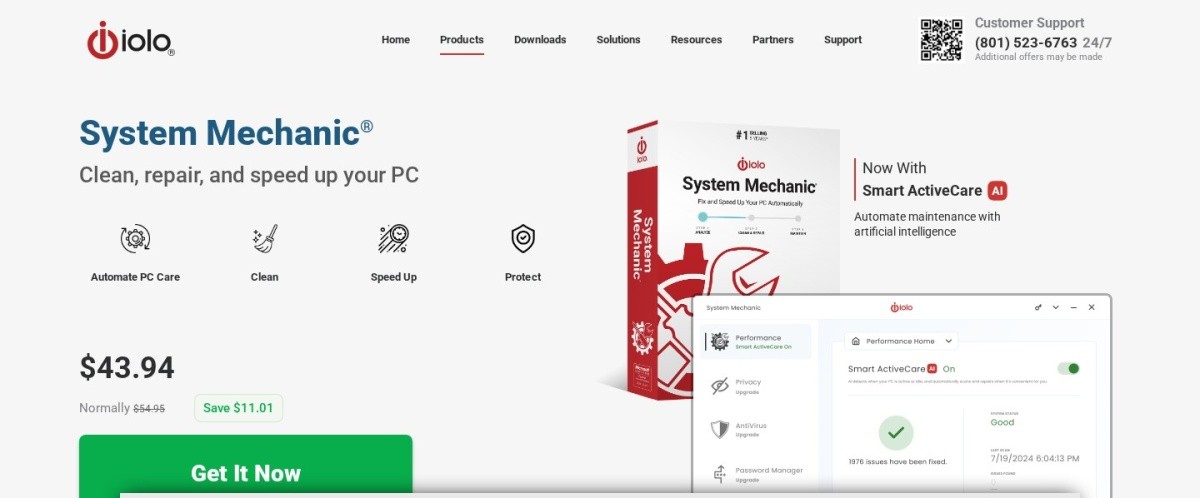
System Mechanic is iolo's Windows optimization suite, with junk cleanup, startup optimization, registry repair, memory management and NetBooster for internet speed. ActiveCare runs maintenance automatically in the background, and one licence covers up to 10 PCs. The first year costs $43.94, and the standard plan renews at $54.95 a year.
The trade off is that it is Windows only, and Trustpilot reviews often complain about auto-renewal charges. Cancel at least 35 days before renewal if you do not want it to continue. It suits Windows households that want deep automated tune-ups on many PCs.
What we like
Covers up to 10 PCs on one licence
ActiveCare automates routine maintenance
Includes internet speed optimization
Watch out for
Windows only, no Mac version
Auto-renewal complaints in reviews
No free plan, only a trial
Renews at $54.95 a year after a $43.94 first yearVisit iolo.com
07
Wise Care 365
4.6/5on Trustpilot (97 reviews, checked Nov 2026)
Paid from$29.95/yr
Best for fast, light checkups
Free planYes
One-click checkupYes
Real-time protectionPro only
Paid planPro, 1 PC
wisecleaner.com
Wise Care 365 homepage, captured Nov 2026.
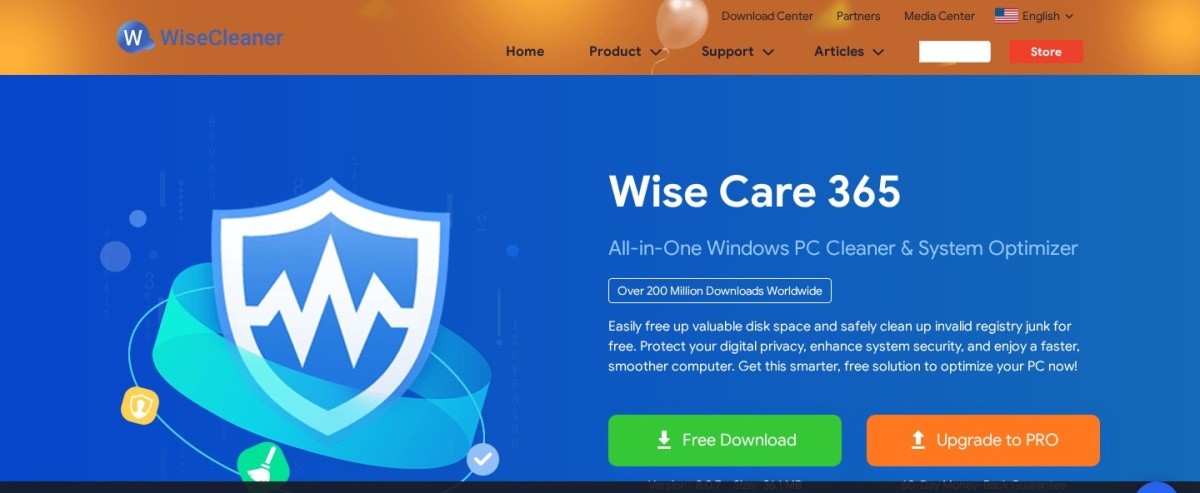
Wise Care 365 is the bigger sibling of Wise Disk Cleaner, a freemium dashboard bundling cleaning, registry care, privacy protection and tuning into one interface. It backs up the registry before making changes, so a bad clean is recoverable. The whole program is under 40 MB, and Pro costs $29.95 a year for one PC, or $39.95 a year for 3 PCs.
The trade off is the thin review base: its 4.6 Trustpilot rating rests on only 97 reviews. The free version is more than enough for routine upkeep on a healthy PC. It suits users who want a fast, light checkup without a heavy dashboard.
Ashampoo WinOptimizer homepage, captured Nov 2026.
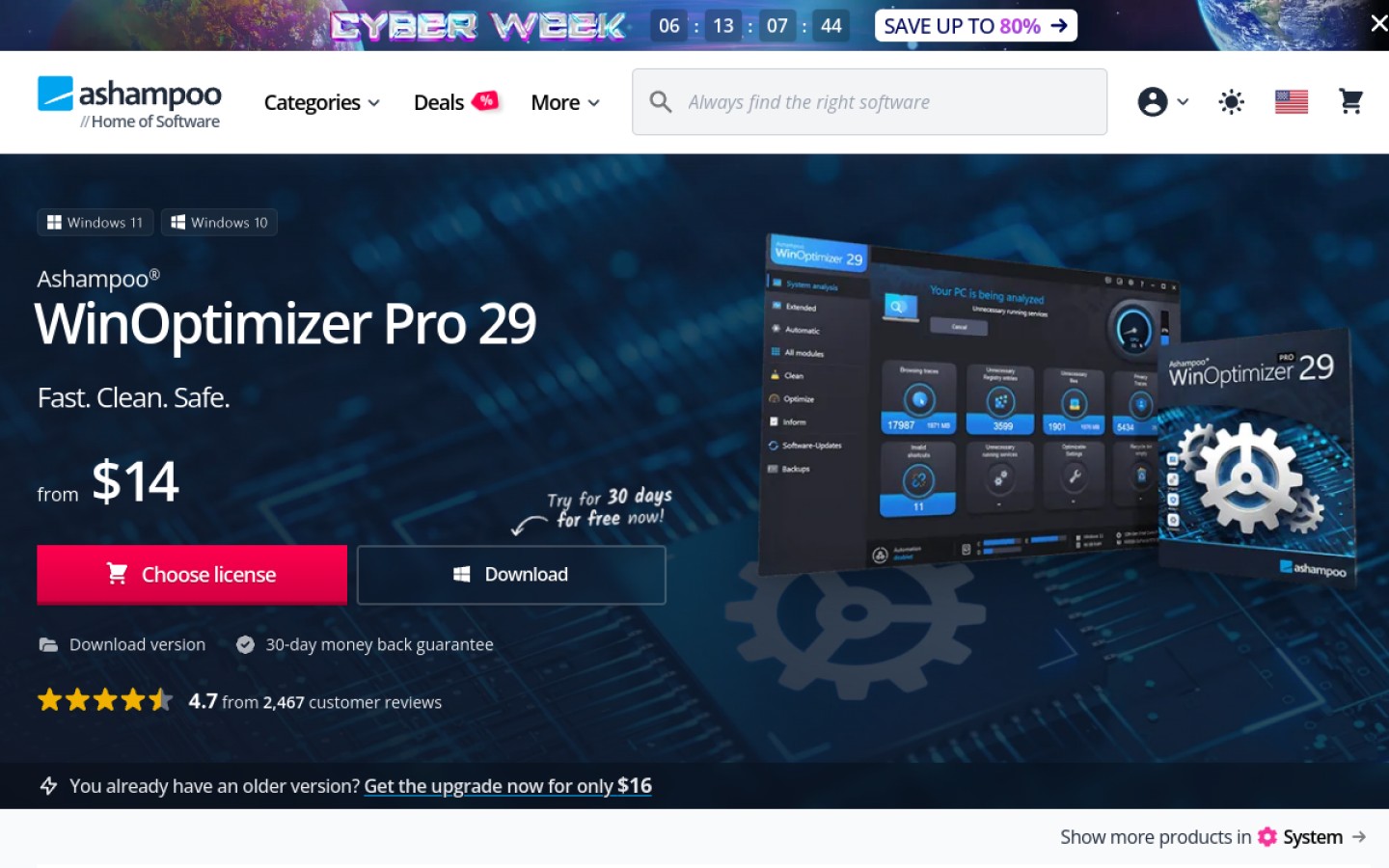
Ashampoo WinOptimizer is a full suite with 19 modules covering cleaning, privacy controls, tuning and system analysis. The selling point is the licence model: it is sold as a one-time purchase, listed at $14 in recent price checks, with a home licence covering up to 3 PCs, and the full list price is $30. A 30-day free trial and a 30-day money-back guarantee apply.
The trade off is that major updates are not included, so the next edition is a separate purchase. Its G2 rating of 3.8 rests on only 18 reviews. It suits buyers who dislike subscriptions and want deep system tweaks.
4.8/5on SourceForge (60 reviews, checked Nov 2026)
PriceFree
Best free open-source cleaner
Free planYes, free forever
Open sourceYes, GPLv3
Scheduled cleaningNo
Paid planNone
bleachbit.org
BleachBit homepage, captured Nov 2026.
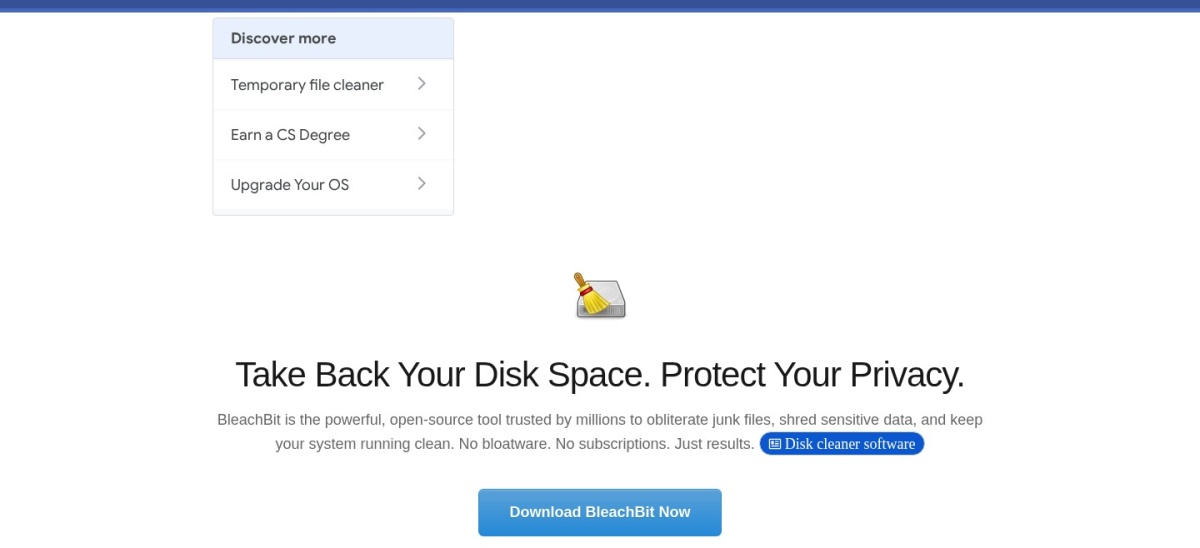
BleachBit is the open-source cleaner in this list: free forever, with no ads, no upsells and no accounts. It deletes junk files, wipes browser traces and cookies, and can securely shred files beyond recovery. Power users get command-line automation and custom CleanerML rules, and everything works offline without registration.
The trade off is guidance. There is no friendly one-click wizard, so beginners should stick to the safe default cleaners and preview what will be deleted first. It suits privacy-minded users and anyone who finds subscription cleaners distasteful.
Free plans cover the basics well. Most include junk cleanup, startup control and some kind of privacy sweep.
Paid plans mostly add automation and support. You get scheduled cleaning, real-time protection and help when something goes wrong.
If you pay, budget on the renewal price. Avast Cleanup, AVG TuneUp and System Mechanic all cost far more in year two than in year one.
For most home users, the free version is enough. Upgrade only if you will actually use the automation every week.
How we chose
We started from the best-known Windows optimization tools with a live vendor site and current pricing, then kept the nine with the clearest free or trial option and the widest independent review coverage.
Prices and ratings were checked on 24 November 2026. Prices come from vendor pricing pages and recent price comparisons where vendors show a sale, and the list shows the regular or renewal price. Ratings come from G2, Capterra, Trustpilot or SourceForge, as noted on each card.
We left out pure antivirus products and tools with no live vendor site. No vendor paid for a place, and we do not claim to have used these tools ourselves for this list.
How to choose computer optimization software
Start with the free version of one tool, and pay only for automation you will actually use.
Check what Windows already does. Storage Sense, the Task Manager startup tab and the Apps settings page do much of this job for free.
Pick one cleaner and stick to it. Two cleaners can fight over the same files. Choose one of CCleaner, Advanced SystemCare or Glary Utilities.
Read the renewal price before you pay. Most vendors sell the first year at a discount and renew at the full list price. Compare tools on the renewal price.
Create a restore point before registry cleaning. Registry tools should always back up first, and skip registry defragging on SSDs.
FAQ
What is the best computer optimization software?
CCleaner is the best pick for most Windows users. Its free version clears junk files, browser traces and startup items, and it holds a 4.5 out of 5 rating on G2 from 627 reviews.
Is computer optimization software safe to use?
The established tools here are safe when downloaded from the vendor site, but registry cleaners can remove entries Windows needs. Create a restore point first, preview what will be deleted, and skip aggressive registry options.
Do I need to pay for PC optimization software?
No. The free versions of CCleaner, Glary Utilities, Wise Care 365 and BleachBit cover everyday junk cleaning. Pay only if you want scheduled cleaning, real-time protection, or driver and software updates.
Why do prices rise after the first year?
Most vendors sell the first year at a discount and renew at the full list price. Avast Cleanup rises to $65.99 a year, and System Mechanic from $43.94 to $54.95, so compare tools on the renewal price.
Can optimization software speed up an old PC?
It can help a little by clearing junk and stopping startup programs, but it cannot fix failing hardware or too little RAM. A solid-state drive or a fresh Windows install makes a far bigger difference than any cleaner.
Which optimization tool is best for beginners?
Advanced SystemCare is the easiest to start with, because one button runs the whole cleanup. CCleaner is the safer second choice, with a clearer free version and the largest review base.