memoQ is the best computer assisted translation software for most translators, rated 4.5/5 on G2 with a $436 yearly subscription. Pick Trados Studio if agencies send you Trados packages, or MateCat and OmegaT if you want a free tool.
How we make this list: we compare pricing pages, product documentation and public user reviews, then re-check every price before each update. No product paid for a place. Disclosure.
memoQ leads on rating at 4.5 out of 5 on G2, with translator pro at $436 a year and a 14-day trial.
Trados Studio stays the agency standard at 4.0 out of 5, with Freelance from $40 a month on the annual saver plan.
Phrase Freelancer is the cheapest paid cloud plan here at $27 a month, billed annually.
MateCat and OmegaT cost nothing: both are free, and OmegaT is open source under the GPL.
Lokalise is the priciest entry at $149 a month billed annually, aimed at software teams rather than solo translators.
What computer assisted translation software does
Computer assisted translation, or CAT, software stores your past translations in a translation memory and reuses them when the same sentence appears again. It also keeps approved terms in a term base and runs quality checks before you deliver a file.
Desktop tools such as memoQ, Trados Studio, Wordfast Pro and OmegaT run on your computer and suit translators who work file by file. Cloud tools such as Phrase, Smartcat, Lokalise and Crowdin run in the browser and suit teams that share memories and review work together.
Pricing splits three ways: yearly subscriptions, one-time licences and free tools. Our guide on translating a WordPress site with AI shows where machine translation fits beside a CAT tool.
Ratings here come from G2, checked on 24 November 2026. Niche desktop tools have far fewer reviews than cloud platforms, so a 4.0 from 3 reviews means less than a 4.5 from 1,000.
The 9 best computer assisted translation software tools
01
memoQ
4.5/5on G2 (130 reviews, checked Nov 2026)
Starts at$436/yr
Best CAT tool overall
Translation memoryYes, with LiveDocs
Term baseYes, with Qterm
QA checksYes, built in
PlatformsWindows, plus web editor
memoq.com
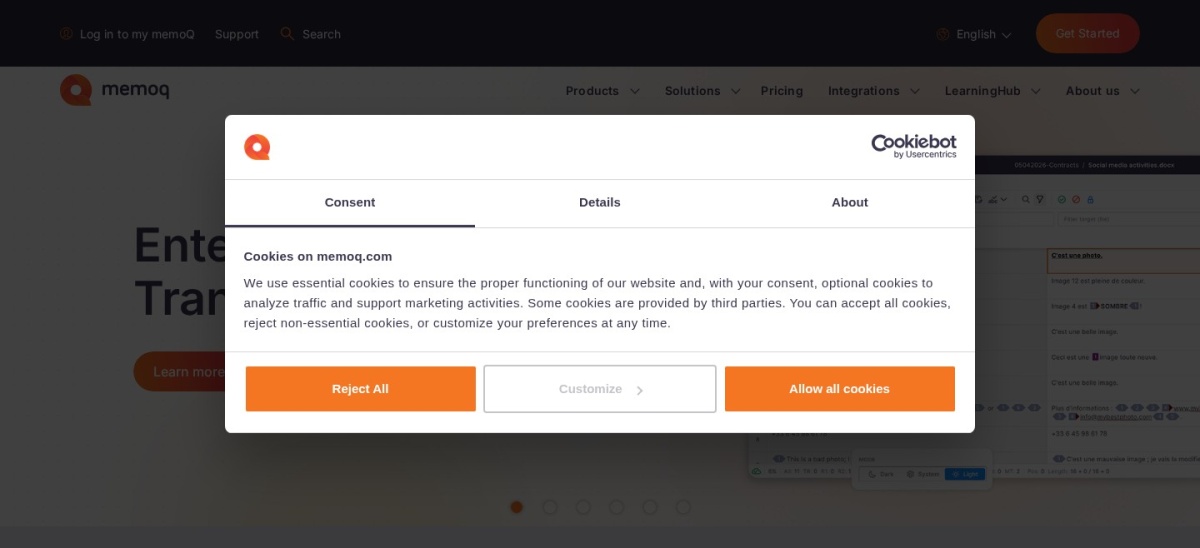
memoQ homepage, captured Nov 2026.
memoQ is a desktop translation environment built around translation memory, a term base and LiveDocs, which turns past translations into searchable reference material. The translator pro subscription costs $436 a year, or $54 a month on the monthly plan, and includes updates and 24/7 support.
The trade off is the platform. memoQ translator pro runs on Windows only, so Mac users need a workaround, and team plans start with memoQ TMS at $3,025 a year. It suits freelance translators who want strong terminology control and often receive memoQ or Trados packages from agencies.
What we like
Strong term base with term extraction and warnings
LiveDocs turns past translations into reference material
Opens Trados SDLXLIFF and other agency package formats
Predictive typing suggests how a sentence ends
Watch out for
Windows only, with no Mac version
No free plan, only a 14-day trial
Team plans start at $3,025 a year
Team plans start with memoQ TMS, priced separatelyVisit memoq.com
02
Trados Studio
4/5on G2 (154 reviews, checked Nov 2026)
Starts at$40/mo
Best for agency work
Translation memoryYes, .sdltm format
Cloud editorTrados Studio Online
AI translationLanguage Weaver, AI bridge
Trial14 days
trados.com
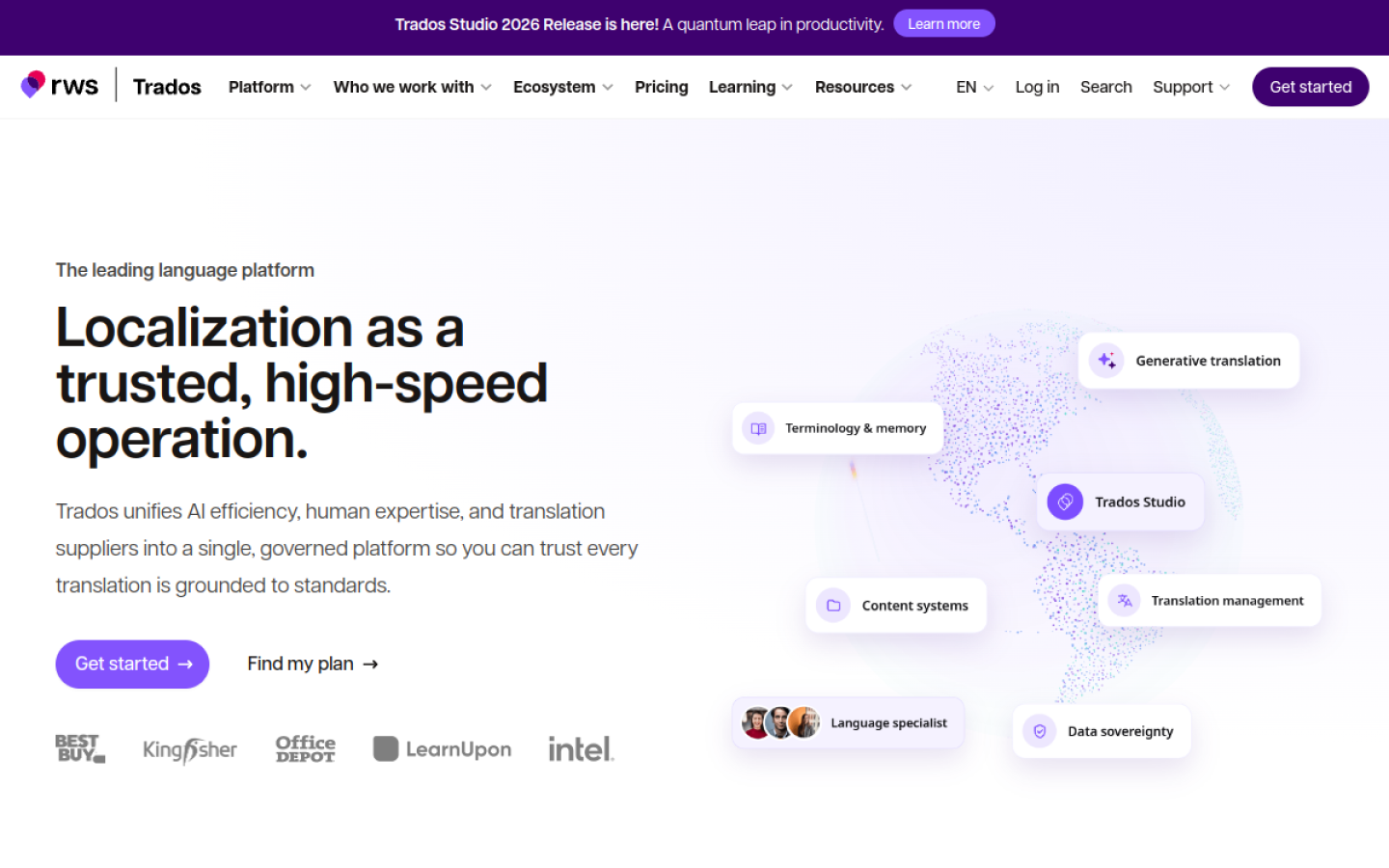
Trados Studio homepage, captured Nov 2026.
Trados Studio is the desktop CAT tool most agencies ask for, with translation memory, terminology management and a cloud editor for review work. The Freelance plan costs $40 a month on the annual saver plan, and a 14-day trial is included.
The trade off is price and weight. The subscription recurs every year, team plans are quoted rather than published, and the full desktop tool runs on Windows. It suits translators whose agency clients send Trados packages and expect files back in the same format.
What we like
The tool most agencies expect translators to use
Wide file format support for agency packages
Cloud editor for review without a desktop install
Watch out for
Subscription recurs every year, with no new perpetual licence
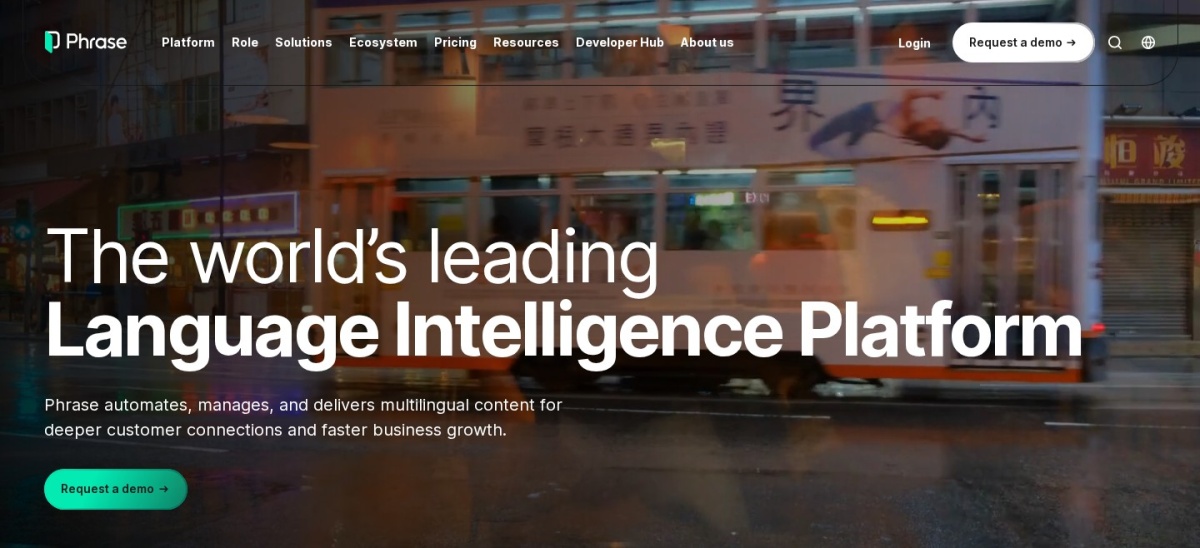
Phrase is a cloud translation management system with a built-in CAT editor, shared translation memories, term bases and quality checks. The Freelancer plan costs $27 a month on annual billing, covers one TMS seat, and includes a 14-day trial.
The trade off is the jump to team plans. Freelancer covers one seat, and the Professional plan for agencies costs $525 a month, so small teams pay far more for workflows and vendor management. It suits freelancers and agencies that want their memory and terminology in one cloud workspace.
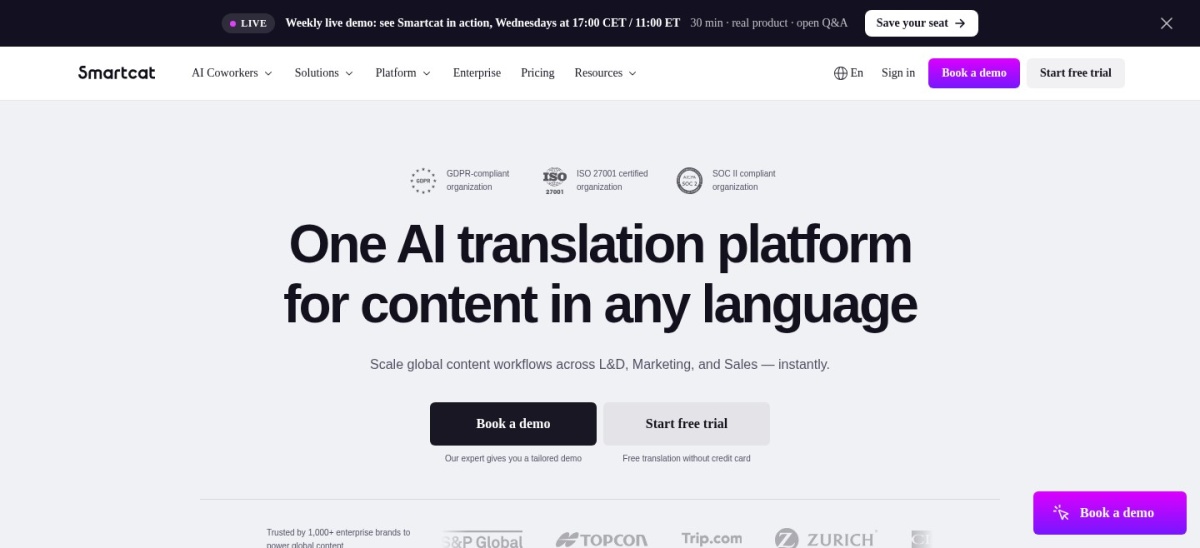
Smartcat is a cloud platform that pairs a CAT editor with AI coworkers, translation memory, glossaries and a marketplace of human experts. The Adapt plan is free to start and costs from $1,200 a year billed annually, with unlimited users and 100,000 Smartwords a year.
The trade off is the step up. Marketplace access and the Reviewer coworker need higher custom-priced plans, and AI translation use is metered in Smartwords beyond the allowance. It suits teams that want one flat price for unlimited users instead of paying per seat.
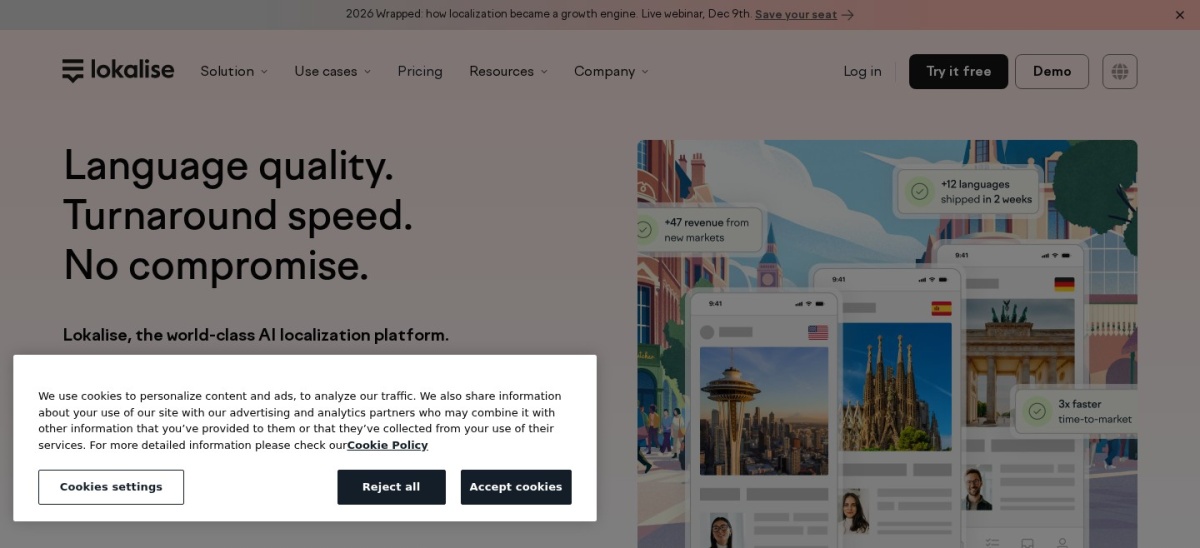
Lokalise is a developer-first localization platform for software strings, with a CAT editor, translation memory, and integrations for GitHub, Figma and Jira. The Explorer plan costs $149 a month billed annually, covers 5 projects and 10 languages, and includes a 14-day trial.
The trade off is the entry price. There is no free plan, and the $149 a month covers a 60,000 processed-word yearly allowance, so heavy projects pay more. It suits product teams shipping apps and websites in several languages on a regular schedule.
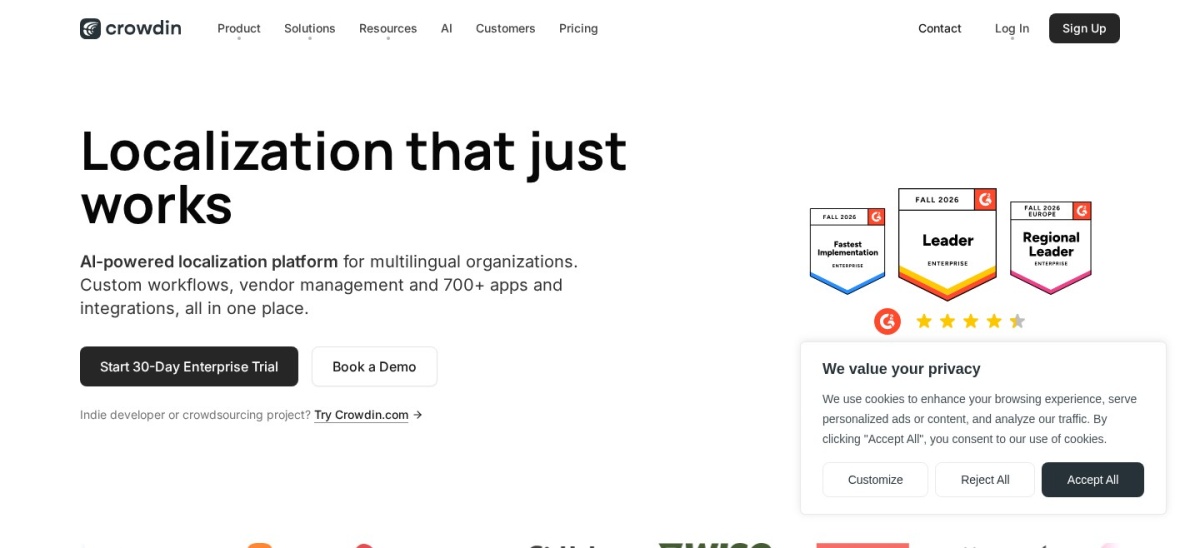
Crowdin is a cloud localization platform with a CAT editor, translation memory and more than 700 integrations for code, docs and design tools. The free plan covers 60,000 hosted words and one private project, and Pro starts at $50 a month billed annually.
The trade off is the word meter. A hosted word is one source word in one target language, so costs grow with every language added, and the free plan donates translations to Crowdin's shared memory. It suits app teams and open source projects with many translators.
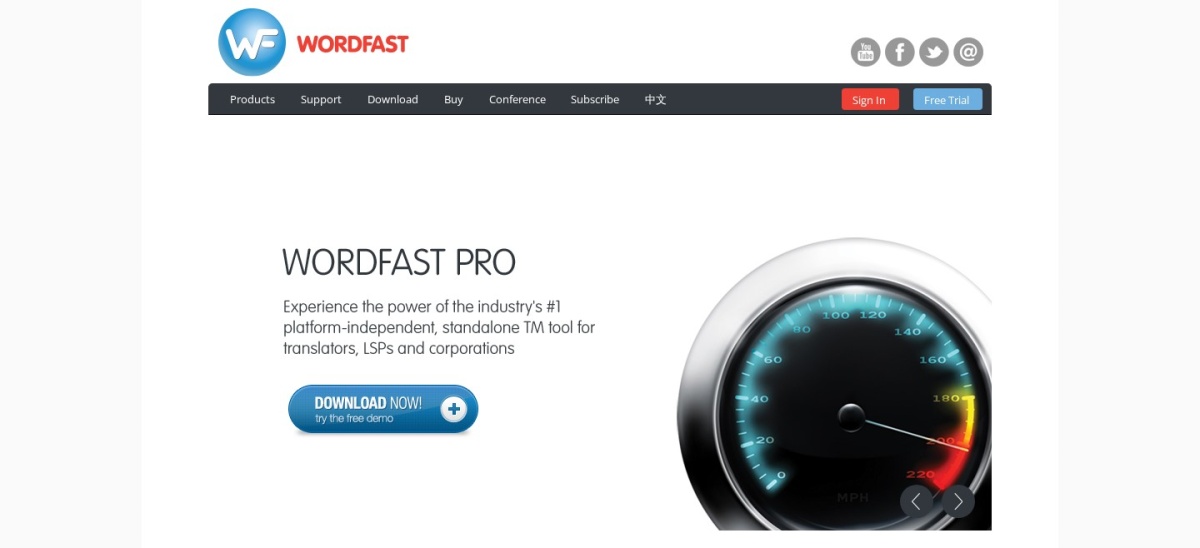
Wordfast Pro is a desktop CAT tool with translation memory, terminology, machine translation and quality checks, sold as a one-time licence instead of a subscription. The licence lists at $240, covers Windows, macOS and Linux, and stores up to 5,000,000 units in one memory.
The trade off is the ecosystem. It has fewer agency integrations and enterprise workflow features than Trados or memoQ, and its shop asks for an email before showing prices. It suits freelancers who want to pay once and keep a desktop tool for years.
What we like
One-time licence, no yearly subscription
Runs on Windows, macOS and Linux
Large memory capacity per project
Free licences for many universities
Watch out for
Fewer agency integrations than Trados or memoQ
G2 rating rests on only 3 reviews
Mac version needs Rosetta, which Apple is phasing out
MateCat is a free, open source CAT tool that runs in the browser, with translation memory, glossaries and built-in machine translation. There is no paid plan and no install, so a translator can open a project and start work from any computer.
The trade off is depth. It has fewer project management and quality features than paid desktop tools, and its G2 rating of 4.0 comes from only 13 reviews. It suits freelancers and students who need a solid free editor without buying a licence.
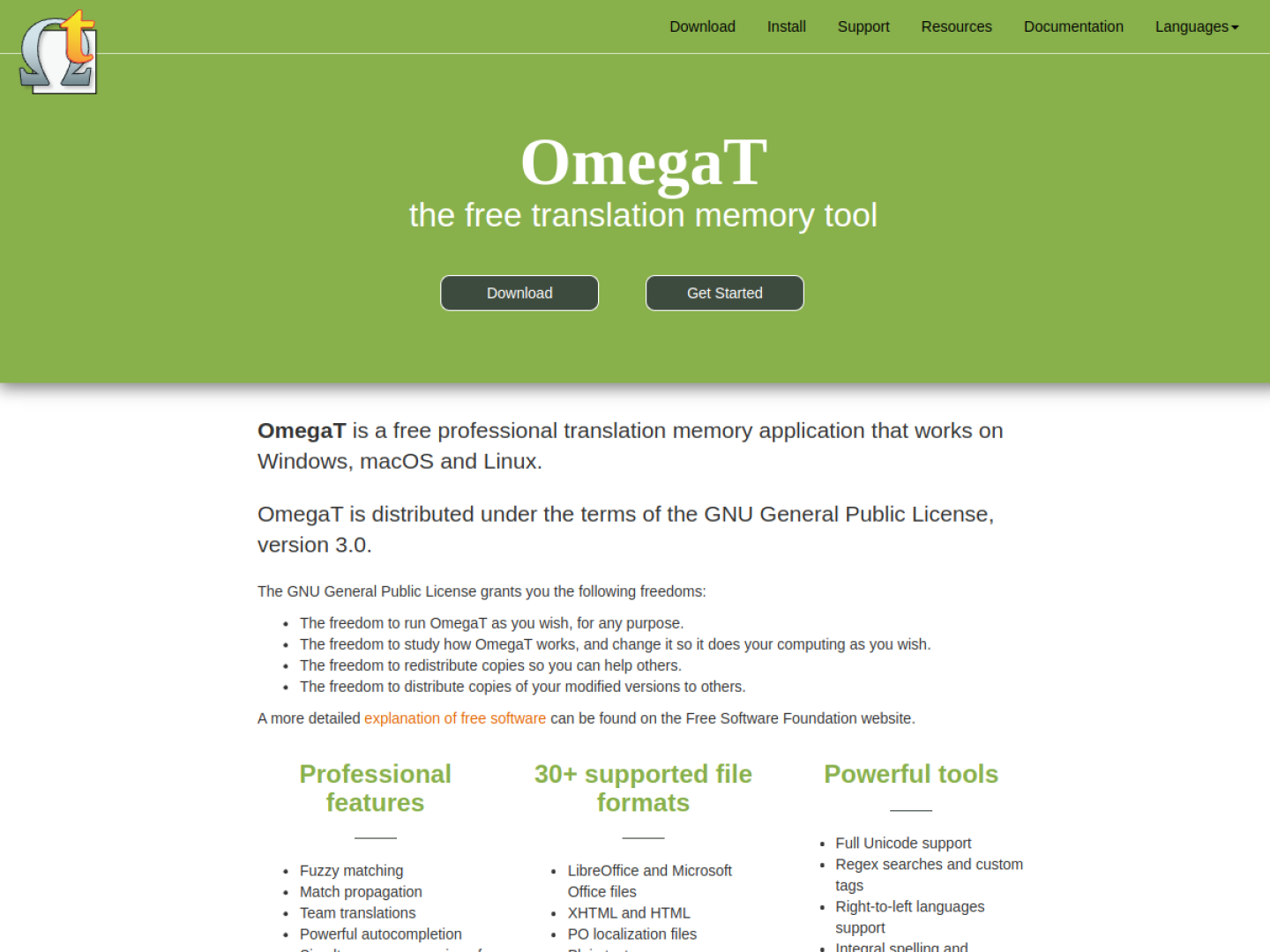
OmegaT is a free, open source translation memory application for professional translators, distributed under the GNU General Public License. It covers fuzzy matching, match propagation, glossaries and more than 30 file formats, and runs on Windows, macOS and Linux.
The trade off is the interface. It looks plain beside paid tools, has no vendor support desk, and its G2 rating of 3.7 comes from only 16 reviews. It suits translators who want a free desktop tool and do not mind learning an older interface.
Free tools cover the core job well. MateCat and OmegaT both give you translation memory, glossaries and fuzzy matching without charging anything.
Paid tools mostly add workflow and support. You get vendor management, review steps, integrations and a support desk to call when a file will not open.
One-time licences sit in the middle. Wordfast Pro costs $240 once, so after the first year it is cheaper than any subscription here except the free tools.
If clients send you Trados or memoQ packages every week, the paid tools pay for themselves in compatibility alone. If you translate occasional documents, start free.
How we chose
We started from the established CAT tools and cloud platforms with a CAT editor that professional translators actually use, then kept nine covering desktop, cloud, paid and free.
Prices come from each vendor's pricing page, checked on 24 November 2026. Ratings and review counts come from G2 on the same day. Where a vendor shows a sale, the list shows the regular price.
We left out quote-only enterprise platforms and tools without a published price. No vendor paid for a place, and we do not claim hands-on testing for this list.
How to choose computer assisted translation software
Start with who sends you work, then match the tool to the files you translate.
Check what your clients require. Agencies often ask for Trados or memoQ packages. If most of your work arrives in one of those formats, buy that tool first.
Pick desktop or cloud. Desktop tools suit solo translators working file by file. Cloud tools suit teams that share memories, glossaries and review steps.
Weigh the free options first. MateCat and OmegaT handle real professional work at no cost. Try one before paying for a subscription you may not need.
Count the yearly cost, not the monthly headline. Monthly prices usually assume annual billing. Add up the full year, including any word allowances that could push the price up.
FAQ
What is the best computer assisted translation software?
memoQ is the best pick for most translators. It is rated 4.5 out of 5 on G2, costs $436 a year for translator pro, and has the strongest terminology tools in this list.
Is Trados Studio still the industry standard?
Yes, for agency work. Most agencies expect Trados packages, and its Freelance plan costs $40 a month on the annual saver plan. memoQ is the closest rival and costs less per year.
What is the best free CAT tool?
OmegaT is the best free desktop CAT tool, and MateCat is the best free browser option. Both cover translation memory, glossaries and fuzzy matching, but neither has a vendor support desk.
How much does CAT software cost?
It ranges from free to $1,788 a year in this list. MateCat and OmegaT cost nothing, Wordfast Pro is a $240 one-time licence, and most subscriptions run from $324 to $1,788 a year.
Do I still need a CAT tool if I use machine translation?
Yes. Machine translation drafts the text, but a CAT tool stores approved translations, keeps terms consistent and runs quality checks before delivery. Most tools here include machine translation as well.
Can I use a CAT tool on a Mac?
Yes. Wordfast Pro and OmegaT run on macOS, and MateCat, Phrase, Smartcat, Lokalise and Crowdin run in the browser. memoQ and Trados Studio desktop need Windows.
SaaS SEO and WordPress specialist with about 8 years of experience. Rakib compares WordPress plugins, themes, hosting and software using public pricing, documentation and user reviews. See how we rank.