Best Commercial Construction Estimating Software in 2026: 7 Tools Compared
WLWPLegible EditorsLast verified 22 Nov 2026How we rank6 min read
★ Short answer
STACK leads for commercial estimating with a 4.5 out of 5 rating across 95 G2 reviews and cloud takeoff tools starting at $299 per month. JobTread suits contractors wanting full project management alongside estimates, while Kreo fits teams seeking AI plan measurement.
How we make this list: we compare pricing pages, product documentation and public user reviews, then re-check every price before each update. No product paid for a place. Disclosure.
STACK starts at $299/mo for Takeoff & Estimate, with a free entry option and annual billing savings.
JobTread starts at $159/mo billed annually ($1,908/yr) for one internal user plus $16/mo per extra user.
Kreo starts at $100/user/mo billed annually ($1,200/yr) on Essential without AI tools.
PlanSwift lists a $2,000/yr single-seat plan on its checkout page for Windows desktop takeoff.
Contractor+ offers a free entry plan and a Pro plan starting at $348/yr (equivalent to $29/mo) for one user.
What to look for in commercial estimating software
Commercial estimating differs from residential quoting in drawing volume, multi-page plan sets, and assembly complexity. Estimators often juggle architectural sheets, structural layouts, and MEP plans where small measurement errors multiply across large areas.
Look closely at whether a tool runs in a web browser or requires a Windows desktop installation. Cloud tools help distributed teams share plans and markups, while desktop tools appeal to estimators who prefer local files and custom trade plugins.
AI takeoff features can speed up room detection, symbol counting, and scale calibration on clean drawings. Even with automation, estimators still check quantities against plan notes, addenda, and exclusions before submitting a bid.
Pricing structures vary widely across per-seat subscriptions, base-plus-user fees, and add-on AI credits. Check whether subcontractors, vendors, or clients get free portal access or require paid seats before committing.
The 7 best commercial construction estimating software
01
STACK
4.5/5on G2 (95 reviews, checked Nov 2026)
Paid from$299/mo
Best for cloud-based takeoff and estimating
DeploymentCloud web app
Entry tierFree option
Paid base$299/mo
G2 rating4.5/5 (95)
stackct.com
STACK homepage, captured Nov 2026.
STACK is a cloud estimating and takeoff platform that lets teams measure areas, lengths, and counts online with a free entry tier. It supports custom assemblies, unit cost and material-and-labor worksheets, and proposal generation.
The trade off is the $299/mo starting price for Takeoff & Estimate, with an optional 20% annual billing discount. It suits commercial trade contractors and estimators who want browser access and shared plan workflows.
What we like
Runs in the browser without local desktop installs
Offers a free takeoff and estimating starting option
Supports custom assemblies and unit cost worksheets
Allows multi-user collaboration on project plans
Watch out for
Monthly starting rate is higher than entry tools
Large drawing sets can feel heavy on slower connections
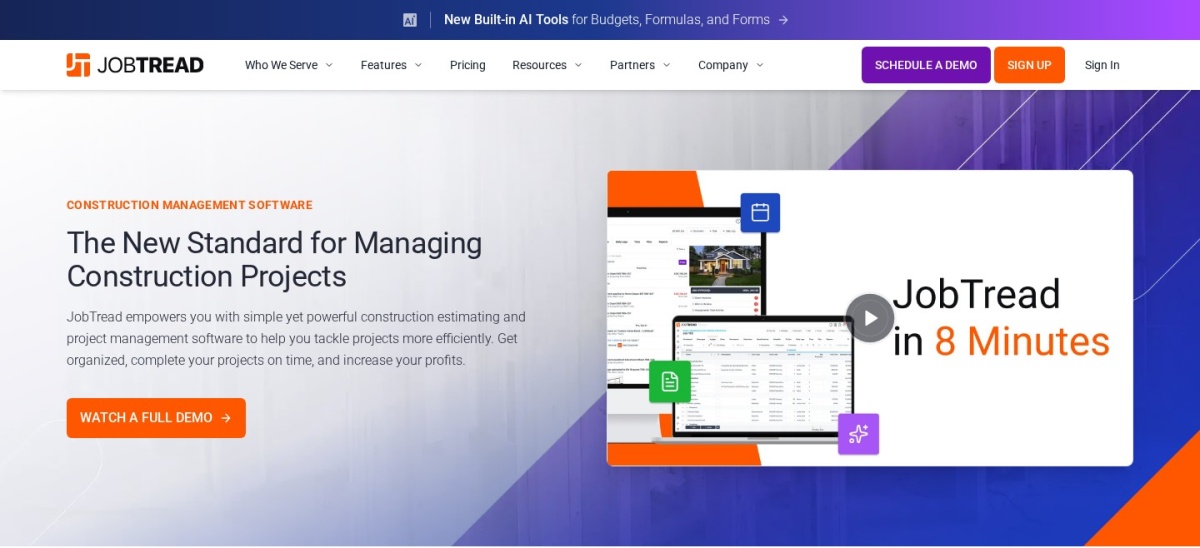
JobTread is a construction management platform combining estimating, budgeting, scheduling, and client or vendor portals in one system. Every subscription includes unlimited customer and vendor portal users alongside free limited field crew seats.
The trade off is paying $159/mo billed annually ($1,908/yr) for one internal user plus $16/mo per extra internal user, with no free trial. It suits contractors who want estimating connected to active job costing and client billing.
What we like
Includes all platform features in a single subscription
Unlimited free access for customers, vendors, and subs
No setup fees or long-term contract required
Watch out for
No free trial; relies on a monthly money-back guarantee
Per-user internal fees add up as office headcount grows
Less focused on heavy civil takeoff than specialized tools
Adding internal users scales seats with tiered monthly or annual rates.Visit jobtread.com
03
Kreo
4.6/5on G2 (49 reviews, checked Nov 2026)
Starts at$1,200/yr
Best for AI-assisted takeoff and BOQs
DeploymentCloud web app
Essential plan$1,200/yr ($100/mo)
Pro plan$2,100/yr ($175/mo)
G2 rating4.6/5 (49)
kreo.net
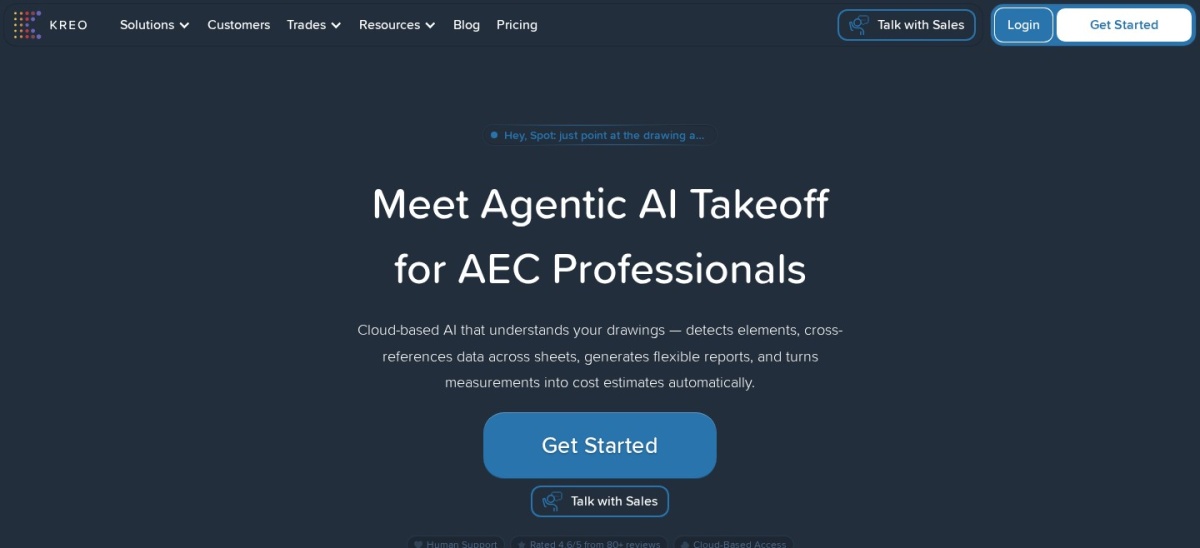
Kreo homepage, captured Nov 2026.
Kreo is a cloud takeoff and estimating tool built for cost estimators working from PDF, CAD, and image drawings. Its AI tools help detect areas, count repeated symbols, and group quantities into cost estimates and bills of quantities.
The trade off is that the $1,200/yr ($100/user/mo billed annually) Essential plan excludes AI tools, while AI takeoff starts on Pro at $2,100/yr. It suits estimating teams and quantity surveyors wanting browser-based takeoff and API options.
What we like
Browser-based access works across operating systems
Unlimited free guest seats for sharing and comments
Supports flexible cost databases and reporting structures
Watch out for
Essential plan at $1,200/yr does not include AI features
All plans are billed once per year
AI-detected counts still require manual verification
Upgrading to Pro at $2,100/yr unlocks AI measurement and API add-ons.Visit kreo.net
04
Handoff
4.7/5on G2 (116 reviews, checked Nov 2026)
Starts at$119/mo
Best for fast AI estimate and proposal drafting
DeploymentCloud web app
Flex plan$119/mo billed annually
Pro plan$239/mo billed annually
G2 rating4.7/5 (116)
handoff.ai
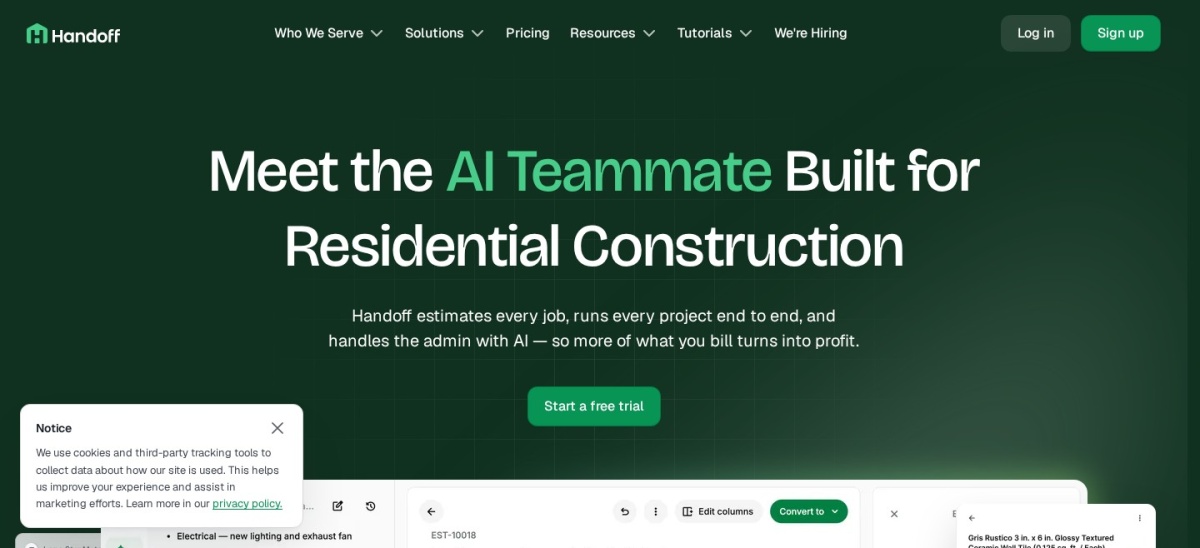
Handoff homepage, captured Nov 2026.
Handoff is an AI estimating and proposal tool that turns project scopes, notes, or plans into itemized estimates and client proposals. It includes localized supplier cost data, custom rate presets, and proposal view tracking.
The trade off is starting at $119/mo billed annually on Flex with a 50-credit monthly AI cap, while AI takeoffs require the $719/mo Scale plan. It suits small contractors and estimators needing quick scopes and branded proposals.
What we like
Generates structured estimates and scopes from project details
Supports localized material pricing and custom markups
Tracks when clients open and view proposals
Watch out for
Flex limits AI interactions to 50 credits per month
AI takeoffs are restricted to the higher Scale tier
AI-generated line items need review for complex scopes
Pro and Scale add unlimited AI credits, custom proposals, and takeoffs.Visit handoff.ai
05
Contractor+
4.6/5on G2 (152 reviews, checked Nov 2026)
Paid from$348/yr
Best budget all-in-one estimating and billing
DeploymentWeb & mobile app
Free planFreedom tier available
Pro annual$348/yr ($29/mo eq.)
G2 rating4.6/5 (152)
contractorplus.app
Contractor+ homepage, captured Nov 2026.
Contractor+ is an estimating, quoting, and business management app with a free Freedom plan for getting started. It covers line-item markups, material price lookups, client approvals, and invoicing in one workspace.
The trade off is that its Pro plan costs $348/yr ($29/mo equivalent) or $49/mo monthly, with extra per-user fees on team tiers. It suits small contractors and light commercial shops wanting low entry costs.
What we like
Offers a free Freedom plan to start quoting
Low $348/yr annual Pro price compared to larger suites
Combines estimates, invoicing, and material price checks
Watch out for
Less specialized for heavy multi-trade commercial takeoffs
Additional team users add monthly or annual seat costs
Payment processing carries standard transaction fees
Buildxact provides digital takeoffs, quoting, purchase orders, and job management with a free Go plan that includes five AI credits. Its paid plans include unlimited users alongside supplier integrations and quote templates.
The trade off is that Pro starts at $399/mo monthly (or $4,070/yr billed annually), with extra add-on fees for AI assistants. It suits small-to-midsize contractors who value unlimited user seats and simple quoting.
What we like
Free Go plan lets users test AI estimating with 5 credits
Paid plans include unlimited users without per-seat fees
Connects takeoffs to purchase orders and quotes
Watch out for
Pro pricing is higher than lean estimating-only tools
AI takeoff and reviewer tools cost extra per month
Built primarily for residential and light commercial work
Pro and Master plans add job scheduling, site tracking, and controls.Visit buildxact.com
07
PlanSwift
4.2/5on G2 (38 reviews, checked Nov 2026)
Starts at$2,000/yr
Best for Windows desktop takeoff and trade plugins
DeploymentWindows desktop
Annual plan$2,000/yr (1 seat)
Trial14-day free trial
G2 rating4.2/5 (38)
planswift.com
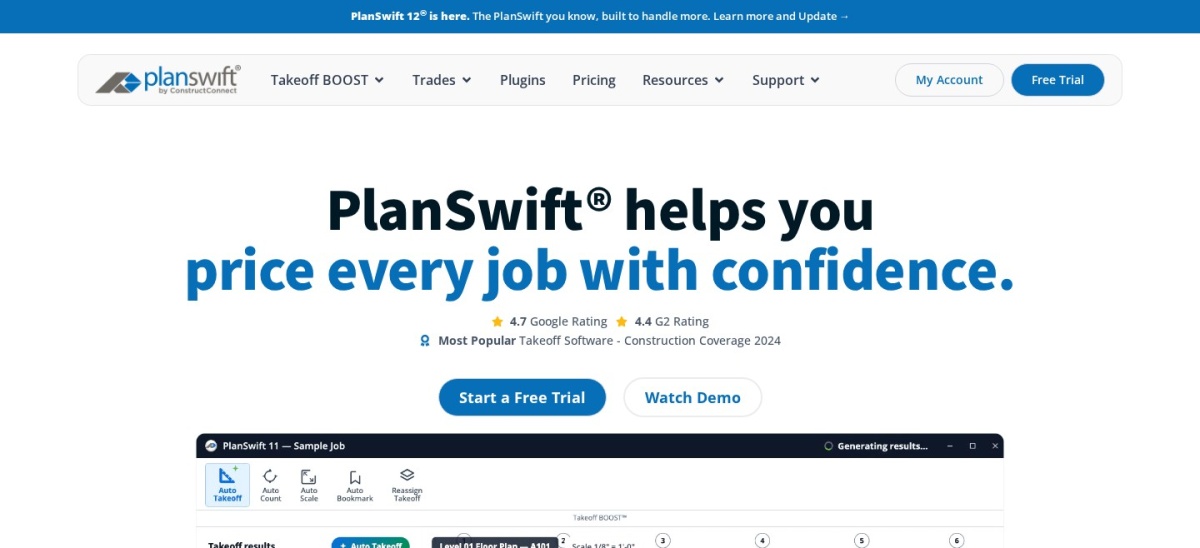
PlanSwift homepage, captured Nov 2026.
PlanSwift is a Windows takeoff and estimating program known for point-and-click measuring, trade assemblies, and Excel imports. It includes Takeoff BOOST tools such as Auto Count, Auto Scale, and Auto Bookmark.
The trade off is a $2,000/yr single-seat subscription and Windows-only operation, with extra seats at $1,500/yr each. It suits estimators who prefer a Windows desktop app and customizable trade assemblies.
What we like
Includes Auto Count, Auto Scale, and Auto Bookmark tools
Supports custom assemblies, material lists, and Excel import
Offers a 14-day free trial before buying
Watch out for
Requires Windows; no native Mac or browser app
Classic desktop interface feels dated to some users
Multi-seat scaling adds $1,500/yr per extra seat
Annual plans include updates, priority support, and onboarding training.Visit planswift.com
How we chose
We selected established commercial construction estimating and takeoff tools that remain actively maintained and publicly reviewed. Each option supports plan takeoffs, cost calculation, or bid preparation for commercial or mixed contracting workflows.
All pricing figures, plan tiers, review counts, and ratings were verified from vendor pricing pages and G2 review listings on 22 Nov 2026. Where vendors list both monthly and annual billing, we note the regular published rates clearly.
We excluded discontinued products, tools lacking verifiable public pricing or review data, and software aimed strictly at non-estimating tasks like contract review or scheduling alone. No vendor paid for a place, and we do not claim testing for this list.
How to pick the right estimating tool
Follow four practical checks before signing an annual contract.
Match the takeoff depth to your bid volume. High-volume commercial bidders need fast area, linear, and count tools with reusable assemblies, while lighter estimators may prefer simpler cost sheets.
Check device and team collaboration needs. Confirm whether estimators need browser access across office and field laptops or a Windows desktop setup with local files.
Calculate total seat and add-on costs. Factor in extra estimator seats, AI credit limits, and whether subcontractors or clients can view plans without paid licenses.
Test real plan sets during a trial. Run a recent commercial PDF or CAD plan set through the software to check measurement speed, assembly setup effort, and export accuracy.
FAQ
What is the best commercial construction estimating software overall?
STACK stands out for cloud-based takeoff and estimating, earning 4.5 out of 5 across 95 G2 reviews. Teams wanting broader job management alongside estimates often choose JobTread, while Kreo suits estimators focused on AI takeoff.
Is there free commercial construction estimating software?
Yes, several tools offer free starting options, including STACK, Contractor+, and Buildxact. Free tiers typically limit projects, features, or AI credits, so growing estimating teams usually upgrade to paid plans.
How much does commercial estimating software cost per year?
Costs vary by seat count and feature depth, ranging from $348/yr on Contractor+ Pro to $1,200/yr on Kreo Essential, $1,908/yr on JobTread annually, and $2,000/yr for a single PlanSwift seat.
Can AI takeoff replace a human estimator?
No, AI takeoff speeds up initial counts and measurements, but human estimators still verify plan scales, read specifications, and price labor, exclusions, and risk. Treating AI as a first pass helps prevent costly bid misses.
Should I pick cloud-based or desktop estimating software?
Cloud software makes sharing plans and collaborating across locations easier without local installs. Desktop software like PlanSwift still appeals to estimators who prefer local files, Windows-specific workflows, and custom trade assemblies.
Do estimators still use Excel with estimating software?
Many commercial estimators export takeoff quantities to spreadsheets for custom rate build-ups, bid leveling, or historical cost tracking. Check whether your estimating tool exports clean CSV or Excel data.